Very satisfied
Product and delivery ok.
Use to build a NAS with a Minisforum MS-01 mini PC.
Review automatically translated

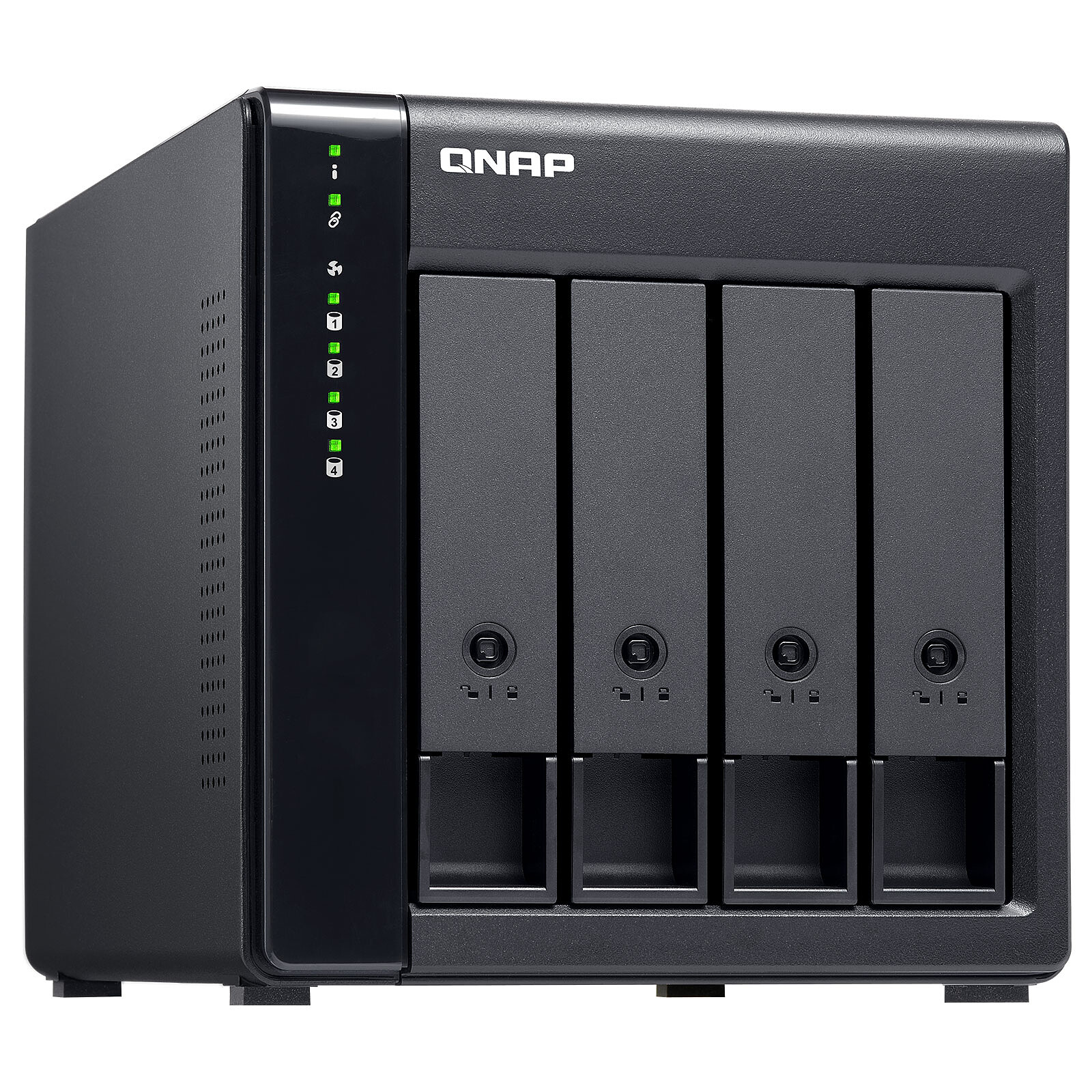
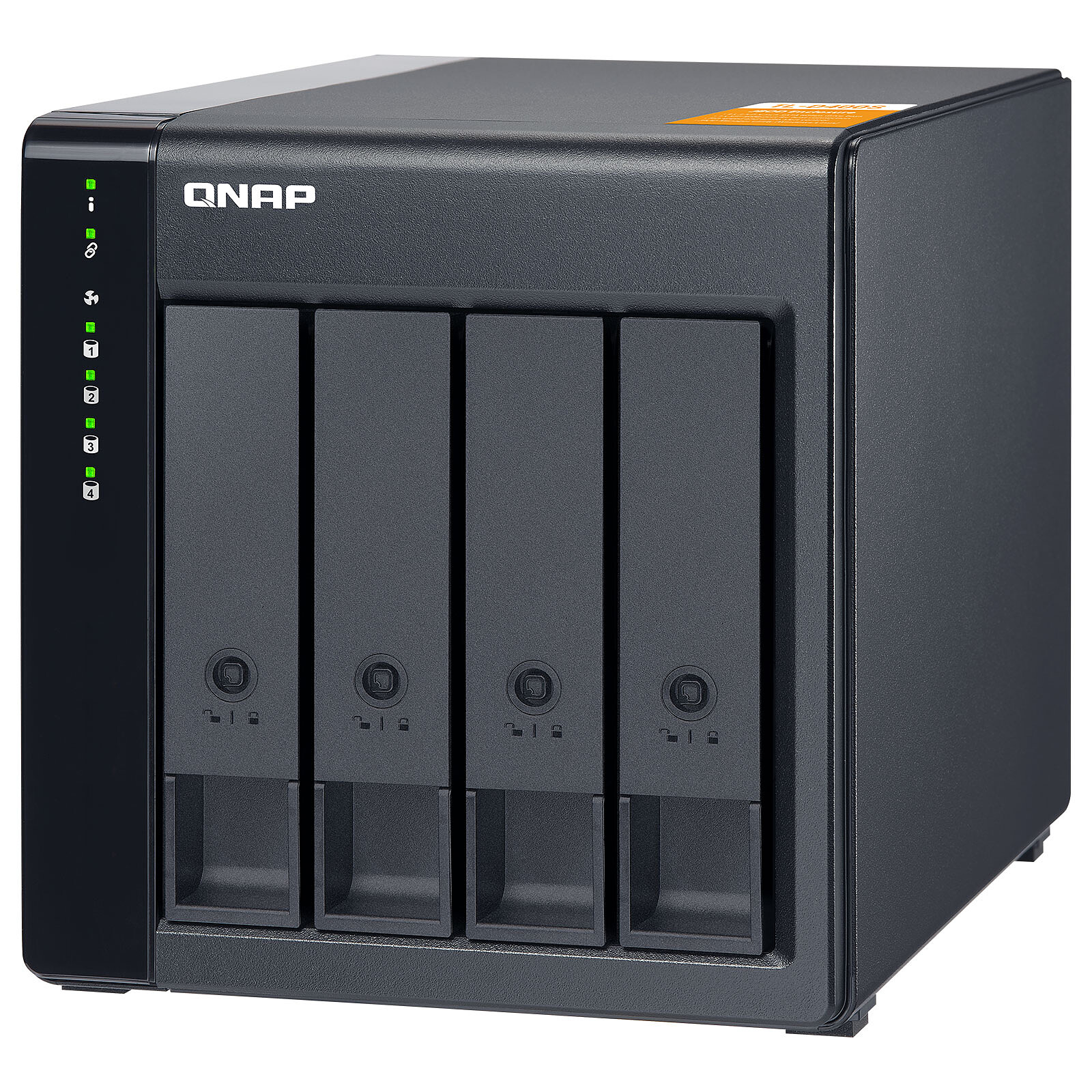
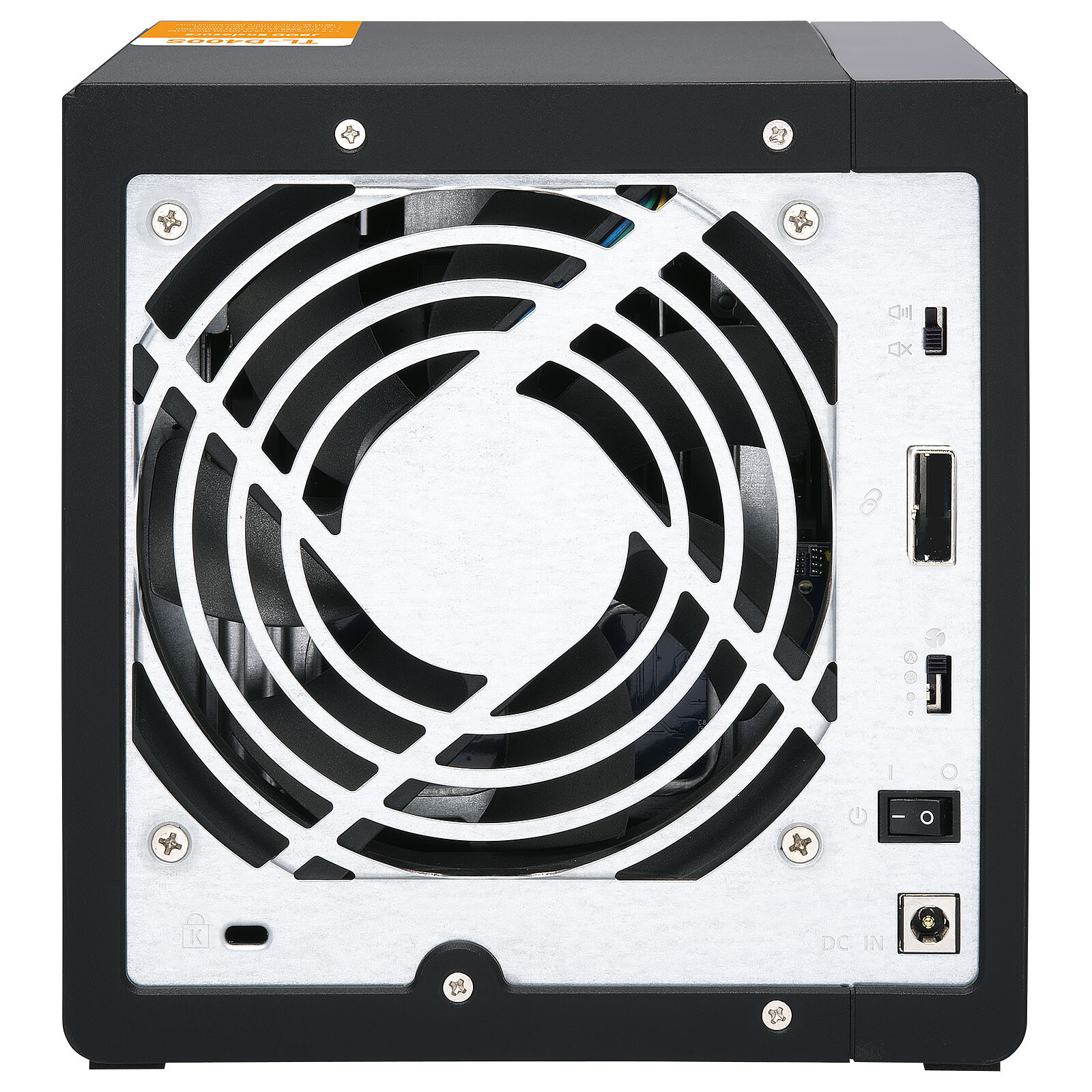
Pictures may differ from actual products

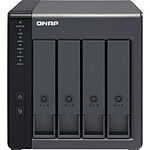
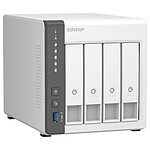
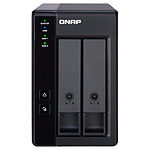
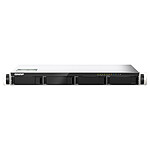
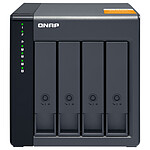
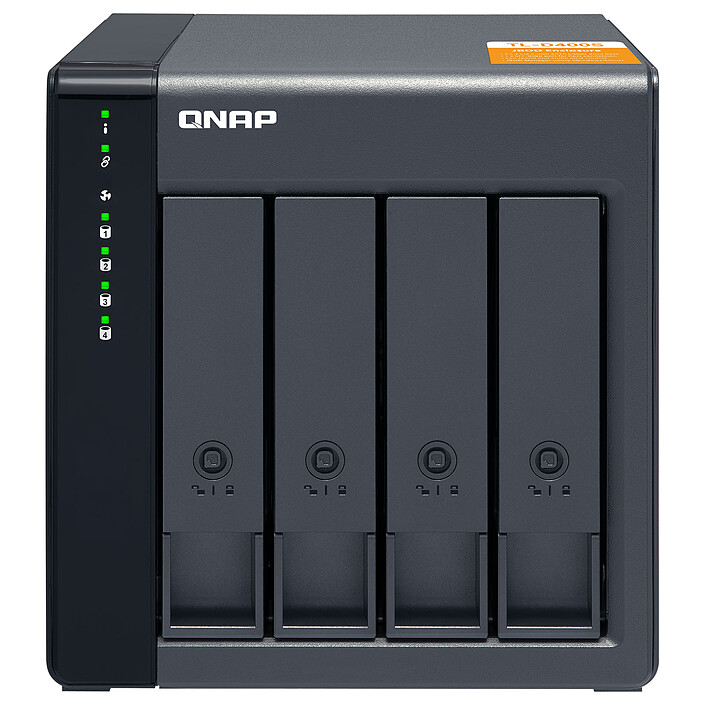
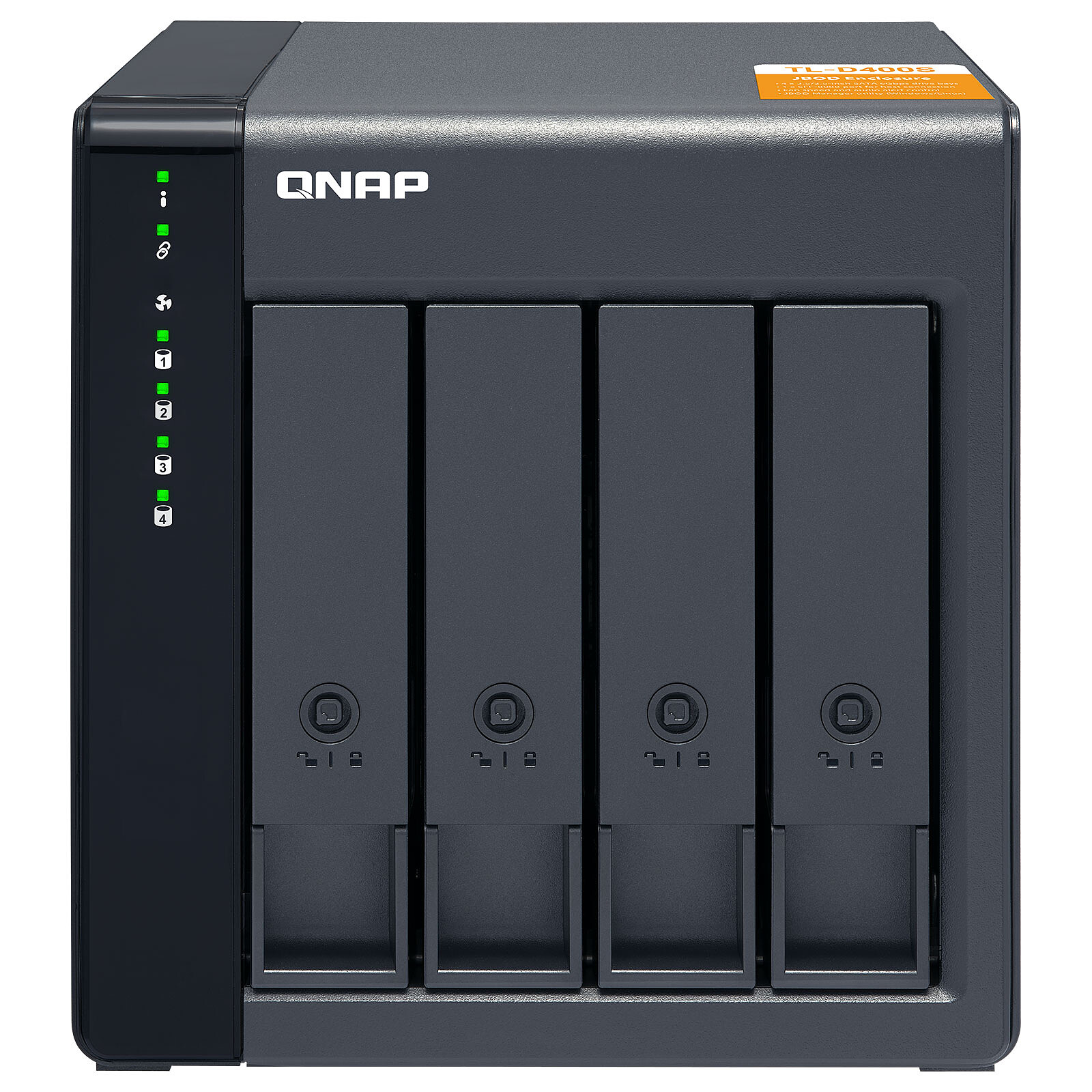
The TL-D400S from QNAP is a RAID enclosure for 4 2.5"/3.5" hard disks or SSDs that offers several operating modes. It can be used as an expansion unit, connected to a NAS to extend storage capacity, or directly to a PC for use as an external enclosure with an SFF-8088 interface and a dedicated QNP QXP expansion card.
With its 4 bays, the QNAP TL-D400S makes it quick and easy to set up a storage and backup solution for your PC or NAS, thanks to simplified RAID configuration with the powerful and intuitive QNAP JBOD Manager software.
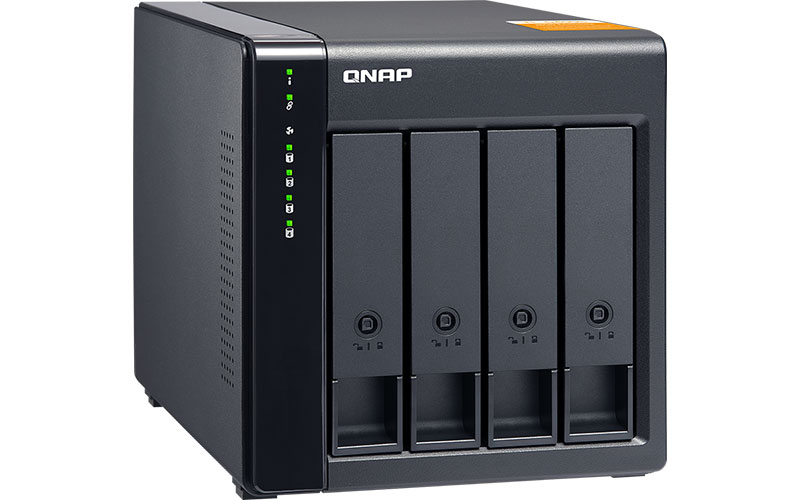
The TL-D400S offers users an alternative method of increasing the storage capacity of their NAS. By connecting the TL-D400S to their NAS and using the Storage Manager and Snapshots in QTS or QuTS hero, users can easily configure and manage their storage expansion.
You can use the TL-D400S to expand the storage of your NAS. You can select drives to create storage pools to expand the capacity of your NAS, or you can treat each drive as individual external storage and use it as a removable drive for greater flexibility.
You can use your TL-D400S with Windows and Ubuntu computers to increase storage space even further. You can set the RAID configuration of your TL-D400S to further secure data protection.
QNAP JBOD Manager is a desktop application for monitoring the TL-D400S on Windows and Ubuntu computers. You can quickly obtain and view information on JBOD status, integrity, fan speed and check for firmware version updates. All device events are logged and QNAP JBOD Manager will automatically send system alert notifications to your desktop.
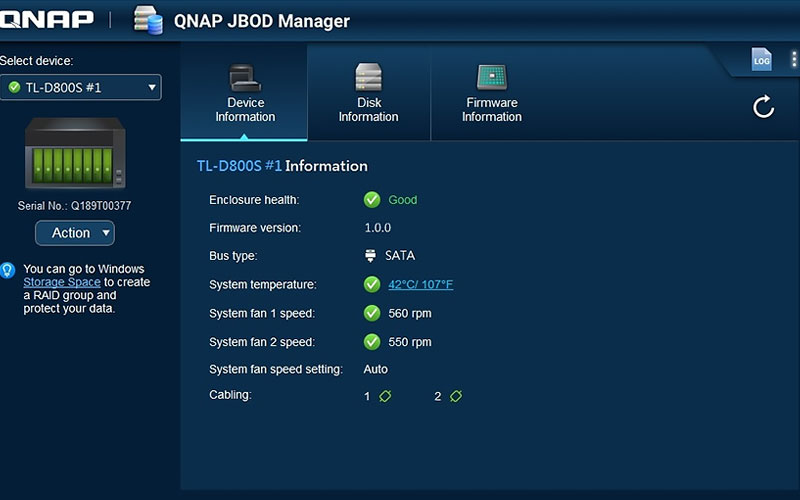
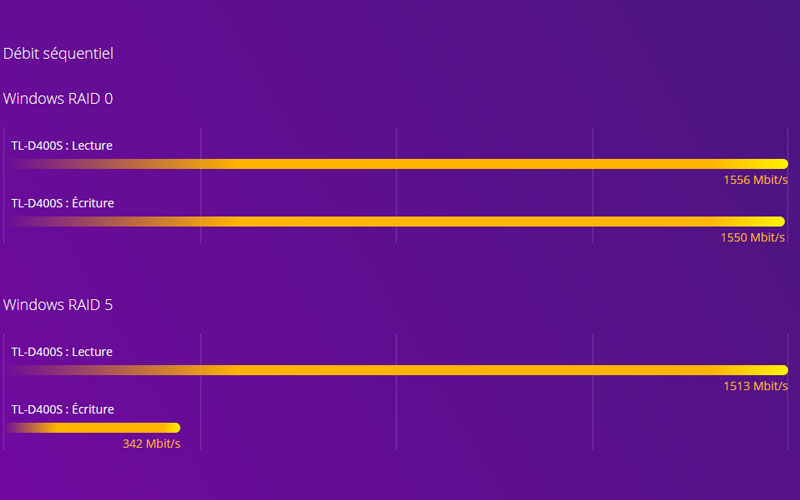
The TL-D400S includes SFF-8088 connectivity and multiple SATA 6 Gbit/s bays. This delivers better sequential read performance and faster transfer speeds than existing USB and eSATA expansion enclosures, as well as being a more cost-effective option compared to a QNAP REXP SAS enclosure.
You can achieve data protection by establishing a software RAID 0, RAID 1 and RAID 5 volume with a native utility in your Windows and Ubuntu computers, and use the QNAP JBOD Manager to monitor TL-D400S status information.
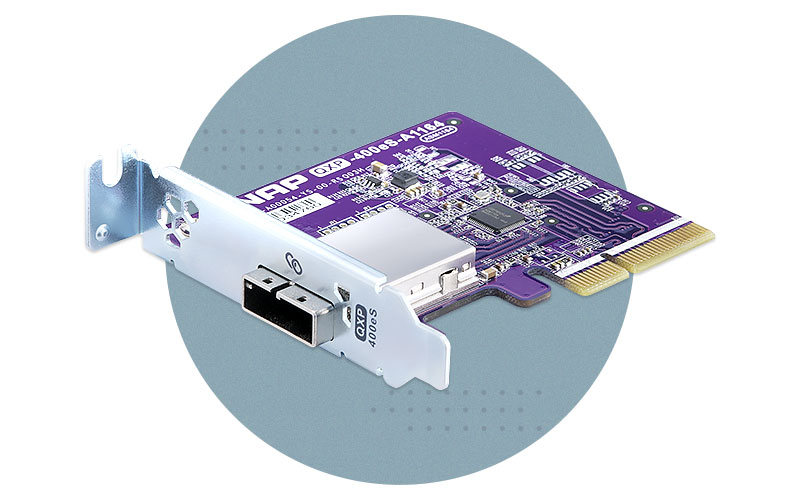
Install an exclusive QXP PCIe card on your QNAP NAS, Windows PC or Ubuntu to connect the JBOD enclosure via an SFF-8088 cable for simple and flexible storage expansion.
The TL-D400S package includes a QXP-400eS-A1164 card (can be purchased separately) and a 1M SFF-8088 to SFF-8088 cable.
A SATA JBOD can only connect to one NAS. Users can only use QNAP JBOD Manager to view the status of devices and drives installed with QNAP expansion cards and JBODs. Users can only create single storage extensions if the QXP PCIe card is not connected to a TL SATA JBOD enclosure.
 Select your criteria
General information |
Product name |
QNAP TL-D400S |
Brand |
QNAP | |
Model |
TL-D400S | |
Network |
DLNA certification |
No |
Storage |
Capacity |
0 GB |
Internal interface |
4 X Serial ATA 6Gb/s (SATA Revision 3) | |
Hard drive format |
2" 1/2 | |
| 3" 1/2 | ||
Hard drive |
No | |
Number of discs |
0 | |
Max number of discs |
4 | |
RAID supported |
Yes | |
Supported RAID Modes |
0 | |
| 1 | ||
| 5 | ||
| JBOD | ||
| Single Disk | ||
Connector(s) |
1 X Port for Kensington lock | |
| 1 X SAS | ||
Compatibility |
Windows ADS |
No |
iSCSI (SCSI encapsulation) |
No | |
Download without PC |
No | |
Scalable |
No | |
Supported OS |
Windows Server 2012 R2 | |
| Windows Server 2016 | ||
| Windows Server 2019 | ||
| Microsoft Windows 10 | ||
| Microsoft Windows 8 | ||
Physical characteristics |
Rackable |
No |
Sound level |
20.1 dB | |
Consumption |
22.985 W | |
Width |
160.2 mm | |
Height |
168.5 mm | |
Depth |
219 mm | |
Weight |
3.66 kg | |
Warranties |
Commercial warranty |
Seller 2 years
|
Legal warranty |
See terms & conditions
Harmonised legal guarantee notice

|
|
Safety Information |
Responsible person |
QNAP GmbH |
Postal address |
Karl-Arnold-Straße 26 47877 Willich, Germany | |
Electronic Address |
contact.eu@qnap.com |
See all QNAP products
Product referenced on 15 Jul 2020
Product and delivery ok.
Use to build a NAS with a Minisforum MS-01 mini PC.
I don't know if it's a bug during installation that causes this problem, but most of the time the disks are not recognised on first boot.
In order: first the TL-D400S then the PC (Windows 10).
Restarting the PC when the disks are not detected solves the problem, so it's not really serious, just a little less convenient.
In the same universe: qnap 400
Trending now: 2.5 inch NAS | 3.5 inch NAS | CCTV NAS | Virtualization NAS | Multimedia NAS | Photo NAS | FTP NAS | Scalable NAS | DLNA NAS | Rackable NAS | RAID NAS | DDR4 NAS | NAS DDR5