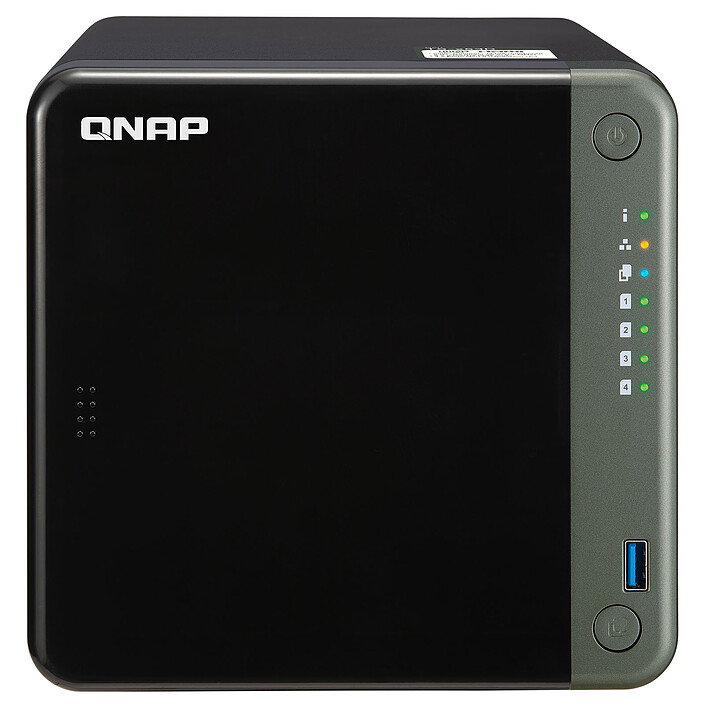
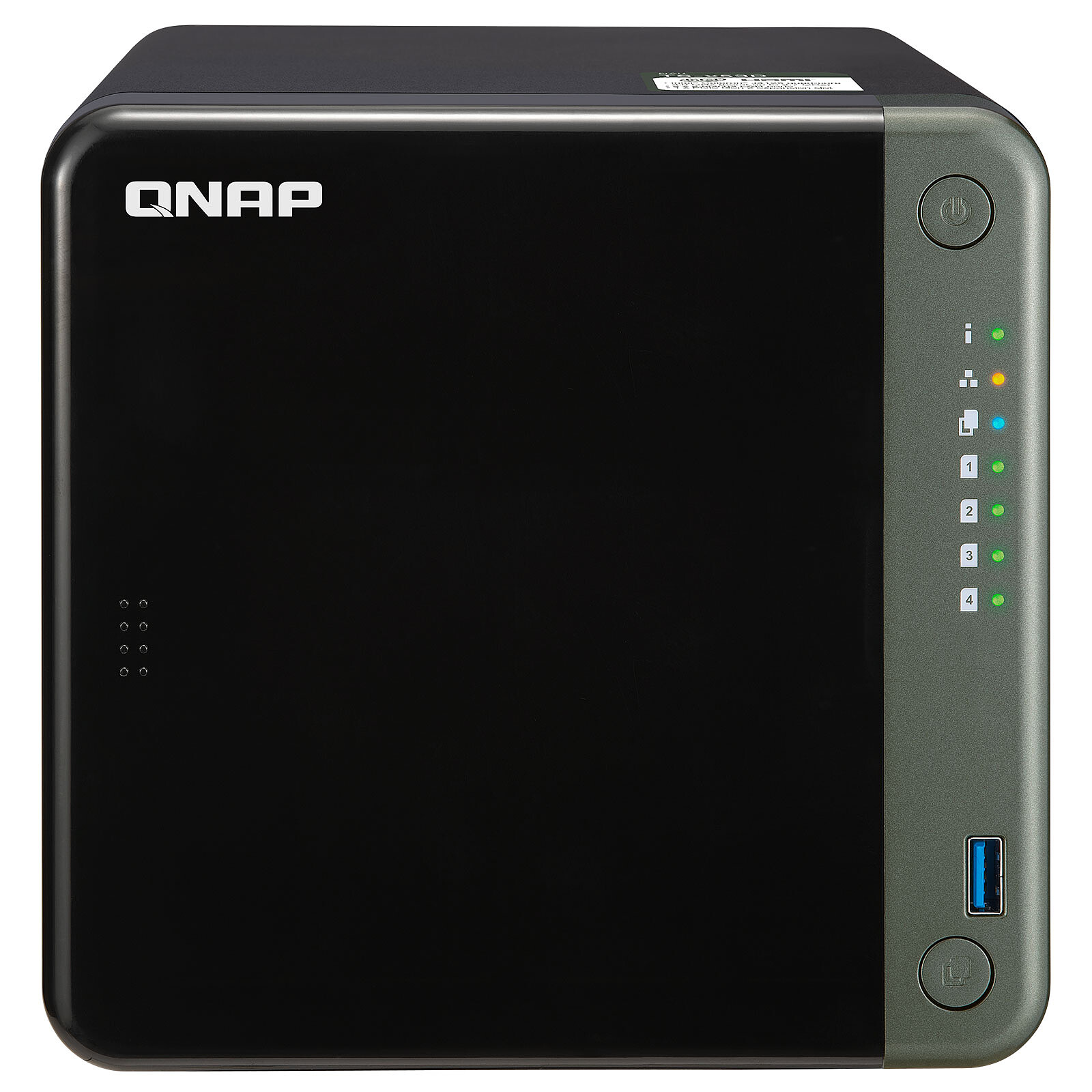
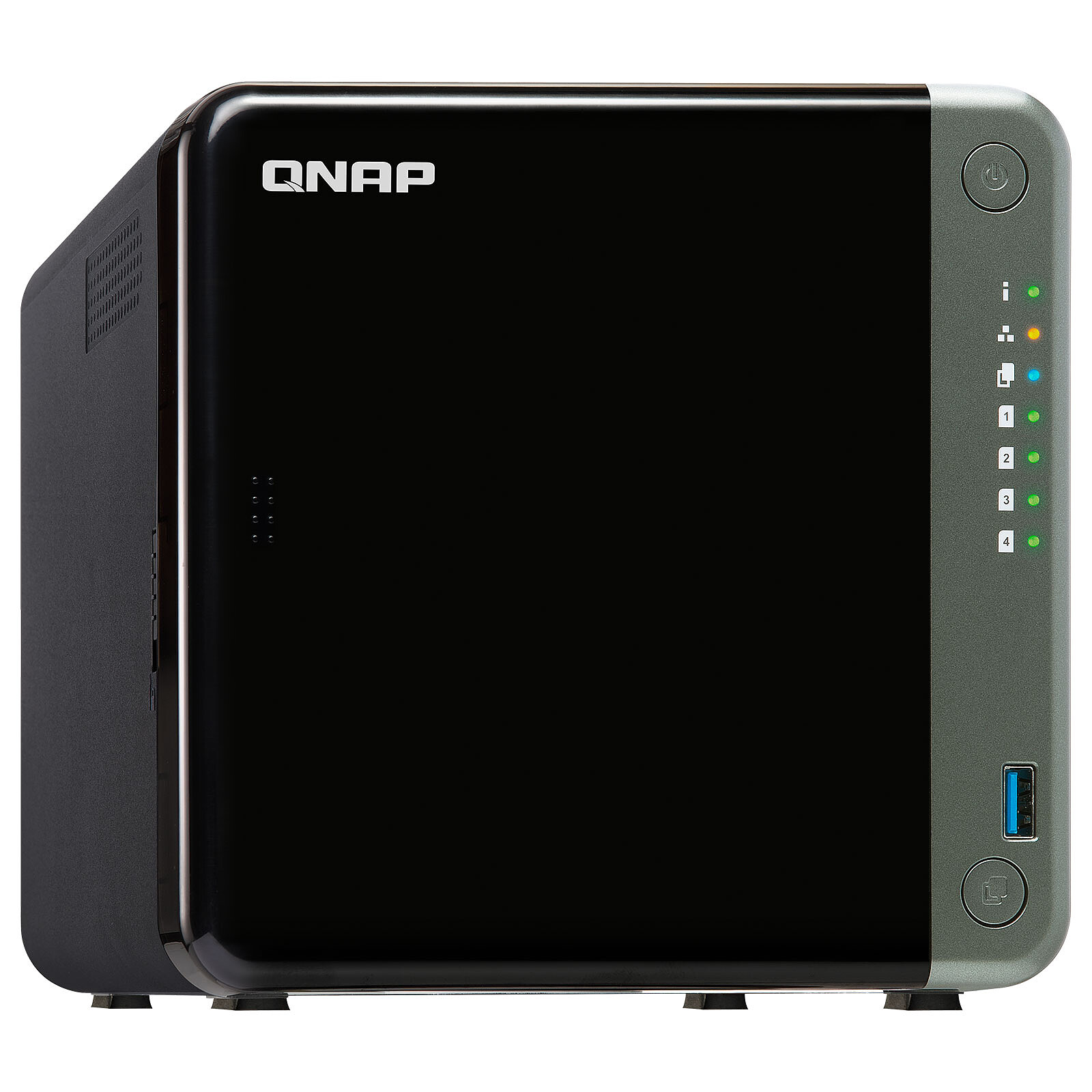
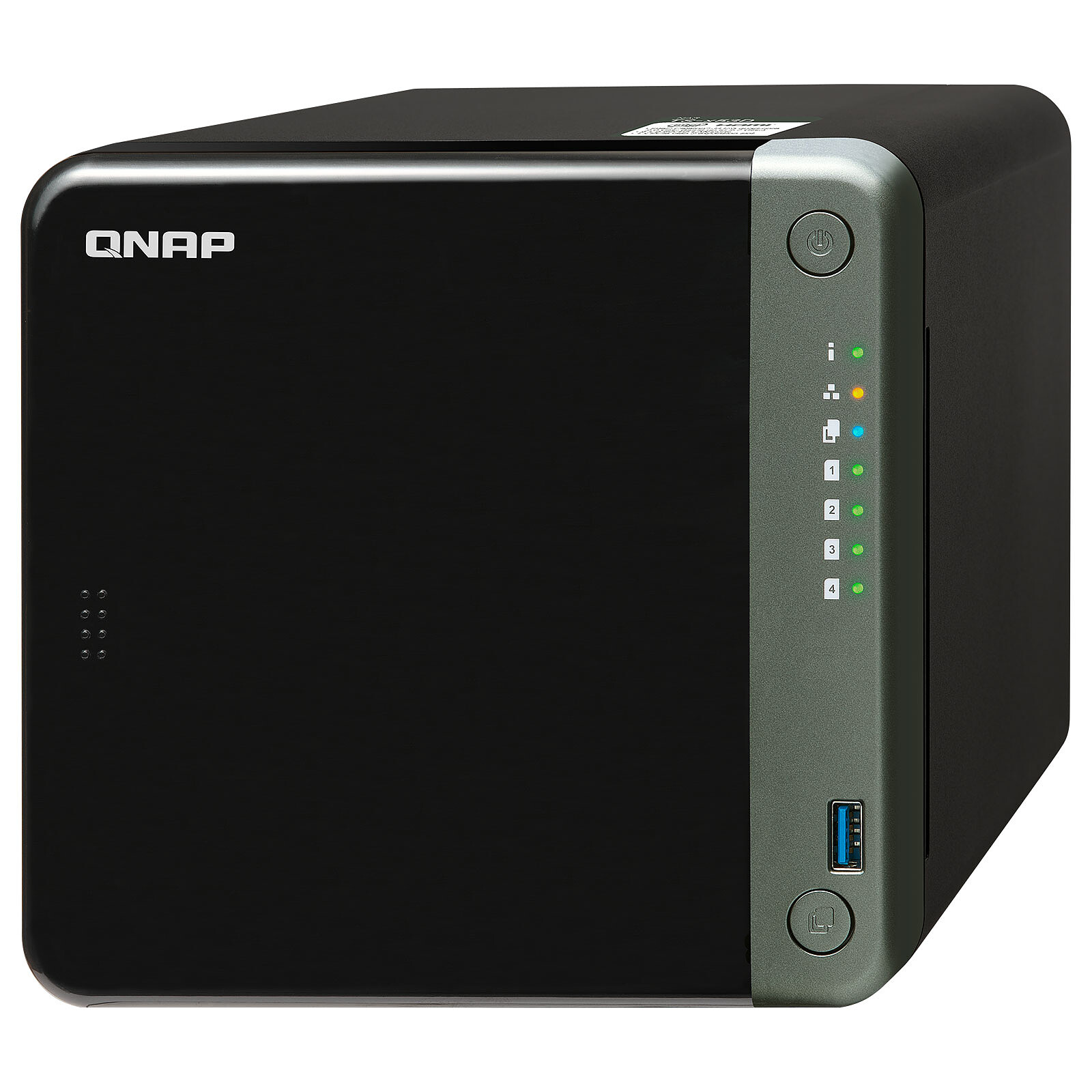
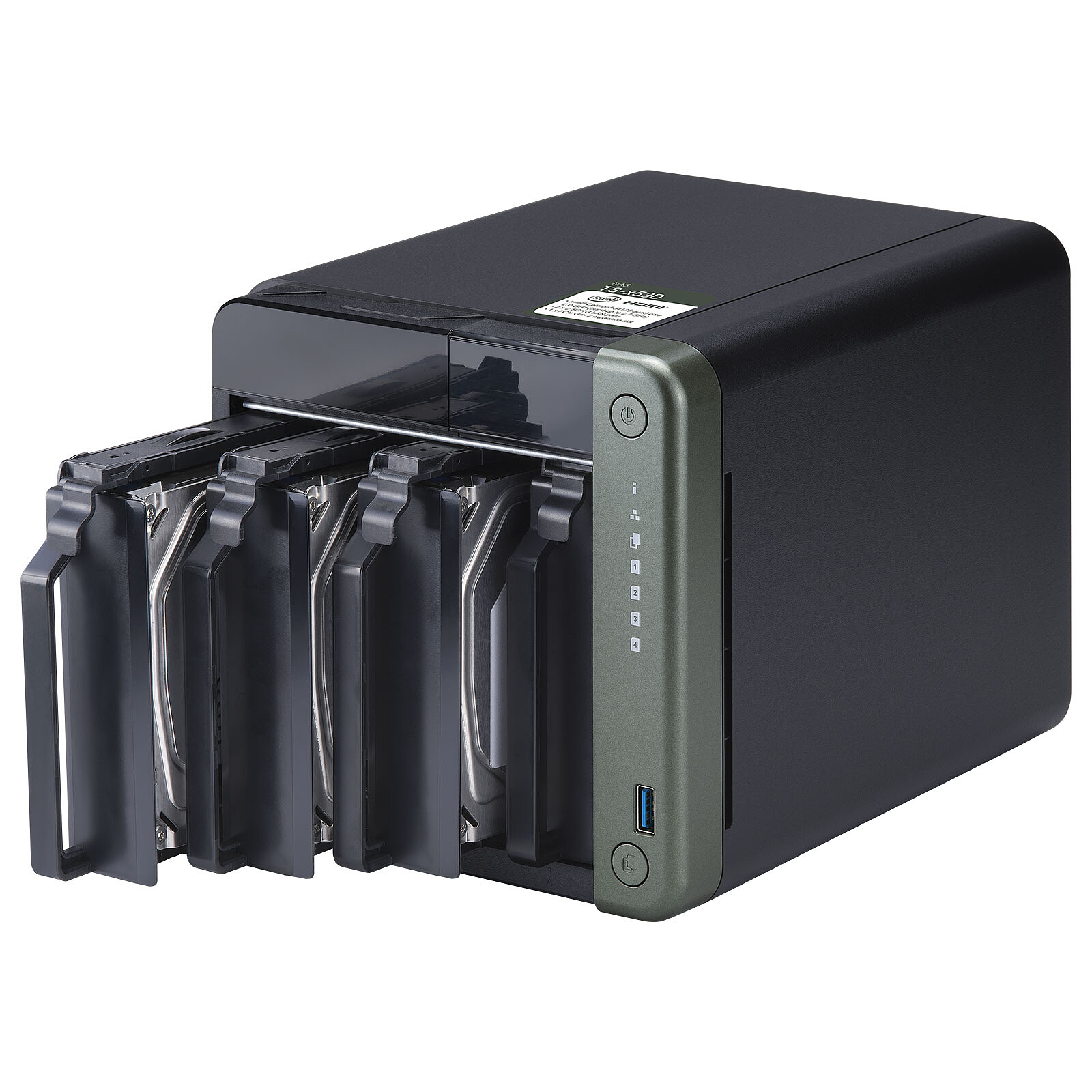
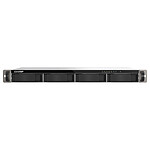
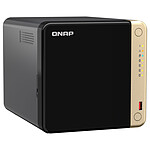
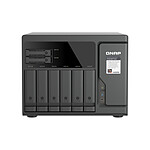
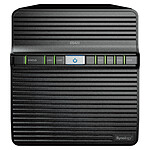
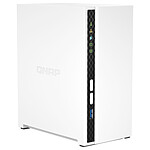
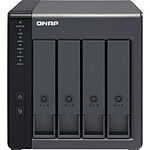
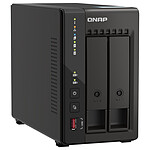
TS-453D: NAS with Quad-Core Processor and 2.5 GbE LAN
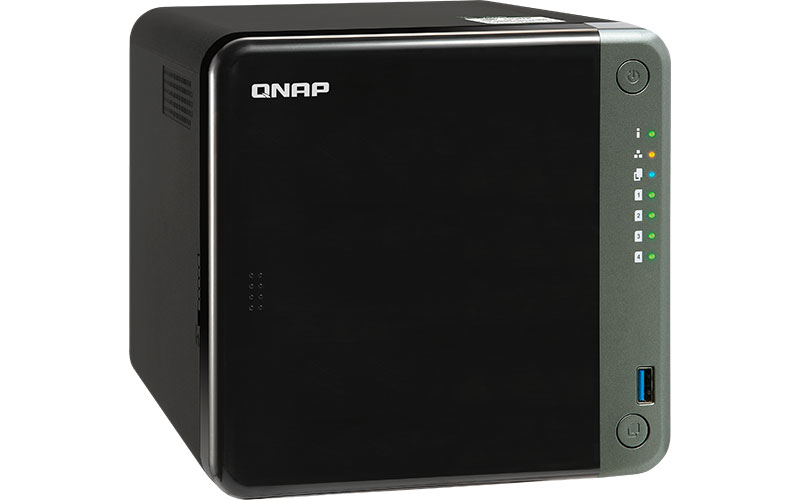
The QNAP TS-453D NAS is ideal for business and home users looking for a high-performance NAS. Transfer speeds of up to 5 Gbps can be achieved by configuring port aggregation with the two built-in 2.5 GbE ports. The TS-453D enables 4K (H.264) transcoding on the fly with its Intel Celeron J4125 Quad-Core processor and file sharing across all connected devices. This QNAP NAS is upgradeable with a PCIe 2.0 x2 slot for an expansion card and up to 8GB of RAM.
Upgrade to 2.5 GbE
The TS-453D features two 2.5 GbE LAN ports that allow you to use existing CAT5e cables to upgrade network speeds from 1 GbE to 2.5 Gigabit. In addition, the two 2.5 GbE ports support port aggregation for up to 5 Gbps.
Quad-Core Processor
The TS-453D features a quad-core Intel Celeron J4125 2 GHz processor (up to 2.7 GHz), includes up to 8 GB DDR4 memory and supports SATA 6 Gbps drives. Support for the Intel AES-NI encryption engine boosts encryption performance while also keeping your NAS data secure. You can flexibly install SSDs for cache acceleration to maximize network and storage performance for data-intensive applications.
Real-time 4K Transcoding
Featuring Intel UHD Graphics technology, the TS-453D supports hardware decoding and real-time transcoding across two 4K channels, allowing you to convert video into universal file formats that can be played back seamlessly on multiple devices. You can also watch high-quality 4K media files on an HDTV using the HDMI 2.0 output or use it with Plex Media Server to stream media files to mobile devices and media streaming devices (including DLNA, Roku, Apple TV, Amazon Fire TV and Chromecast).
Increase HBS backup efficiency with 2.5GbE connectivity
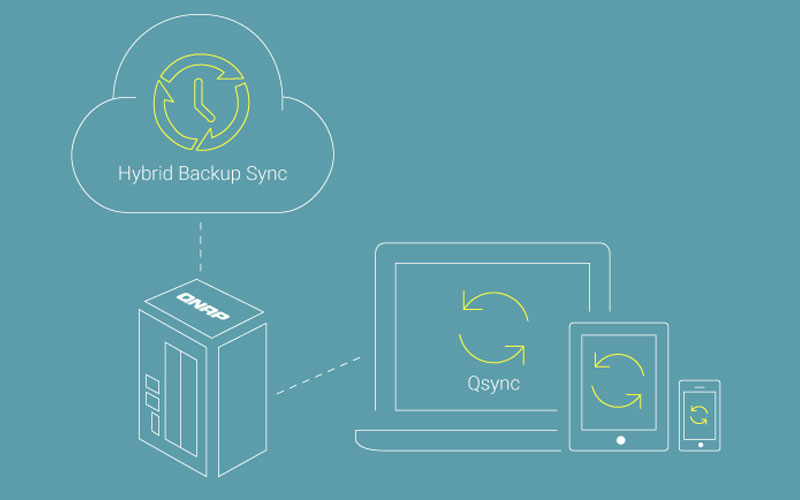
Hybrid Backup Sync (HBS) consolidates backup, restore, and synchronization functions (using RTRR, Rsync, FTP, CIFS/SMB) to easily transfer data in the TS-453D to local, remote, and cloud storage (including Microsoft One Drive, Google Drive, Dropbox, and more) as a complete data storage and disaster recovery plan. Supporting QuDedup technology that eliminates duplicate data at the source, HBS reduces the size of backup data and speeds up future backup jobs. This is also useful for accelerating multi-version backups for greater protection against data loss.
Secure your installations
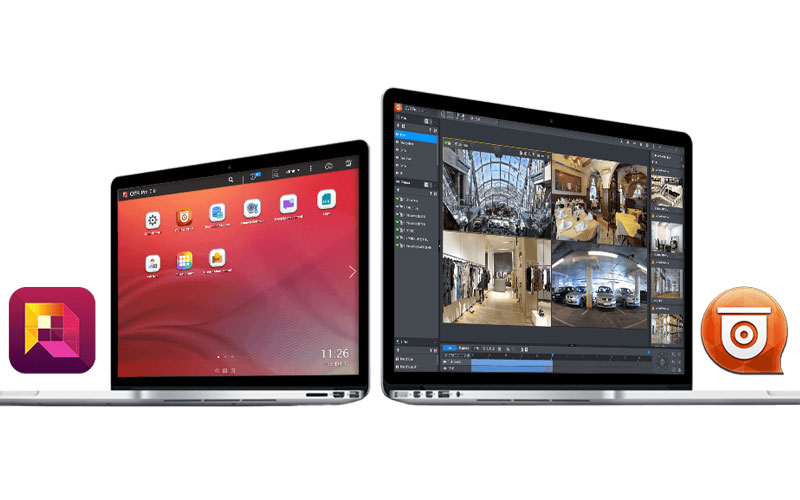
QVR Pro allows you to arrange dedicated, independent storage to monitor data on the TS-453D and take advantage of the benefits of scalable NAS storage. It greatly simplifies camera management, storage allocation, live camera viewing, and playback. Supporting over 5,000 IP cameras (including industry-standard fisheye cameras), QVR Pro offers 8 free licensed channels for surveillance as well as the optional QVR Pro Camera Channel Expansion License for broader security deployment. You can also use the QVR Pro Client mobile app to monitor at any time, or use a USB webcam as an ONVIF network camera with the QUSBCam2 app.
KEY FEATURES :
Scalable 4-bay NAS with PCIe 2.0 x2 expansion card slot
I bought this NAS on the advice of someone who wanted to hurt me.
I was hoping to run PLEX on it and freeze films.
For 5 years now I've had a plex that crashes every week and a NAS on which I have to remove the disks and restart it in safe mode every time there's a power cut.
In short, I don't recommend it.
Review automatically translated
by FredericB
Posted on 29 Dec 2020
Bought on 5 Dec 2020 from LDLC
Number of reviews: 2Average rating: 9
Very good product, but for experienced amateurs
I've ordered and received it within 48 hours.
I've been using it for a while now and it's great.
I'm very pleased with the quality of the product and the service. I'm very pleased with the quality of the product and the quality of the service. The brackets are made of plastic, and screws are provided. Be careful, they are not the same if your HDDs are 3.5 or 2.5, and nothing is indicated on the bags. do not force! For my part, I opted for 2 x WD Red 4TB 3.5".
Installation of the QFinderPro management software. NAS connected to my box (SFR 8), recognized immediately, auto firmware upgrade. Wifi optional via PCI card. Same for the SSD buffer. Impossible to do WIFI + SSD, there is only one slot.
For the configuration of the NAS, it is nevertheless necessary to be an informed public. The base is to know what a RAID is, because the explanation in the software, it is still not within the reach of all. That said, we configure step by step, we are guided, but, personally, the basic concepts are not really explained. I'm not sure if I'm going to be able to use this as an example.
NAS installed and seen from the network quite quickly. I'm not sure how to use it, but it's a good idea to use it as a web server, a multimedia device (1 HDMI port) and a lot of other things that I don't know about.
For my part, my use will only be for PC's backup. The QNAP NetBack Replicator backup app is a little disappointing, you can only backup entire folders or disks, but not "system" backups. The software is very very slow, and poor compared to other applications such as Acronis or AOEMI, solutions that I am currently testing (NAS recognized without any problem by these applications).
Note that the start-up time is quite long, about 5 minutes. I'm not sure if it's a good idea to use the same device for all the other devices.
The balance is very positive. I do not regret my purchase.