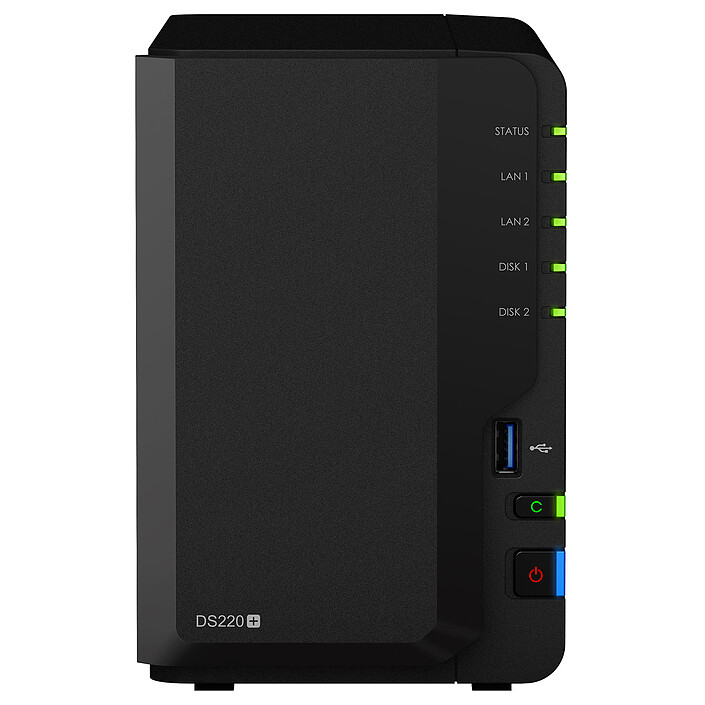
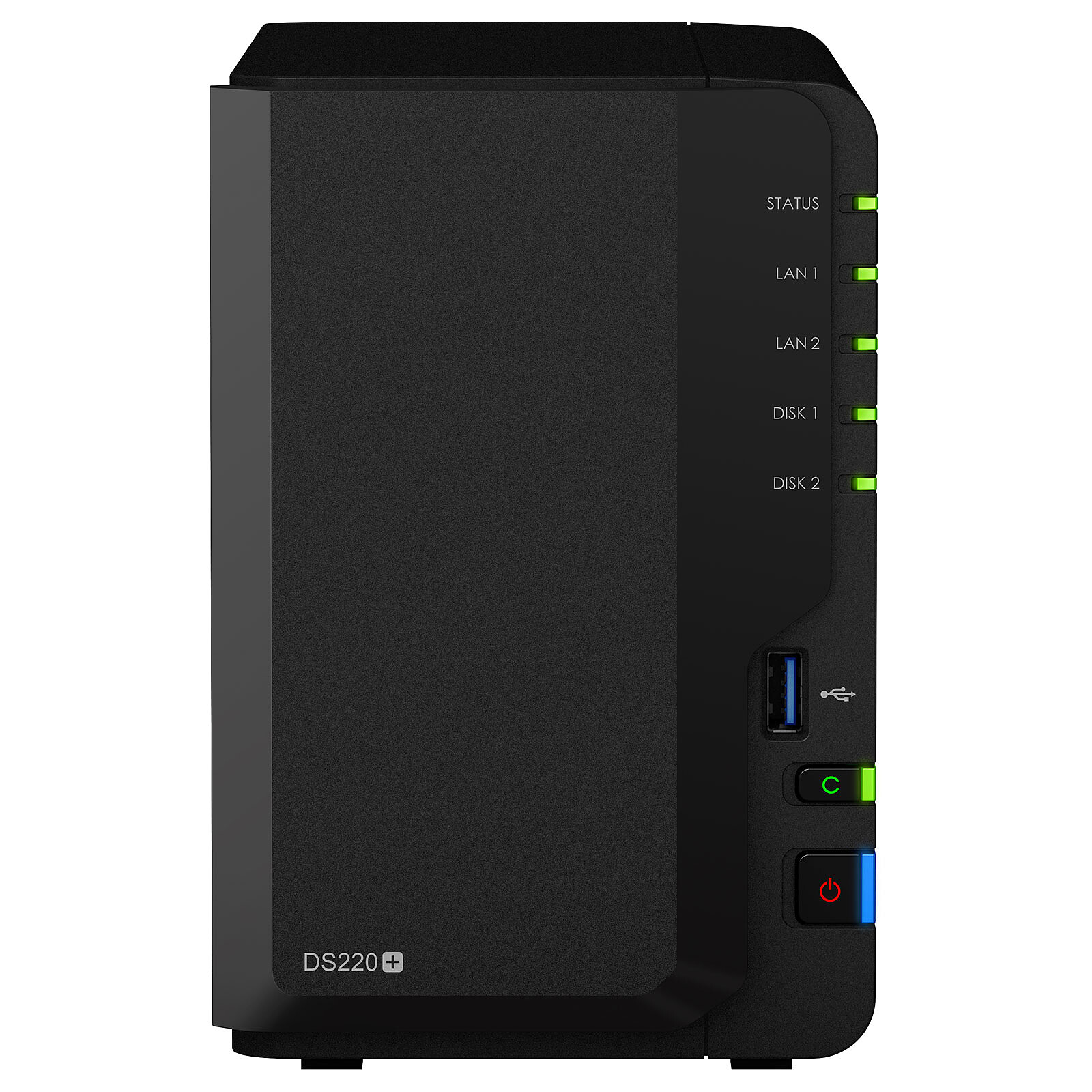
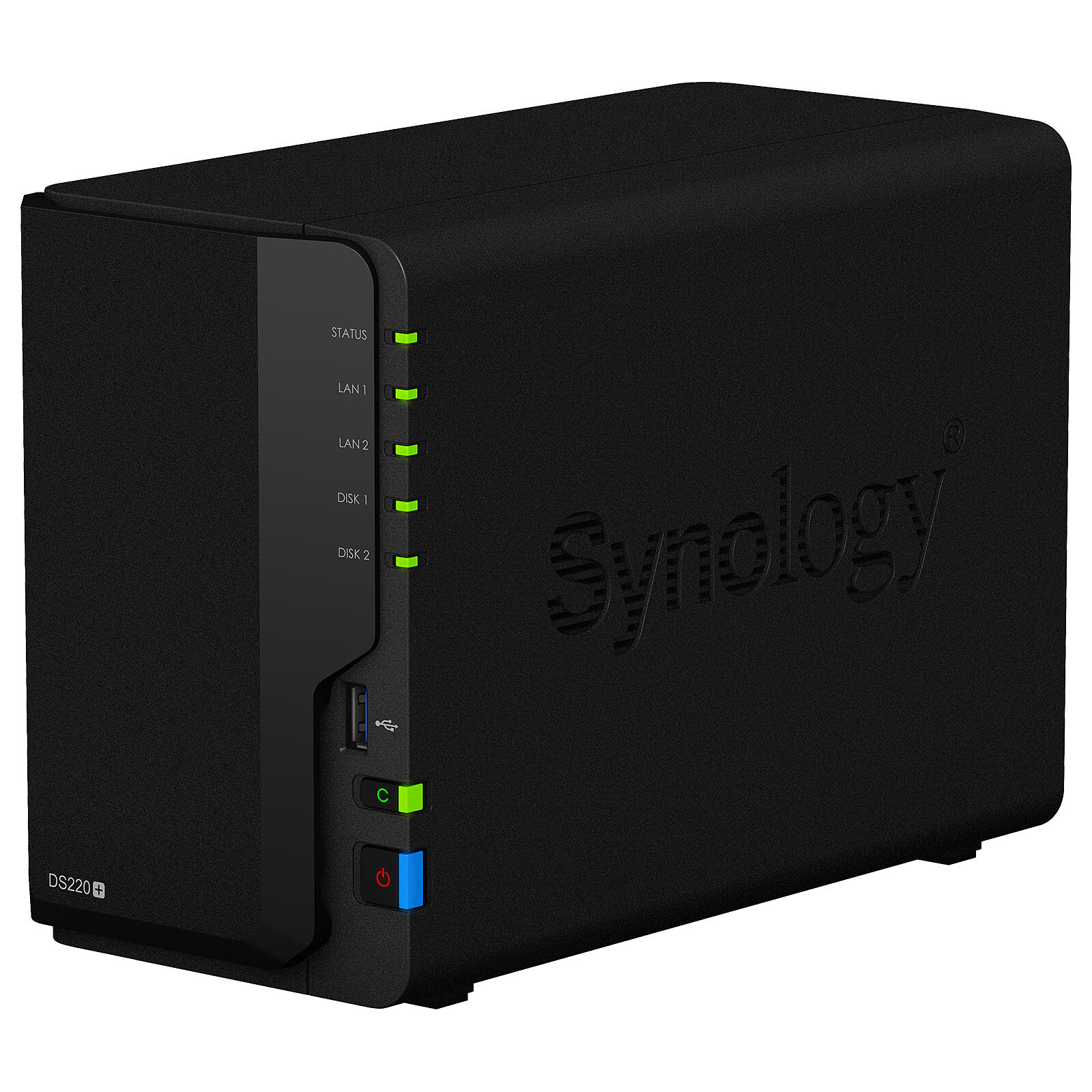
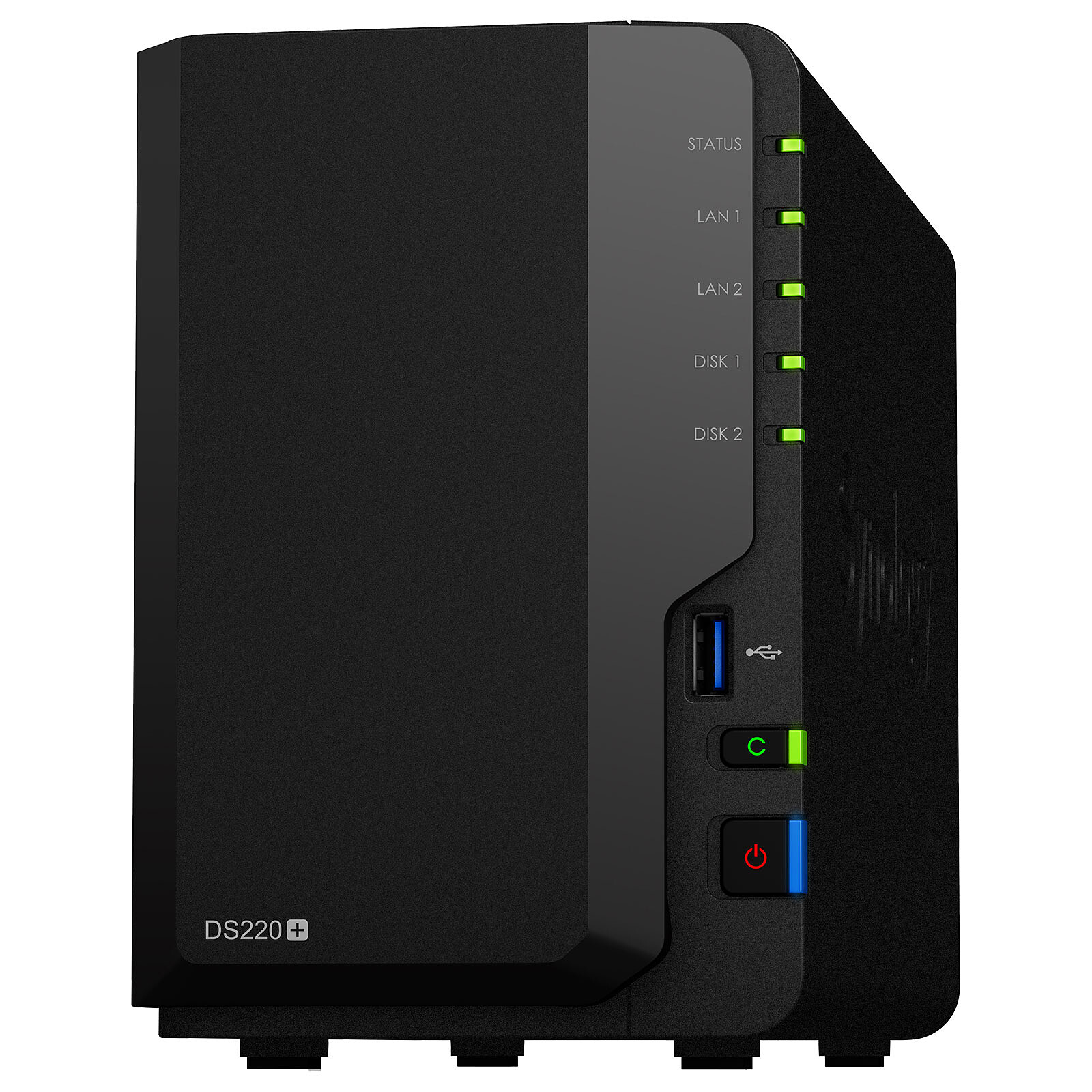
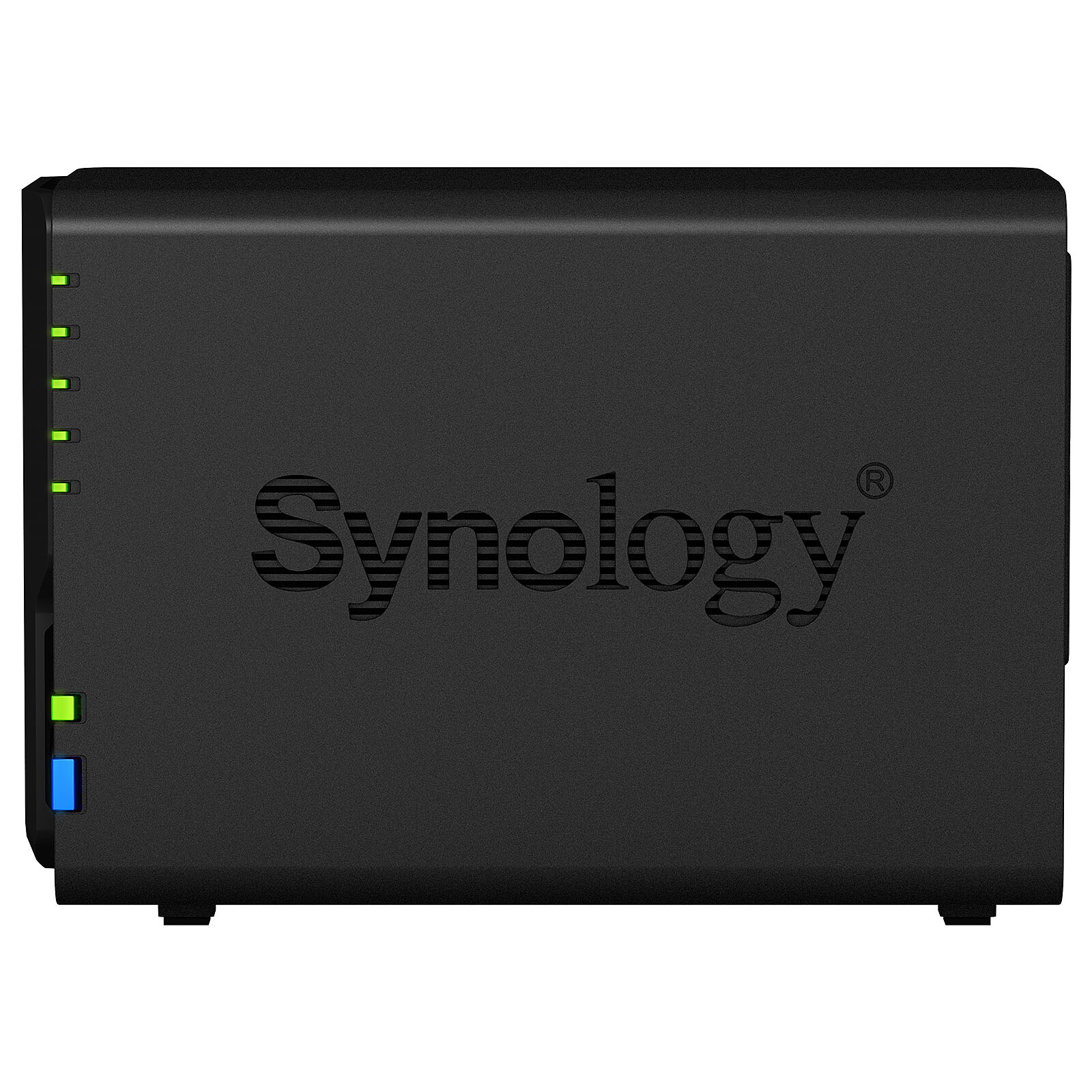
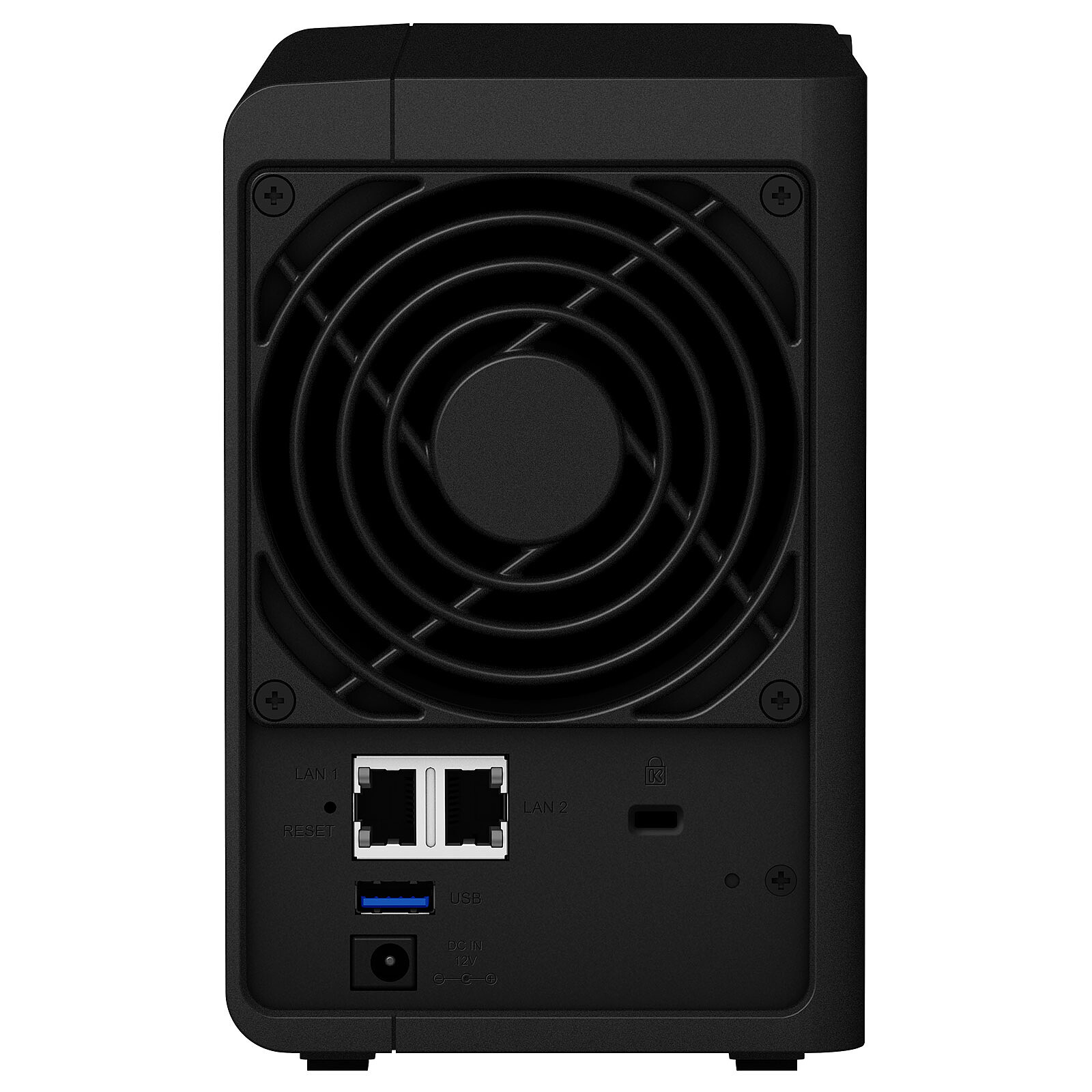
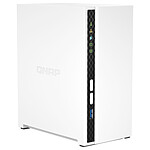
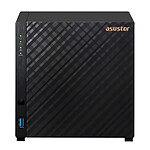
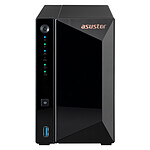
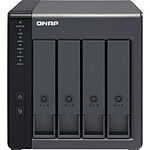
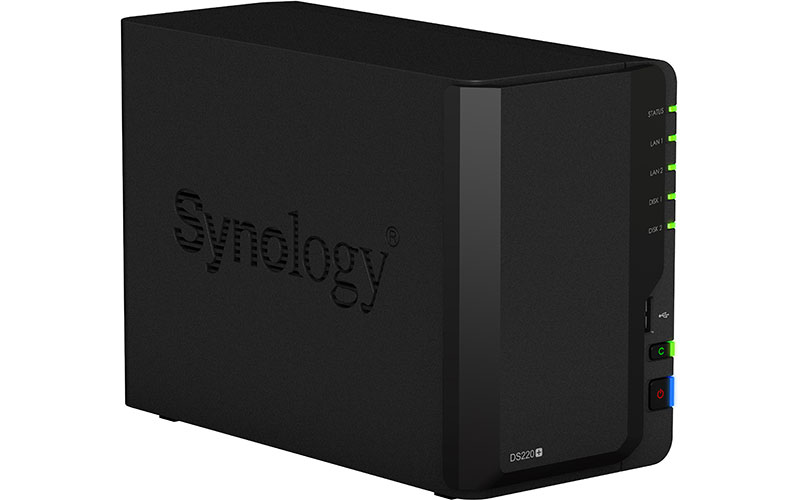
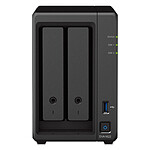
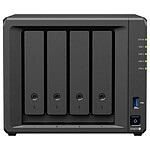
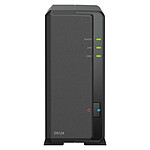
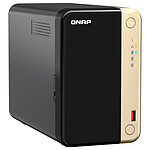
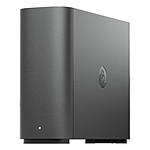
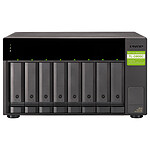
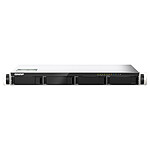
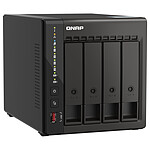
The Synology DiskStation DS220+ is a 2-bay network storage solution that facilitates data sharing, video streaming and photo indexing. Its Intel Celeron J4025 Dual-Core processor accelerates photo indexing, database response time, and improves PHP web response efficiency. Easily organize your photo memories, easily manage your files across multiple computers and mobile devices, and enjoy lightning-fast web applications.
Powerful Desktop NAS
The Synology DS220+ is a powerful 2-bay desktop NAS that provides you with a fast and smooth data management experience, as well as a throughput of over 225MB/s sequential read and 192MB/s sequential write.
Applications that consume computing resources benefit as it increases Synology Drive and Moments execution speed by an average of 15% and improves PHP web response time efficiency by about 95% over its predecessor, making data management simple and efficient.
Your personal media library
The DS220+ helps you easily manage and share your media content across Windows, macOS and Linux platforms.
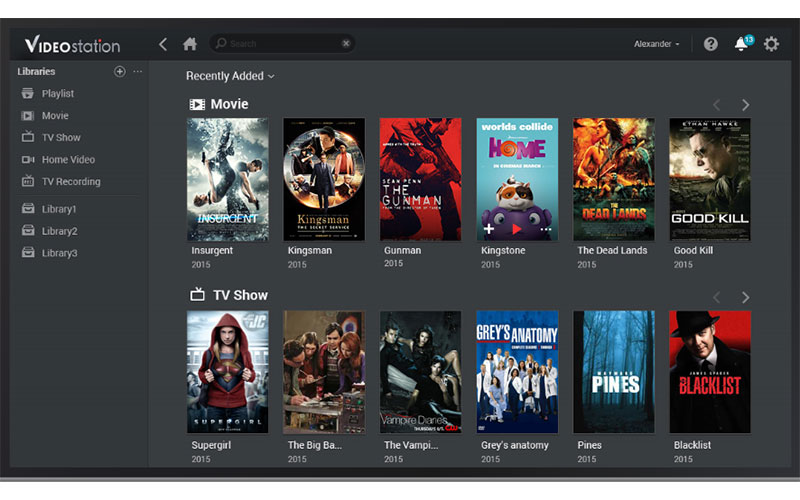
Video Station helps you organize your personal digital video library with different data and criteria. Playing videos on Apple TV, Android TV, Samsung TV, Chromecast and mobile apps is a breeze and a wide range of digital devices are supported.
Audio Station plays music via AirPlay devices and features support for lossless audio and internet radio. With Audio Station's Alexa feature, you can ask your voice assistant to play your music.
The intuitive design of Moments and Photo Station is suitable for both home users and professional photographers. Automatically created albums help you manage your images in seconds. You can also share photos with local users or in public while controlling the level of security with precise permission settings.
Access AND Sync Your Files Easily
Synology Drive offers a built-in universal portal that allows you to access your data anytime, anywhere, and sync all your files on different platforms, including Windows, macOS, Linux, Android, and iOS.
Sync files on demand: Save storage space and network bandwidth on your PC.
Go back in time: Easily recover previous versions of your shared files.
Backup your data: Protect your files in real time or with scheduled backups.
One or two-way sync with public cloud storage providers including Alibaba Cloud OSS, Amazon Drive, Amazon S3 compatible storage system, Backblaze B2, Baidu Cloud, Box, Dropbox, Google Cloud Storage, Google Drive, hubiC, MegaDisk, Microsoft OneDrive, OpenStack Swift compatible storage system, Tencent COS, WebDAV servers and Yandex Disk
Maximum number of IP cameras: 25(2 free camera licenses included)
NAS purchased on 14/11/2022. After three years of use, I am satisfied with what it offers. Lack of power to encode video streams. I mainly use it as a large hard drive in RAID 5. 4x8TB. I back up my websites on it. Nowadays, you can find better value for money.
Model: Synology DiskStation DS420+
Review automatically translated
by BenjaminP
Posted on 26 Jul 2025
Bought on 17 Aug 2020 from LDLC
Number of reviews: 6Average rating: 10
Super Nas
This was my first NAS, and I've had it for 5 years now. No problems to report after 5 years of daily use. No breakdowns or faults. Runs 24/7.
Model: Synology DiskStation DS220
Review automatically translated
by MarcR
Posted on 21 Aug 2023
Bought on 19 Jul 2023 from LDLC
Number of reviews: 7Average rating: 10
The NAS server and its two hard disks are up and running in no time.
Adding the extra memory card suggested proved useful for good responsiveness. The extra disk space ordered for my PC is always useful when taking photos for my German Shepherd kennel.
Model: Synology DiskStation DS220
Review automatically translated
by Vincent R
Posted on 9 Aug 2023
Bought on 9 Jul 2023 from LDLC
Number of reviews: 5Average rating: 8
very good product
Very easy to use and works very well on our network. I'm withdrawing one star because it's quite noisy and shouldn't be used in a living room.
Model: Synology DiskStation DS220
Review automatically translated
by RolandT
Posted on 6 Feb 2023
Bought on 6 Jan 2023 from LDLC
Number of reviews: 2Average rating: 6
SYNOLOGY DISKSTATION DS220+ for archiving PDF documents
easy to implement
simple administration of access and shared folders
efficient in remote access, as well as in private network
Model: Synology DiskStation DS220
Review automatically translated
by Chantal D
Posted on 23 Jan 2023
Bought on 15 Nov 2022 from LDLC
Number of reviews: 1Average rating: 10
Well packaged delivery
Very good product from Synology perfect for saving all your family documents and memories. And a perfect media centre
Model: Synology DiskStation DS220
Review automatically translated
by JacquesL
Posted on 13 Oct 2022
Bought on 14 Sep 2022 from LDLC
Number of reviews: 5Average rating: 9
an easy-to-implement SIN, but...
a NAS that is easy to set up, but...
The DS920+ NAS that I ordered and received in the shop within a reasonable time frame is exactly what I expected. The web management interface (updated) is much better than what I experienced on my previous WD NAS. I have equipped my new NAS with 4 HDDs in Raid 5 mode and the File Station package (application) manages the files without any problems. However, after populating the HDDs with (part of - more to come -) my data files - notably about 100,000 photos - I installed the Synology Photos package (latest version). First problem, the name of the managed folder is imposed (Photo) and does not correspond to what I have already loaded. I then had the unpleasant surprise to find - after 2 days of indexing - many of my photos upside down. I then discovered that on the Syno forums users were already complaining about this problem in 2017! Moreover Synology Photos does not manage the folders I created and I would have to re-sort and re-fold them manually in its interface (100,000 photos to split!). Bad point for Synology. I uninstalled this app. Fortunately, File Station allows me to display image files as thumbnails and keeps my filing in folders. Otherwise, the remote file management interface on mobile (equivalent to the local File Station) is fine. That's it for now.
Model: Synology DiskStation DS920+
Review automatically translated
by Vaiarii C
Posted on 9 Oct 2022
Bought on 31 Aug 2022 from LDLC
Number of reviews: 2Average rating: 8
At the top
Packages well received! Easy installation no bug for the moment Active since 10 days !!!
Fast delivery in French Polynesia
Model: Synology DiskStation DS220
Review automatically translated
by Frederic R
Posted on 7 Sep 2022
Bought on 9 Aug 2022 from LDLC
Number of reviews: 1Average rating: 10
replacement
Excellent media server that meets my needs perfectly. It replaces a DS415+.
Model: Synology DiskStation DS920+
Review automatically translated
by redhook
Posted on 31 Aug 2022
Bought on 15 Jul 2022 from LDLC
Number of reviews: 122Average rating: 9
Excellent impression
To replace a Nas Synology DS212+ that had become slow, and taking advantage of a promotion
I jumped at the chance, knowing that I was looking at QNAP for the Multi-Gigabit Ethernet ports.
The migration from the DS212+ worked, but not perfectly, the multimedia services were no longer functional.
So complete installation from scratch in RAID5 with 4 x 3TB WD Red drives.
DSM 7 is a good surprise with new packages Active Backup, Docker, Virtual Machine Manager.
The DS420+ is responsive, it's really a pleasure. Yes, I have pumped it up to the max: Added 4GB of ram and 2 Samsung 500GB NVMe SSDs.
For the Multi-Gig Ethernet, as indicated in the questions section I installed a driver available on GitHub which works very well, with an ASUS 2.5Gb card in USB 3. File copies are now done at 280 mo/s. PC backups are fast with Active Backup.
I finally find the pleasure to use my Nas.