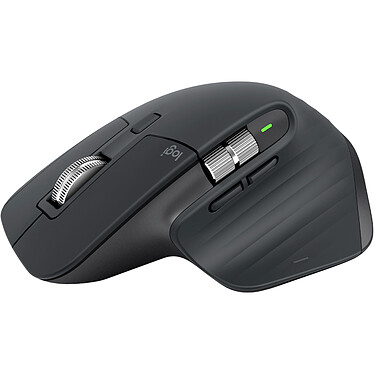
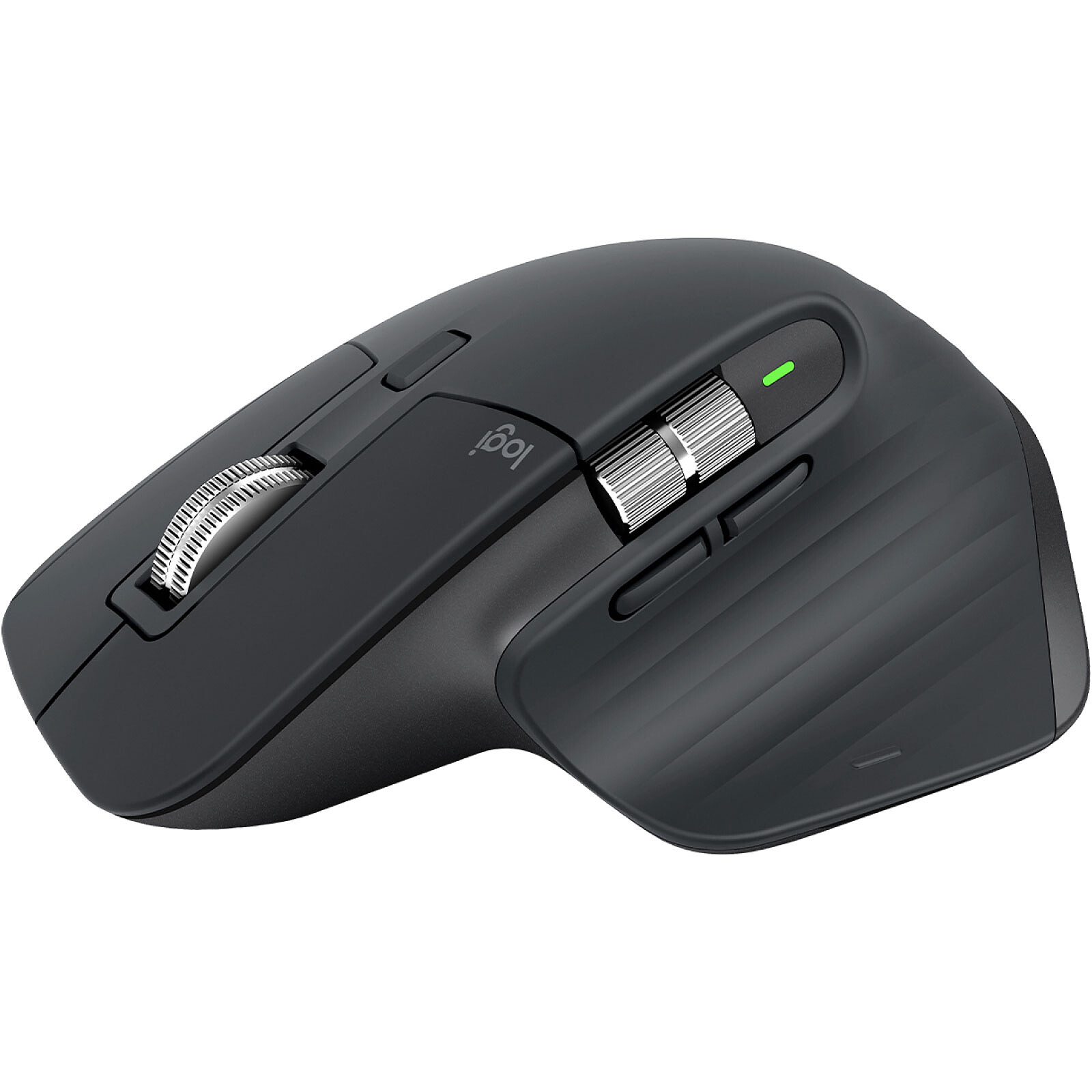
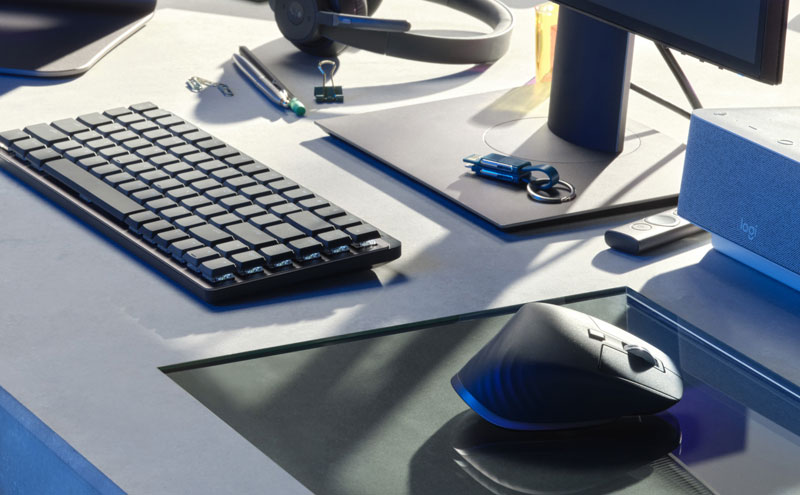
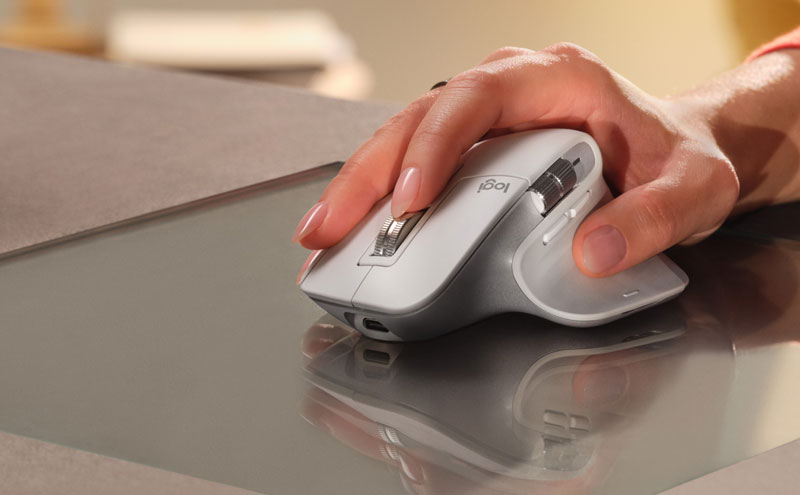
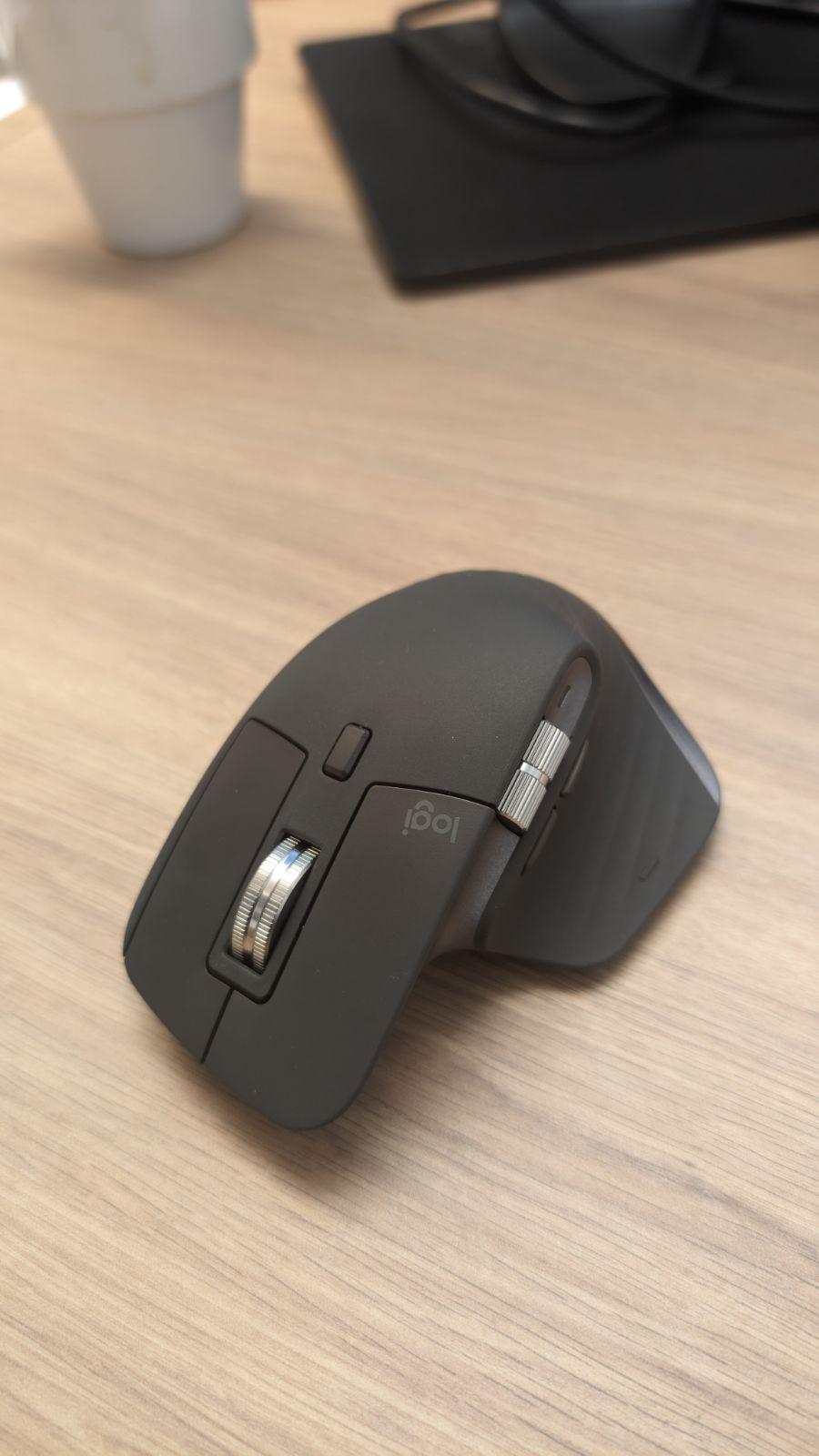
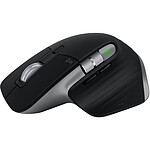
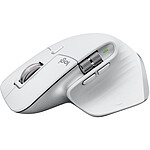
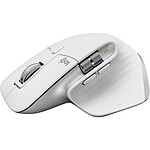
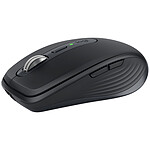
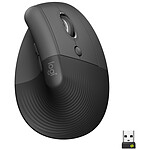
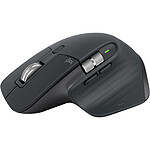
With the Logitech MX Master 3S, you get a remastered icon with instant precision and endless potential. Designed to provide precision, control and comfort for the experienced user, the Logitech MX Master 3S wireless mouse will quickly become a must-have for your everyday life.
With the Logitech MX Master 3S, you get a remastered icon with instant precision and endless potential. Designed to provide precision, control, and comfort for experienced users, the Logitech MX Master 3S wireless mouse features a perfect hand fit, 8000 dpi sensor, advanced features, and incredible design.
Scroll 1000 lines per second
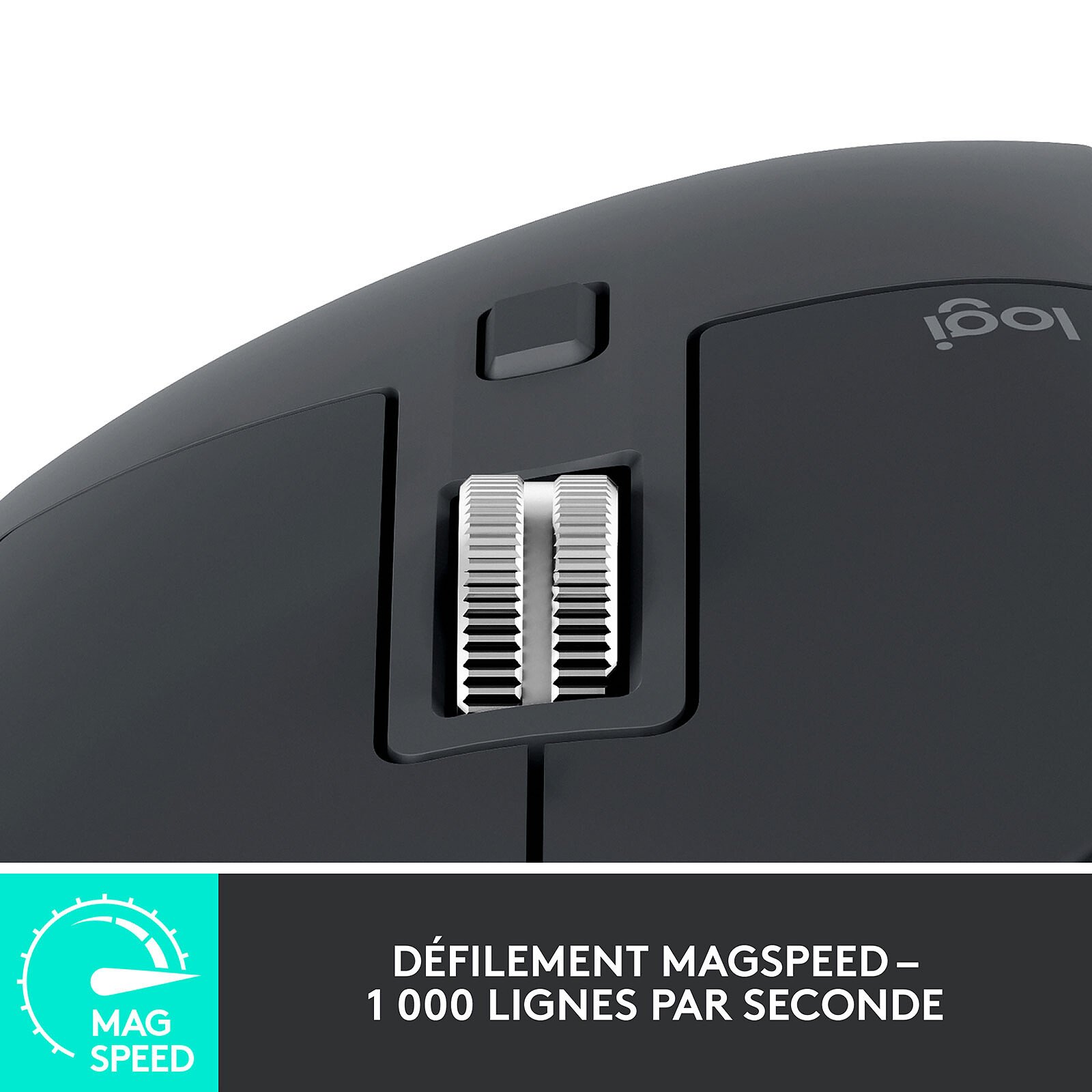
The Logitech MX Master 3S features the MagSpeed electromagnetic scroll wheel to give you the precision and speed to scroll up to 1,000 lines in a second. It's built with machined steel for a premium feel and enough weight to provide dynamic inertia that you feel, but don't hear!
The machined steel construction of the caster gives it a premium feel and enough weight to provide dynamic inertia that you feel but don't hear.
Revolutionary technology
The Logitech MX Master 3S features Logitech Flow technology. This revolutionary technology allows you to move your mouse cursor from one computer to another (up to 3 computers), to copy and paste text, images or files from one machine to another.
You will be able to transfer your content between 3 different computers without any difficulty. No more need to transfer your files to USB sticks, start your work on your laptop when you travel and finish it at home on your desktop computer without having to make several manipulations.
Exclusive thumbwheel
The Logitech MX Master 3S has a thumb wheel so you can scroll sideways with a simple thumb movement. And with the Logitech Options software you can fine-tune your mouse. You can adjust the scrolling speed, navigate through tabbed content, switch applications, adjust the volume and more.
With up to 70 days of battery life on a full charge, the Logitech MX Master 3 will go anywhere. Plus, you can use it for up to three hours on a single minute charge.
Main features:
1000 dpi optical mouse
Logitech Flow technology: lets you transfer files, images, and text from one computer to another
Ergonomic design that fits the shape of your hand
MagSpeed electromagnetic scroll wheel for incredible accuracy and speed
Exclusive thumb wheel for smoother navigation
Dual connectivity: Logitech Unifying receiver or Bluetooth Smart technology
Rechargeable battery withup to 70 days of battery life
Wireless range: 10 meters
USB-C charging cable (USB-A to USB-C)
Compatible with Windows 7, 8, 10 and Mac OS X (version 10.10 or later)
Very good assessment of LOGITECH MX MASTER 3S (GRAPHITE)
A very good mouse, it's ergonomic and practical, with several functions when you download the Logitech application.
Pleasant to the touch and fluid in its movements. I highly recommend it.
Review automatically translated
by ThierryJ
Posted on 21 Feb 2024
Product bought from LDLC on 22 Jan 2024
Number of reviews: 1Average rating: 10
Fast delivery and the product was exactly what I wanted.
Fast delivery, and a product that corresponds perfectly to my expectations, a mouse that is very pleasant to use (professionally in my case). Well balanced in terms of weight.
A must in its category
Review automatically translated
by JohnB
Posted on 9 Feb 2024
Product bought from LDLC on 12 Jan 2024
Number of reviews: 4Average rating: 9
Maximum performance
An expensive price tag that might make you hesitate, but it delivers unrivalled performance!
This mouse is a technological jewel with multiple functions that you won't be able to do without.
Ergonomics and a perfect grip give your wrist a rest, thanks to its specially designed curvature.
A multi-function mouse where each key can be programmed using Option + software, making it easy to learn.
Ultra-quiet compared with other mice.
Stream desk function with two keys that can be programmed according to your choice (software, task, etc.).
Silent, unlockable wheel for ultra-fast page dragging.
Sensitive thumb button for one-click viewing of all your open pages.
And finally, the icing on the cake is the handy side-mounted scroll wheel, which allows you to rotate all your pages on the screen, or switch between two screens. You can also program it to perform any function you like, thanks to the software.
Ideal for the office but also for graphic designers etc.
Personally, I use it a lot for this purpose and this mouse is an everyday pleasure that you won't regret. Photoshop, Illustrator and other programs, this mouse will make everyday tasks much easier and quicker!
The price is right, because once you've got it, you won't be able to go back to a basic mouse!
It has so many ultra-practical functions that it's an irreplaceable everyday tool.
Review automatically translated
by c_pages
Posted on 1 Jan 2024
Product bought from LDLC on 26 Dec 2023
Number of reviews: 3Average rating: 8
Very pleasant to use
I bought this mouse in combination with the MX Keys keyboard. I received it about a week ago. It works very well on Linux (Ubuntu) as long as you install solaar for the finer settings. The dongle is natively recognised and connects easily to both mouse and keyboard, which is a real plus. The battery seems to hold a charge very well.
The grip is pleasant and the buttons are ideally placed, with the possible exception of the side scroll wheel, which is slightly too high, but is still easy to use. The disengageable main dial is really appreciated. It's a shame that some of the finest settings aren't easy to use on Linux.
Review automatically translated
by PhilippeT
Posted on 22 Nov 2023
Product bought from LDLC on 24 Oct 2023
Number of reviews: 1Average rating: 10
Excellent mouse
Excellent mouse. Very quiet mouse. A pleasure to use every day.
I recommend this mouse.