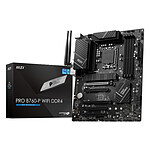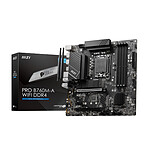
OK
-1 star for bios not very intuitive and French language option left in English
The card is rigid and sober RAS
Review automatically translated
Pictures may differ from actual products
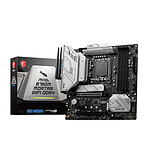
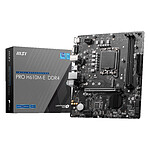
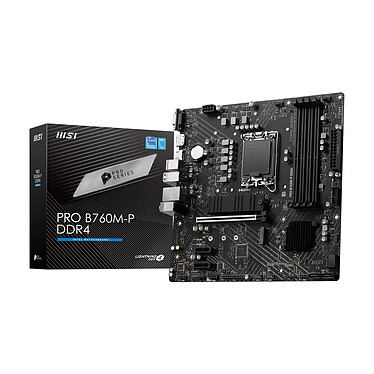
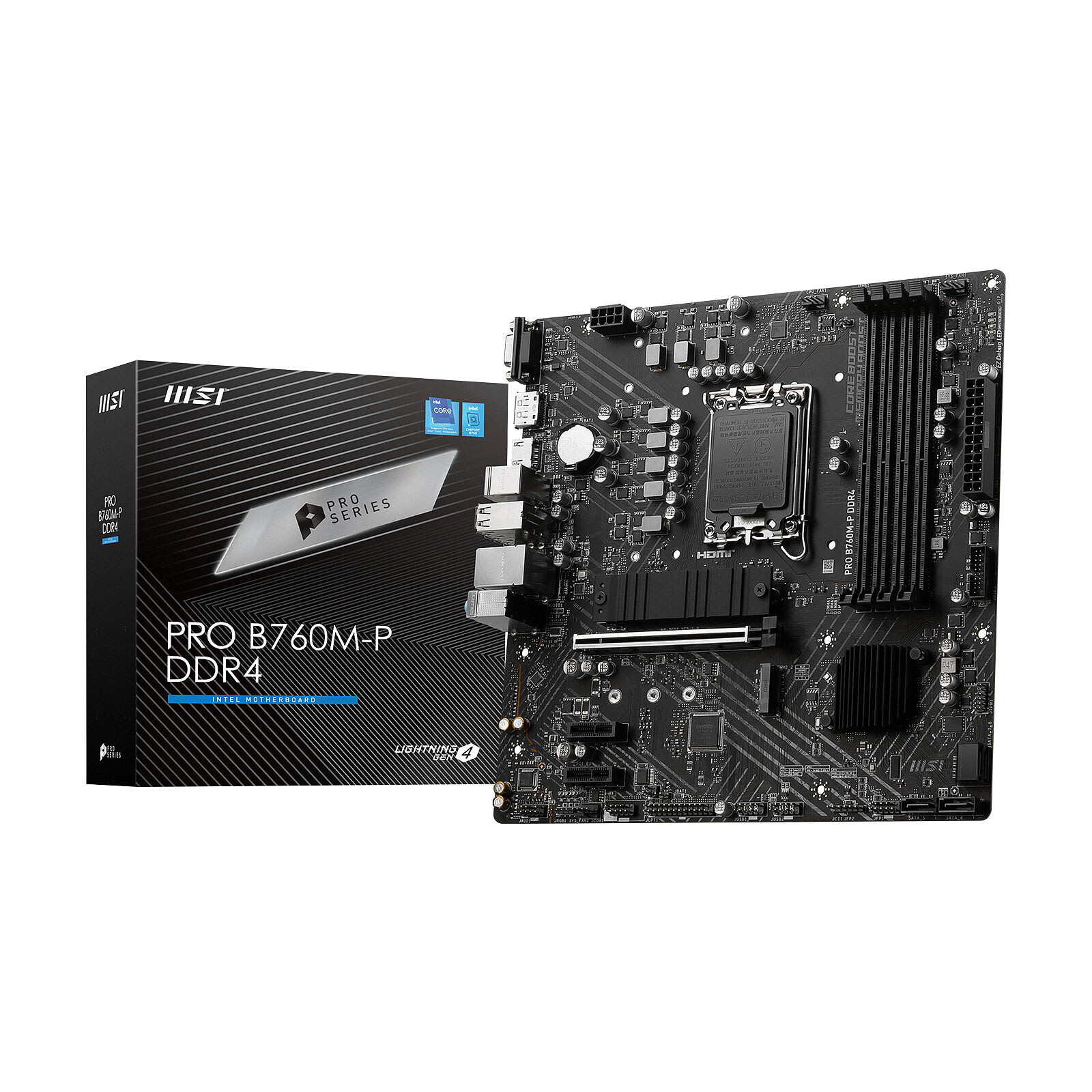
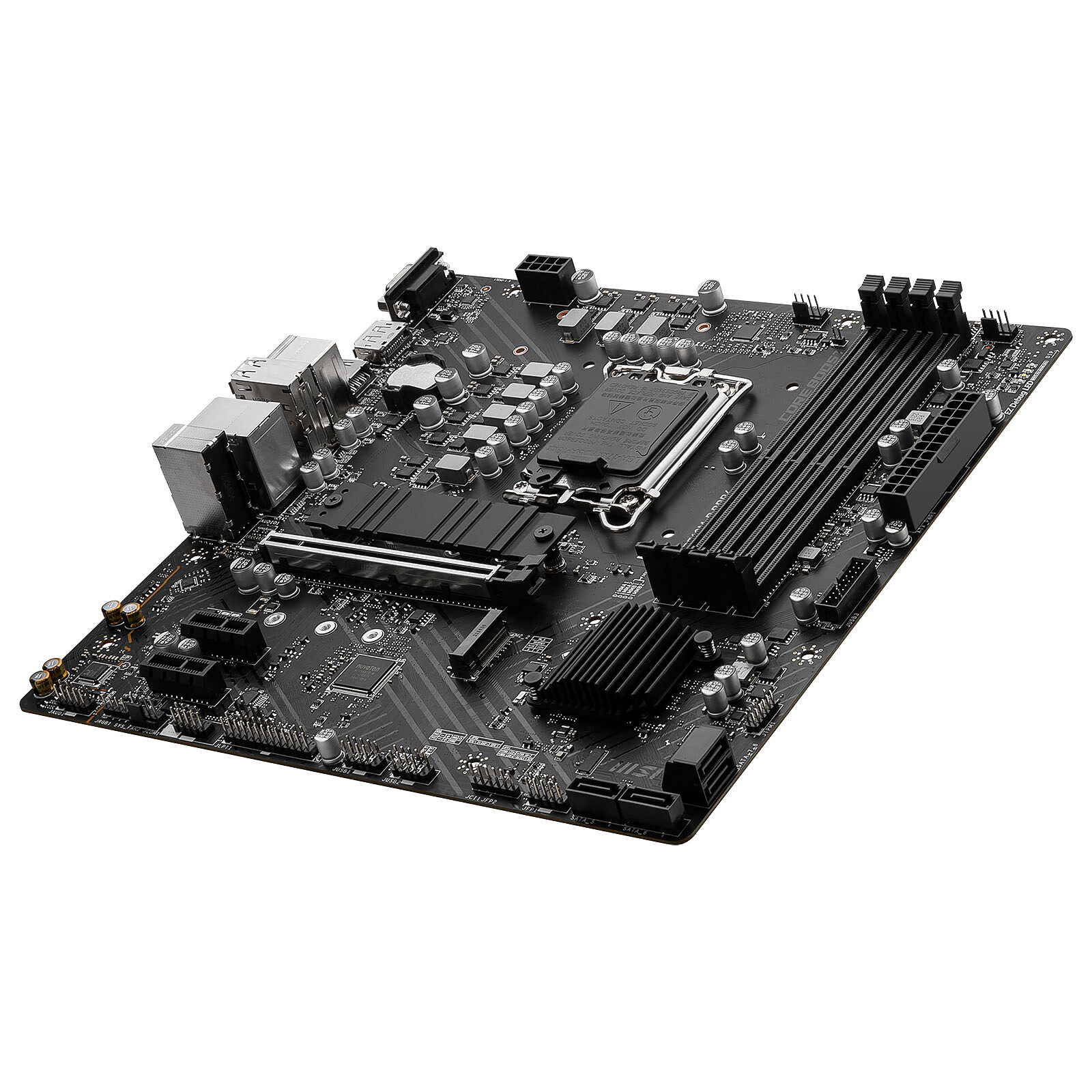
The MSI PRO B760M-P DDR4 motherboard designed for 12th and 13th generation Intel Core hybrid processors is ideal for assembling a powerful and cost effective system.
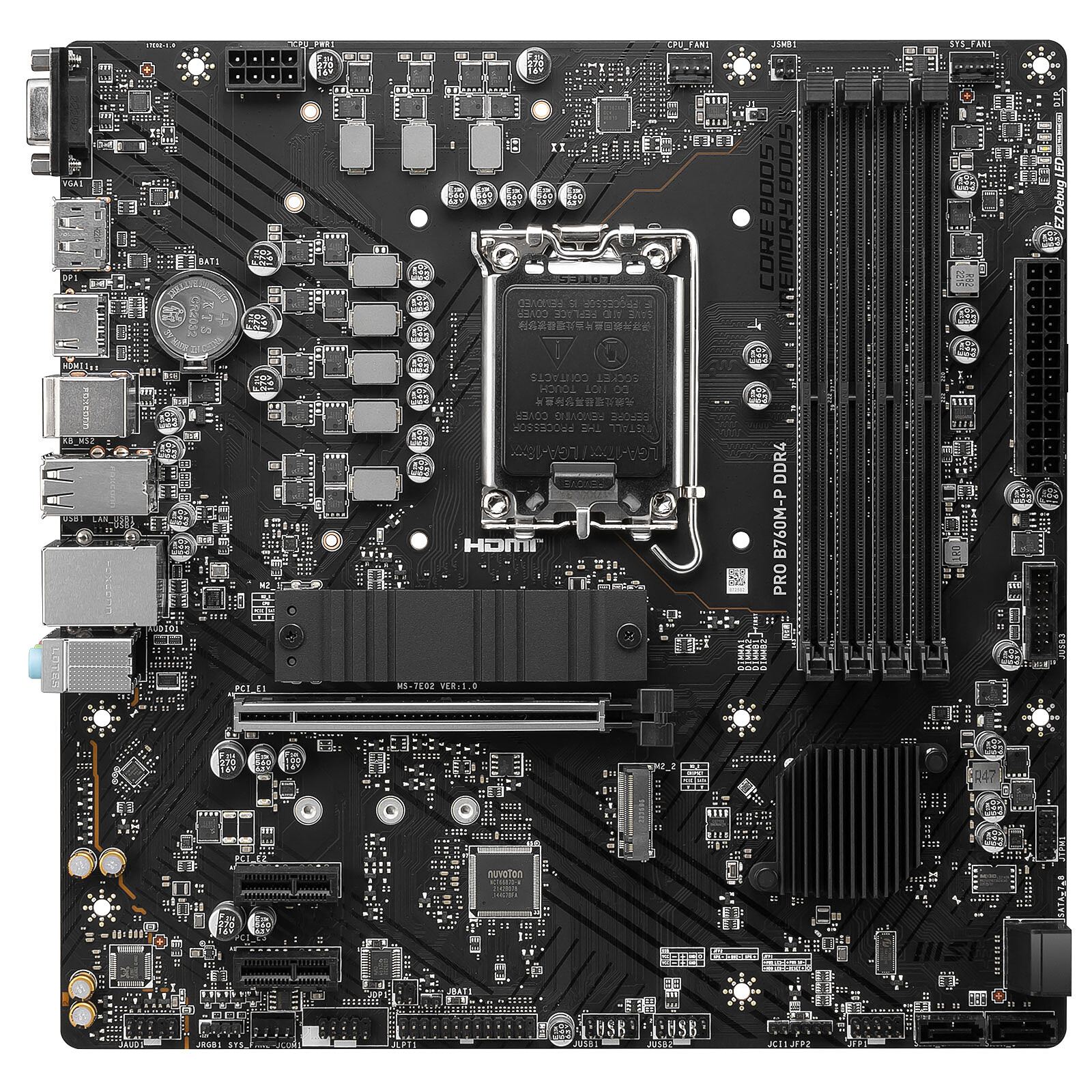
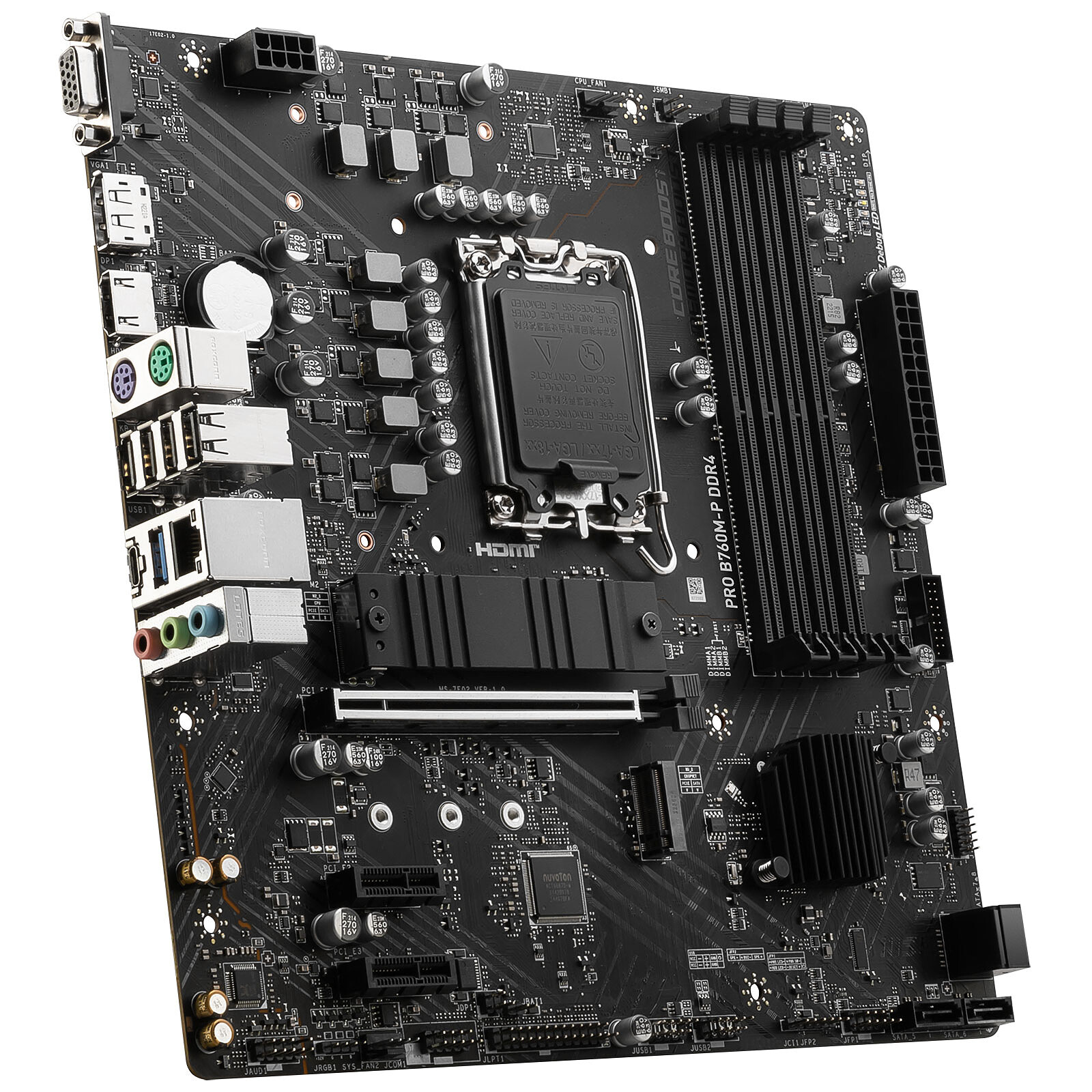
Micro ATX Socket 1700 Intel B760 Express Motherboard - 4x DDR4 - M.2 PCIe 4.0 - USB 3.1 - PCI-Express 4.0 16x
Available from 96€26 on the outlet deals

The MSI PRO B760M-P DDR4 motherboard designed for 12th and 13th generation Intel Core hybrid processors is ideal for assembling a powerful and cost effective system.It supports 12th and 13th generation Intel Core processors, PCI-Express 4.0 16x graphics cards, PCIe 4.0 M.2 PCIe 4.0 graphics cards, DDR4 RAM and USB 3.1 devices.
 Select your criteria
General information |
Product name |
MSI PRO B760M-P DDR4 |
Brand |
MSI | |
Model |
PRO B760M-P DDR4 | |
Processor |
Processor support |
Intel 1700 |
Number of CPUs supported |
1 | |
Chipset |
Chipset |
Intel B760 Express |
Memory |
Memory format |
4 X DIMM 288-pin (DDR4) |
Memory Frequency(ies) |
DDR4 4800 MHz | |
| DDR4 2133 MHz | ||
| DDR4 2400 MHz | ||
| DDR4 2666 MHz | ||
| DDR4 2800 MHz | ||
| DDR4 2933 MHz | ||
| DDR4 3000 MHz | ||
| DDR4 3200 MHz | ||
| DDR4 3333 MHz | ||
| DDR4 3400 MHz | ||
| DDR4 3466 MHz | ||
| DDR4 3600 MHz | ||
| DDR4 3733 MHz | ||
| DDR4 4000 MHz | ||
| DDR4 4266 MHz | ||
| DDR4 4400 MHz | ||
| DDR4 4600 MHz | ||
Memory type |
DDR4 | |
Memory technology |
Dual Channel | |
Maximum RAM capacity per slot |
32 GB | |
Maximum RAM capacity |
128 GB | |
Graphic |
Integrated graphics controller |
No |
Compatible graphics core integrated in the CPU |
Yes | |
Expansion slots |
Graphic connector(s) |
1 X PCI Express 4.0 x16 |
Number and Type of slots |
2 X PCI Express 4.0 x1 | |
Audio |
Audio Chipset |
Integrated |
Number of audio channels |
8 | |
Network |
Number of ports/Ethernet controler |
Realtek RTL8111H |
Network standard(s) |
1 X 10/100/1000 Mbps | |
Wi-Fi |
No | |
Storage |
RAID supported |
Yes |
Hard drives connectors |
2 X M.2 - PCI-E 4.0 x4 | |
| 4 X Serial ATA 6Gb/s (SATA Revision 3) | ||
Number of M.2 slot(s) |
2 | |
Supported RAID Modes |
10 | |
| 5 | ||
| 1 | ||
| 0 | ||
Connectivity |
Motherboard connector location |
Standard connectors (on the motherboard) |
Rear panel connectors |
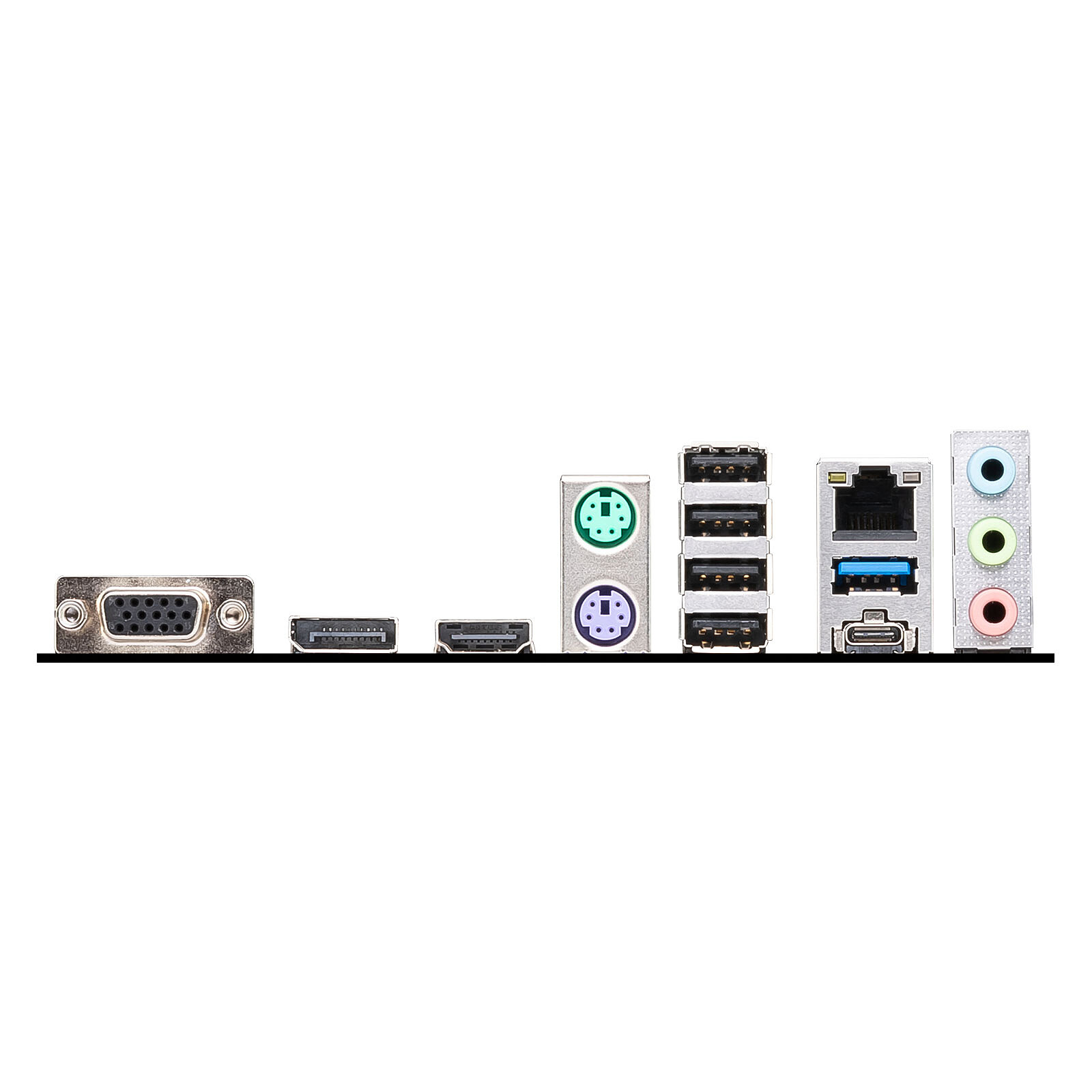
4 X USB 2.0 | |
| 1 X USB 3.0 | ||
| 2 X MiniDin 6 Female (PS/2) | ||
| 1 X HDMI Female | ||
| 1 X DisplayPort Female | ||
| 3 X 3.5mm Jack Female Stereo | ||
| 1 X RJ45 Female | ||
| 1 X USB 3.1 Type C | ||
| 1 X VGA (D-sub 15 Female) | ||
Additional connectors |
1 X LED RGB connector(s) | |
| 1 X +12V (Power supply P8) | ||
| 1 X ATX 24 Pin | ||
| 4 X Internal USB 2.0 | ||
| 2 X Internal USB 3.0 | ||
Physical characteristics |
Motherboard format |
Micro ATX |
Length |
244 mm | |
Width |
244 mm | |
Equipment |
Advanced overclocking features |
No |
Use |
Multimedia | |
| Office | ||
LED |
No | |
Warranties |
Commercial warranty |
Seller 3 years |
Legal warranty |
See terms & conditions |
See all MSI products
Product referenced on 3 Jan 2023
-1 star for bios not very intuitive and French language option left in English
The card is rigid and sober RAS
Small but strong, excellent motherboard, very intuitive new-generation bios. with all the ports you need.
In the same universe: b760 | b760m-p | msi pro b760m-p
Trending now: Gaming motherboard | Server motherboard | DDR4 motherboard | DDR5 motherboard | ATX motherboard | Micro ATX motherboard | E-ATX motherboard | Mini-ITX motherboard | Intel motherboard | Intel H510 motherboard | Intel H610 motherboard | Intel B660 motherboard | Intel B760 motherboard | Intel Z690 motherboard | Intel Z790 motherboard | Intel 1200 motherboard | Intel 1700 motherboard | AMD motherboard | AMD B450 motherboard | AMD B550 motherboard | AMD B650 motherboard | AMD AM4 motherboard | AMD AM5 motherboard