Good motherboard
I recommend this motherboard with a BIOS that is very easy to understand and use, and with good compatibility with my components.
Review automatically translated
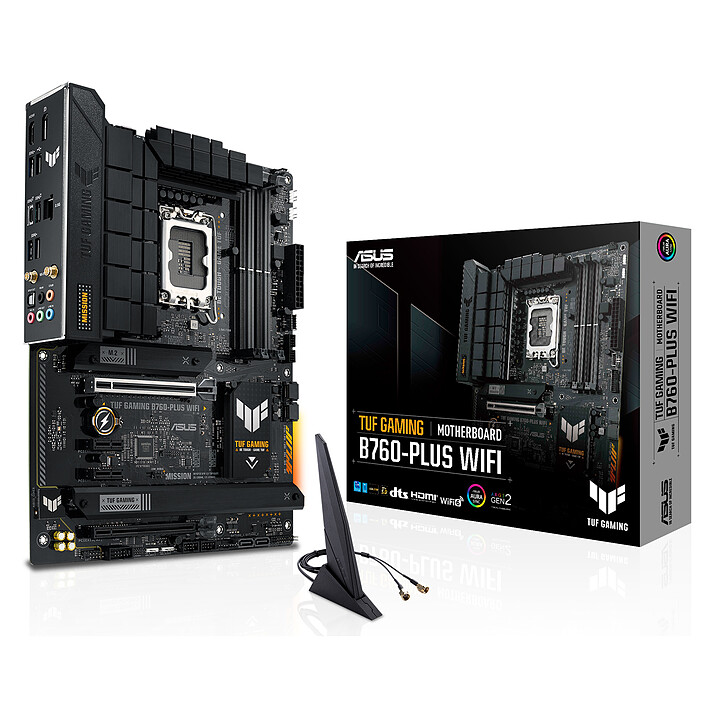
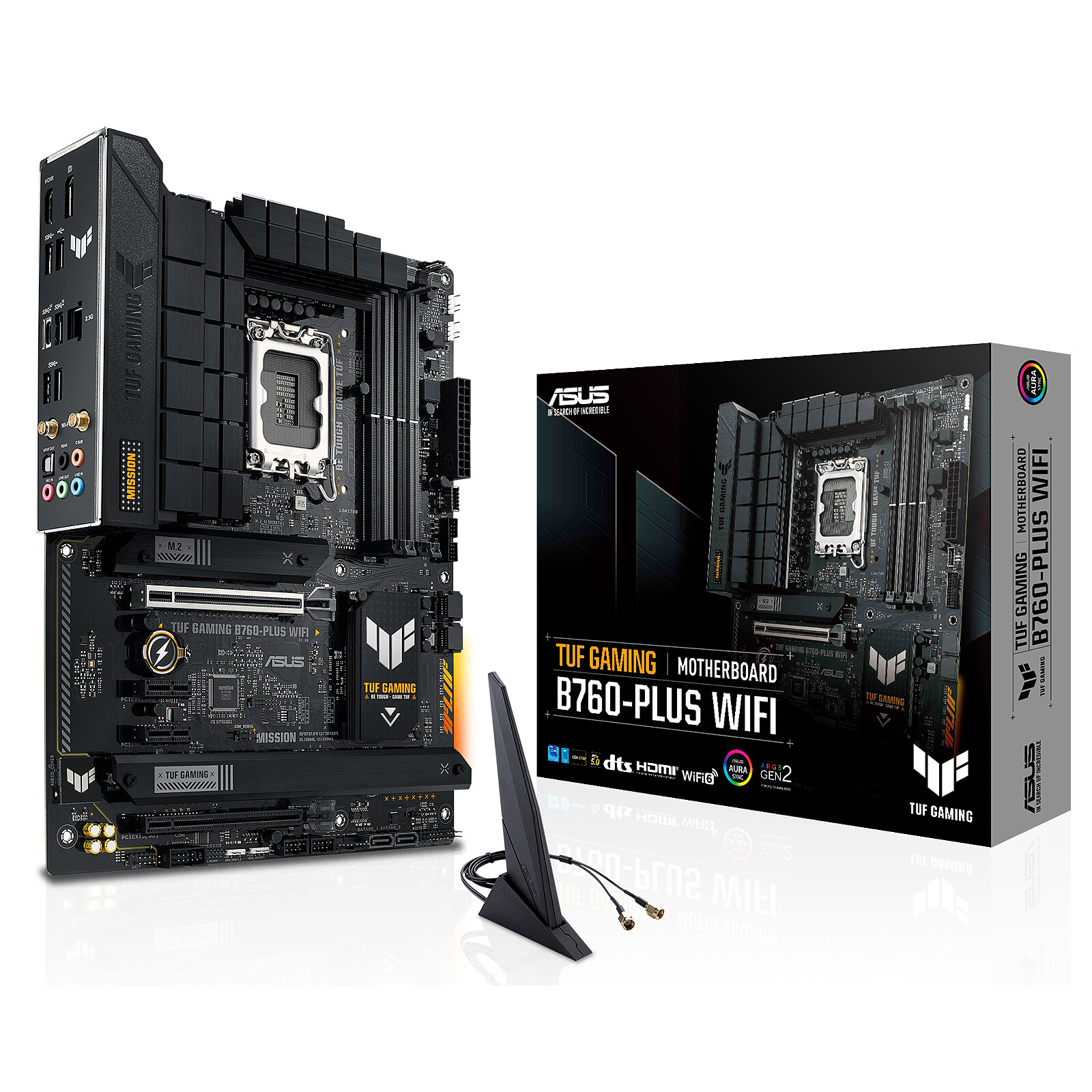
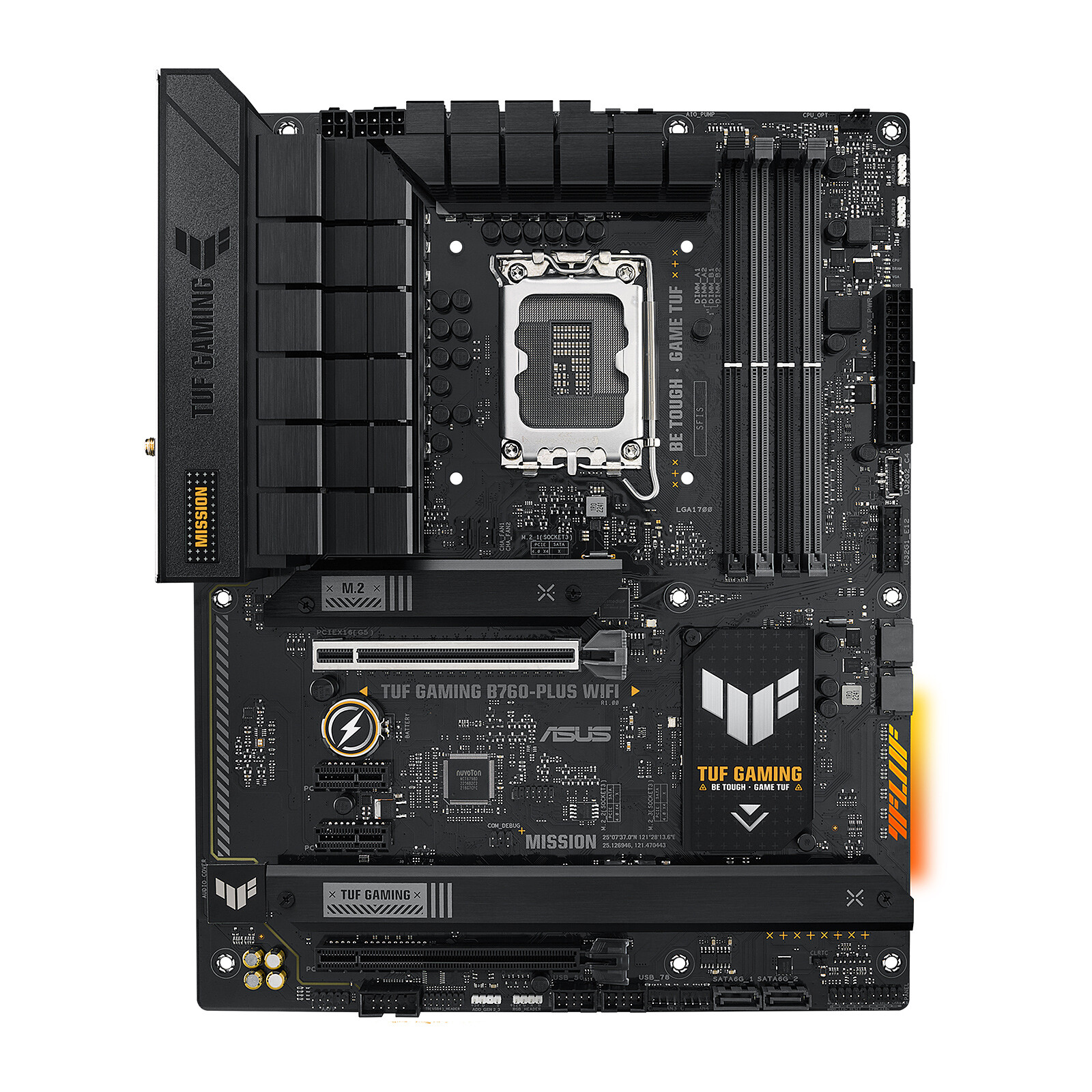
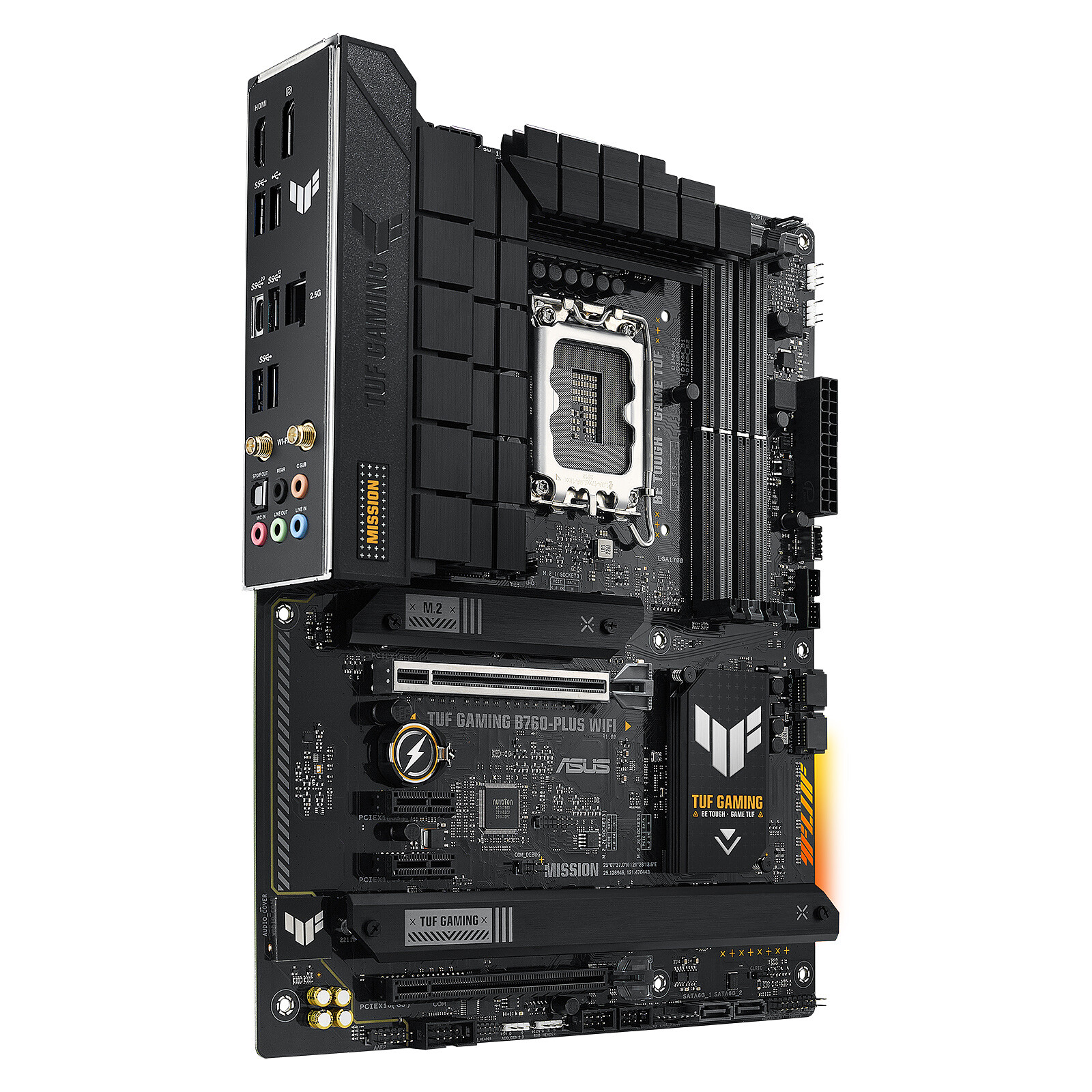
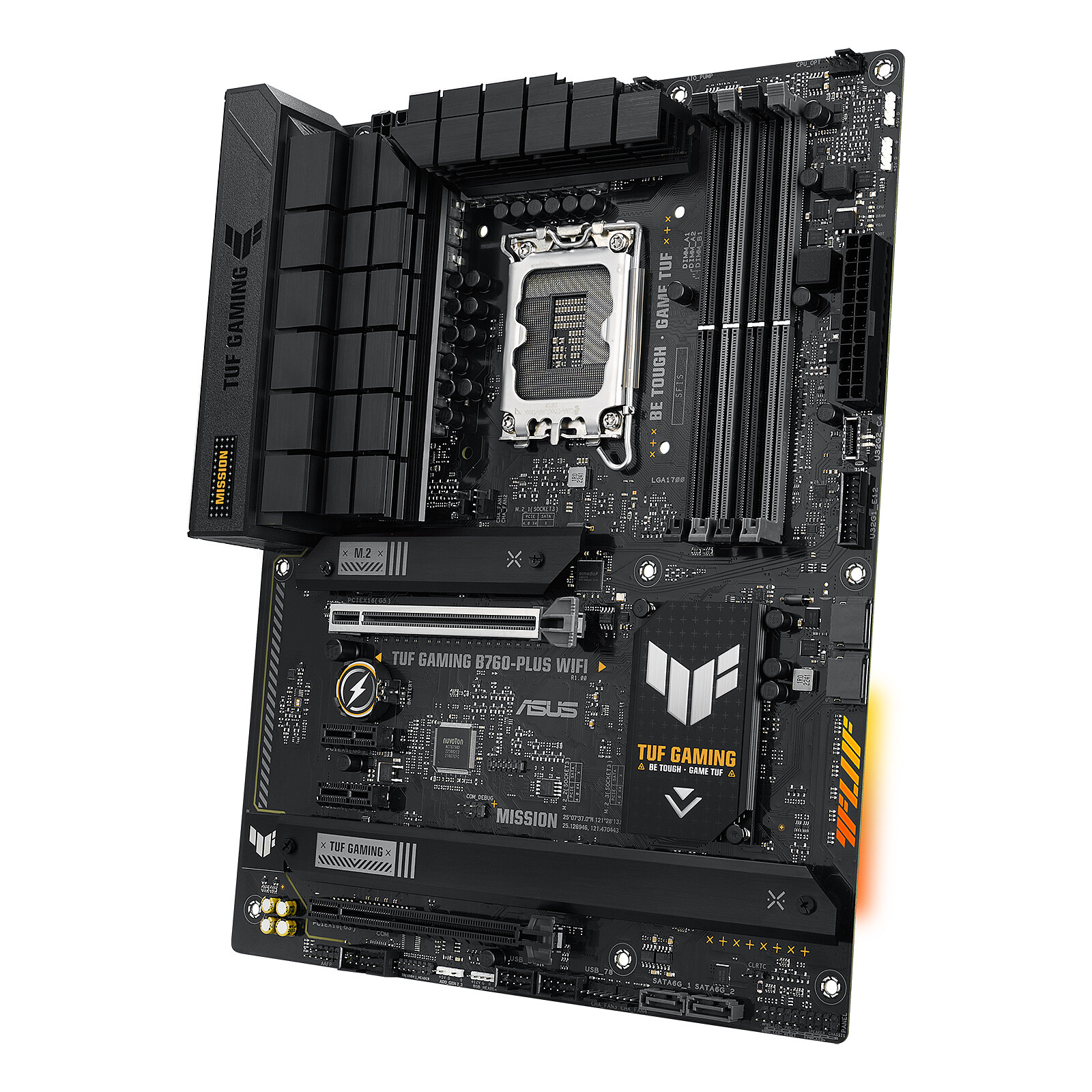
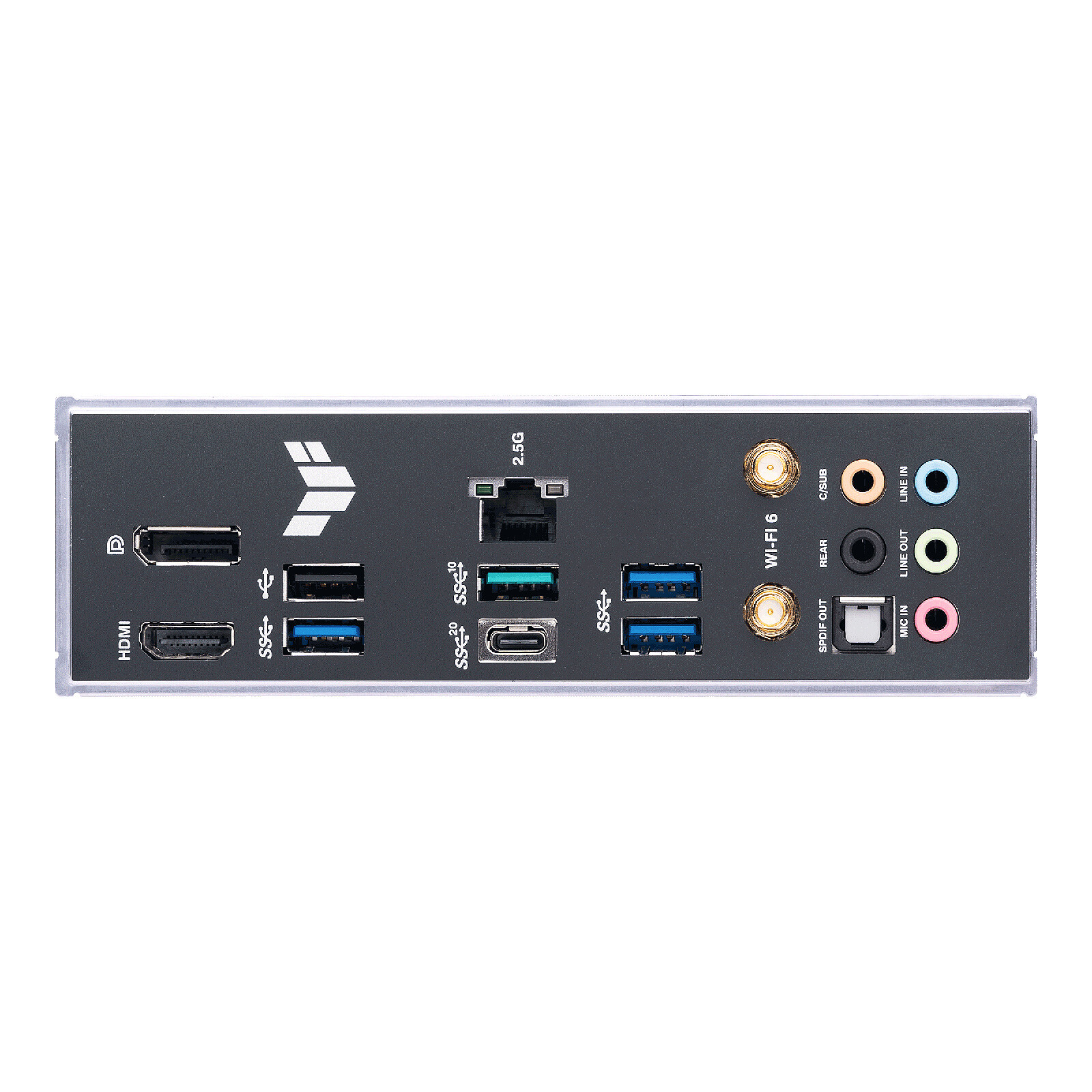
Pictures may differ from actual products

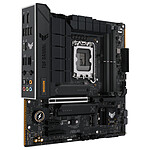
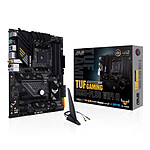
The ASUS TUF GAMING B760-PLUS WIFI motherboard designed for 12th and 13th generation Intel Core hybrid processors is ideal for assembling a powerful gaming configuration. ASUS TUF Gaming motherboards are designed for demanding gamers looking for long-term performance and reliability. They make the most of their components thanks to a unique design based on robust materials and exclusive utilities. They incorporate gaming features and combine the benefits of new Intel processors with ASUS' iconic design and features.
 Select your criteria
General information |
Product name |
ASUS TUF GAMING B760-PLUS WIFI |
Brand |
ASUS | |
Model |
90MB1ER0-M1EAY0 | |
Processor |
Processor support |
Intel 1700 |
Number of CPUs supported |
1 | |
Chipset |
Chipset |
Intel B760 Express |
Memory |
Memory format |
4 X DIMM 288 pins (DDR5) |
Memory Frequency(ies) |
DDR5 5200 MHz | |
| DDR5 7200 MHz | ||
| DDR5 7000 MHz | ||
| DDR5 6800 MHz | ||
| DDR5 6600 MHz | ||
| DDR5 6400 MHz | ||
| DDR5 4800 MHz | ||
| DDR5 5000 MHz | ||
| DDR5 5400 MHz | ||
| DDR5 5600 MHz | ||
| DDR5 5800 MHz | ||
| DDR5 6000 MHz | ||
| DDR5 6200 MHz | ||
Memory type |
DDR5 | |
Memory technology |
Dual Channel | |
Maximum RAM capacity per slot |
48 GB | |
Maximum RAM capacity |
192 GB | |
Graphic |
Integrated graphics controller |
No |
Compatible graphics core integrated in the CPU |
Yes | |
Expansion slots |
Graphic connector(s) |
1 X PCI Express 3.0 16x (x4) |
| 1 X PCI Express 5.0 x16 | ||
Number and Type of slots |
2 X PCI Express 3.0 x1 | |
Audio |
Audio Chipset |
Integrated |
Number of audio channels |
8 | |
Network |
Number of ports/Ethernet controler |
Integrated - 2.5 GbE |
Network standard(s) |
2.5 Gbps Gigabit Ethernet (2.5 GbE) | |
| Wi-Fi 6 AX | ||
| Bluetooth 5.2 | ||
Wi-Fi |
Yes | |
Storage |
RAID supported |
Yes |
Hard drives connectors |
4 X Serial ATA 6Gb/s (SATA Revision 3) | |
| 3 X M.2 - PCI-E 4.0 x4 | ||
Number of M.2 slot(s) |
3 | |
Supported RAID Modes |
0 | |
| 1 | ||
| 5 | ||
| 10 | ||
Connectivity |
Motherboard connector location |
Standard connectors (on the motherboard) |
Rear panel connectors |
1 X USB 3.2 Type C | |
| 1 X USB 3.1 | ||
| 1 X DisplayPort Female | ||
| 3 X USB 3.0 | ||
| 5 X 3.5mm Jack Female Stereo | ||
| 1 X RJ45 Female | ||
| 2 X SMA | ||
| 1 X USB 2.0 | ||
| 1 X HDMI Female | ||
| 1 X Digital audio S/PDIF Optical | ||
Additional connectors |
4 X Internal USB 2.0 | |
| 2 X Internal USB 3.0 | ||
| 1 X LED RGB connector(s) | ||
| 3 X Addressable LED RGB connector(s) | ||
| Thunderbolt 4 | ||
| 1 X Internal USB 3.1 Type C | ||
| 1 X +12V (Power supply P8) | ||
| 1 X +12V (Power supply P4) | ||
| 1 X ATX 24 Pin | ||
| Front panel audio | ||
| 1 X Serial (RS-232) | ||
Physical characteristics |
Motherboard format |
ATX |
Length |
305 mm | |
Width |
244 mm | |
Equipment |
Advanced overclocking features |
Yes |
Use |
Gaming | |
| Office | ||
LED |
No | |
Warranties |
Commercial warranty |
Seller 2 years
|
Legal warranty |
See terms & conditions
|
|
Safety Information |
Responsible person |
ASUS Computer GmbH |
Postal address |
Harkort STR. 21-23, 40880 RATINGEN, GERMANY | |
Electronic Address |
ProducSafety@asus.com |
See all ASUS products
Product referenced on 31 Jul 2023
I recommend this motherboard with a BIOS that is very easy to understand and use, and with good compatibility with my components.
Does the job it's asked to do properly. We'll see over time, but this kind of component has high reliability based on my experience.
Motherboard perfectly suited to my needs, ticking all the boxes of my expectations: 3 ports for ssd, 4 for SATA, Usb 3, C etc..., WIFI and Bluetooth. Exactly what I needed.
Very good motherboard, stable and complete. It runs my music sessions and my games without any problem.
I noticed a small problem with the motherboard: there is no way to turn off the small TUF Gaming light. It stays on all the time, even when installing the Asus operating system. You can't turn it off from the BIOS either; you have to turn off the power supply to get rid of the light, which I find unfortunate. Otherwise, it works very well.
In the same universe: antenne bluetooth wifi | asus | asus b760 | asus tuf | asus tuf b-760 | asus tuf b760 | asus tuf b760 plus wifi | asus tuf gaming | asus tuf gaming b660m -plus | asus tuf gaming b760-plus wifi
Trending now: Gaming motherboard | Server motherboard | DDR4 motherboard | DDR5 motherboard | ATX motherboard | Micro ATX motherboard | E-ATX motherboard | Mini-ITX motherboard | Intel motherboard | Intel H510 motherboard | Intel H610 motherboard | Intel B760 motherboard | Intel Z790 motherboard | Intel 1200 motherboard | Intel 1700 motherboard | AMD motherboard | AMD B550 motherboard | AMD B650 motherboard | AMD AM4 motherboard | AMD AM5 motherboard