Perfect
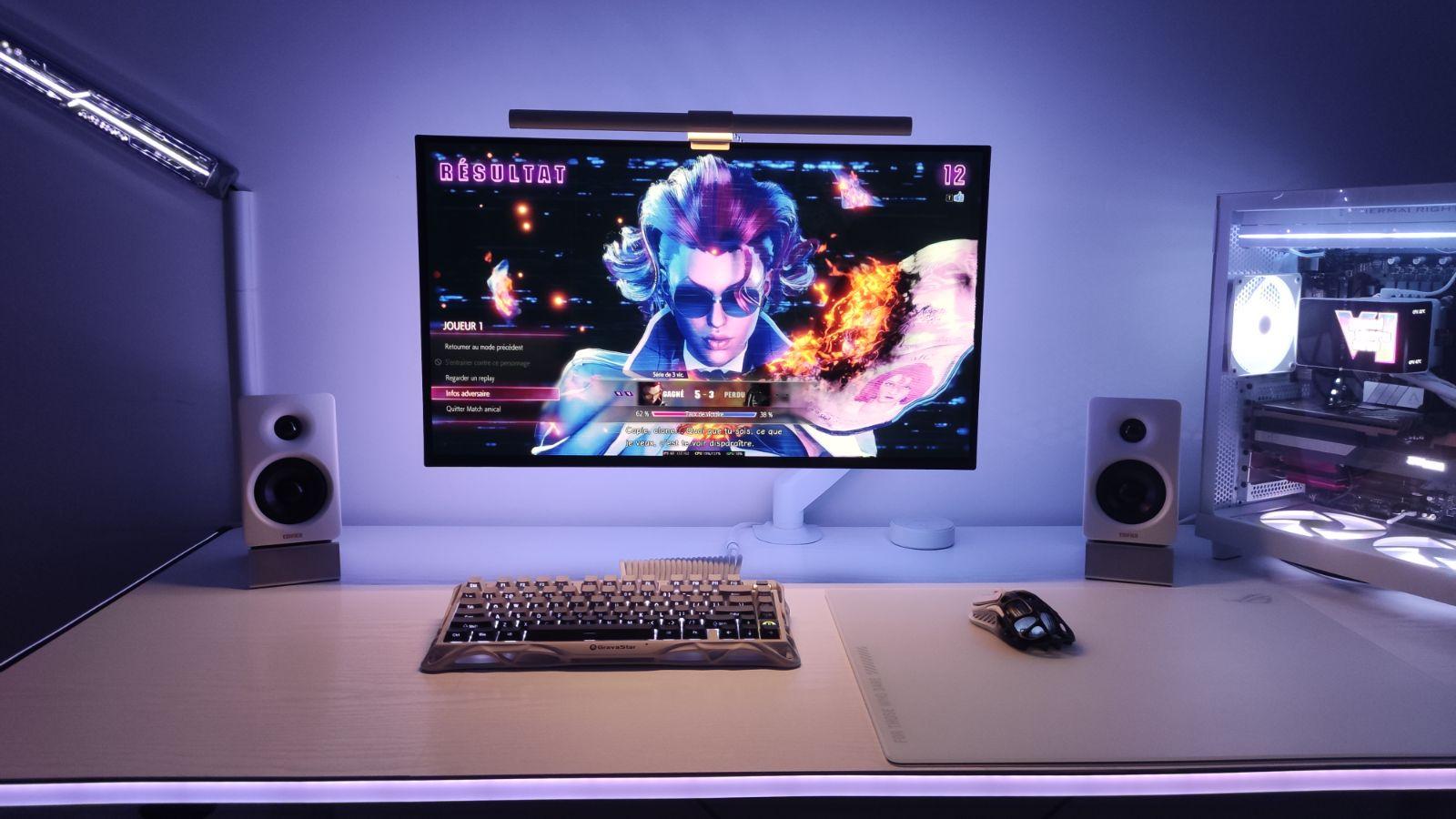
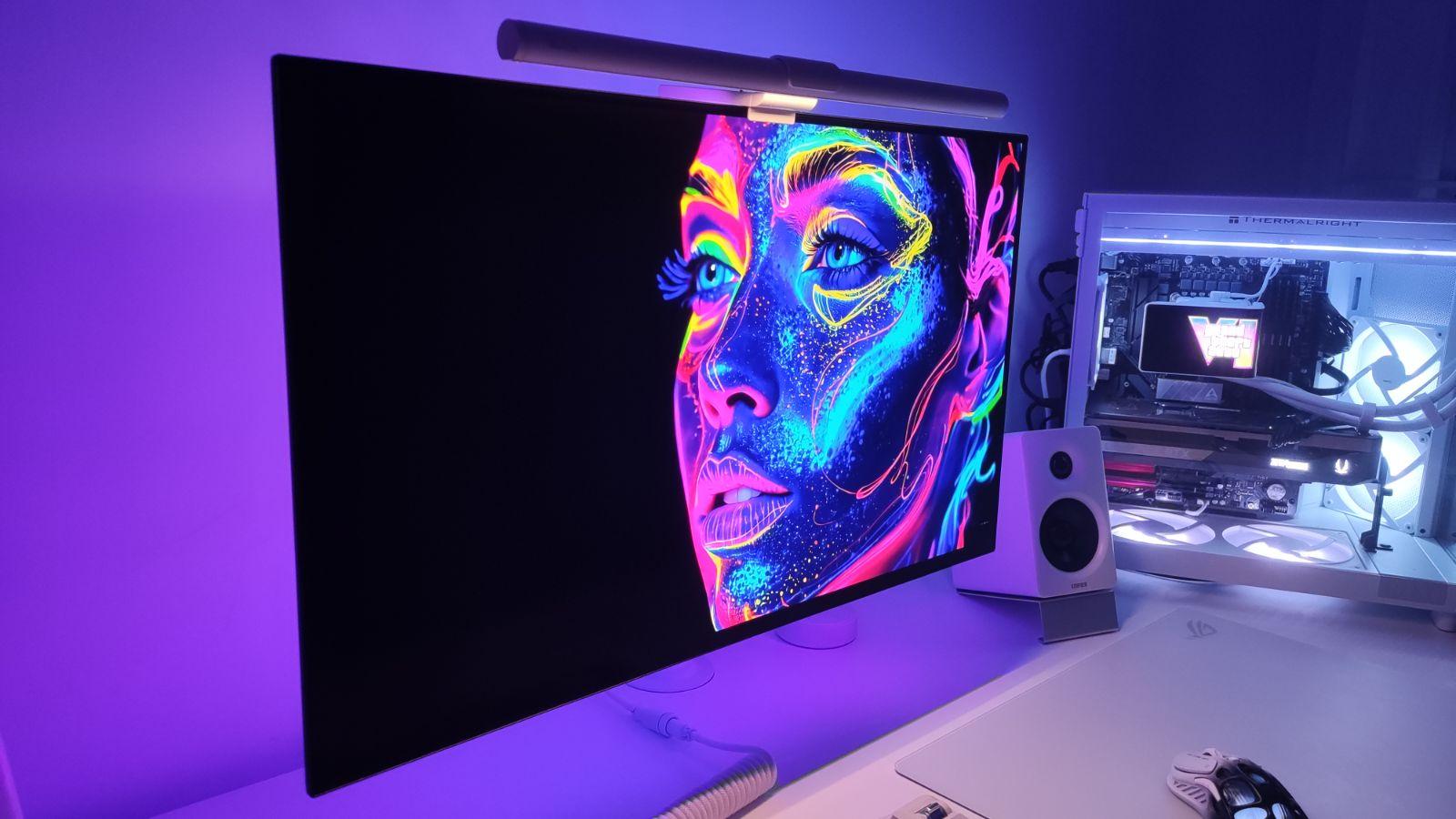
The screen is magnificent, nothing to say, sleek, incredible quality. Thank you to the teams at LDLC Lyon Vaise who are very friendly and give good advice.
Review automatically translated
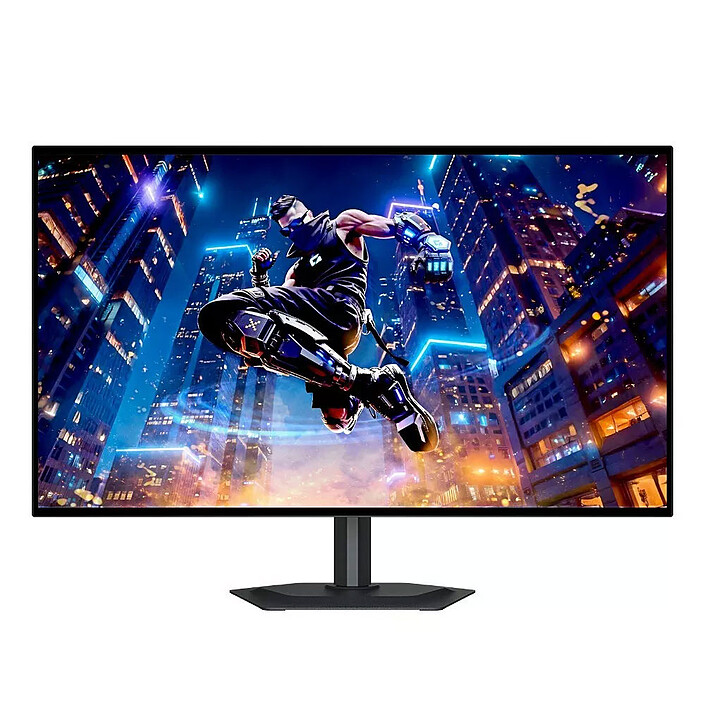 629€95
The screen is magnificent, nothing to say, sleek, incredible quality. Thank you to the teams at LDLC Lyon Vaise who are very friendly and give good advice.
This OLED screen is incredible. I switched from an IPS to this one and I'm not disappointed.
The term "flicker" often comes up when discussing OLED screens. Personally, I've never noticed it at any important moment. What I mean is, they only appear when I go to the desktop to be AFK, never in-game or during use (I'm only in VRR enable mode, not anti-flicker mode, which I haven't tested), but the flickers must happen because I go AFK and it must lower the frequency, in my opinion. I don't know, but in any case, it never happens to me anywhere else.
The blacks, contrasts and brightness are the real strengths of this screen. The HDR is also impressive. I'm rediscovering my games. The ergonomics (overlay/buttons) aren't the best, but you quickly forget about that. A serious OLED effort from Gigabyte. Thank you LDLC for the careful and fast delivery, as usual!
The colors on this monitor really stand out. Text is incredibly sharp, and I can easily adjust the brightness when I’m coding or reading. With the Gigabyte Control Center, switching to gaming mode is super quick.
The image quality is fantastic—colors look amazing, and I can finally see enemies clearly. The motion is crisp too, not blurry like on my old 160 Hz TN Asus monitor, which always had washed-out colors.
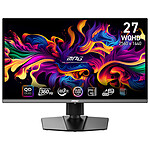
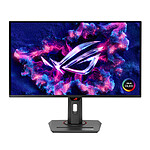
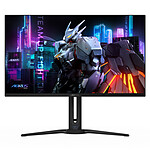
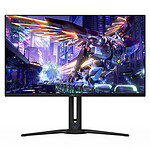
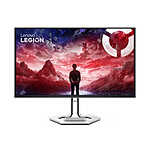
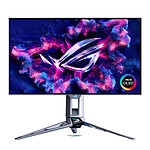
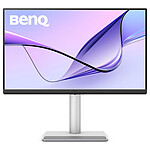
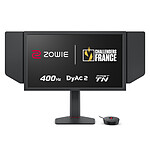
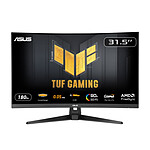
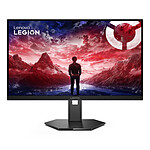
on the picture the center one is the Gigabyte
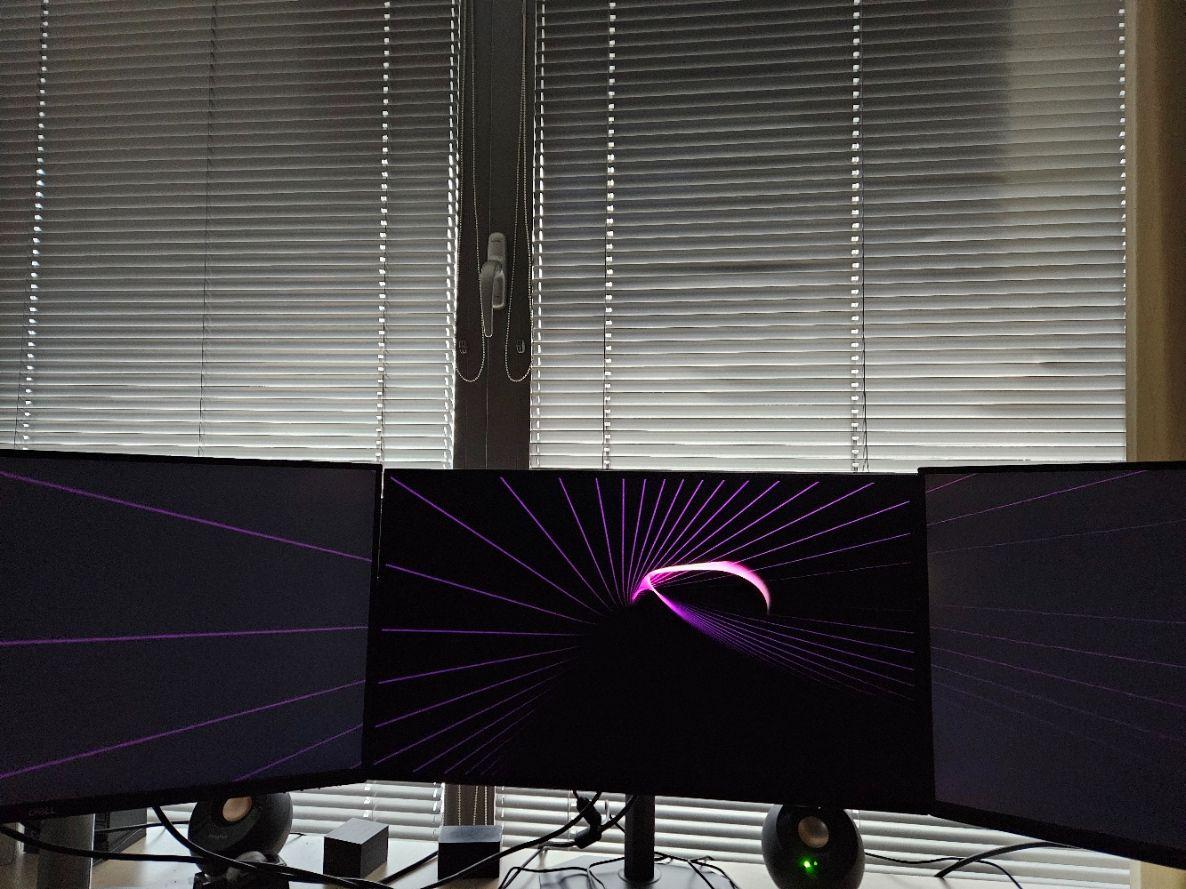
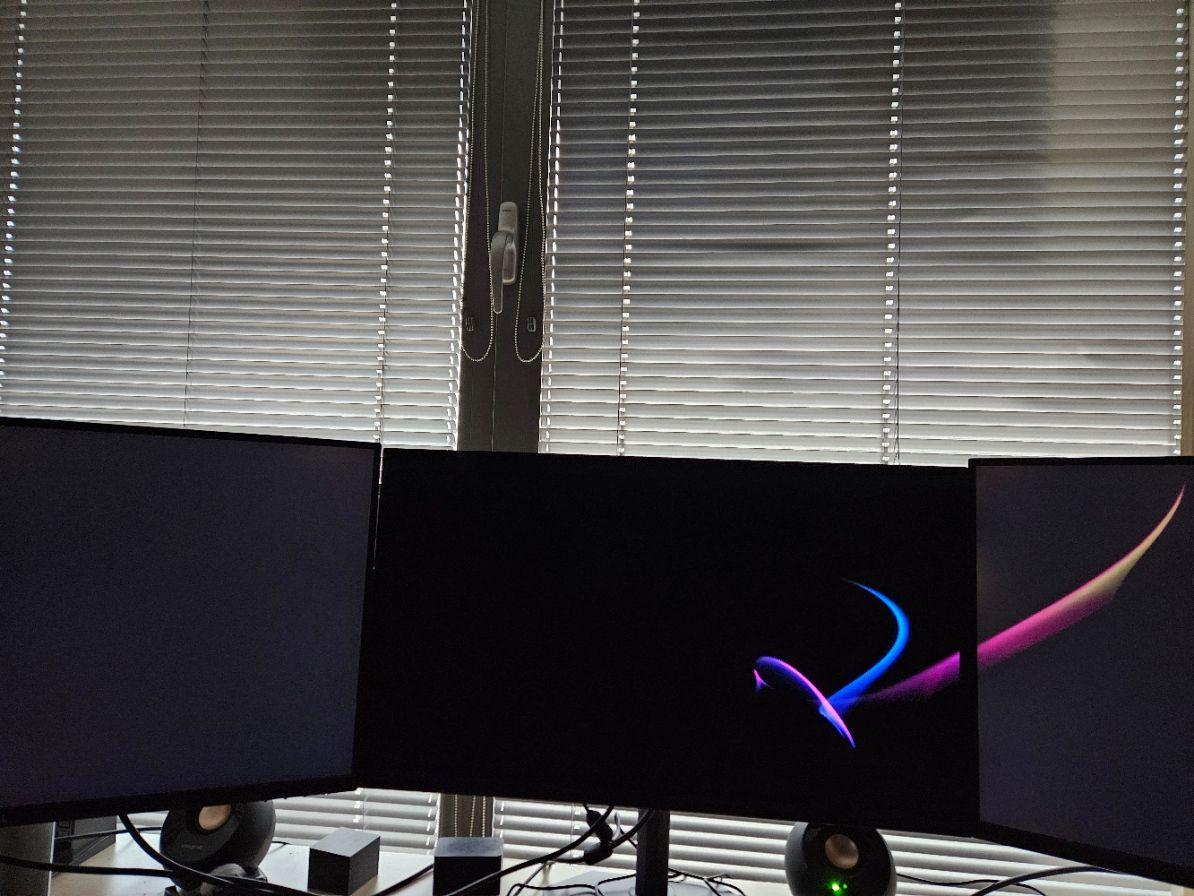
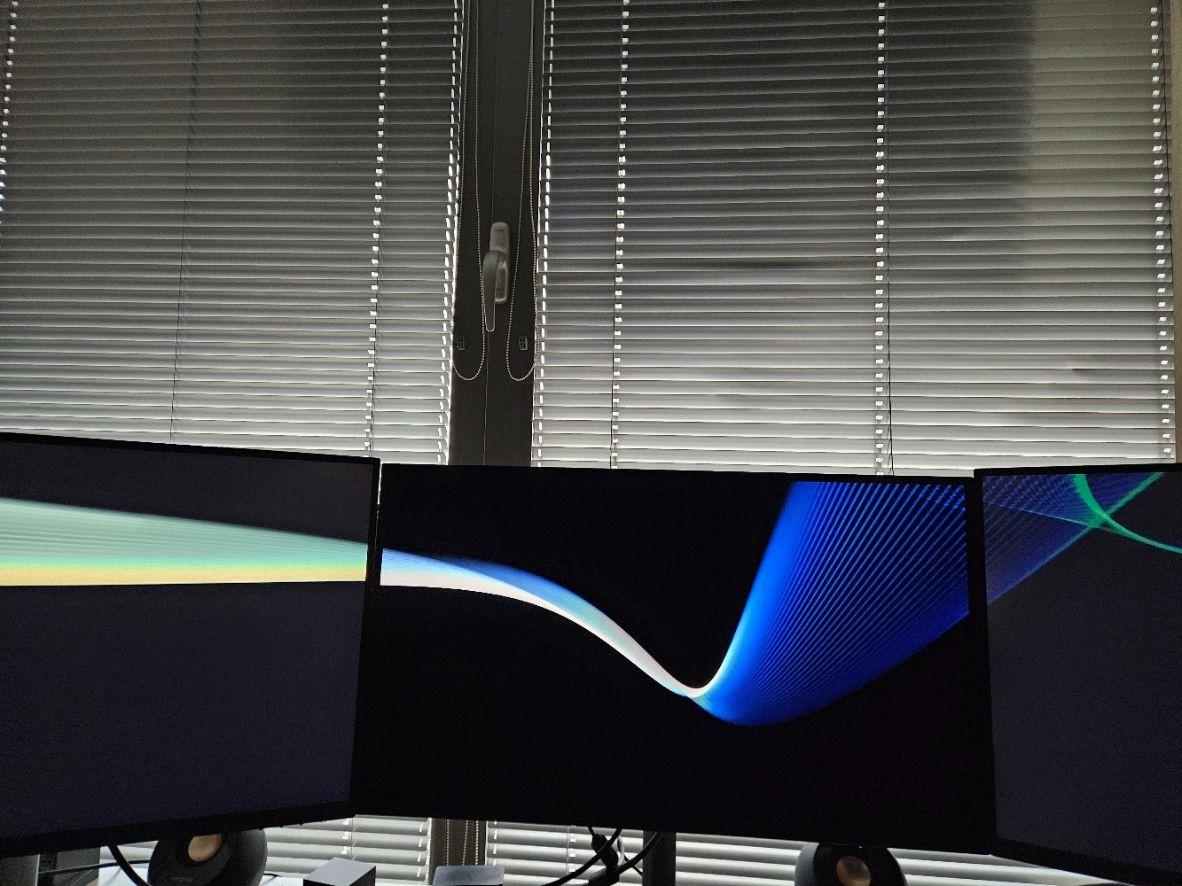
Very nice image after calibration! I had a Dell IPS with the same diagonal, but once calibrated the MO27Q28G was in a different league. Nevertheless, there are a few points to improve on the manufacturer's side:
1. The power cable to the monitor is short (~ 1m) and not detachable, while the power cable to the mains is detachable (IEC).
2. The monitor takes an insanely long time to wake up from standby - it takes a few seconds to display the image! Firmware update 02 > 06, no improvement.
3. The OSD is too large and gets in the way during calibration.
4. The adjustment button (joystick) is on the back. Ergonomically speaking, it could be better... This is the price of the absence of a frame. However, there is a frame on the screen display of about 1 cm all around.
5. The HDMI ports are 2.1 but are limited to 24 Gbits/s, so you might as well use the DP 1.4 port, which has a bandwidth of 32.4 Gbits/s.
Aesthetically sober and clean.
Satisfied overall, with a 5-year ldlc warranty.
LG's new Tandem WOLED panel is incredible and Gigabyte's price positioning is undisputed. I personally measured a peak of 1100 nits on the Gemini Man Blu-ray in HDR mode with the APL Stabilize option set to high. I should point out that my affordable equipment lacks precision; some professionals measure peaks of up to 1550 nits.