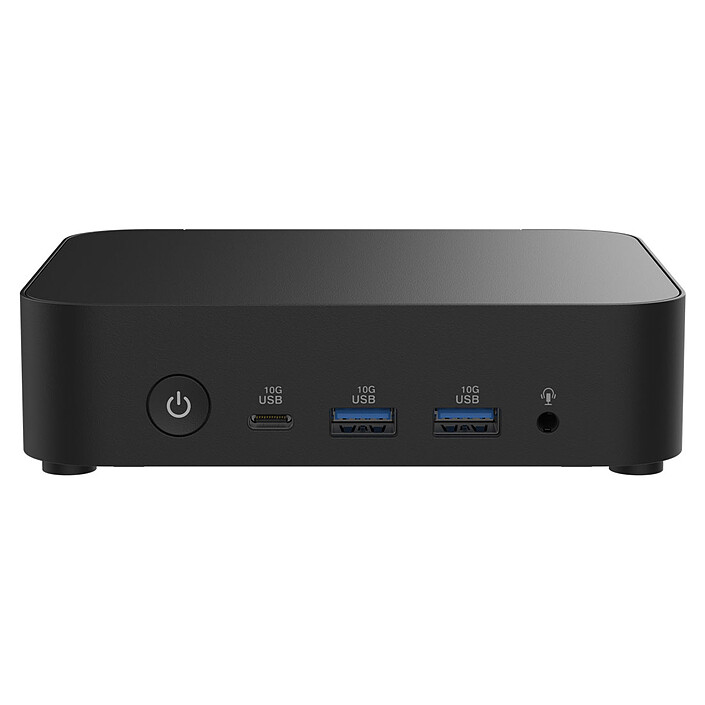
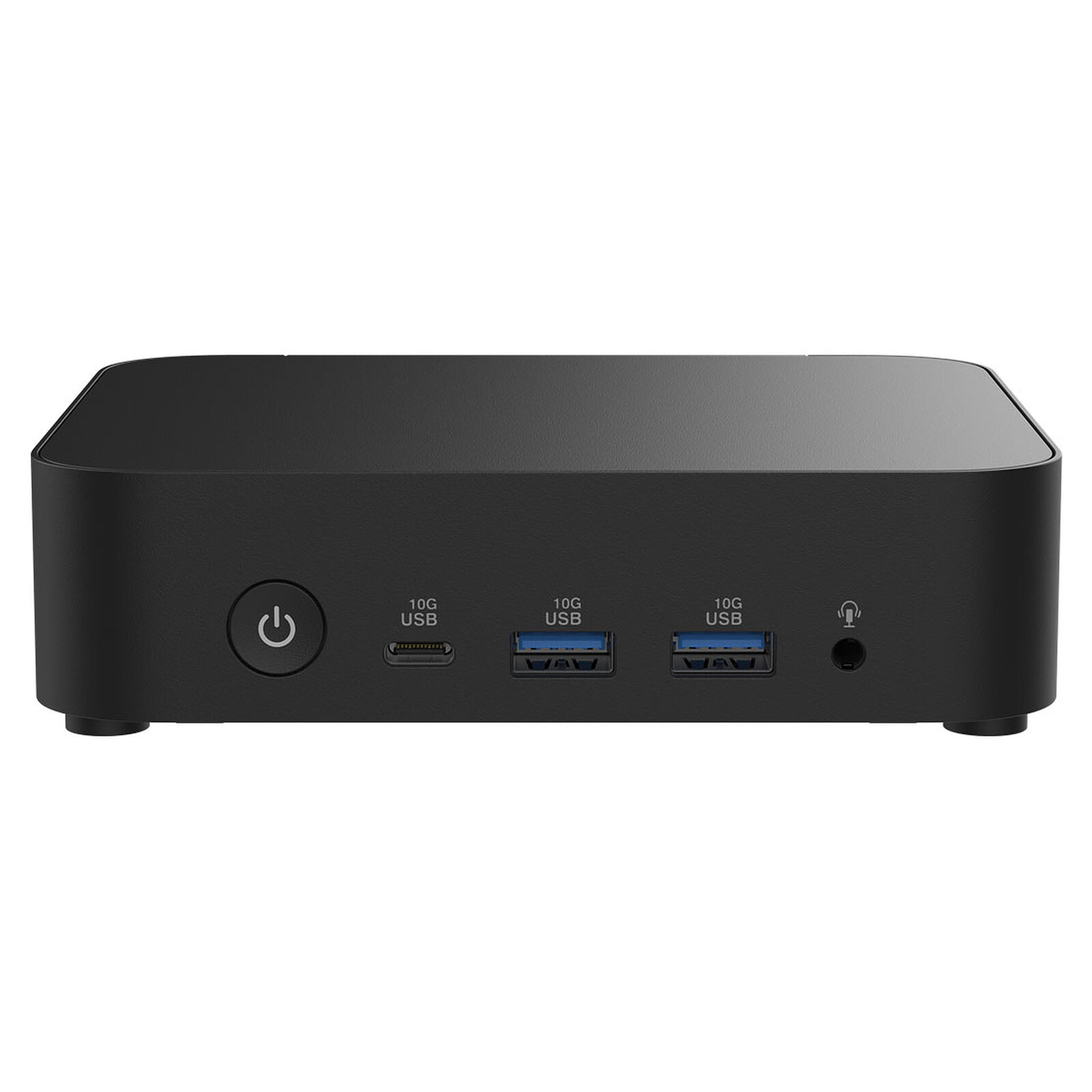
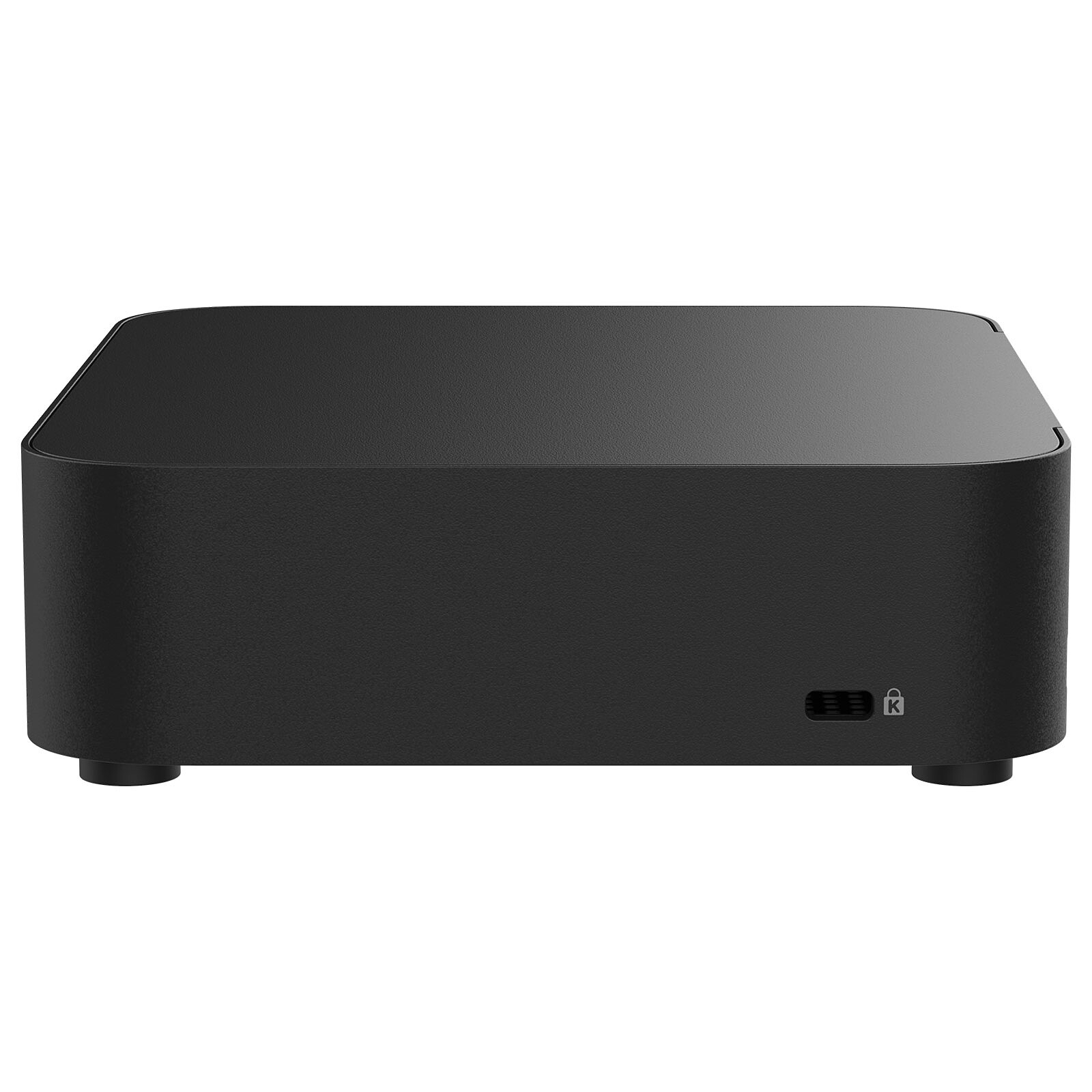
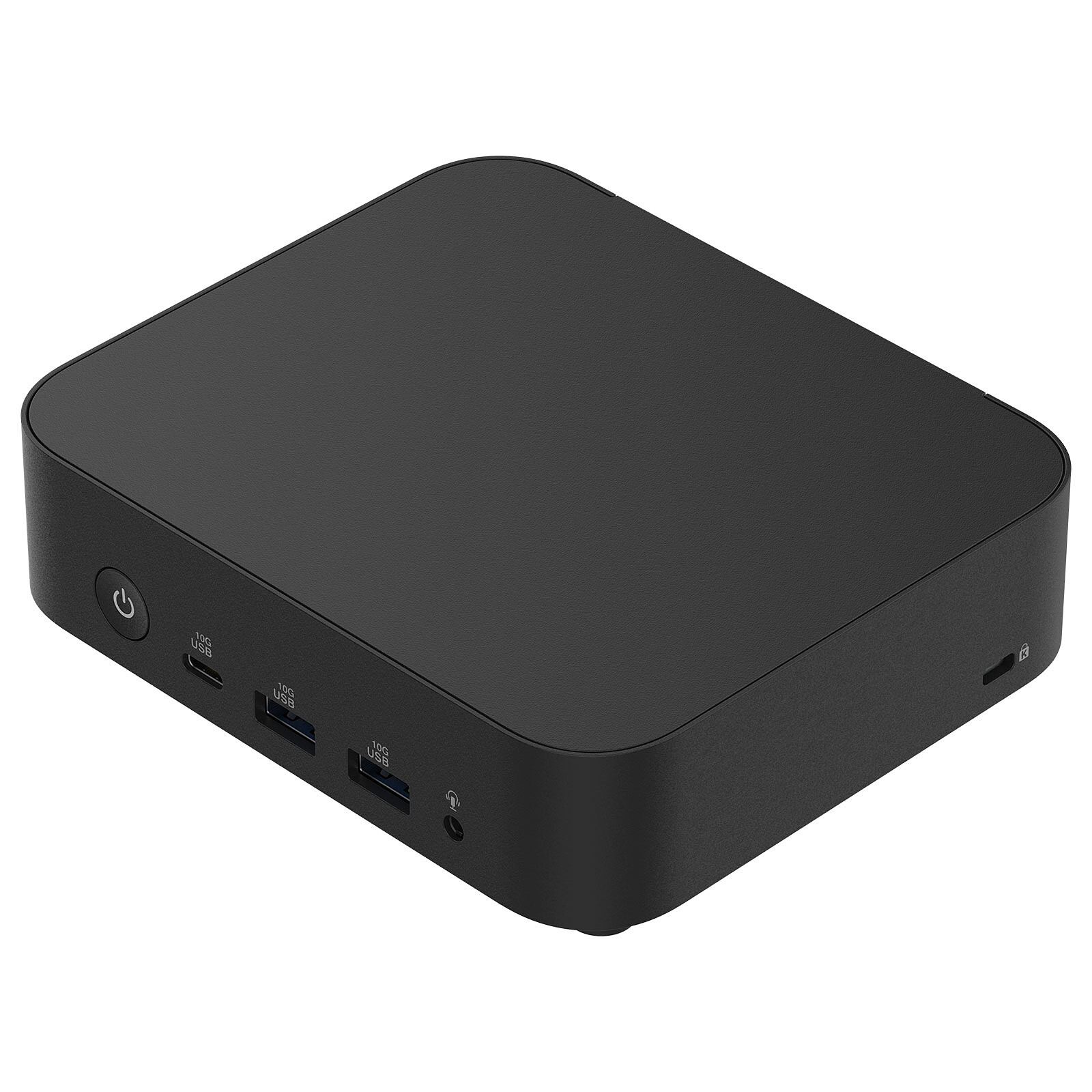
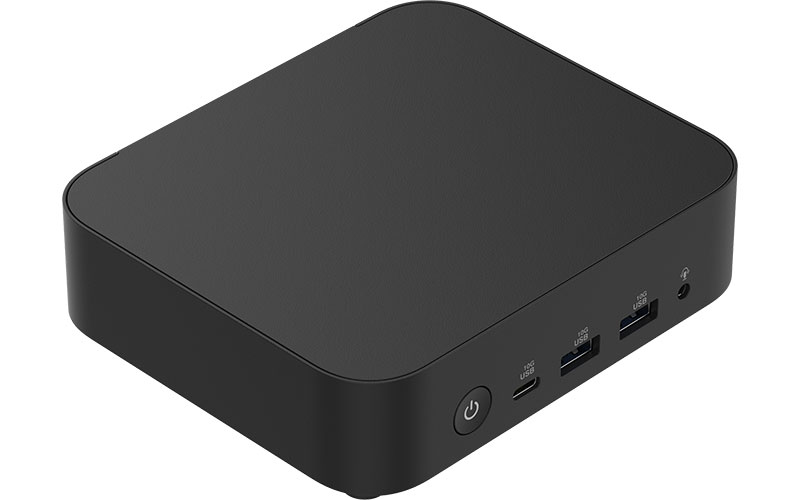
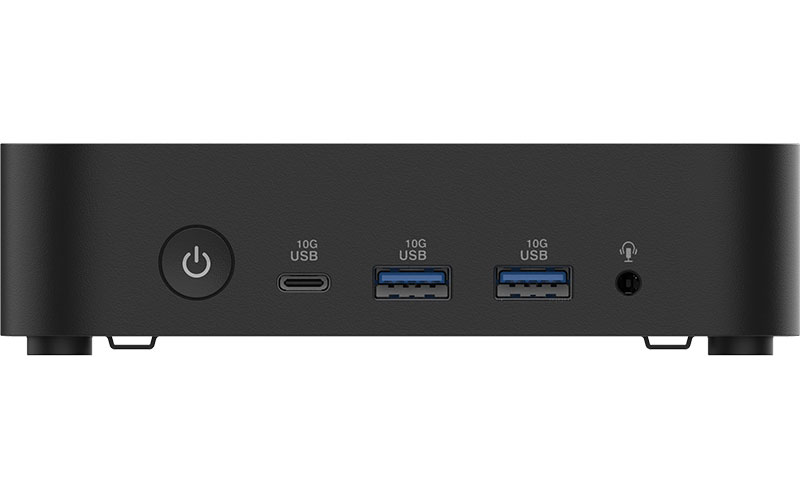
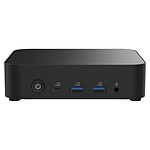
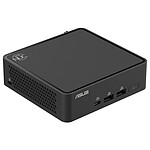
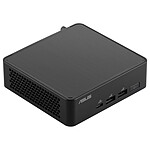
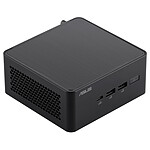
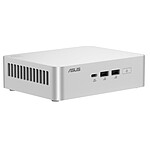
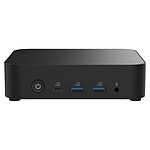
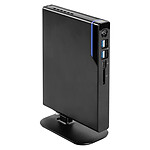
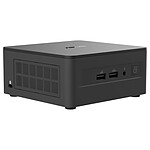
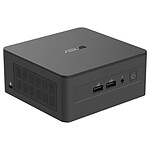
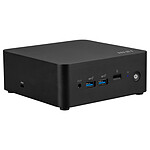
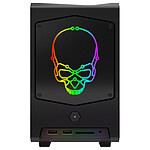
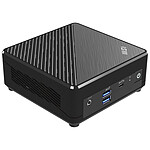
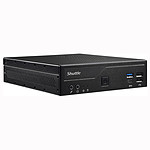
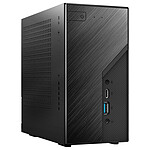
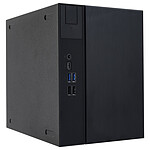
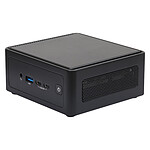
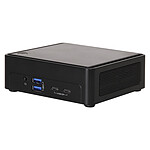
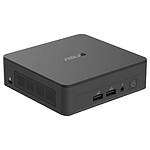
The ASUS NUC 14 Essential N250 kit will allow you to build a tiny and efficient PC ideal for traditional tasks, display or office automation. Designed for businesses, students, teachers and DIY enthusiasts, ASUS NUC Essential kits are easy to use and integrate. They also consume little energy and take up little space.
Business solution
An ASUS NUC Essential kit is easy to use and takes up very little space. From desktop workstations to discreet conference room productivity, ASUS NUC Essential mini PCs are essential players in all business applications.
Uncompromisingly compact
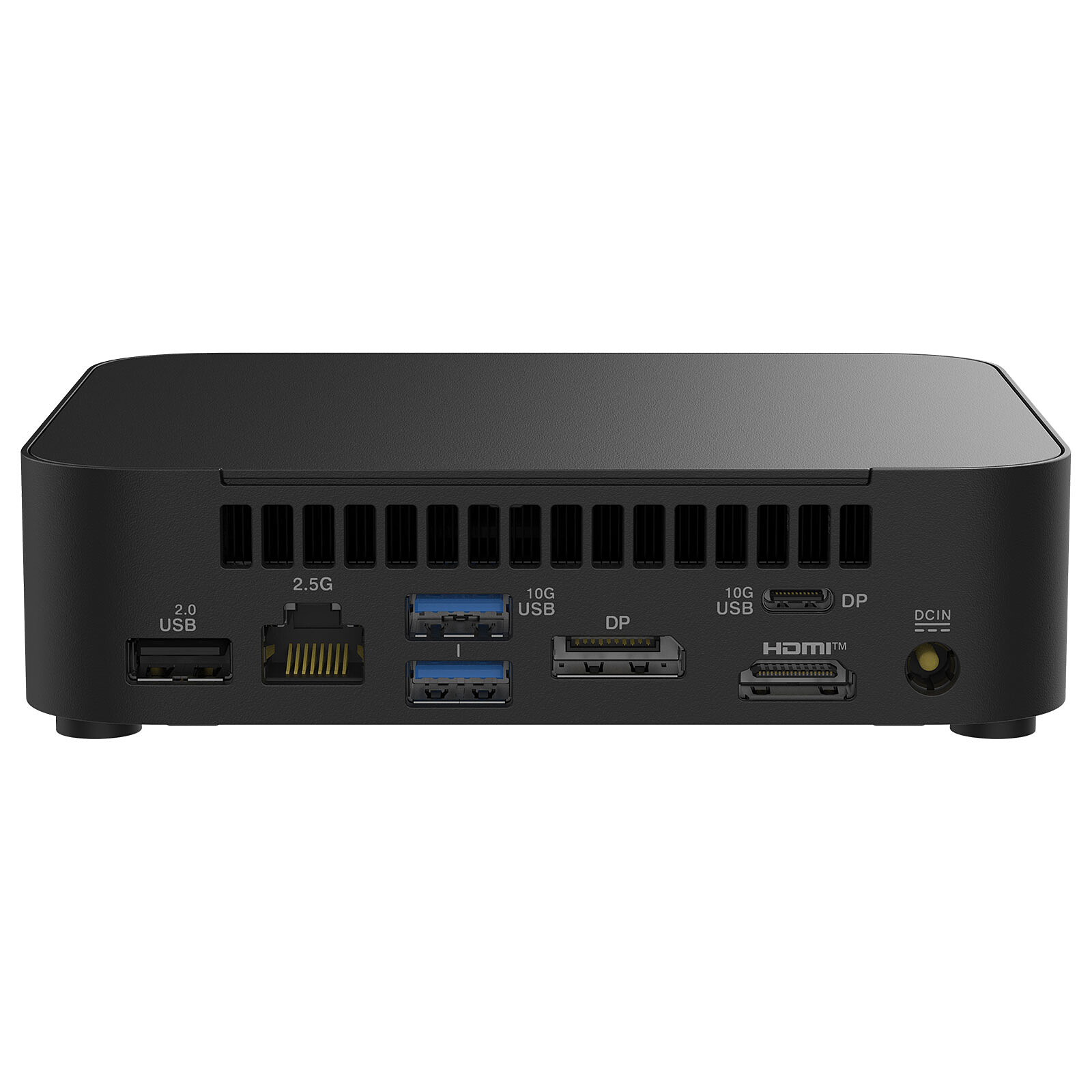
The NUC 14 Essential from ASUSoffers a compact format that allows it to be installed in a wide range of environments. Its reduced size does not prevent it from being effective for office and display use, with up to 3 screens supported thanks to its low-power Intel processor and its numerous connectivity options.
Disk slots :
1x M.2 PCI-E 3.0 4x
Information provided by our tech department
IEC-320-C5 power cord (Mickey plug) not included. .
I followed your invaluable advice. The equipment corresponds well to my needs. The only downside was that I had to add a few accessories that were not mentioned when I placed the order. Overall very satisfied. J.L.Brunel
Model: ASUS NUC 14 Essential N150 (RNUC14MNK1500002)
Review automatically translated
by LeoJ
Posted on 15 Sep 2025
Bought on 17 Aug 2025 from LDLC
Number of reviews: 3Average rating: 9
Good product, poor Linux support (network)
Hardware level:
The product is very good. Small, well laid out, easy to open and to access the RAM/NVMe slots. The UEFI configuration is very complete, even going so far as to configure the intensity of the front LED and the CPU power profile.
Negatives: the Wi-Fi module is not easy to remove, and attaching the NVMe drive could be simpler.
Software support:
I use this NUC as a Linux server. The problem is that the Ethernet card and WI-Fi module are very new, and their support in the Kernel has only been present for a very short time (6.15, approximately). And server distributions don't yet have such recent kernels... I had to use a DKMS module, which was a pain to install, but since then I've had no problems with Ethernet. No Wi-Fi yet.
Apart from this network problem, there are no compatibility issues, and the NUC works very well. The hardware is good, the firmware is good, it does its job well.
Model: ASUS NUC 14 Essential N150 (RNUC14MNK1500002)
Review automatically translated
by MOREAU E
Posted on 26 Jul 2025
Bought on 27 Apr 2025 from LDLC
Number of reviews: 2Average rating: 5
Linux fans, move on
When installing Linux Mint, the network connection does not work.
Referred to Asus maintenance for resolution. They said they had detected a problem with the motherboard and had changed it. Curiously, they installed Windows instead of Linux.
Unsurprisingly, when they reinstalled Linux, the network connection stopped working again. This was clearly a driver problem, which Asus support was unable to resolve.
If, like me, you appreciate the reliability and lightness of Linux, you'll have to switch to another model.
Model: ASUS NUC 14 Essential N150 (RNUC14MNK1500002)
Review automatically translated
by FredericP
Posted on 14 May 2025
Bought on 11 Apr 2025 from LDLC
Number of reviews: 2Average rating: 10
CLEAR
Hello, I'm not expecting it to be so fast, efficient cores work.
For normal use, it's fluid and not very noisy.
Model: ASUS NUC 14 Essential N150 (RNUC14MNK1500002)
Review automatically translated
by Aurionou
Posted on 2 Apr 2025
Bought on 2 Mar 2025 from LDLC
Number of reviews: 7Average rating: 10
Essential
As its name suggests, it does the essentials.
Powerful enough for office use (Office and Internet).
Model: ASUS NUC 14 Essential N250 (RNUC14MNK2500002)