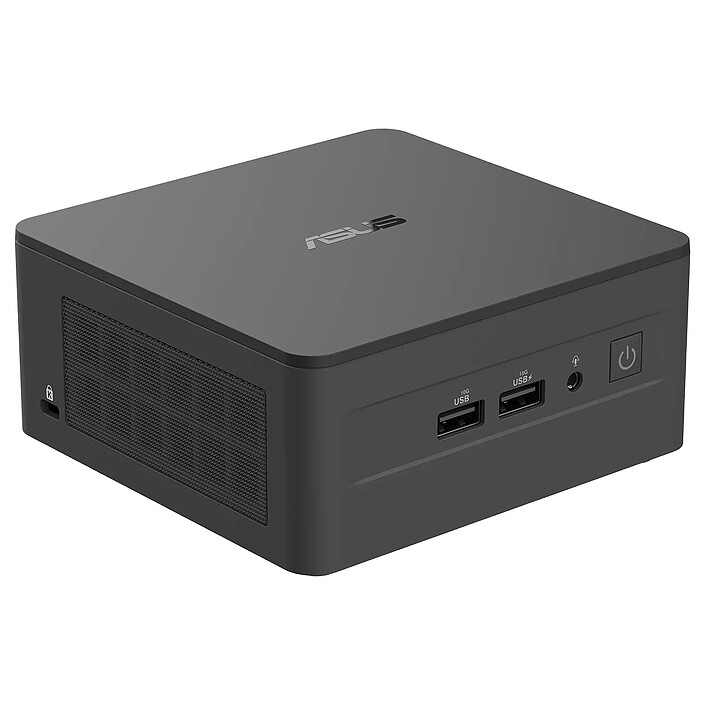
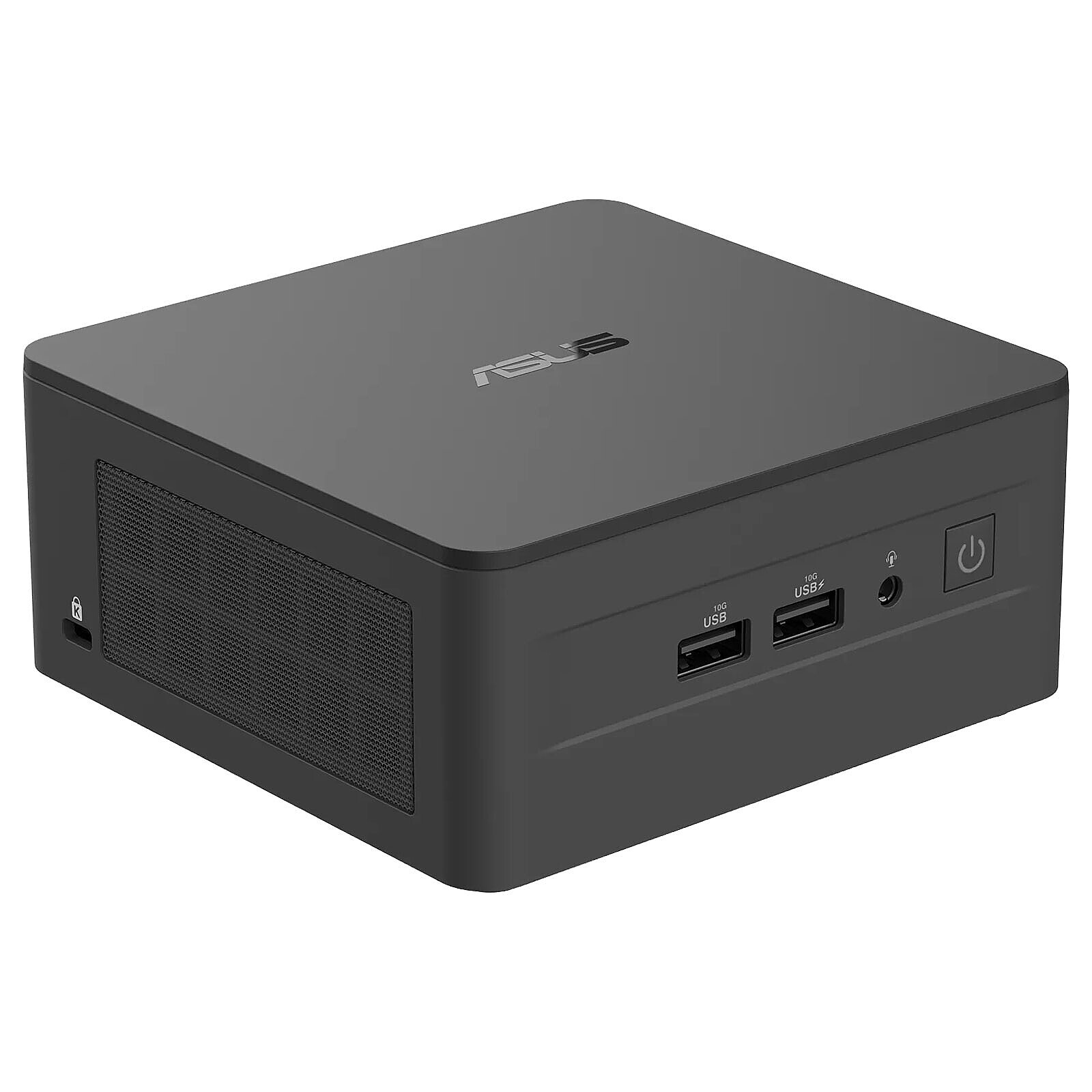
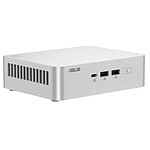
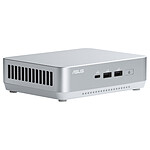
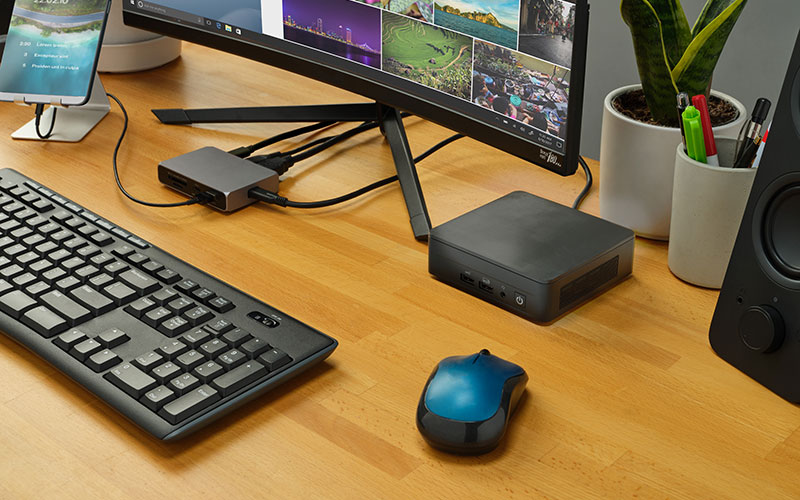
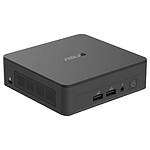
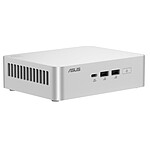
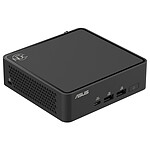
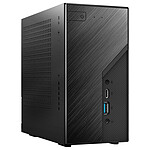
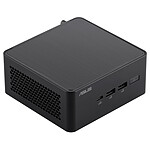
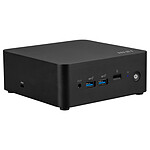
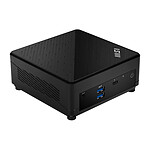
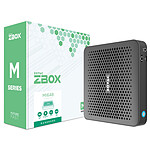
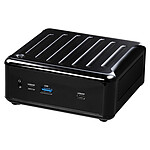
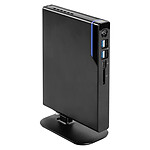
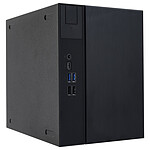
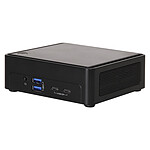
All the power of a standard PC in the palm of your hand
TheASUS NUC 13 Pro RNUC13ANHi5 is a barebone PC featuring a powerful 13th-generation Intel Core i5 processor, support for up to 64 GB DDR4 RAM and M.2 PCIe NVMe SSDs, and a 2.5" hard drive bay. Ultra-compact and easy to integrate, it will easily find its place in the office or at home. Supplied without RAM or hard drive, it will enable you to design a high-performance customised Mini PC with ease.
Intel Core performance
Thanks to its 13th-generation Intel Core processor, the Intel NUC offers both remarkable performance and low energy consumption. 13th-generation Intel Core processors are packed with advanced features designed to improve productivity and entertainment quality. With a 2.5-inch hard drive bay, an SSD slot in M.2 PCIe format (2282), another in M.2 SATA format (2242) and two RAM slots (max. 64 GB), this NUC PC offers smooth, fast operation.
Uncompromisingly compact
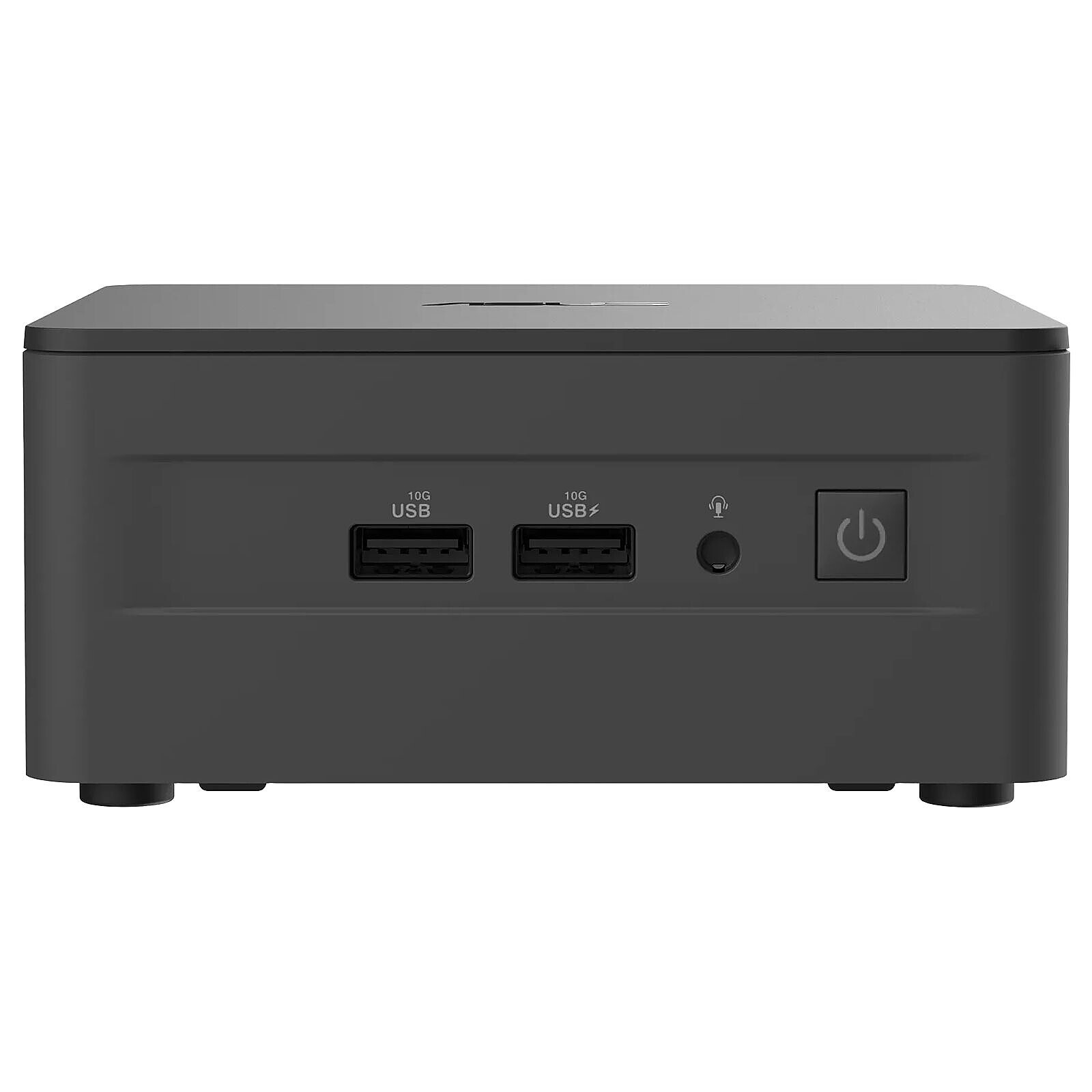
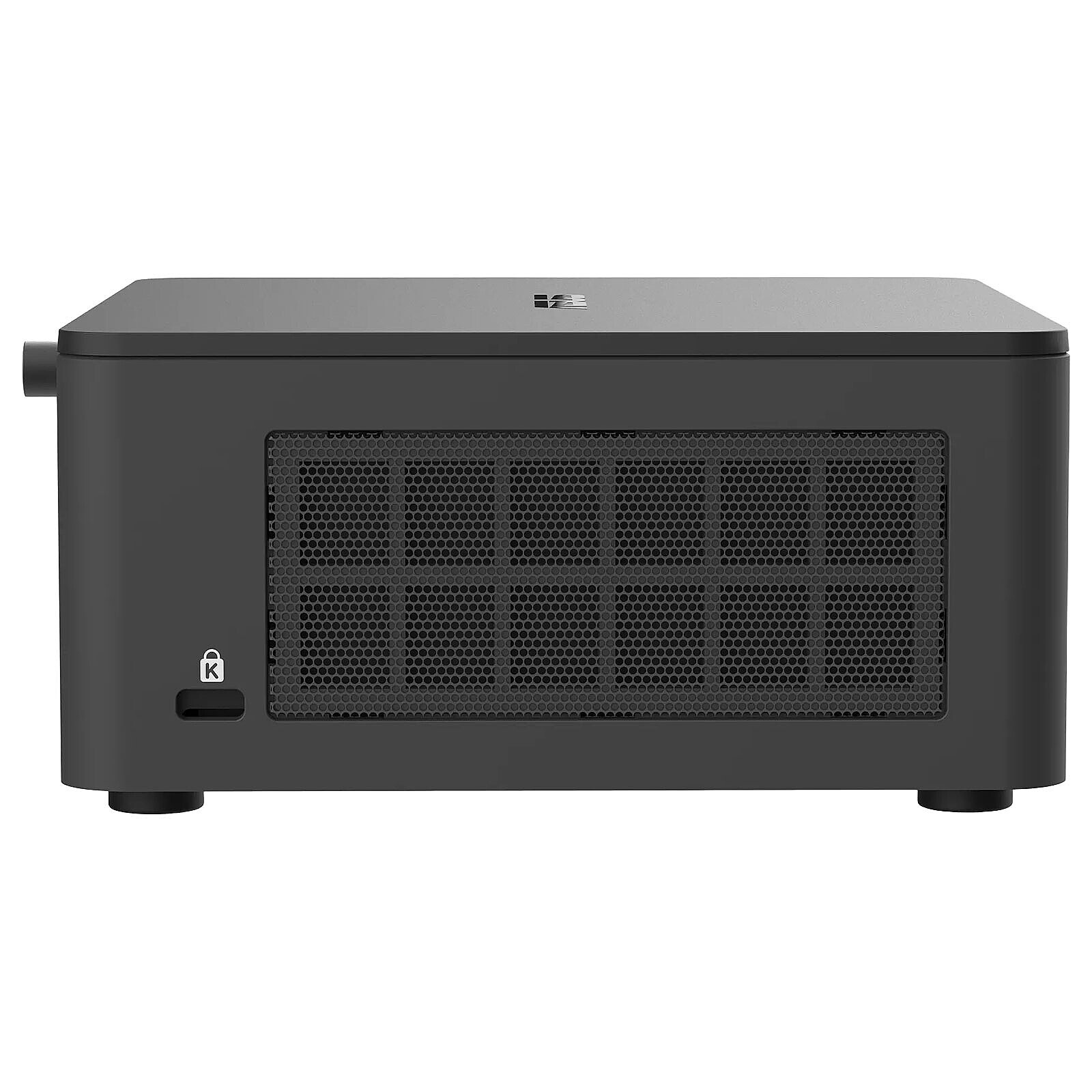
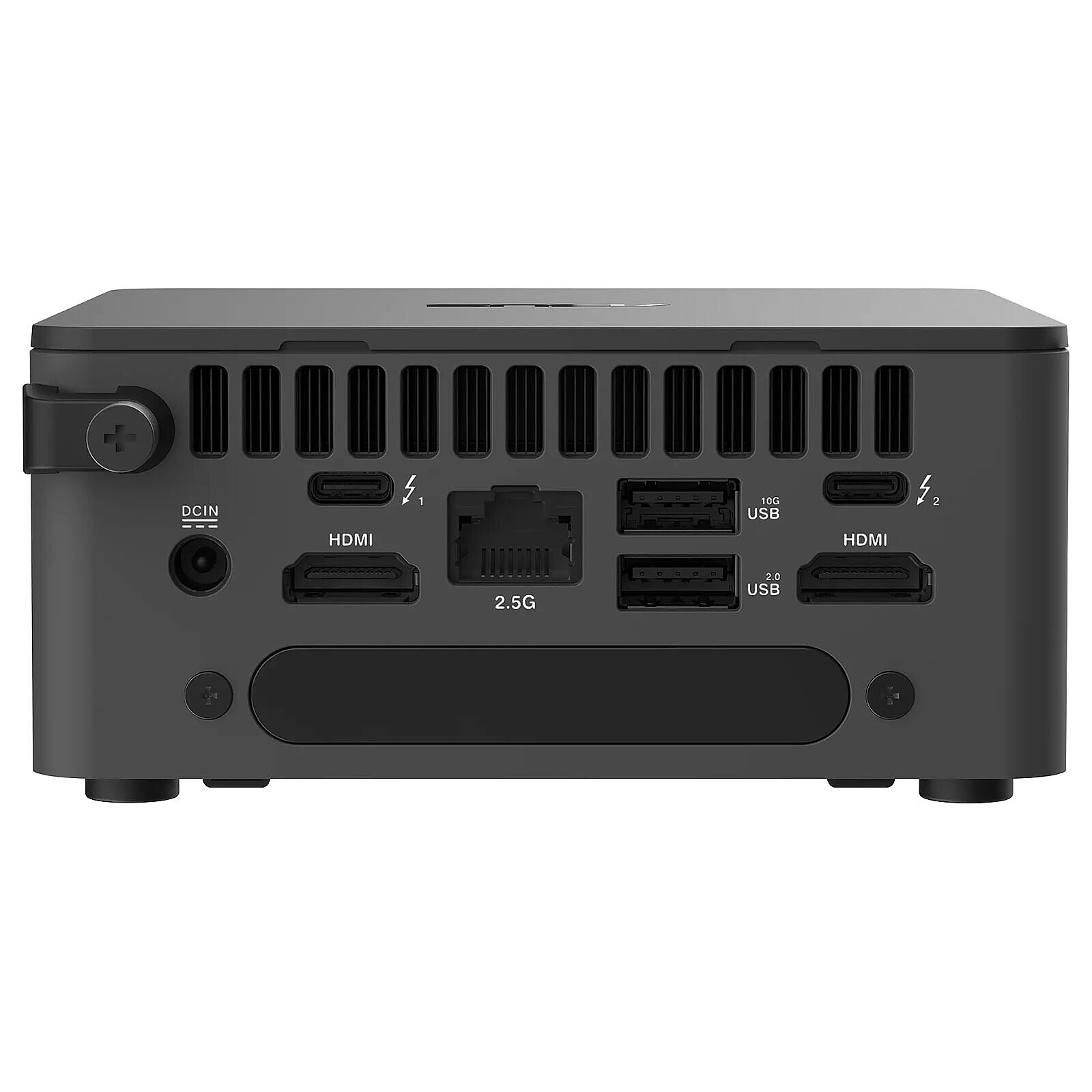
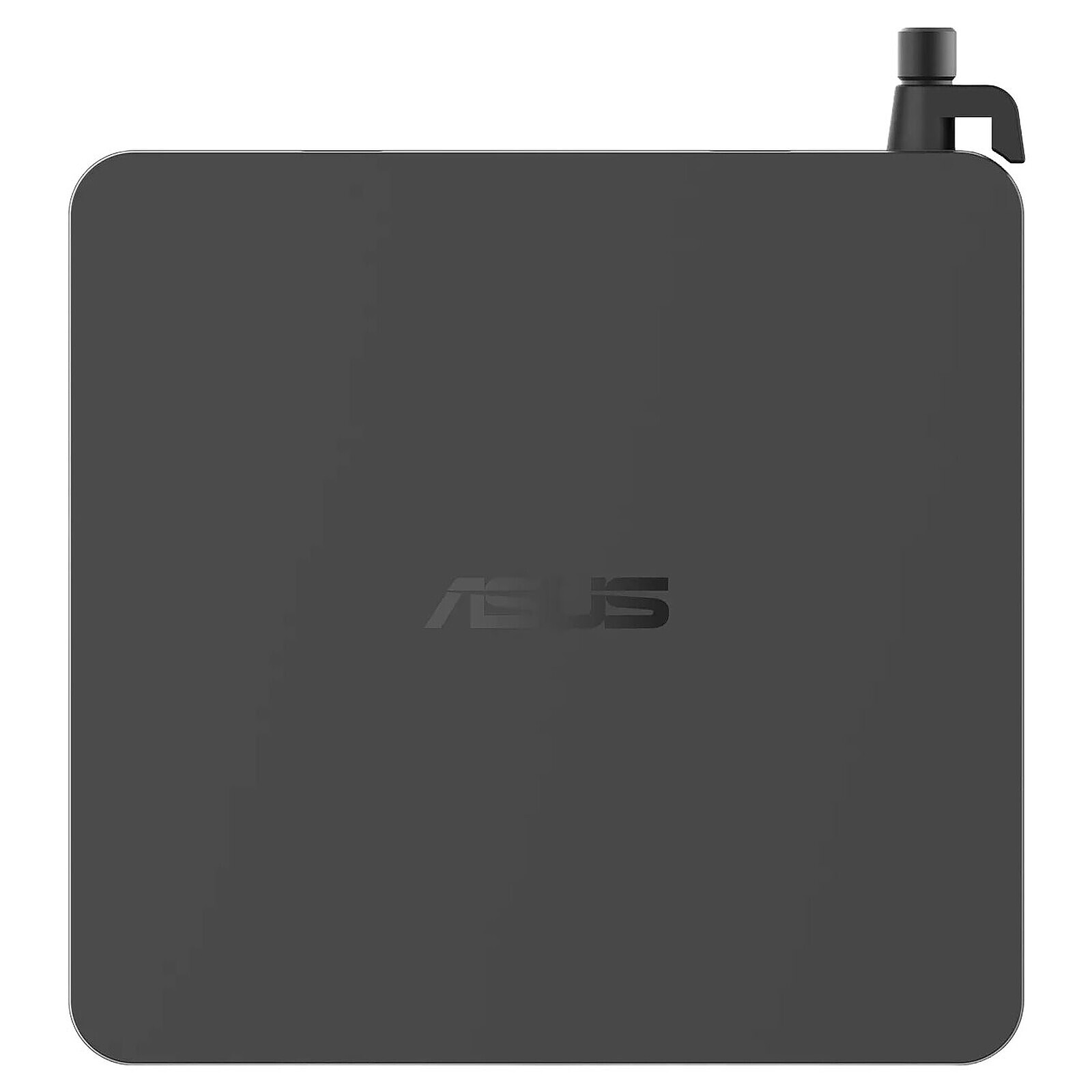
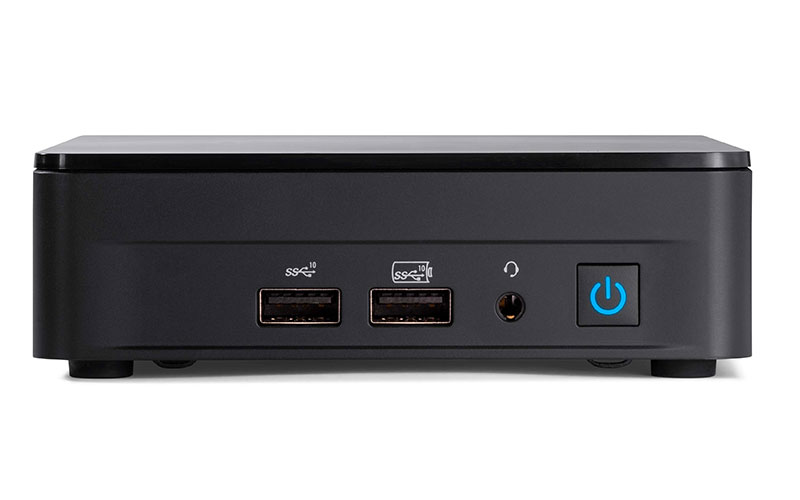
The NUC Arena Canyon from ASUShas a compact format that allows it to be installed in a wide range of environments. Its reduced size doesn't prevent it from performing well for office and multimedia use, thanks to its Intel Core processor and its numerous connectivity options. When it comes to connectivity, it has nothing to envy from larger PCs. It has 2 Thunderbolt 4 ports, 3 USB 3.1 ports and 2 HDMI 2.0b ports.
Available disk slots :
1x PCI-E 4.0 4x M.2 disk slot (M.2 2280 compatible)
Package received very quickly as I am used to with LDLC
Great product, got up and running quickly after a bit of research on the internet (especially the manual)
Really very satisfied
Model: ASUS NUC 13 Pro RNUC13ANHi700002I
Review automatically translated
by MichelR
Posted on 28 Jul 2025
Bought on 30 Jun 2025 from LDLC
Number of reviews: 2Average rating: 8
Excellent service from LDLC - HOTEL DE VILLE PARIS
Real professionals
xxxxxxxxxxxxxxxxxxxxxxxxxxxxxxxxxxxxxxxxxxxxxxxxxxxxxxxxxxxxxxxxxxxxxxxxxxxxxxxxxxxxxxxx
Model: ASUS NUC 13 Pro RNUC13ANHi700002I
Review automatically translated
by Pascal S
Posted on 2 Jul 2025
Bought on 3 Jun 2025 from LDLC
Number of reviews: 7Average rating: 6
Easy to assemble and quiet
The manufacturer's documentation is a little minimalist. For installation with Windows Family, you need to download the drivers supplied by Asus, and that's where the neofite will run into problems.
The product is easy to assemble and quiet. Assembly takes 2 to 3 hours without any prior experience of the components.
Model: ASUS NUC 13 Pro RNUC13ANHi300002I
Review automatically translated
by RemiB
Posted on 16 Jun 2025
Bought on 18 Sep 2024 from LDLC
Number of reviews: 1Average rating: 10
A solid configuration for a server
Perfect for a home server, I host two Nextcloud instances without any problem (among other things...).
It handles transcoding efficiently: 4K videos go to 1080p without difficulty. Of course, you need to install the right packages and configure the system. There's no pre-installed OS, so this is the perfect opportunity to install Linux!
Plan to add an NVMe SSD for the RAM OS.
Tested under Debian 11 and 12 without a desktop environment. Extensive connectivity: 3 USB 3.2, 2 Thunderbolt 4, an Ethernet 2.5Gb port, a SATA M.2 (beware of the M.2 2242 format) and a classic SATA for 2.5-inch drives.
Ideal for web, file or multimedia servers.
Low power consumption at rest (~10-15W), around 110-115W under maximum load (typically during transcoding).
In use 24/24 since September 2024.
It restarts automatically after a power cut (to be activated in the BIOS/UEFI).
Only downside: the fan becomes noisy at full load, but remains discreet in normal use. Adjustable speed in BIOS.
Model: ASUS NUC 13 Pro RNUC13ANHi500002I
Review automatically translated
by RonanL
Posted on 10 Apr 2025
Bought on 31 Mar 2025 from LDLC
Number of reviews: 1Average rating: 2
more than mixed results
first thing to know, not necessarily very clear: there is no windows 10/11 licence even in OEM on the machine
catastrophic fan management with the default configuration, fortunately there are a number of settings in the bios, and it is possible to limit the fan speed
the model received crashes randomly (sometimes after 5 minutes, with a bit of luck after 30 minutes) with a complete system shutdown - I need to test with other RAM bars / or S3 type settings in the BIOS.
In conclusion, I chose a "brand-name" NUC so as not to have to manage any special configuration, to have something simple that works without too many operations (which was the case with previous generations of intel nucs), and it's quite the opposite. You might as well buy a cheaper Chinese nuc, the result will be the same ...