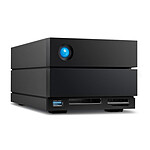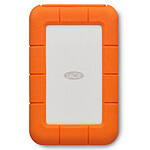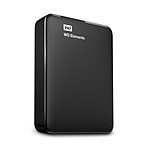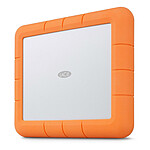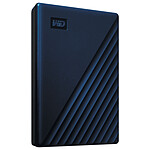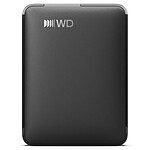
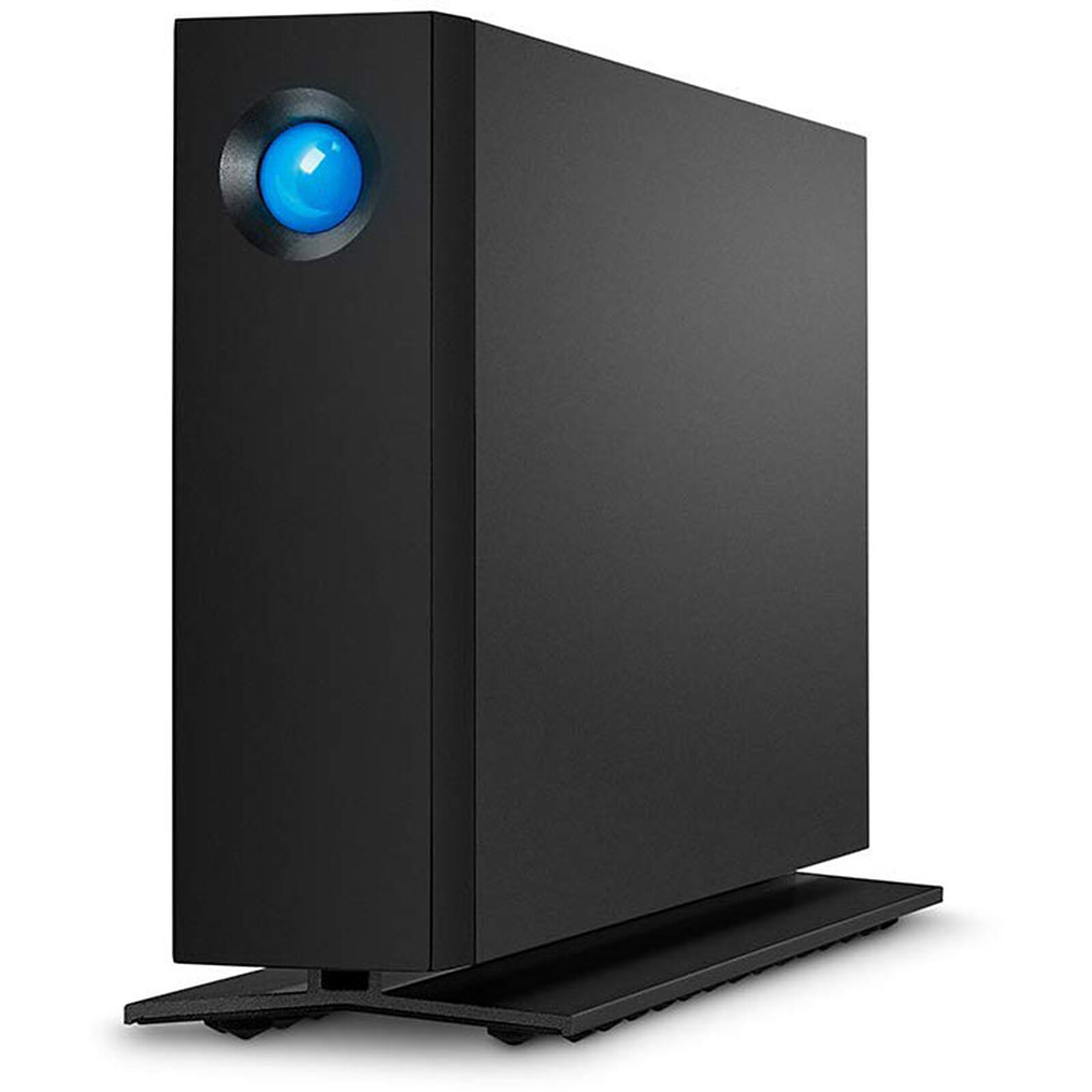
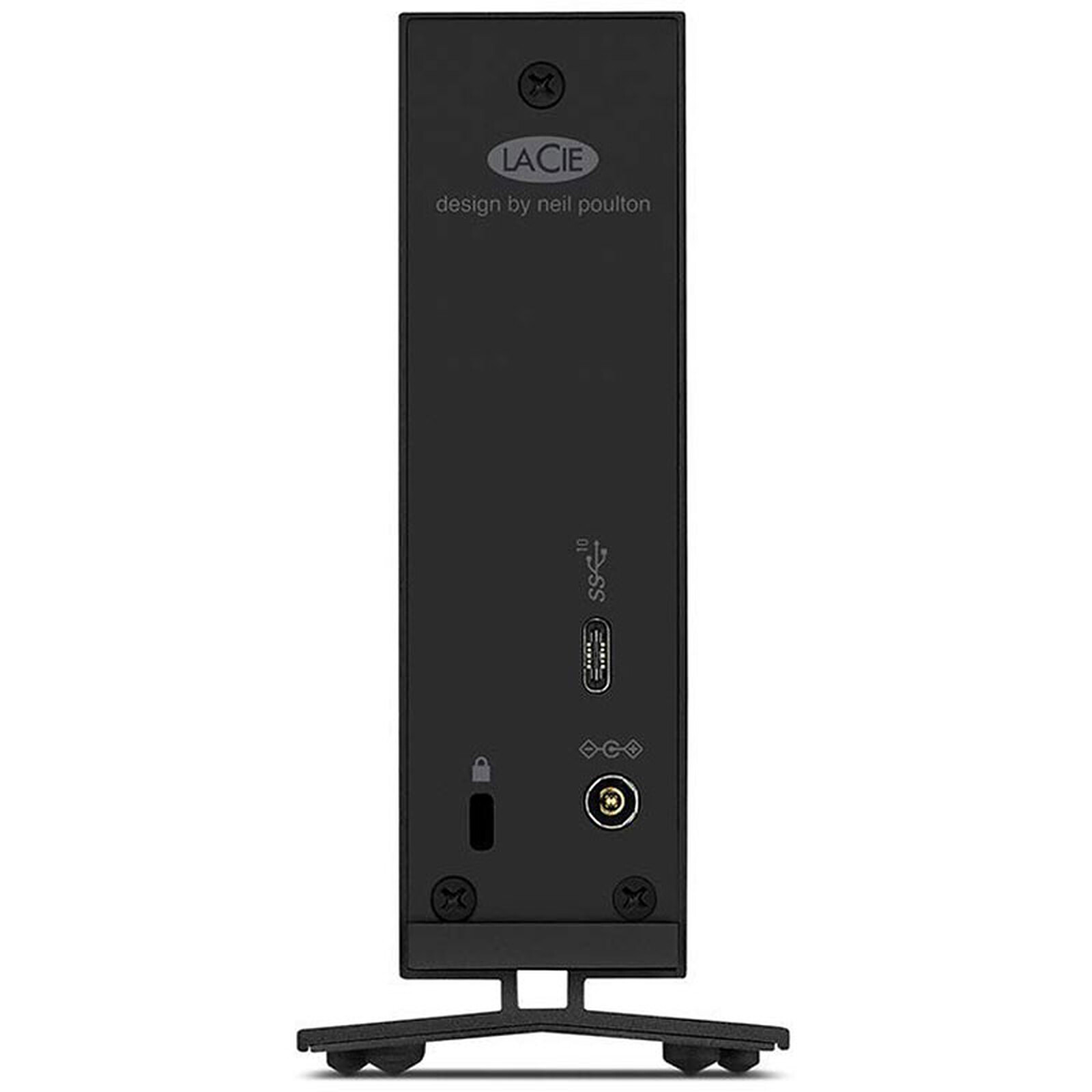

Pictures may differ from actual products

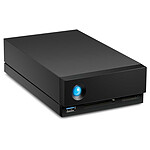
LaCie d2 Professional USB 3.1 (16TB)

USB 3.1 desktop storage

949€95
Recycling charge of 0€12
Be notified of availability
Capacity:
  • 4000 GB

    399€95
    In stock
  • 8000 GB

    469€95
    In stock
  • 10000 GB

    599€95
    In stock
  • 16000 GB

    949€95
    Sold out
  • 20000 GB

    1 249€95
    Sold out
Overview

The d2 for professionals

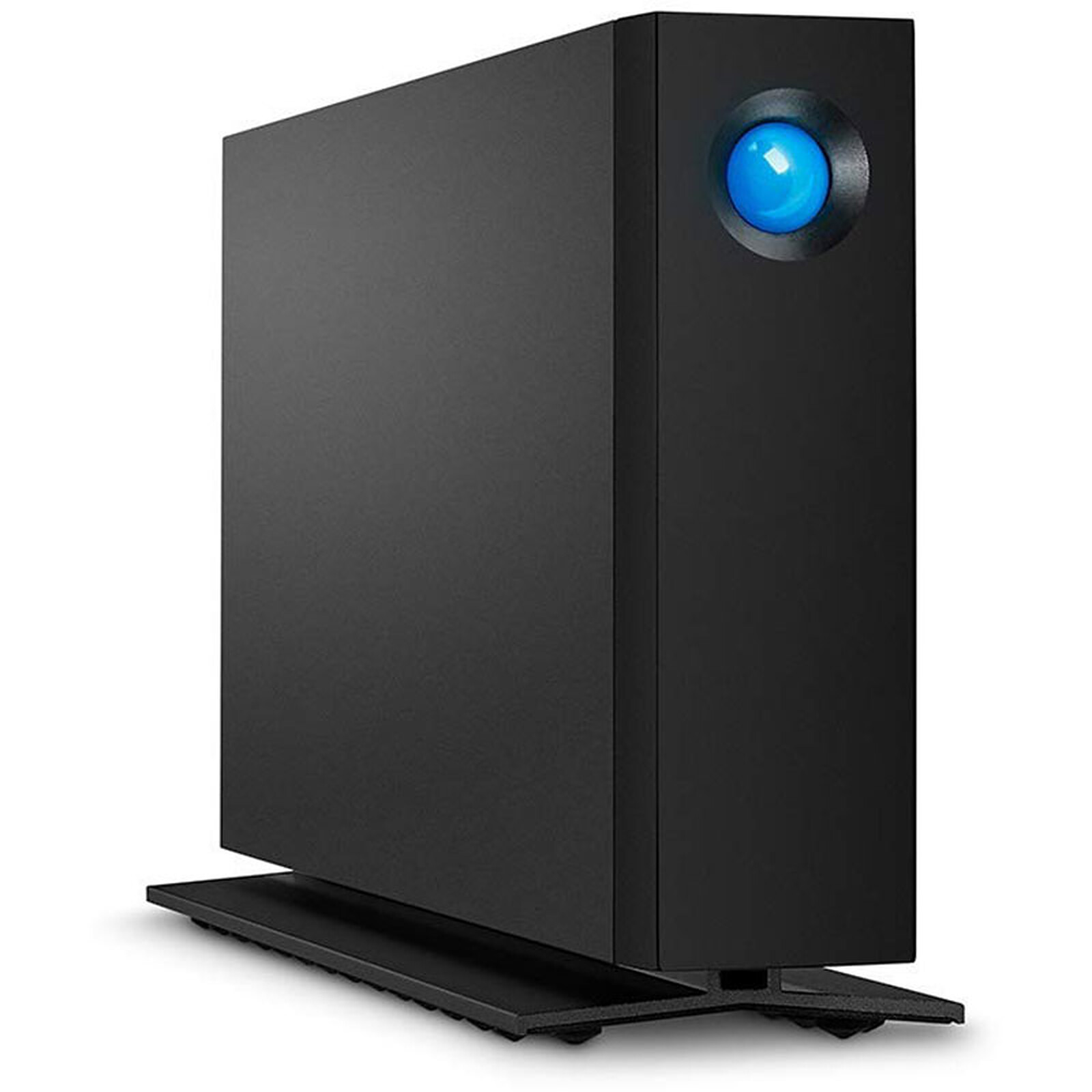
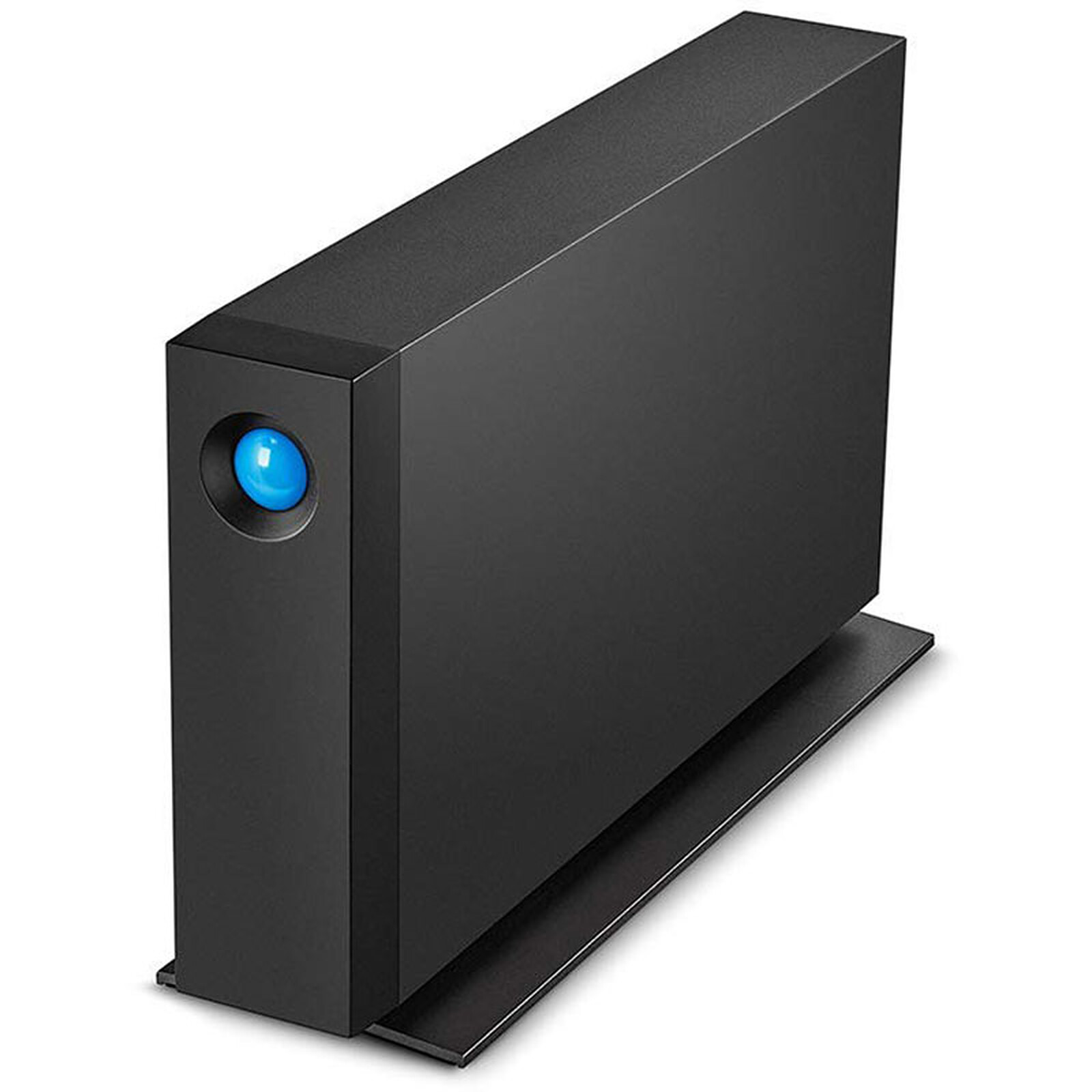
With thed2 professional, LaCie has taken desktop storage a step further and made it even more professional. Work faster - on any computer - thanks to USB 3.1(10 Gbps) and a hard drive that spins at 7200 rpm. It also features an innovative, all-aluminium, one-piece case, which means you'll notice an incredible reduction in noise and vibration. Discover the new standard in desktop storage.

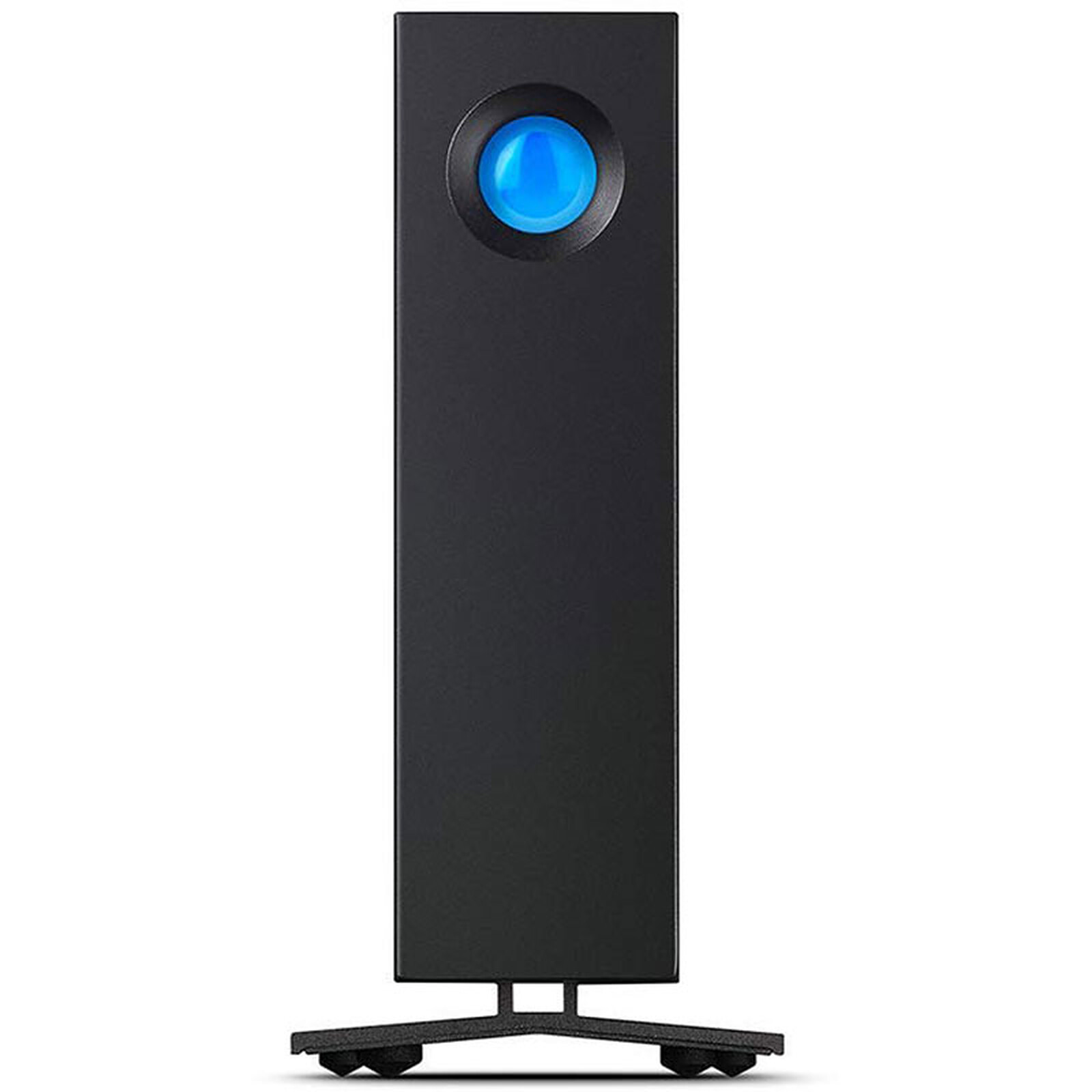
The all-aluminium monoblock enclosure, designed by Neil Poulton, draws heat away from the hard drive. The integrated base increases the surface area of the enclosure, providing more space for better heat dissipation. As a result, the components have a long life and operation is ultra-quiet. Avoid accidental disconnection of interface or power cables without compromising the appearance of the unit. Vibration is drastically reduced, absorbed by the disc mounts and damping foot.

Proven design, universal compatibility

Featuring the new generation of USB 3.1 interfaces, the LaCie d2 professional ensures optimal speeds on the latest PC and Mac computers. Since USB 3.1 is backwards compatible with USB 3.0 & 2.0, you can access your files from any computer.

The enclosure is constructed from a single piece of aluminium ensuring exceptional rigidity for long term reliability and quality. The drive automatically shuts down when the host operating system is in sleep mode. Or, use the LaCie Desktop Manager to configure the drive to shut down after a specified time.

Uncompromised speed for smoother workflows

Professional components deliver professional speeds. The new LaCie d2 combines a high-performance interface with a Seagate Ironwolf Pro hard drive, resulting in speeds of up to 260 MB/s. At such speeds, the LaCie d2 professional can save and browse a large Adobe Lightroom RAW library without downtime.

A great value for professionals

>The LaCie d2 Professionaloffers everything professionals need for secure backup: a backup software suite and compatibility with Time Machine and Windows Backup. Also included is LaCie Private-Public software that allows you to password-protect volumes via 256-bit AES encryption.

Finally, for added peace of mind and value, the LaCie d2 Professional is protected by a five-year limited lifetime warranty with dedicated in-house technical support and worldwide repair and/or replacement service.

Key features:

  • USB 3.1: 10 Gbps for smooth operation
  • Professional speeds of up to 260MB/s
  • Innovative design for reduced noise and vibration
  • One-piece aluminium casing for long-term reliability
Specifications
Select your criteria

General information

Product name

LaCie d2 Professional USB 3.1 (16TB)

Brand

LaCie

Model

STHA16000800

Main characteristics

Capacity

16 TB

External hard drive format

Desktop

Interface with the computer

USB 3.1

Hard drive format

3" 1/2

Hard drive specifications

Hard drive type

HDD (Hard Disk Drive)

Internal interface

Serial ATA 6Gb/s (SATA Revision 3)

Rotation speed

7200 RPM

Cache size

256 MB

RAID supported

No

Special functions

Shockproof

No

Online storage

No

Physical characteristics

Material

Aluminum

Color

Dark gray

Width

60 mm

Thickness

130 mm

Depth

188.5 mm

Weight

1.4 kg

Warranties

Commercial warranty

Legal warranty

Safety Information

Responsible person

Seagate Technology (Netherlands) B.V.

Postal address

Taurusavenue 1, 2132 LS Hoofddorp, Pays-Bas

Electronic Address

support@seagate.com

Product referenced on 11 Apr 2022

Customer reviews
  • 87%
    13 reviews
  • 7%
    1 review
  • 0%
  • 0%
  • 7%
    1 review
  • by 38damien
    Posted on 31 Jan 2026
    Bought on 26 Jan 2026 from LDLC
    Number of reviews: 1 Average rating: 2

    never started...

    This isn't necessarily due to the quality of the product (transportation?!).
    But anyway, when in doubt ;-) I'm still giving them zero points (they should have packaged it better).
    At least this gives me a chance to vent (we waste so much time dealing with this kind of crap).
    I hope LDLC will come through. To be continued...

    Model: LaCie d2 Professional USB 3.1 (16TB)
    Review automatically translated
  • by GillesT
    Posted on 1 Dec 2025
    Bought on 3 Nov 2025 from LDLC
    Number of reviews: 1 Average rating: 10

    Now that's solid

    Very good hard drive, perfectly finished and very responsive. Intuitive installation. Highly recommended.

    Model: LaCie d2 Professional USB 3.1 (8TB)
    Review automatically translated
  • by Jean Marie C
    Posted on 29 Sep 2025
    Bought on 1 Sep 2025 from LDLC
    Number of reviews: 2 Average rating: 10

    Impeccable

    I was able to change my order and I was reimbursed... very clean and very commercial...
    Perfect.

    Model: LaCie d2 Professional USB 3.1 (10TB)
    Review automatically translated
  • by NicolasL
    Posted on 22 Sep 2025
    Bought on 10 Aug 2025 from LDLC
    Number of reviews: 1 Average rating: 10

    Correct

    Good finish, it made a few scratching noises at the beginning when copying certain files, which was a cause for concern, but since then it has remained very quiet, I've copied quite a few large files and it works perfectly.

    Model: LaCie d2 Professional USB 3.1 (8TB)
    Review automatically translated
  • by MichelP
    Posted on 18 Aug 2025
    Bought on 21 Jul 2025 from LDLC
    Number of reviews: 3 Average rating: 10

    Very good tool

    Let's start by pointing out that the printed manual clearly indicates a HDD with USBc 3.2 (and not 3.1 as in your product description).

    No particular problem, apart from the (preferable...) need to switch it off manually each time the PC is switched off.

    And when you switch off this External HDD, you have to wait for the On/Off button to light up in blue, then press it for at least the 4 seconds indicated in the manual...

    It's a bit 'archaic'...
    As for the On/Off button, it bursts so brightly with blue light every 7 to 8 seconds when the PC is running and it's hard "On"... that I had to glue on a furniture felt pad to hide 90% of its glow.

    Model: LaCie d2 Professional USB 3.1 (20TB)
    Review automatically translated