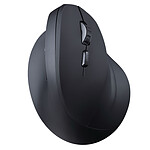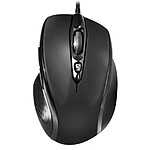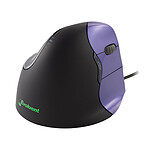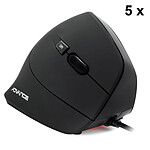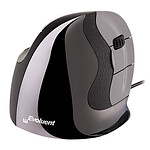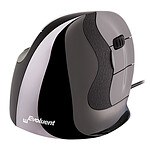
A simple and effective product
The tool works well, and its shape has helped reduce my wrist pain. Reliable and durable, it offers good value for money in my opinion.
Review automatically translated

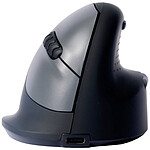
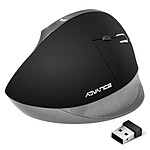
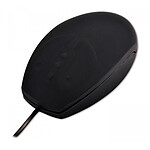
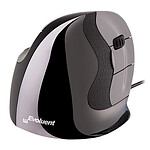
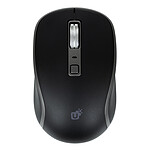
Pictures may differ from actual products

 Select your criteria
General information |
Product name |
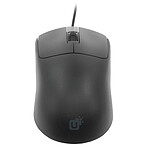
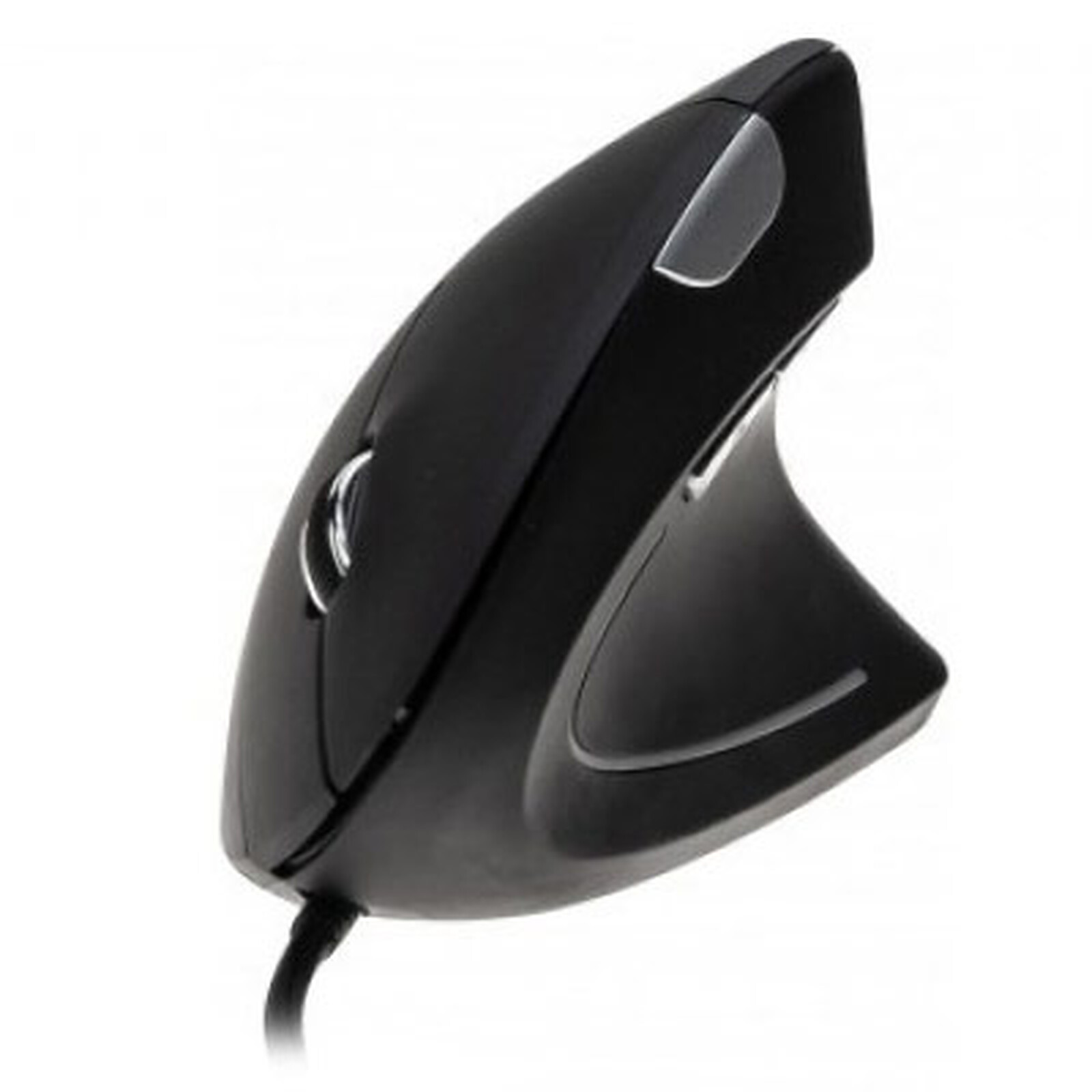
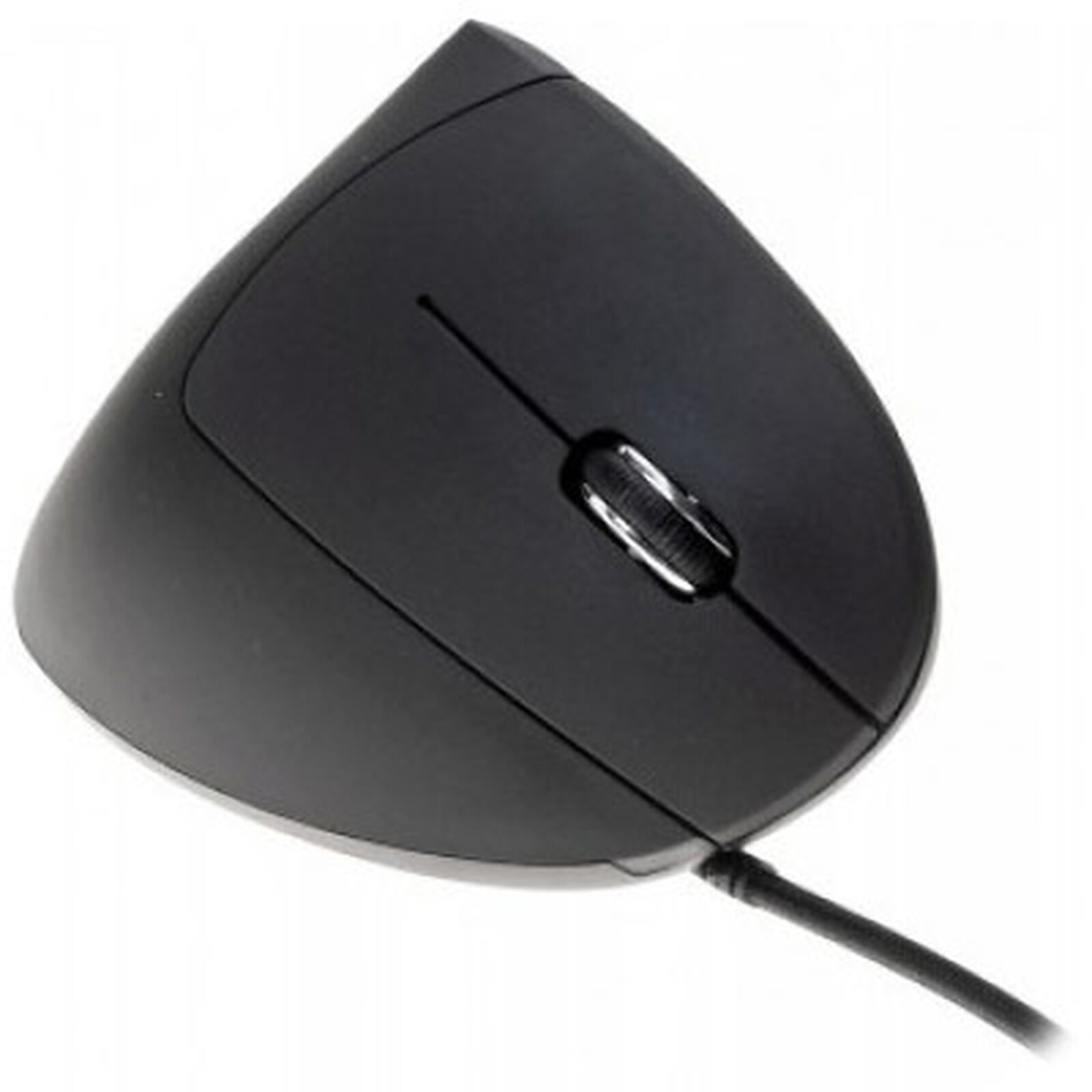
Dacomex V150U |
Brand |
Dacomex | |
Model |
225126 | |
Interface |
Wireless |
No |
Mouse connectivity technology |
Wired | |
Interface with the computer |
USB | |
Ergonomics |
Number of buttons |
5 |
Backlighting |
No | |
LED RGB |
No | |
Wheel type |
Bidirectional | |
Ambidextrous |
No | |
Use |
Office | |
Trackball |
No | |
With memory |
No | |
Left-handed model |
No | |
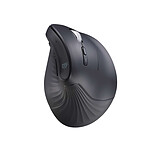
Ergonomic |
Yes | |
Vertical |
Yes | |
Sensor |
Mouse type |
Optical |
Optical resolution |
2400 dpi | |
NVIDIA Reflex |
No | |
Physical characteristics |
Color |
Black |
Cable length |
1.5 m | |
Height |
82 mm | |
Width |
62 mm | |
Depth |
124 mm | |
Power supply |
Power supply type |
USB port |
Compatibility |
Supported OS |
Microsoft Windows |
Warranties |
Commercial warranty |
Seller 2 years
|
Legal warranty |
See terms & conditions
Harmonised legal guarantee notice

|
|
Safety Information |
Responsible person |
Dacomex |
Postal address |
ZI Buchelay 3000 – BP1126 78204 Mantes-la-Jolie, France | |
Electronic Address |
info@dacomex.fr |
See all Dacomex products
Product referenced on 7 May 2019
The tool works well, and its shape has helped reduce my wrist pain. Reliable and durable, it offers good value for money in my opinion.
Very good ergonomic mouse, even after several months of use. I highly recommend it. Thank you.
The size is great for a size 9 hand (glove), light and good grip, a button with 4 DPI sensitivities, and the 2 classic back and forward buttons, practical for everyday work.
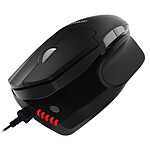
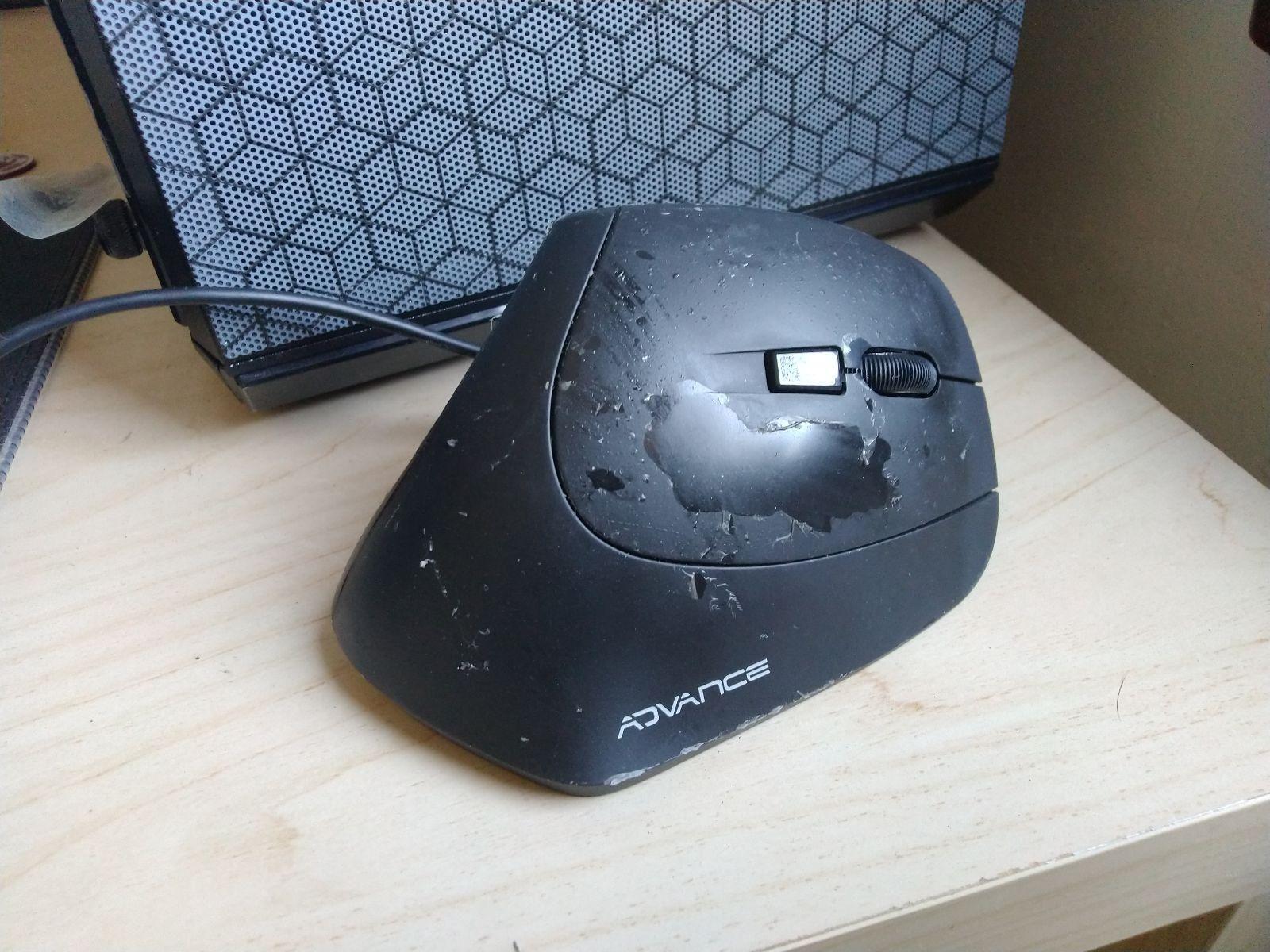
/!\ THE PICTURE OF A MISFORTUNATE Mouse IS THAT OF MY PREVIOUS Mouse, NOT THIS ONE.
The pluses:
- mouse is vertical, more so than my previous one, so it's perfect, because that's what I wanted!
The minuses:
- The bottom of the hand doesn't rest properly on the mouse, but rather on the desk, which actually makes the movement a bit more tedious, and loses its good point about the device's verticality.
The +/-
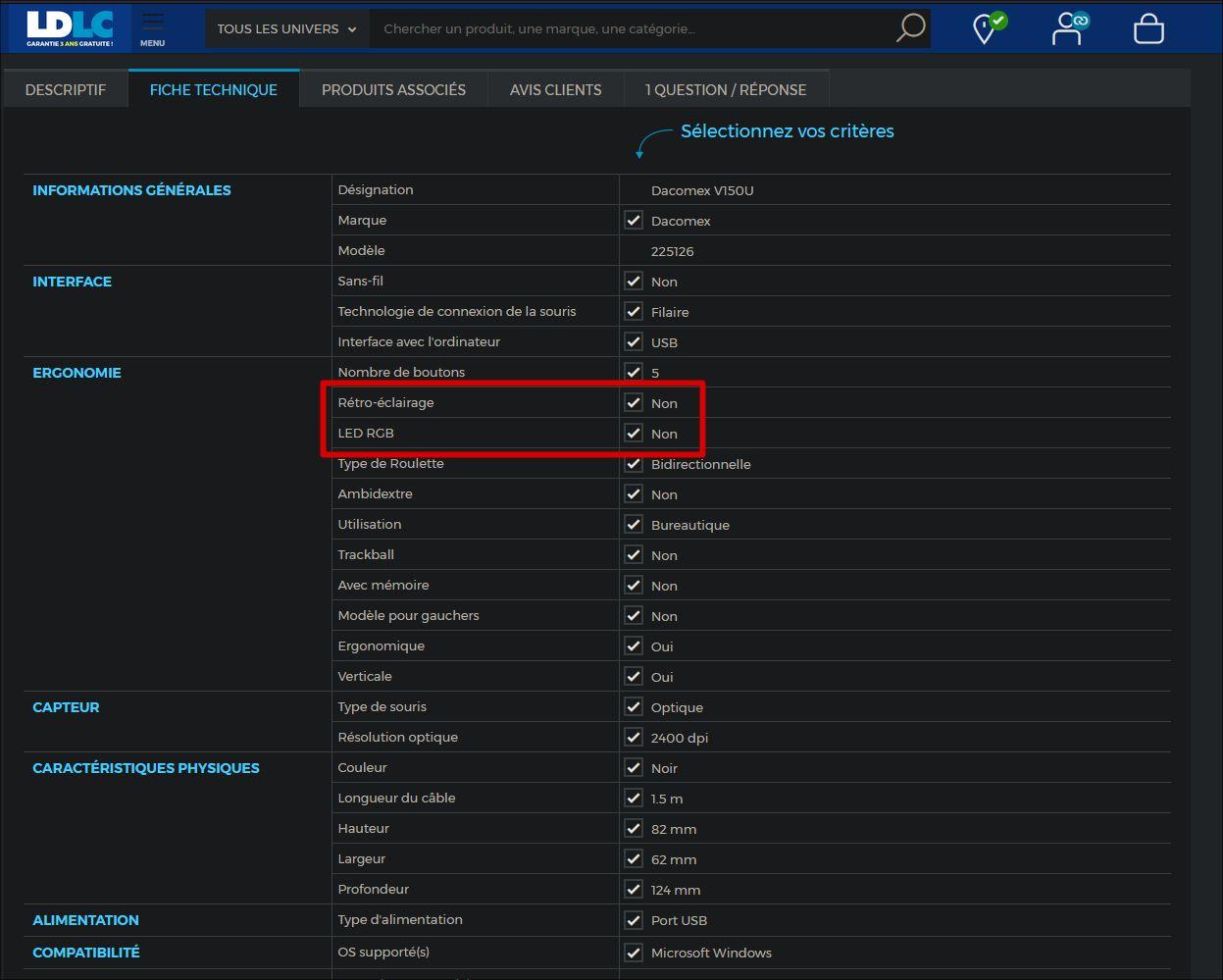
- the technical data sheet misses the point, stating 'no backlight or RGB LED', when in fact there's a red strip of light on the side (which you obviously have no control over)
- The matt finish is the same as on my previous mouse. The thing peeled off at the first sign of sunlight and made the mouse look disgusting (see photo, which is of my previous mouse, not this one). I don't yet know how this one will stand up to the heat, but I've already got a bad feeling about it...
The grip is good, but the position of the hand means that the fingers do not rest naturally on the keys. After a few weeks I got used to it, but it requires an effort.
I'm not sure if I'm going to be able to use it for the first time, but I'm not sure I'm going to be able to use it for the second time, so I'm not going to be able to use it for the third time. In the end, my opinion is mixed. I'm waiting to attend a trade show, to test other devices
Trending now: Wireless mouse | Ergonomic mouse | Vertical mouse | Backlit mouse | RGB mouse | Left-handed mouse | Ambidextrous mouse | Laser mouse | Optical mouse | Trackpad | 3D mouse