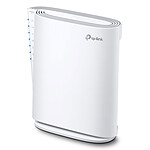
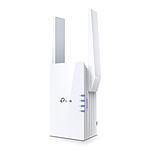
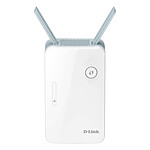
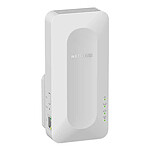
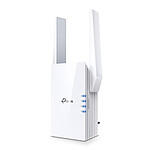
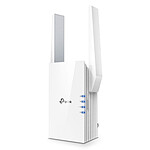
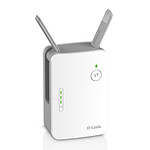
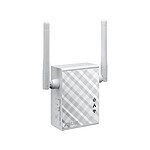
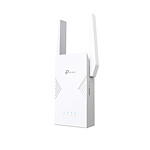
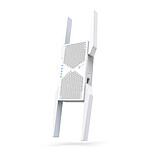
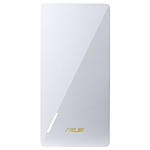
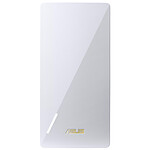
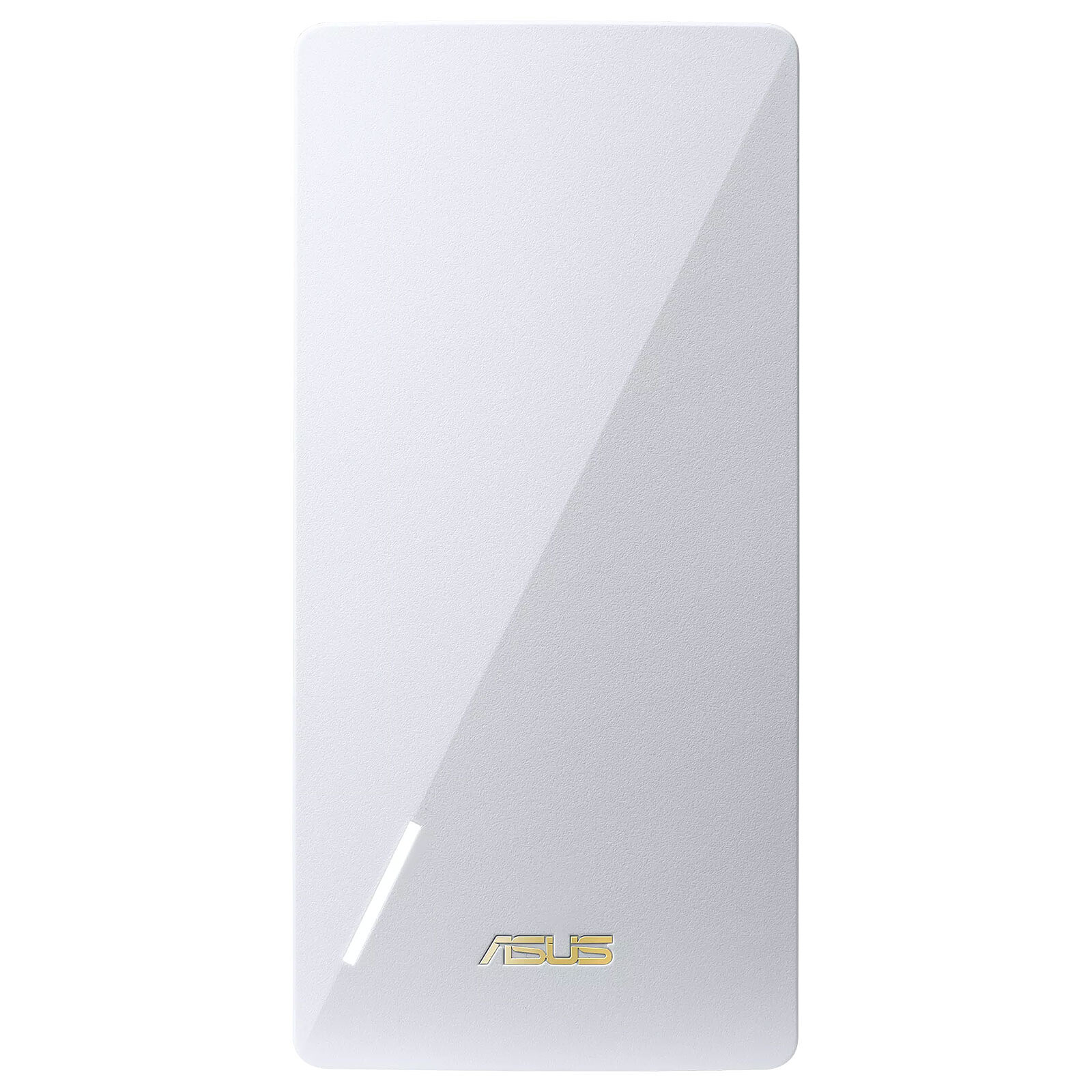
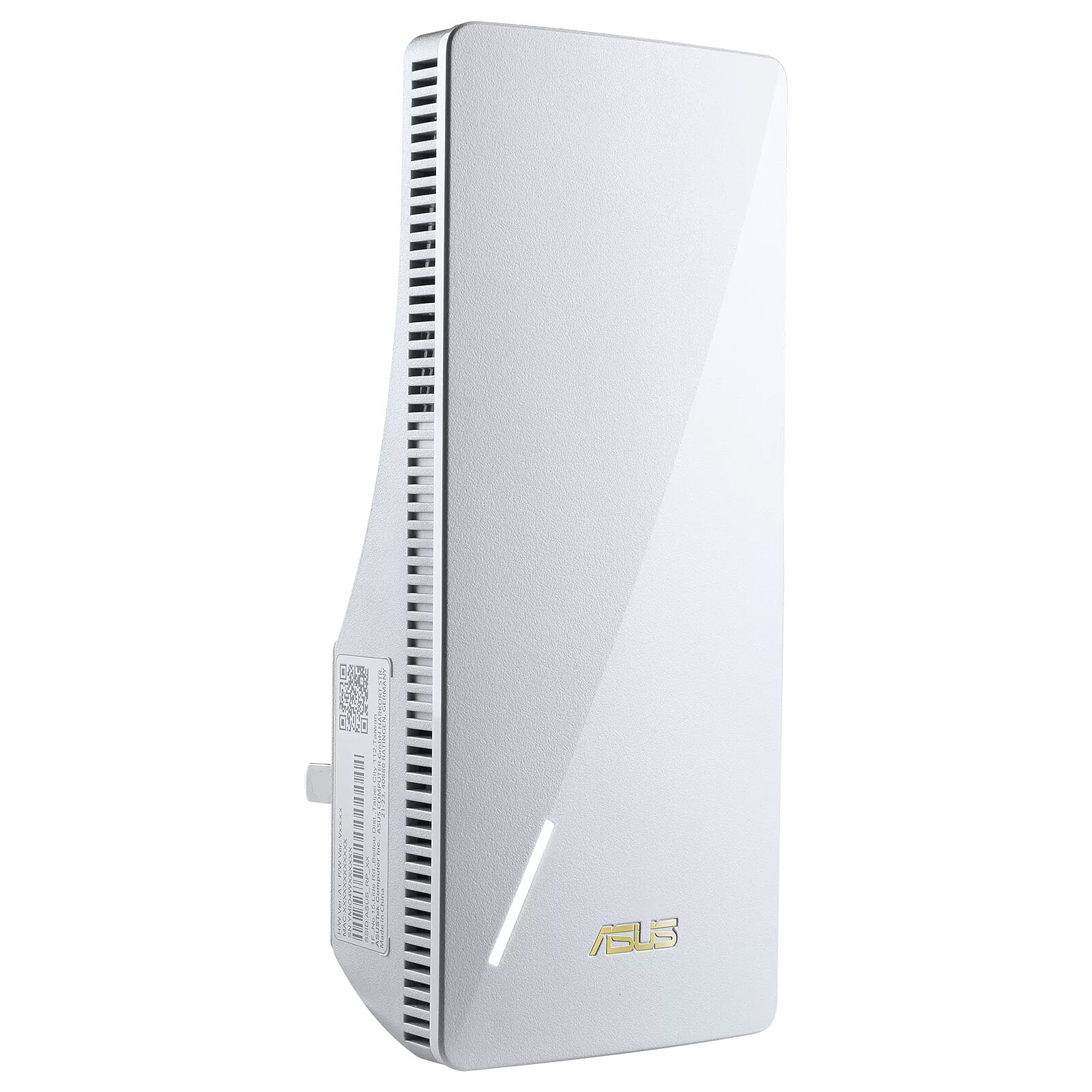
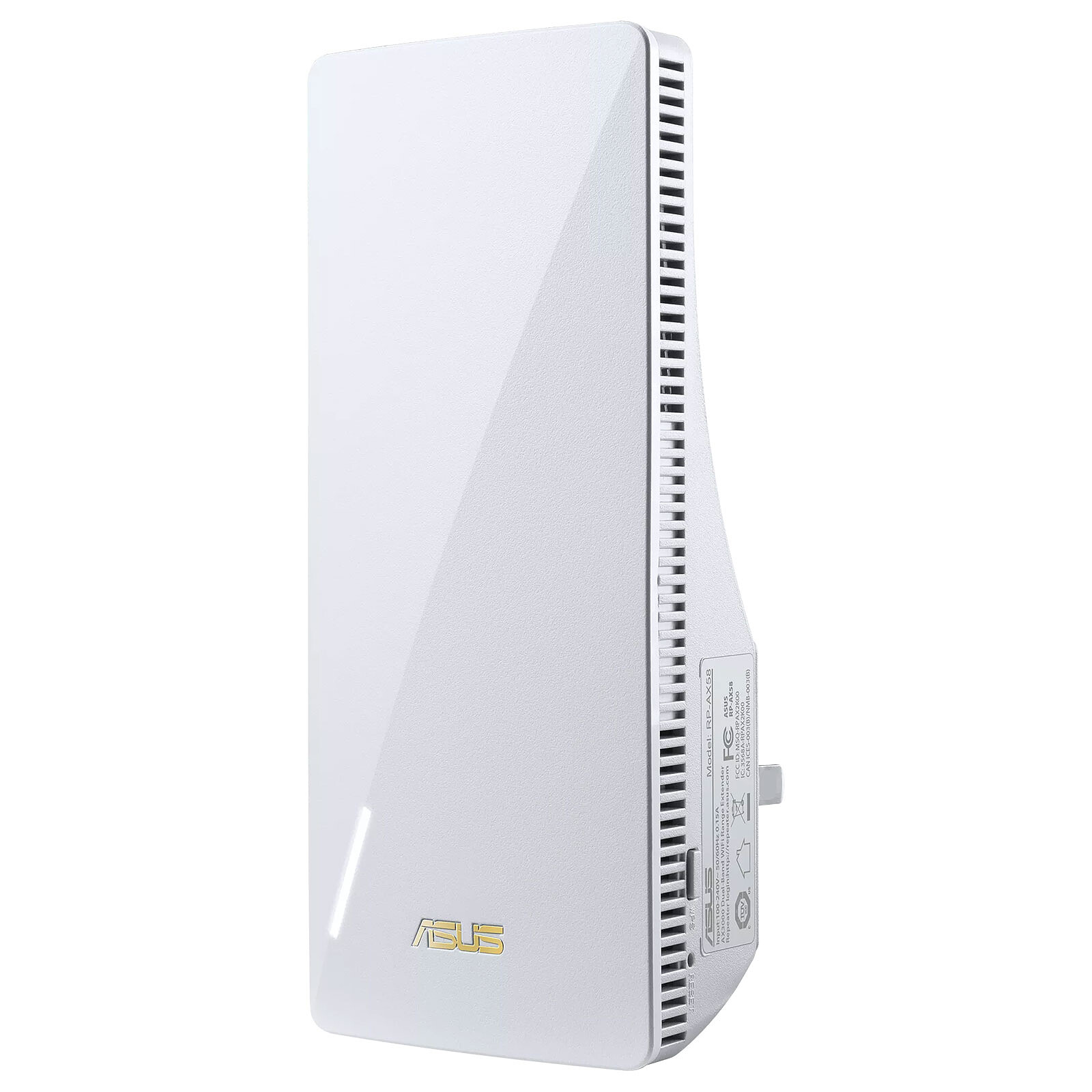
The ASUS RP-AX58 repeater offers Dual Band Wi-Fi 6 at up to 3,000 Mbps, making it up to 2.5 times faster than a Dual Band Wi-Fi 5 2x2 repeater. ASUS AiMesh technology allows you to easily use the RP-AX58 with another AiMesh-enabled router to extend your Wi-Fi network coverage and eliminate white areas.
Key Features
Supporting WiFi Standard 6 (802.11ax), the RP-AX58 offers higher capacity, better efficiency, and lower cost of ownership. With 160 MHz of bandwidth on 5 GHz channels, the RP-AX58 can double your browsing speed.
The RP-AX58 supports AiMesh, allowing you to enjoy a stable, seamless and secure wireless connection with AiMesh-enabled devices throughout your home.
Keep one Wi-Fi name (SSID) for the entire network to enjoy seamless roaming, or give individual names to each Wi-Fi band for different uses.
Configure the RP-AX58 with theASUS Router app or theASUS Extender app in just a few clicks.
Works perfectly with almost any Wi-Fi router RP-AX58 is compatible with virtually all Wi-Fi routers, modems and cable routers on the market to extend coverage.
Fast delivery and a high-performance repeater.
The WPS pairing didn't work, so I had to fiddle around with a network administrator-type interface: no great difficulty in itself, but not as smooth as you'd expect.
Review automatically translated
by AbdelazizK
Posted on 1 Aug 2025
Bought on 29 Nov 2024 from LDLC
Number of reviews: 2Average rating: 9
Works great
I'm only giving it 4 stars because it took a while to work. After several hours and/or two or three resets, it finally worked. Even the mobile application didn't recognise it. Be careful, before you can control the device, if it's connected via LAN to the box, it becomes an access point without a password.
The best way to use the device is as an Access Point (with LAN cable from the Internet box) rather than as a repeater. There is a mobile application for configuring the device, but nothing beats configuring it on a web browser by typing the device's IP address in the address bar. Go to your box settings and look up the IP address of the device. Then type it into the address bar of your browser (preferably a PC). There's very little to change. For my part, I've changed the frequency band setting: I've set it to automatic so that it chooses the best between 2.4 and 5 GHz. I've also set auto updates.
Review automatically translated
by Julien B
Posted on 13 Jul 2024
Bought on 12 Jul 2024 from LDLC
Number of reviews: 13Average rating: 9
Plug and play
If you already have an asus ZenWiFi station, all you have to do is plug in the repeater, go into the application and add the AiMesh node... And it works.



.jpg)