WiFi not stable
unstable repeater, the WiFi works and then stops, not functional, I have very thick stone walls, poor signal reception, original
Review automatically translated
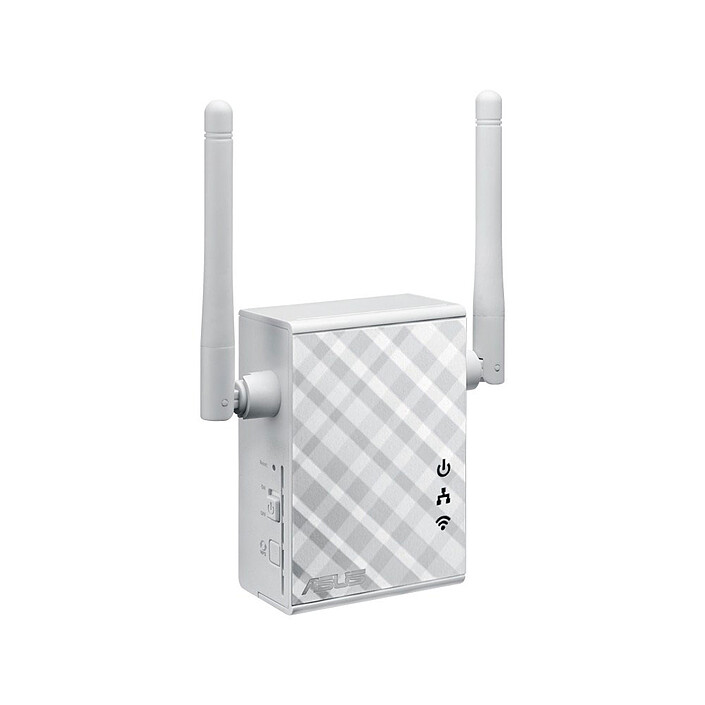
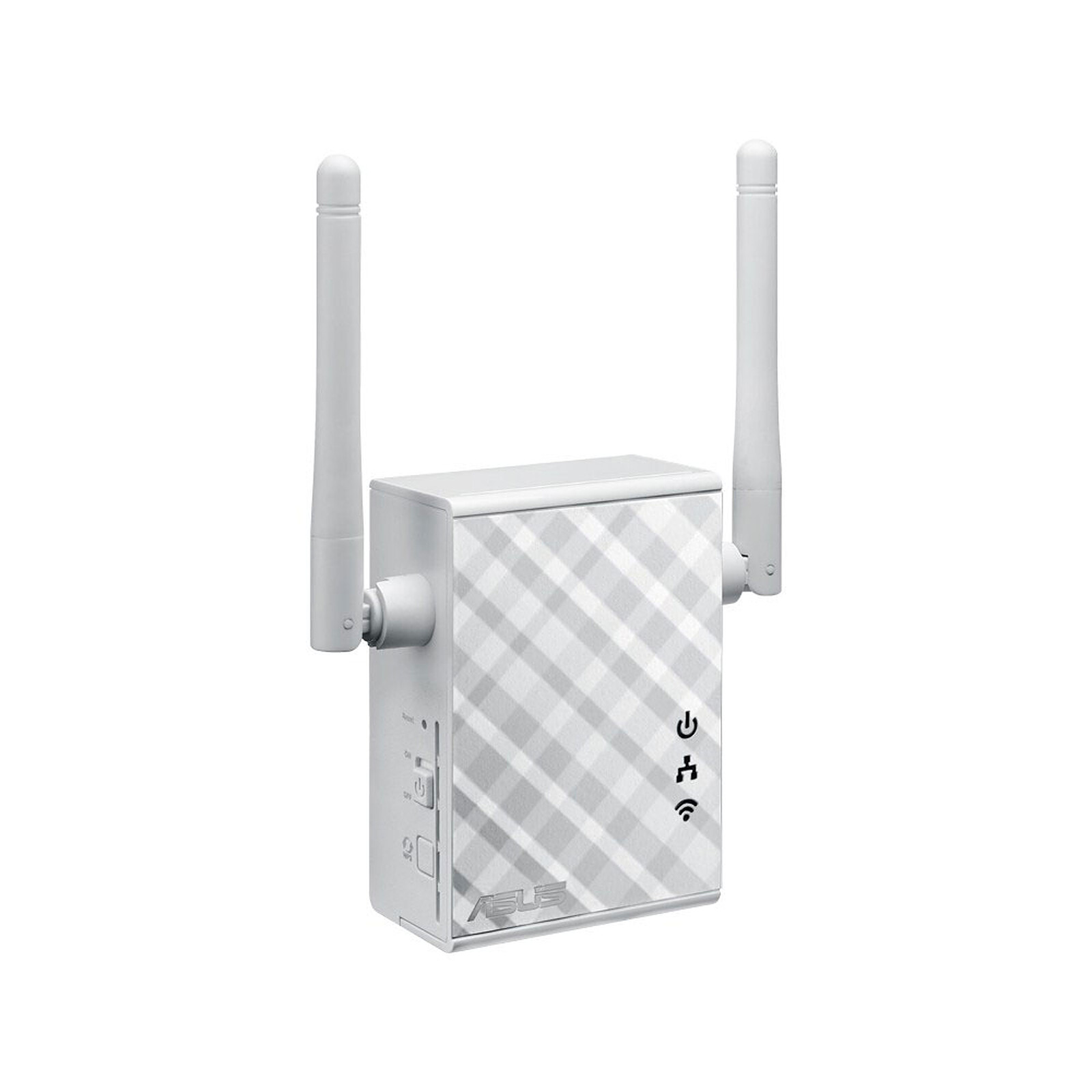
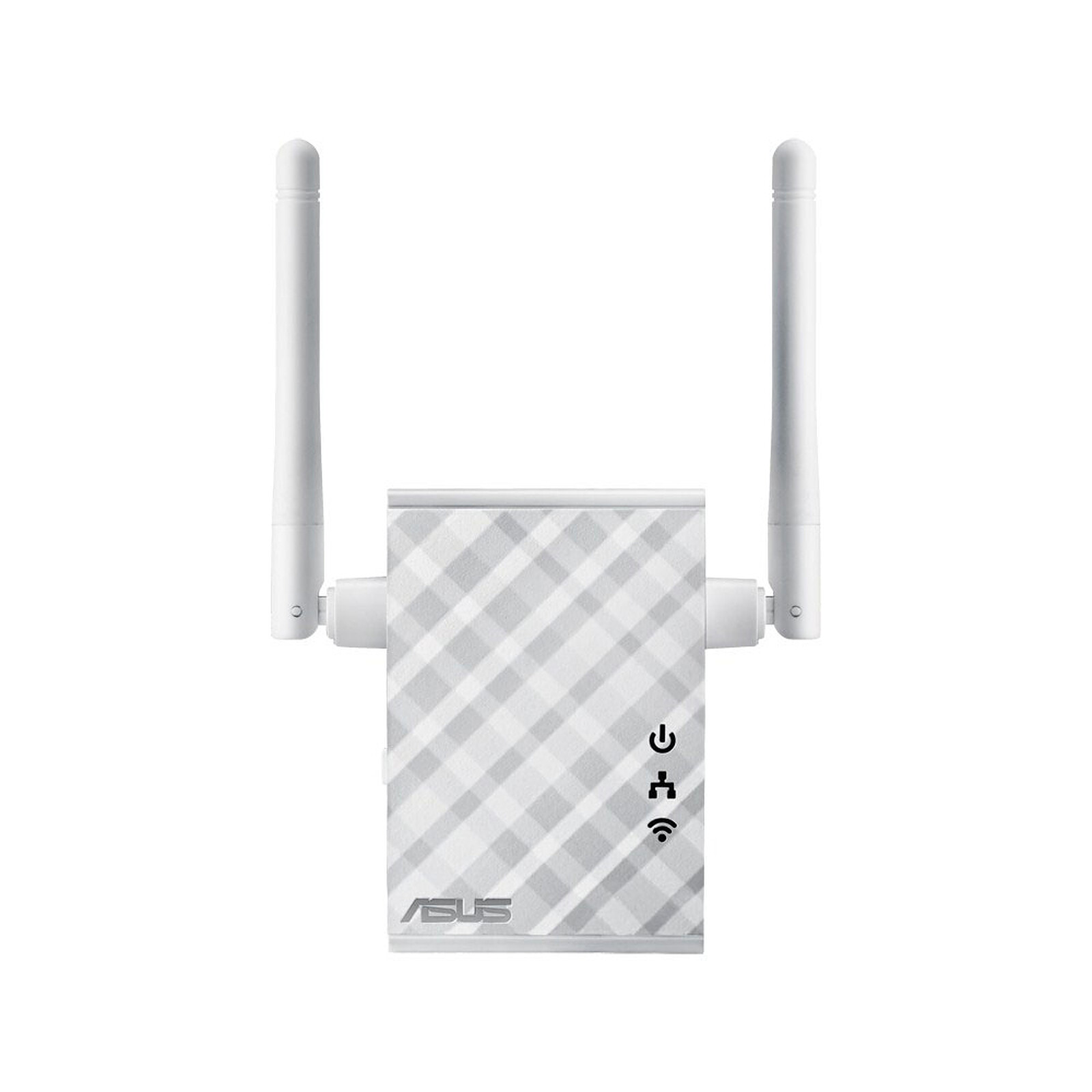
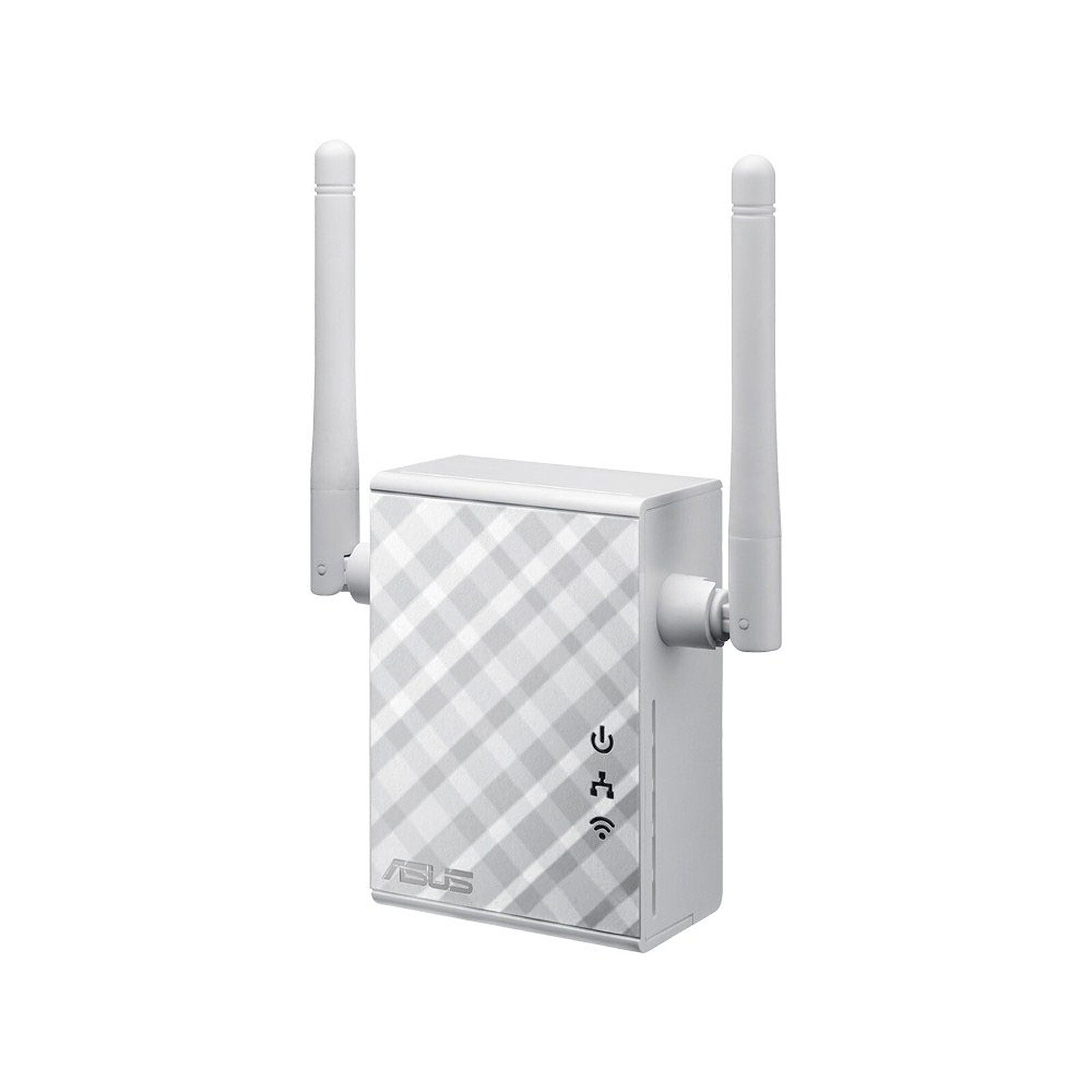

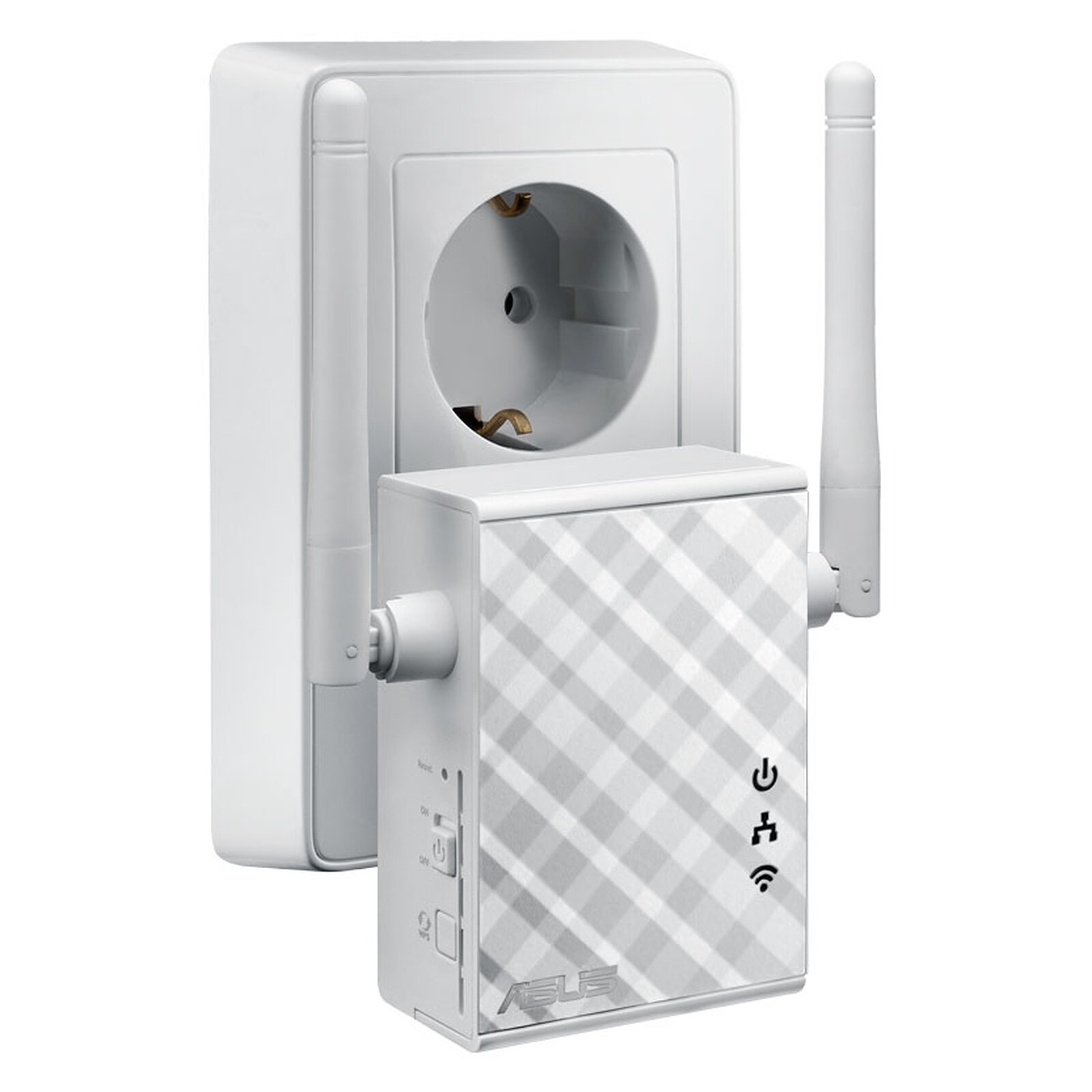
Pictures may differ from actual products

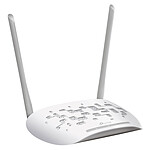
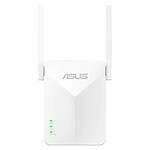
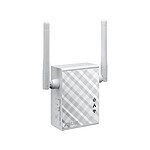
The RP-N12 is a Wi-Fi signal repeater with two powerful external MIMO antennas. They help eliminate "dead zones" and improve network coverage for any existing Wi-Fi router. It works like a repeater, which means it extends Wi-Fi coverage to every corner of your home, even the most inaccessible places. All your devices - laptops, tablets, smartphones, games consoles and smart TVs - can now enjoy high-speed Internet access.

Installing the RP-N12 requires no CD, mouse or keyboard. To install it, simply press the WPS button. Its optimised performance will ensure you have a unique and fluid connected experience. To access the advanced settings, connect your RP-N12 to a computer via an Ethernet cable. You can then access the online configuration menu directly, without having to use a disk or install an application. You can even access it via Wi-Fi from a tablet or smartphone.
For best results, the RP-N12 should be within range of a stable signal from the router. That's why it should be placed between the router and the place where you want to get the best signal. The signal indicator on the front of the device lets you check the strength of the Wi-Fi signal.
For even greater flexibility, the RP-N12 offers two practical modes. As well as being a signal repeater, it can act as an access point or media bridge. In access point mode, it can be connected to any wired LAN, in a hotel for example, to create a personal Wi-Fi hotspot and allow you to connect your laptops, phones or other Wi-Fi devices to the Internet. In media bridge mode, any device can be connected via an Ethernet cable, such as a smart TV, media player, games console or desktop computer, to allow it to connect to Wi-Fi and reduce cable clutter.

 Select your criteria
General information |
Product name |
ASUS RP-N12 |
Brand |
ASUS | |
Model |
90IG01X0-BO2100 | |
Technical specifications |
Transfer rate |
300 Mbit/s |
Wi-Fi standard |
Wifi N | |
Network standard(s) |
10/100 Mbps | |
Mesh Wi-Fi (mesh/multiroom network) |
No | |
Dual-Band |
No | |
Connector(s) |
Fast Ethernet - RJ45 Female | |
PoE (Power over Ethernet) |
No | |
Use |
Indoor | |
Operating mode |
Point to point | |
| Repeater | ||
Multimedia function |
Yes | |
Encryption |
WEP | |
| WPA - PSK | ||
| WPA2-PSK | ||
| WPS | ||
MU-MIMO compatible |
No | |
Removable antenna(s) |
No | |
Color |
White | |
Width |
81 mm | |
Height |
34 mm | |
Depth |
55 mm | |
Weight |
110 g | |
Warranties |
Commercial warranty |
Seller 2 years
|
Legal warranty |
See terms & conditions
|
|
Safety Information |
Responsible person |
ASUS Computer GmbH |
Postal address |
Harkort STR. 21-23, 40880 RATINGEN, GERMANY | |
Electronic Address |
ProducSafety@asus.com |
See all ASUS products
Product referenced on 1 Sep 2015
unstable repeater, the WiFi works and then stops, not functional, I have very thick stone walls, poor signal reception, original
Easy to set up.
Rebroadcasts the signal correctly in the desired areas of the house.
Finds the network again quickly after unplugging / plugging back in.
Works perfectly quite far from the router. Throughput largely satisfactory given the distance. Quick and easy installation.
I wanted to use this device as a WIFI "access point" from a wired RJ45 connection on the network. I didn't manage to do it and I wasted a lot of time. Note that it is described in particular as a WIFI access point! It is actually a "repeater".
Does exactly what it's supposed to do, as indicated in the title. Easy to set up with the help of the user manual. No problem.
In the same universe: access point | repeteur wifi | wifi repeater