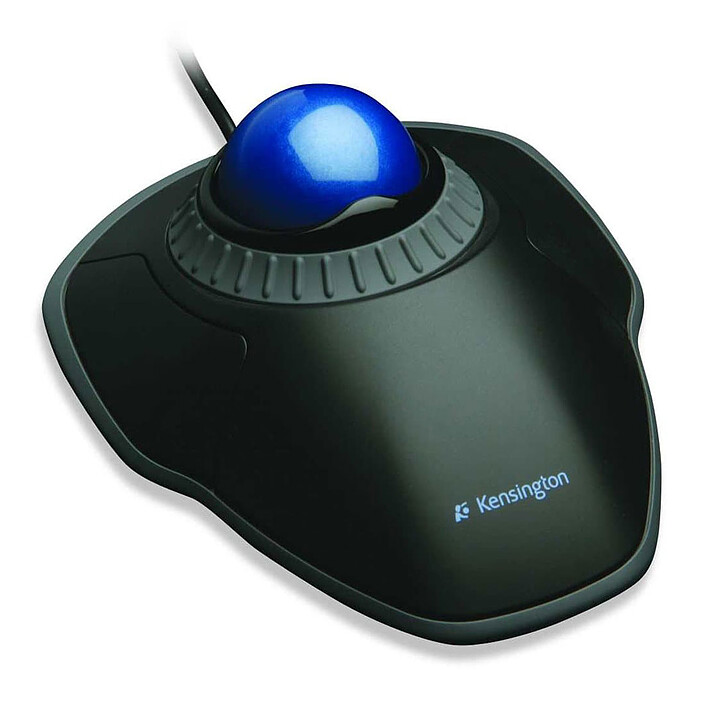
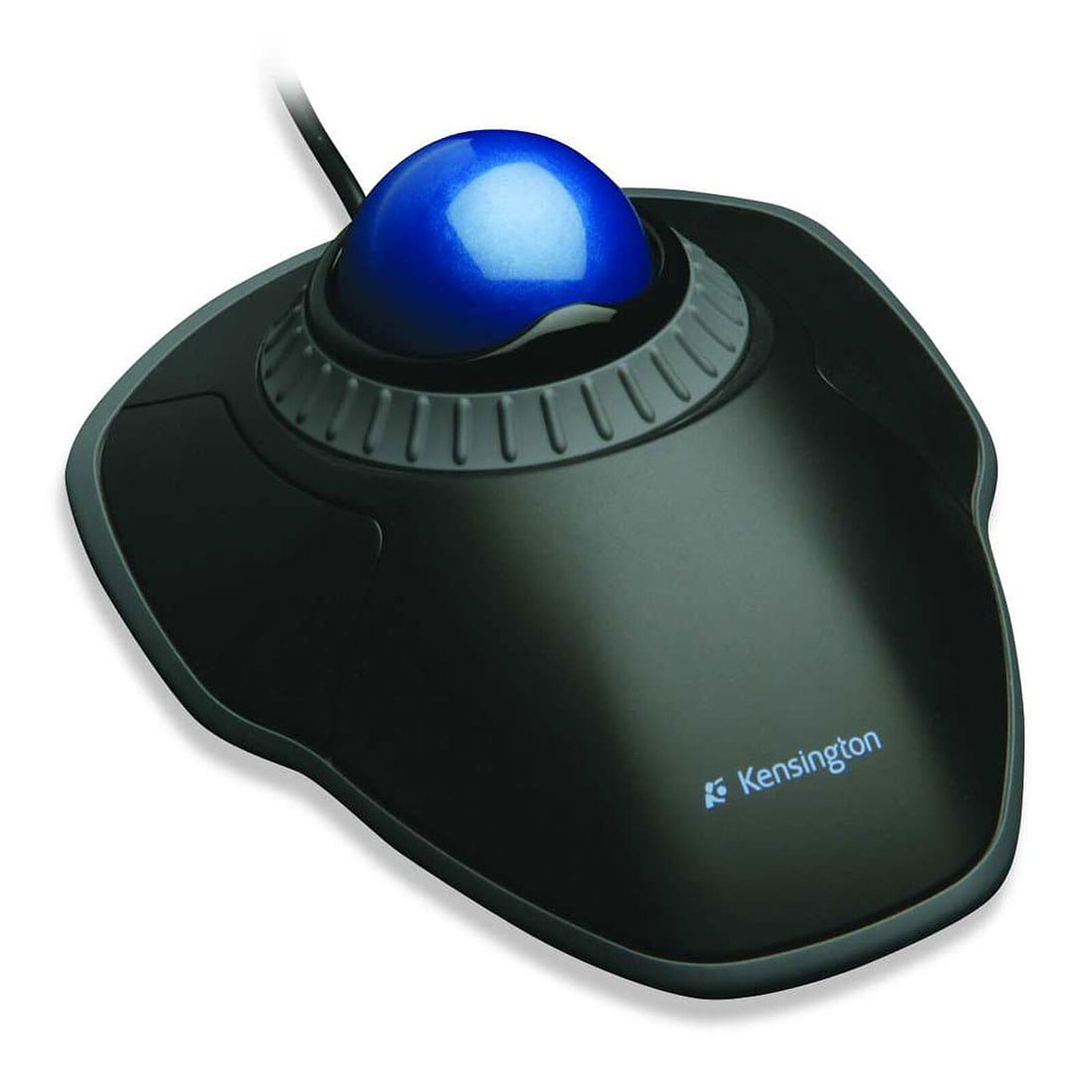
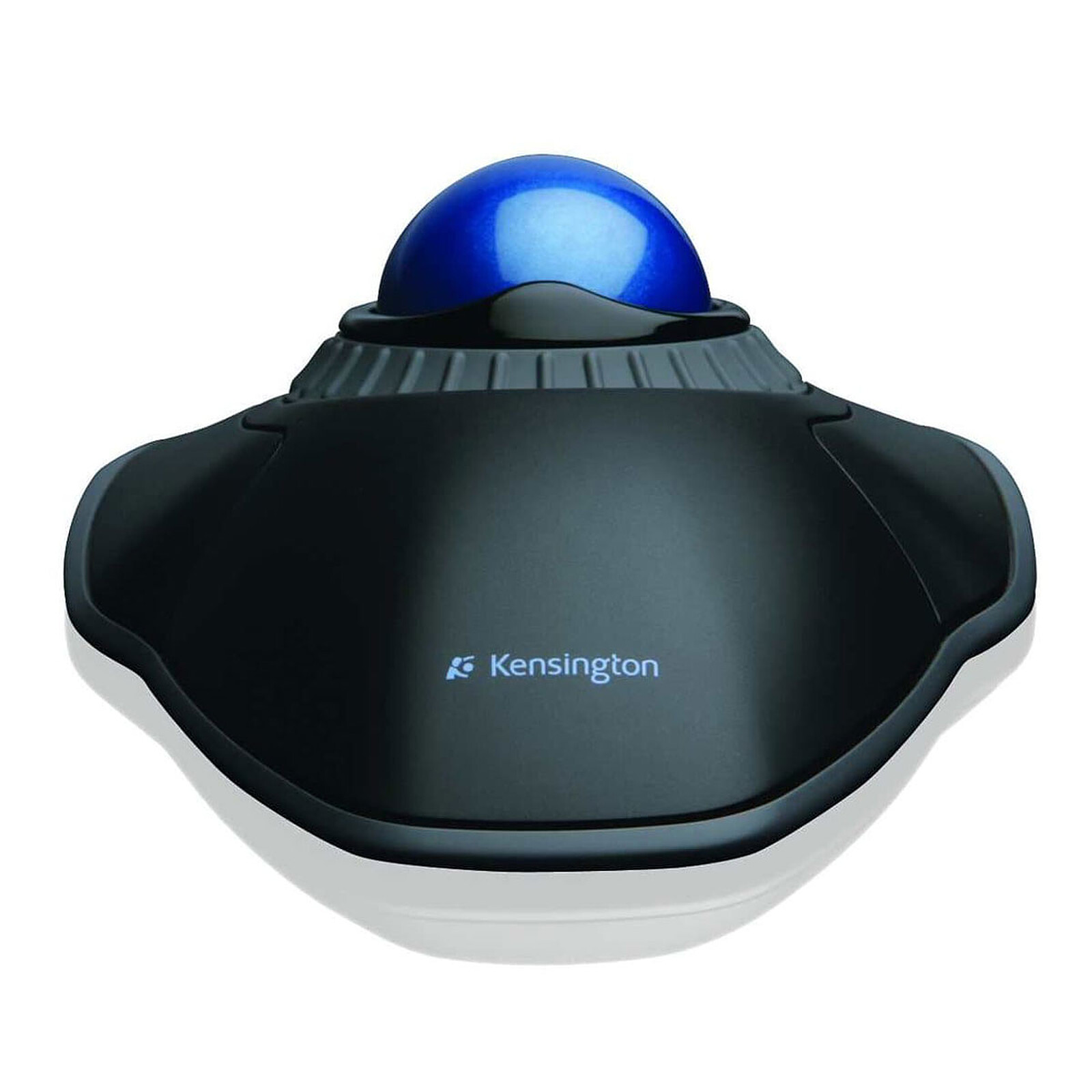
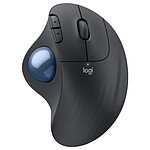
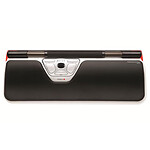
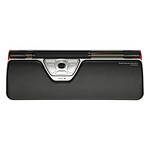
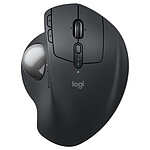
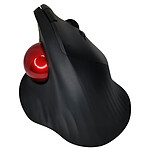
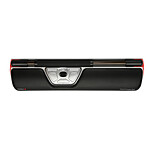
The Orbit trackball with scroll wheel gives you both precise scrolling and all-day comfort. The award-winning scroll wheel lets you scroll through web pages and long documents without clicking. More ergonomic, it requires less wrist and hand movement, which will relieve repetitive strain injuries. TrackballWorks software gives you the ability to assign specific functions to your two buttons and create a truly tailored productivity experience. Optical tracking allows for smooth and precise cursor control, and a removable wrist rest provides ergonomic support when you're working non-stop.
Features:
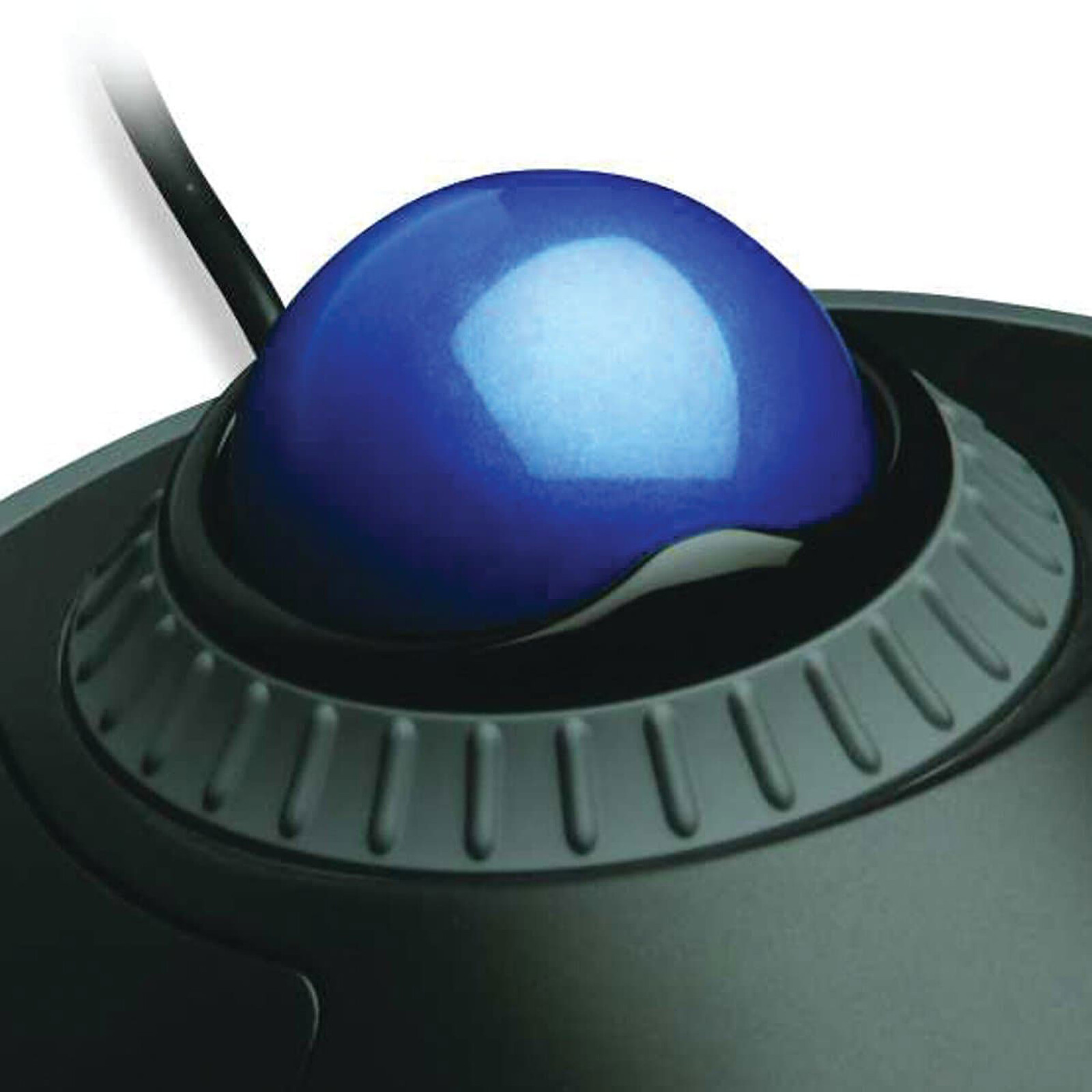
The Scroll Ring makes it easy to scroll through web pages
Perfectly spherical, the 40mm medium ball is designed for exceptional accuracy
TrackballWorks software allows you to customize the 2 buttons and adjust the cursor and scroll speed
Optical tracking technology for optimal cursor accuracy and control
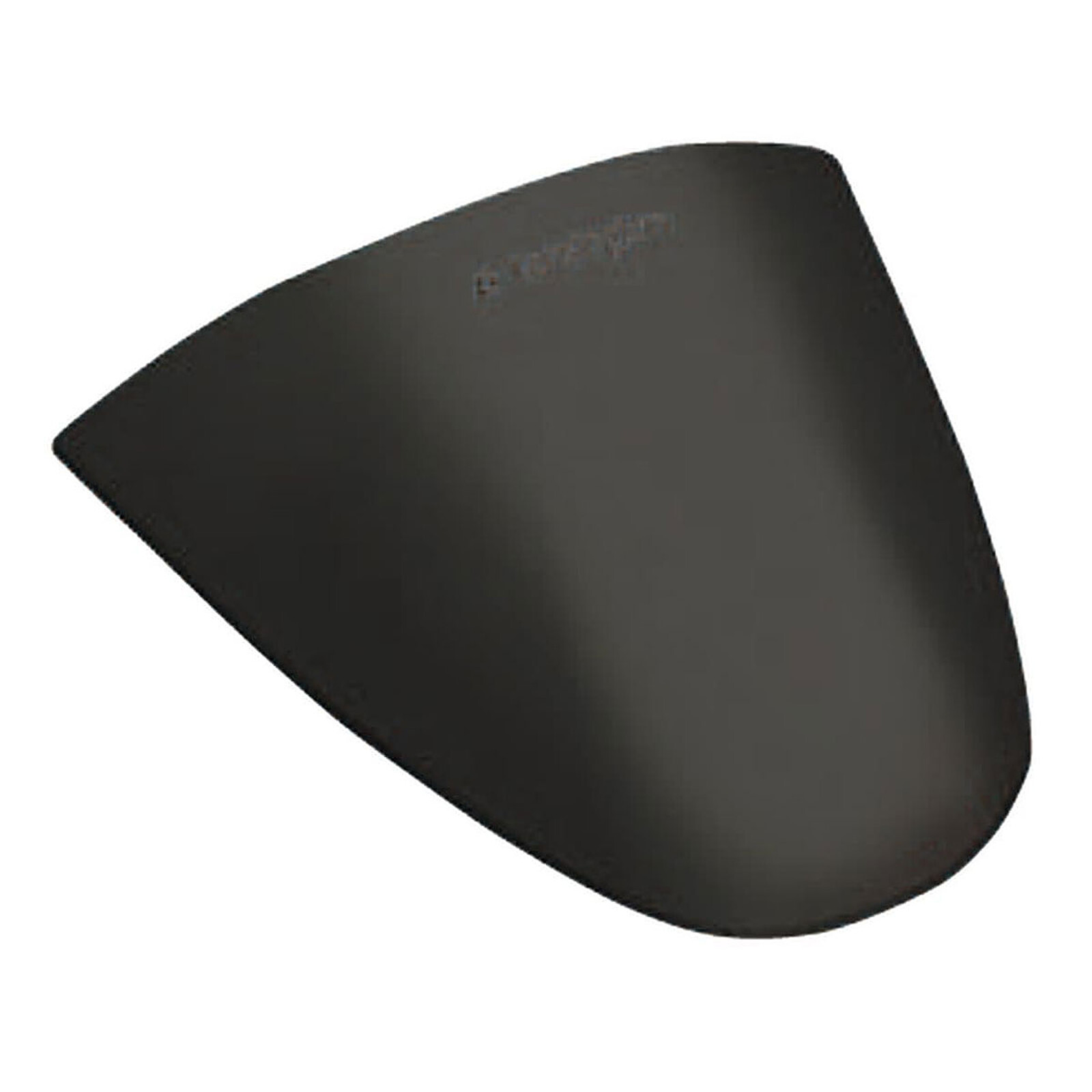
Removable palm rest provides comfortable and ergonomic support for the hand and wrist
Ambidextrous design is suitable for both right and left handed users
This is my first experience with a trackball and I'm pretty pleased. The ball glides smoothly and noiselessly, the ring is even easier to manipulate than a scroll wheel, and the buttons are easy to access - a real treat.
There are two minor drawbacks, however: firstly, I find it harder to make precise selections than with a mouse, and secondly, the lack of a third button puts me at a disadvantage (I use it a lot for copying and pasting).
Review automatically translated
by FrancoiseM
Posted on 6 Feb 2023
Bought on 15 Dec 2022 from LDLC
Number of reviews: 3Average rating: 8
Not convinced
What's good: the scroll function
But :
unnatural hand position,
noisy and unresponsive click buttons,
"walkie-talkie" wrist rest
So I went back to my old marble mouse. Left-handed people are definitely unloved by manufacturers...
Review automatically translated
by JonathanG
Posted on 18 Apr 2022
Bought on 19 Mar 2022 from LDLC
Number of reviews: 1Average rating: 10
Practical and solid
Practical to avoid pain in the wrist as when using a classic and solid mouse, the previous one lasted me 7 years.
Review automatically translated
by JS
Posted on 1 Feb 2022
Bought on 2 Jan 2022 from LDLC
Number of reviews: 6Average rating: 6
A good trackball, with some room for improvement on the details
It is a very good trackball and I found myself getting used to it very quickly, faster than an ergo mouse. I've been using it for a while now, and it's a good trackball, but I'm not sure I'll ever get used to it again... I'm not sure I'll ever get used to it again, but I'm not sure I'll ever get used to it again.
Review automatically translated
by Marie-AnneV
Posted on 25 Sep 2020
Bought on 17 Sep 2020 from LDLC
Number of reviews: 1Average rating: 9
Good affordable mouse
This mouse allows me not to strain my thumb to hold it (unlike conventional mice that you have to move) and relieves my damaged metacarpal-phalangeal joint.
After a day and a half of use, the mouse is completely adopted. The software to configure the buttons is great (especially to make it like a wheel click to open a link in a new tab on a browser). I confirm the opinion of a previous user, it is more practical to set a slow cursor speed with a fast acceleration, the pointing is more precise than the opposite.
The scroll ring has a somewhat random speed (sometimes very slow on some sites and sometimes too fast where it skips entire paragraphs).
The only drawback (but one I expected) is the absence of an "extended wheel click" for example to rotate a view in a software or a video game (when it is not the right click that allows it). To play, I keep my classic mouse.
Review automatically translated
by Michael D
Posted on 4 Feb 2019
Bought on 2 Jan 2016 from LDLC
Number of reviews: 2Average rating: 7
Great trackball but with a flaw
The trackball is quite simple and accurate, and has a great grip. Can be adapted for small or large hands via its removable holder and the large grey wheel acts as a scroll up/.down (equivalent to the small wheel on a mouse)
Negative point: Not a discreet click, the detachable stand disengages from the base if the base is not placed on a flat surface.
Review automatically translated
by RaphaelCL
Posted on 21 Oct 2016
Bought on 11 Aug 2016 from LDLC
Number of reviews: 4Average rating: 10
A good trackball, good quality, works directly under GNU/Linux (Ubuntu and Fedora).
A good trackball, works directly under GNU/Linux (Ubuntu and Fedora).
I suffer from pain in my hands, this trackball is unfortunately not adapted to my problem, because it requires a movement of the index and middle fingers. I would take a model where the ball is controlled by the thumb.
The ball, the scroll wheel and the buttons are comfortable and of rather good quality.
The lack of middle click can simply be simulated (under GNU/Linux, tested under Ubuntu and Fedora) with a configuration of Xorg that specifies that the middle click should occur if both buttons are pressed (left and right at the same time).
A very good product for those who want to try trackball, and don't really suffer from hand pain.
For people who want more precision, a middle click button, and an extra button, I recommend the "Kensington Expert Mouse Optical" at 99eur.
For people who have pain with the use of a mouse, I recommend, 1/ a good position (wrist should NOT be placed on the table, but on an elevated support so that the hand is in line with the forearm), 2/ the "Logitech Wireless Trackball M570" which has the ball control on the thumb