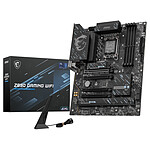
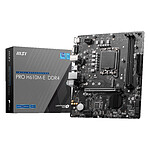
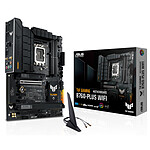
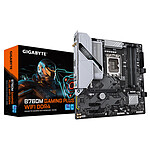
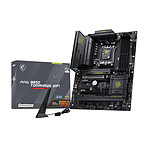
Accompany your Intel Core Ultra processor towards AI
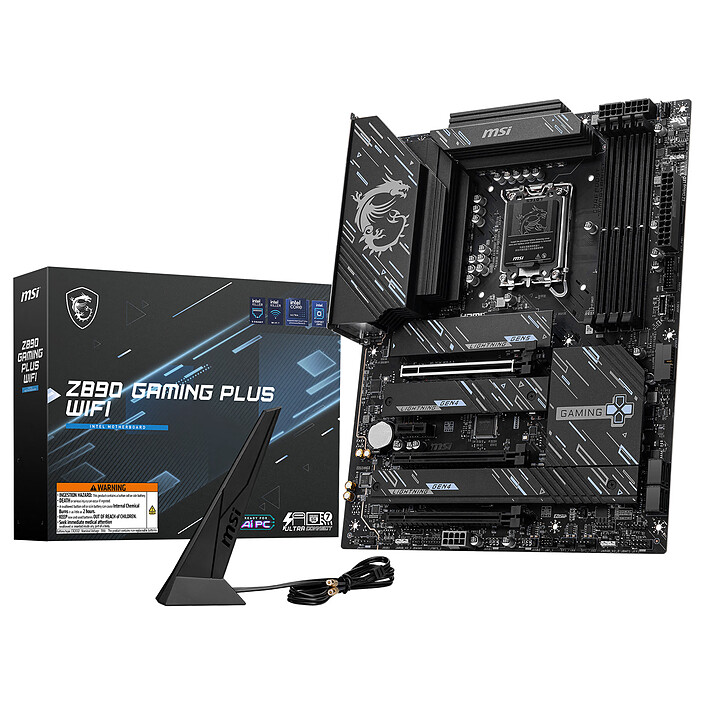
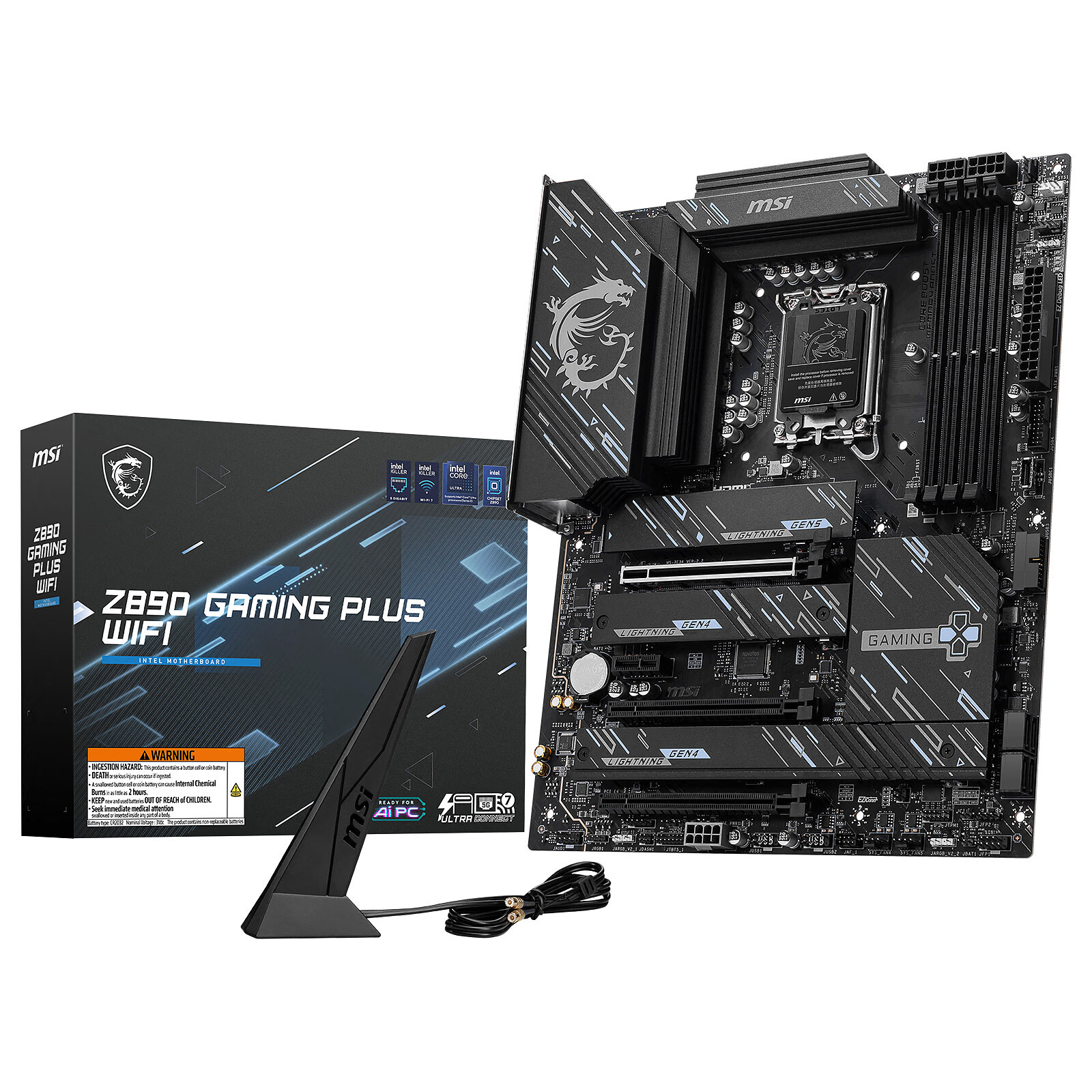
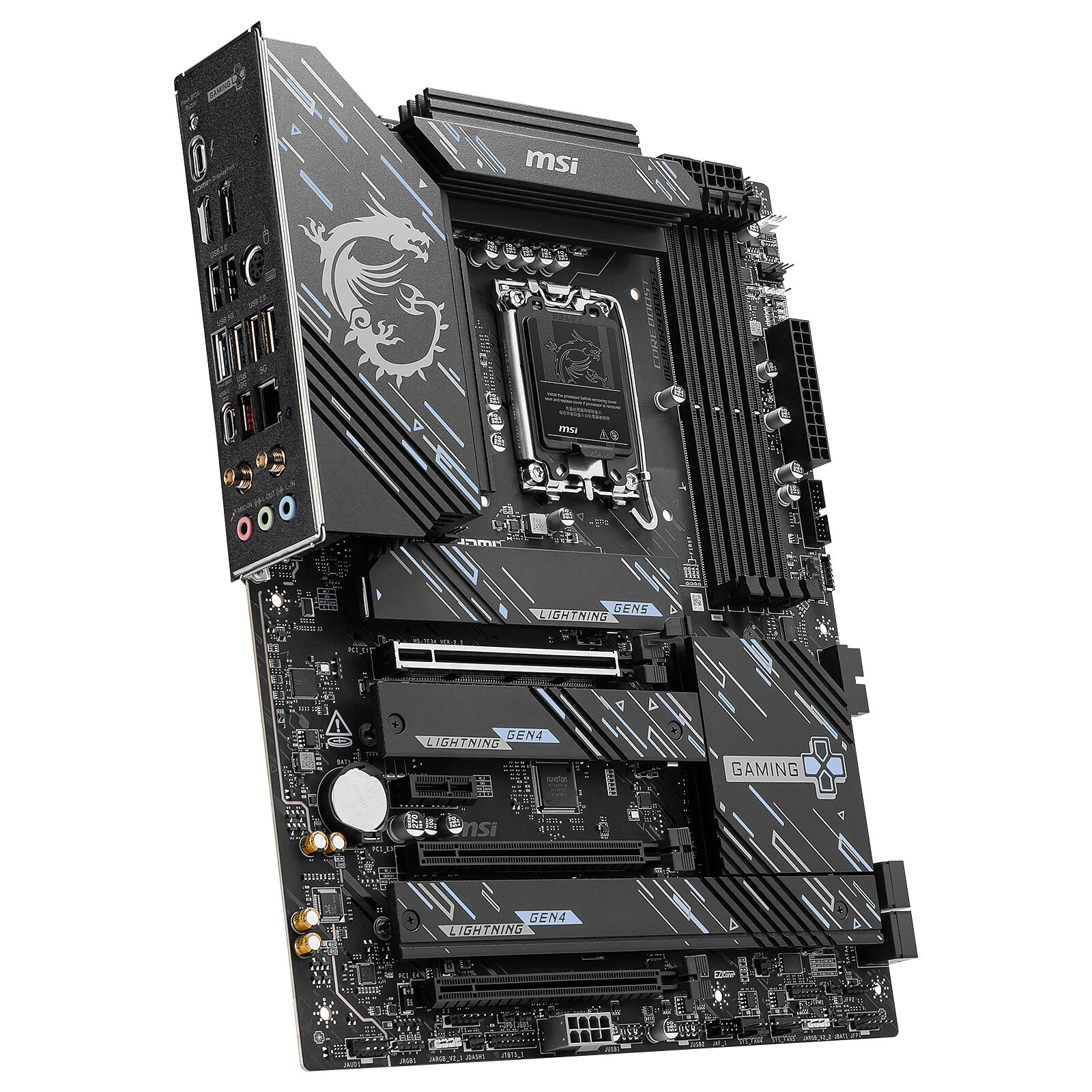
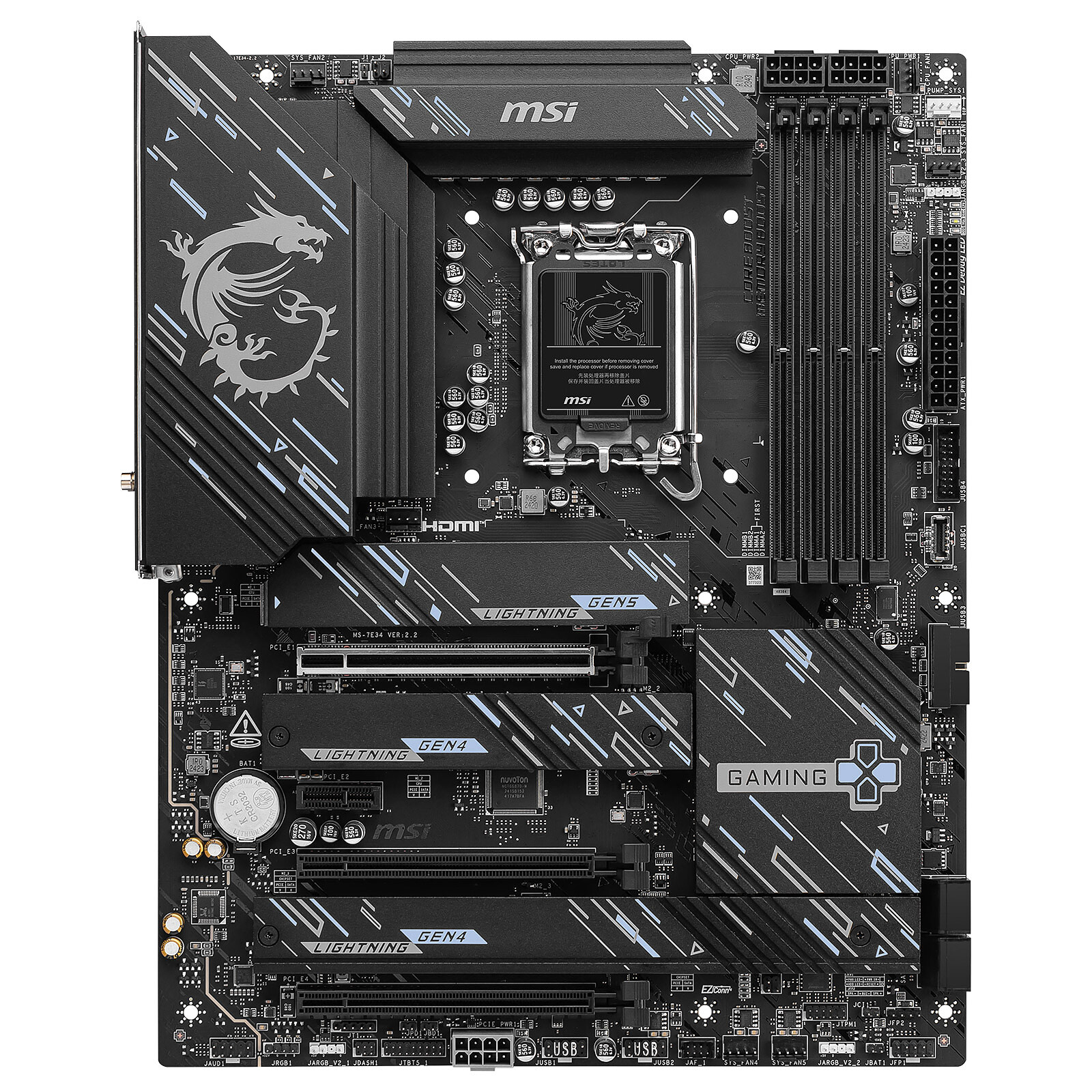
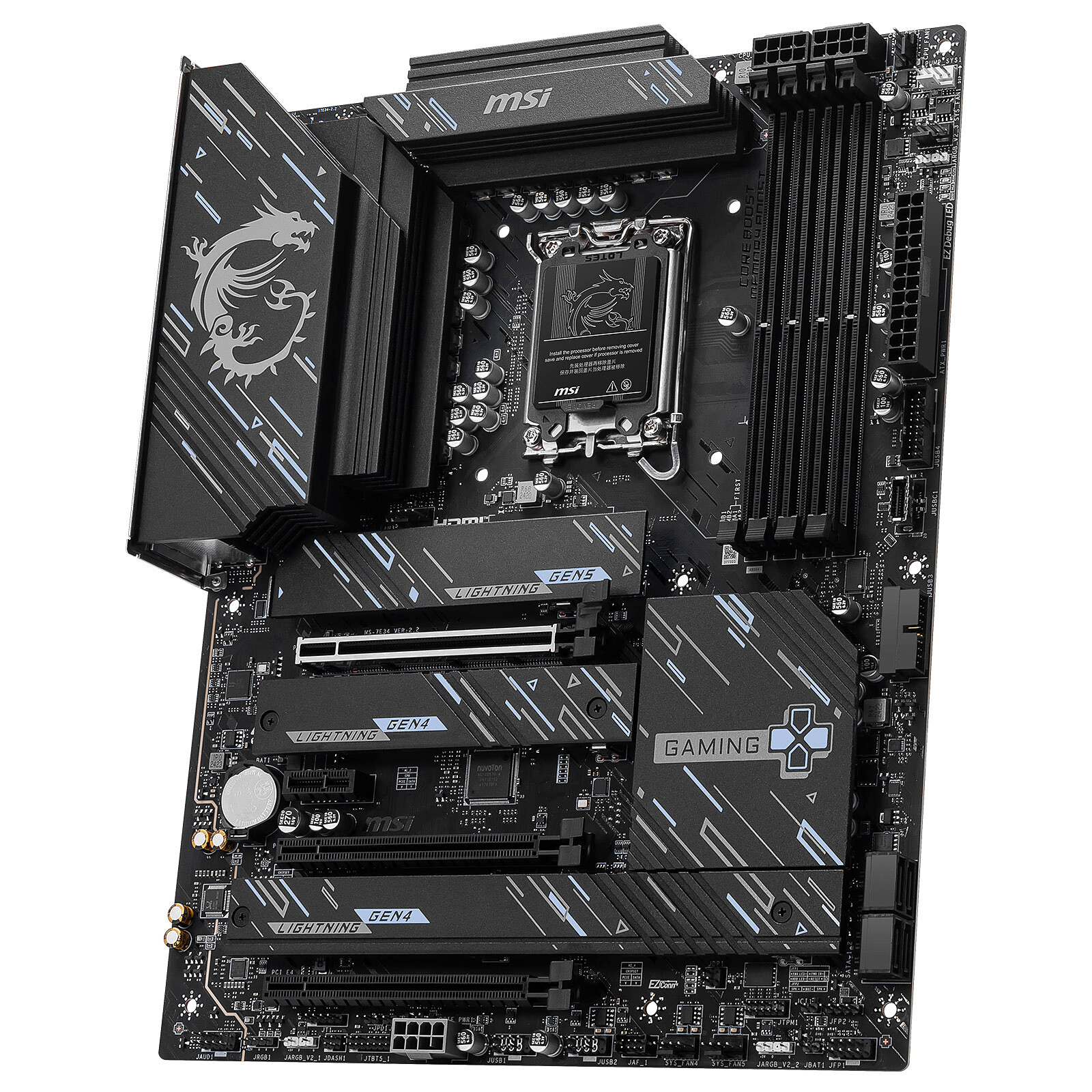
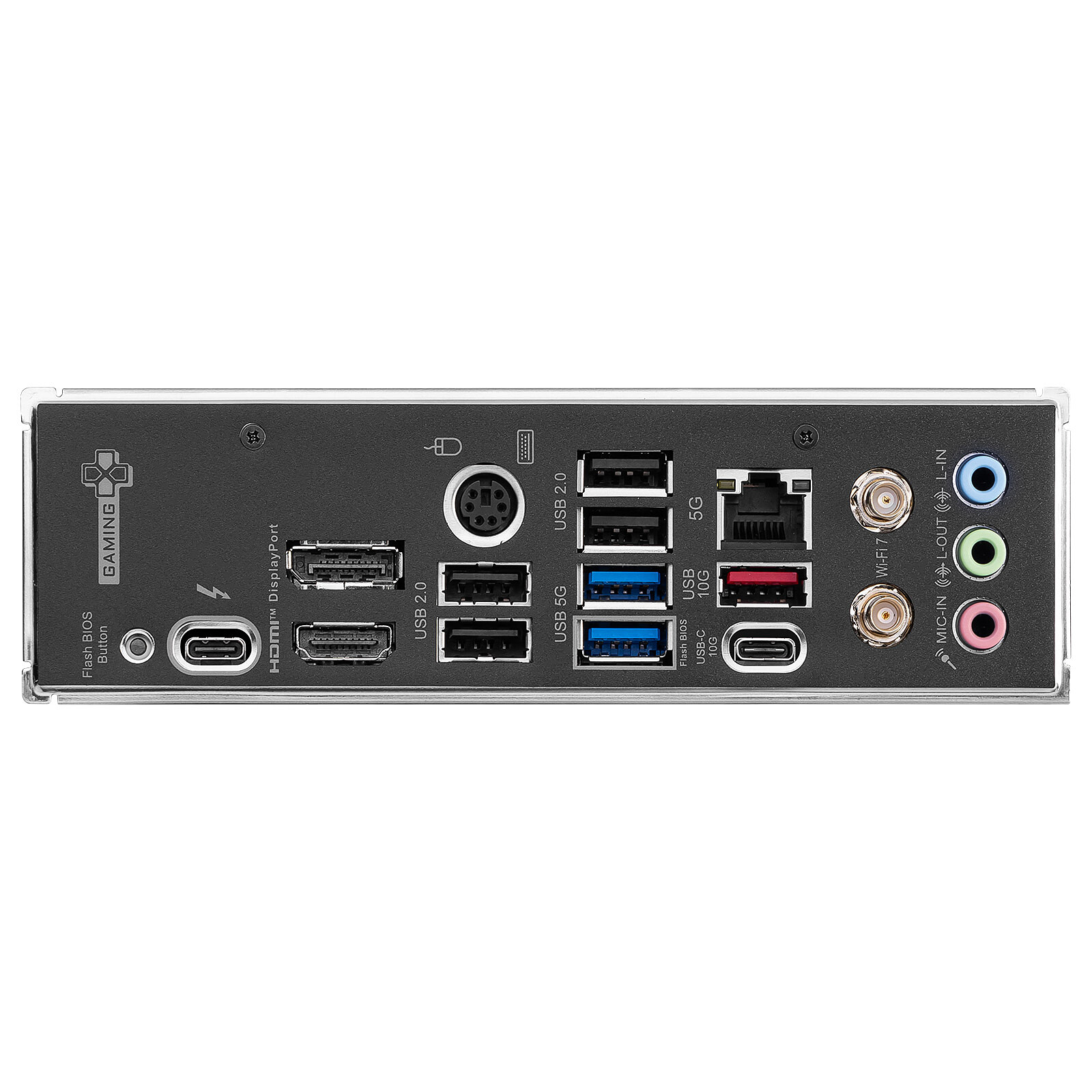
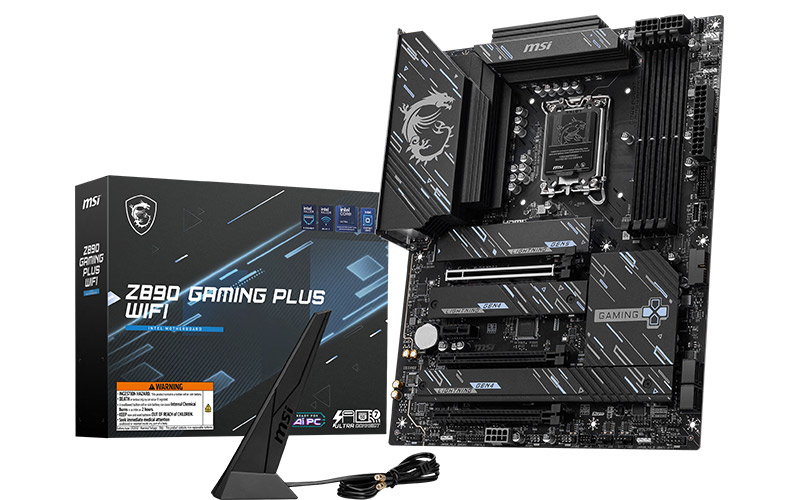
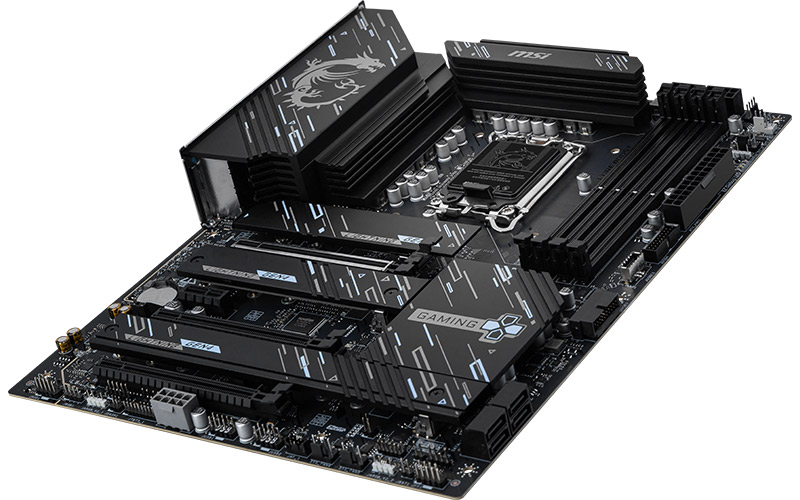
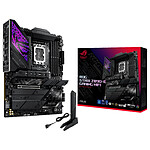
The MSI Z890 GAMING PLUS WIFI motherboard with Intel socket LGA 1851 can accommodate Intel Core Ultra Arrow Lake-S processors optimised for AI. Featuring cutting-edge connectivity, such as Thunderbolt 4, MSI's Z890 GAMING PLUS WIFI also offers a PCI-Express 5.0 x16 slot and an M.2 PCIe 5.0 x4 slot for high-performance gaming components. When it comes to networking, there's nothing lacking, as a 5 Gbps LAN connector is available in addition to top-notch wireless connectivity with Wi-Fi 7 and Bluetooth 5.4.
MSI Z890 GAMING PLUS WIFI
Support for Intel Core Ultra Arrow-Lake-S processors on socket LGA 1851
1 Thunderbolt 4 (USB-C) 40 Gbps port compatible with 8K @ 60Hz and delivering 15W of power.
5 GbE LAN
Wi-Fi 7/Bluetooth 5.4
Highlights
M.2 SSD heatsinks for maximum performance.
Enlarged VRM heatsinks to get the best out of your processor
EZ M.2 Shield Frozr II: easy installation and ejection of M.2 NVMe SSDs.
Intel Core Ultra Arrow-Lake-S processors
Be ready to enter the new era of gaming, choose a PC with AI equipped with an Intel Core Ultra processor. Enjoy top performance for streaming and gaming. Entrust tasks involving AI such as background suppression, audio optimisation and automatic framing to the Neural Processing Unit (NPU) and you'll have ideal streaming and gaming conditions.
Very good support despite my many requests for quote modifications according to my budget. They were there and gave very good advice from A to Z.
They didn’t try to inflate prices with cutting-edge performance proposals, but really adapted the solution to a realistic balance between budget, hardware upgrades, and usage.
Works great.
Review automatically translated
by ArnaudR
Posted on 23 Jan 2026
Bought on 24 Dec 2025 from LDLC
Number of reviews: 2Average rating: 10
Excellent motherboard
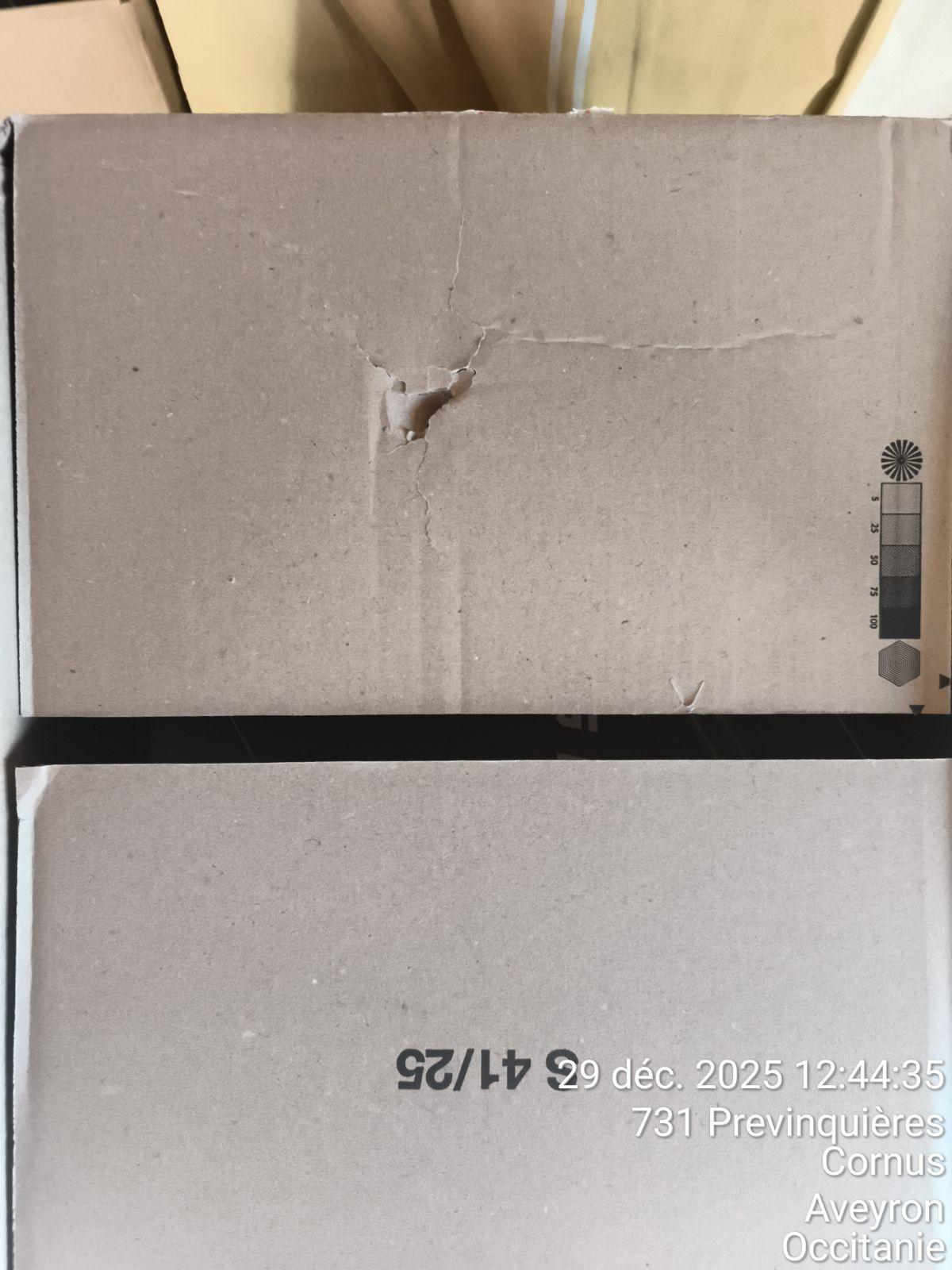
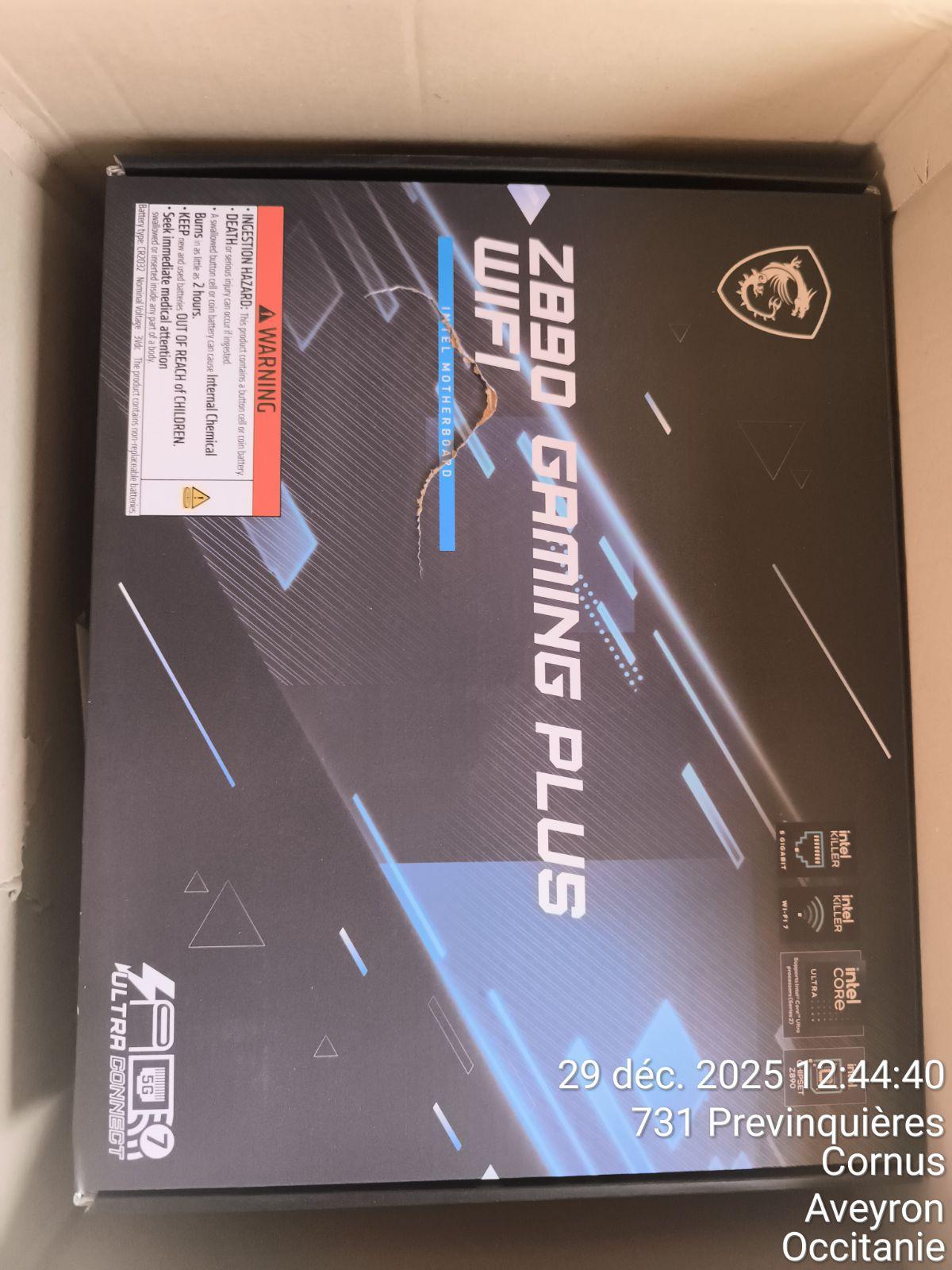
Despite choosing Chronopost, a very incompetent company, and receiving damaged parcels, I approve of the motherboard, which is excellent and allows for overclocking.
Review automatically translated
by willy T
Posted on 16 Nov 2025
Bought on 15 Nov 2025 from LDLC
Number of reviews: 11Average rating: 9
Bof, rather disappointed
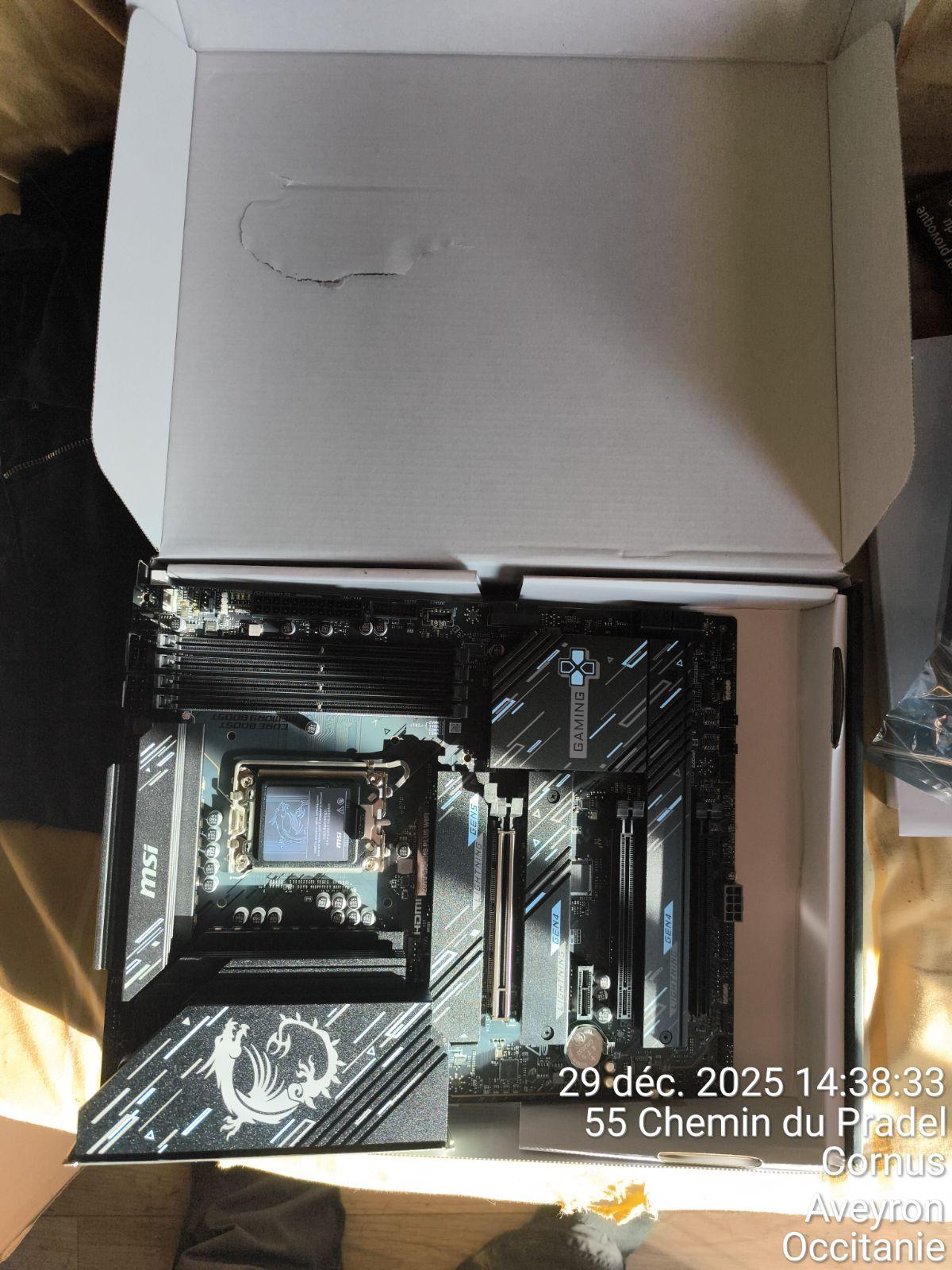
When I first unpacked the system, I found an SSD heat sink that moved around inside against the card. It took me a while to work out how to fix it back in place, it's a screwless trick that's not explained in the manual and is not trivial.
Next, fixing the radiator... I took a Dark Rock Pro 5 bequiet, which comes with screw-in spacers. I found it worrying that there were tracks around the fixing holes where I was supposed to tighten a metal spacer, which would have ripped everything out and short-circuited it. So I put in M3 8.5mm cardboard washers to insulate. I don't know which of the two (fan/motherboard) is wrong about the spec, but one of them could have supplied the insulating washers.
As for the BIOS... it ignores the boot order settings (F11 mandatory for USB), CSM absent, so old PC upgrade impossible. It doesn't know the OS boot path (only /EFI/bootx64.efi detected) so you have to fiddle with it. I'm sorry, but I knew that MSI wasn't the best.
Review automatically translated
by Stan D
Posted on 22 Oct 2025
Bought on 23 Sep 2025 from LDLC
Number of reviews: 4Average rating: 10
Config upgrade
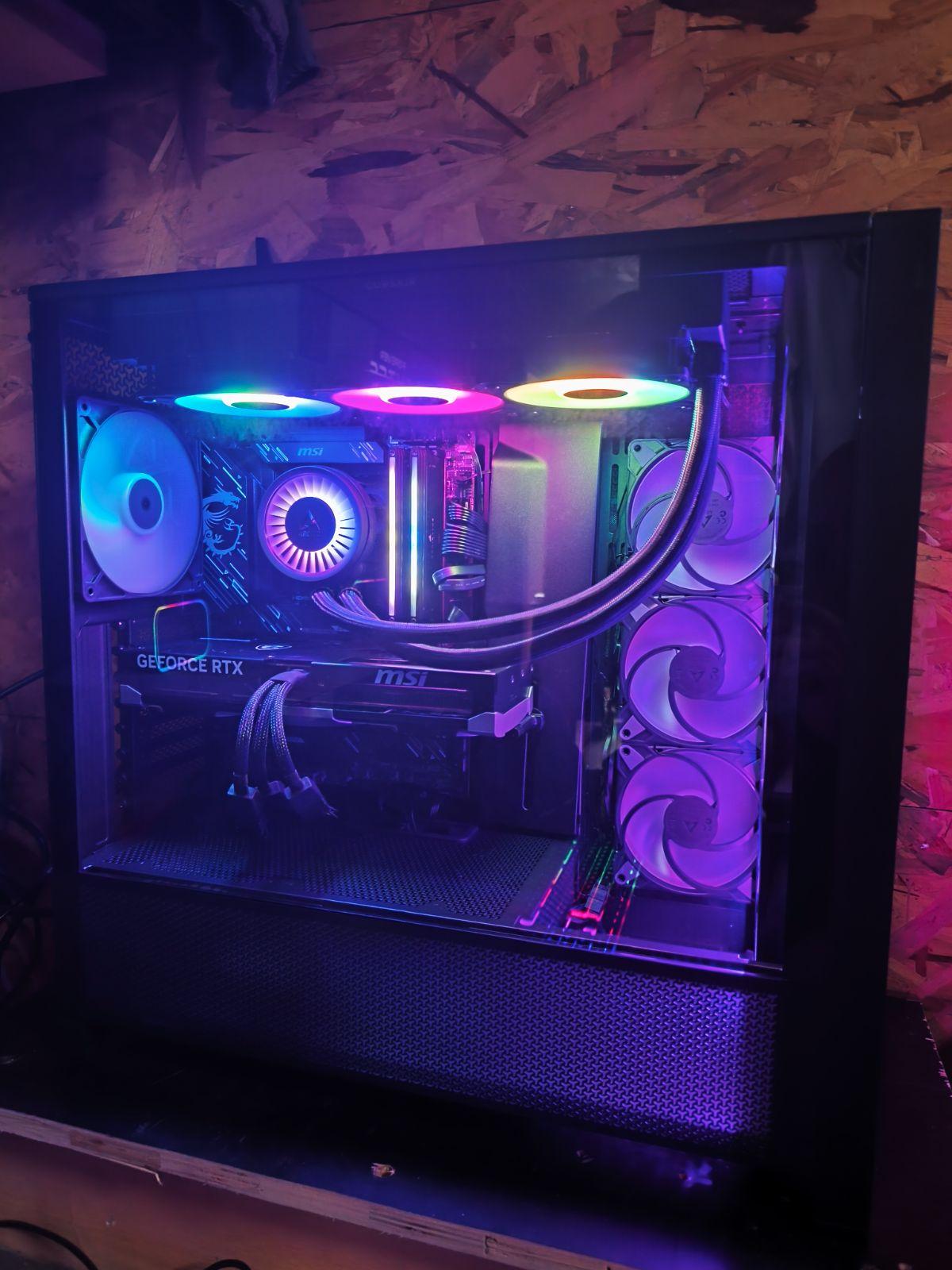
Fits the description and the product is functional. I took it for an upgrade with a Core Ultra 7 265K, 2 Trident Z of 16 GB each and a Noctua NH-D15 ventirad. Everything works well.
Review automatically translated
by Julien L
Posted on 22 Sep 2025
Bought on 20 Aug 2025 from LDLC
Number of reviews: 11Average rating: 8
Attention
The card does its job. On the other hand, the BIOS menu is unintuitive, not to say obscure. I also have a problem with the configuration not being retained. It loses the language set. And when it loses power, it loses part of the configuration. For example, it resets the SecureBoot which prevents my Linux from booting.
The instructions for installing the M2 card are not clear. There's a piece of rubber that you have to remove (or not), but then the card isn't in contact with the thermal paste...
Linux: The ethernet card is not recognised by default (Debian) but if you download the right driver, it works, Wifi/ethernet/Bluetooth.