Excellent
Very good ssd, never disappointed by Crucial, always the best value for money. Significantly improves the performance of my PC.
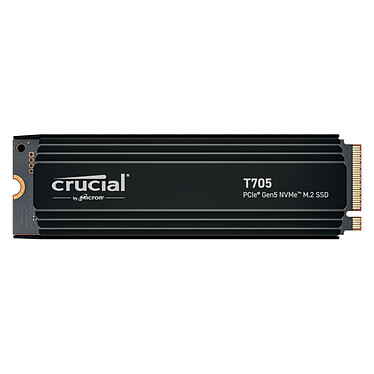
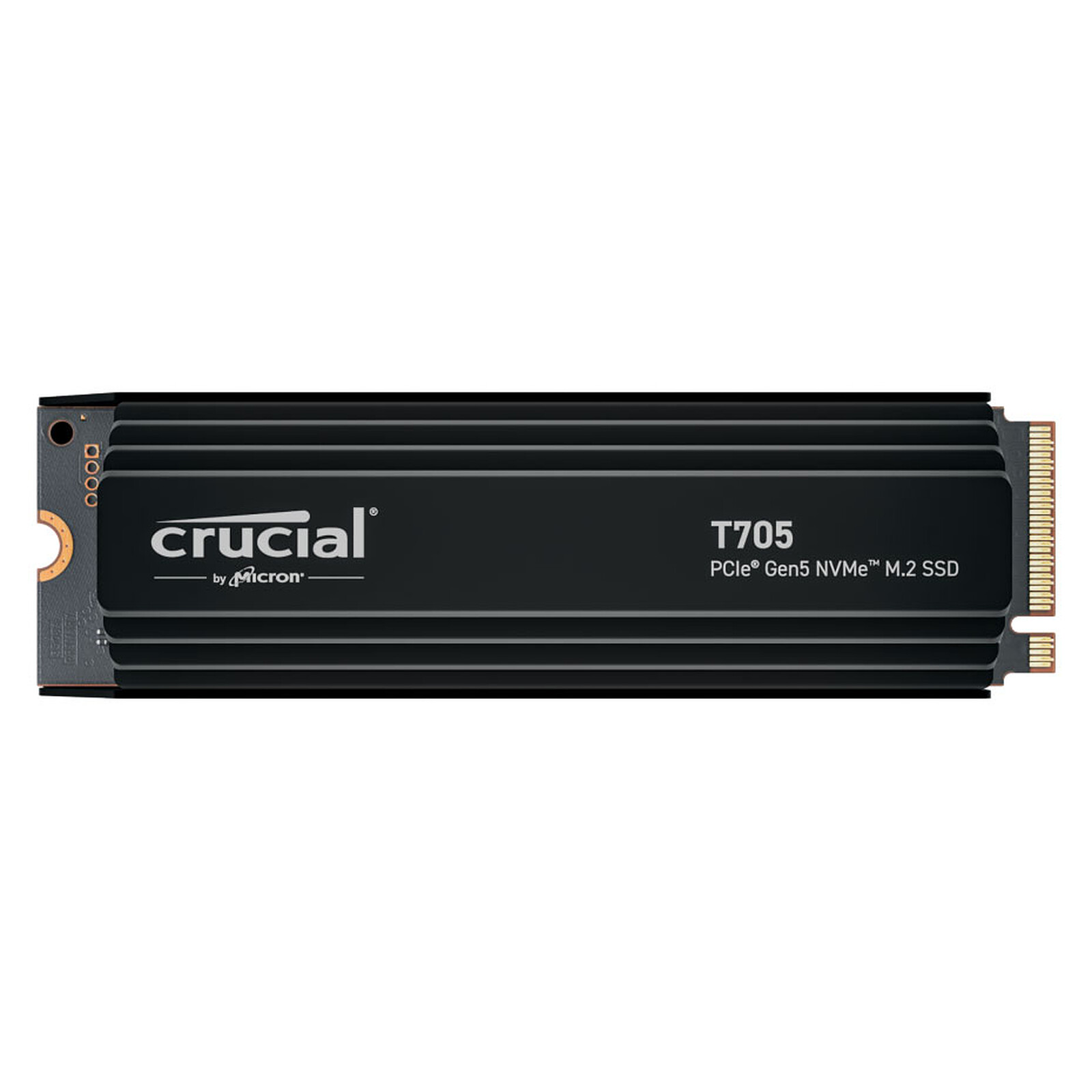
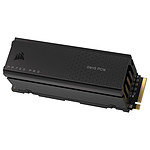
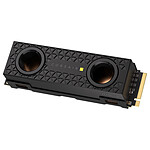
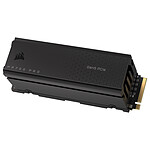
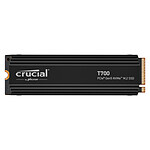
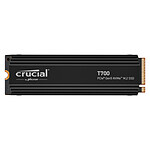
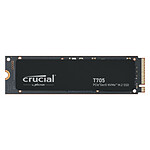
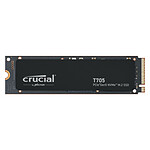
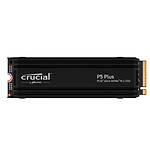
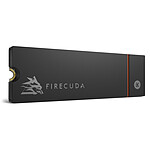
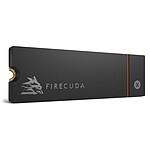
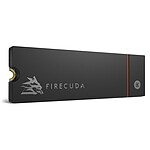
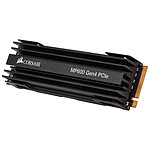
The Crucial T705 SSD with its PCIe 5.0 4x NVMe 2.0 interface offers speeds of up to 14,500MB/s sequential reads and up to 12,700MB/s sequential writes (depending on model) to take PCIe 5.0 performance to the next level. Boost your games, create at lightning speed and use artificial intelligence applications with ease thanks to this Crucial T705 SSD that works with the integrated heatsink for quiet and efficient thermal dissipation.
Designed with 232-layer 3D TLC NAND, the Crucial T705 SSD is optimized for performance, takes full advantage of Microsoft DirectStorage, and is backward compatible with PCIe 3.0 and PCIe 4.0 interfaces.

Select your criteria
General information |
Product name |
Crucial T705 2Tb - With heatsink |
Brand |
Crucial | |
Model |
CT2000T705SSD5 | |
Main characteristics |
Interface with the computer |
M.2 - PCI-E 5.0 x4 |
Hard drive format |
M.2 | |
M.2 format |
M.2 2280 | |
Heatsink |
Yes | |
Cooling type |
Radiator (passive) | |
Capacity |
2 TB | |
Flash memory type |
TLC (Triple-Level Cell) | |
NVMe |
Yes | |
PS5-compatible |
No | |
Performance |
Read speed |
14500 MB/s |
Write speed |
12700 MB/s | |
IOPS Read |
1550000 | |
IOPS in writing |
1800000 | |
Endurance |
1200 | |
TRIM compatible |
Yes | |
Physical characteristics |
Width |
23.5 mm |
Height |
21 mm | |
Depth |
80 mm | |
Weight |
60 g | |
Warranties |
Commercial warranty |
Seller 2 years
|
Legal warranty |
See terms & conditions
|
|
Safety Information |
Responsible person |
Micron Technology, Inc. |
Postal address |
Leopoldstrasse 250 ; Munich, DE, 80807 | |
Electronic Address |
crucialsupportfr@micron.com |
See all Crucial products
Product referenced on 14 Mar 2024
Very good ssd, never disappointed by Crucial, always the best value for money. Significantly improves the performance of my PC.
CLEAR. Super SSD. This generation heats up, so make sure your motherboard has a heatsink to install the SSD. Otherwise you'll have to buy the version with a heatsink.
Very good ssd, but you really need to provide more than the average amount of cooling.
The heatsink on my mobo was grossly inadequate, close to useless. Re-installing my software was enough to bring it to its knees after just a few hours, with a crash followed by a direct boot into the bios with the ssd wandering off, ouch. So beware of what is advertised as "using the one in your mobo", and be careful.
A more massive, double-layered heatsink helped, but it still wasn't enough to give you peace of mind.
I ended up getting a big heatsink with a fan that managed to keep it cool, and after pushing it for quite a while to be sure with 'unrealistic' benchmarks, I'm no longer afraid to use it without a constant eye on the temperature graph and a finger ready to stop my operations.
But to be fair, it does heat up a lot.
Excellent Nvme with crazy speed, can heat up (depending on your use) if not cooled properly.
5/5 RAS
When I read the description of ldlc, the speeds of writing, reading and the "use the M2 heatsink of your motherboard" I said to myself rather than take a 4T in pci 4 for the same price, I take me one of its beasts the stick in main there put my OS and on my astock b650i Lightning wifi, pci 5.0x4 compatible and integrated heatsink, it's going to be a dinguerie, on the pci4 slot I put a WD black 4T. config montée os mis sur le crucial et test de vitesse sur tous les ssd .... suis très déçu, mon crucial en pci5 qui devrait être entre 14000 et 1200 tourne à 5000 ... moins vite que mon wd black en pci 4 qui est à 7000 de moyenne (lecture et écriture) donc comme si rétro compatibilité mais moins bon rendu. As a possible configuration problem I'm going to dig deeper (having written to asrock and crucial, I'm waiting for their feedback). The only thing I don't need feedback on is that it heats up a lot, even too much! As in the description I just put the shield of my motherboard multi-layer aluminum (thicker than many heat sink that are on motherboards in general all brands confused,) roughly without writing it is already at 76 * for info the wd which is just on the other side of the motherboard but at the same level it is at 65 * with a heat sink icybox twice as thick. The problem is that the crucial one has a maximum temperature of 85* after which it goes into security, crashes, reboots the computer and is no longer even recognised in the bios, which asks me to choose a boot option and only shows me the WB as recognised, so I need to shut down and turn the PC back on completely for it to start up again. The problem is that it reaches 85* very quickly, a simple test with the crucial program in read and write mode "long" which lasts 10 minutes is enough to make it crash after 6. Basically if it's for a light or short solicitation it's ok but not sustained and that lasts or stress test, then it overheats and crashes. I'm waiting for feedback and will test another heatsink but active this time. Disappointed...