
Goobay Manual 3 to 1 HDMI Switch (4K@30Hz)
2 Port HDMI Switch with 2 HDMI Inputs and 1 HDMI Output - 4K @ 30 Hz - HDCP1.4
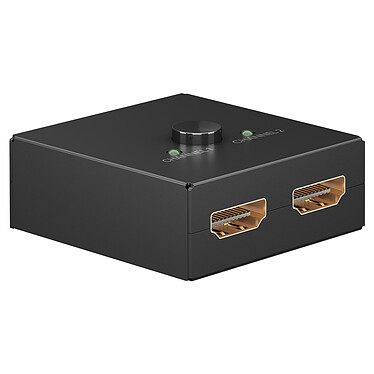
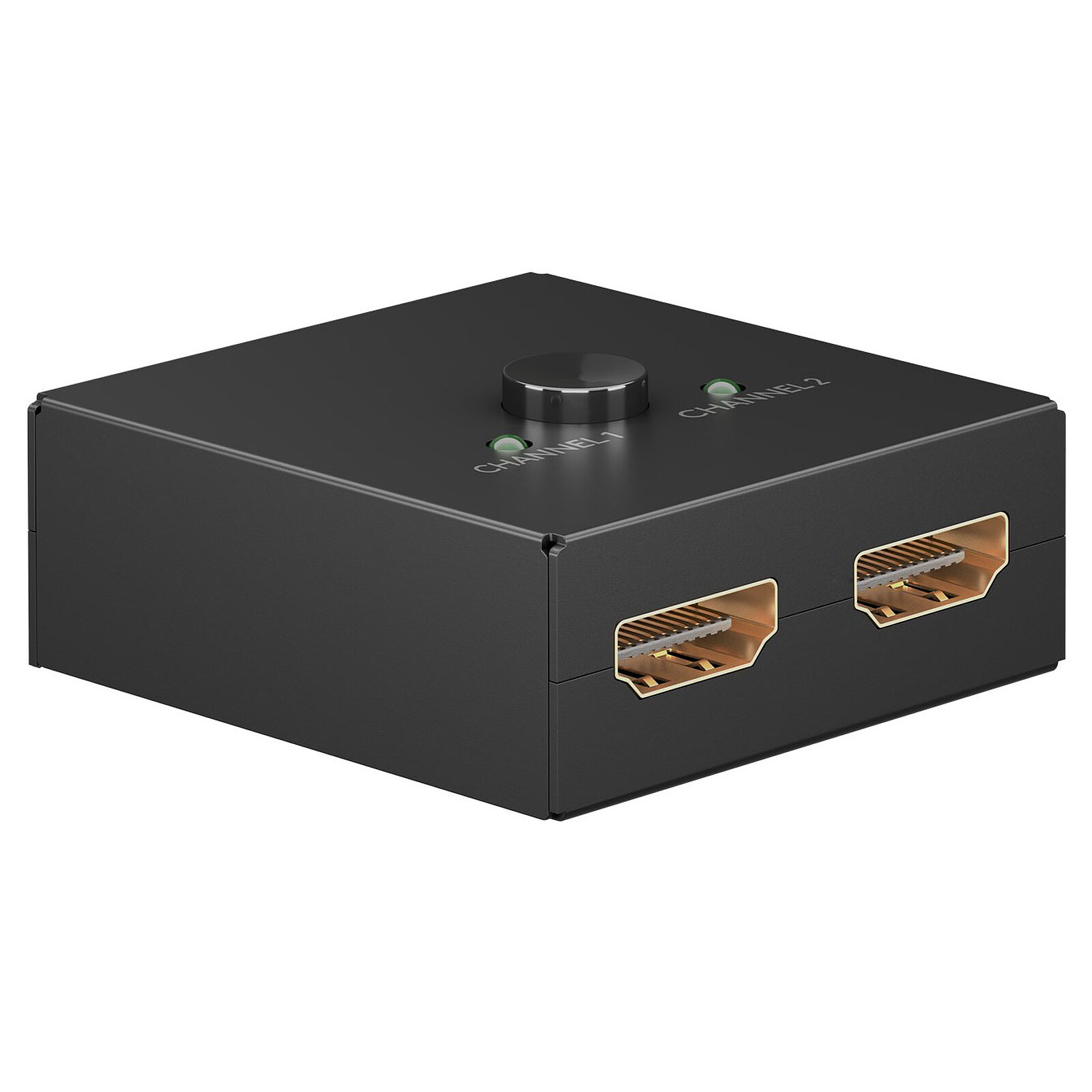
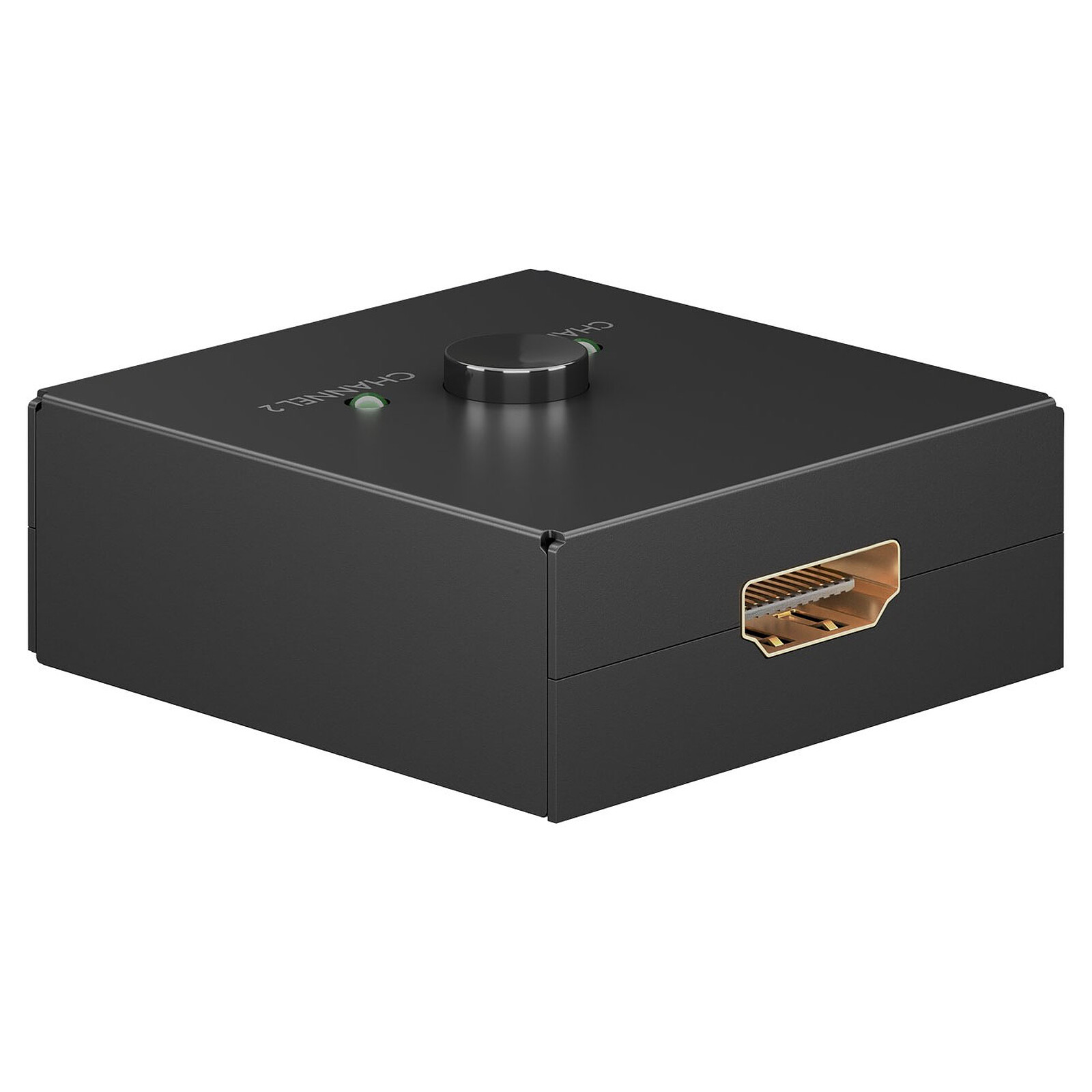
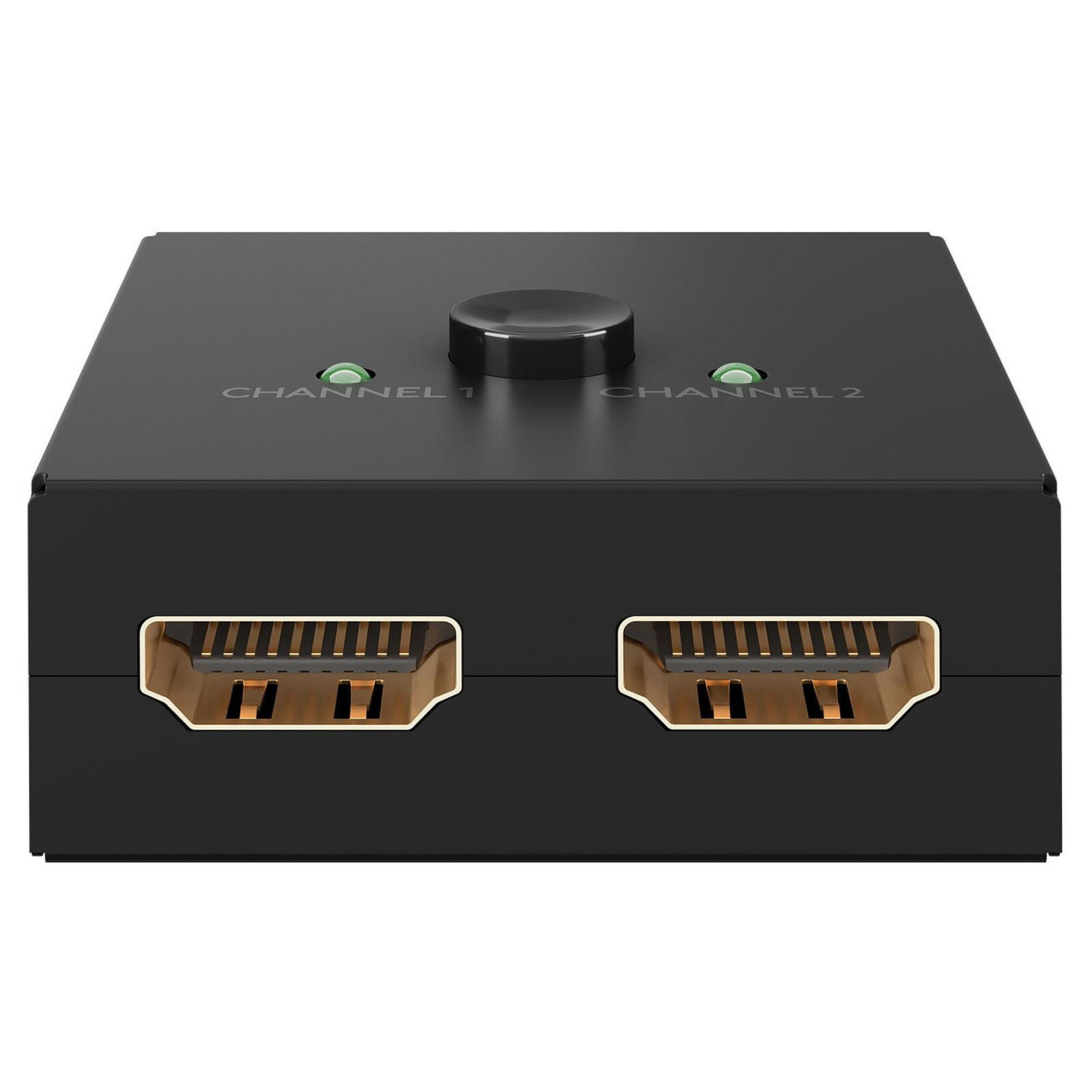
Pictures may differ from actual products
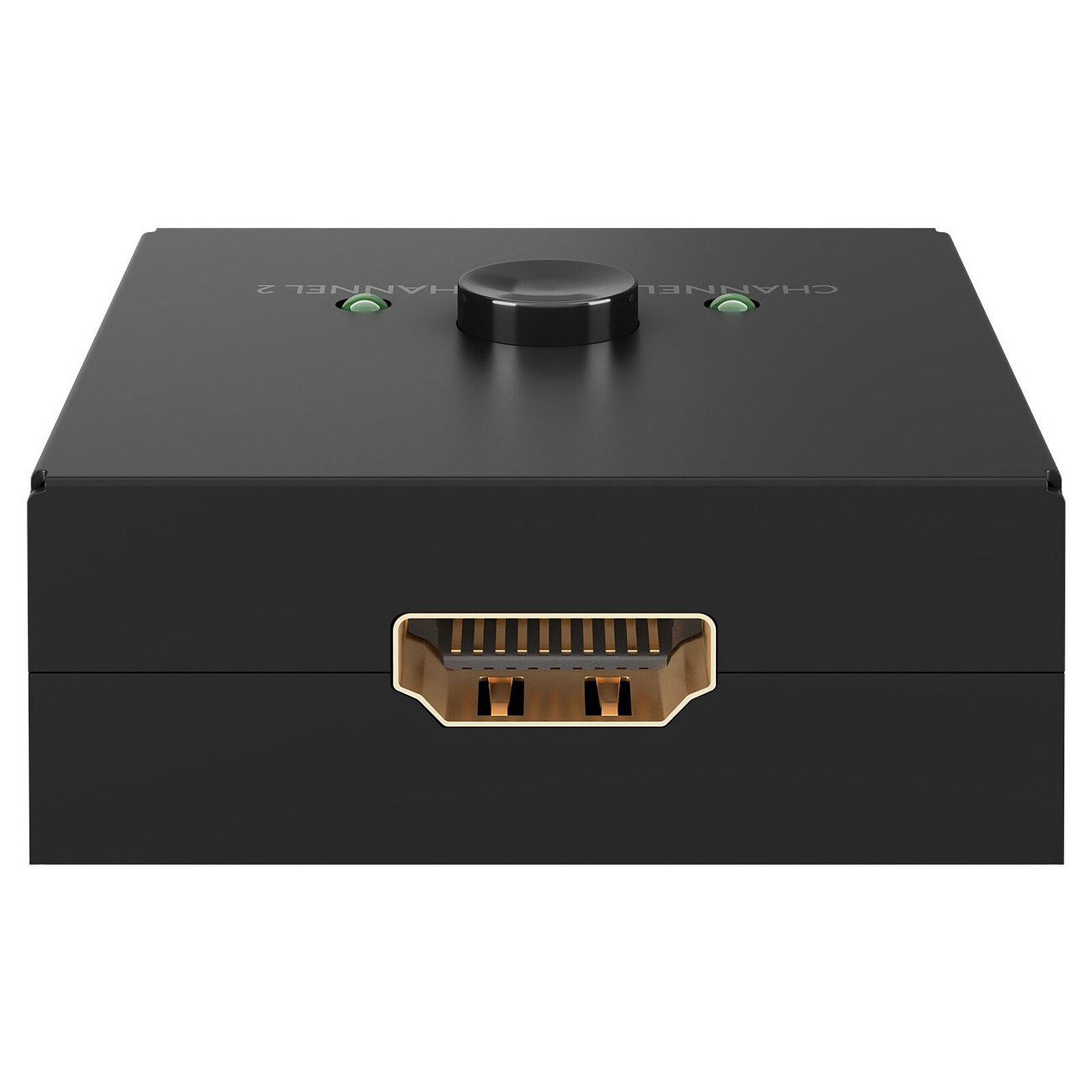
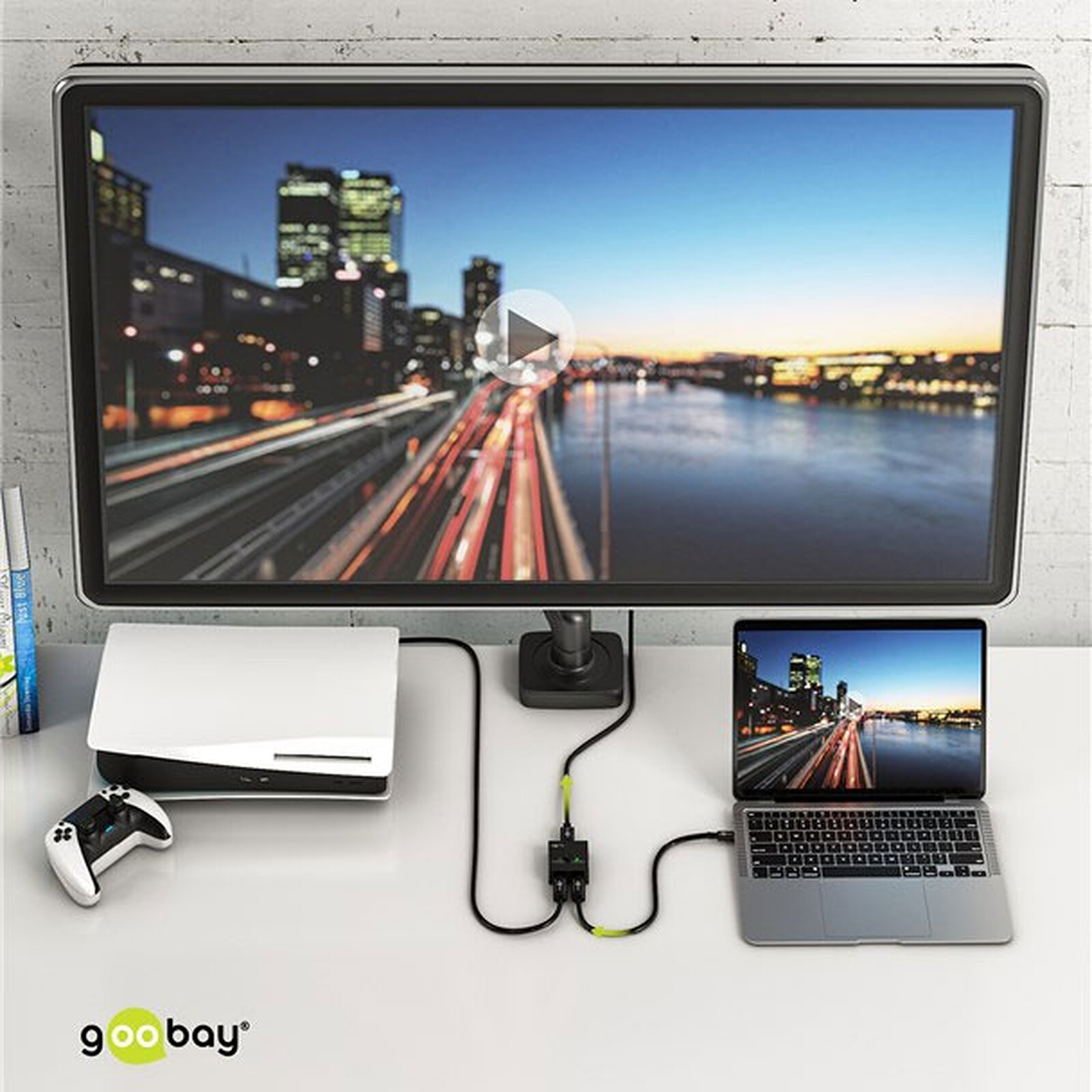
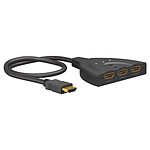
With the Goobay Manual 3 to 1 HDMI Bidirectional Switch (4K@30Hz), you can easily switch your display with 2 HDMI sources such as game consoles, DVD or Blu-ray players. This way you avoid the hassle of reconnecting cables.
2 Port HDMI Switch with 2 HDMI Inputs and 1 HDMI Output - 4K @ 30 Hz - HDCP1.4

2-Port 4K to 30Hz Manual HDMI Switch
With the Goobay HDMI Switch Manual 3 to 1 (4K@30Hz), you can easily switch your display with 2 HDMI sources such as game consoles, DVD or Blu-ray players. This way, you avoid the hassle of reconnecting cables and putting a second additional HDMI cable on the display.
Features:
- HDMI version: 1.4
- Inputs: 2 x HDMI
- Output: 1 x HDMI
- Video Resolution: 4K Ultra HD 2160p (30 Hz), Full HD 1080p (60 Hz), Full HD 1080i (60 Hz), 3D
- Audio Formats: Dolby Atmos, Dolby Digital HD (DTS HD), Dolby Digital TrueHD, Dolby Digital 5.1 (AC-3), Dolby 5.1, Dolby 7.1, LPCM, Stereo, Audio Return Channel (ARC)
- Manual operation
- Dimensions: 49.5 x 52 x 22.5 mm
- Weight: 65 g
 Select your criteria
General information |
Product name |
Goobay Manual 3 to 1 HDMI Switch (4K@30Hz) |
Brand |
Goobay | |
Model |
58485 | |
Main characteristics |
Cable type |
HDMI switch |
| HDMI switch | ||
HDMI standard |
HDMI 1.4 | |
| HDMI 1.4 | ||
Cable length |
0 m | |
| 0 m | ||
Connectivity |
Connector |
HDMI Female |
| HDMI Female | ||
Connector (other side) |
2 X HDMI Female | |
| 2 X HDMI Female | ||
Aspect |
Color |
Black |
| Black | ||
Warranties |
Commercial warranty |
Seller 3 years |
Legal warranty |
See terms & conditions |
See all Goobay products
Product referenced on 4 Apr 2023
For the moment, there are no customer reviews.Write a review
























In the same universe: hdmi switch
Trending now: HDMI cable | Mini HDMI cable | Micro HDMI cable | HDMI coupler | HDMI doubler | HDMI extender | HDMI extension | HDMI receiver | HDMI splitter | HDMI switch