
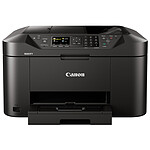
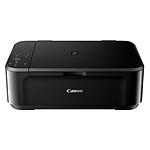
Canon MAXIFY MB2150
4-in-1 colour inkjet multifunction printer (USB / Cloud / Wi-Fi / AirPrint / Google Cloud Print / Mopria / Alexa)
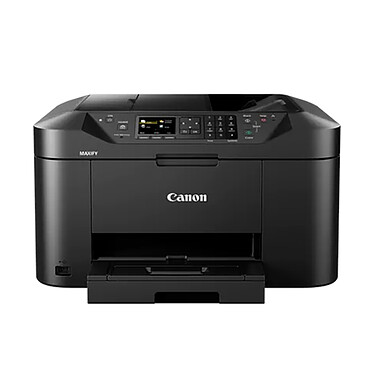
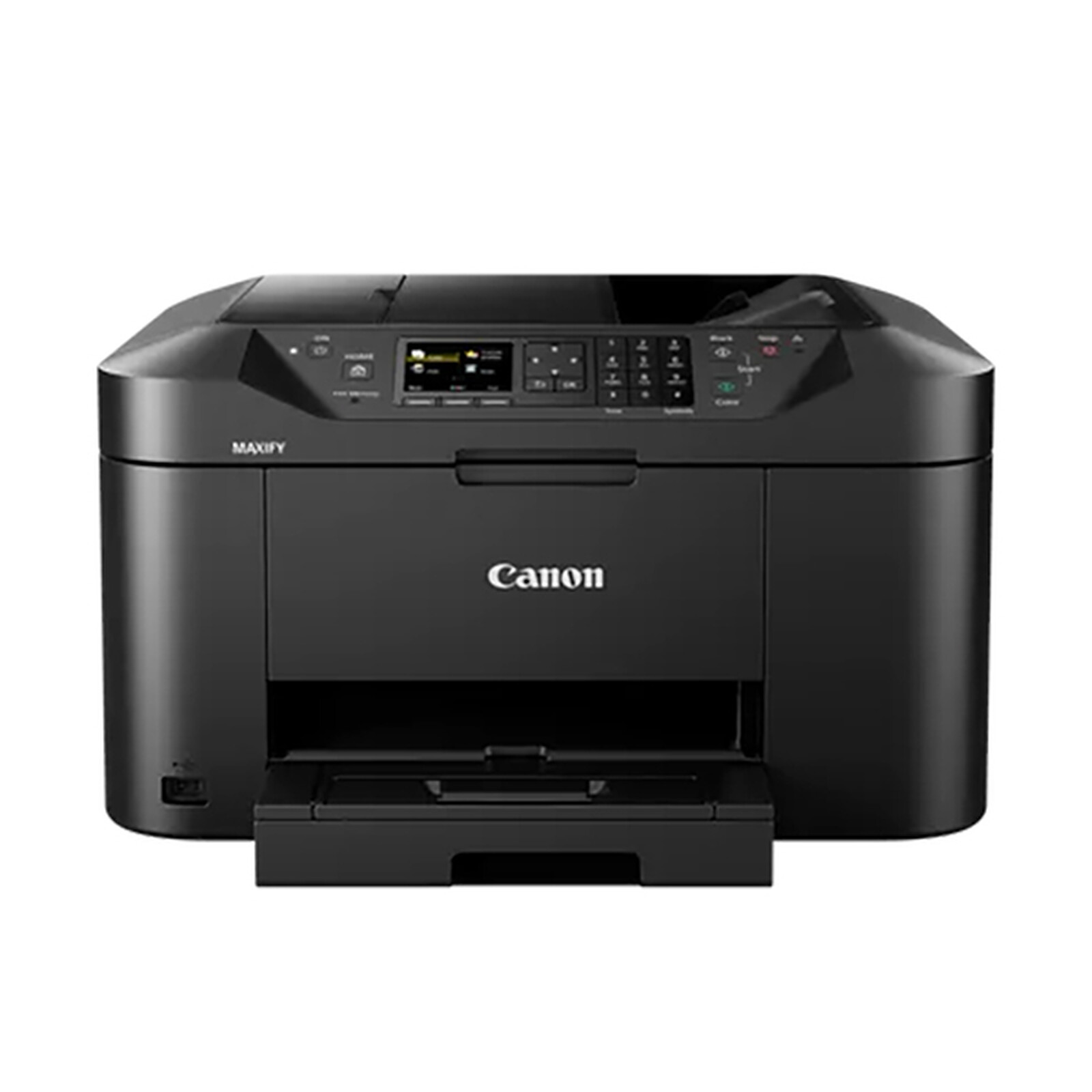
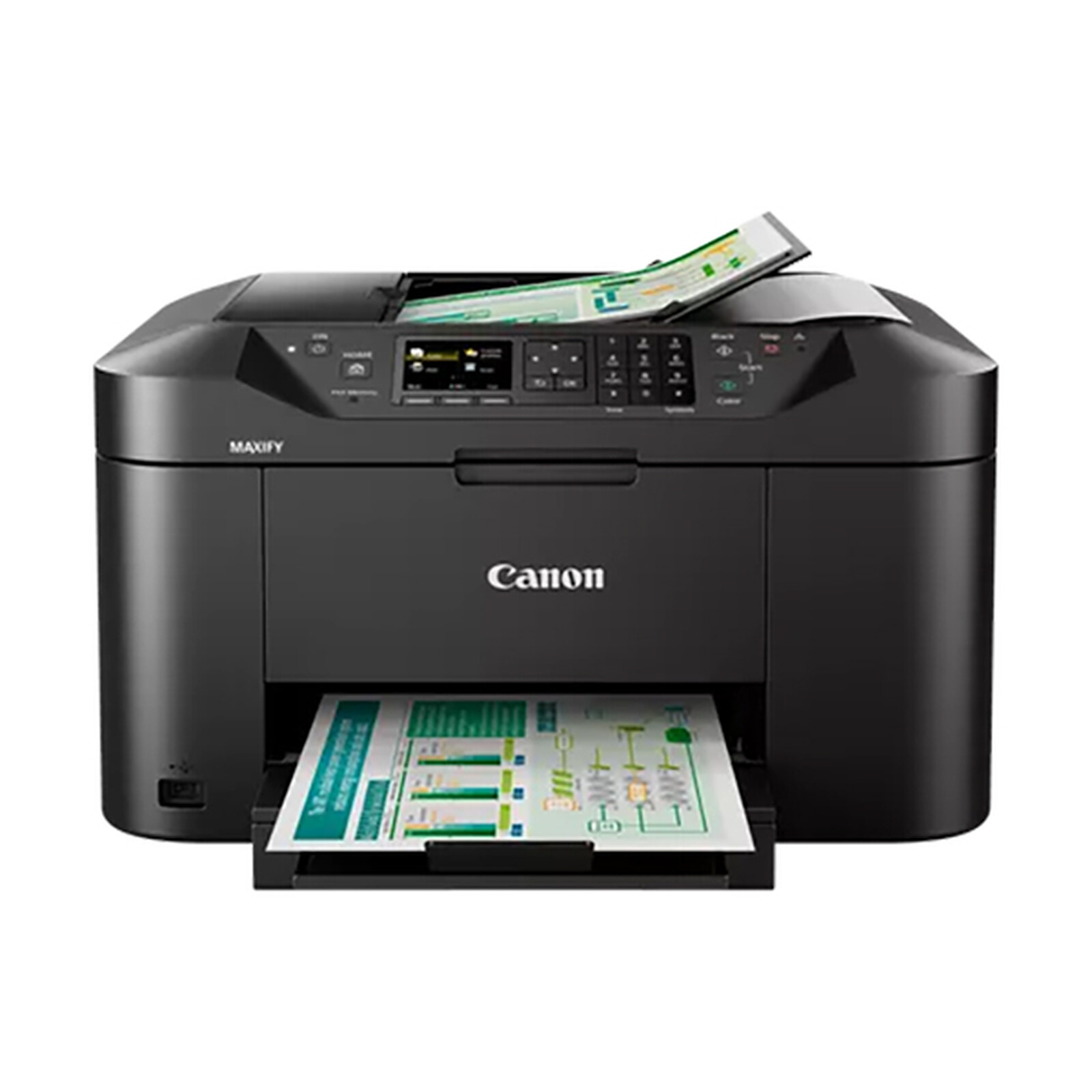
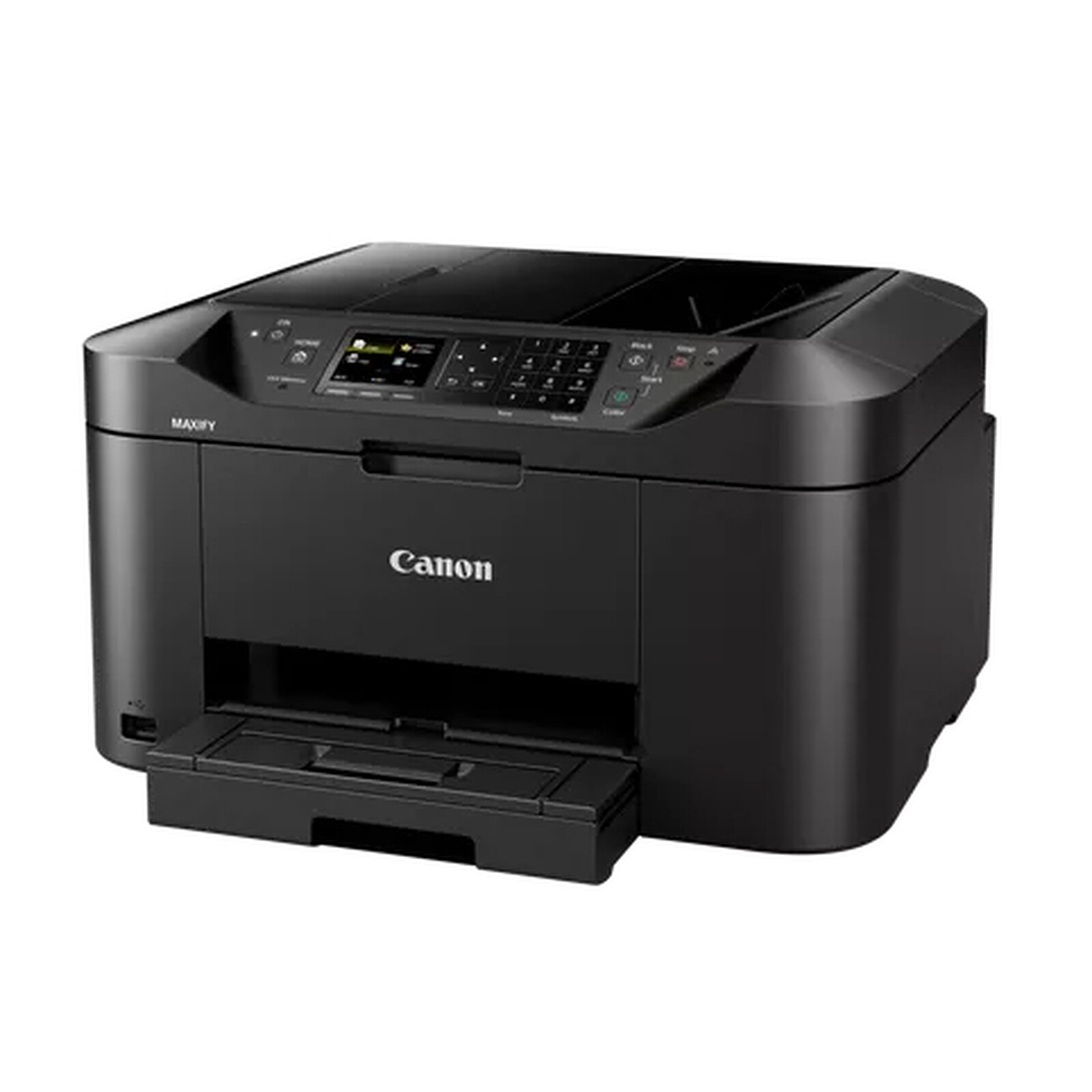
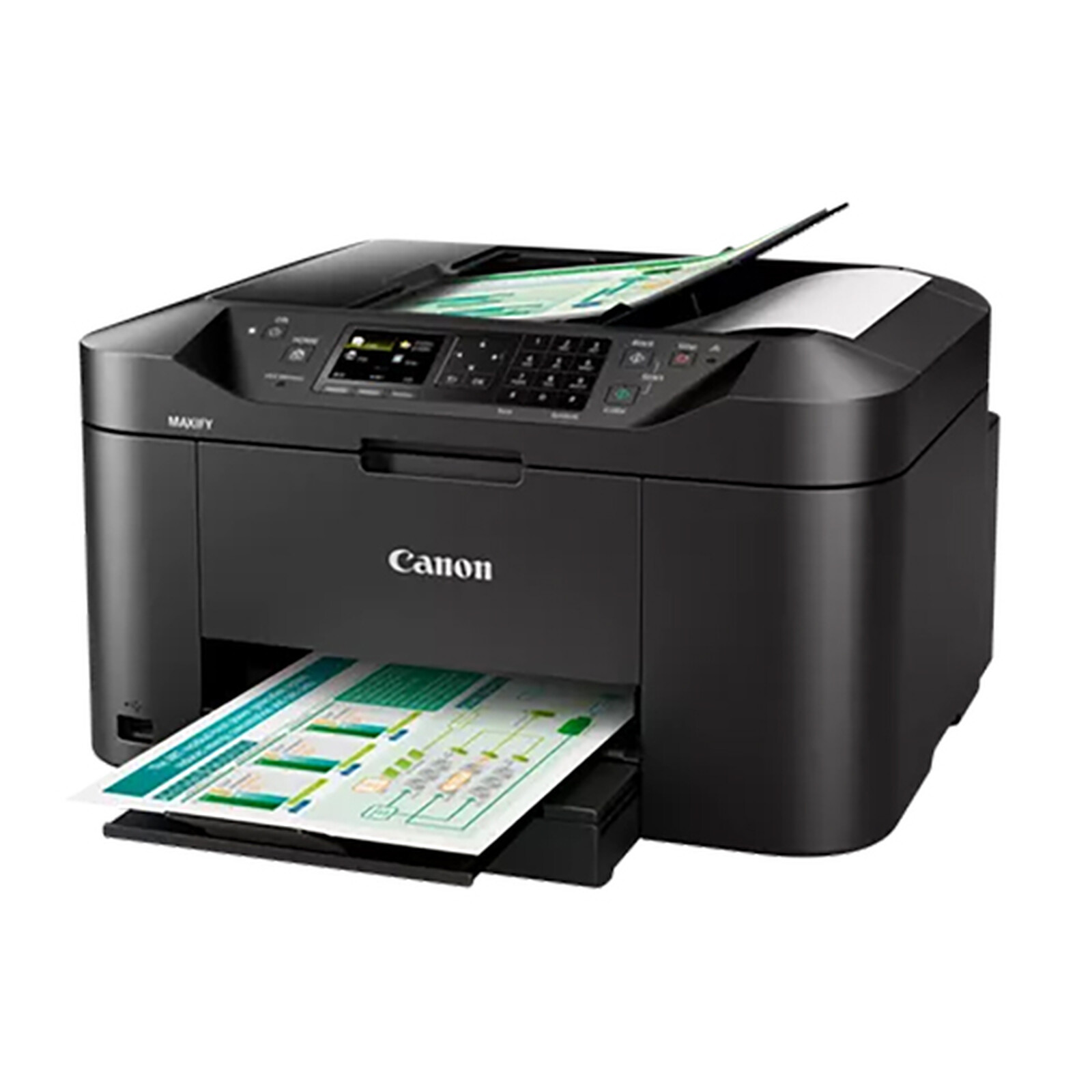
Pictures may differ from actual products
Be more productive in the office or at home with the high-capacity, high-quality, easy-to-use Canon MAXIFY MB2150 colour inkjet multifunction printer. Meet your printing, scanning, copying and faxing needs...
4-in-1 colour inkjet multifunction printer (USB / Cloud / Wi-Fi / AirPrint / Google Cloud Print / Mopria / Alexa)

Fast, reliable and economical multifunction printer
Be more productive in the office or at home with the high-capacity, high-quality and easy-to-use Canon MAXIFY MB2150 colour inkjet multifunction printer. Meet your printing, scanning, copying and faxing needs and benefit from support for printing and scanning via mobile devices and cloud services. Make the most of easy printing with speeds of 19 ipm in monochrome and 13 ipm in colour, as well as a range of networked features.
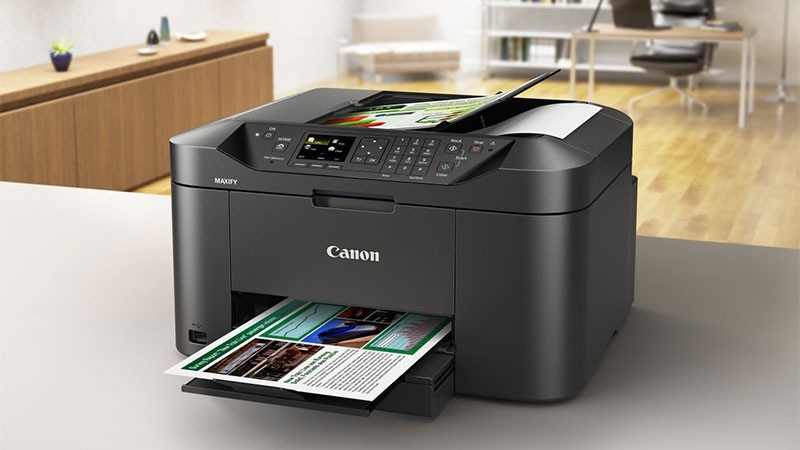
Many benefits
Duplexprinting and support for a wide range of paper types and sizes make everyday printing tasks easy. Designed for productivity, the printer is fast and easy to use: whether you want to print, scan, copy or fax documents, the Canon MAXIFY MB2150's 6.2 cm (2.44") colour TFT display makes it easy to use.
Equipped with a 500-sheet high-capacity feeder and a 50-sheet automatic document feeder, this printer produces outstanding prints with vivid colours and crisp text. The MAXIFY MB2750 prints to A4 size at an ultra-fast 19 ipm in monochrome and 13 ipm in colour.
Simplify your printing
Google Cloud Print, Apple AirPrint (iOS), Mopria and the Canon PRINT app are supported. Printing from the cloud, and even scanning and saving documents to popular cloud services such as Google Drive, Dropbox, Evernote, OneNote, OneDrive and Concur are also supported. Built-in hotspot mode gives smartphone or tablet users the ability to connect to the printer even without a Wi-Fi network.
IP address filtering gives access rights only to certain users. SMTP support allows secure scanning to email over the office network.
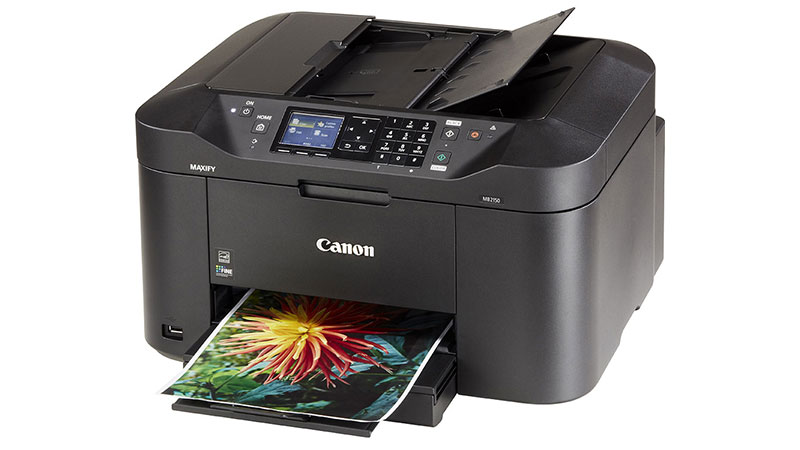
Main features :
- 4-in-1 multifunction printer
- Functions : print, copy, scan, fax, Wi-Fi and Cloud Link
- Fast printing: 19 ipm in monochrome, 13 ipm in colour
- 6.2 cm colour display
- Wi-Fi networking for direct printing from mobile devices
- Support for Google Cloud Print / Apple AirPrint / Microsoft Mobile Print
- Print from / scan to cloud services
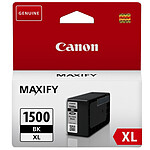
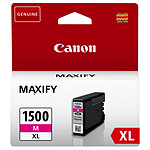
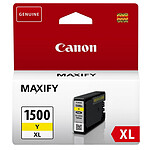
- Ink cartridge yield: 1200 pages in monochrome and 900 pages in colour
- Continuous productivity: 250 sheet capacity
 Select your criteria
General information |
Product name |
Canon MAXIFY MB2150 |
Brand |
Canon | |
Model |
0959C009 | |
Printing |
Printer type |
Inkjet |
Color |
Yes | |
Maximum black and white print speed |
19 ppm | |
Maximum black and white print resolution |
600 x 1200 dpi | |
Maximum color print speed |
13 ppm | |
Duplex |
Yes | |
Duplex printing |
Automatic | |
For photo prints |
No | |
Expandable memory |
No | |
Scanner |
Scan type |
Flatbed scanner |
Scan resolution |
1200 x 1200 dpi | |
Sampling |
48 bit(s) | |
Paper handling |
Paper capacity |
250 sheets |
Format |
A4 | |
Paper format(s) |
A4 (210 x 297mm) | |
| A5 (148 x 210mm) | ||
| B5 | ||
| 10 x 15cm | ||
| 13 x 18cm | ||
| 20 x 25cm | ||
Paper type |
Office | |
| Glossy | ||
| Ordinary | ||
| Photo | ||
Screen |
LCD screen |
No |
FAX |
Fax |
Yes |
Fax speed |
33.6 Kbit/s | |
Page memory |
250 pages | |
Compatibility |
Supported OS |
Mac OS X 10.8.5 or higher |
| Windows Vista | ||
| Microsoft Windows 10 | ||
| Microsoft Windows 7 | ||
| Microsoft Windows 8 | ||
| Microsoft Windows 8.1 | ||
Connectivity |
Interface with the computer |
Wi-Fi |
| USB 2.0 | ||
NFC |
No | |
Physical characteristics |
Height |
260 mm |
Depth |
389 mm | |
Width |
463 mm | |
Weight |
10.6 kg | |
Power supply |
Consumption |
27 W |
Standby consumption |
0.2 W | |
Mobile printing |
Smartphone compatible |
Yes |
Mobile printing |
Android (via app) | |
| Apple (via AirPrint) | ||
Google Cloud Print |
Yes | |
Warranties |
Commercial warranty |
Seller 3 years |
Legal warranty |
See terms & conditions |
Product referenced on 23 Feb 2023
For the moment, there are no customer reviews.Write a review




Trending now: Photo printer | Duplex printer | A4 printer | A3 printer