
Adjustment problems It
Is there no way to remove the white borders from photos, even by selecting 'fill photo'?
Otherwise, the printer is very pleasant to use.
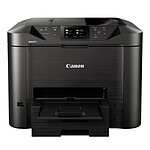
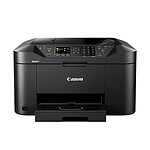
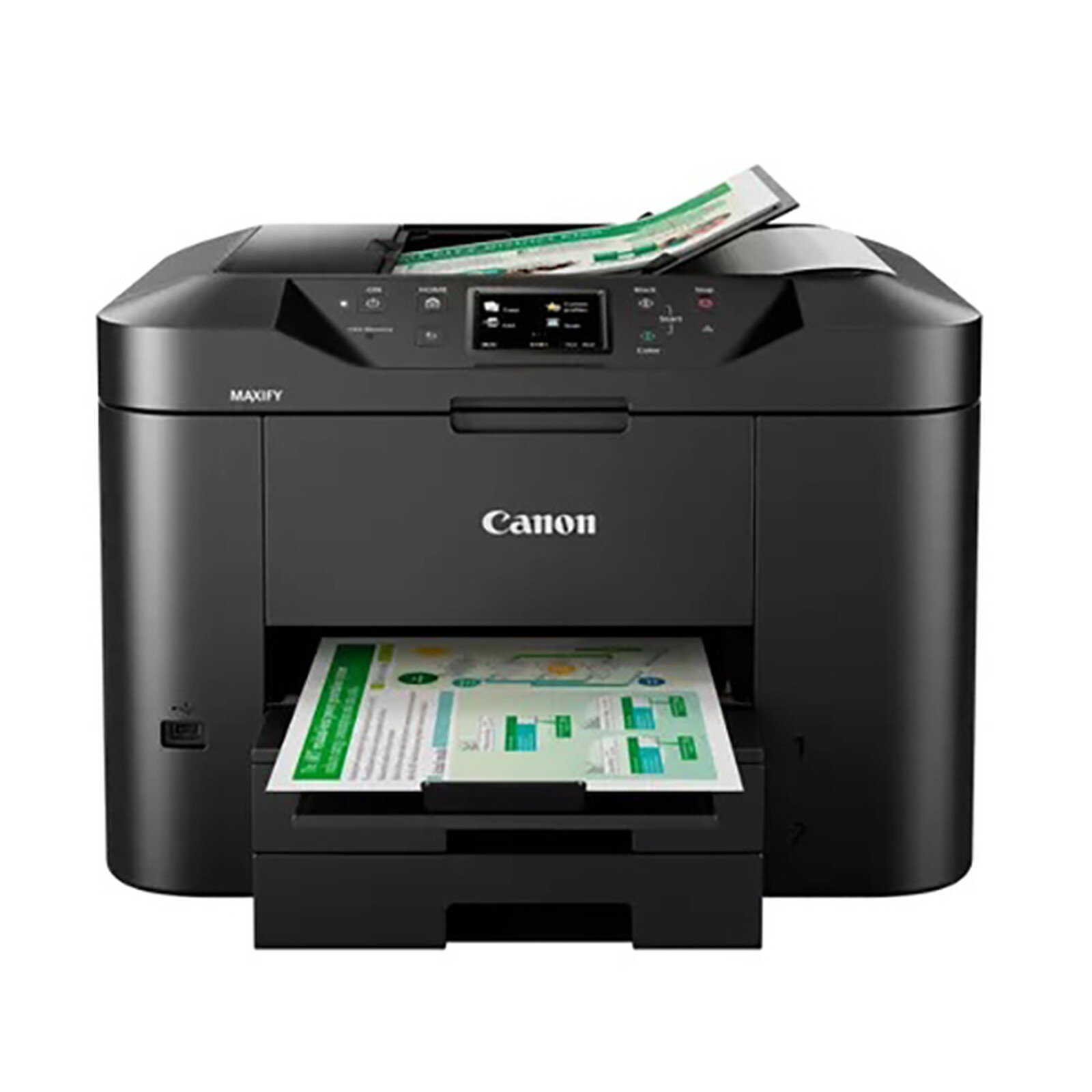
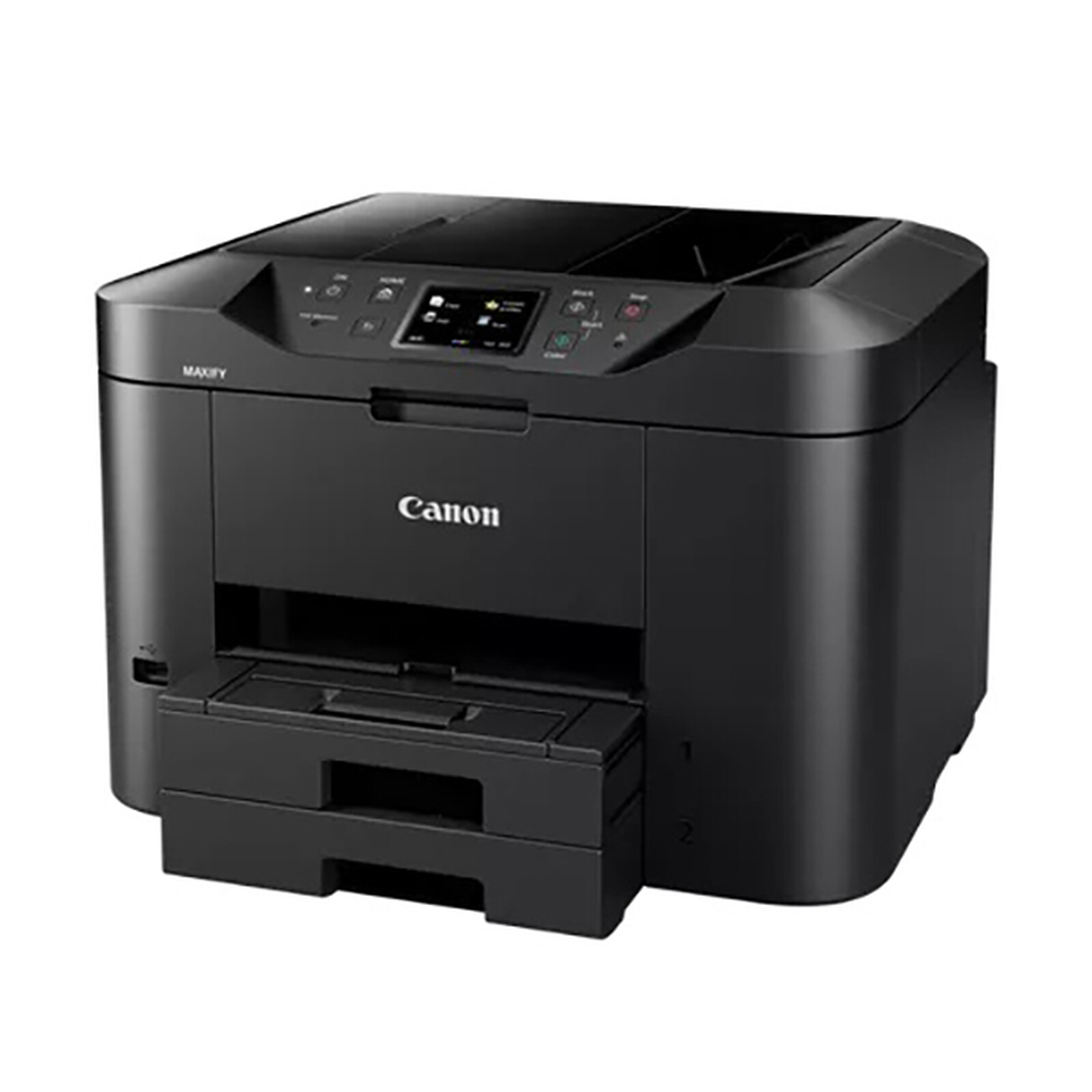
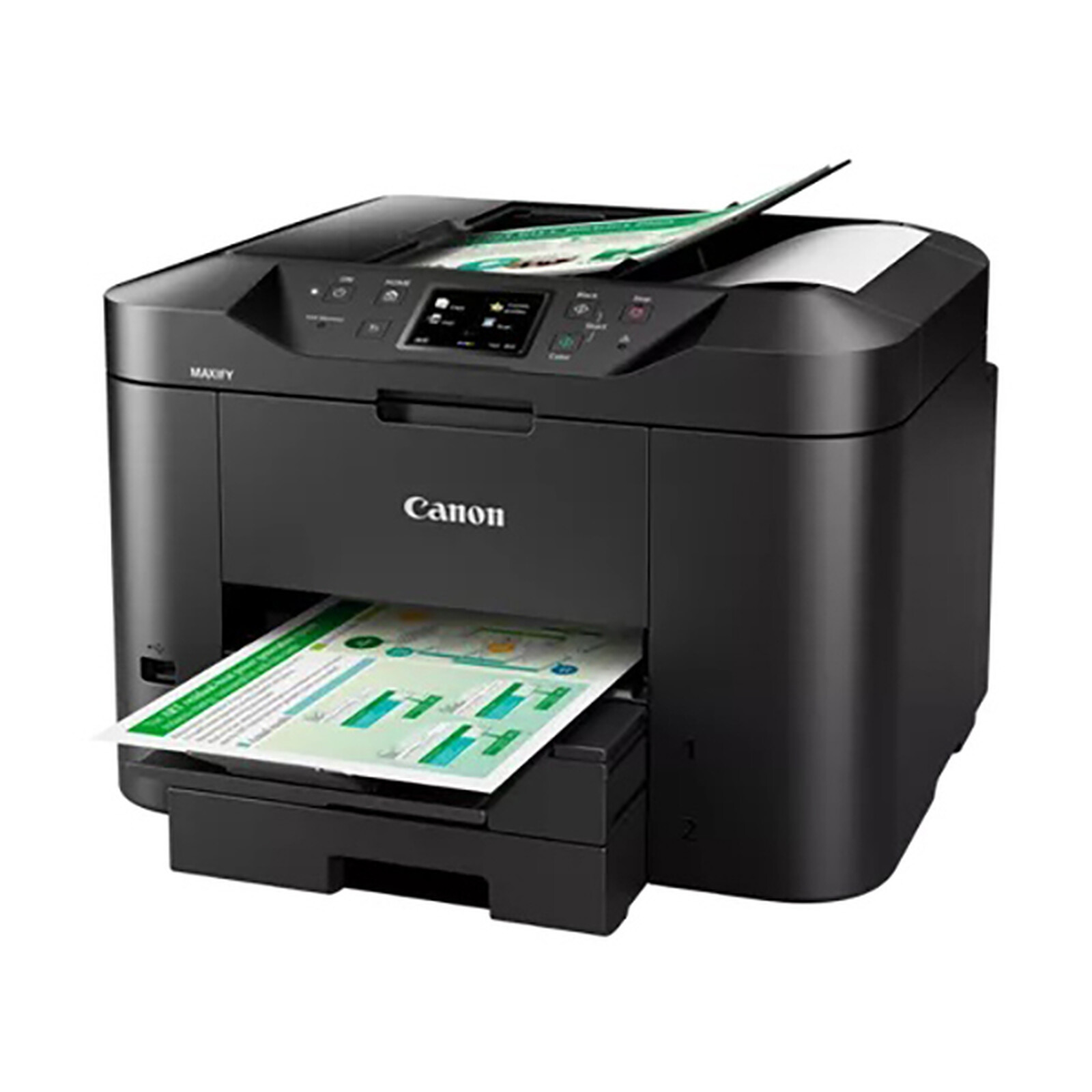
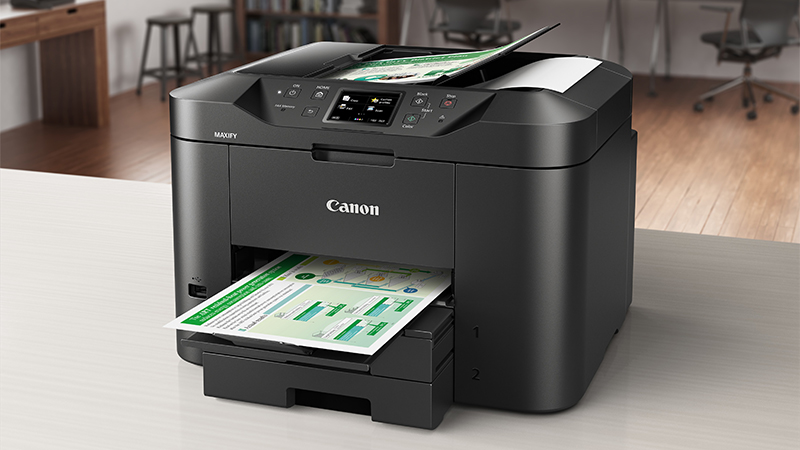
Be more productive in the office or at home with the high-capacity, high-quality and easy-to-use Canon MAXIFY MB2750 colour inkjet multifunction printer. Meet your printing, scanning, copying and faxing needs and benefit from support for printing and scanning via mobile devices and cloud services. Make the most of easy printing with speeds of 24 ipm in monochrome and 15.5 ipm in colour, as well as a range of networked features.

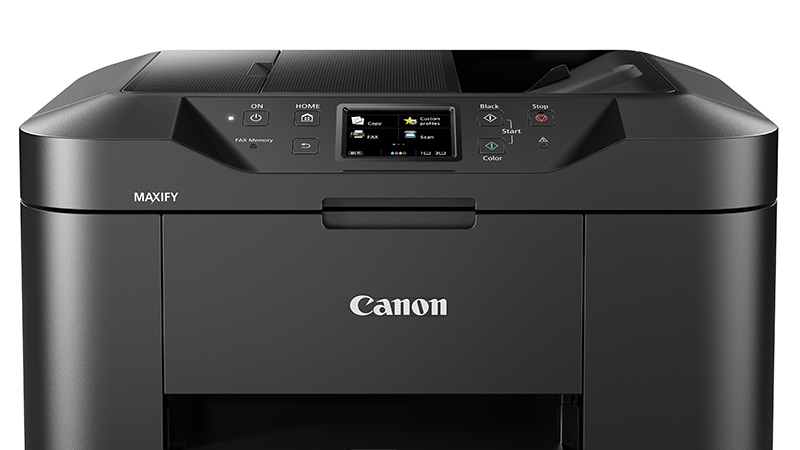
Duplexprinting and support for a wide range of paper types and sizes make everyday printing tasks easy. Designed for productivity, the printer is quick and easy to use: whether you want to print, scan, copy or fax documents, the Canon MAXIFY MB2750's 7.5cm (3") colour TFT display makes it easy to use.
Equipped with a 500-sheet high-capacity feeder and a 50-sheet automatic document feeder, this printer produces outstanding prints with vivid colours and crisp text. The MAXIFY MB2750 prints to A4 size at an ultra-fast 24 ipm in monochrome and 15.5 ipm in colour.
Google Cloud Print, Apple AirPrint (iOS), Mopria and the Canon PRINT app are supported. Printing from the cloud, and even scanning and saving documents to popular cloud services such as Google Drive, Dropbox, Evernote, OneNote, OneDrive and Concur are also supported. Built-in hotspot mode gives smartphone or tablet users the ability to connect to the printer even without a Wi-Fi network.
IP address filtering gives access rights only to certain users. SMTP support allows secure scanning to email over the office network.

Select your criteria
General information |
Product name |
Canon MAXIFY MB2750 |
Brand |
Canon | |
Model |
0958C009 | |
Printing |
Printer type |
Inkjet |
Color |
Yes | |
Maximum black and white print speed |
24 ppm | |
Maximum black and white print resolution |
600 x 1200 dpi | |
Maximum color print speed |
15.5 ppm | |
Duplex |
Yes | |
Duplex printing |
Yes | |
Expandable memory |
No | |
Scanner |
Scan type |
Flatbed scanner |
Scan resolution |
1200 x 1200 dpi | |
Sampling |
48 bit(s) | |
Paper handling |
Paper capacity |
500 sheets |
Format |
A4 | |
Paper format(s) |
A4 (210 x 297mm) | |
| A5 (148 x 210mm) | ||
| B5 | ||
| 10 x 15cm | ||
| 13 x 18cm | ||
| 20 x 25cm | ||
Paper type |
Photo | |
| Ordinary | ||
| Glossy | ||
| Office | ||
Screen |
LCD screen |
No |
FAX |
Fax |
Yes |
Fax speed |
33.6 Kbit/s | |
Page memory |
250 pages | |
Connectivity |
Interface with the computer |
USB 2.0 |
| Wi-Fi | ||
NFC |
No | |
Physical characteristics |
Height |
320 mm |
Depth |
389 mm | |
Width |
463 mm | |
Weight |
12.1 kg | |
Power supply |
Consumption |
26 W |
Standby consumption |
0.2 W | |
Mobile printing |
Smartphone compatible |
Yes |
Mobile printing |
Android (via app) | |
| Apple (via AirPrint) | ||
Google Cloud Print |
Yes | |
Warranties |
Commercial warranty |
Seller 2 years
|
Legal warranty |
See terms & conditions
Harmonised legal guarantee notice
|
|
Safety Information |
Responsible person |
Canon Europa N.V. |
Postal address |
Canon Europa N.V. Bovenkerkerweg 59, 1185 XB Amstelveen, The Netherlands | |
Electronic Address |
www.canon-europe.com |
Product referenced on 23 Feb 2023
Is there no way to remove the white borders from photos, even by selecting 'fill photo'?
Otherwise, the printer is very pleasant to use.
As a die-hard HP fan, several problems with HP and compatible cartridges led me to check out the competition. I'm not disappointed with this new experience. Good product, good print quality. Just one downside: the driver for Mac is not included (CD for Windows only) and must be downloaded.
good functionality, easy to use once you have the explanations, not supplied by canon.
Poor instructions.
Superb printer I recommend to all is top shop salesman listening to customers, I bought this printer a month ago at the shop in Le Havre and I am very very count that's why I recommend it to all it has a superb impression.
Printer with separate ink cartridge, which is more economical
Operation is fairly straightforward after two or three uses
The screen is very useful for changing options or following instructions, such as changing the paper, for example
Printing is fast and of good quality, and copying by scanner is easy to use
In the same universe: canon maxify
Trending now: Duplex printer | A4 printer | A3 printer