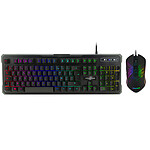

Good value for money
Good quality it should have been shortened to the letter Y some commands do not find their keys unfortunately I remain a controller player habits are difficult to change
Select your criteria
General information |
Product name |
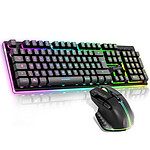
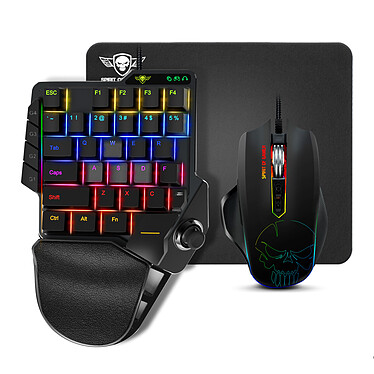
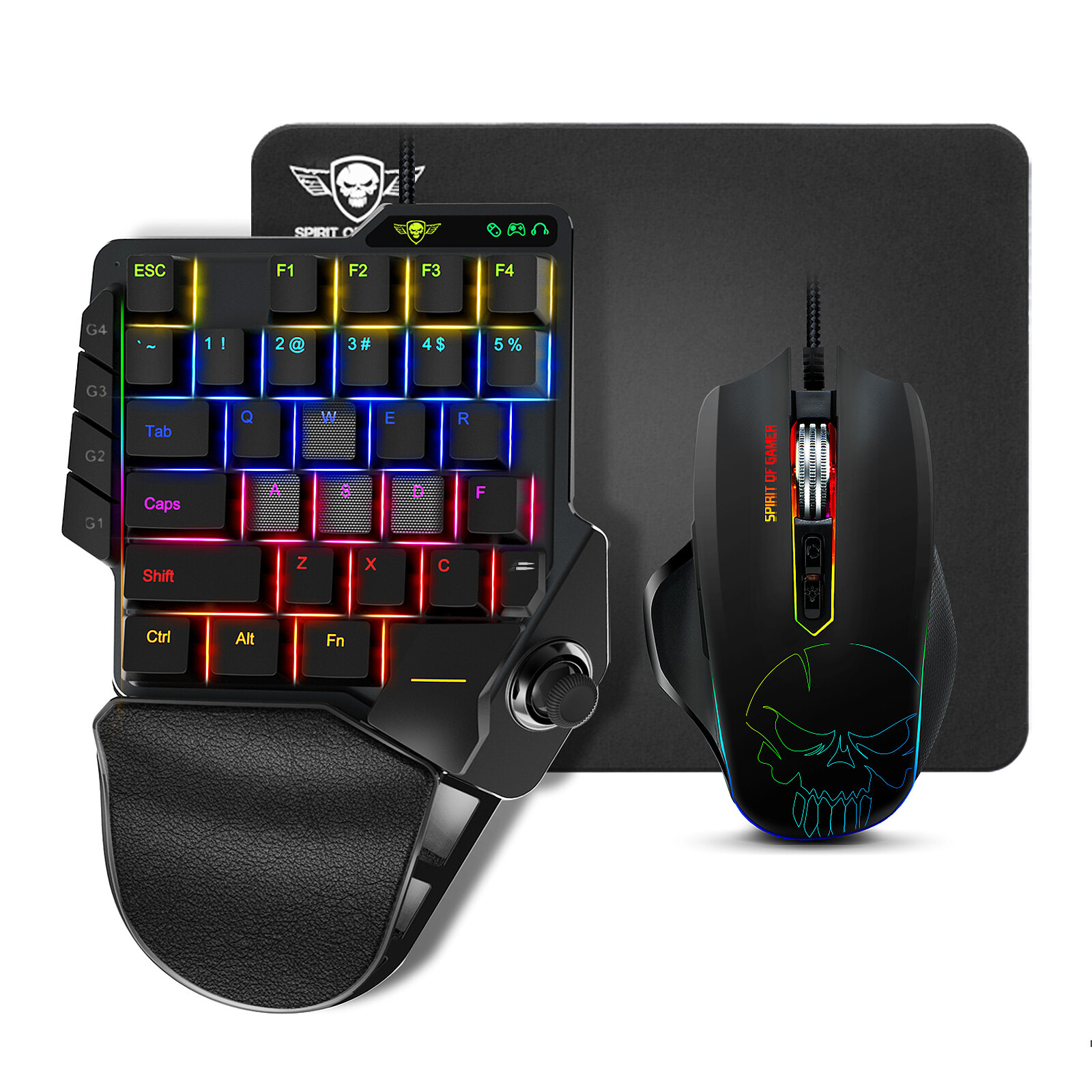
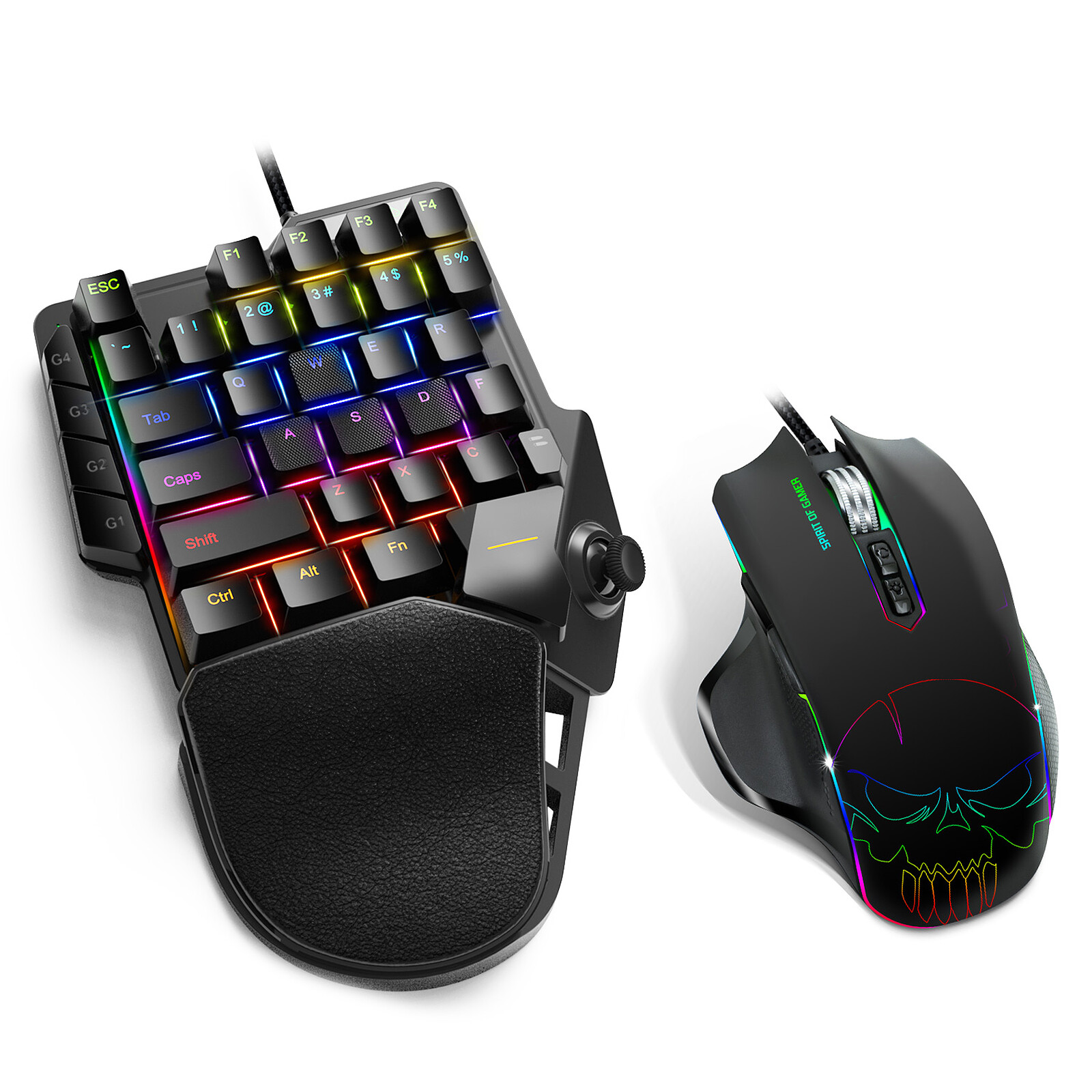
Spirit of Gamer Xpert-G900 |
Brand |
Spirit of Gamer | |
Model |
SOG-XG900 | |
Main characteristics |
Use |
Gamer |
Interface with the computer |
USB | |
RGB backlighting |
Yes | |
Color |
Black | |
Supported OS |
Windows 10 | |
| Microsoft Windows 7 | ||
| Microsoft Windows 8 | ||
| Microsoft Windows 8.1 | ||
| Windows XP | ||
Mouse |
Mouse type |
Optical |
Optical resolution |
3200 dpi | |
Mouse connectivity technology |
Wired | |
Wireless |
No | |
Number of buttons |
7 | |
Wheel type |
Bidirectional | |
Ambidextrous |
No | |
Left-handed model |
No | |
Keyboard |
Keyboard standard |
AZERTY |
Location |
French | |
Format |
Slim | |
Numeric keypad |
Yes | |
Type of keys |
Mechanical | |
Number of keys |
35 | |
Keyboard connectivity technology |
Wired | |
Multimedia keys |
No | |
Backlit keyboard |
Yes | |
Material |
Plastic | |
Warranties |
Commercial warranty |
Seller 2 years
|
Legal warranty |
See terms & conditions
|
|
Safety Information |
Responsible person |
Suza International |
Postal address |
11 avenue Joseph Froëlicher, 77164 Ferrières-en-Brie | |
Electronic Address |
support@spiritofgamer.com |
Product referenced on 30 Oct 2020
Good quality it should have been shortened to the letter Y some commands do not find their keys unfortunately I remain a controller player habits are difficult to change
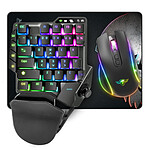
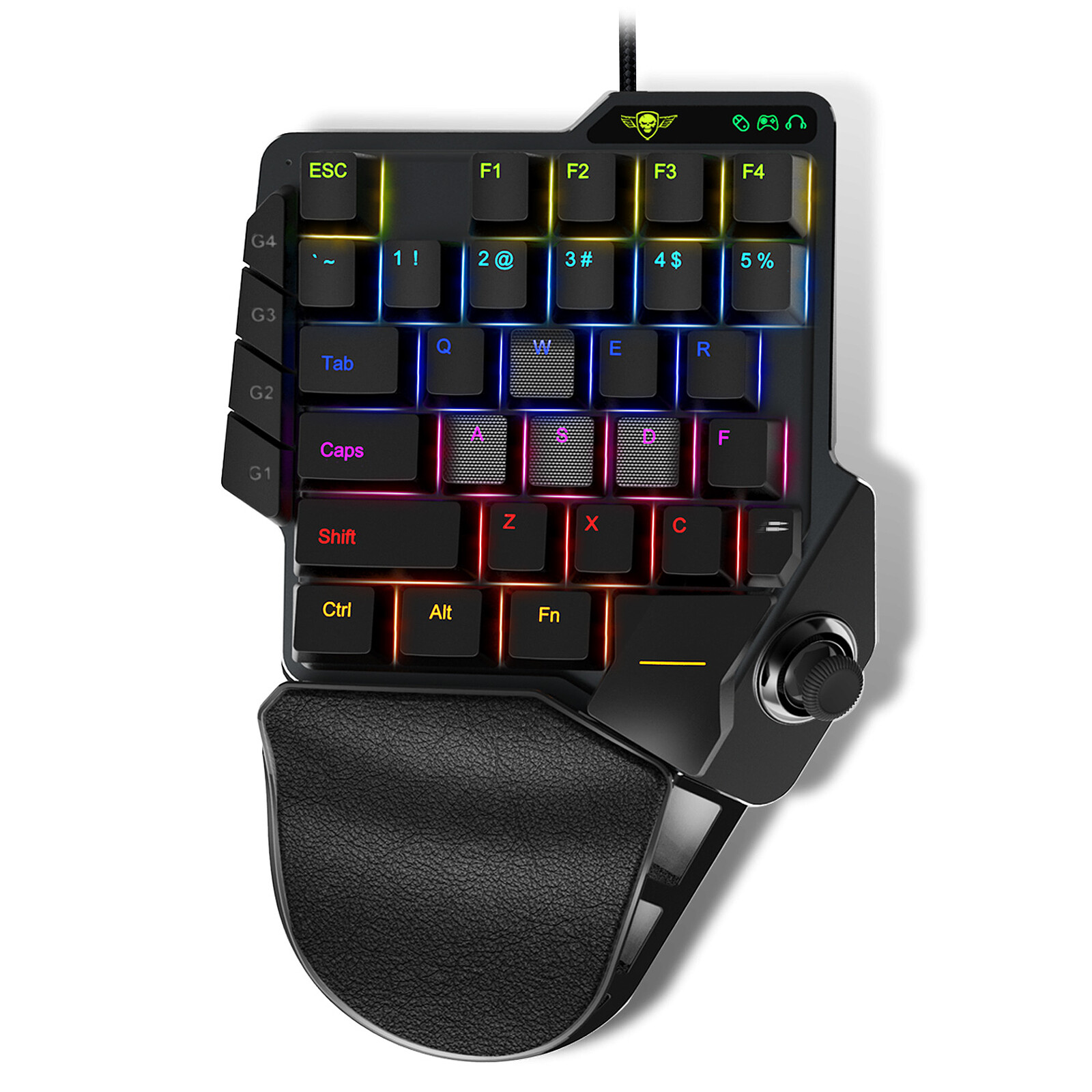
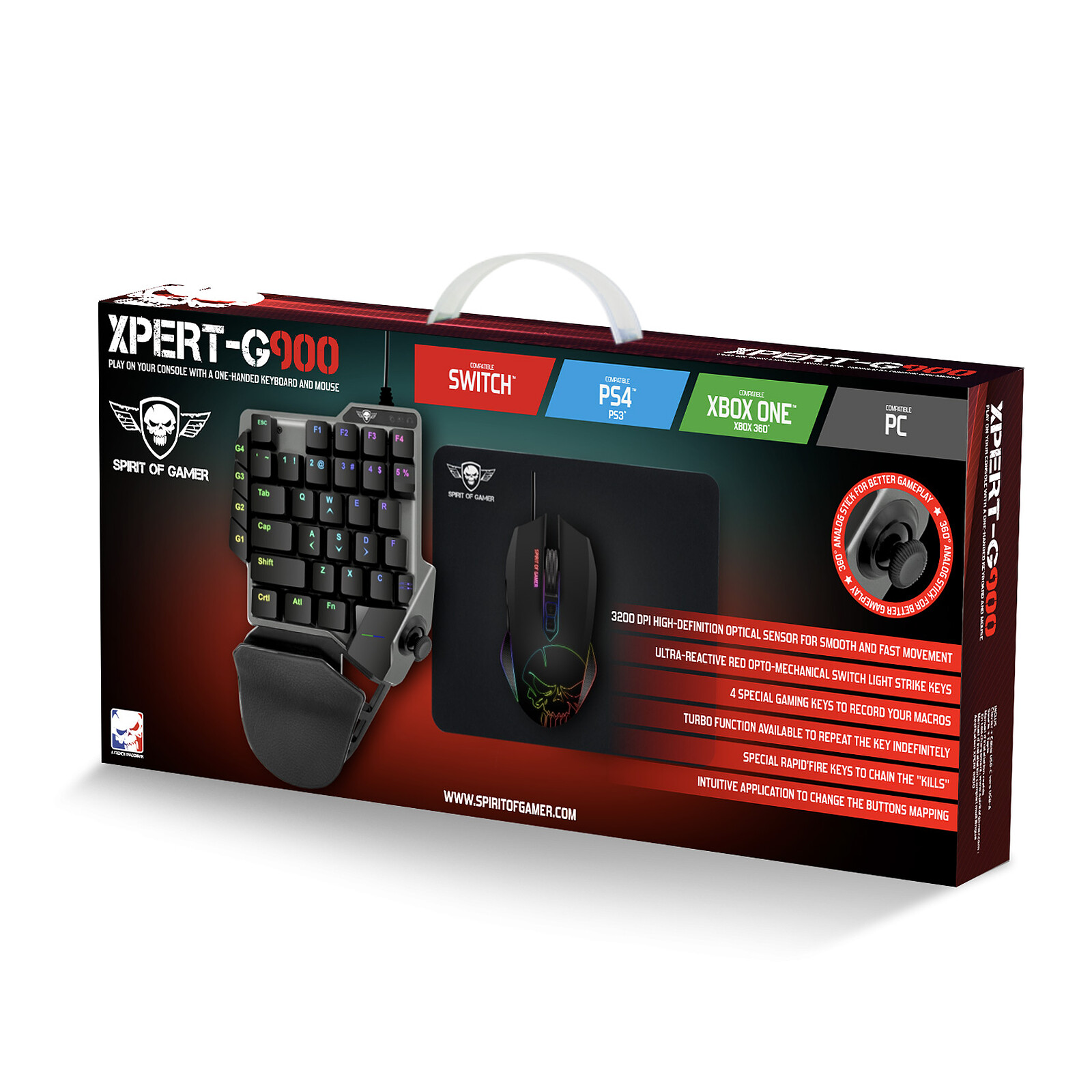
Product full of problems but still better than a razer tartarus! The ZQSD keys and joystick are the same, so it's impossible to map anything else, so I removed the keys to avoid pressing them! soft analogue joystick like a joystick but works on off! Mine got stuck in the plastic base, so I had to take it apart! the optic buttons are great, the joystick is super nice compared to tartarus that you hardly dare touch! and much more reliable! Quality steel chassis! Another problem, although not one, is that you have to plug it in every time you switch on your PC, or unplug it and plug it back in! Not a problem for me because I unplug it directly on the keyboard when I'm done! There's no firmware to configure it, it's done in game! Admittedly, the hole of 3 keys in the middle is silly, but in any case there are more keys than a razer and the hand set fully forward for joystick accessibility, the other fingers pass around ZQSD! so it's fine! I ordered this product on ldlc at 3am and cancelled at 4am! At 8.30am they still validated my order telling me that I had to receive the coli and that I had to refuse it! I ended up ordering it for less on another site! Full pack, joystick keyboard, plus mouse and tapi 60e new! Basically it's a better product than a Tartarus, without the mouse and keyboard it's worth 30! better than a Tartarus at 100 quid that clicks weird on the joystick, horrible to use, inaccurate, and that gives up the ghost after a year or two! Maybe one day, a true analog without problem will arrive on the market!! with a real sensitivity to shift and everything!!! Even if it has already been done 20 years ago by Chinese brands bought by logitech which belongs to razer!!! the total regression in this field!!
Software to map the keys to download from Spiritofgamer.com incomprehensible, I had a Tartarus V2 reader and via the razer application you can do everything
I would like to use the joystick for movement and this is only possible by locking the keys for the same thing (movement)
Very disappointed and back to ldlc
the + :
-accuracy
-comfort
-rendering
motion response
-fluidity
the -
tedious installation procedure (follow the connection steps carefully)
-Preset settings not ergonomic
Noise from the keys
-joystick not very usable
-Pass through a PC software to adjust the sensitivity
-buttons without possibility of assigning actions
I'm happy with my purchase, even if it takes some time to adapt.
I'm happy with my purchase, even if it takes some time to get used to it.
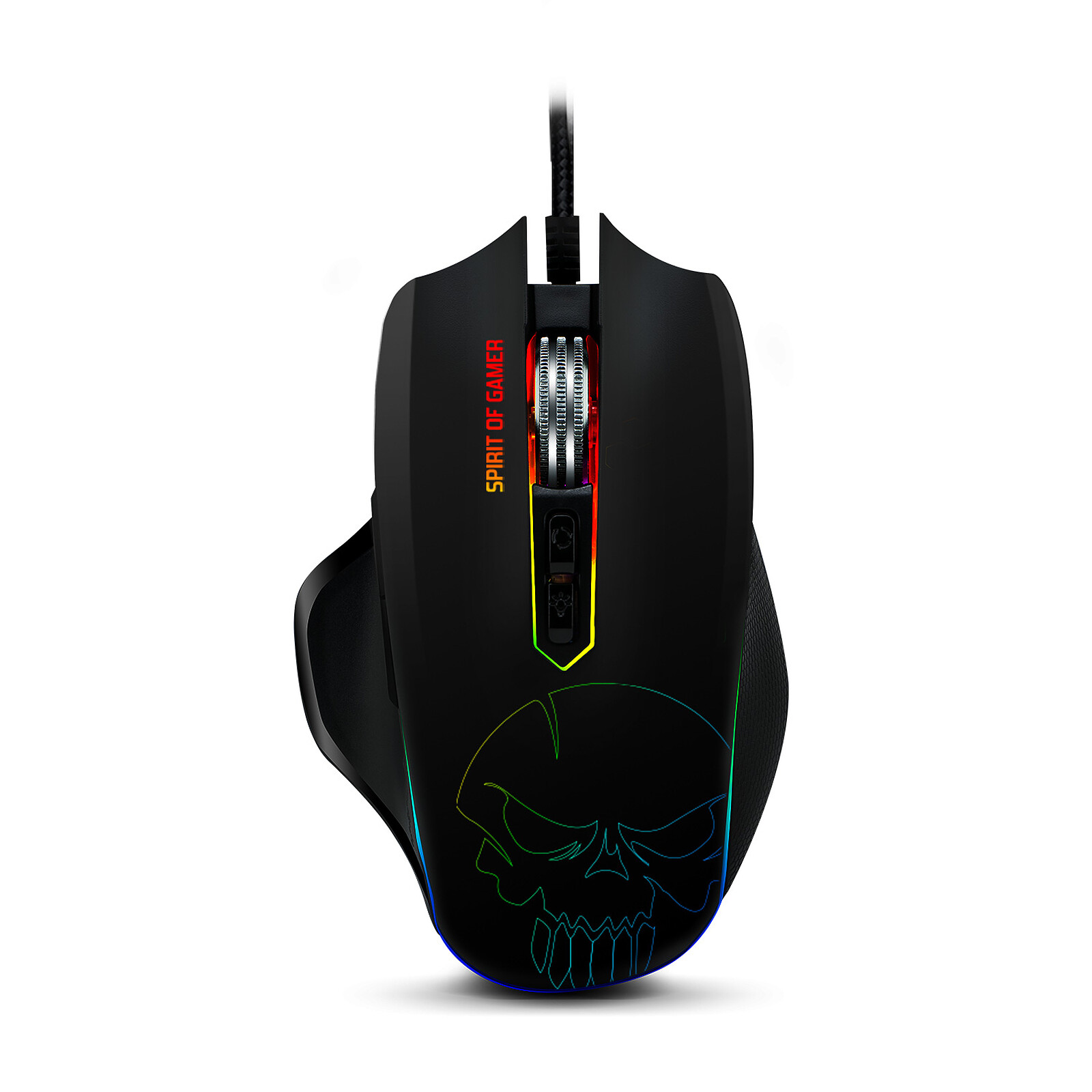
I would like to see a direct button for mouse sensitivity.
The product is as pictured, it looks good, it works well, but:
- it lacks the keys: V(melee attack) and G(grenade) for fps which is a bit of a departure from the usual.
- the shape of the wrist rest tends to make it difficult to press the ctrl key
- the joystick is just a copy of the WASD keys so it's not very useful.
The software is very simple to set up the keys for PS3/4
I don't know more for PS5 and Xbox, for Pc you just have to plug it in.
Trending now: Wireless keyboard mouse set | Gaming keyboard mouse set