Nice evolution
The Razer Tartarus Pro has clearly replaced half of my keyboard for gaming, whatever the game! Even in music or video production, its shortcuts are much more ergonomic than a standard keyboard.
Review automatically translated

Pictures may differ from actual products

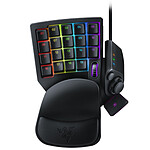
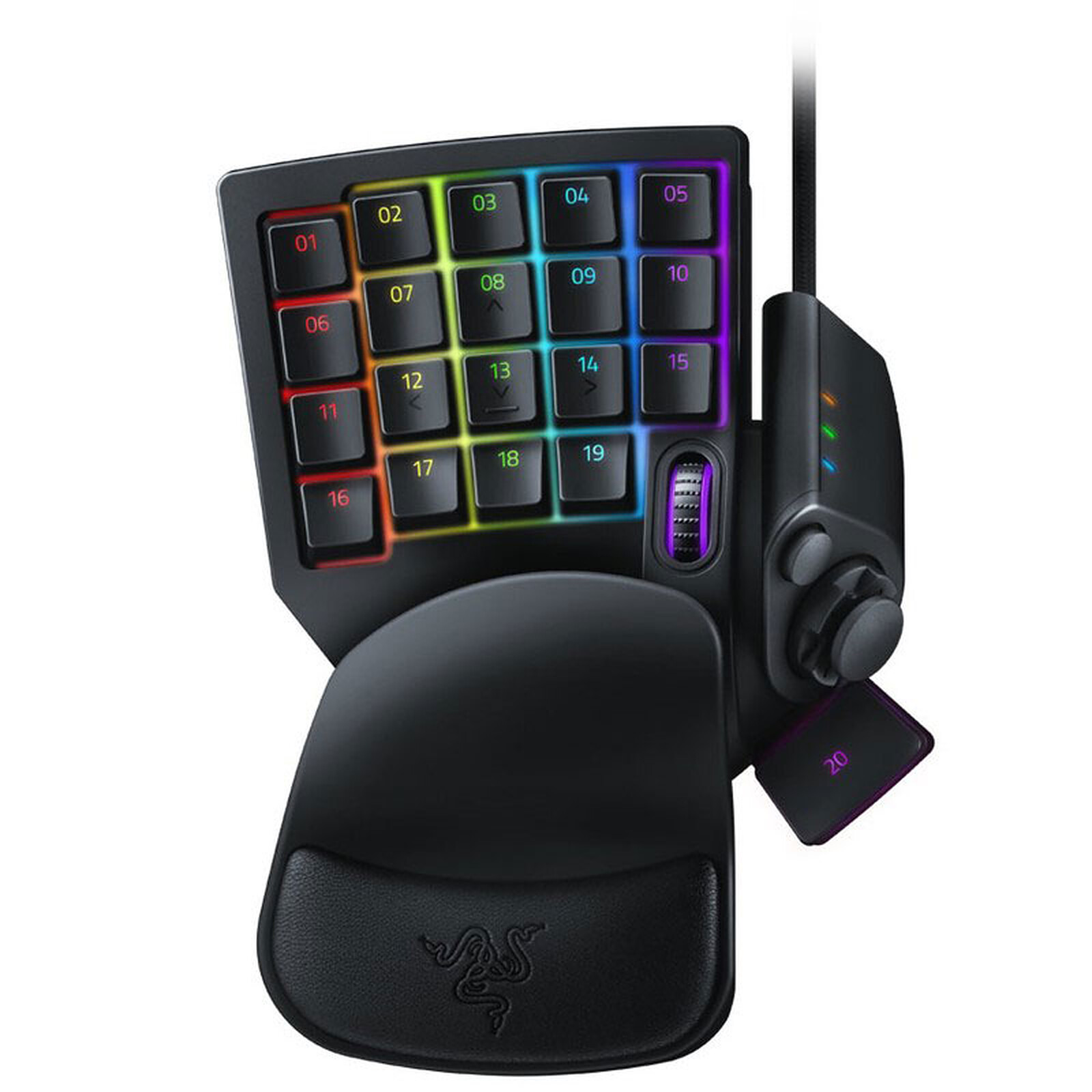
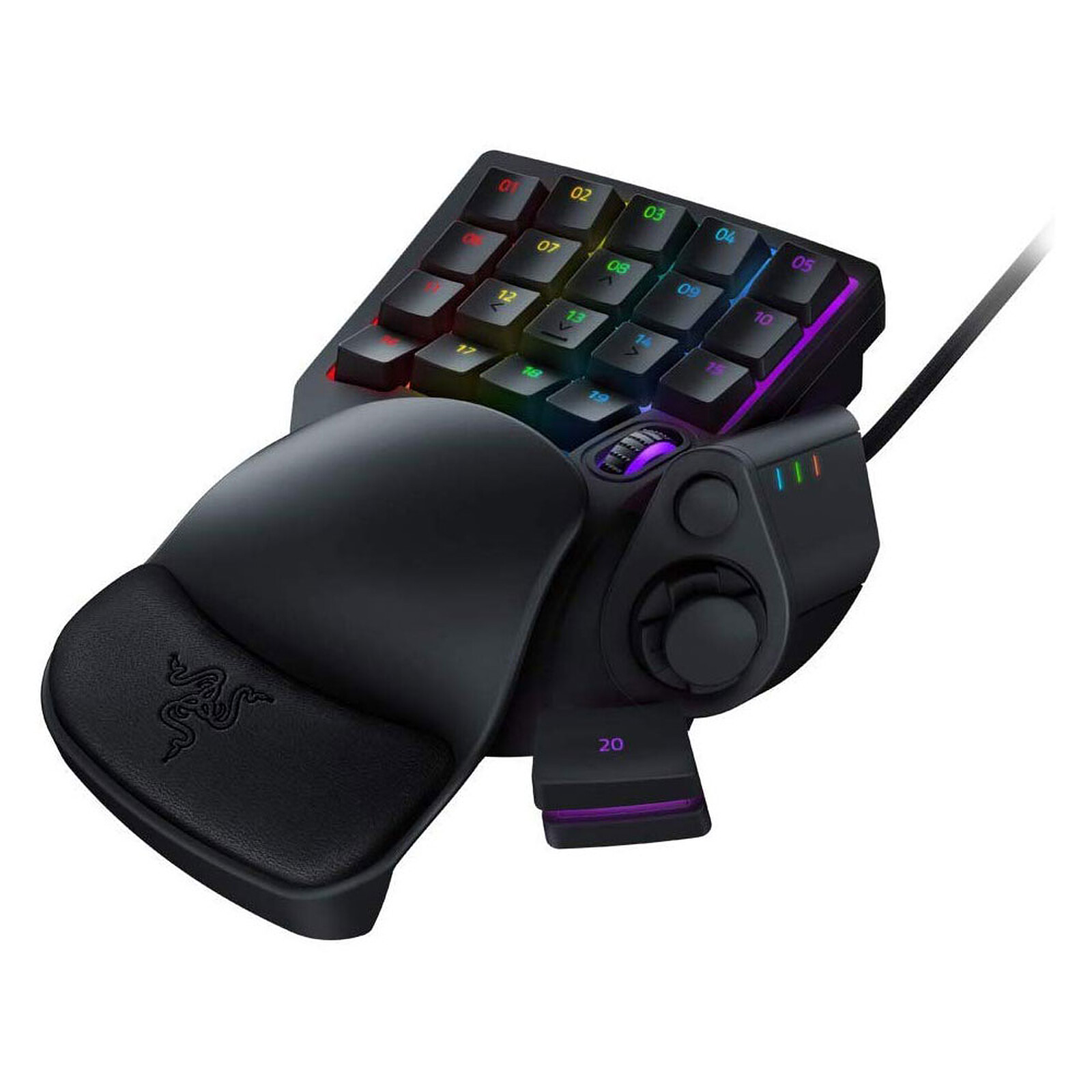
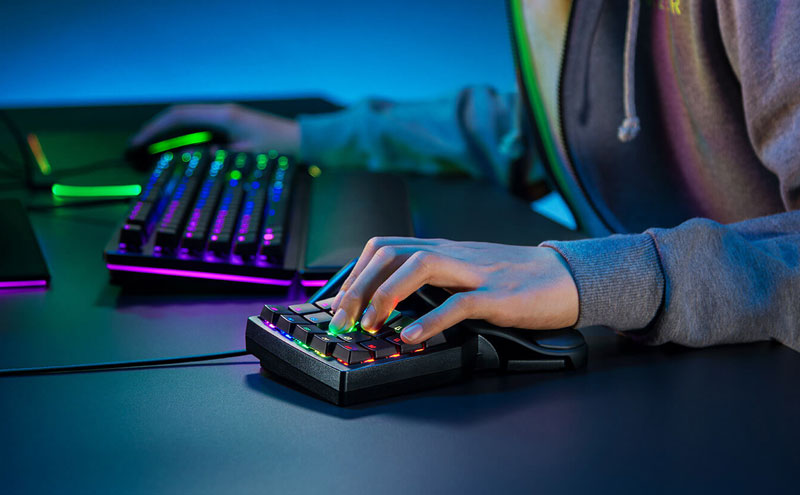
Never let victory slip away with the Razer Tartarus Pro. This fully programmable 32-key pad is a direct extension of your hand. Experience a level of control and customisation designed specifically for the most demanding gamers. Plus, it features RGB Chroma backlighting so you can show off your current mood or simply match your gamer gear with precision.
Not only that, but it also features Razer analogue optical switches to give you nuanced and measured control.
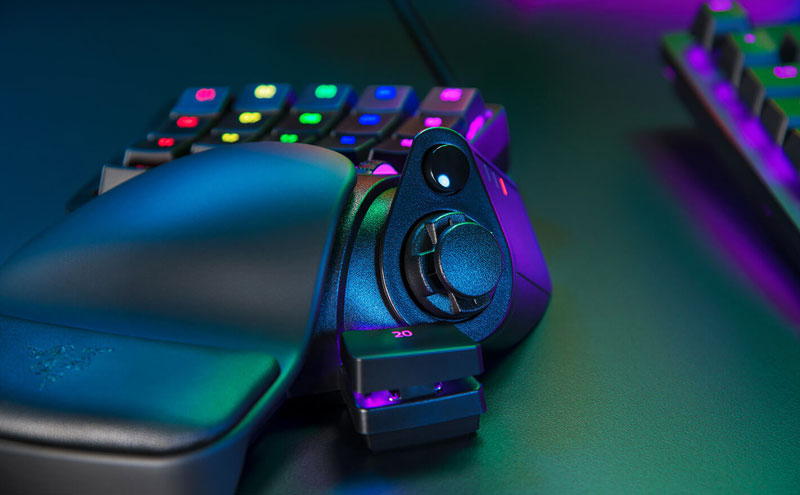
The Razer Tartarus Pro is equipped with Razer Optical Analogue Switches. These register different levels of input in the same movement depending on the level of pressure. So, just like joysticks on controllers, if you press half the key your character will be able to walk and then start running once the key is pressed all the way. And setting up your keys is easy, you just need to associate two functions to a key via the software.
The 8-way directional pad is the perfect ally for precise navigation and helping you gain a definite advantage over your opponents.
 Select your criteria
General information |
Product name |
Razer Tartarus Pro (Black) |
Brand |
Razer | |
Model |
RZ07-03110100-R3M1 | |
Keyboard format |
Compact |
Yes |
TKL |
No | |
Ergonomic |
Yes | |
Interface |
Wireless |
No |
Interface with the computer |
USB | |
Keyboard connectivity technology |
Wired | |
Ergonomics |
Type of keys |
Optical |
Switch type |
Switch Razer Analog Optical | |
Large print (low vision) |
No | |
Backlit keyboard |
Yes | |
RGB backlighting |
Yes | |
Macro keys |
Yes | |
Multimedia keys |
No | |
Numeric keypad |
No | |
Physical characteristics |
Color |
Black |
Power supply |
Power supply type |
USB port |
Compatibility |
Supported OS |
Mac OS X 10.6 or higher |
| Windows Vista | ||
| Microsoft Windows 10 | ||
| Microsoft Windows 7 | ||
| Microsoft Windows 8 | ||
| Windows XP | ||
Use |
Gaming | |
Warranties |
Commercial warranty |
Seller 2 years
|
Legal warranty |
See terms & conditions
|
|
Safety Information |
Responsible person |
Razer (Europe) GmbH |
Postal address |
Alter Teichweg 25 ; 22081 Hamburg. Germany | |
Electronic Address |
Compliance@razer.com |
See all Razer products
Product referenced on 27 Nov 2019
The Razer Tartarus Pro has clearly replaced half of my keyboard for gaming, whatever the game! Even in music or video production, its shortcuts are much more ergonomic than a standard keyboard.
Very good "mini keyboard", but I much preferred my old Logitech G13 (which no longer exists, unfortunately) because the Razer is less wide, so the hand position isn't natural, with the fingers a bit spread out, flexible, hands relaxed (as on the G13), here it's as if the hand had to be forced to have the fingers tightened permanently, one to the other...
In any case, there's not much better at the moment, so let's just say that, by necessity, I don't regret it.
The adjustable wrist rest is very pleasant, and the layout and customisation of the keys is perfect, but I have one big problem: the key feedback is far too high, it's difficult to hold a key with your little finger for a long time, and the switch spring is not adjustable, which is unacceptable for a product costing 150€.
I have returned the product.
Efficient and solid product. Less noisy than the previous range, and no bouncing or double tapping like on the old Tartarus. The programming software is as bad as ever, based on a qwerty keyboard superimposed on the French azerty... The touch is clean and smooth, but the analogue "full touch" function is unusable because there is no tactile stop between the 2 modes of depression, so it is impossible to know by touch at what level of depression you are. Finally I don't use this second function.
In the same universe: rz03-03390100-r3m1
Trending now: Wireless keyboard | Mechanical keyboard | Membrane keyboard | Mecha-membrane keyboard | TKL keyboard | Chiclet keyboard | Multimedia keyboard | Office keyboard | Ergonomic keyboard | RGB keyboard | Backlit keyboard | Numeric keypad keyboard | Optical keyboard | Compact keyboard | AZERTY keyboard | QWERTY keyboard | BÉPO keyboard