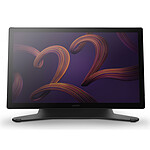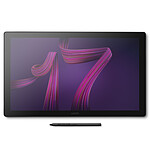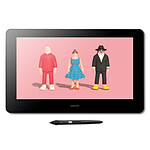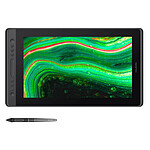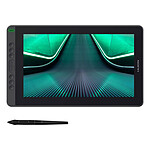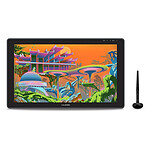

Pictures may differ from actual products

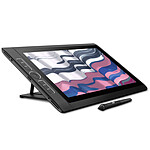
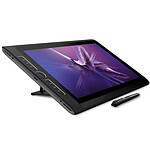
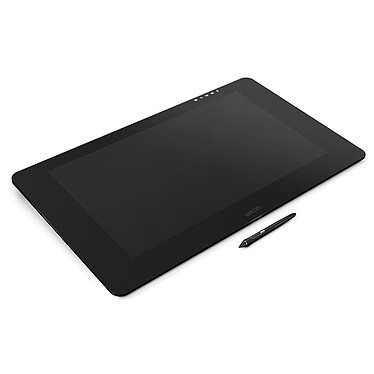
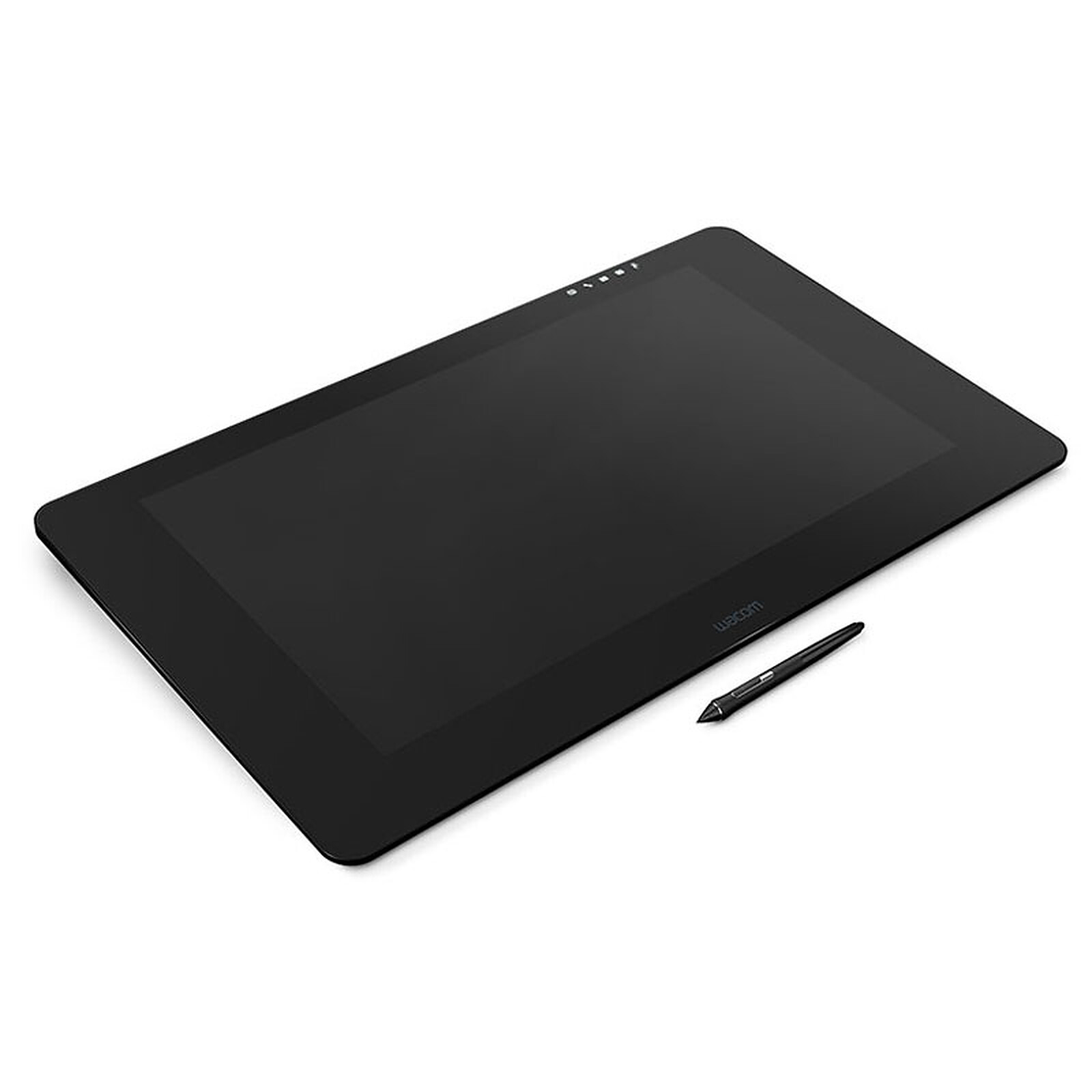
Wacom Cintiq Pro 24 Touch

Professional UHD touch graphics tablet (PC / MAC)

2 899€95
Recycling charge of 3€00
3 x 500€
after a payment of 1 460€34 (of which 60€40 fees)
Create a price drop alert
Overview

A more natural creative experience than ever before

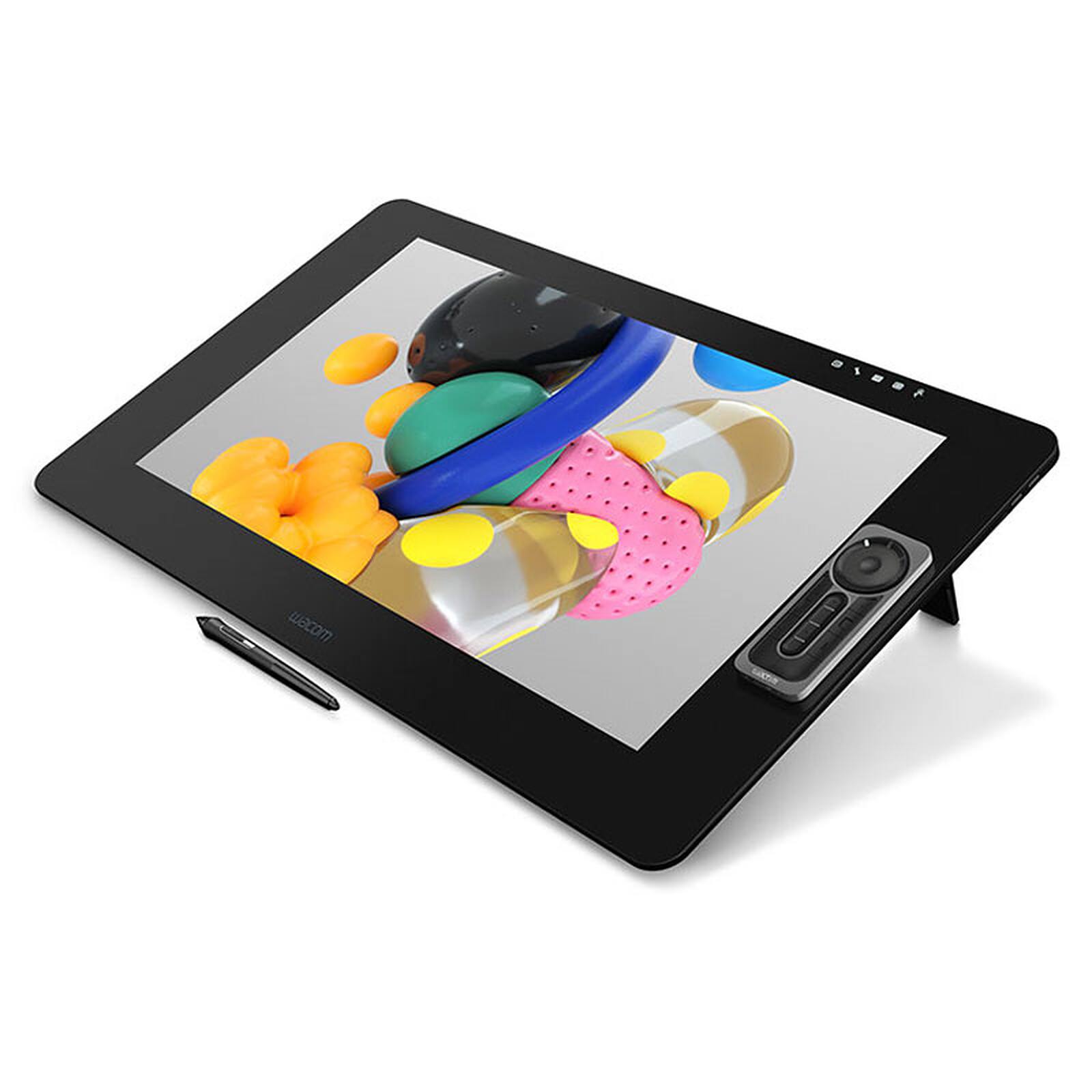
The Wacom Cintiq Pro 24 tablet is designed for professional artists and designers who want to feel an intuitive and direct pen connection with their work thanks to the Wacom Pro Pen 2 and the screen's glossy glass surface, which provides a natural pen-to-paper feel with perfect pen tip friction. So natural that you'll almost forget you're drawing on a screen.

Millions of pixels for incredibly sharp colours!

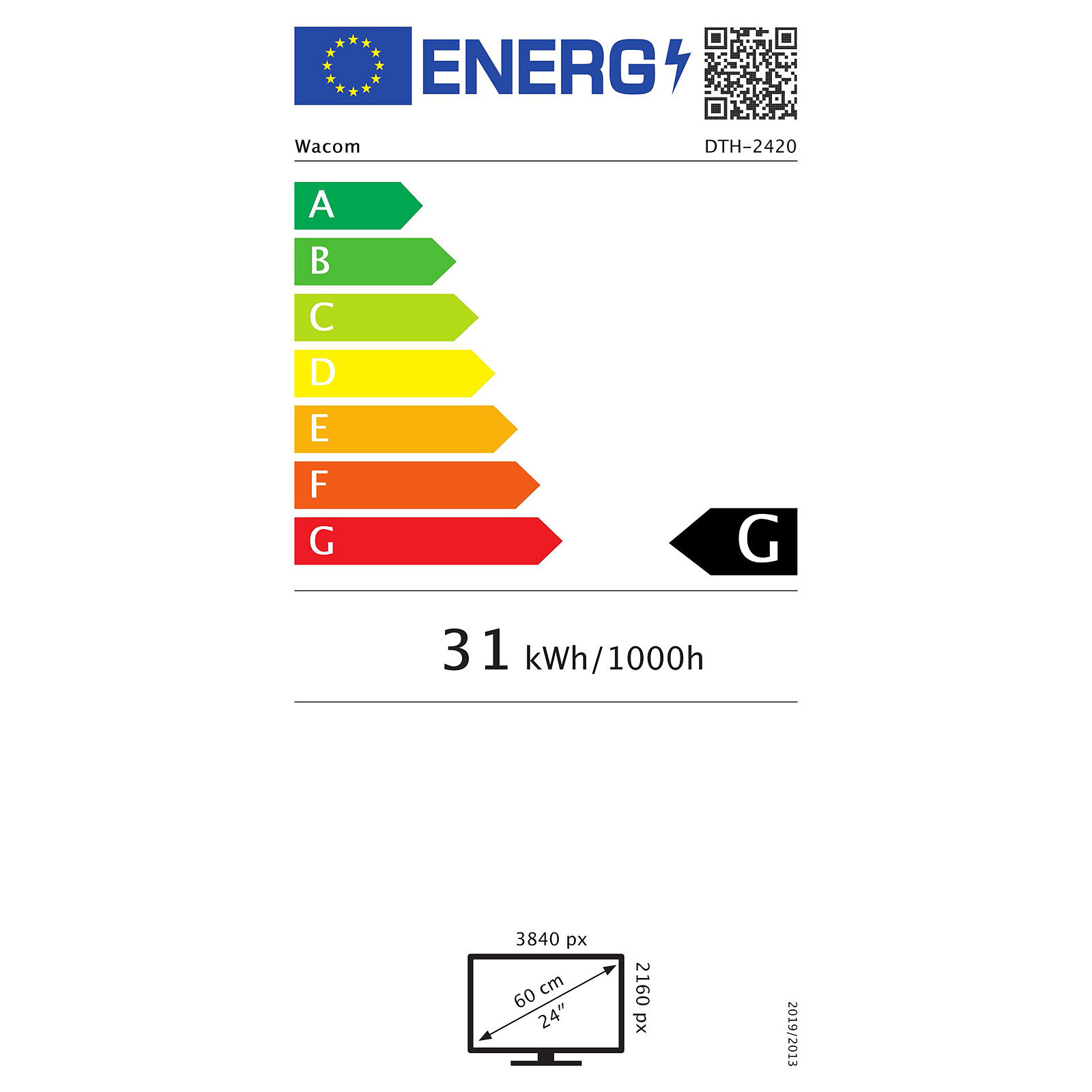
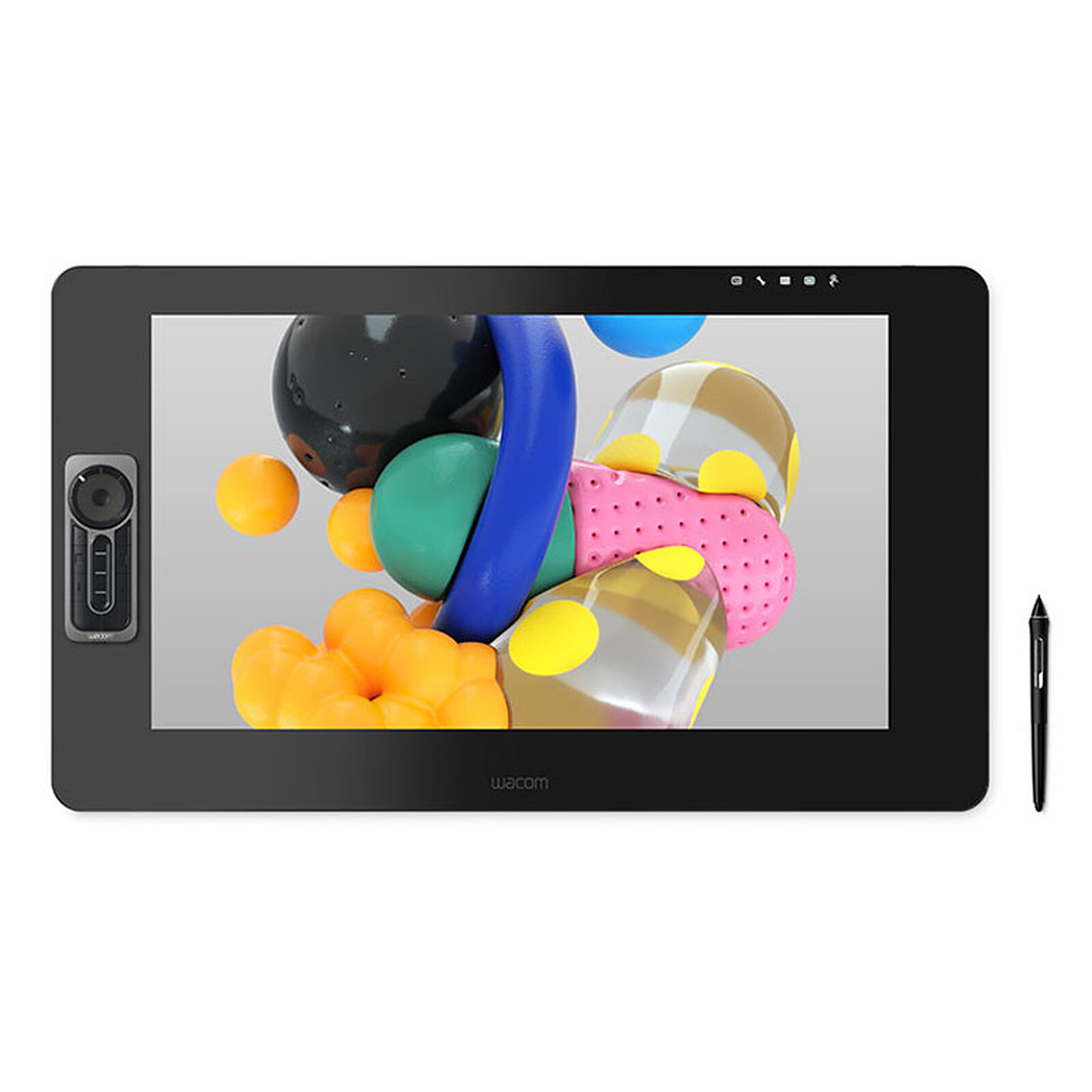
The Cintiq PRO 24 displays true-to-life colours on an ultra-high resolution screen (3840 x 2160), giving you incredible clarity and colour intensity when you're creating. Its 24-inch widescreen gives you the spacious digital canvas you need to add those little embellishments; while the matt etched glass surface lets you create in comfort - with the familiar feel of pen on paper, until you're completely satisfied with the results. With plenty of space for your work, all the on-screen controls and tools you need, it's the perfect screen for letting your imagination run wild.
Enjoy infinite possibilities with 99% Adobe RGB colour gamut , 1.07 billion colours for image-to-image colour matching.

The best Wacom pen in your hands

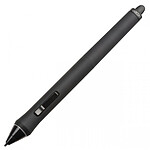
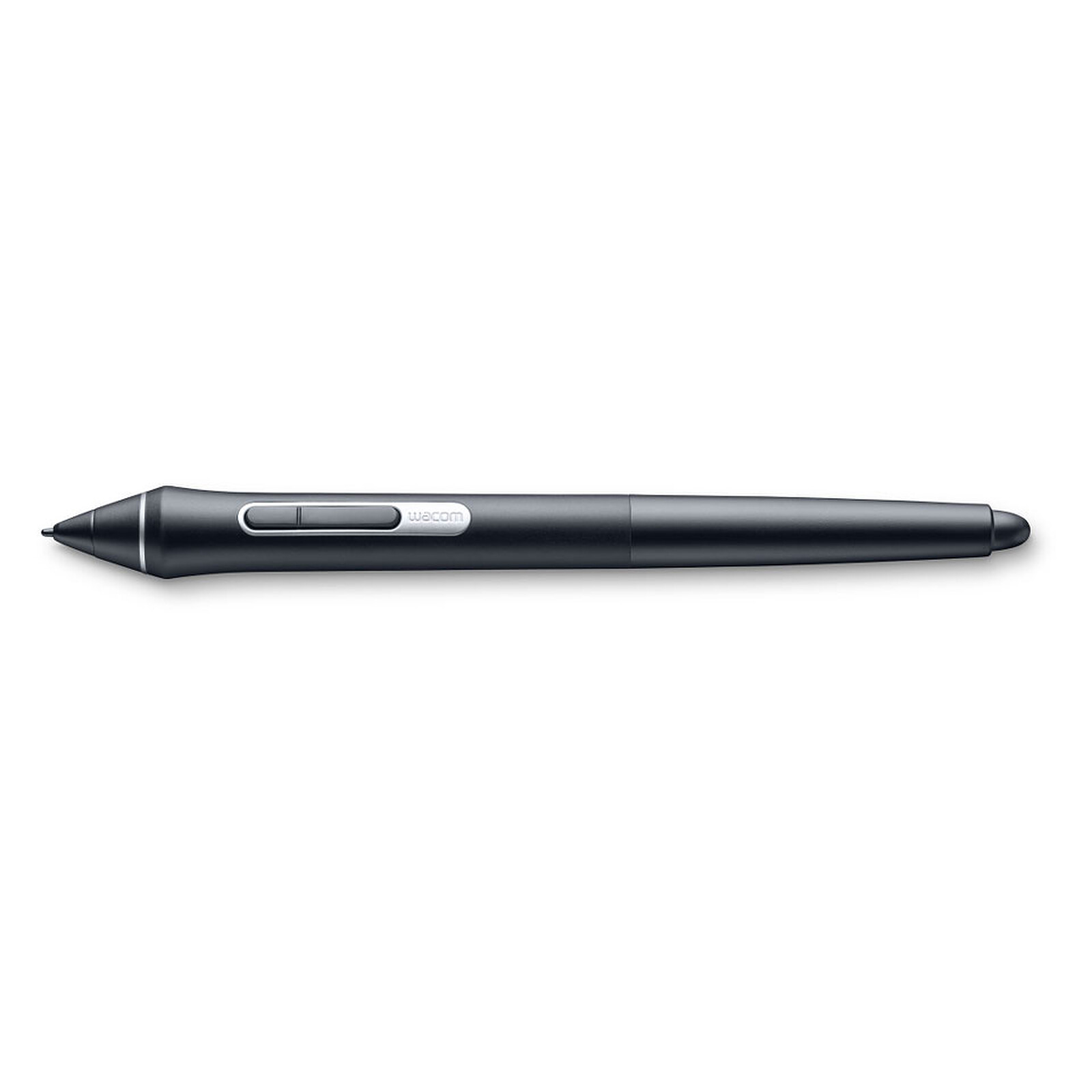
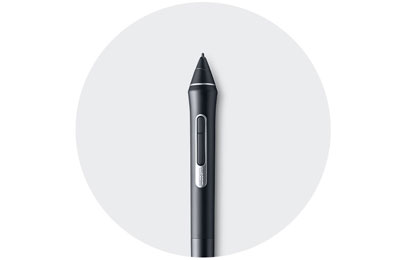
Whether you need the precision of a fine-tipped stylus or the texture of broad brushstrokes, the Pro Pen 2 included with the screen satisfies all your needs. It will instantly become your favourite creative tool. None of Wacom's styli have ever been so sensitive, so precise and so responsive.

Key features:

  • Screen size : 24 inches
  • Screen type: UHD IPS panel
  • UHD resolution: 3840 x 2160
  • Displayable colours (maximum): 1.07 billion
  • Brightness: 350 cd/m² (max.)
  • Response rate: 14 ms
  • Screen connection: USB-C or Mini DisplayPort and USB (via the Wacom Link adapter supplied)
  • Colour space: 99% Adobe RGB
  • Multitouch
  • Wacom Pro Pen 2 included
  • Stand not included
Specifications
Select your criteria

General information

Product name

Wacom Cintiq Pro 24 Touch

Brand

Wacom

Model

DTH-2420

Technical specifications

Graphic tablet format

24 inch

Screen

With display

Pressure levels

8192

Resolution

5080 lpi

Active area (Width)

294 mm

Active area (Length)

522 mm

Mouse provided

No

Width

394 mm

Length

677 mm

Thickness

47 mm

Weight

7 kg

Interface with the computer

4 X USB 3.0
1 X DisplayPort Female
1 X HDMI 2.0 Female
1 X USB 3.0 Type C

Supported OS

Microsoft Windows 7
Microsoft Windows 8
Microsoft Windows 8.1
Microsoft Windows 10
Mac OS X 10.10 or higher

Range

Wacom Cintiq Pro

Warranties

Commercial warranty

Legal warranty

Safety Information

Responsible person

WEG

Postal address

WACOM Europe GMBH Zollhof 11-15 40221 DUSSELDORF Allemagne

Electronic Address

info@wacom.eu

Product referenced on 19 Apr 2018

Customer review
Global rating
10/10
based on 1 review Editorial and moderation guide
  • 100%
    1 review
  • 0%
  • 0%
  • 0%
  • 0%
  • by Quasar
    Posted on 23 Sep 2018
    Bought on 4 Jul 2018 from LDLC
    Number of reviews: 1 Average rating: 10

    Very good

    Product conforms, received quickly.

    Some points of attention for future buyers:
    - Only the DisplayPort output allows you to enjoy 4K resolution, if you use another type of video output, the maximum resolution will not reach 4K.
    - Running the tablet requires both a video output and a USB slot for data exchange. Please follow the steps & pictures guiding you through the installation.
    - Check for dead pixels: put a white background, check, then do the same with a black background.
    - Install the Wacom Desktop Center software, download it from the Wacom website.
    - If you have wired everything correctly, the tablet should be recognised without any problem, as well as the pen.
    - If you have purchased the Touch version, make sure that the functionality works.
    - After loading the "Remote", test that it works properly.

    Overall, everything works perfectly. There are a few hiccups in the recognition of the pen buttons with the Clip Studio Paint software, but that is due to the Wacom drivers, which are known to be temperamental.
    The tablet is very large, so make sure you have enough room on your desk! It is recommended to take measurements at home before buying the product, to avoid unpleasant surprises after unpacking.

    The pen is very pleasant to use, and the 99% RGB is quite impressive (vivid colours). The edges are magnetic, and allow the remote & the pen holder to stand on their own. Some palm rejection issues with hand + touch enabled, hopefully this will be fixed with driver updates. The size of the tablet allows you to rest your hands comfortably while drawing.

    I would have preferred a slightly smaller tablet, for example 20-21 inches, but that doesn't exist in 4K, at least not yet.
    All in all, a very good product (fortunately, considering the price)!

    Review automatically translated