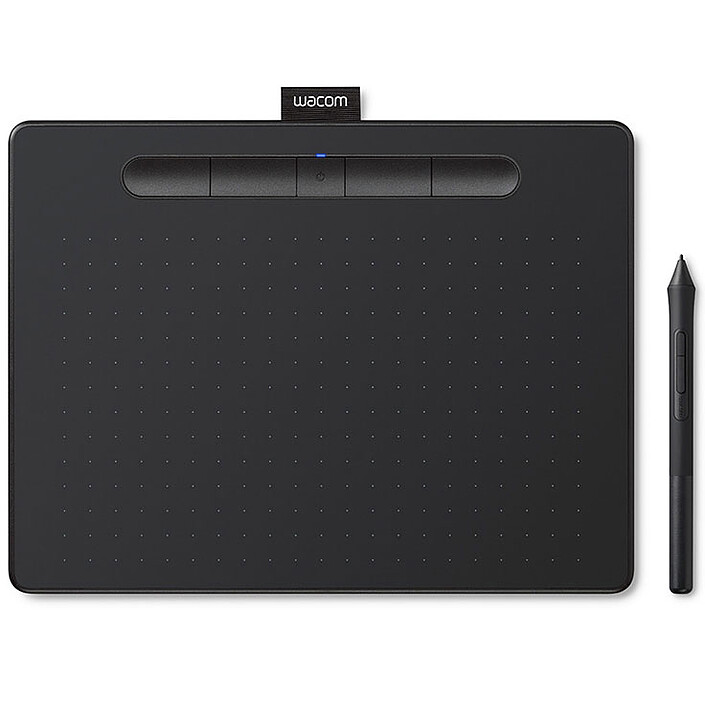
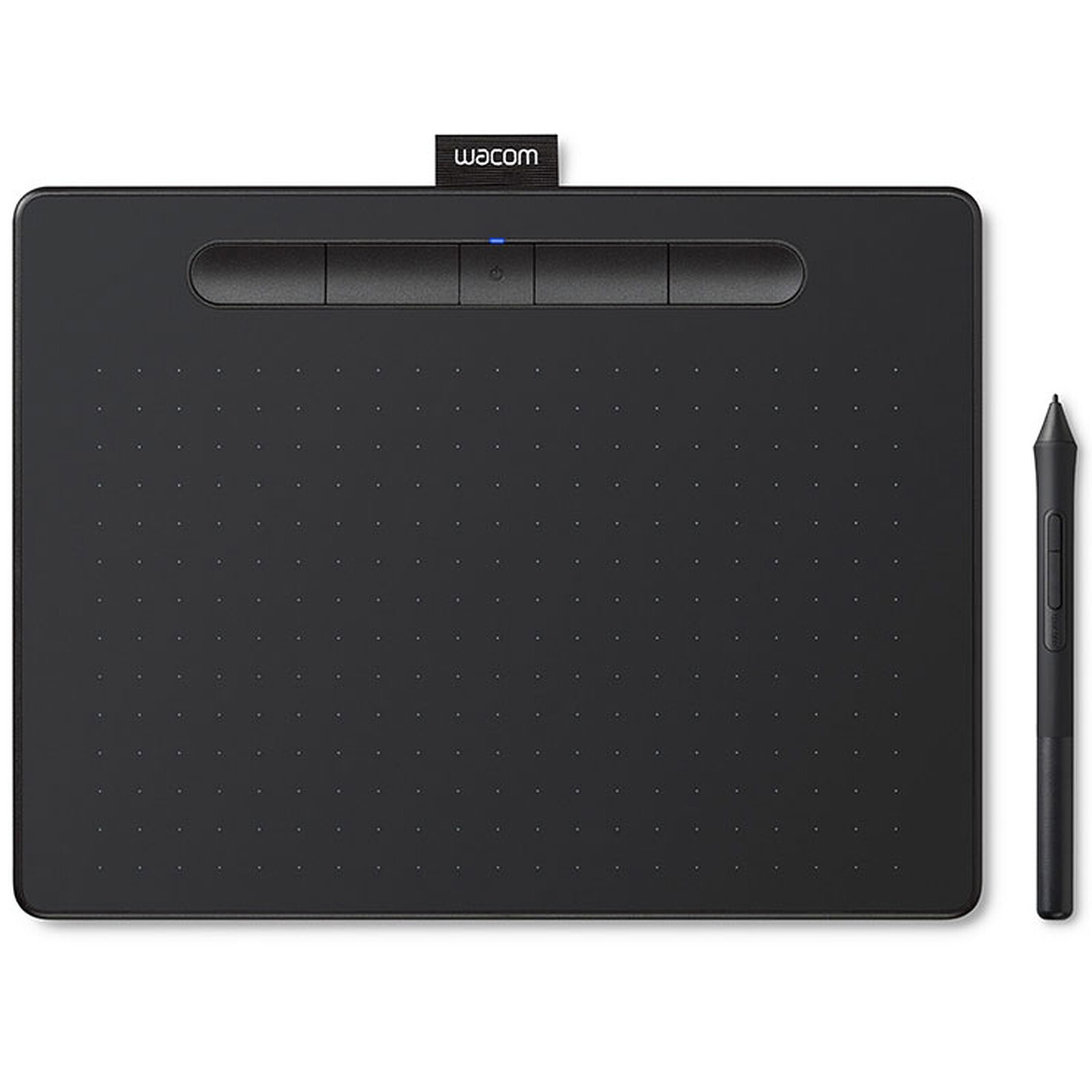
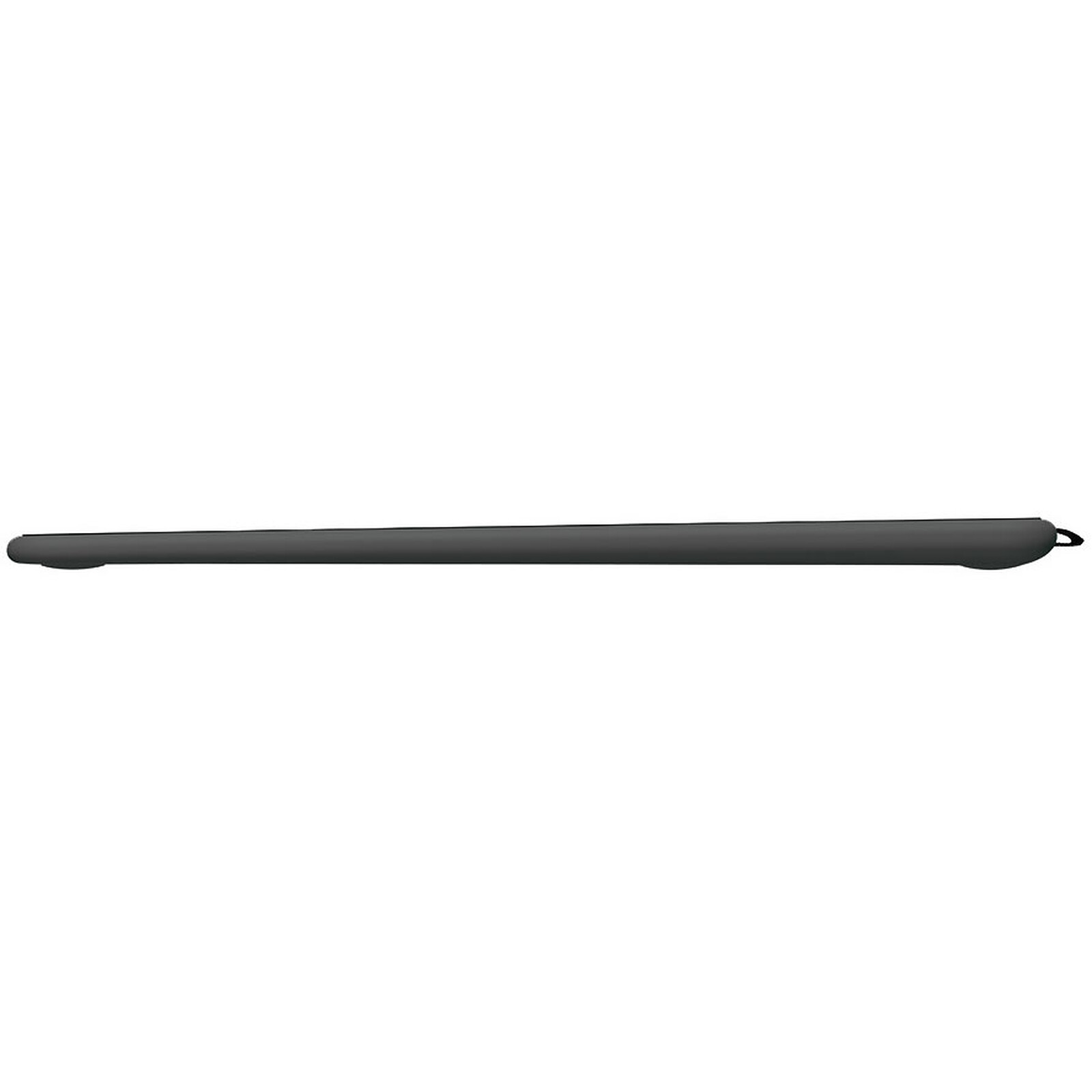
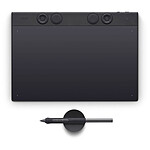
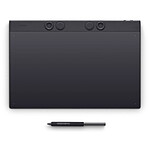
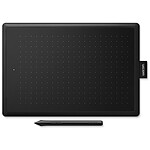
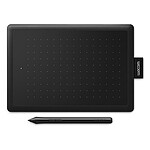
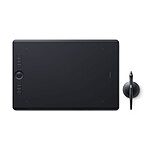
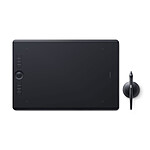
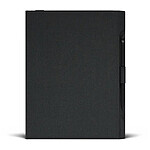
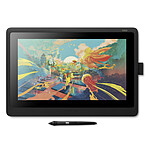
Thanks to its slim design and lightweight, highly accurate pen, the Wacom Intuos M graphics tablet with Bluetooth adapts to your environment and your needs. Do you like to draw, paint or edit photos? Whatever your passion, the Wacom Intuos M with Bluetooth has everything you need to express your talent.
A BLANK CANVAS AT THE CUTTING EDGE OF TECHNOLOGY
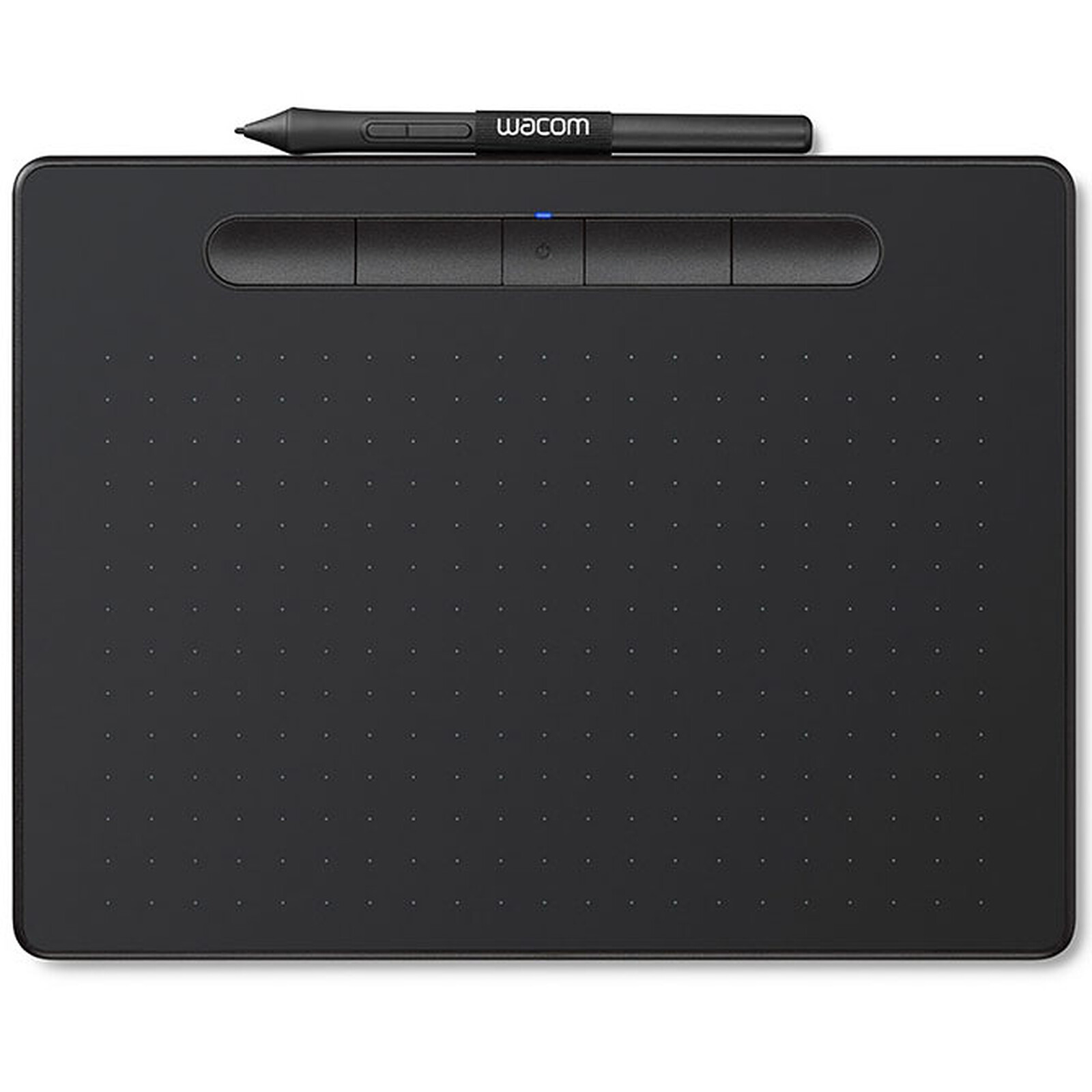
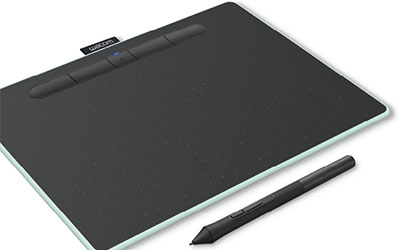
Whatever your passion, the Wacom Intuos tablet gives you new ways to draw, paint and edit your photos. With four ExpressKey buttons and an integrated pen holder, you can draw all your ideas quickly and easily. Thanks to its Bluetooth 4.2 connectivity, you can connect to a Bluetooth-compatible PC in just one click! The Wacom Intuos M graphics tablet with Bluetooth is easy to install, simple to use and works with 3 applications specially dedicated to artistic creation that you can download free of charge* (Corel Painter Essentials 6, Corel Aftershot 3 and Clip Studio Paint Pro).
*To download your free applications, you need to sign in or create a Wacom ID, enter your personal details and register your Intuos tablet. It may be necessary to register with software suppliers.
A precise pen and a tailor-made solution
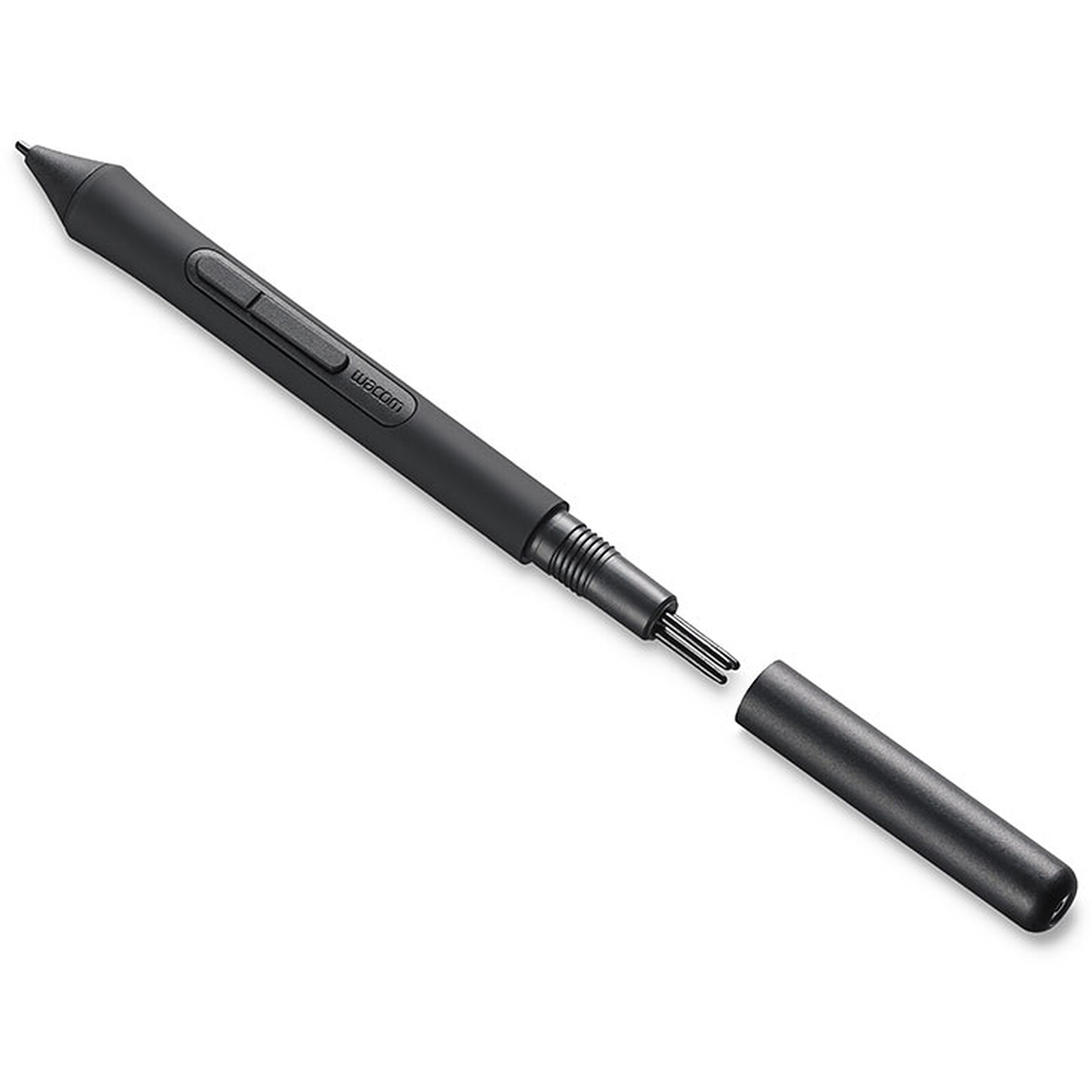
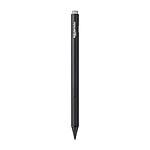
As soon as you pick up the Wacom Intuos M tablet, you'll be struck by how intuitive it is to use. Thanks to magnetic resonance technology, the battery-free pen with its 4096 levels of pressure sensitivity lets you draw naturally for as long as you like. Lightweight and ergonomic, the pen fits perfectly in the palm of your hand for unrivalled precision and control.
To suit all styles, several felt-tips and flexible tips are stored in the body of the pen. Optimise your creative process by configuring the pen's two buttons as well as the tablet's four ExpressKey buttons.
Key features :
Graphics tablet with USB port + Bluetooth wireless connectivity
Pressure-sensitive pen, wireless and battery-free
Active surface: 216 x 135 mm
4 ExpressKey buttons with 4 dedicated customisable settings
4096 levels of pressure
Resolution: 2540 lpi
Integrated pen holder
USB to micro USB cable supplied
Compatible with Windows 7 or later (except Windows 10 S) and Mac OS X 10.11 or later
2-year manufacturer's warranty
Packaging content
Wacom Intuos Tablet
Battery-free, pressure-sensitive 4K Wacom pen
USB cable with cable holder and L-shaped plug
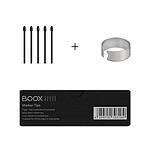
3 additional standard nibs (stored in the body of the pen)
I think the product is great! However, I had problems downloading the 3 programs offered with this purchase, the site was not working very well. But that's not a big deal, my tablet works great! and that's what matters.
Review automatically translated
by Gobby
Posted on 27 Jun 2020
Bought on 17 Mar 2020 from LDLC
Number of reviews: 7Average rating: 9
Very good
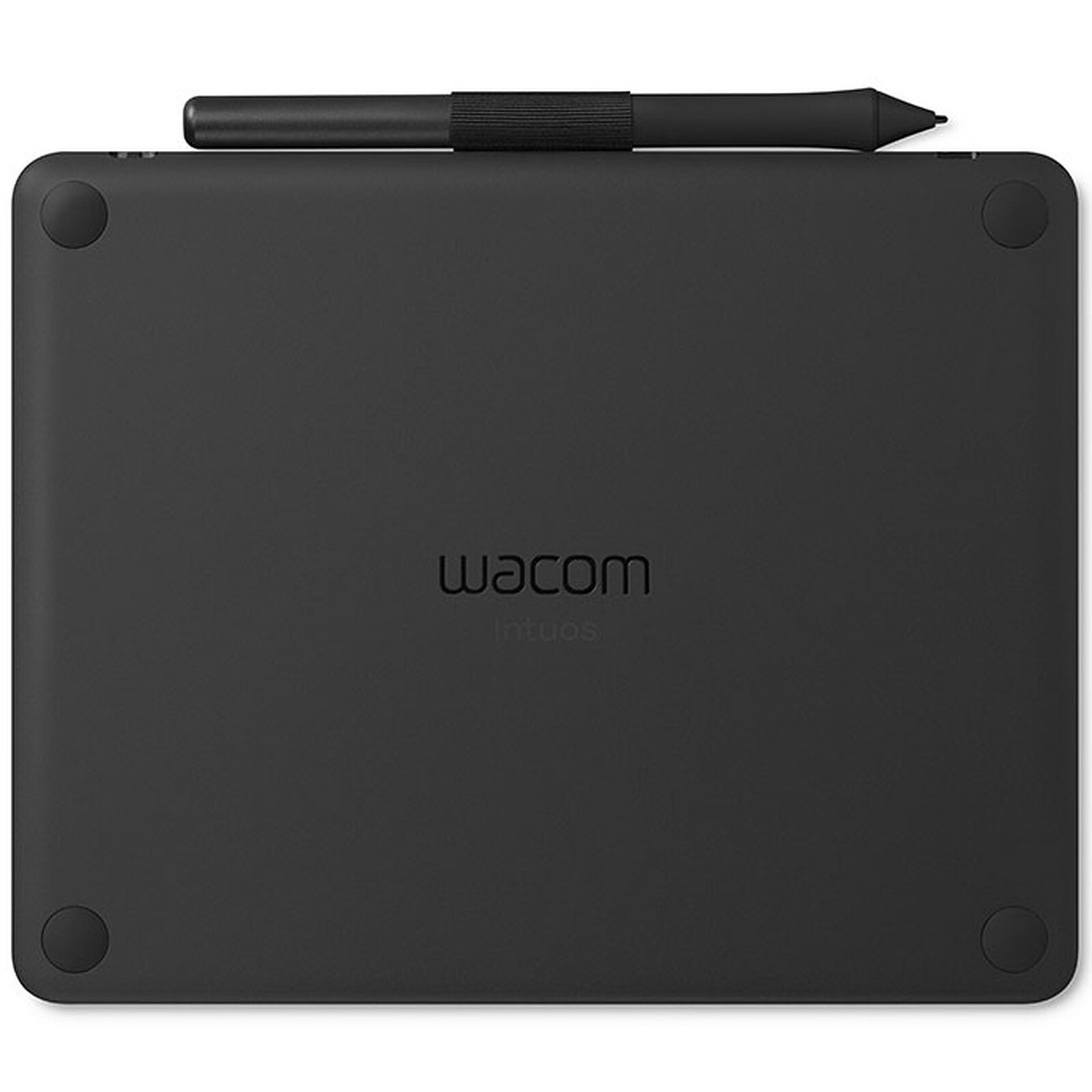
Simple. Lightweight. Robust. Efficient. Works perfectly out of the box under Linux (Ubuntu 19.10 and 20.04). The little plus for me: anti-slip pads at the back allowing to work on an inclined plane.
Review automatically translated
by Anonymous
Posted on 15 Jan 2020
Bought on 3 Sep 2019 from LDLC
Number of reviews: 1Average rating: 10
satisfied
Good product for its price, it's the minimum size I recommend. Less practical than the models with screen but perfect for beginners
Review automatically translated
by NelsomA
Posted on 7 Jun 2019
Bought on 27 Apr 2019 from LDLC
Number of reviews: 3Average rating: 6
I don't understand
I received my graphics tablet less than a month ago and overnight it stopped working. It says it's well connected but I have to move the pen and nothing works. And it's charged since the connection is done and my computer tells me it's charged.
Review automatically translated
by NelsomA
Posted on 12 May 2019
Bought on 27 Apr 2019 from LDLC
Number of reviews: 3Average rating: 6
Very pleased
The tablet is easy to use, it's the first time I've used a graphics tablet, and I didn't have any trouble understanding how it works, there is almost no latency. The pen is not heavy, on the contrary, it really feels like drawing on paper, except that the drawing is on the computer directly.
I'm not sure why, but the link on the site was no longer valid. Then it was the software download, but I think it's more from my network, well I think.
Review automatically translated
by Anonymous
Posted on 23 Apr 2019
Bought on 26 Mar 2019 from LDLC
Number of reviews: 1Average rating: 7
It does the job
Compared to my old Intuos 3, the pen catches on the surface of the tablet which is not smooth, it takes some getting used to, it is not very pleasant.
For professional use the battery life is not sufficient
It doesn't last all day (forget about the Bluetooth)
It's not a good idea to use it for a professional use.
Review automatically translated
by Steph
Posted on 11 Oct 2018
Bought on 30 Sep 2018 from LDLC
Number of reviews: 19Average rating: 9
Without fail
A versatile graphics tablet that will allow you to do photo editing, drawing and digital painting.
The pen is precise, may feel light when first used, but is easy to forget when in use. It has two buttons that fit neatly under the fingers on the handle.
The active surface of the tablet feels like an HB pencil on drawing paper. It is neither too slippery nor too rough, and allows the multiple pressure levels of the pen to be used.
The USB cable is 1.5 metres long. I did not test the Bluetooth, being under linux. Indeed, if the tablet works as soon as connected to USB on this OS, we will have to wait a little for the updates of the wireless link drivers.
Also, I was not able to test the software available for download for Windows.
The 4 ExpressKeys are silent when pressed, and wide and deep enough to be found without taking your eyes off the screen.
The whole thing has a sturdy finish, and the matte black of the whole thing is very classy. It's a very nice product.
Despite the perhaps high price compared to the competition, Wacom offers a nice semi-pro quality tablet, which will find its place in private homes and specialized offices.