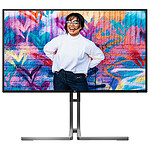
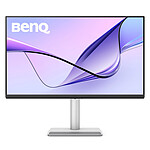
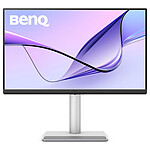
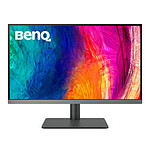
Order was correct and delivered quickly.
Friendly and helpful sales staff.
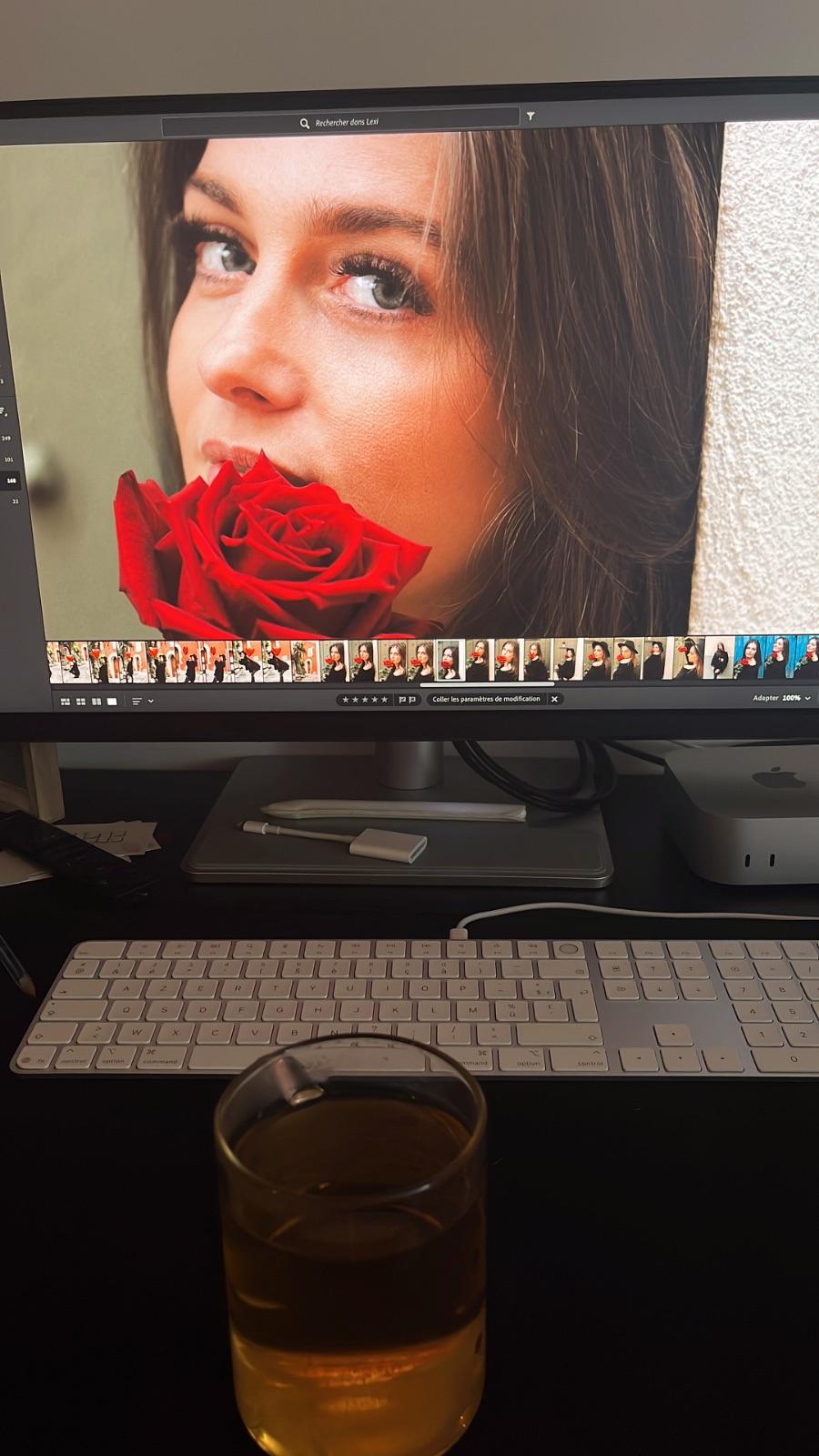
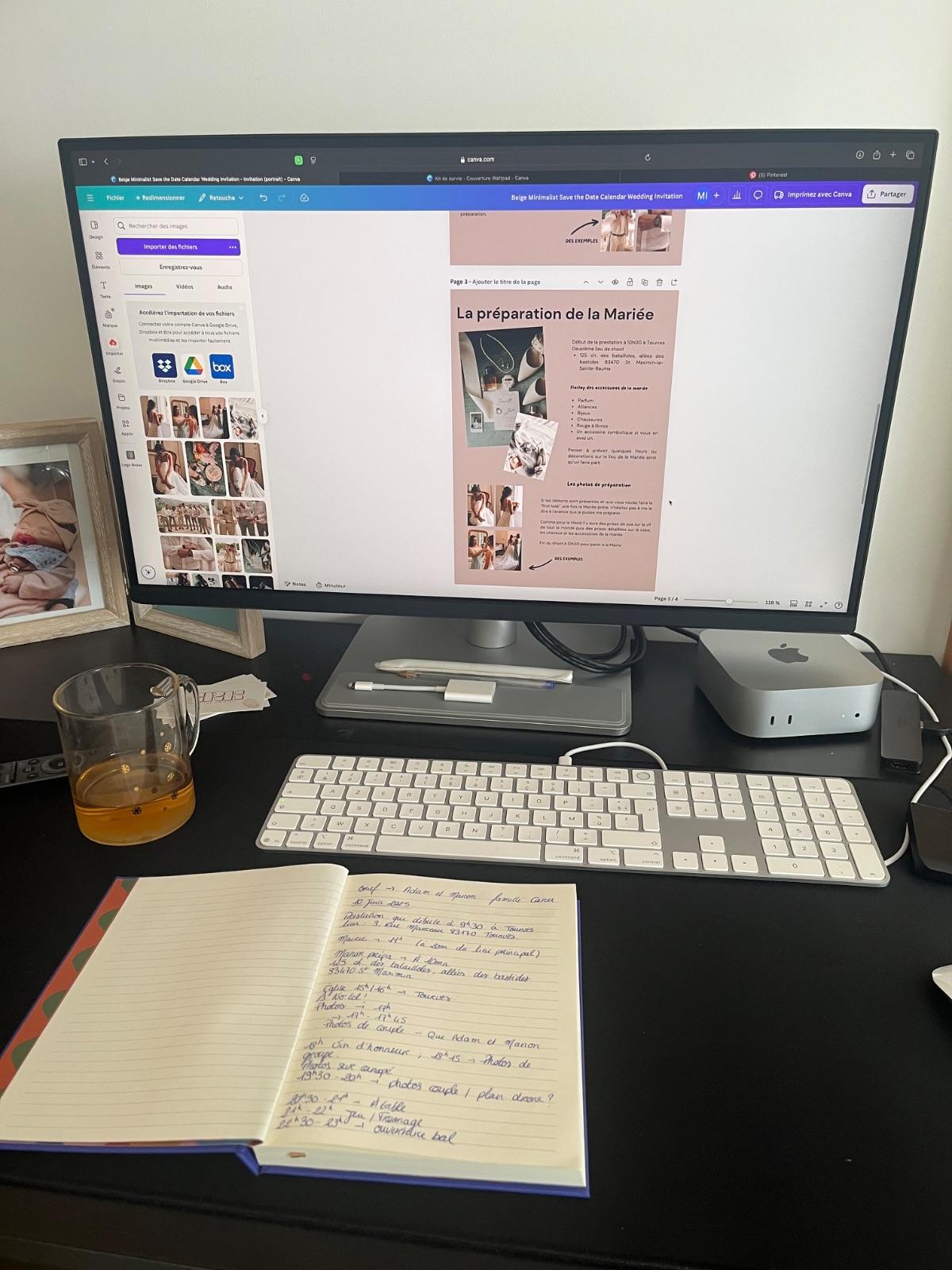
Plug & play screen on a Mac Mini M4, but settings were not easy to adjust (for me).
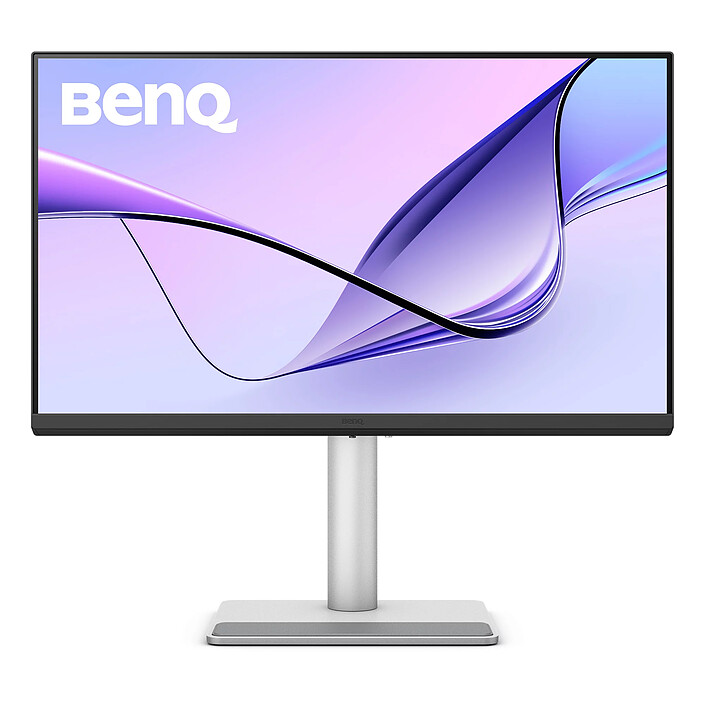
Model: BenQ 27" LED - MA270U
Review automatically translated
by AlexisR
Posted on 28 Nov 2025
Bought on 31 Oct 2025 from LDLC
Number of reviews: 1Average rating: 8
Mac mini
Very good for Mac mini. Sometimes the screen 'freezes' when the computer goes into standby mode, but this isn't really a problem.
Supplied with cables
Model: BenQ 27" LED - MA270U
Review automatically translated
by PhilippeG
Posted on 27 Nov 2025
Bought on 30 Oct 2025 from LDLC
Number of reviews: 1Average rating: 10
. Perfect screen
Friendly welcome. Good advice. I am completely satisfied with the screen I bought. I could also have bought the Mac mini from you, but I didn't know that you also sold Apple.
Model: BenQ 27" LED - MA270U
Review automatically translated
by MathiasG
Posted on 8 Nov 2025
Bought on 11 Oct 2025 from LDLC
Number of reviews: 1Average rating: 10
Very good screen
Works very well. The graphic settings and the height and tilt adjustment are easy to use and can be changed easily at any time.
Model: BenQ 27" LED - MA270U
Review automatically translated
by PhilippeC
Posted on 15 Sep 2025
Bought on 18 Aug 2025 from LDLC
Number of reviews: 1Average rating: 10
Good screen
The screen is of very good quality and works perfectly with my Mac mini. In 4K, the fonts are a little small for everyday use; 2K seems more appropriate to me. I particularly like the presence of a second HDMI socket and the joystick, which is very handy for changing the display.
Model: BenQ 31.5" LED - MA320U
Review automatically translated
by JacquesS
Posted on 7 Aug 2025
Bought on 8 Jul 2025 from LDLC
Number of reviews: 5Average rating: 10
meets my expectations
robust manufacturer's delivery package
easy to set up and install
good value for money
Model: BenQ 27" LED - MA270U
Review automatically translated
by BrunoD
Posted on 2 Jul 2025
Bought on 4 Jun 2025 from LDLC
Number of reviews: 1Average rating: 10
product and deadline satisfaction
I am very satisfied with my BENQ MA27OU screen and the time taken to obtain it. The people in the shop are friendly and competent.
Model: BenQ 27" LED - MA270U
Review automatically translated
by AlainD
Posted on 30 Jun 2025
Bought on 1 Jun 2025 from LDLC
Number of reviews: 1Average rating: 10
Superb screen
Not only did the screen arrive ahead of schedule, it's also superbly suited to Apple products.
Model: BenQ 31.5" LED - MA320U
Review automatically translated
by JeanMarcL
Posted on 20 Jun 2025
Bought on 23 May 2025 from LDLC
Number of reviews: 1Average rating: 10
Benq screen
Competent, professional and friendly staff
48-hour delivery
Great professional value
I would recommend
Model: BenQ 31.5" LED - MA320U
Review automatically translated
by PascalC
Posted on 28 May 2025
Bought on 30 Apr 2025 from LDLC
Number of reviews: 1Average rating: 10
Perfect with my Mac MIni
Screen bought for my Mac Mini M4.
Perfect, the size is impeccable, picture quality is top-notch, and the application lets you control brightness and sound directly from the MAC keyboard.
The adjustable stand is a plus, handy for portrait viewing,
Model: BenQ 27" LED - MA270U
Review automatically translated
by ChristianF
Posted on 22 May 2025
Bought on 24 Apr 2025 from LDLC
Number of reviews: 1Average rating: 10
Very satisfied and as expected
Good colour reproduction, sound control via the mac mini keyboard, decent speakers. USB C connections for satisfactory use of the screen's connectivity.
Model: BenQ 31.5" LED - MA320U
Review automatically translated
by JohnC
Posted on 19 May 2025
Bought on 12 Apr 2025 from LDLC
Number of reviews: 1Average rating: 10
Perfect for MacBook Air M4
Having a MacBook Air M4, I wanted a bigger screen to work on Final Cut Pro and this is exactly what I was looking for.
I'd recommend it to anyone who has a laptop.
Model: BenQ 27" LED - MA270U
Review automatically translated
by StephaneP
Posted on 18 Apr 2025
Bought on 20 Mar 2025 from LDLC
Number of reviews: 1Average rating: 8
Very nice screen, compatible with IPad mini
The image looks great. Compatibility with the iPad is perfect after downloading the in-house Display Pilot 2 software.
Mediocre sound, which I improved with a sound bar.
No camera....bof....
Model: BenQ 27" LED - MA270U
Review automatically translated
by JustHouz
Posted on 28 Mar 2025
Bought on 29 Nov 2024 from LDLC
Number of reviews: 4Average rating: 9
Very good screen
Very good build quality. The connectivity is complete and practical, with USB-C and A, which is useful when you still have a few old peripherals in this format and not necessarily a USB-A port on your bike. The 27" size was the best compromise for me. So I'm happy with this screen. I often use it in 2.5K resolution.
Model: BenQ 27" LED - MA270U
Review automatically translated
by Clement M
Posted on 19 Mar 2025
Bought on 7 Dec 2024 from LDLC
Number of reviews: 1Average rating: 10
an excellent screen, I'm not disappointed!
I can thoroughly recommend this screen, I can't find a fault with it.
It works perfectly on my Mac M1.
What's more, it's affordable.
You can be so much more productive with a screen like this!
Its resolution is perfect, the only downside being that it would benefit from being very slightly curved to improve the perception of contrast at the sides of the screen...
Model: BenQ 31.5" LED - MA320U
Review automatically translated
by MarineS
Posted on 18 Mar 2025
Bought on 31 Jan 2025 from LDLC
Number of reviews: 1Average rating: 10
Fabulous
I'm really pleased with my purchase, it's way beyond my expectations. I bought this monitor for my Mac mini M4. I'm really impressed by the colours, which are very close to the. Retina display on the MacBook Pro. The screen can be swivelled into portrait format, which is very practical. It can also be adjusted in height and tilted. It's really very versatile. The only fault I can find with it is that there's no built-in camera or microphone. Which is a real shame when you're using it for work. After more than two months of use, I can really tell you that I think it's the best monitor I've ever had, especially if you have sensitive eyes - there's a mode to filter out blue light, so you don't get any major headaches!
Model: BenQ 27" LED - MA270U
Review automatically translated
by Jonathanduquet
Posted on 18 Mar 2025
Bought on 1 Feb 2025 from LDLC
Number of reviews: 4Average rating: 10
A thing of beauty
The BenQ MA270U is an ideal 27" display for users like me who want crisp 4K picture quality and accurate colour, especially for creative work. Its ergonomic design and Mac and PC compatibility make it a practical and versatile choice.
Excellent value for reliable performance
Model: BenQ 27" LED - MA270U
Review automatically translated
by JeanClaudeD
Posted on 18 Mar 2025
Bought on 28 Jan 2025 from LDLC
Number of reviews: 1Average rating: 10
perfect
Easy to use and very functional. Great image quality, Mac-compatible and easy to learn.
Model: BenQ 27" LED - MA270U
Review automatically translated
by JacquesL
Posted on 18 Mar 2025
Bought on 31 Jan 2025 from LDLC
Number of reviews: 4Average rating: 8
a good screen
I'm used to the 27-inch iMac screen and I'm pleased with my purchase. Good screen quality and the aluminium exterior gives it a decent look.
Model: BenQ 27" LED - MA270U
Review automatically translated
by HichemE
Posted on 18 Mar 2025
Bought on 27 Dec 2024 from LDLC
Number of reviews: 1Average rating: 10
Very good value for money
...for once, electronics are cheaper in France than in Switzerland, and that's worth mentioning! Well-packaged product, no customs hassles, well done.
Model: BenQ 27" LED - MA270U
Review automatically translated
by QuentinG
Posted on 7 Feb 2025
Bought on 28 Jan 2025 from LDLC
Number of reviews: 1Average rating: 10
So far, so good for a Mac Mini M4!
The wait for stocks was long, but well worth it! For the time being, the screen is fine, used with a Mac Mini M4 in USB-C.
I've gone from a 2013 iMac 27" model to this. You can immediately feel the visual comfort (4K obliges, the 2013 iMacs were not yet Retina). Having tested it with a Macbook Air 2024, the brightness is at the same level, which is very comfortable. In the end, the only difference with an Apple screen is the matt panel, the lack of a webcam and the sound, which is a little less good quality but sufficient.
When it comes to controlling the screen with a Mac keyboard, it works, but sometimes it's a bit random... Let me explain, you have to download BenQ's DisplayPilot (DP) application, then once you've launched it you have access to the settings panel via an icon in the bar at the top right of the screen. However, the functions for managing sound and screen brightness via the keyboard didn't work immediately... first of all, these functions need to be activated in DP (which was already the case for me), but also, MacOS requires authorisation for a third-party application to be able to access the keyboard functions (System settings > Privacy and security > Accessibility). DP appears in the window and must be activated. On first launch, the lighting keyboard shortcuts didn't work, but the sound did. So I left the DP application, removed it from the Accessibility window, re-added it and reactivated it, then relaunched the application and this time my shortcuts worked fine. However, sometimes after an hour or two of work, the lighting shortcut doesn't work again, so I just quit and relaunch the DP application and it works again. It would be great if an update could fix this! Finally, don't forget to tick the Automatically launch at startup box in DP.
Model: BenQ 31.5" LED - MA320U
Review automatically translated
by MacStudioUser
Posted on 2 Feb 2025
Bought on 30 Nov 2024 from LDLC
Number of reviews: 1Average rating: 10
Good, but software needs improving
After 2 long months of waiting, the monitor is finally here,
Unpacking is ok, well protected in the box, remember to put the cable guide on when fitting the stand.
Installation of the control software. Plenty of colour modes, correct calibration.
Where it gets tricky is with the auto brightness adjustment. You have to switch to Mac colour mode, activate the BI2+ Gen2 so that the screen can adjust via the sensor on top.
But the brightness management buttons on the keyboard quickly start to do nothing, so you click on the menu and you can manage brightness using the slider. In short, you get the feeling that the software needs a bit of fine-tuning.
The sound is decent, better than my IIYAMA, even if the gradation at low volume is a little wide.
The keyboard control triggers a MacOS-style volume display, but it's more transparent and less visually clean. But at least it works, so you don't need any weird software to adjust the screen volume.
The stand doesn't allow the screen to be lowered very far, so at 32" the top of the screen is quite high up in the field of vision.
With this size, you can move reasonably far away from the screen and still keep the display readable.
I don't feel any degradation in the sharpness of the fonts compared with a 27" 4k.
The screen menu is very succinct: brightness, sound volume, input, signal info. Everything can be adjusted via the software, but this will be complicated if it can't be installed (computer restricted by your employer, for example).
The edges of the screen, you'd think they'd go all the way to the edge plastic, but in fact they don't, 1/2 cm of black between the plastic and the image at the top and sides, and 1/3 cm at the bottom.
All in all, it's a good screen for its price, and it allows you to make colour gradations that won't be aberrant once displayed on an iPhone or Mac screen.
Model: BenQ 31.5" LED - MA320U
Review automatically translated
by DidierC
Posted on 4 Jan 2025
Bought on 6 Dec 2024 from LDLC
Number of reviews: 1Average rating: 8
How is it specifically Mac?
The screen is good, the connectivity is good, the sound is OK for video, maybe not for classical music... But apart from the connectivity, what makes it a Mac? I couldn't find a way to change the brightness from the keyboard, for example...
Model: BenQ 27" LED - MA270U
Review automatically translated
by AlainM
Posted on 30 Dec 2024
Bought on 29 Nov 2024 from LDLC
Number of reviews: 2Average rating: 10
Perfect for my macbook
Good-sized screen with good rendering. Perfect connection for my MacBook (with charge). Very happy with my purchase.
Model: BenQ 27" LED - MA270U
Review automatically translated
by DavidM
Posted on 24 Dec 2024
Bought on 25 Nov 2024 from LDLC
Number of reviews: 1Average rating: 10
Very good screen
Excellent screen for Mac, the quality is almost perfect. The colourimetry is very close to that of the Mac (you can't see the difference with the naked eye) and the brightness is very good. The stand could be improved for cable routing... but it's very practical for switching from landscape to portrait mode.