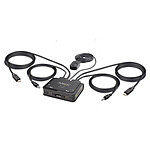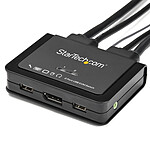
Does its job
Works very well with two laptops (standard HDMI outputs), one running Linux Mint 20.3 MATE, one running Windows 10.
Review automatically translated
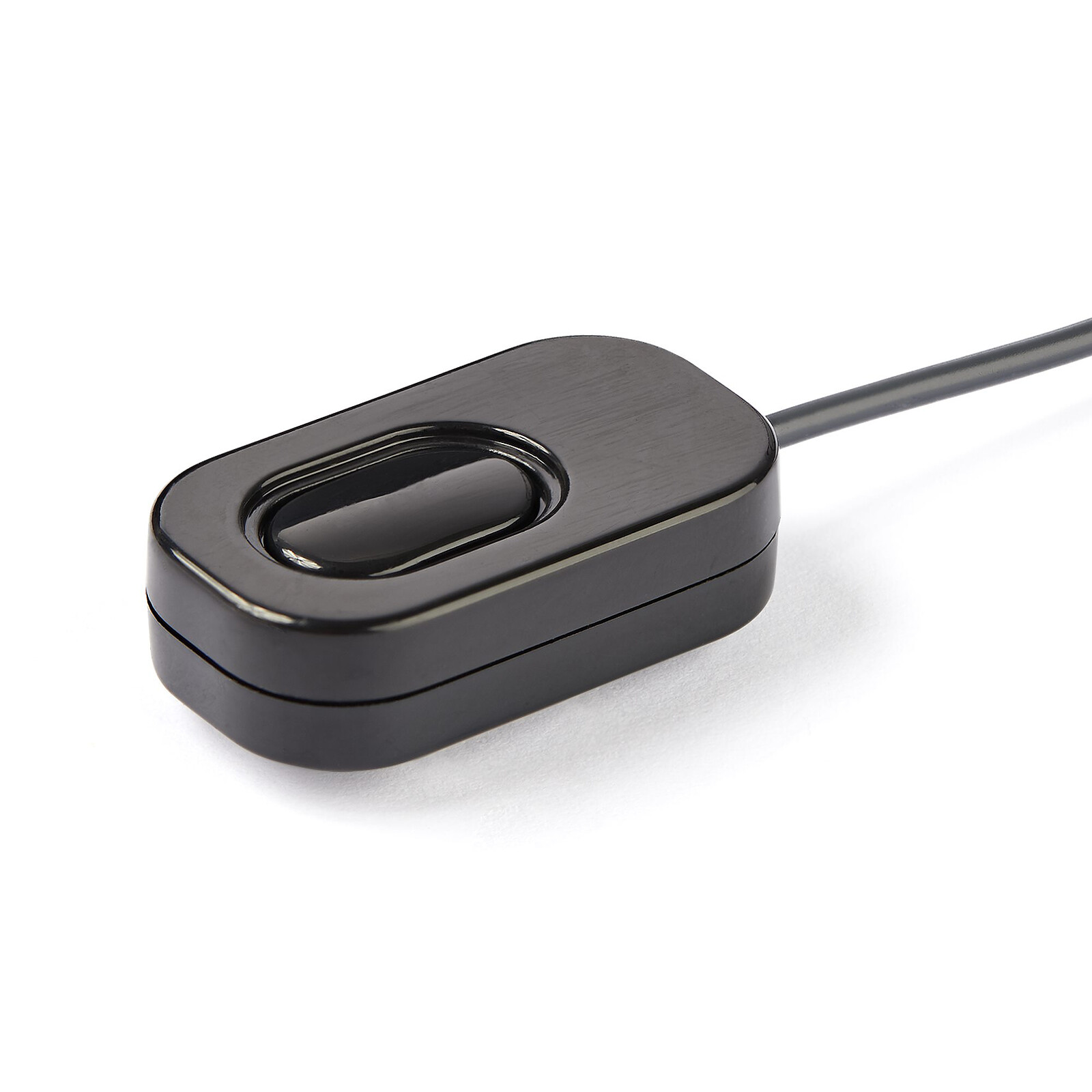
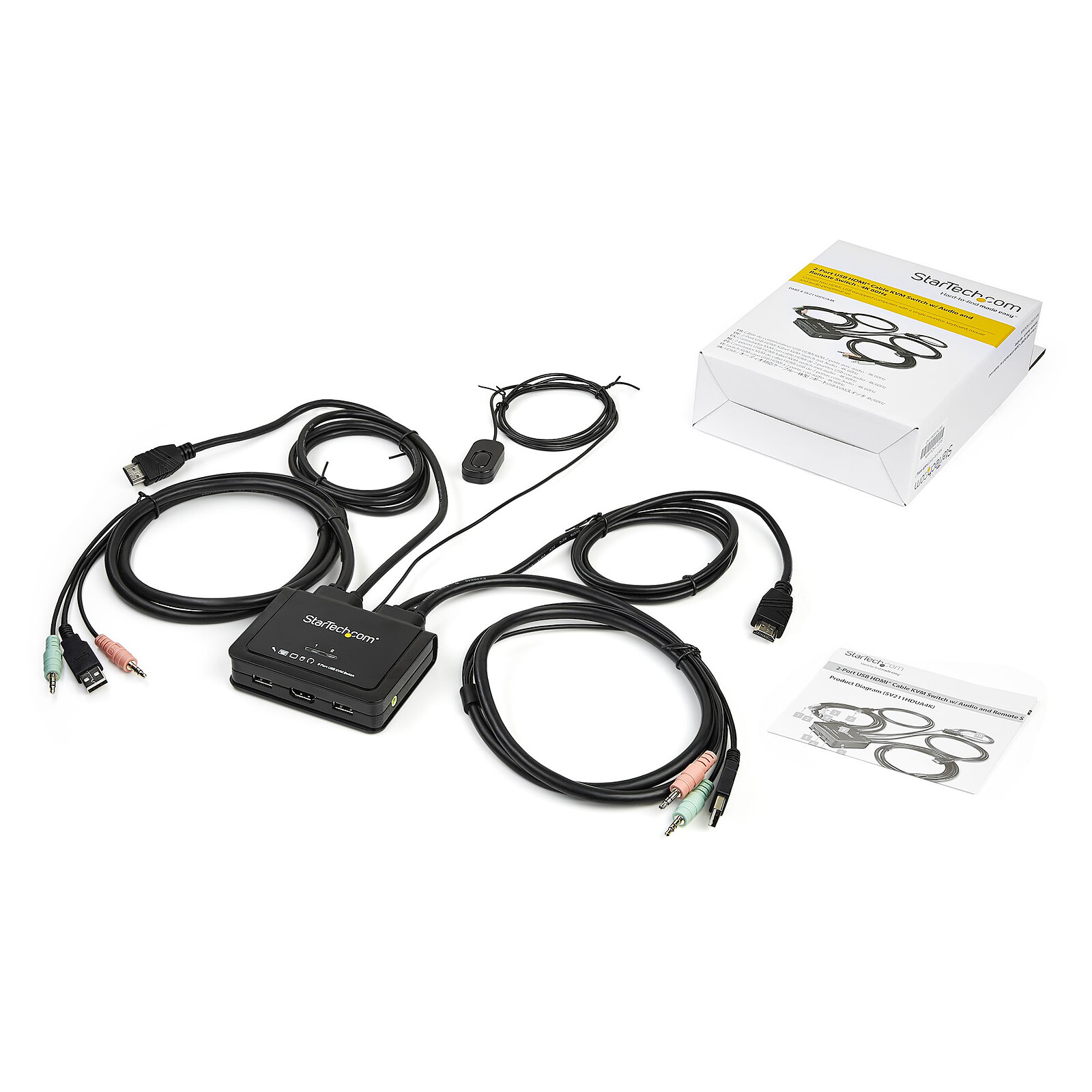
Pictures may differ from actual products

 Select your criteria
General information |
Product name |
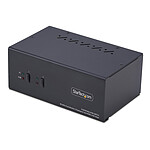
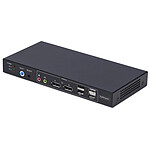
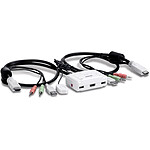
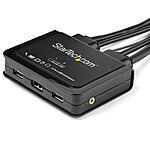
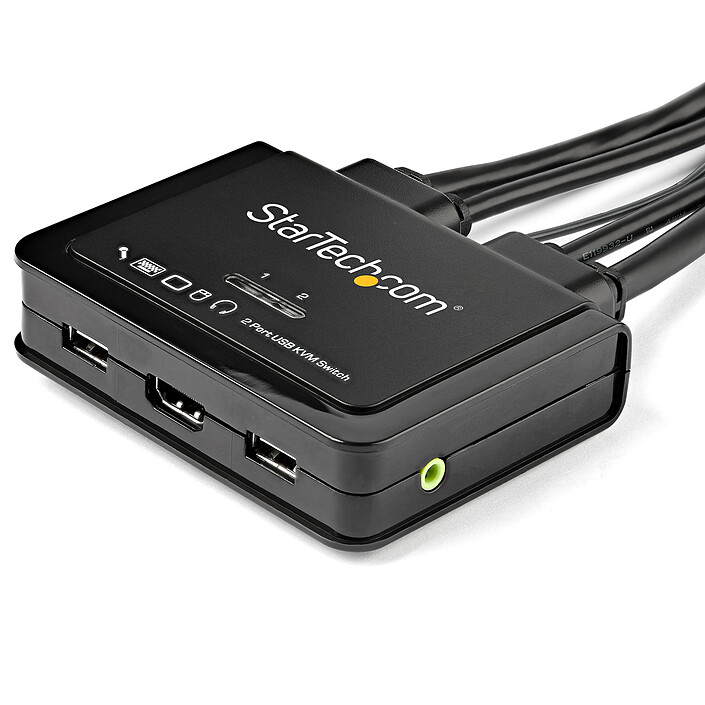
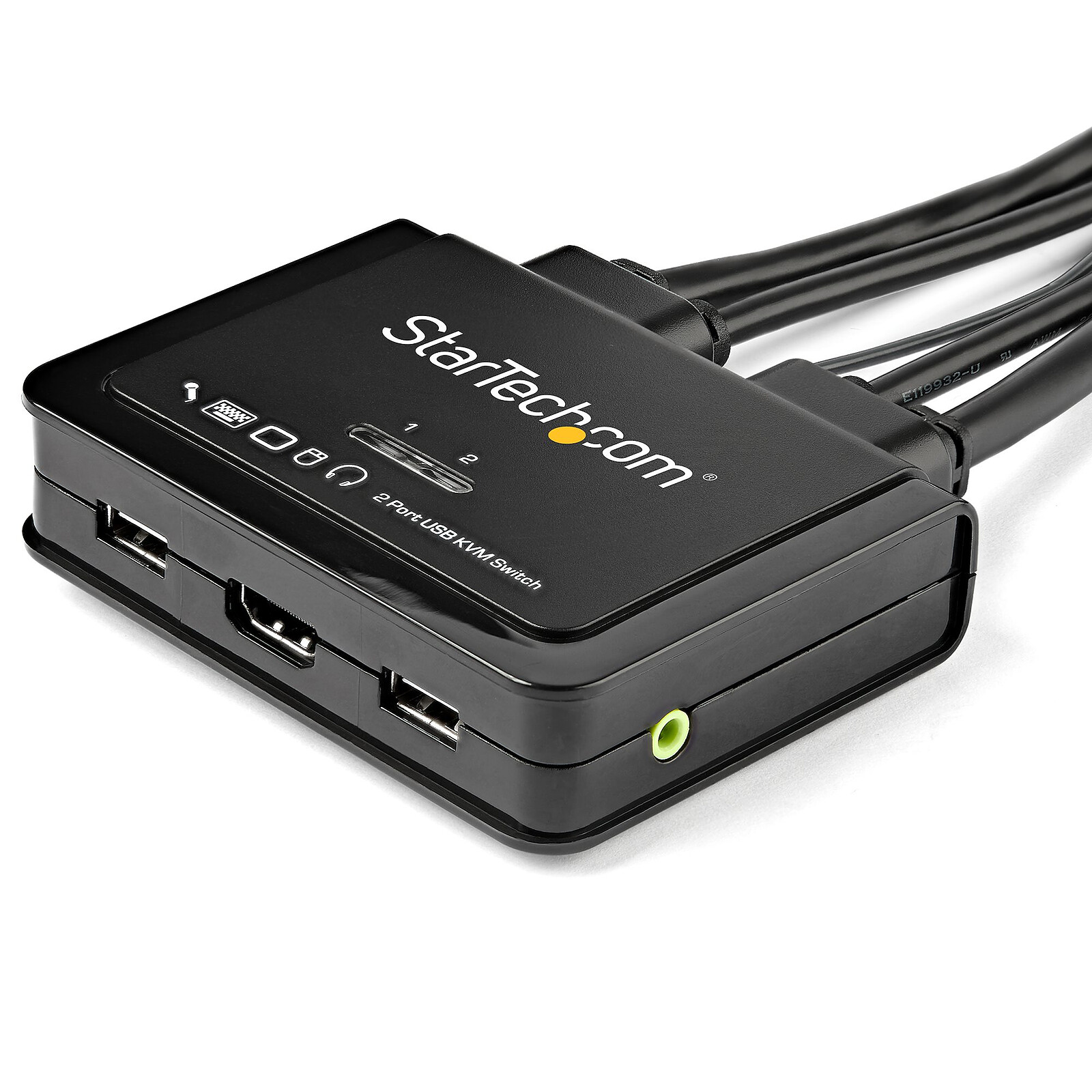
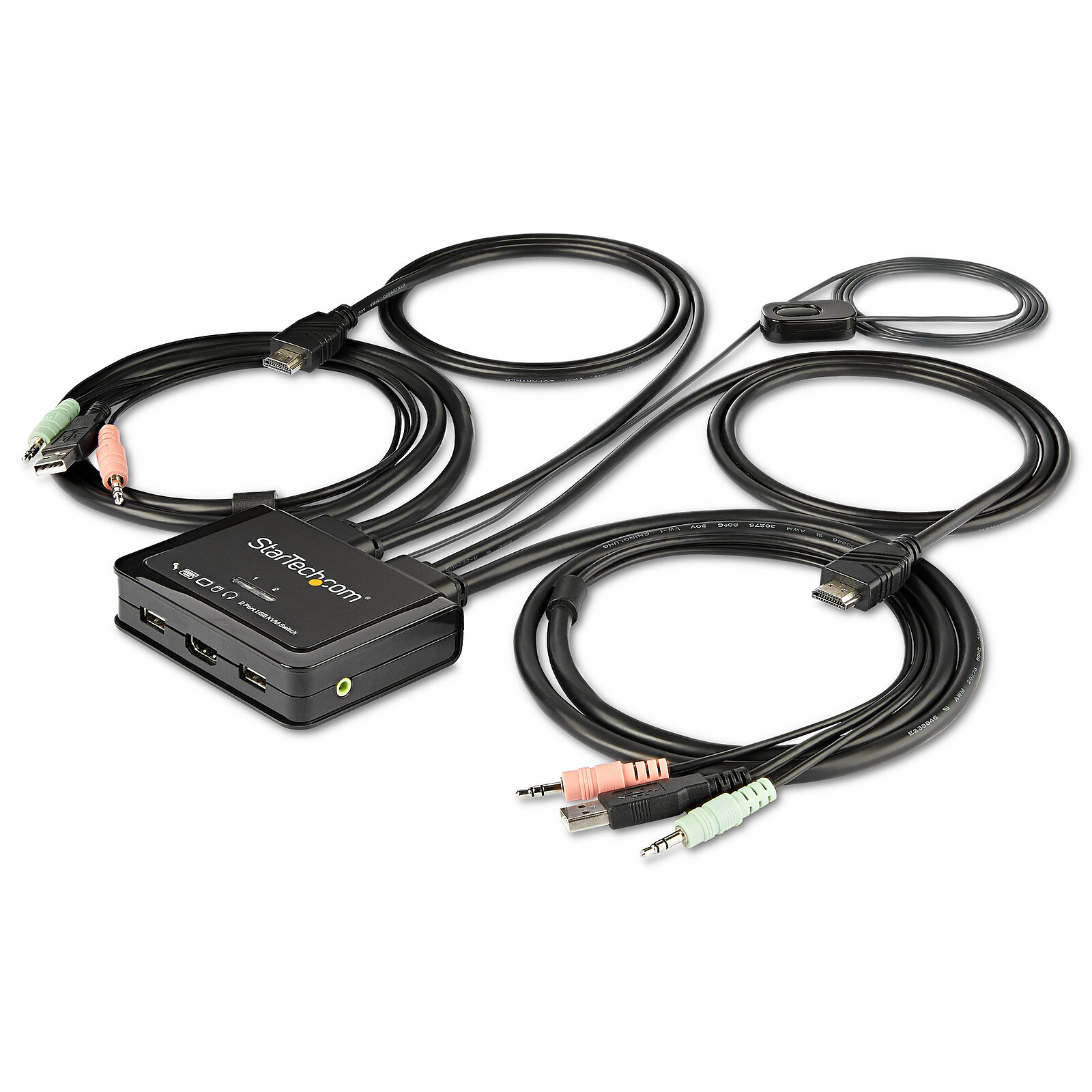
StarTech.com 2-Port HDMI 4K 60Hz KVM Switch with 2-Port USB 2.0 Hub |
Brand |
StarTech.com | |
Model |
SV211HDUA4K | |
Technical specifications |
Product type |
KVM switch |
Connector(s) |
1 X 3.5mm Jack Female Stereo | |
| 2 X USB Type A Female | ||
| 2 X HDMI 1.4 Female | ||
| 1 X HDMI Female (Input) | ||
Number of computers |
2 | |
Number of cable kits supplied |
4 | |
Switching method |
Buttons | |
Rackable |
No | |
Video output(s) |
HDMI | |
Peripheral input(s) |
USB | |
Network port (RJ45) |
No | |
Audio function |
Yes | |
Warranties |
Commercial warranty |
Seller 2 years
|
Legal warranty |
See terms & conditions
Harmonised legal guarantee notice

|
|
Safety Information |
Responsible person |
StarTech.com Limited |
Postal address |
Laarderhoogtweg 25, 1101 EB Amsterdam, The Netherlands | |
Electronic Address |
Click here
|
See all StarTech.com products
Product referenced on 13 Sep 2021
Works very well with two laptops (standard HDMI outputs), one running Linux Mint 20.3 MATE, one running Windows 10.
Works with a personal laptop (under Xubuntu 20.04) and a pro laptop (under Widows 10) and with a wireless keyboard/mouse combo (logitech mk295)
The only problem is that under Xubuntu, the keyboard keys to switch between PCs (hot keys) do not work.
As a workaround, you can download a small script --> https://github.com/wbolster/startech-kvm-toggle. This allows you to put a shortcut in the dashboard.
In the same universe: kvm | switch kvm
Trending now: KVM switch | KVM commutator | KVM console | KVM cable