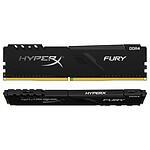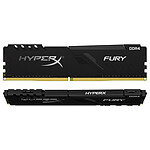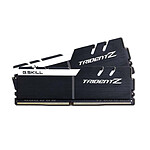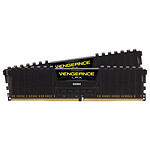
Thank you LDLC !!!!!
Order delivered quickly, careful packaging...I have to find something negative to say, but I can't think of anything....
Thank you LDLC !!!!!!!!!
Review automatically translated
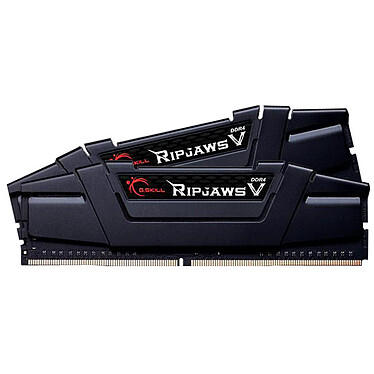
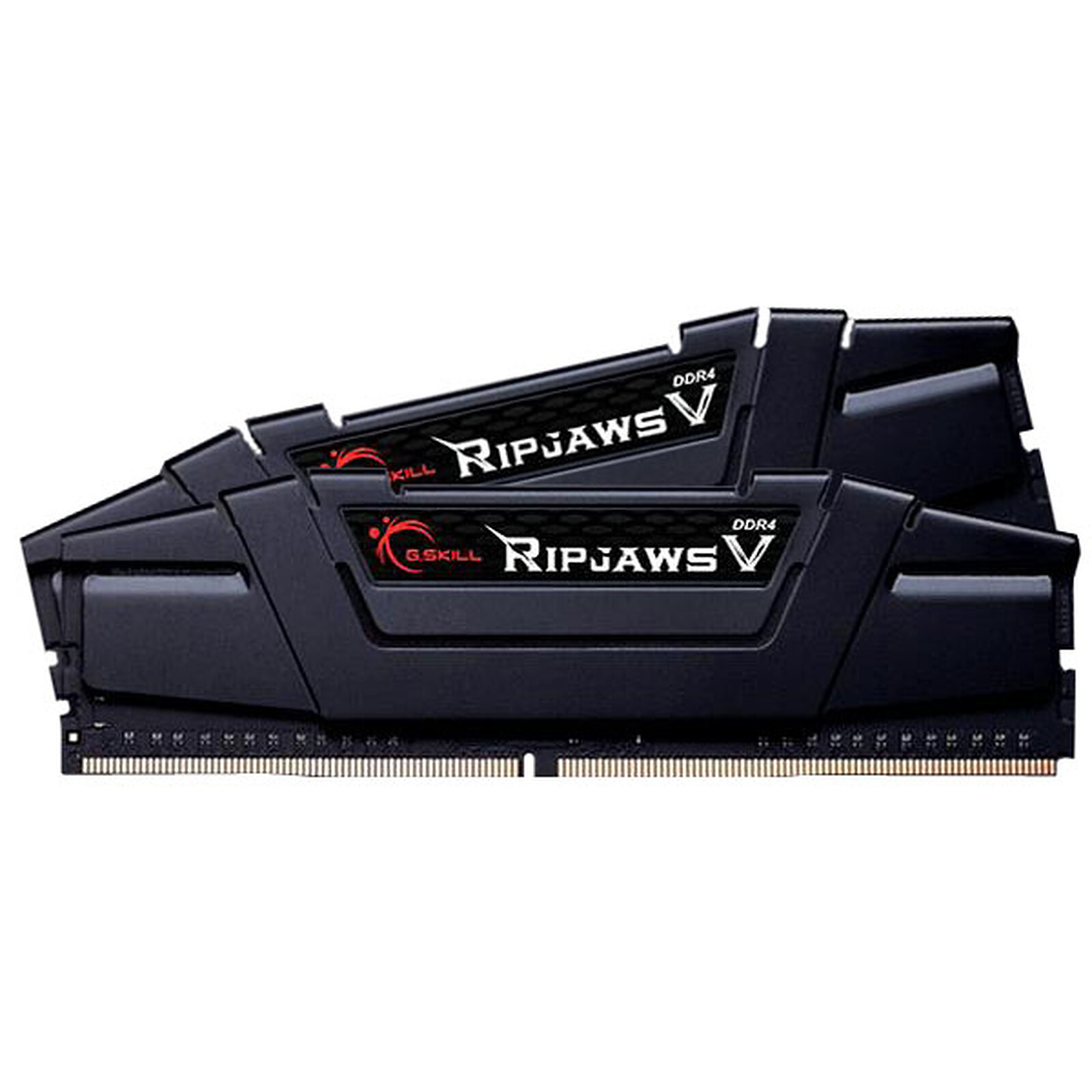
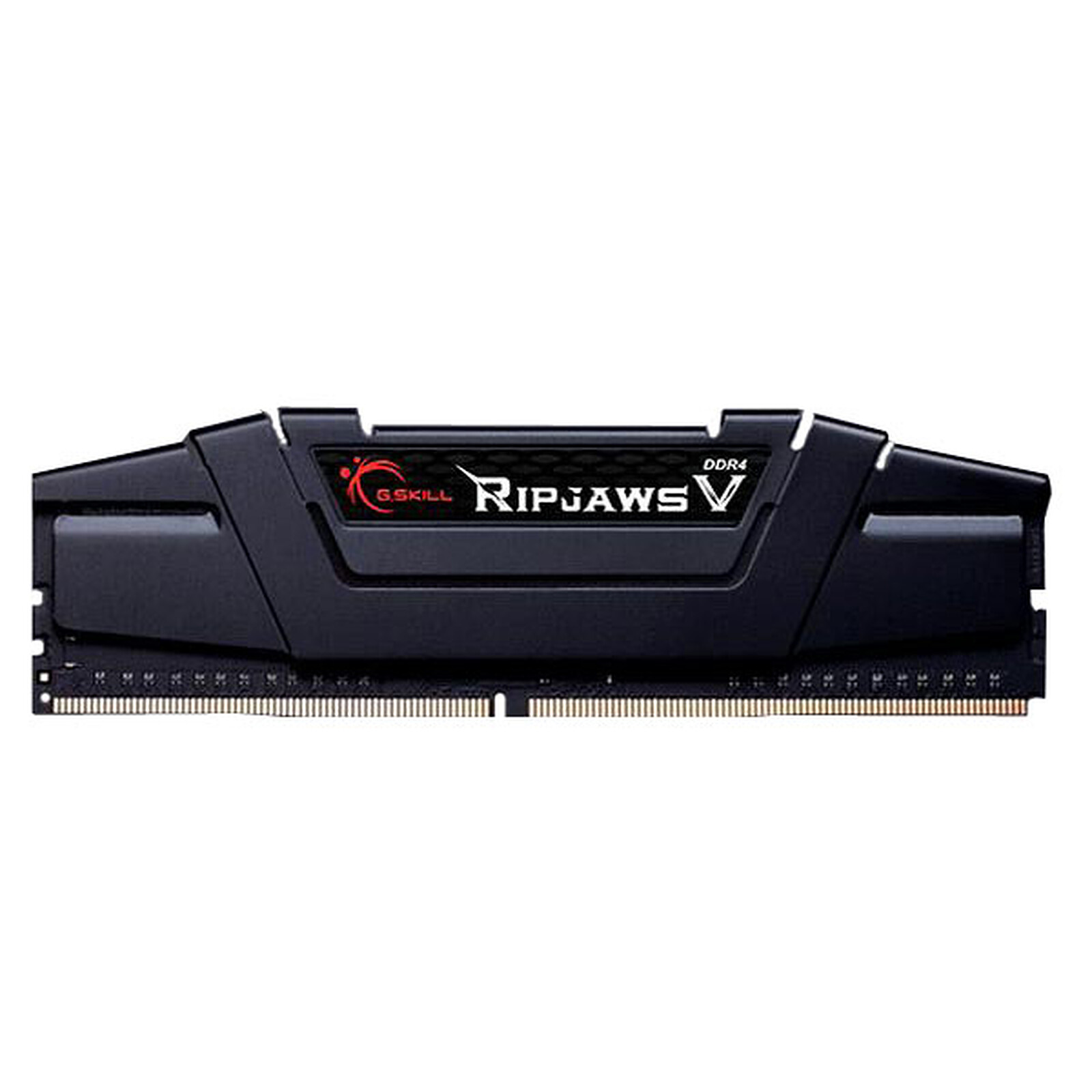
Pictures may differ from actual products
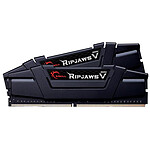
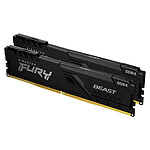
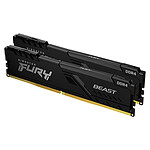
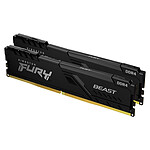
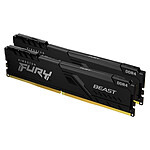
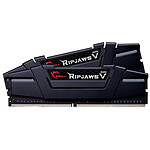
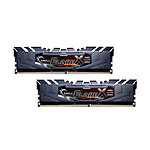
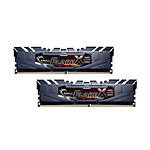
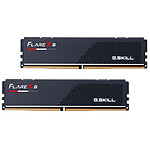
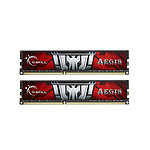
The new G.Skill RipJaws 5 range offers incredible performance solutions. These kits will optimise the performance of next-generation platforms, with the added bonus of strong overclocking potential.
Dual Channel Kit 2 PC4-25600 DDR4 RAM Sticks - F4-3200C16D-8GVKB

 Select your criteria
General information |
Product name |
G.Skill RipJaws 5 Series Black 8GB (2x4GB) DDR4 3200MHz CL16 |
Brand |
G.Skill | |
Model |
F4-3200C16D-8GVKB | |
Memory format |
Typical use |
Desktop computer |
Memory type |
DDR4 | |
Memory format |
DIMM 288-pin (DDR4) | |
Memory |
Capacity |
8 GB |
Memory Frequency(ies) |
DDR4 3200 MHz | |
Memory standard |
PC4-25600 | |
Memory specification |
Unbuffered | |
Number of modules |
2 | |
Capacity per module |
4 GB | |
LED |
No | |
LED RGB |
No | |
Cooling |
Radiator |
Yes |
Radiator color |
Black | |
Fan supplied |
No | |
Timings |
CAS Latency |
16 |
RAS to CAS Delay |
18 | |
RAS Precharge Time |
18 | |
RAS Active Time |
38 | |
These timings are supported with a minimum voltage of: |
1.2 Volt(s) | |
Voltage |
1.35 Volts | |
| 1.2 Volts | ||
Warranties |
Commercial warranty |
Seller 3 years |
Legal warranty |
See terms & conditions |
See all G.Skill products
Product referenced on 14 Sep 2015
Order delivered quickly, careful packaging...I have to find something negative to say, but I can't think of anything....
Thank you LDLC !!!!!!!!!
However, according to the technical service, they are not compatible. These bars do not work with an MSI B450M-A Pro MAX
I'm not sure if I'm going to be able to use it.
I tried with 2x8GB and it starts.
What can do more can't do less in this case.
The 2x4GB were tested on another machine and they work.
It's all in the title. I bought these RAM strips for desktop PCs. They do their job honestly.
Hello
I bought this RAM Kit, incompatible with my Proc Ryzen 5 3600, before buying, I asked for advice by phone before buying, and I was told that the Ram was compatible, so it is not the case, It works at the right frequency, but not at the right latency
The ram has a Latency : CL16 ( 16-16-16-38 )
The Bios one is: Latencies : ( 16-18-18-38 )
So eventually, it should be possible to change them
Sincerely
RAM in perfect working order like everyone else I had to do a little trick to set the frequency to 3200Hz apart from that no worries about installation they work wonderfully and the handling to put them at 3200Hz is very simple!
I highly recommend it!