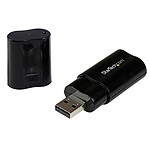
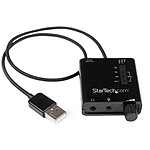
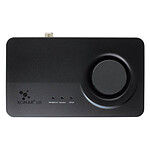
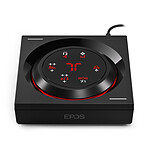
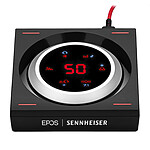
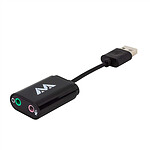
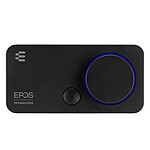
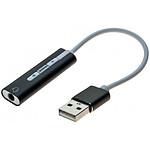
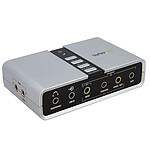
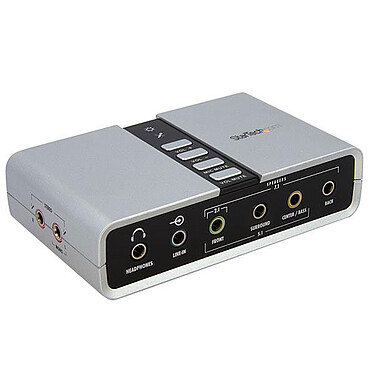
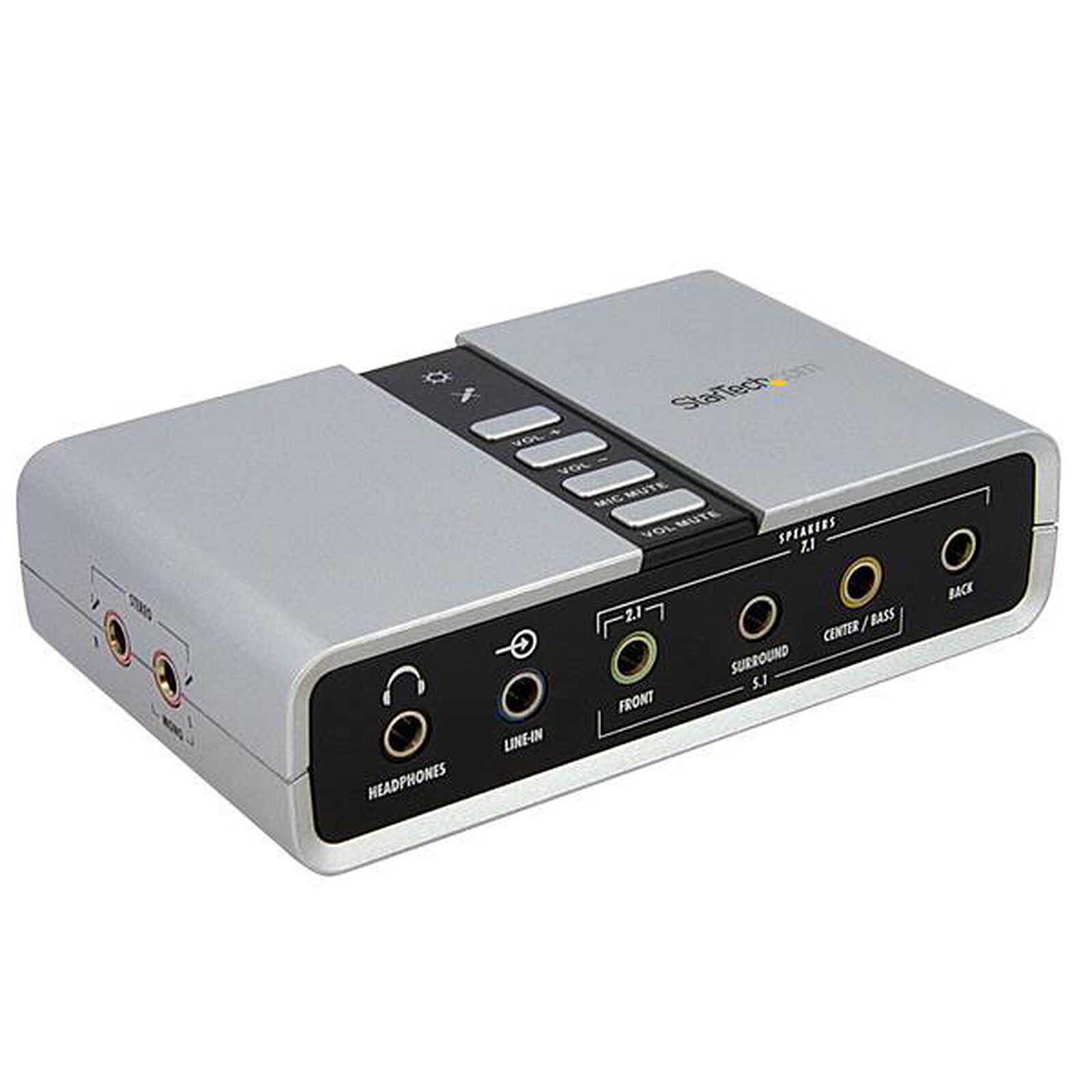
This versatile external USB sound card and audio adapter provides a high-quality solution for upgrading the sound system of a desktop or laptop computer. The USB sound card offers a rich USB audio experience; it connects to a host computer via a simple USB 2.0 connection.
External USB 7.1 sound card with S/PDIF digital audio
Turn your laptop or desktop into a 7.1-channel home cinema sound system
This versatile external USB sound card and audio adapter provides a high-quality solution for upgrading the sound system of a desktop or laptop computer. The USB sound card offers a rich USB audio experience; it connects to a host computer via a simple USB 2.0 connection. This solution provides impressive external audio capability that can be instantly installed in systems without having to open the computer case.
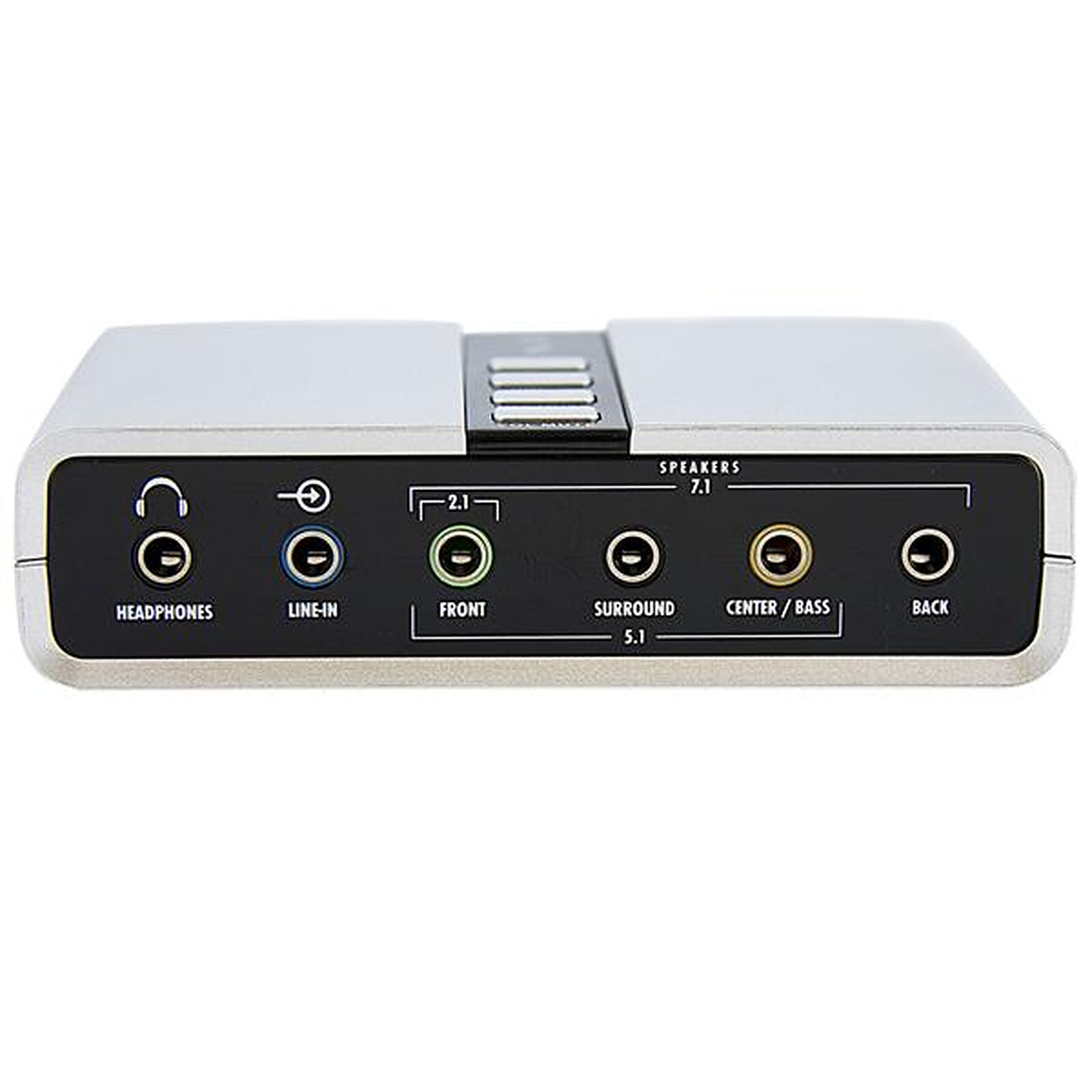
Full 7.1 audio output support
The external USB sound card supports both analogue and digital audio applications for 2 to 7.1 channel audio, providing a cost-effective upgrade from a built-in sound card and turning a desktop/laptop computer into a true home cinema sound system. The external USB sound card features user-friendly volume control and two external microphone inputs. This makes it a practical solution for all audio applications that require high sound quality, multiple input capability and support for 44.1 KHz and 48 KHz sample rates for playback and recording.
A perfect solution for home cinema systems, gaming applications or multimedia presentations, the external USB sound card is easy to install with plug-and-play support in Windows XP and Windows Vista operating systems. Designed to produce a reliable and durable sound solution, the External USB Sound Card/Audio Adapter is backed by our 2-year warranty and free lifetime technical support
Key Features:
Full 7.1 audio outputs via 3.5mm mini-plugs
Optical S/PDIFinput (interconnect) and output
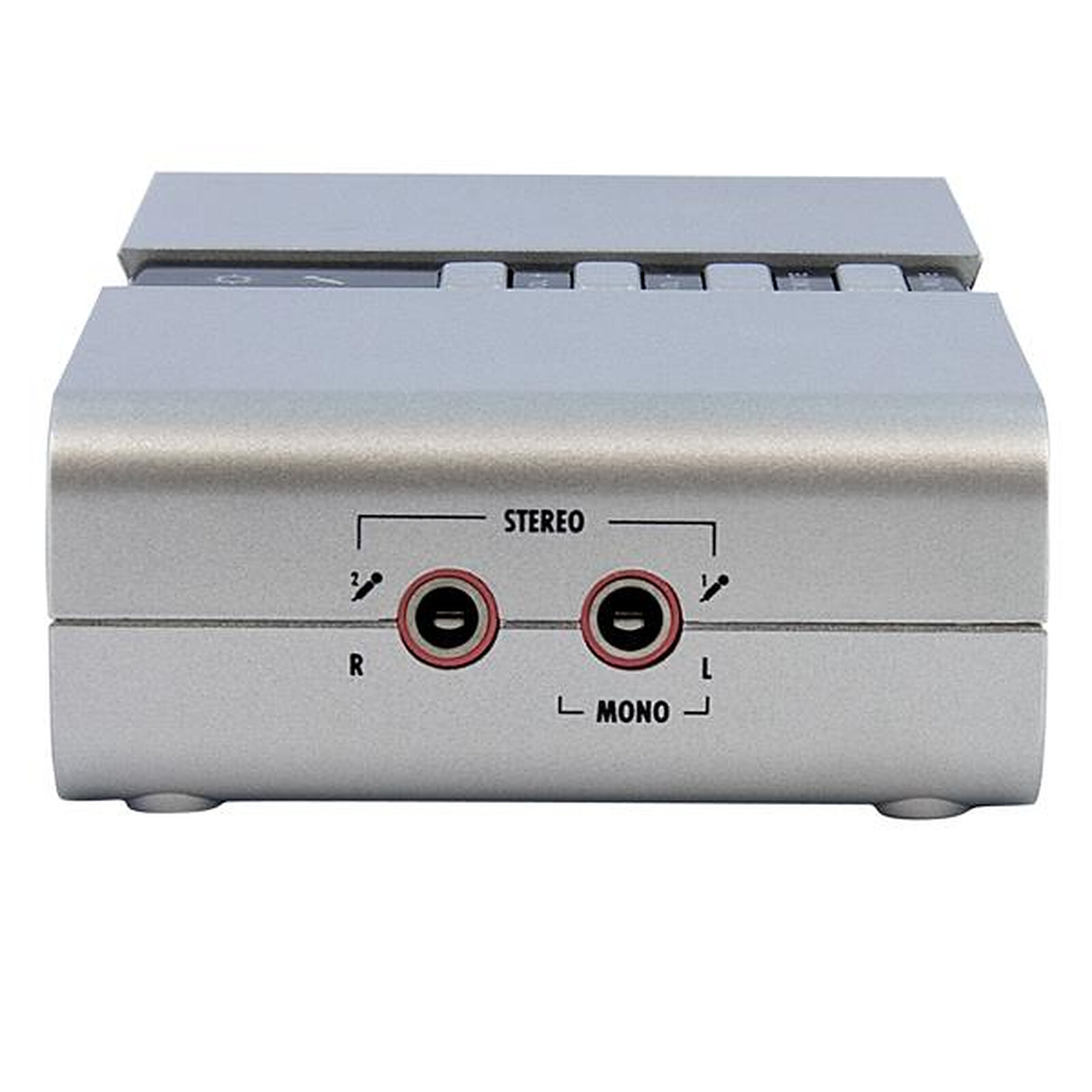
Dual microphone input
Built-in buttons for volume control
Full duplex recording and playback
48/44.1 KHz sample rate support for recording and playback
High-speed USB 2.0 compliant host interface, with transfer speeds of up to 480 Mbps.
Specifications
Select your criteria
General information
Product name
StarTech.com USB 7.1 Sound Card / Audio Adapter with SPDIF Digital Audio
This card replaces my failing chipset under Windows 11
It does the job it's supposed to do - I'm neither a gamer nor a musician, so I don't need to listen to the sound of the djeunes!
Ldlc continues to excel
Review automatically translated
by FredericR
Posted on 13 Feb 2023
Product bought from LDLC on 23 Jan 2023
Number of reviews: 4Average rating: 9
good product
Works very well, capable of 5.1 with no worries, can handle volume increases without a hitch (personal use)
Review automatically translated
by GAMEDRIX
Posted on 22 Aug 2022
Product bought from LDLC on 3 Aug 2022
Number of reviews: 34Average rating: 9
Surround Sound Card
I have seen a lot of negative comments on the manufacturers website, including ldlc and some forums.
As with everything you need to know about the product before you buy it, but unfortunately this product does not provide all the necessary information which may explain the situation.
First of all I would like to say that it works perfectly under windows 11, once the sound card in hand, I downloaded the driver on the official website of the sound card and I was surprised that everything works as expected.
I have in my possession 6 speakers, so a full 5.1 surround sound system that I made myself for the best sound and the most flexibility possible, but despite the fact that my motherboard can provide me with a good sound with a very good sampling, having a 3080 Ti if I use more than 2 jack outputs at the back of my motherboard I will suffer from something called electromagnetic interference which has the gift of spoiling the sound with parasites in the background as it should. The sound card has allowed me to separate the sound source from any interference coming from the gpu through the motherboard etc.. The sound card has allowed me to separate the sound source from the gpu, the motherboard etc. and give me a much cleaner sound, however this sound card only provides a maximum of 48khz, which is good but compared to my 192khz original sound card I note a slight loss of sharpness but that is negligible and as much sampling will not be compatible with the majority of applications anyway which makes this function more marketing than anything else and unnecessary.
All channels have been tested separately so yes this sound card is not a scam, it works perfectly, no it is not difficult to install, nor a puzzle, download the driver from the official website and you are done.
On Xear audio center you select "speaker" and select your speaker configuration up 2,5.1,7.1 spdif.
Review automatically translated
by MarcV
Posted on 29 Jan 2021
Product bought from LDLC on 26 Jan 2021
Number of reviews: 1Average rating: 9
Works with GNU/Linux (ubuntu)! Out-ofthe-box!
Works perfectly on ubuntu (20.04 with Gnome), right out of the box, no configuration needed :). The output of dmesg (system log) speaks of a snd-usb-audio driver when I plug the beast in. So it's running with a free driver, what a pleasure.
Just needed to change in the 'Sound' settings in Gnome from 'Analog stereo output' to 'Analog 5.1 surround output' to get the sound out of everywhere (yes I'm in 5.1).
The quality/power of the sound is very good for my non-expert ear, perfect for my use.
Review automatically translated
by Francois L
Posted on 8 Sep 2020
Product bought from LDLC on 2 Sep 2020
Number of reviews: 6Average rating: 7
A 7.1 sound card that isn't really a sound card
I bought this card to be able to have 7.1 between my laptop and my razer tiamat 7.1 . At first I connected my jacks, tested independently the subs, rear, center channels and weird it doesn't work, except the front channel. I say to myself it's the driver that needs to be installed: install under win10 ok, interface ok. It still doesn't work. I open the manual on the site of starTech and there, surprise, in very small for each channel => (via an external amplifier). The result is that this device only gives me the 2.0 with a moldy sound, while in the shop window they sell me an external sound card easy to use without specifying this "small" detail. Very disappointed with this purchase.
I'm very happy with this product, but I'm not sure if it's the right one.


.jpg)