

Troubleshooting
It's a product that helps out, it's discreet and effective, but it doesn't do much more than give us slow Internet access; great to keep in a kit or a travel bag, just in case.
Review automatically translated
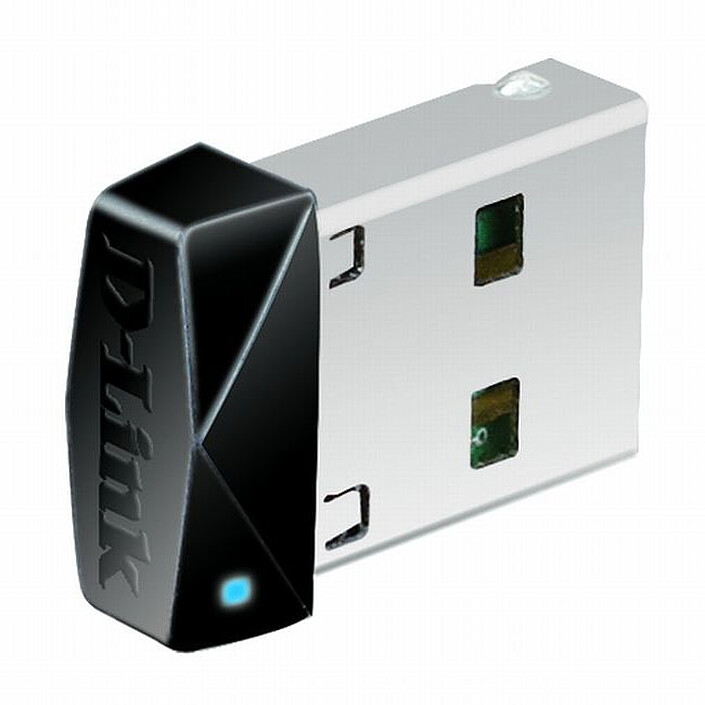
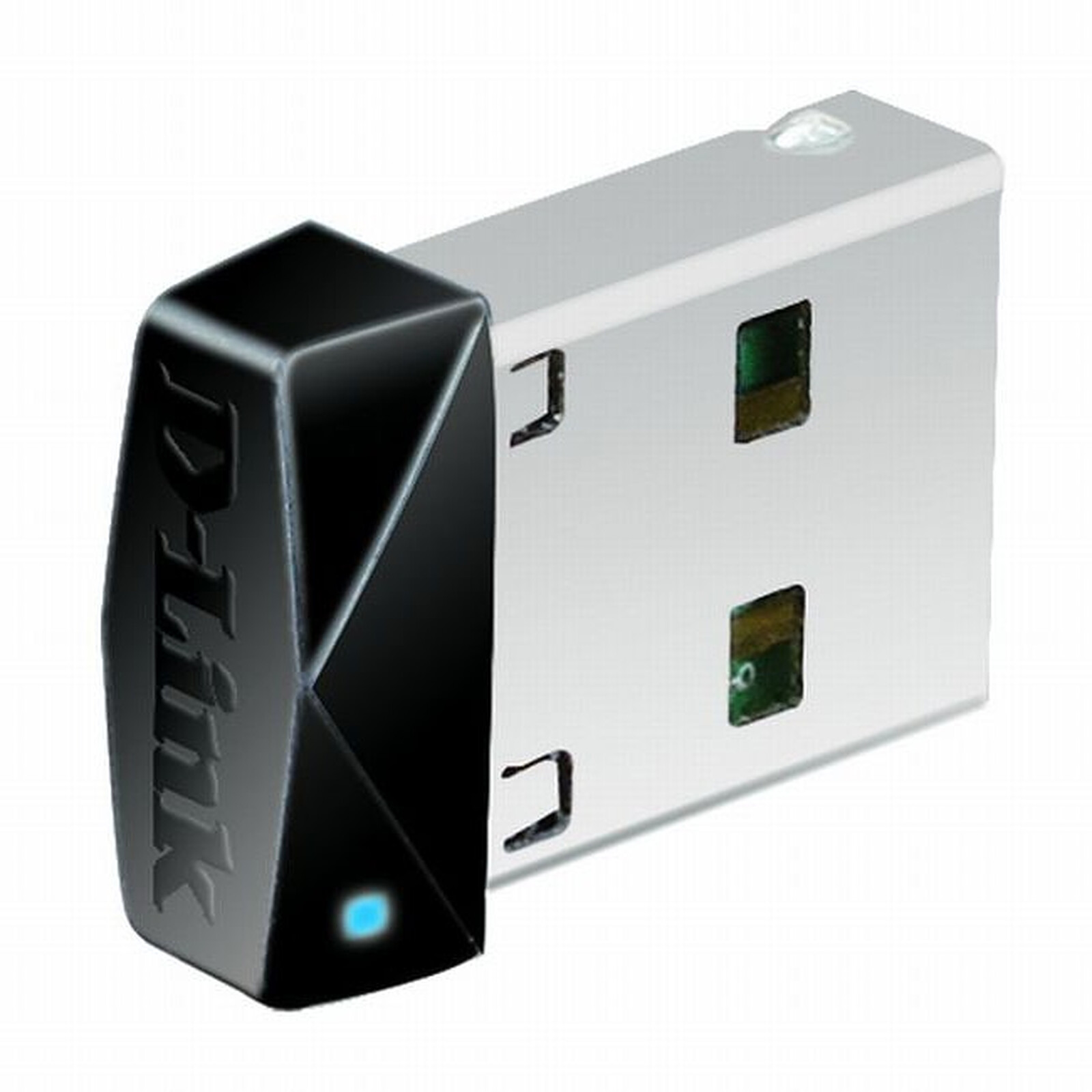
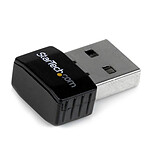
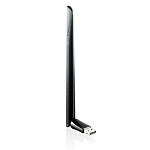
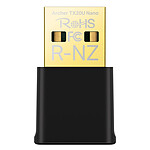
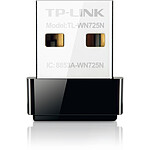
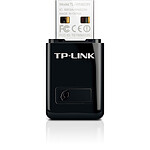
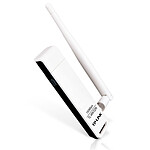
Pictures may differ from actual products

Why Wireless N 150 technology?
Based on Wireless N technology with a single antenna, the DWA-121 adapter offers wireless speeds of up to 150 Mbps and an extended range with virtually no dead zones. Ideal for upgrading 802.11g PCs/notebooks, it is also compatible with the newest Wireless N technology and existing 802.11g technologies.
Compact and convenient
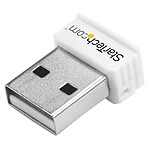
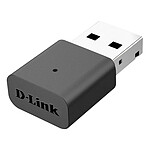
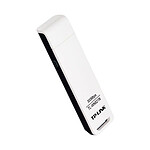
Virtually undetectable when inserted into a USB port, the ultra-compact DWA-121 adapter allows you to easily connect your PC or notebook to a wireless network for Internet access and file sharing. Its sleek design even earned it the iF (International Forum) Design Award recently.
Connect securely to your wireless network
To protect your data and privacy, the Wireless N 150 Micro USB Adapter supports WEP, WPA and WPA2 encryption methods that allow you to connect to a secure wireless network while effectively protecting network traffic. Wi-Fi Protected Setup (WPS) allows devices to easily establish a secure connection to a wireless access point or router without the need to enter complex encryption codes.
Compatibility Guarantee
The Wireless N 150 micro USB adapter provides a high-speed connection to other Wireless N 150 or Wireless N devices. Backward compatible with 802.11g devices, it ensures interoperability with many wireless routers and networks.
Features :
 Select your criteria
General information |
Product name |
D-Link DWA-121 |
Brand |
D-Link | |
Model |
DWA-121 | |
Technical specifications |
Network card type |
Wi-Fi USB stick |
Bus |
USB 2.0 | |
Low profile |
No | |
Network standard(s) |
Wi-Fi N 150 Mbps (IEEE 802.11n) | |
Bluetooth |
No | |
Dual-Band |
No | |
Encryption |
WEP | |
| WPA - PSK | ||
| WPA2-EAP | ||
| WPA2-PSK | ||
| WPA-EAP | ||
Warranties |
Commercial warranty |
Seller 2 years
|
Legal warranty |
See terms & conditions
|
See all D-Link products
Product referenced on 6 Jun 2011
It's a product that helps out, it's discreet and effective, but it doesn't do much more than give us slow Internet access; great to keep in a kit or a travel bag, just in case.
The key doesn't detect our 5GHz WIFI access from our SFR box. As we're still on ADSL, the speed is poor.
The product was delivered without any problems and works properly. It does what it is designed to do.
It is becoming difficult to find an entry-level wifi key (150 Mbit/s) that works "out of the box" under Linux (i.e. natively supported by any kernel)... It's also the cheapest on the market. So it does the job, just the job. It's still expensive for what it is - the right price would be around 5 €.
The equipment is recognised automatically. The wifi speed is very good (the box is in the same room).
I was a little worried that I would have trouble setting up this key on my Linux PC but no, it was plug'n play.
Everything works without any problem.
Positive point:
Functional
Negative point :
Laborious installation...
Maybe the fact of having connected the Wi-Fi key before installing the software that may have created a problem (motherboard b550 aorus)
This means that the key was not recognized immediately since it is necessary to install the software for this motherboard, so it is still necessary to have a CD drive... Or transfer the software from cd to a USB key with a pc that has a drive... The software is also available on the net if you search well among the useless sites.
After launching the software from a usb, remove and plug the usb somewhere else and then just after continue the installation everything worked fine and fortunately
I had an old USB wifi stick but it didn't know the protocol of my livebox 5.
I bought this one for an office computer that works occasionally.
I have not tested the speed but it seems to be ok.
Recognized without any problem under Ubuntu Mate 20-04.
Plugged into a USB 1, 2 or 3 port and it works immediately.
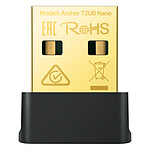
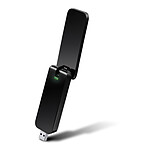
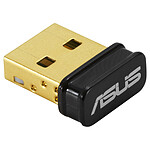
One small thing, the picture on the LDLC website shows a dongle with a blue LED.
This dongle differs from the picture, it doesn't have an LED.
I bought 4 keys to connect 4 pc fix in wifi and they do their job correctly, I specify the pc fix is in the same room as the box so I did not test the maximum range or if it passes well through the wall or floor. I'm not sure if it's a good idea to have a box that's not in the same room as the box.