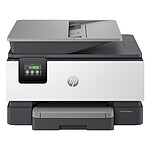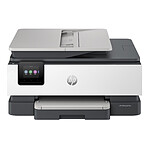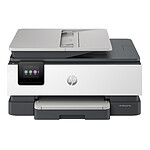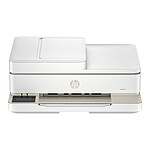

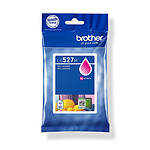
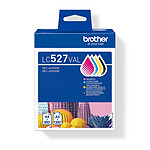
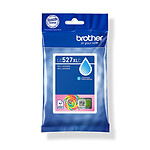
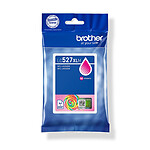
Pictures may differ from actual products

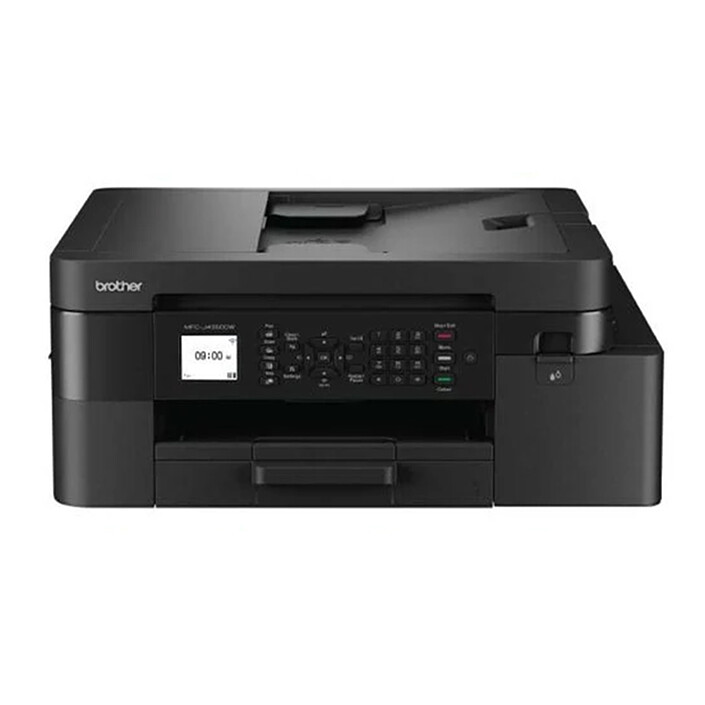
Brother MFC-J4350DW

4-in-1 Colour Inkjet Multifunction Printer (USB 2.0 / Wi-Fi / Wi-Fi Direct)

169€95
Recycling charge of 1€45
Create a price drop alert
See compatible cartridges
Overview

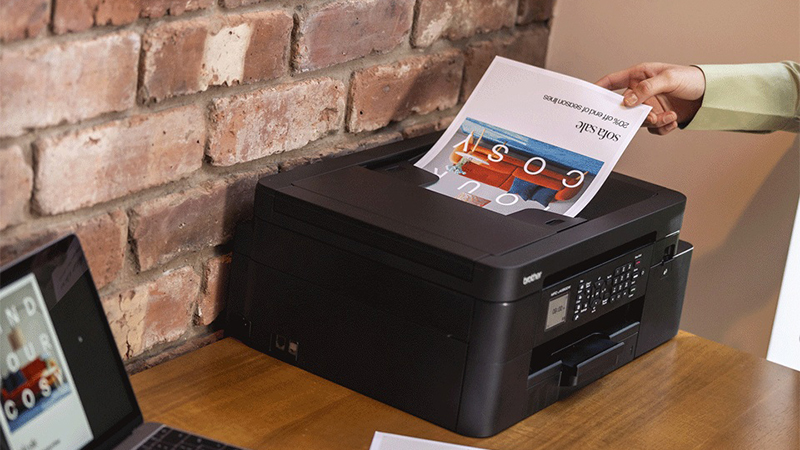
An EcoPro-eligible multifunction printer that's stylish, powerful and connected

The Brother MFC-J4350DW multifunction printer offers high-quality printing, copying, scanning and faxing. Take advantage of its many connectivity options and increased productivity thanks to its 20-sheet document feeder. Print continuously with the ink cartridges included for up to 3,000 pages. This compact, robust multifunction printer is ideal for teleworking and is eligible for the EcoPro bundle.

Quality documents

With print speeds of up to 20 ppm in black and 19 ppm in colour (ISO/IEC 24734), you won't have to wait for your documents. What's more, it takes just 5.8 seconds to print the first page!

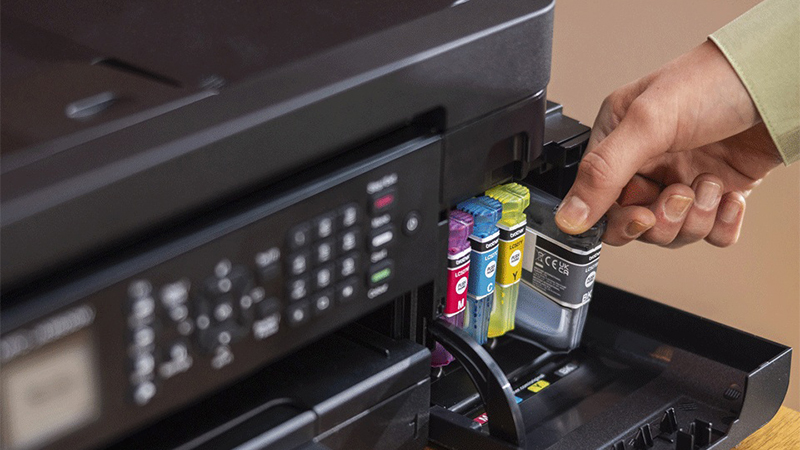
This compact, robust multifunctional will make your daily life easier in your home office. First of all, with its on-board cartridges allowing you to print up to 3,000 pages, you'll change ink cartridges less often, saving you time and money. What's more, thanks to the various connectivity options, you can start printing or check your printer's ink level without necessarily being at your desk. With the 20-sheet document feeder, you can let the printer scan your documents while you concentrate on other tasks. What's more, with its fast printing and intuitive colour LCD screen, you can work better and faster.

Use adapted to your needs

You don't need to be sitting at your desk or near your MFC-J4350DW multifunction printer to use it. With its many connectivity options, you can print from anywhere in your home or office, even from your smartphone. By downloading theBrother Mobile Connect app, you can access a multitude of functions: sending print jobs, checking ink levels, and even ordering ink cartridges if required.

Key features :

  • Functions: print, copy, scan and fax
  • Resolution: up to 4800 x 1200 dpi
  • Print on both sides of paper up to A4 format
  • Print A5 booklet-size documents using manual duplexing
  • Don't wait for your documents thanks to a first page out time of 5.8 seconds
  • Save money with high-capacity pigment ink cartridges
  • 4.5 cm colour LCD touch screen
  • Interface: USB 2.0 / Wi-Fi 802.11 b/g/n / Wi-Fi Direct
  • Mobile connectivity: AirPrint, Google Cloud Print, iPrint&Scan, Mopria, Brother Print Service Plug in for Android
  • Eligible for EcoPro package
  • Weight: 8.8 kg
  • Colour: Black
Specifications
Select your criteria

General information

Product name

Brother MFC-J4350DW

Brand

Brother

Model

MFCJ4350DWRE1

Printing

Printer type

Inkjet

Color

Yes

Maximum black and white print speed

20 ppm

Maximum black and white print resolution

4800 x 1200 dpi

Maximum color print speed

19 ppm

Maximum color print resolution

4800 x 1200 dpi

Duplex

Yes

Duplex printing

Yes

Memory size

128 MB

Expandable memory

No

Scanner

Scan type

Flatbed scanner

Scan resolution

1200 x 2400 dpi

Paper handling

Paper capacity

150 sheets

Format

A4

Paper format(s)

A4 (210 x 297mm)
A6 (105 x 148mm)
9 x 13cm
10 x 15cm
13 x 18cm
A5 (148 x 210mm)
Letter (216 x 279mm)
Legal (216 x 356mm)
13 x 20cm
C5
DL (110 x 220mm)
Executive (184 x 267mm)
Com-10
Monarch

Paper type

Photo
Transparent
Envelopes
Ordinary
Glossy paper

Screen

LCD screen

Yes

FAX

Fax

Yes

Fax speed

14.4 Kbit/s

Connectivity

Interface with the computer

Wi-Fi
USB 2.0

NFC

No

Physical characteristics

Height

180 mm

Depth

343 mm

Width

435 mm

Weight

8.8 kg

Power supply

Consumption

21 W

Standby consumption

1.1 W

Mobile printing

Smartphone compatible

Yes

Mobile printing

Android (via app)
Apple (via AirPrint)

Google Cloud Print

Yes

Warranties

Commercial warranty

Legal warranty

Safety Information

Responsible person

Brother International (Nederland) B.V.

Postal address

Zanderij 25, 1185 ZM Amstelveen, The Netherlands

Electronic Address

brother@brother.de

Product referenced on 31 Jul 2025

Customer reviews
Global rating
9/10
based on 2 reviews Editorial and moderation guide
  • 50%
    1 review
  • 50%
    1 review
  • 0%
  • 0%
  • 0%
  • by CyrilB
    Posted on 4 Jun 2026
    Bought on 26 May 2026 from LDLC
    Number of reviews: 1 Average rating: 8

    A good product, but one that must be "earned"!

    Printer that replaced an HP ENVY 5020 (impossible to install anything other than HP cartridges, etc...)

    My analysis after about 1 week:
    Responsiveness: 4/5 (HP: 1.5/5)
    Speed: 4.5/5 (HP: 3/5)
    Quality: 4/5 (HP 4/5)
    Driver & Software: 1.5/5 ** (HP: 3/5)
    Cost per page: according to tests 4/5 (HP: 1/5)

    ** Driver long & complicated to install! Example: what a "mess" to get the scanner started (After the long installation: connect to localhost via the browser using the password that had been forgotten because it was created at the beginning of the installation, then activate the SCAN function which is not enabled by default (sic) )!
    Document Scan software not up to standard! Example: No way to scan a document whose pages have different settings (size, orientation, color, resolution), once one setting is chosen, it is the same for all pages => INSTALLATION OF NAPS2 (or equivalent) strongly recommended!

    => Remains to be seen how durable it is over time!
    Review automatically translated
  • by AntoineM
    Posted on 19 Sep 2025
    Bought on 22 Aug 2025 from LDLC
    Number of reviews: 2 Average rating: 10

    Opinions on the Brother MFC-J4350DW

    Configuration with macOS (as seen by AI) for the Brother MFC-J4350DW printer, which replaced the J4340DW in July 2025.
    On your Mac: System Settings ? Printers and scanners ? Add a printer.
    If it appears, select it and make sure the type is AirPrint (not "Generic").
    If it doesn't appear :
    Click + ? Add via IP (address found in Menu ? Network ? WLAN Status on printer).
    Or download the full Brother driver from: support.brother.com
    On Mac: install Brother iPrint&Scan (Mac App Store) for quick access to scanning and ink status.
    NB: With LDLC, the price is higher than with some retailers, but the 3-year warranty and the quality of their after-sales service can more than make up for the difference, especially for a printer that has to last.
    To sum up: easy to install on a Mac, excellent quality printer after a few tests. Maybe not enough experience yet!

    Review automatically translated

In the same universe: mfc-j475dw