

Opinion
Excellent hardware (preferably Display Port cable). Reliable delivery. Second purchase from LDLC which never disappoints.
Review automatically translated

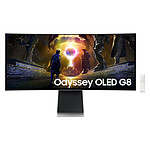
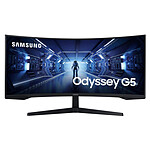
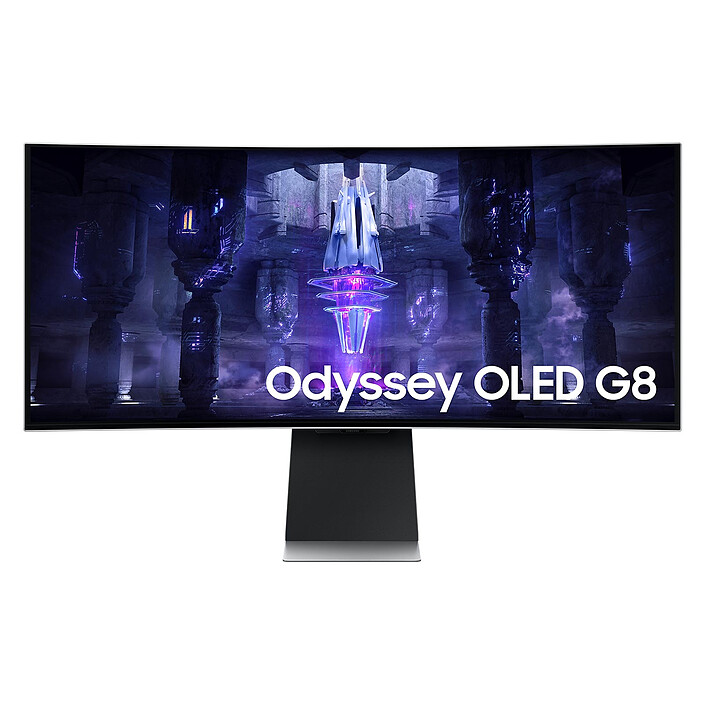
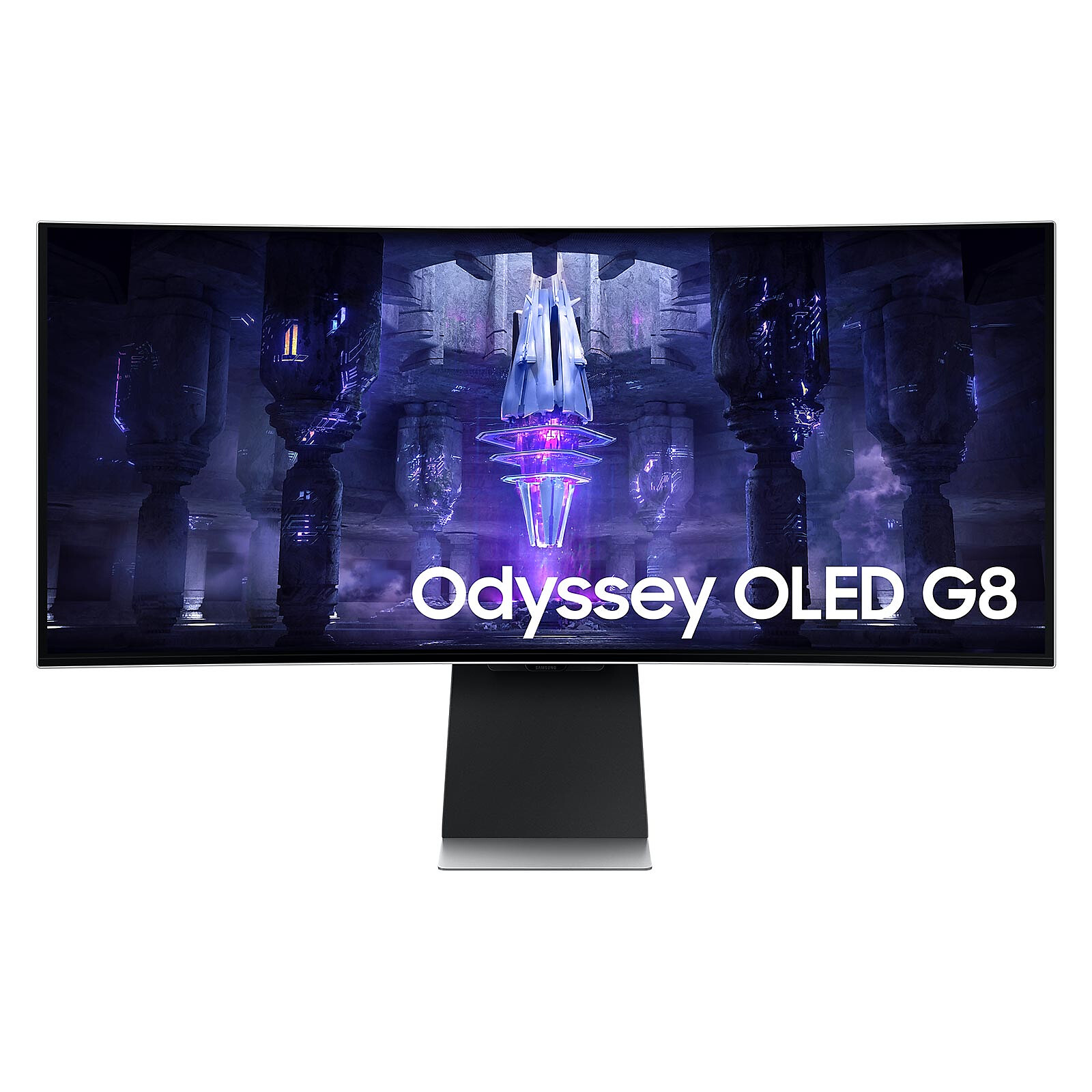
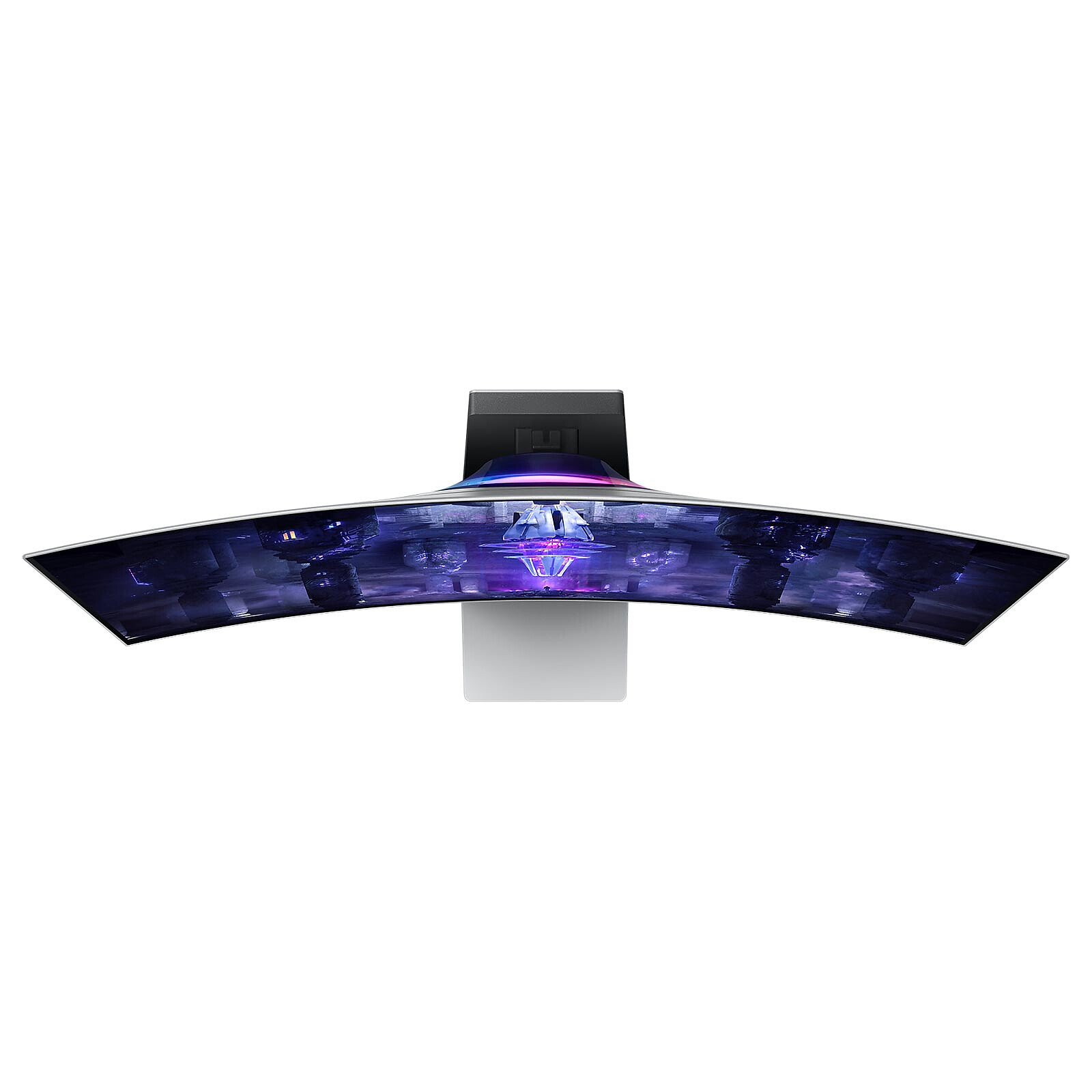
Go for perfection with the Samsung Odyssey OLED G8 S34BG850SU! This top-of-the-line display packs a punch, with a 21:9 curved OLED panel, ultra-fast response time, support for HDR10+ and VESA DisplayHDR Trueblack 400 and an ergonomic stand with lighting effects.
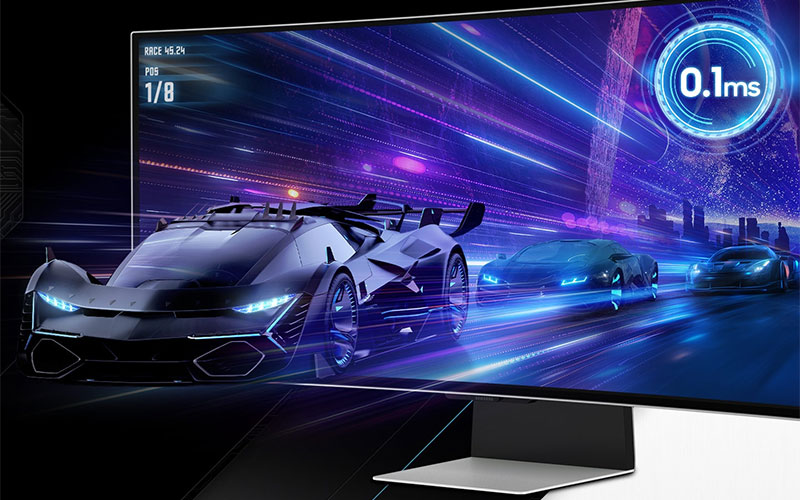
The OLED screen of this Samsung monitor offers bright whites, deep blacks and impressive colour contrast. Thanks to the state-of-the-art Neo Quantum processor, every image displayed on the OLED panel is instantly analysed and optimised for maximum quality. Colours, shades and contrast are harmonised to deliver a bright, brilliant picture every time. With an amazing response time of 0.1ms and a screen clocked at 175Hz, you'll be able to react to your opponents' every move faster! Enjoy a smooth experience even when the action is intense: thanks to AMD FreeSync Premium, even fast and complex game scenes are smooth and jerk-free.
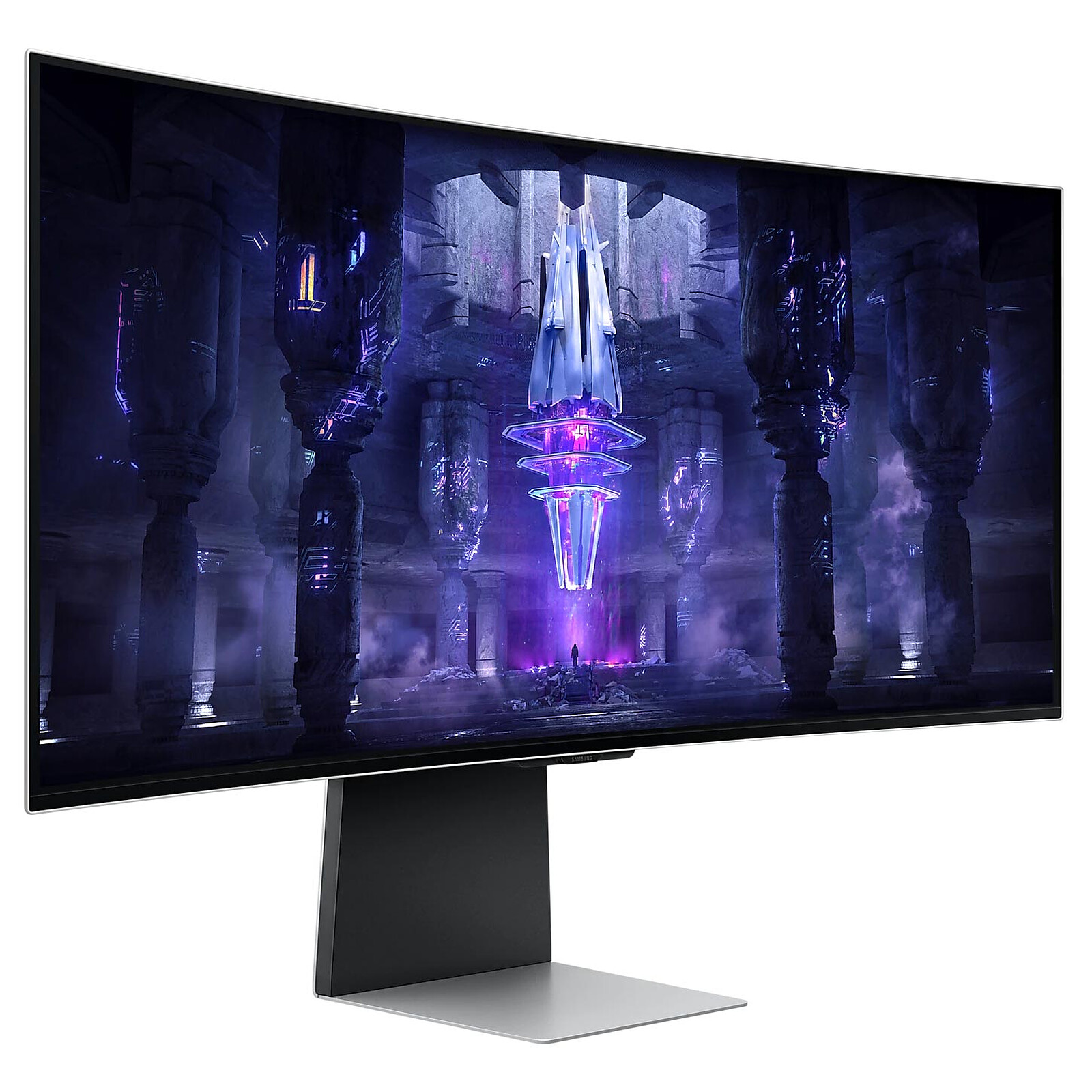
The 21:9 Ultra WQHD display encompasses your peripheral vision to give you a wider field of view during fights, races and other adventures. With this wider perspective, you can attack before your opponent can react. Thanks to the curved panel (1800R), you can also enjoy a more comfortable, natural and immersive viewing angle!

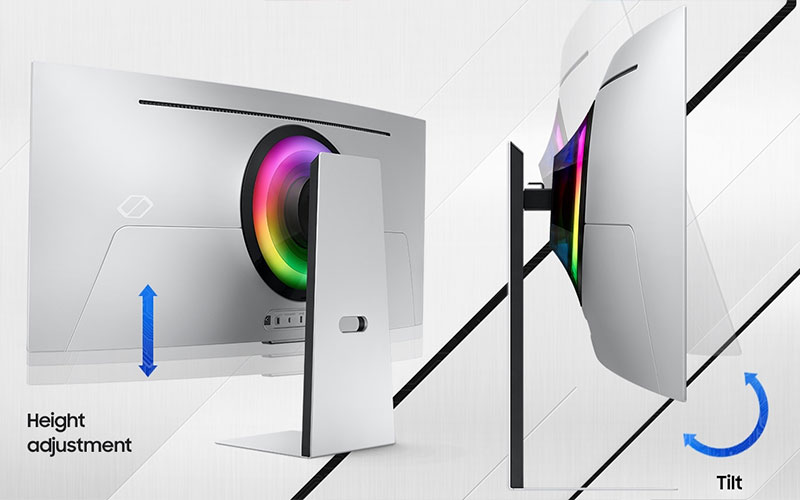
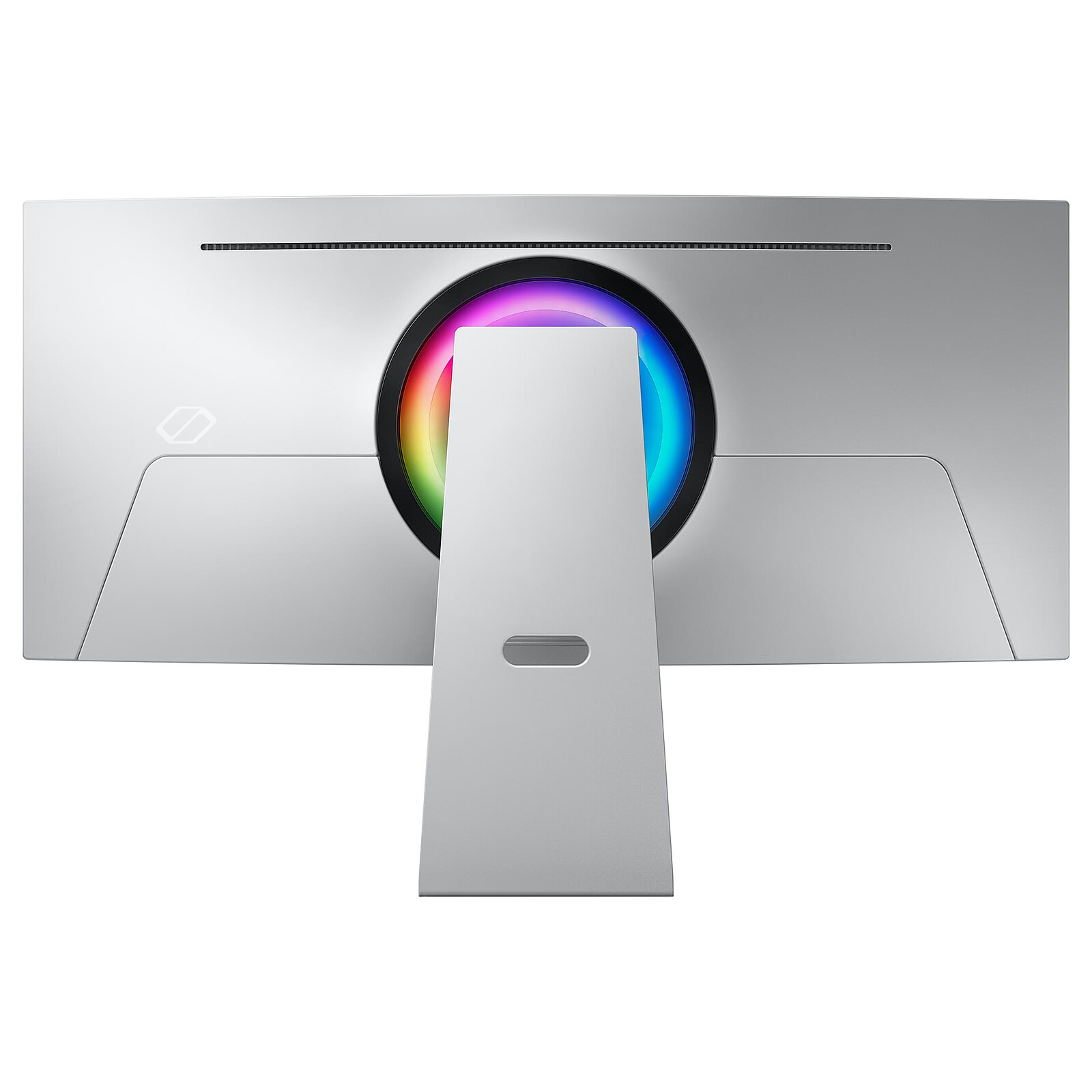
Enhance your gaming experience with an ultra-slim design. Featuring a modern, premium metal frame that is only 3.9mm thick at its thinnest, the Odyssey OLED's design is a thing of beauty. Enhance the environment around your screen: with CoreSync technology, the game colours displayed on the screen are projected into the real world to ensure you are even more immersed in the setting. Plus, with Core Lighting+ technology, add stunning colours to your setup for an instant change in atmosphere. Plus, for optimum comfort, the screen is tiltable and height adjustable.
 Select your criteria
General information |
Product name |
Samsung 34" LED - Odyssey OLED G8 S34BG850SU |
Brand |
Samsung | |
Model |
LS34BG850SUXEN | |
Display |
Screen size |
34 inches |
Screen format |
21:9 | |
Panel type |
OLED display | |
Max resolution |
3440 x 1440 pixels | |
High definition |
UltraWide WQHD | |
Dot Pitch |
0.23175 mm | |
Brightness |
250 cd/m² | |
Contrast |
1000000 /1 | |
Response time |
0.03 ms | |
Angle of vision (horizontal) |
178 Degree(s) | |
Angle of vision (vertical) |
178 Degree(s) | |
Matte/anti-glare panel |
No | |
HDR (High Dynamique Range) |
Yes | |
HDR standards |
HDR10+ | |
| VESA DisplayHDR 400 True Black | ||
NVIDIA G-SYNC |
No | |
Adaptive-Sync |
Yes | |
AMD FreeSync |
Yes | |
FreeSync |
AMD FreeSync Premium | |
Flicker-Free |
Yes | |
Anti blue light |
Yes | |
Screen |
Screen type |
OLED |
Range |
Samsung Odyssey | |
Widescreen |
Yes | |
Curved screen |
Yes | |
Monitor curvature |
1800R | |
Borderless |
Yes | |
Touch screen |
No | |
Max vertical frequency |
175 Hz | |
Type of activities |
Gamer | |
| Multimedia | ||
Ergonomics |
Portable |
No |
Pivot |
No | |
Height adjustable stand |
Yes | |
Removable stand |
Yes | |
VESA mount |
100 x 100mm | |
Back tilt angle (top) |
20 Degree(s) | |
Forward tilt angle (bottom) |
2 Degree(s) | |
Articulating arm |
No | |
Connectivity |
Video inputs |
1 X micro HDMI Female |
| 1 X Mini DisplayPort | ||
| 1 X USB Type C Female | ||
HDMI standard |
HDMI 2.1 | |
Dock USB-C |
No | |
Multimedia |
Built-in speakers |
Yes |
Sound power |
2 X 5 W | |
Webcam |
No | |
TV tuner |
No | |
Physical characteristics |
Color |
Silver |
Release year |
2023 | |
Width |
813.6 mm | |
Height |
522.3 mm | |
Depth |
192.8 mm | |
Height (without stand) |
363.5 mm | |
Depth (without stand) |
128.1 mm | |
Weight |
7.5 kg | |
Weight (Without stand) |
5.5 kg | |
Multi-monitor bundle |
No | |
Power supply |
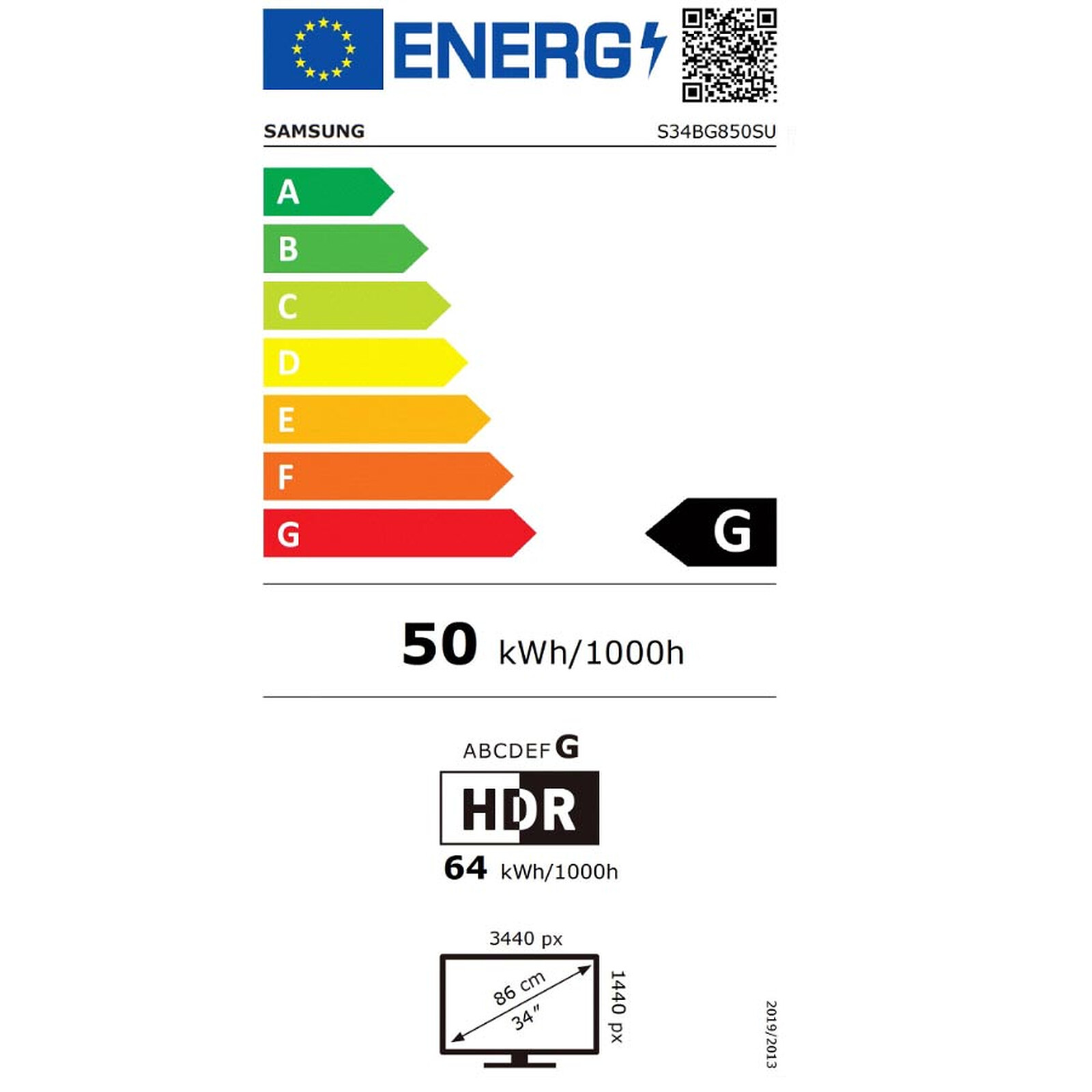
Energy class |
G |
Consumption |
50 kWh/1000h | |
Standby consumption |
0.5 W | |
Internal power supply |
No | |
Specificities |
PS5 optimized |
No |
Xbox Series optimized |
No | |
Warranties |
Commercial warranty |
Seller 5 years
|
Legal warranty |
See terms & conditions
|
See all Samsung products
Product referenced on 5 Jan 2023
Excellent hardware (preferably Display Port cable). Reliable delivery. Second purchase from LDLC which never disappoints.
This screen is really magnificent. I use it all day to work (programming) and the width is really super comfortable. When the evening comes, it's gaming that takes over, and it's even better! What's more, I love the design, but that's all subjective. It comes with a USB-C rechargeable remote control and, contrary to what I'd read, includes stereo speakers that deliver very acceptable sound.
One small flaw that's easy to overlook is the sheer size of the transformer. OK, you need 220W, but it's bigger than the first X-BOX transformers, for those in the know. 21cm long, 10cm wide and 3.5cm thick for the rest of us :-).
The next negative point is that the OS is slow and can be improved. I use the mini display port to connect my gaming PC and the mini HDMI for my work Mac, and the screen doesn't know how to switch between the two depending on which computer is on. And when both are on, you have a choice in the menu between "PC" or... "PC', with no image for example, instead of 'HDMI' and 'DP' for example. So you often make a mistake by choosing the wrong entry, and the menu is slow, which makes the operation frustrating in the long run. This same OS throws two menu strips at you each time you switch on or wake up from standby, and they stay on too long. You can't deactivate them, which is annoying.
The most negative point for me is the connectivity. 2 USC-Cs, one mini HDMI and one mini display, when there's room for just two or three HDMIs. I struggled to find the right cable and the right adaptor, thanks to LDLC who really helped me out here. That's the big black spot.
In conclusion, it's a magnificent screen that can be difficult to use at first because of some questionable technical choices, but once you've mastered the menus and connections, you'll love staying in front of it.
I can't wait to get home from work every evening to find this marvel of technology. More seriously, the screen is magnificent, bright, vivid colours, I never thought I'd be so impressed with this technology! Games like CyberPunk 2077, Horizon Zero Dawn and Hogwarts Legacy are just insane on this screen!
My screen makes a little shrill noise. I'd like to know why, otherwise I love the screen, but if I could no longer see this shrill noise, that would be perfect.
The best screen I've ever had.
Image with OLED technology gives better colour rendition, very pleasant when gaming.
Aesthetics with a thin edge.
Imposing stand, but its shape means you can put things under the screen.
The picture quality is really excellent, as is the build quality. The finish is excellent.
The application interface is pretty much identical to the Samsung TV, and is comprehensive enough to allow you to spend some relaxing time watching a wide range of TV series.
The sound on the screen is more than adequate, and when coupled with a sound bar, you can enjoy quality games and films.
The fact that the screen is thinner is a plus if like me you use a screen arm, less weight and easier to place.
Screen received today and not disappointed!
-> I'm very pleased with the quality of the product.
-> Superb quality and ultra-wide is... wow! OLED and HDR 10+ is really amazing!
I'll be able to play my games with incredible immersion :))
Incredible picture quality, vivid, vibrant colours, deep blacks, crisp image depth - there's a clear difference when you switch from a VA panel to a QD OLED panel.
The display port mini display port cable included is essential and a pleasure to have, in addition to the vesa mount (10x10).
A few adjustments to be made on the screen and PC side (below) using the mini displayport --> displayport cable.
Screen :
Settings :
All settings :
General and privacy :
Panel protection :
Modif. Pixel --> Enabled
Adjust logo brightness --> High
Pixel refresh --> yes (approx. 1h)
Image :
Expert settings :
Colour Shade --> Natural
Maximum brightness --> Off
VRR control --> Enabled
Games :
Game Mode --> Enabled
HDR tonal mapping :
HDR10+ GAMING: Simple
HDR Gaming --> Enabled
Windows 11 :
Install the "Windows HDR Calibration" application from the store and run it to calibrate the screen
Then in "Settings" --> "System" --> "Screen" --> "Use HDR" --> tick: "Use HDR, broadcast".
tick: Use HDR, HDR video streaming, Automatic HDR
if you have an Nvidia graphics card, in the Nvidia control panel activate GSYNC
The screen is magnificent on the single screen part great with beautiful colour and deep blacks but as soon as you start switching to the smart tv part you encounter slowdowns when I exit an application to return to the home menu there is a lag of a few seconds but you feel it and it shows, the same when you access the settings you see the fixed menu loads little by little. Another negative point is that Nextflix, youtube (see photo) do not allow you to use 100 of the screen (you end up with big black bands on the side and the top and bottom of the image), impossible to go through the forced zoom mode. Otherwise on Prime, Disney and Canal (for Canal, prefer films or series in 16:9 format, easier to switch to 32:9), it works perfectly.
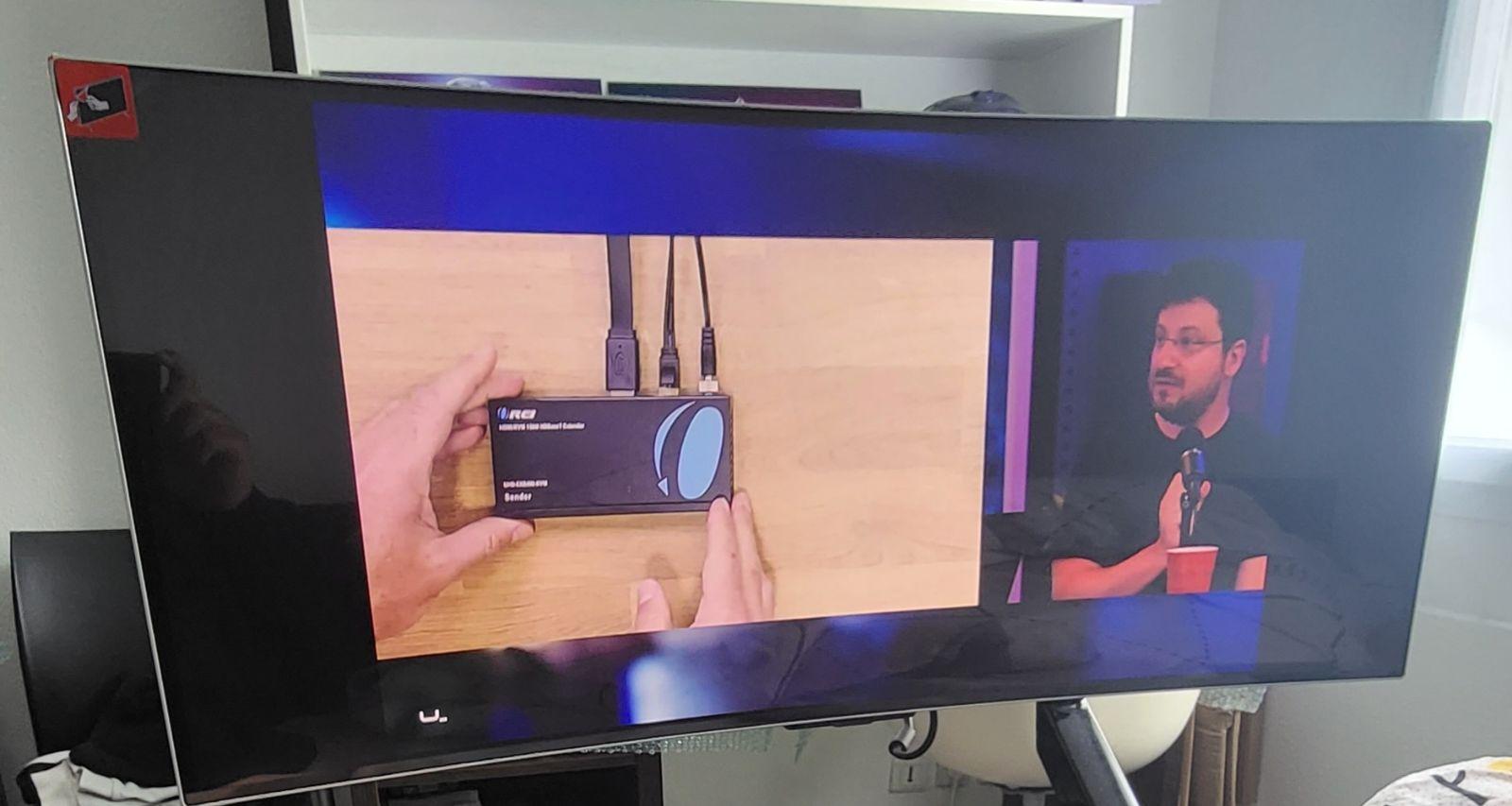
Disappointed for its price I expected better, see with the time of future update ????
POSITIVE POINTS:
Very good picture quality
Very good sound quality
semi-curved screen
HDR10+
Several display modes: Cinema; Dynamic Standards / Games mode
Dark zone lighting
Automatic brightness
Eye protection mode
Ability to play Xbox Game pass
Samsung TV
21:9 screen
THE POINTS Negative;
The mini HDMI port does not provide 4K if game mode is activated
Not recommended for the console (my opinion)
Samsung's operating system is very slow
Applications such as Netflix, Disney+, Amazon Prime, etc. are displayed with borders on the sides.
You have to use the computer + an extension in google to display the whole screen
To use the screen in 4K for a console, you need to deactivate the screen's games mode.
The picture is really beautiful, the definition is very good, and the connectivity is very comprehensive. The screen is attractive and very well finished.
It even has a remote control and can operate like a real connected TV via the Samsung environment (although a little too prominently for my liking).
The only negative points are that the power transformer is quite large and heavy (the equivalent in size of a good iPad mini) and the 120/175hrz power consumption is quite high.
Trending now: Gaming monitor | Office monitor | Professional monitor | Curved monitor | HDR monitor | Borderless monitor | Touch screen monitor | Portable monitor | LED monitor | OLED monitor | QLED monitor | 1080p monitor | 2K WQHD monitor | 4K monitor | 22 inch monitor | 24 inch monitor | 27 inch monitor | 32 inch monitor | 16:9 monitor | 21:9 monitor | 32:9 monitor | 100Hz monitor | 120Hz monitor | 144Hz monitor | 240Hz monitor | 360Hz monitor