
Works exactly as expected

Product as described, delivered on time and working as expected. There isn't much to say about it, since the operation is quite simple: you create a security key stored in the device.


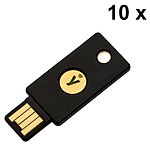
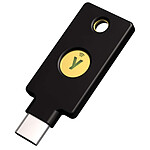
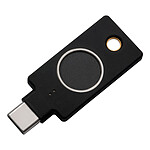
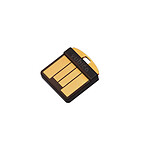
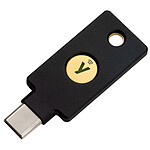
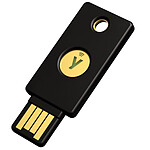
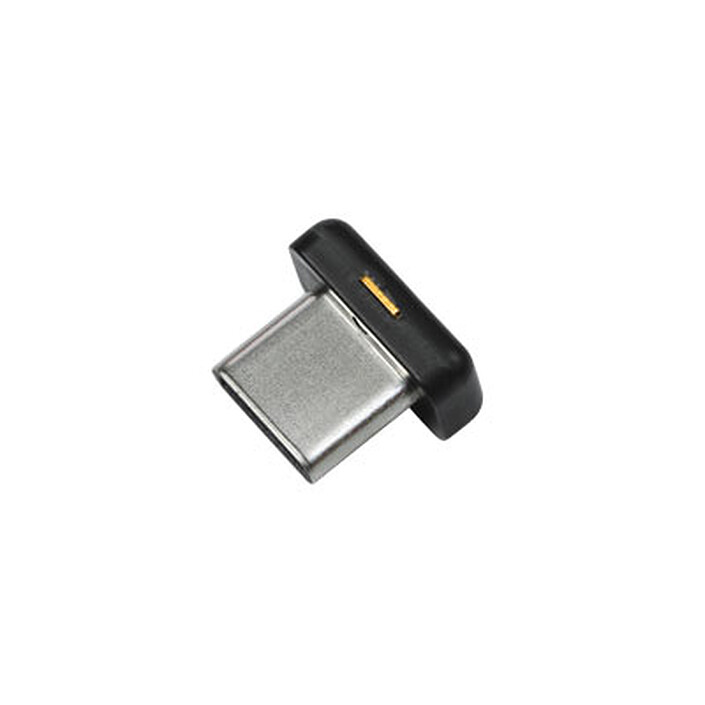
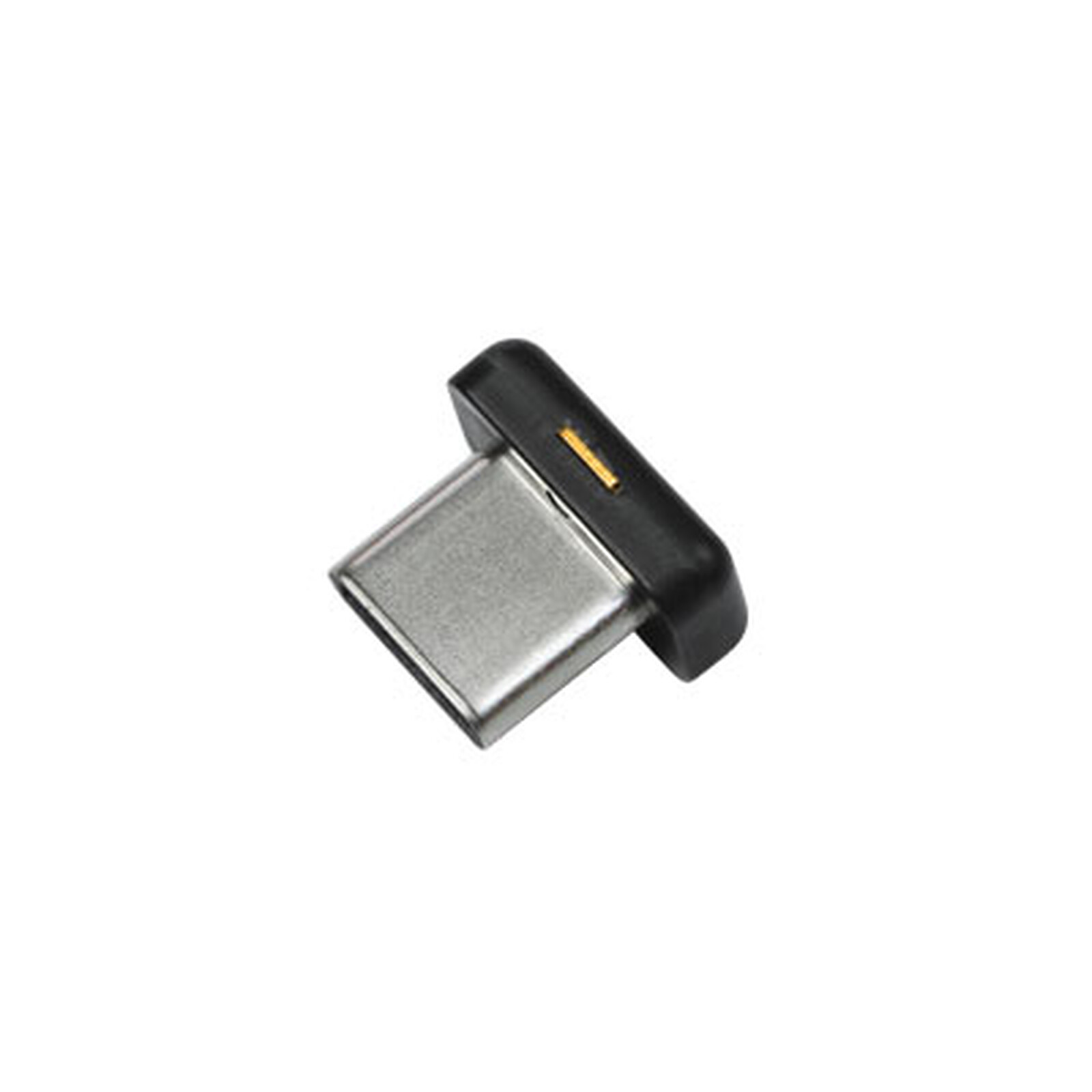
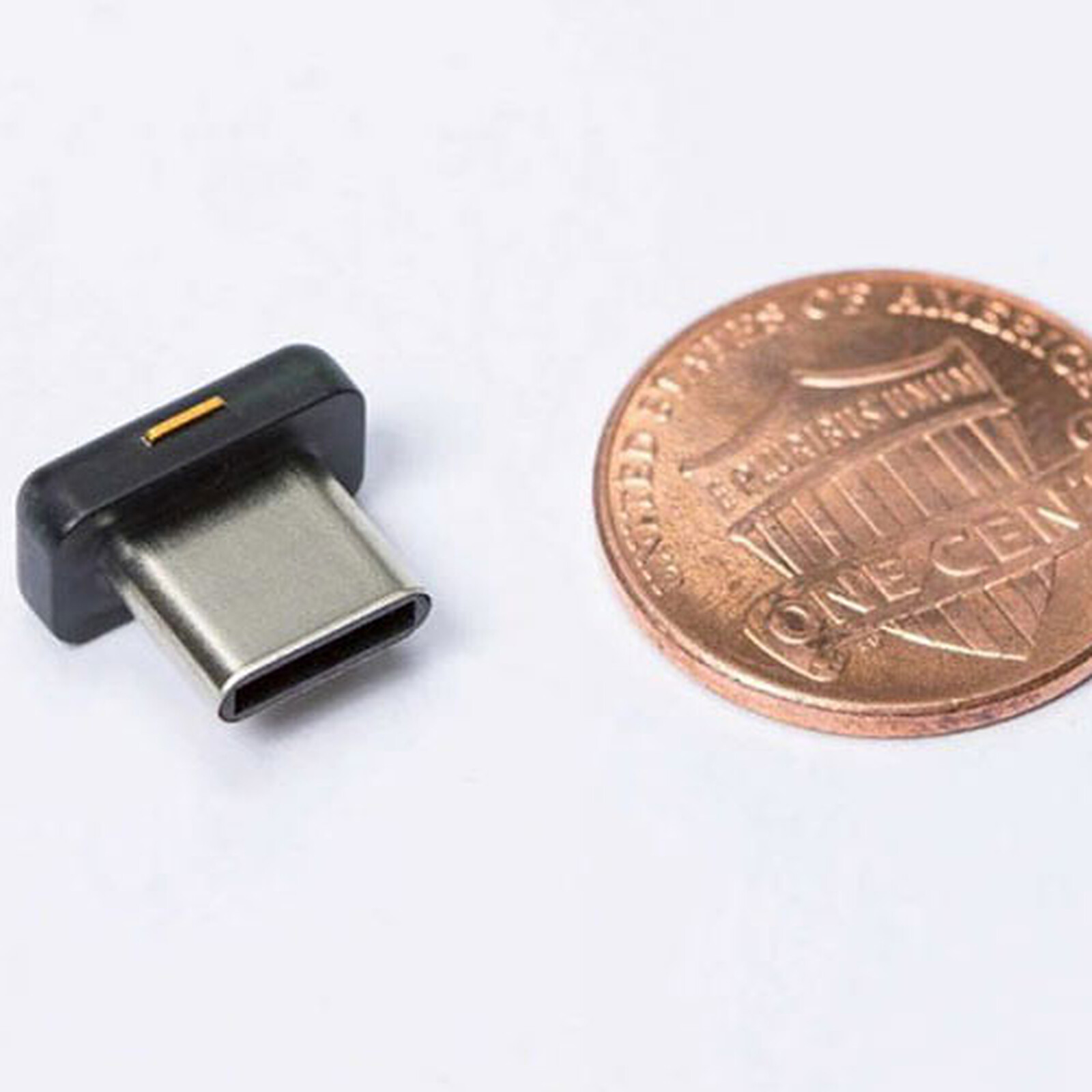
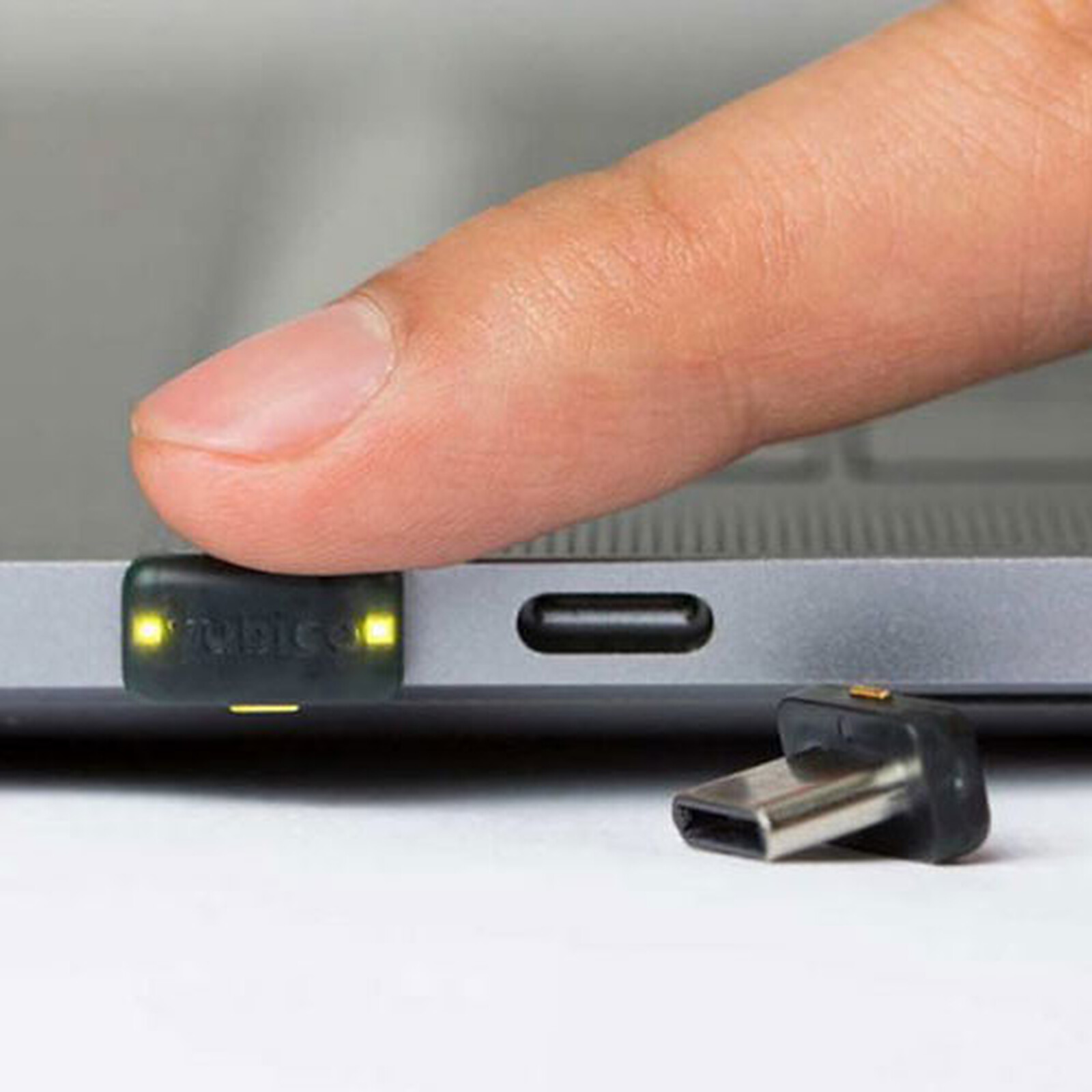
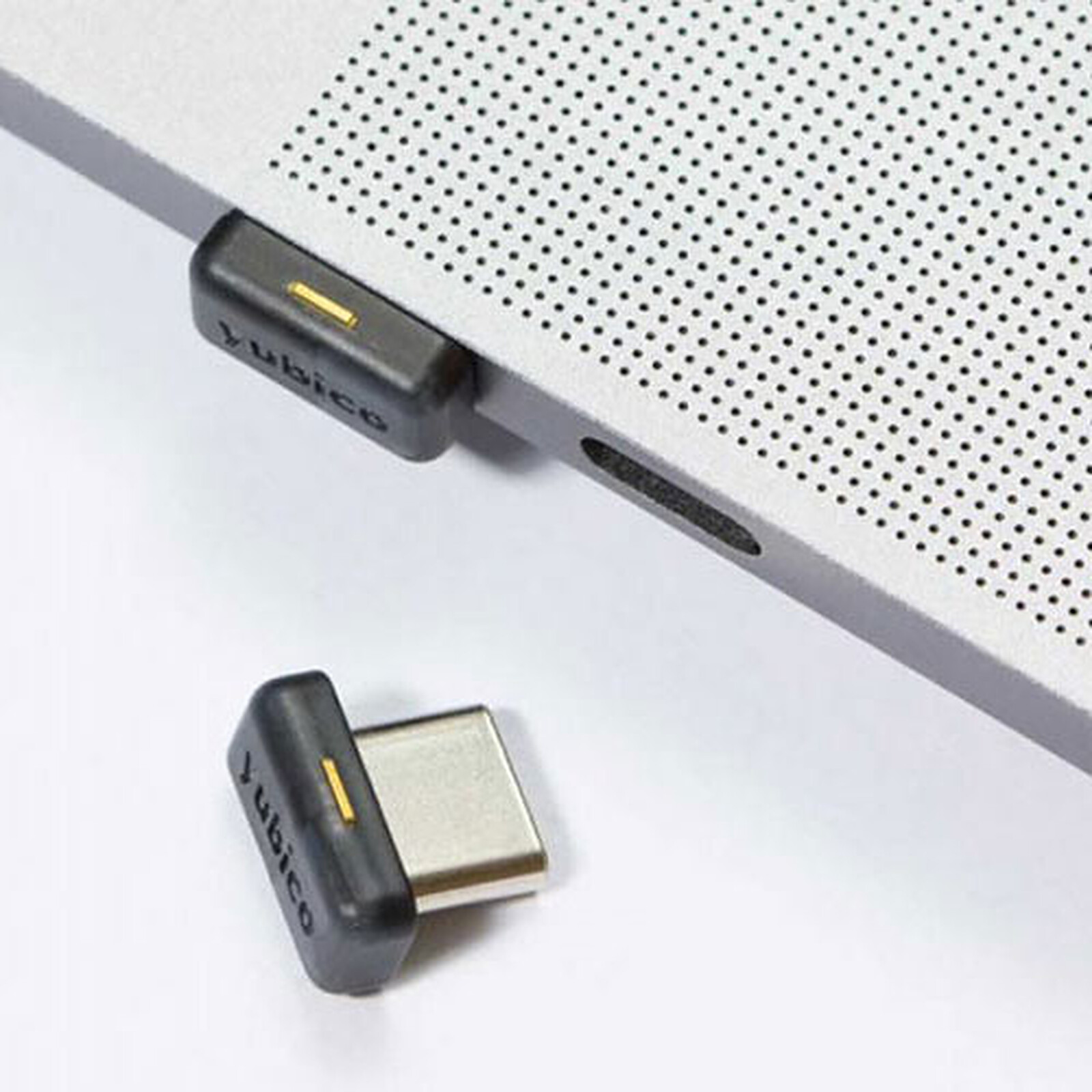
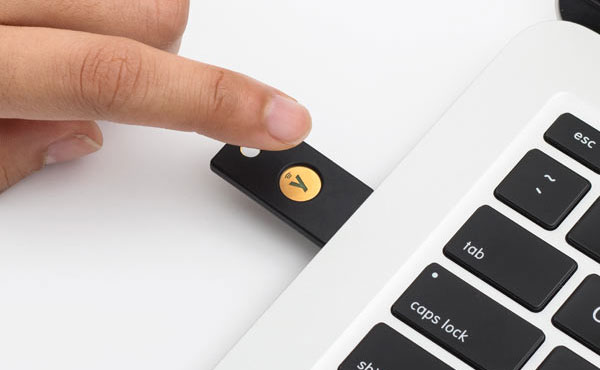
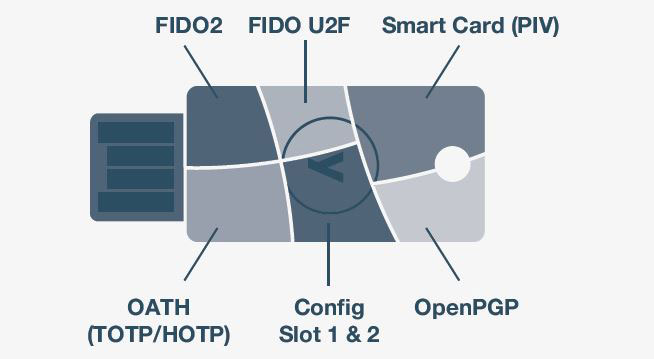
Simple to use and ultra-secure, the Yubico YubiKey 5C Nano multi-protocol security key paves the way for a password-free future. The YubiKey 5 offers strong authentication with support for multiple protocols, including smart card authentication and WebAuthn/FIDO2, the new standard for password-free authentication. With YubiKey 5, security is enhanced by strong authentication hardware based on public/private key cryptography. In addition, YubiKey is easy to use, fast and reliable and has been proven on a large scale to dramatically reduce IT support costs and eliminate account hacking.

Users don't need to install anything and can use YubiKey in minutes. And the YubiKey doesn't require batteries or network connectivity, so it's always on and accessible. The IT department can deploy YubiKeys in days, not months. A single key, with its flexible multi-protocol capabilities, can work natively with hundreds of systems. This eliminates the need for costly integrations or separate devices for each system.
Relying solely on usernames and passwords puts corporate data at risk. Catastrophic security breaches make global headlines every day. Adopting stronger authentication for employees and customers is essential to minimise the risk of becoming the next victim.

Select your criteria
General information |
Product name |
Yubico YubiKey 5C Nano USB-C |
Brand |
Yubico | |
Model |
B07HBTBJ5S | |
Main characteristics |
Accessory type |
Hardware security key |
Interface with the computer |
USB Type C | |
Aspect |
Color |
Black |
Warranties |
Commercial warranty |
Seller 2 years
|
Legal warranty |
See terms & conditions
|
See all Yubico products
Product referenced on 29 Jan 2021
Product as described, delivered on time and working as expected. There isn't much to say about it, since the operation is quite simple: you create a security key stored in the device.
You need to download the Yubico Authenticator app in order to register your fingerprints on the Yubikey Bio key.
Works perfectly under macOS and Ubuntu, with sites like Google, OVH, Microsoft... and now BoursoBank too, with or without a PIN code configured on the key. They fixed something on their side, since one fine day, without any change on my part, I was finally able to enroll it.
Product meets requirements, fast and efficient, delivered quickly.
Solid product. I recommend this product.
It works very well with my Microsoft account, and I have also added a password (suggested by default by Microsoft) on top of using this key. I got it with NFC for use with my mobile phone's NFC feature.
In the same universe: yubikey
Trending now: Laptop screen protector | Laptop privacy filter | Laptop hard drive adapter | Laptop lock | Laptop stylus pen | Laptop stand