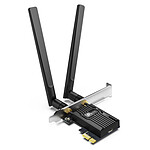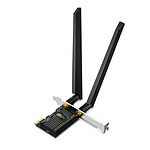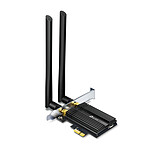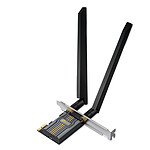



Ideal for desktop PCs
I installed it on a fixed PC at my parents-in-law's and have had no problems since, despite their gift for having problems with products that are usually stable and well made.
Review automatically translated
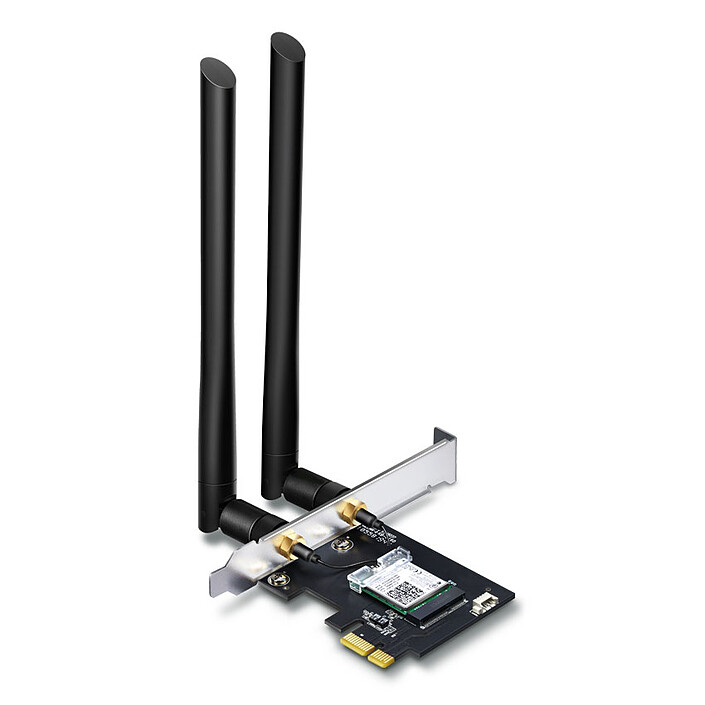

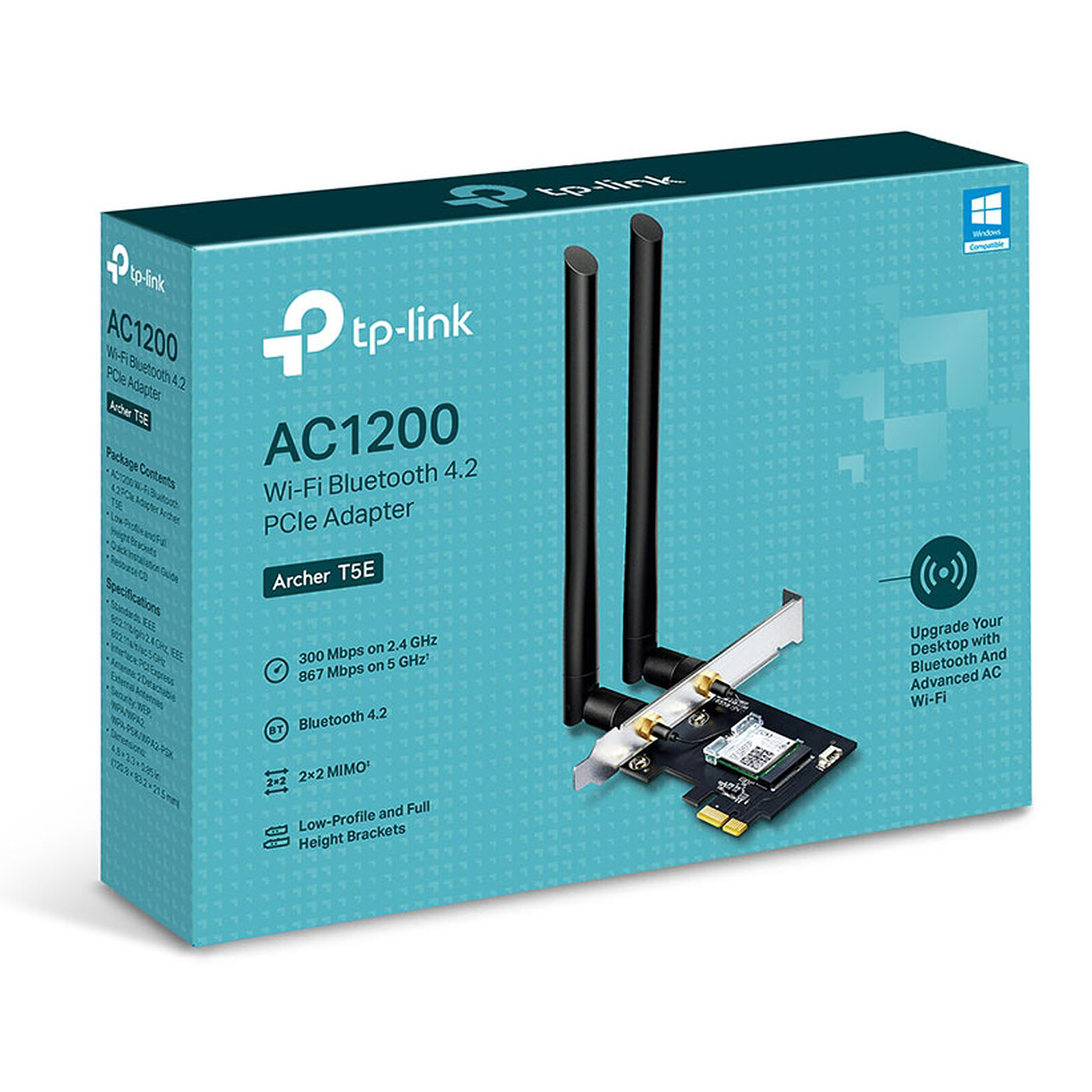
Pictures may differ from actual products

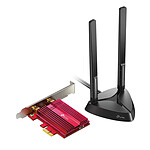
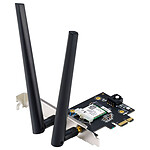
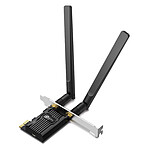
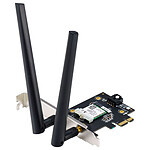
Plug this TP-Link Archer T5E adapter into an available PCIe slot on your PC to upgrade. The TP-LinkArcher T5E offers a WI-Fi speed of 1200 Mbps (867 Mbps on the 5 GHz band and 300 Mbps on the 2.4 GHz band) as well as Bluetooth 4.2. TheArcher T5E is the ideal choice for HD video streaming, online gaming or any other bandwidth-intensive task.

The 867 Mbps throughput at 5 GHz is perfect for streaming HD video and online gaming without latency, while the 300 Mbps throughput at 2.4 GHz lets you surf the web with ease.
The TP-LinkArcher T5E also features Bluetooth 4.2 for easy connection to compatible wireless devices.
 Select your criteria
General information |
Product name |
TP-LINK Archer T5E |
Brand |
TP-LINK | |
Model |
ARCHER T5E | |
Technical specifications |
Network card type |
Internal Wi-Fi Card |
Bus |
PCI Express x1 | |
Low profile |
No | |
Network standard(s) |
Wi-Fi N 300 Mbps (IEEE 802.11n) | |
| Wi-Fi G (IEEE 802.11g) | ||
| Wi-Fi B (IEEE 802.11b) | ||
| Wi-Fi AC 867 Mbps (IEEE 802.11ac) | ||
| Wi-Fi AC 1200 Mbps (IEEE 802.11ac) | ||
| Wi-Fi AC | ||
| Wi-Fi A (IEEE 802.11a) | ||
| Bluetooth 4.2 | ||
Bluetooth |
Yes | |
Connector(s) |
2 X RP SMA Female | |
Dual-Band |
Yes | |
Encryption |
WPA2-PSK | |
| WPA2 | ||
| WPA - PSK | ||
| WPA | ||
| WEP | ||
Warranties |
Commercial warranty |
Seller 2 years
|
Legal warranty |
See terms & conditions
Harmonised legal guarantee notice

|
See all TP-LINK products
Product referenced on 9 Mar 2020
I installed it on a fixed PC at my parents-in-law's and have had no problems since, despite their gift for having problems with products that are usually stable and well made.
Recognised by Linux mint 21 with kernel 5.15.0- 76 with no driver to install. For both wifi and bluetooth.
Everything works as expected, but Bluetooth doesn't have a very wide range.
What's more, I specifically wanted a peripheral that could be plugged into a PC, which is the case, but you also have to plug a small plug into one of the internal USB ports, which isn't immediately obvious. Later I saw that it was specified in the description, but I hadn't seen it, so be careful if it causes you any problems.
Product corresponds to the need. Delivery in time. Very good value for money. I recommend LDLC. Excellent service
Very well thank you
................................................................................................
I took this card because in the reviews, there was one favorable to the compatibility with GNU/Linux systems.
I had to get wifi on a tower to get the net on the tower.
It is also bluetooth combo which is also supported by the GNU/Linux distribution I use.
It is a pci-express card to be installed delicately on a compatible port. The usb cable is tricky to insert into the two pins but I managed.
In short, I recommend this card.
I installed this internal card in pci-express 1x format.
I placed it in a pci-express 16x port (of an available graphics card) because otherwise it would have been too close to the graphics card.
You will first have to carefully connect the cable to the card, plug the card into the free pci-express port and then connect the female plug to an internal usb port on the motherboard, which is also available for bluetooth 4.2.
It is recognized under windows with the help of an installation cd. Install the software for the wifi, restart the pc and install the software for the bluetooth then and restart the pc, everything should be recognized then.
It is natively recognized since ubuntu 20.04 without the need to install a driver.
As my desktop is a dual boot, under windows 10, I had no fear for windows because the drivers are provided in the bundle; but for my linux environment, I had doubts.
I was able to read in a review on this site about its compatibility with this environment without having to go through the command line.
I took this internal card because it is a wifi/bluetooth combo, it is of format pci-express 1x and of the manufacturer tp-link.
Personally, I plugged it on a free pci-express x16 slot in order to keep it as far away as possible from the graphics card already in place.
Bluetooth and wifi work perfectly, with non-Free firmwares, under Debain 11. Blueman for bloutouss management (Don't forget pulseaudio-bluetooth-module for easy bluetooth speaker sound adjustment via pulseaudio applet).
Card received promptly despite the presence of public holidays.
The wifi works perfectly on different frequencies. The only thing missing is a system to offset or fix the 2 external antennas to the back of the tower (in the middle of the USB and video sockets)
Trending now: Wifi card | Wifi USB stick | Ethernet USB adapter | Dual-Band network card | Bluetooth card