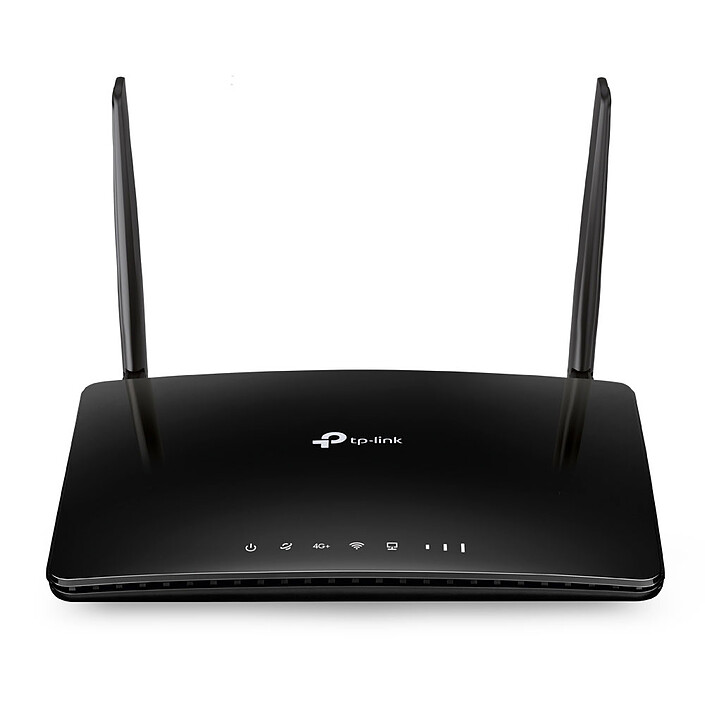
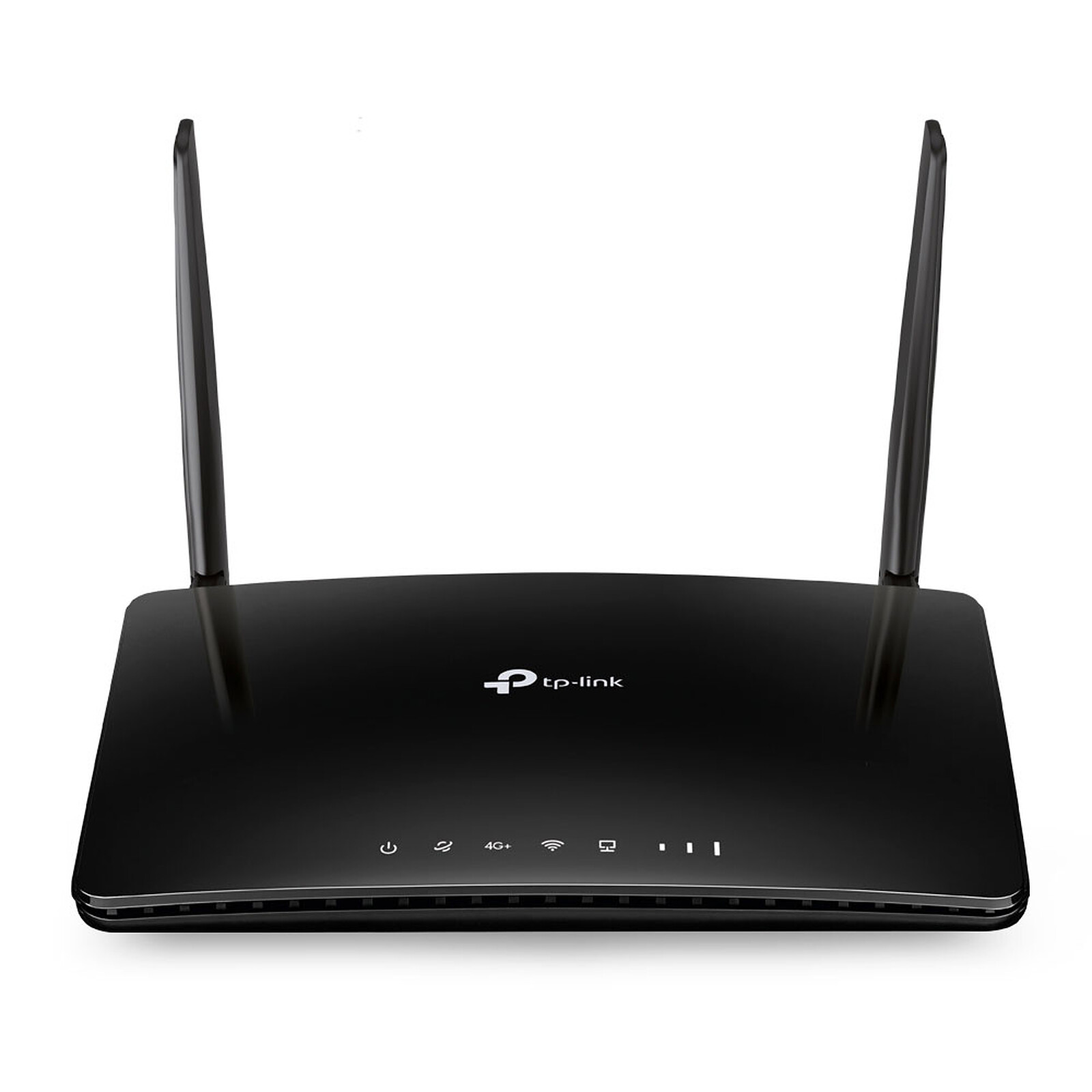
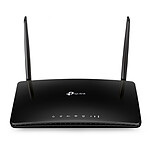
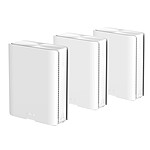
Take advantage of 4G LTE and share your high-speed Internet connection via Wi-Fi...
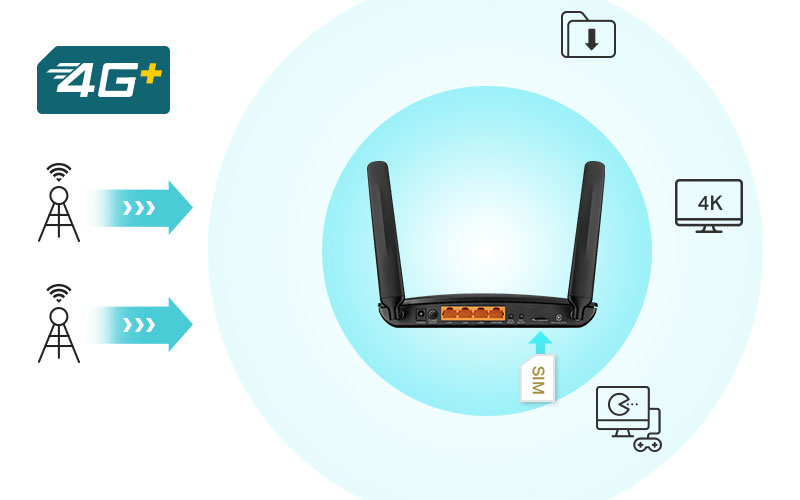
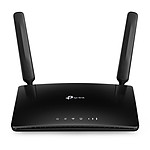
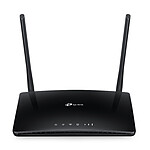
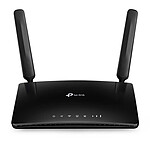
Get the most out of your 4G+ connection with this Archer MR600 modem/router from TP-Link, which delivers download speeds of up to 300 Mbps. TheArcher MR600 allows you to share your 4G LTE connection between multiple Wi-Fi devices so you can enjoy HD movies, file downloads and video conferencing with ease.
Excellent coverage and dual band Wi-Fi
This Archer MR600 4G+ modem/router creates a dual-band Wi-Fi network that allows data transmission at speeds of up to 1200 Mbps. The two separate wireless networks, using the 2.4 GHz and 5 GHz bands, allow for optimised performance and reduced interference. The use of advanced antennas and the latest wireless technology allows you to enjoy stable connections and incredible coverage.
No configuration required
With a built-in 4G+ modem and integrated SIM card slot, you simply insert a micro SIM card and activate the Archer MR600 modem/router. Enjoying fast, stable Wi-Fi on a 4G+ network has never been easier.
Fast Wi-Fi where you need it
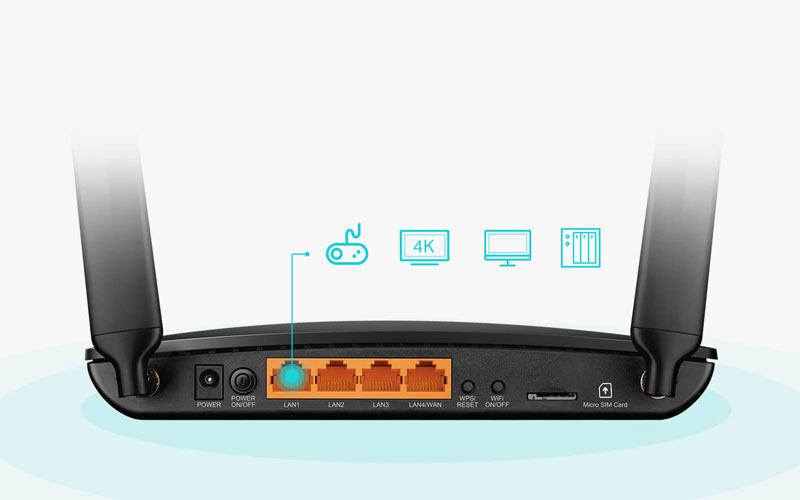
The Archer MR600 modem/router offers unparalleled versatility and convenience. The ability to quickly create a powerful wireless network can be an advantage. The TP-LinkArcher MR600 is the perfect solution whether you're at home, in the office or working from another location. Plug it in and enhance your comfort, entertainment and productivity wherever you are by staying connected in a range of environments. From your cozy home, to a trade show, to your hotel, to your business environment, theArcher MR600 connects you. Featuring a WAN/LAN port, theArcher MR600 allows you to take advantage of a wide variety of connection types including cable, fiber and DSL modems.
Key Features :
4G+ modem/router
Dual Band Wi-Fi AC 1200 Mbps (300 Mbps in 2.4 GHz + 867 Mbps in 5 GHz)
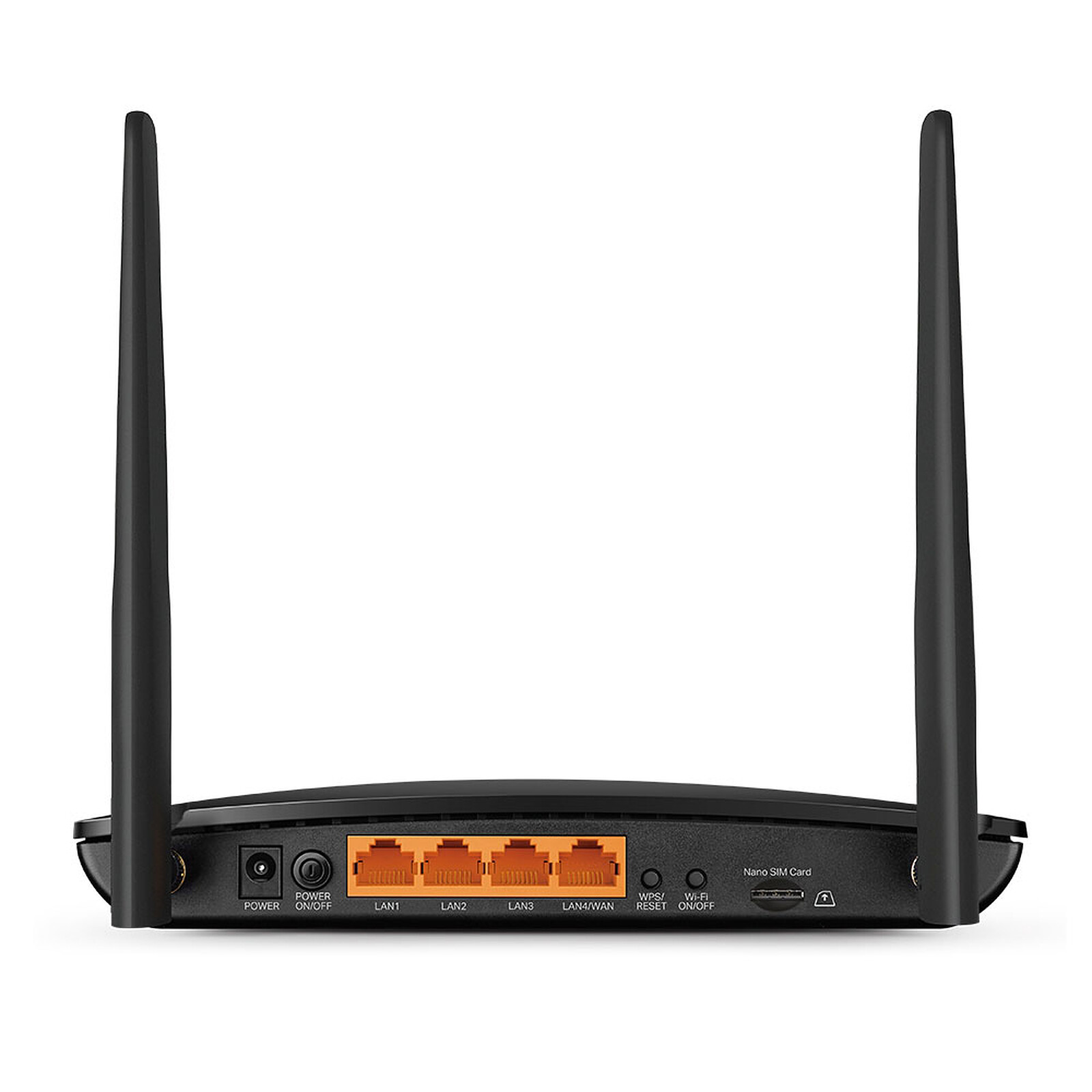
3 Gigabit 10/100/1000 Mbps LAN ports and 1 Gigabit 10/100/1000 Mbps LAN/WAN port
1 Micro SIM slot
IPv6 compatible
3-year manufacturer's warranty
What is SAR or Specific Absorption Rate?
The local Specific Absorption Rate (SAR) quantifies the user's exposure to electromagnetic waves from the equipment concerned. The maximum permitted SAR is 2 W/kg for the head and trunk and 4 W/kg for the limbs.
All products sold on the LDLC.com website comply with this regulation. The SAR values of the products concerned are indicated on the product sheets in the technical data section.
I needed a small access point to run a CTF (so fairly heavy traffic, and potentially some slightly weird packets :)...) with around fifteen participants connected via wifi and a server connected via ethernet, and it did the job without any issues.
The SIM card sometimes has a bit of trouble being recognized at first, strangely (I didn’t dig into it any further, you might not run into the problem), but once it’s set up it just works.
Review automatically translated
by MaximeB
Posted on 1 Feb 2026
Bought on 3 Jan 2026 from LDLC
Number of reviews: 1Average rating: 10
Top with Bouygues
Works very well with Bouygues Telecom, stable speed and allows for a simple Wi-Fi network.
I recommend it!!
Review automatically translated
by ____
Posted on 21 Dec 2025
Bought on 18 Feb 2021 from LDLC
Number of reviews: 3Average rating: 1
KO
The name of the merchant site is "TP-LINK Archer MR600 V2".
The model received is a TP-LINK Archer MR600 V1, not V2.
Review automatically translated
by RogerR
Posted on 23 Sep 2025
Bought on 20 Sep 2025 from LDLC
Number of reviews: 1Average rating: 6
delicate start-up
complicated purchase with ldlc following a request for proof of identity, via a procedure that is much more dangerous than a check via the bank.
fast delivery, good packaging
good quality material
instructions from another era. Nothing simple when I just wanted to connect the router to my box to extend the wifi via an rj45 connection.
The technical department consulted told me that the equipment was unsuitable for this and asked me to return it.
Finally, thanks to my efforts, I managed to find the right configuration and it's working perfectly.
box connection->rj45->rj45 cable->wan router input
wifi router configuration
for it to work, reboot the router rj45 cable connected to the router
possibility of defining the name of the router wifi with same name and same mdp wifi as the box to have a continuity of access without reconfiguration pc or smartphone
Review automatically translated
by Chris
Posted on 15 Sep 2025
Bought on 16 Aug 2025 from LDLC
Number of reviews: 2Average rating: 5
good product, but
It's not a V3 but a V5.
Taken as a replacement for an MR6400, to get better reception thanks to band aggregation.
But, like others, I get band aggregation that lasts 4 seconds, then stops for 4 seconds, continuously.
Sometimes it even switches to band 8, which I can't even access, so I can't access the internet at all, even though the box says it's connected.
Worse still, sometimes it couldn't find anything to connect to, and the box had to be restarted.
A lot of progress needs to be made in terms of firmware. It's not really up to scratch, and it's hard to use.
What's more, it poses a major problem when you connect the devices behind it to a VPN: the VPN server becomes inaccessible because of the MTU (which is not adjustable in the box). I had to change the MTU to 1340 on my VPN server to get everything back to normal, but that's not normal, and it wasn't the case with the MR6400.
It's not a piece of hardware that can be used by just anyone.