
Just the thing for wrist problems
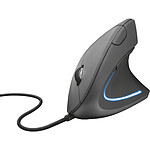
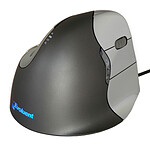
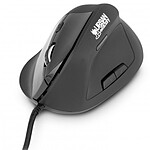
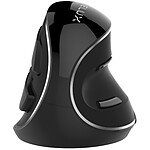
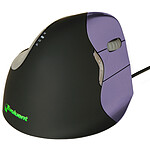
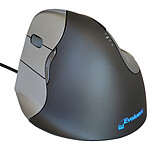
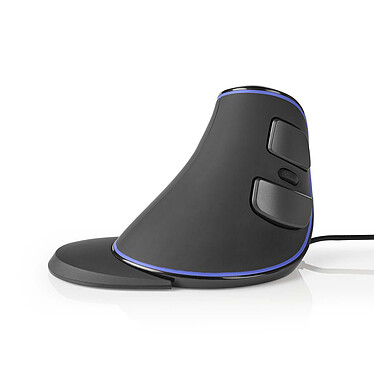
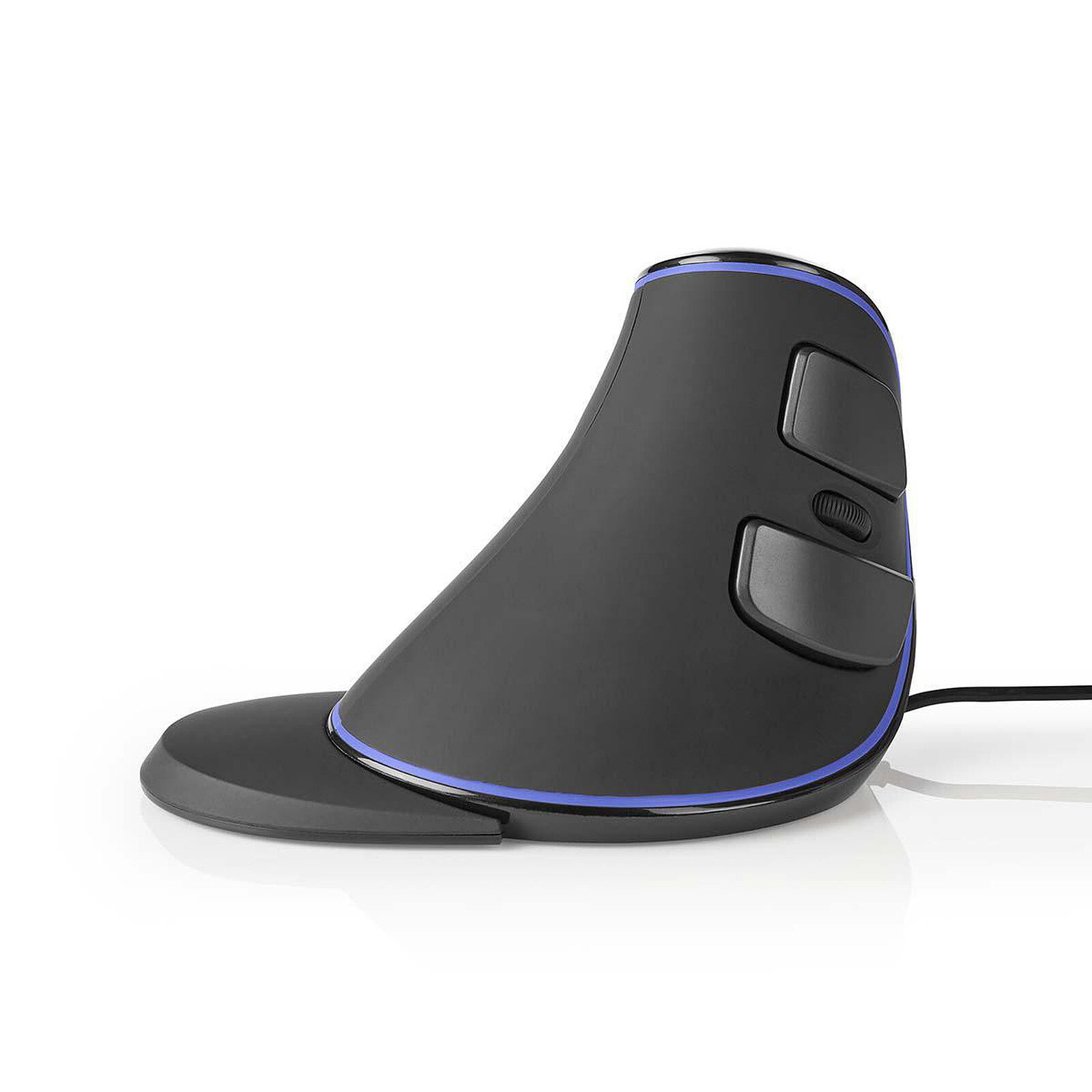
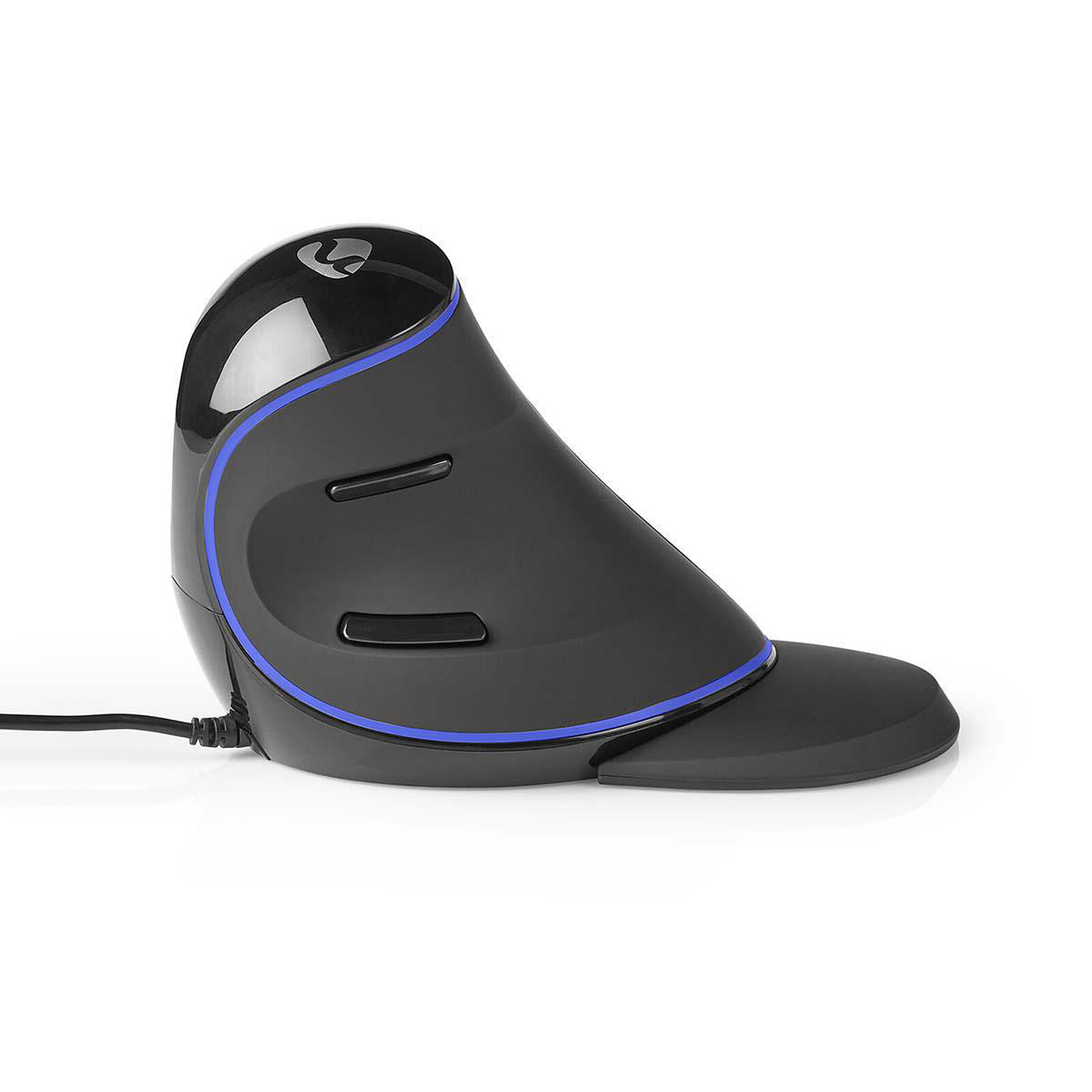
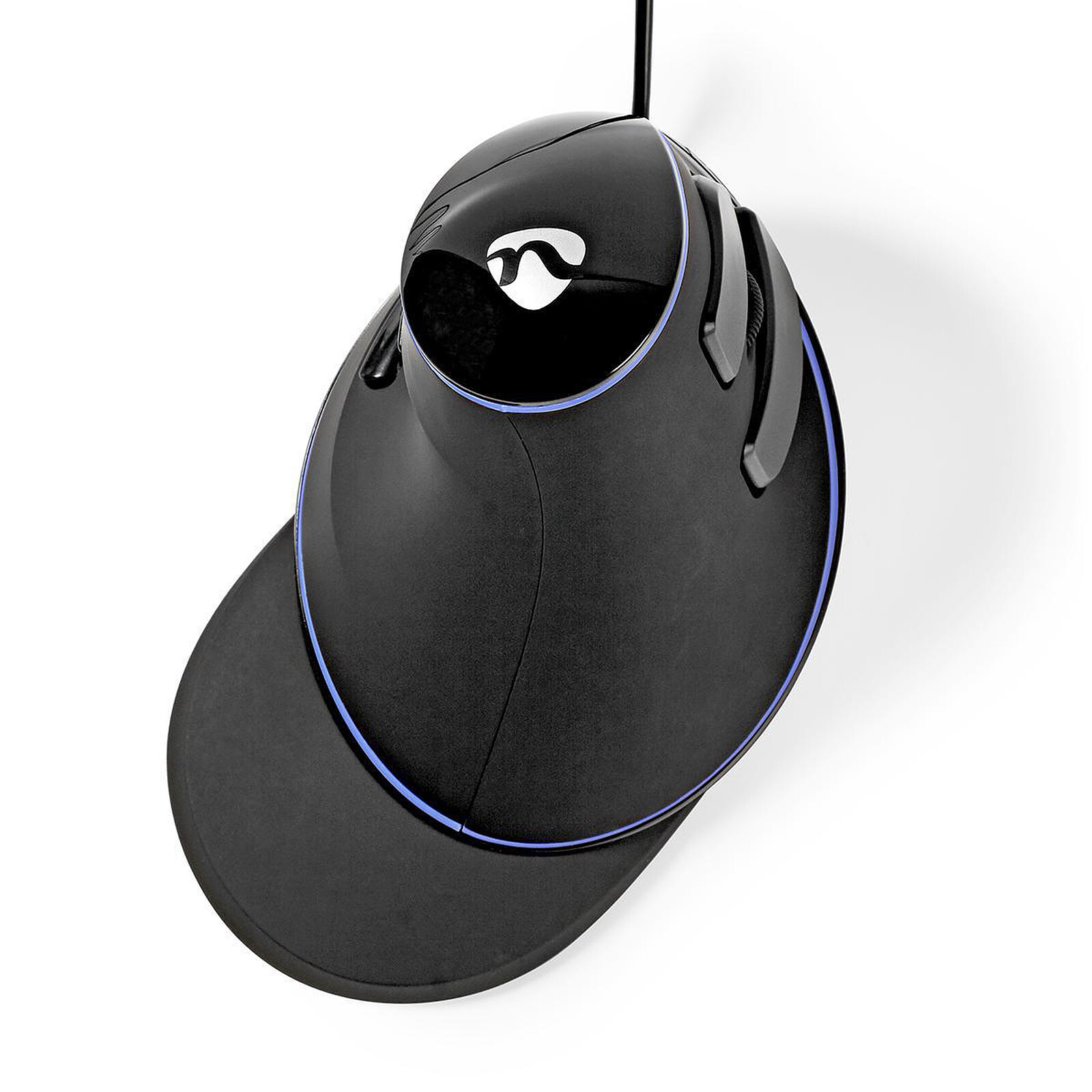
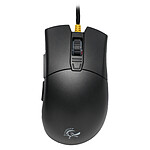
5 years later and it still looks like a birch tree, and the little wrist rest really helps. I'd tried several, but this is really the one that's the ideal shape for me (it's more for big hands, after all).
Select your criteria
General information |
Product name |
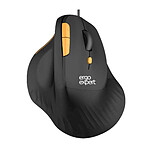
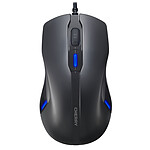
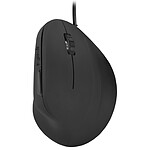
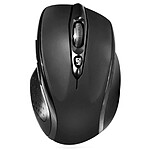
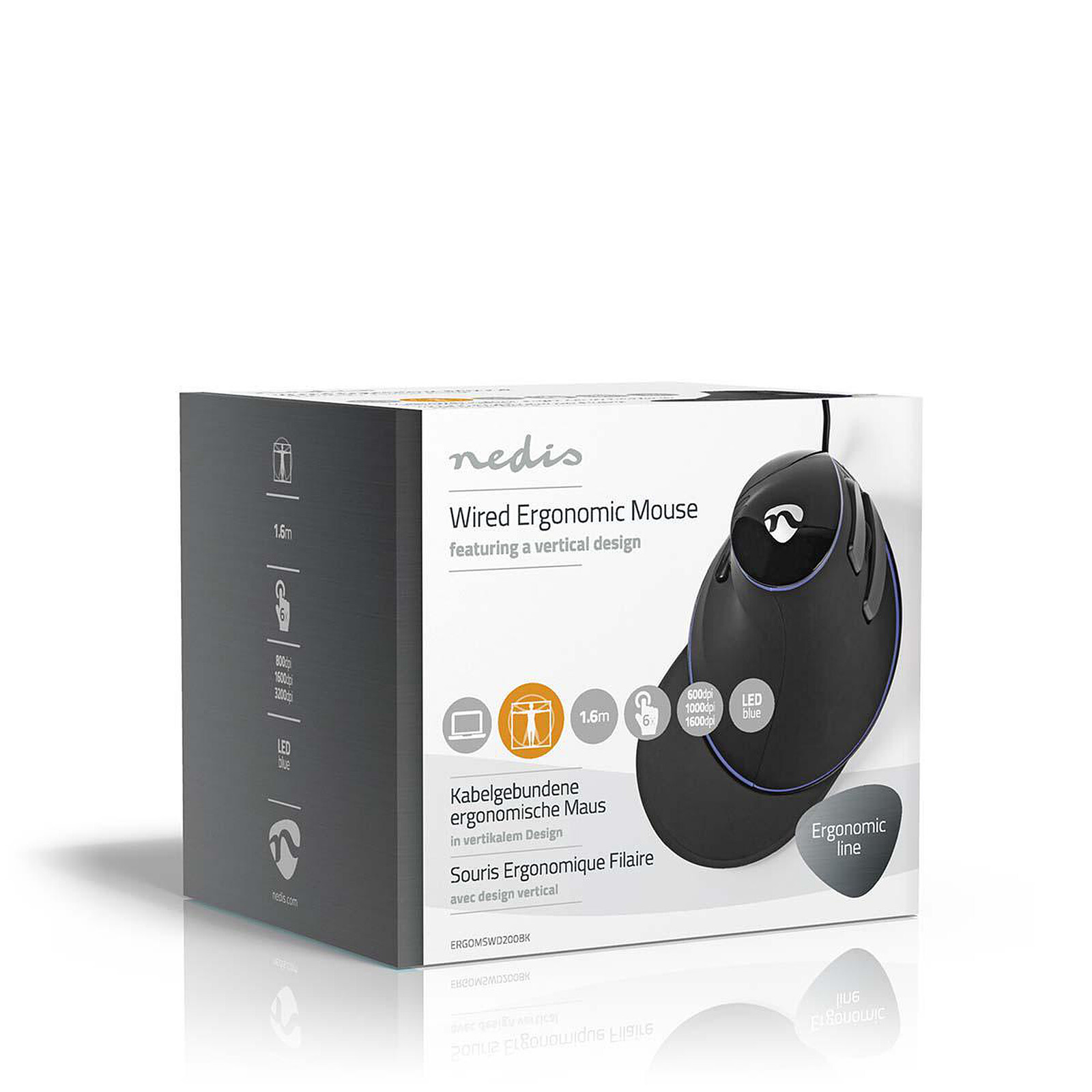
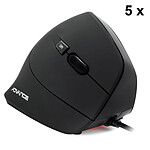
Nedis Wired Ergonomic Mouse Black (ERGOMSWD200BK) |
Brand |
NEDIS | |
Model |
ERGOMSWD200BK | |
Interface |
Wireless |
No |
Mouse connectivity technology |
Wired | |
Interface with the computer |
USB | |
Ergonomics |
Number of buttons |
6 |
Backlighting |
No | |
LED RGB |
No | |
Wheel type |
Bidirectional | |
Ambidextrous |
Yes | |
Use |
Office | |
Trackball |
No | |
With memory |
No | |
Left-handed model |
No | |
Ergonomic |
Yes | |
Vertical |
No | |
Sensor |
Mouse type |
Optical |
Optical resolution |
1600 dpi | |
Physical characteristics |
Color |
Black |
Cable length |
1.6 m | |
Compatibility |
Supported OS |
Microsoft Windows 10 |
| Microsoft Windows 7 | ||
| Microsoft Windows 8 | ||
| Microsoft Windows 8.1 | ||
Warranties |
Commercial warranty |
Seller 2 years
|
Legal warranty |
See terms & conditions
|
See all NEDIS products
Product referenced on 30 Apr 2019
5 years later and it still looks like a birch tree, and the little wrist rest really helps. I'd tried several, but this is really the one that's the ideal shape for me (it's more for big hands, after all).
Very happy with the product after having "tested" another model (returned to the after sales service, the laser was "whistling", thank you LDLC for the after sales service, impeccable!)
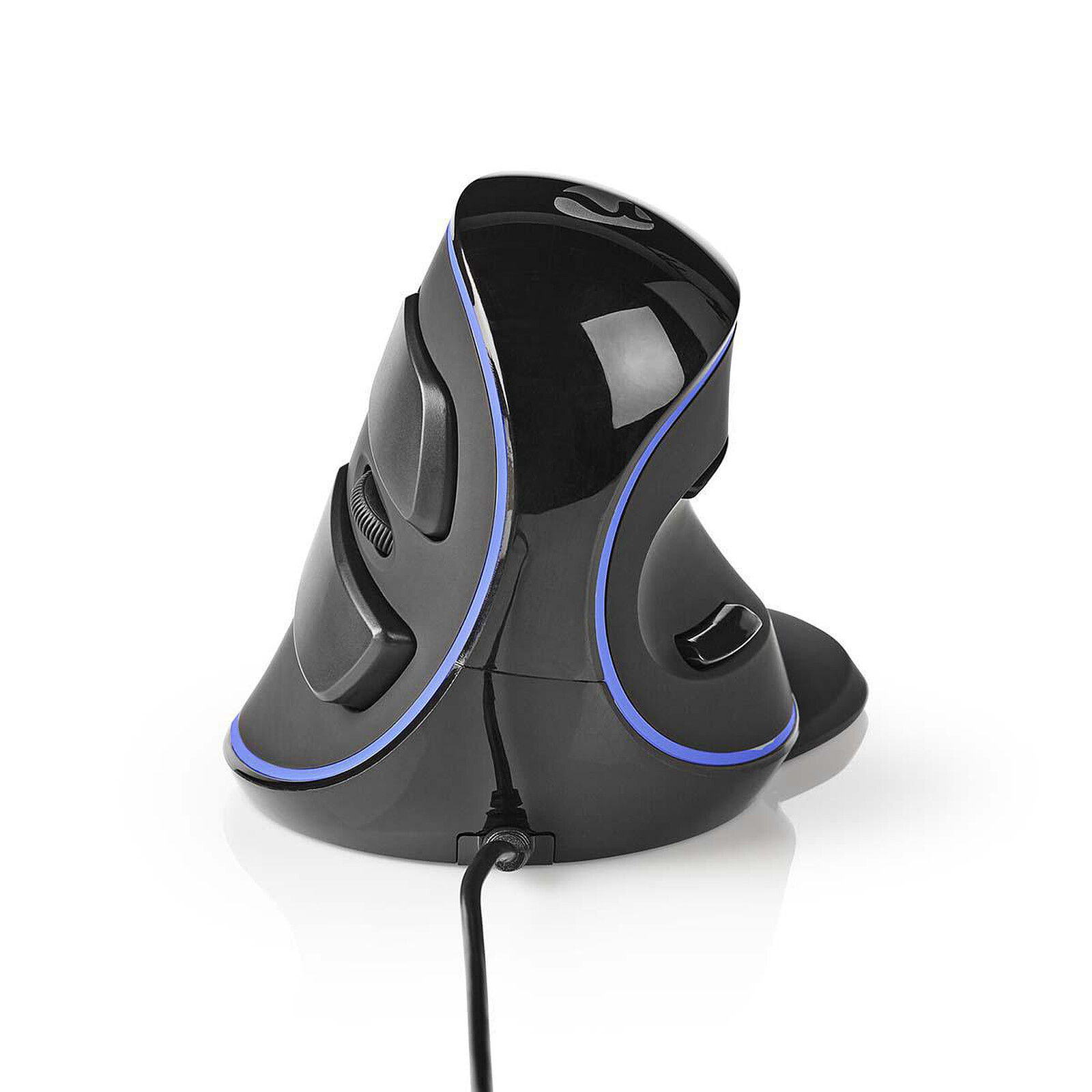
I was able to get used to the product quite quickly in less than a day although it was confusing at first. The tilt is not adjustable but at least the system does not "move" (there is some play on the previously tested model from another brand).
The DPI sensitivity button is placed under the mouse, so it's not really a problem. But the little extra is the possibility to turn off the blue decoration ribbon, again, under the mouse. You can tell that the people who designed the product have thought it through without resorting to free-for-all bling.
I would recommend one more thing (not related to the product): have an armrest at the same height as the desk, otherwise the forearm will get tired if it can't rest. It's also important to have room to move the mouse around. As seen in other comments: you don't really move with your wrist anymore but with your forearm.
Trending now: Wireless mouse | Ergonomic mouse | Vertical mouse | Backlit mouse | RGB mouse | Left-handed mouse | Ambidextrous mouse | Laser mouse | Optical mouse | Trackpad | 3D mouse