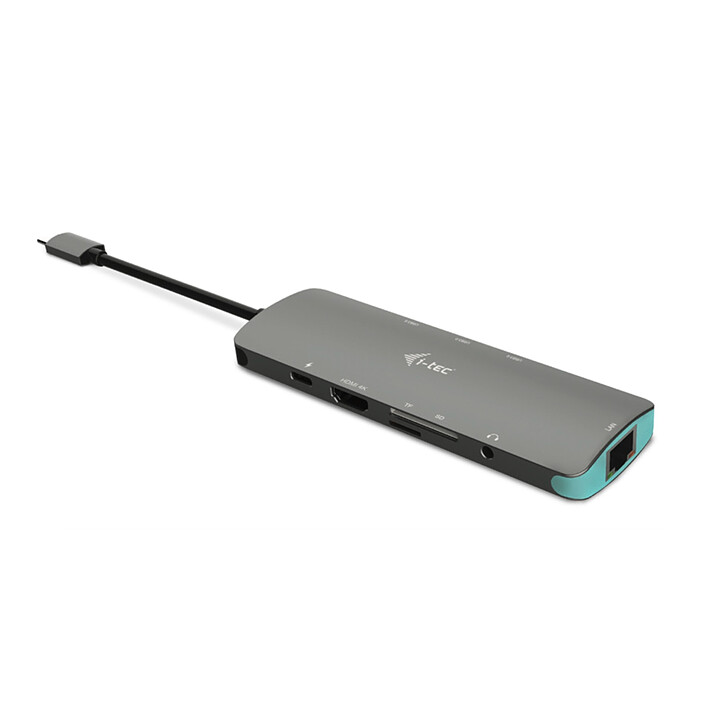
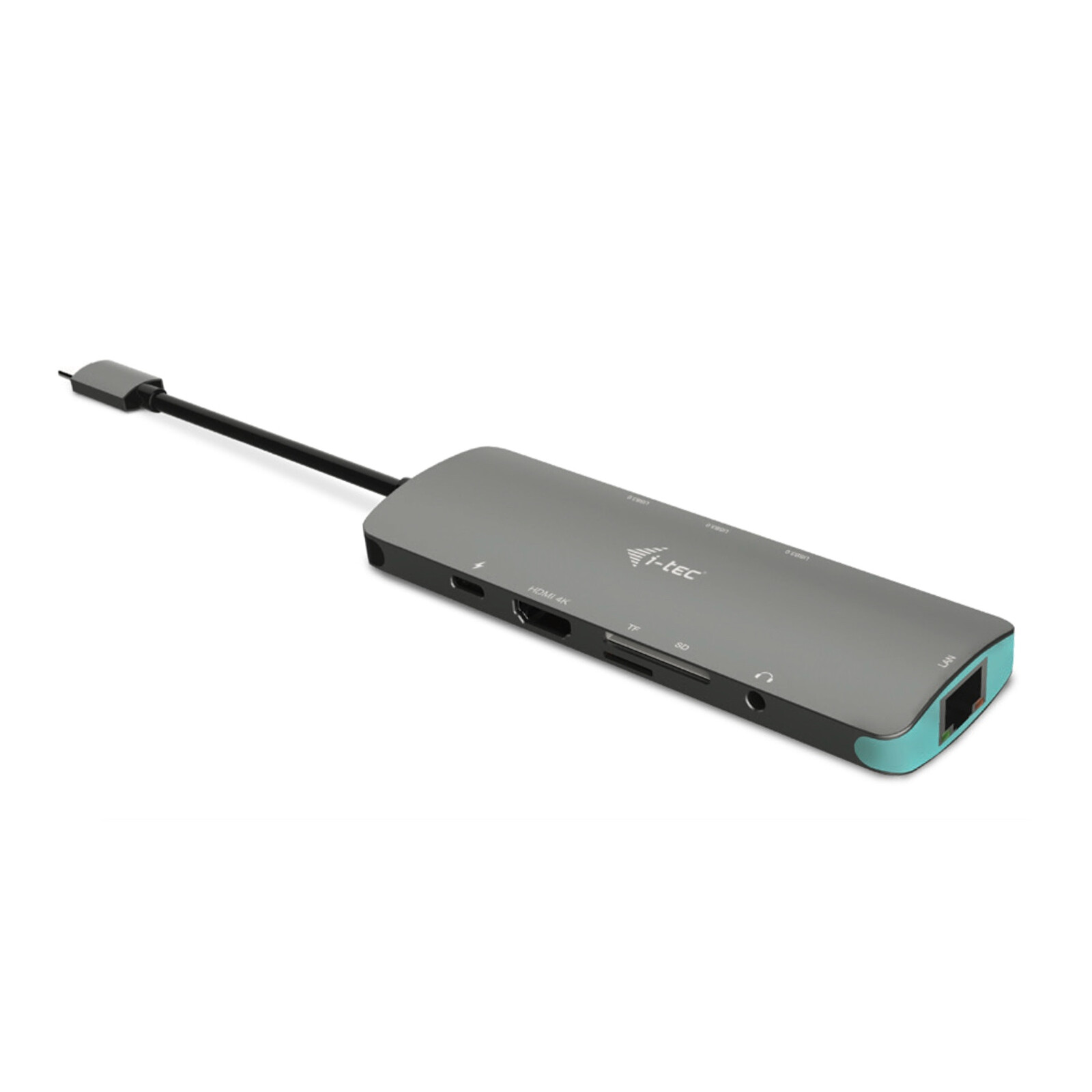
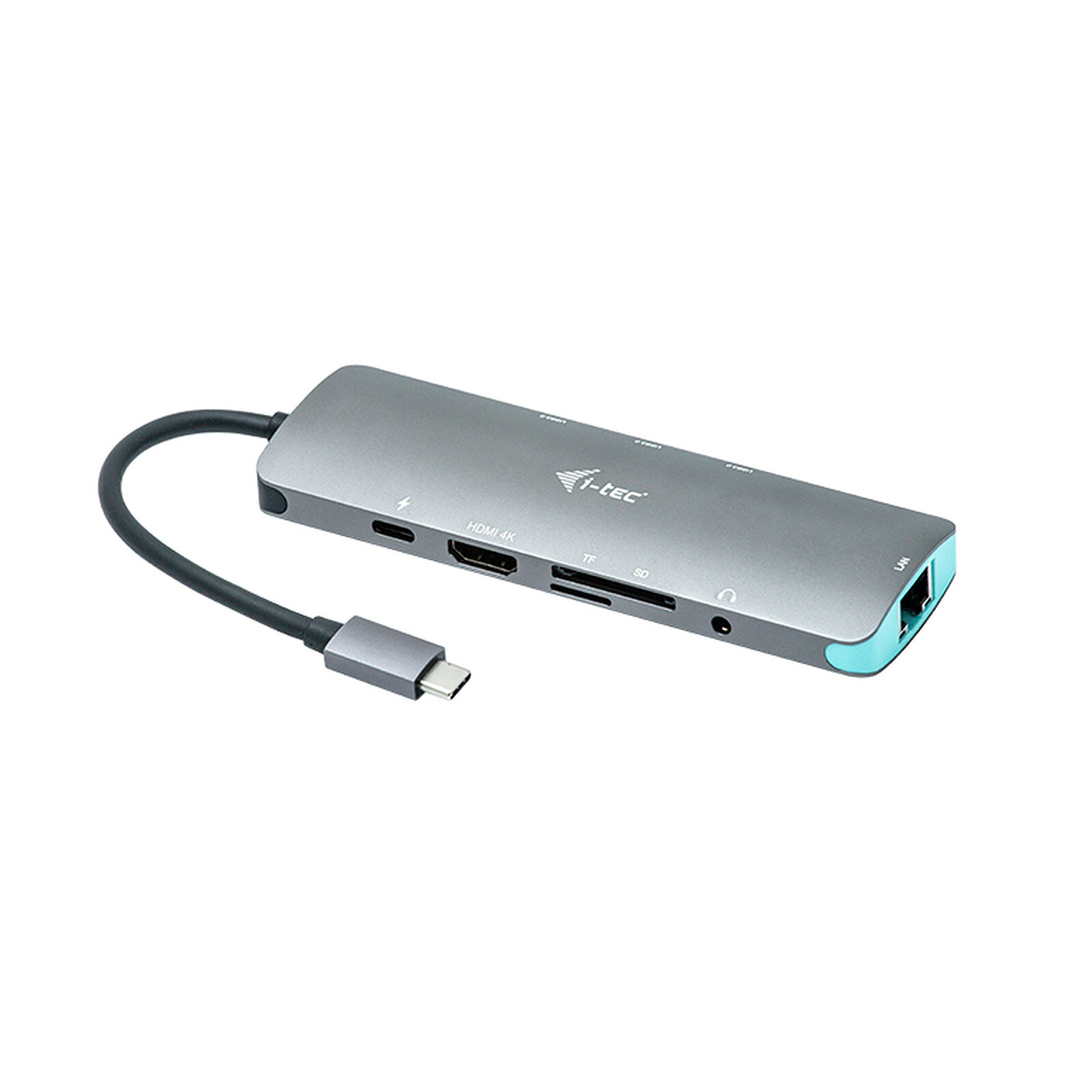
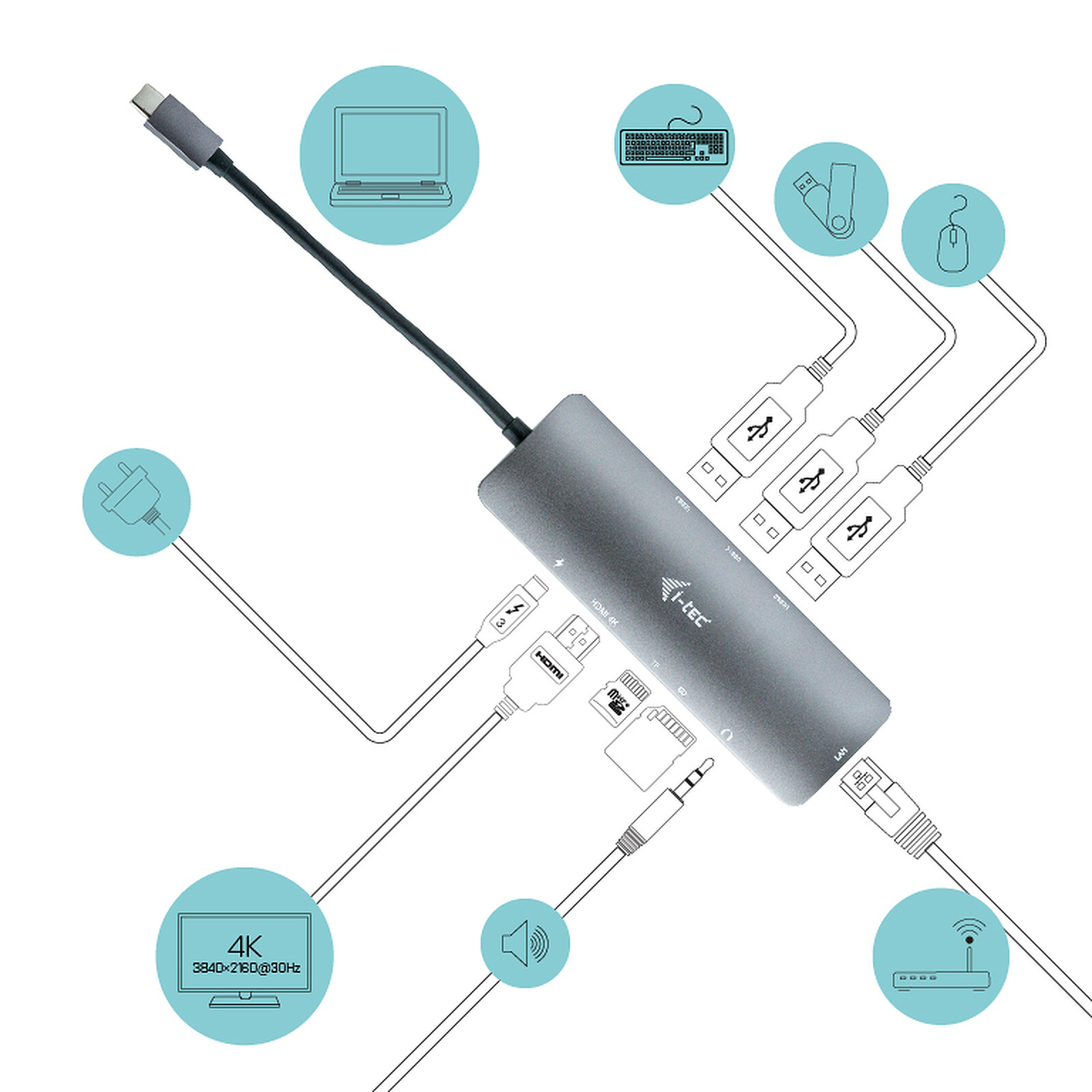
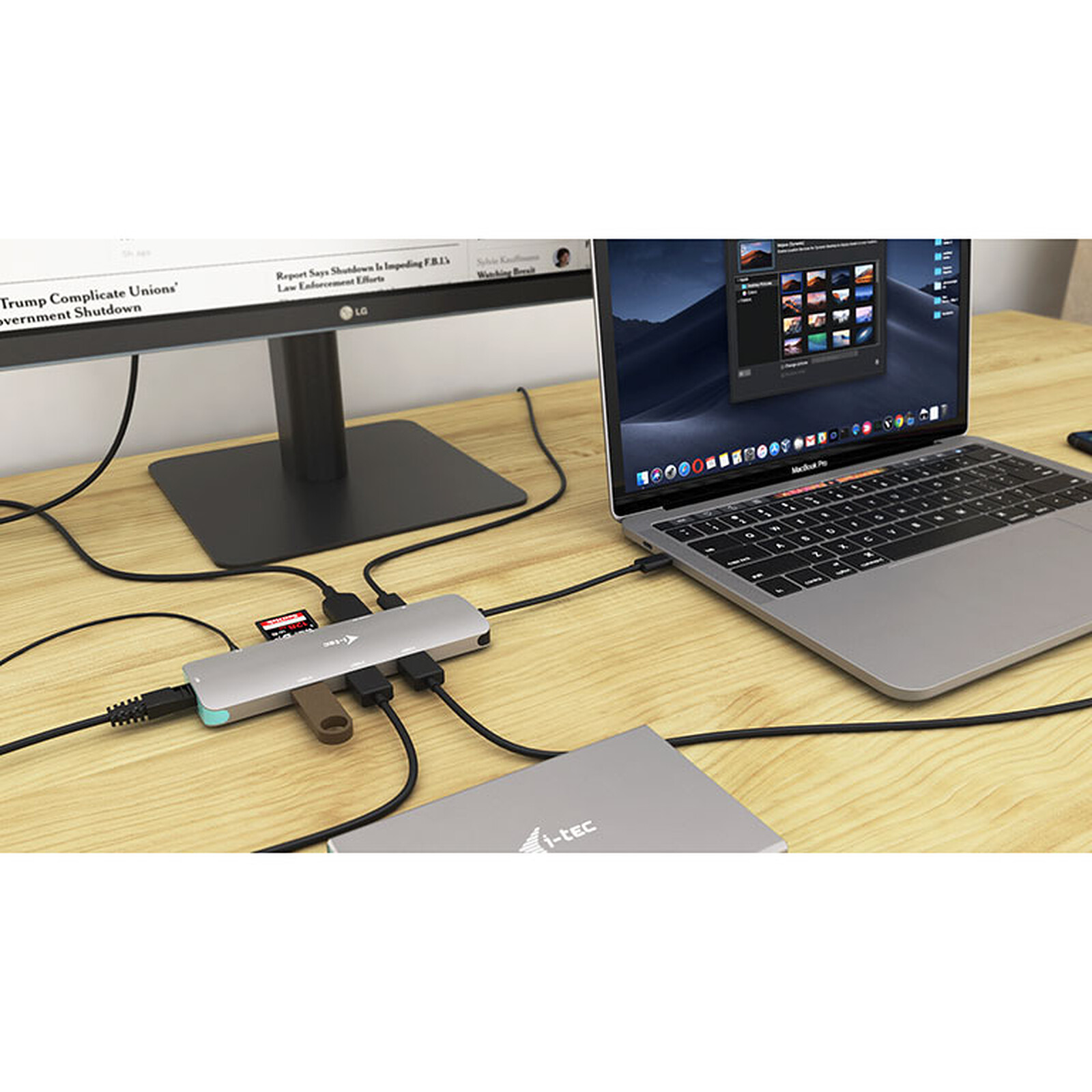
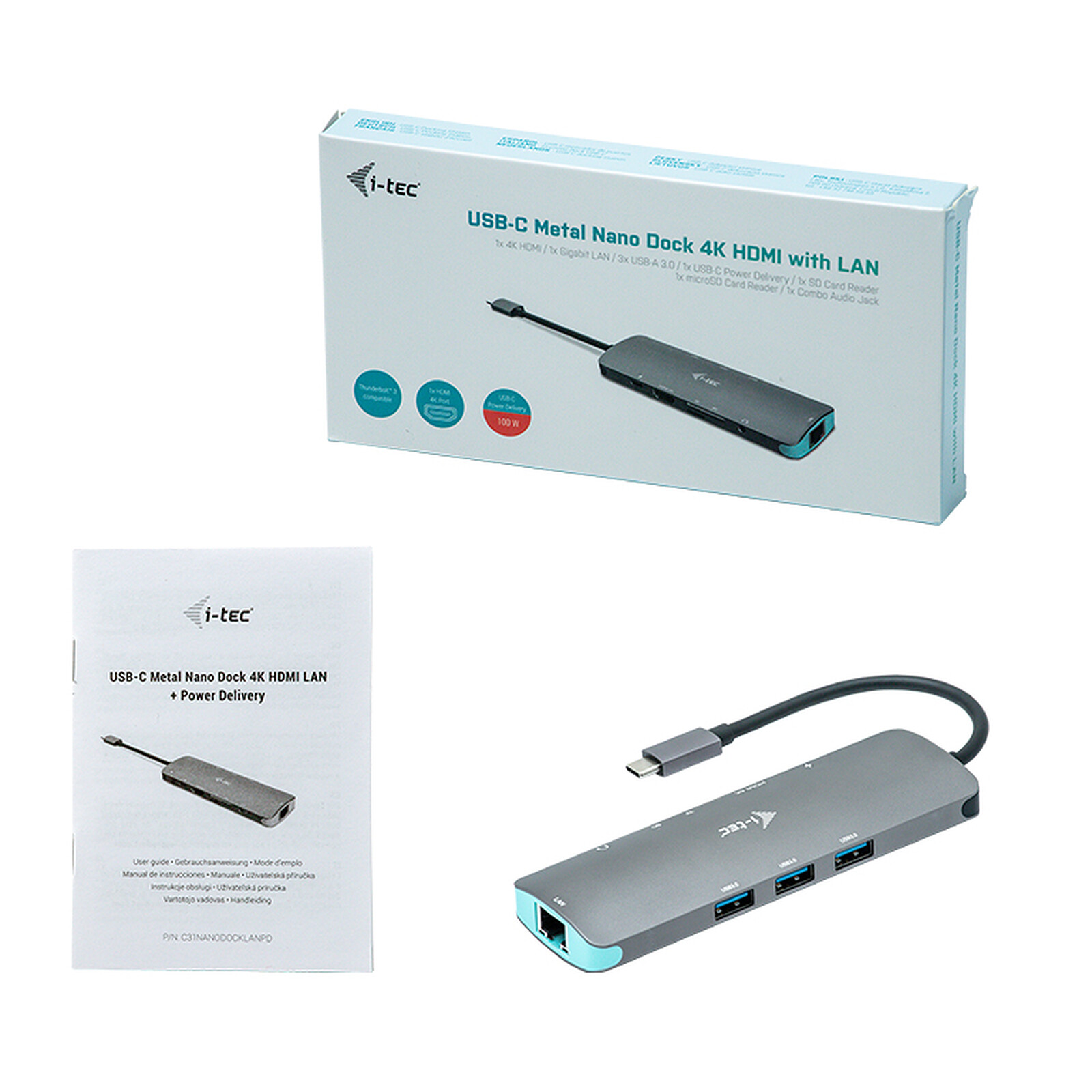
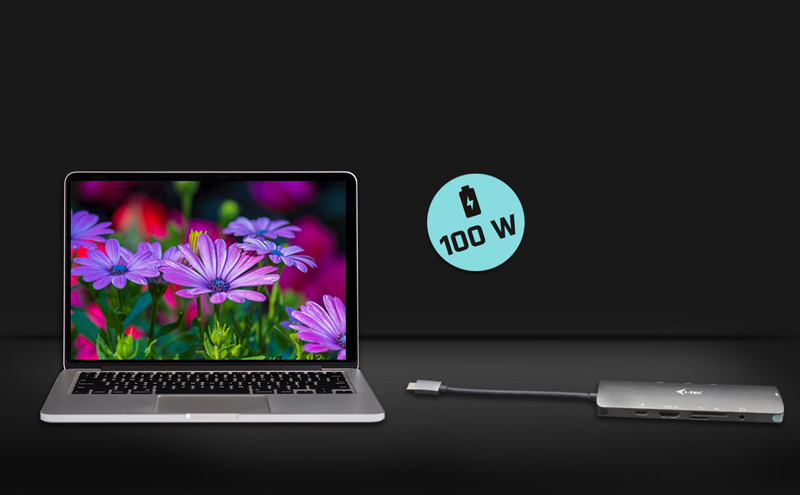
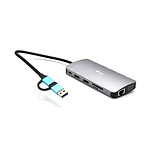
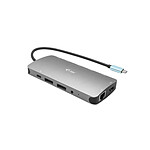
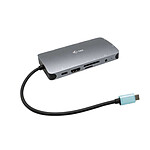
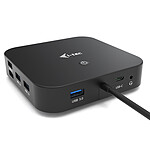
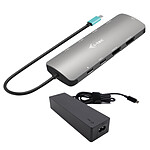
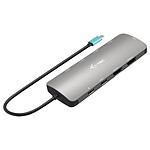
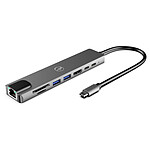
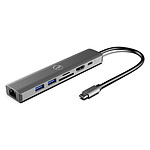
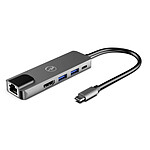
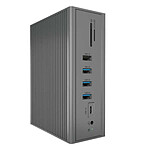
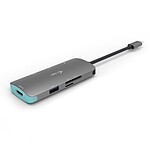
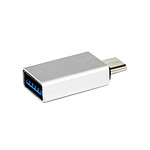
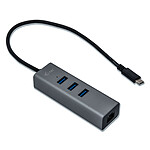
Expand your workspace with an external HDMI display or connect your computer to a projector or TV with this i-tec Metal Nano Dock Station. The dock supports 4K HD video transmission at up to 3840×2160@30Hz as well as audio. This dock can also charge your USB devices thanks to its USB-C Power Delivery which delivers up to 100W. With this power, it is intended for powering your laptop or touch tablet. On top of that, this docking station ensures that you can charge your phone, media player, GPS and other touch tablets. Very practical and functional, this docking station provides you with 3 USB 3.0 ports, an Ethernet GLAN RJ-45 port, a USB-C Power Delivery port, a combo audio jack (headphones and microphone), an SD card reader and a microSD card reader.
Connect the dock via a single (10 cm) cable to the USB-C or Thunderbolt 3 interface port on the computer and you can start using it immediately. Driver installation is done automatically from the system.
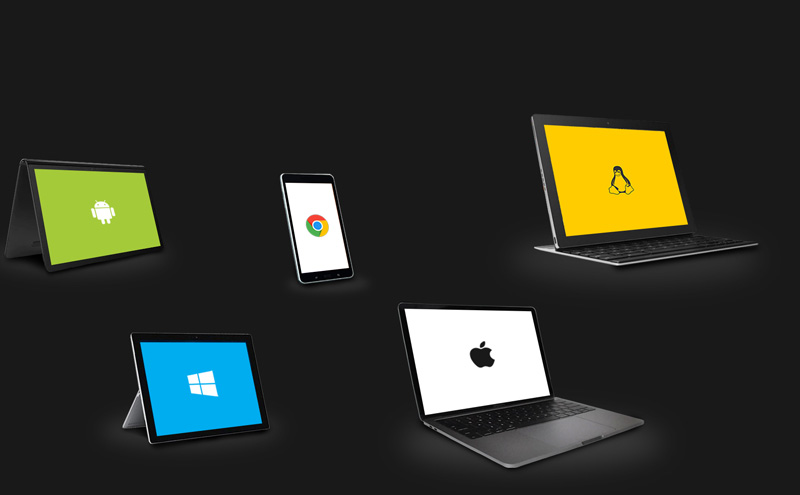
Compatible with all computers and tablets
The i-tec Metal Nano Dock Station is compatible with laptops, tablets or smartphones of all brands and platforms USB-A 3.0, USB-C or Thunderbolt 3.
What's more, it's suitable for Windows and MacOS. And with its included cables, you just need to connect it to start using it.
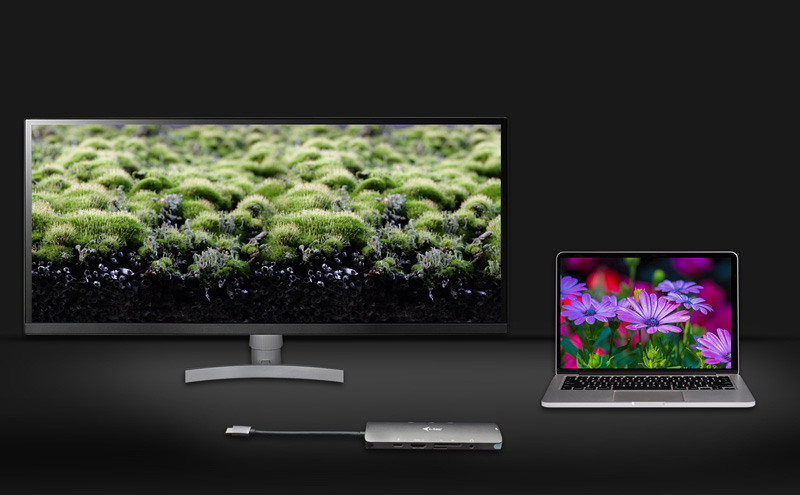
Connect an external 4K display
The i-tec Metal Nano Dock Station lets you connect an external 4K monitor to watch HD movies at home or enhance productivity and creativity in the workplace.
Plus, it's compatible with all USB-C DisplayPort Alt Mode devices.
Full connectivity
Want to connect your printer? Your keyboard? Your mouse? Your external hard drive? Or your smartphone charger? With the i-tec Metal Nano Dock Station everything is possible. Connect all your devices quickly and easily to the docking station.
Of course, it is also possible to connect to the Internet via the LAN connection, which eliminates the variable quality and speed of Wi-Fi networks.
Charge your laptop
The dock also offersUSB-C Power Delivery up to 100W, which is intended to power your laptop or tablet connected to it via the original network adapter.
In addition, the dock supports charging of portable USB devices, such as smartphones, e-book readers, media players and touch tablets.
Main features:
Power Delivery: up to 100W
Video ports: 1x HDMI
1 display - 1x HDMI up to 4K/30Hz
1x USB-C PD port (Power Delivery only)
3x USB 3.0 port
1x Ethernet GLAN RJ-45 port (Realtek RTL8153)
1x SD slot
1x microSD slot
1x 3.5 mm audio jack for headset and microphone connection
1x integrated USB-C cable for connection to equipment (14 cm)
Operating system: Windows 10, macOS X, Android, Google Chrome OS, Linux with latest updates
Product dimensions: 130 x 43 x 15 mm
Weight: 87g
Information provided by our tech department
The power delivery function ensures that a power supply unit is purchased or supplied with the laptop for which this docking station is intended.
Specifications
Select your criteria
General information
Product name
i-tec USB-C Metal Nano Dock Station 4K HDMI LAN + Power Delivery 100W
Works perfectly on Linux machines, I bought 3 over several years (for 3 PCs)
Very practical, sticks easily to the side of a desk, with a small USB-C extension, you just have to plug in the extension (if you have connected a USB-C power supply to the dock)
Review automatically translated
by AdrienS
Posted on 1 Oct 2025
Bought on 3 Sep 2025 from LDLC
Number of reviews: 2Average rating: 9
HUB
This hub is very practical for additional connections, SD, HDMI, MicroSD, headphones and USB. I'd definitely recommend it.
Review automatically translated
by Lionel M
Posted on 12 May 2020
Bought on 24 Apr 2020 from LDLC
Number of reviews: 13Average rating: 8
very good
good and beautiful product
I bought a macbook pro 16'' (very interesting promotion) and found myself in lack of connectors (I had nothing in usb-c) for the network, my printer, my CF card reader (and SD accessory) without counting my DD and even my usb keys...
I can plug everything in at the same time, the speeds are good (I haven't tested the speeds) and it charges my computer ... all with one connector
I don't give it a 10 because of a few little problems with the drivers to get the ethernet network (problem solved with a contact with a Ldlc bag) and a layout of the connectors that is not entirely ergonomic (I wouldn't have put the network at the very end)
Review automatically translated
by EricS
Posted on 29 Apr 2020
Bought on 22 Apr 2020 from LDLC
Number of reviews: 1Average rating: 5
Delivery ok, but not working...
The delivery is perfect, even in these difficult times.
However, I can't get it to work on a Windows 10 laptop.
I thought that USB-C would be ok anyway, but I guess not. Is it mandatory to have USB-C in DisplayPort Alt mode for any mode of use?
If so, do you know how to activate it?
Thanks for your help.
Review automatically translated
Answer by [i-tec]: on 14 May 2020
Hello,
I am very sorry for the inconvenience.
But for the docking station to work, your notebook's USB-C must support "Alternate USB-C DisplayPort Mode" or Thunderbolt3. If your notebook does not have this feature it will be impossible to activate it.
If you are not sure if your notebook supports it, please contact our technical support. They will be able to help you. Our support email address is support@itecproduct.com.
Best regards
The i-tec team
by Bernard M
Posted on 3 Apr 2020
Bought on 15 Mar 2020 from LDLC
Number of reviews: 8Average rating: 9
Beware of the term 'Power Delivery'.
I chose this product to be used as a hub, as well as a power supply, a bit quickly. But it's not a power supply, it just takes the power prepared by a charger itself in USB-C PD and sends it to the machine it's connected to.
It needs to be supplemented with a power supply to power the unit.
Otherwise, it is very complete, the absence of a power supply allows it to be small, so the charger can be placed far away, in a place less valuable than a desk.