software not working
the software supplied with the card is no longer updated for windows 11 and therefore will not work to avoid
Review automatically translated
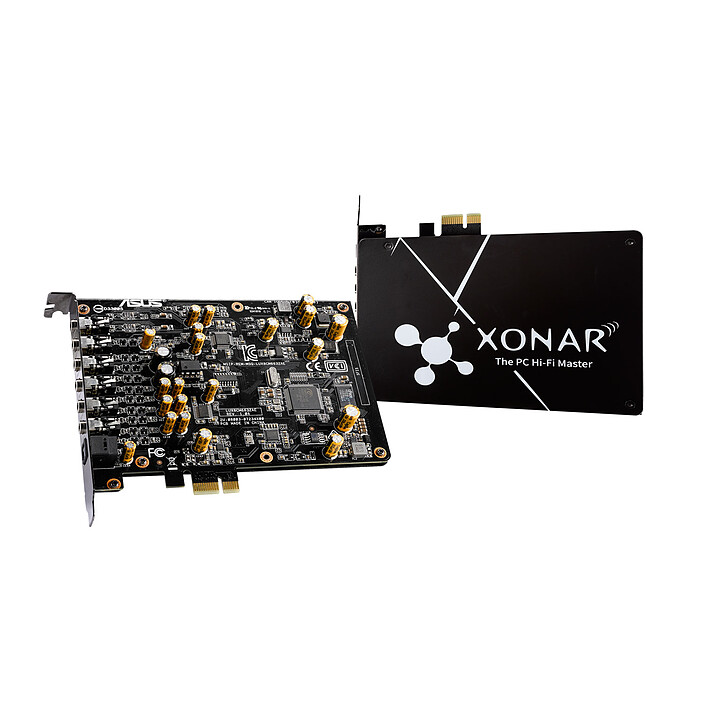
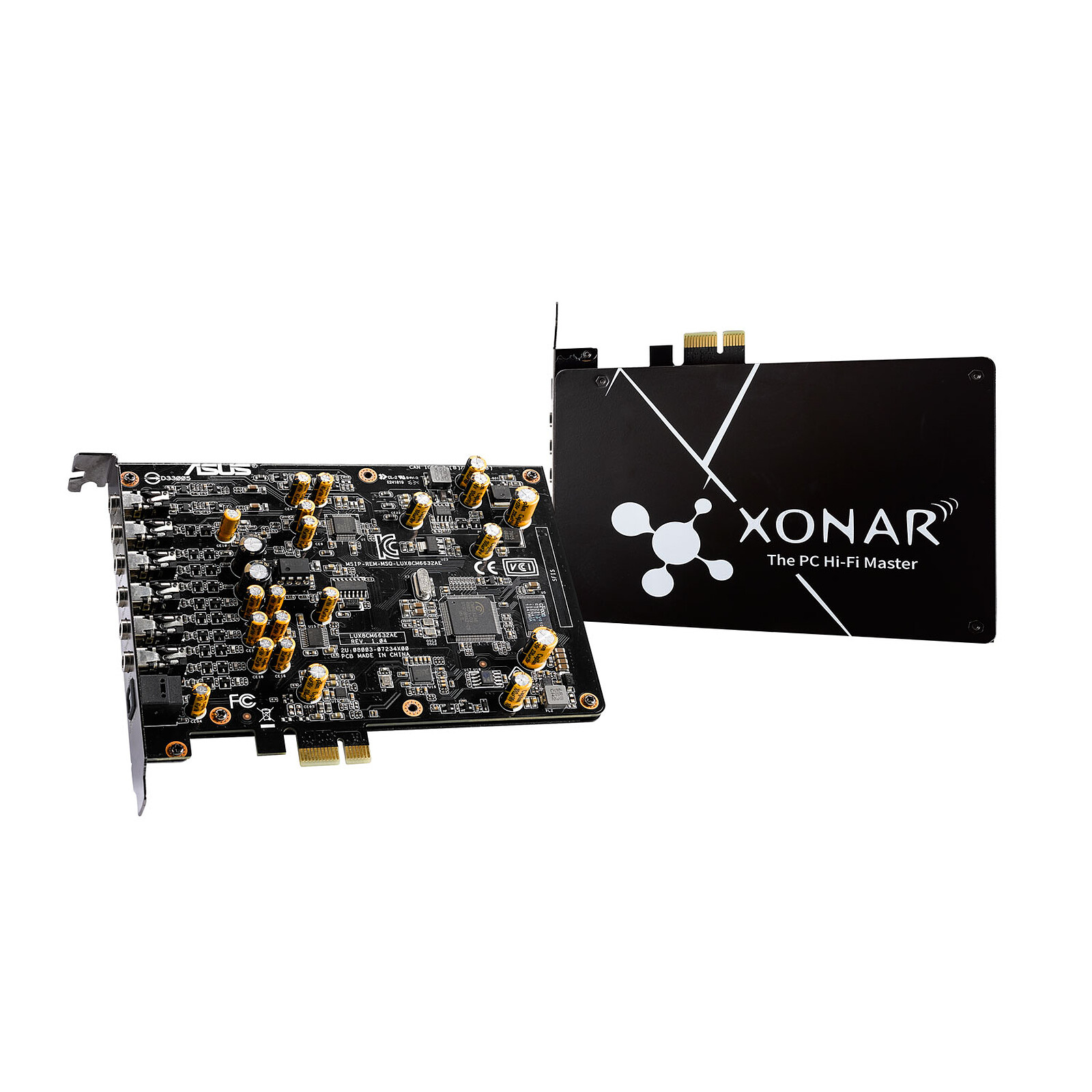
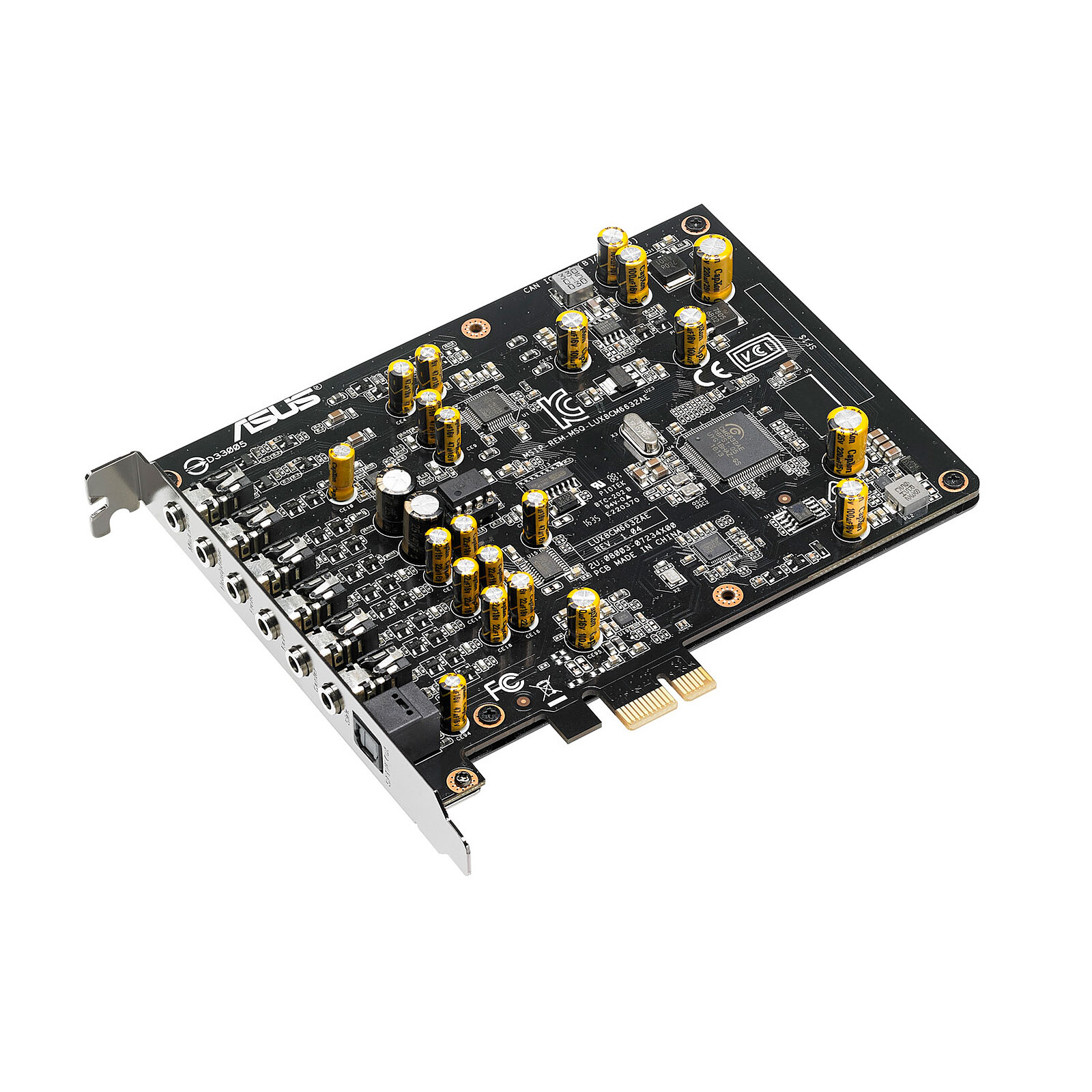
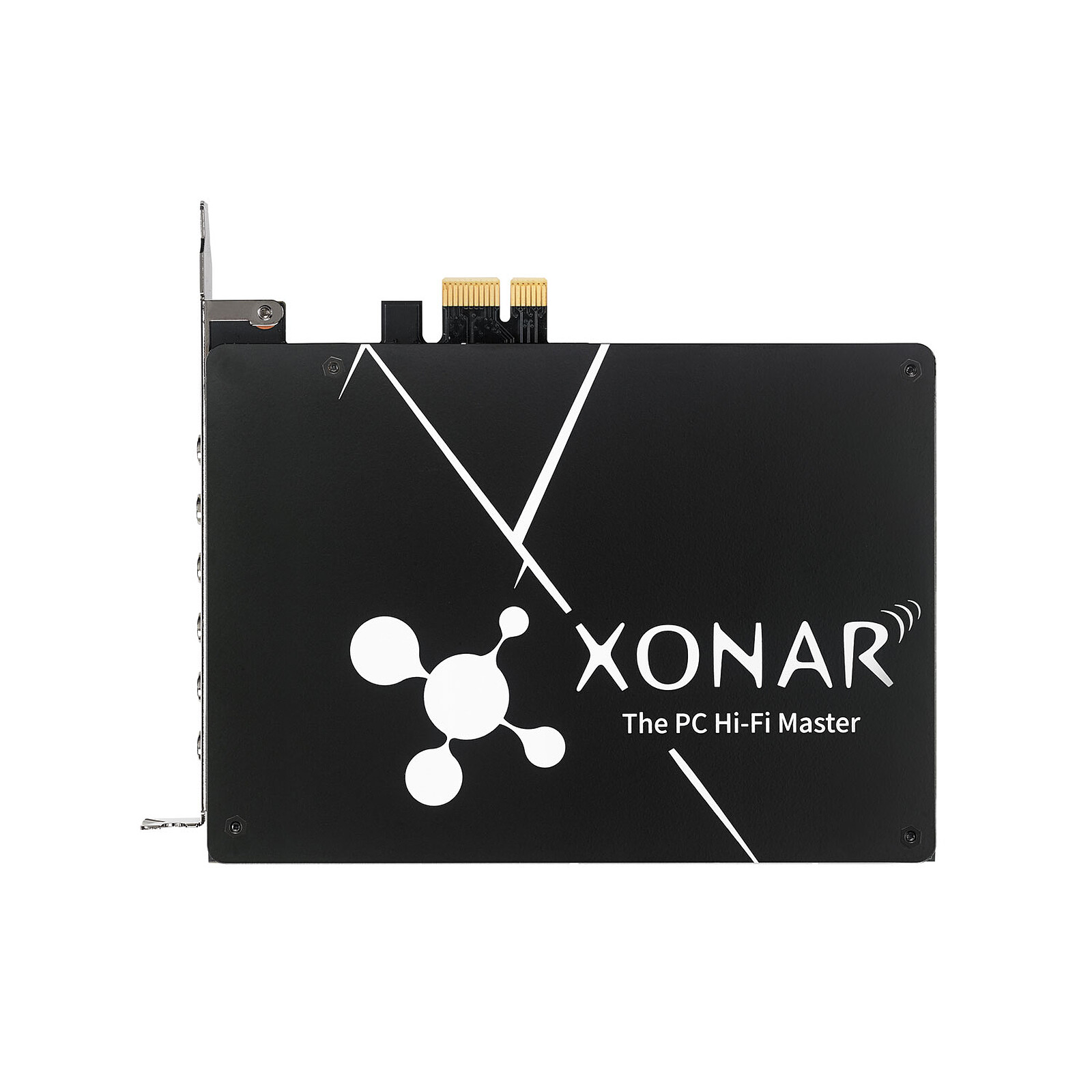
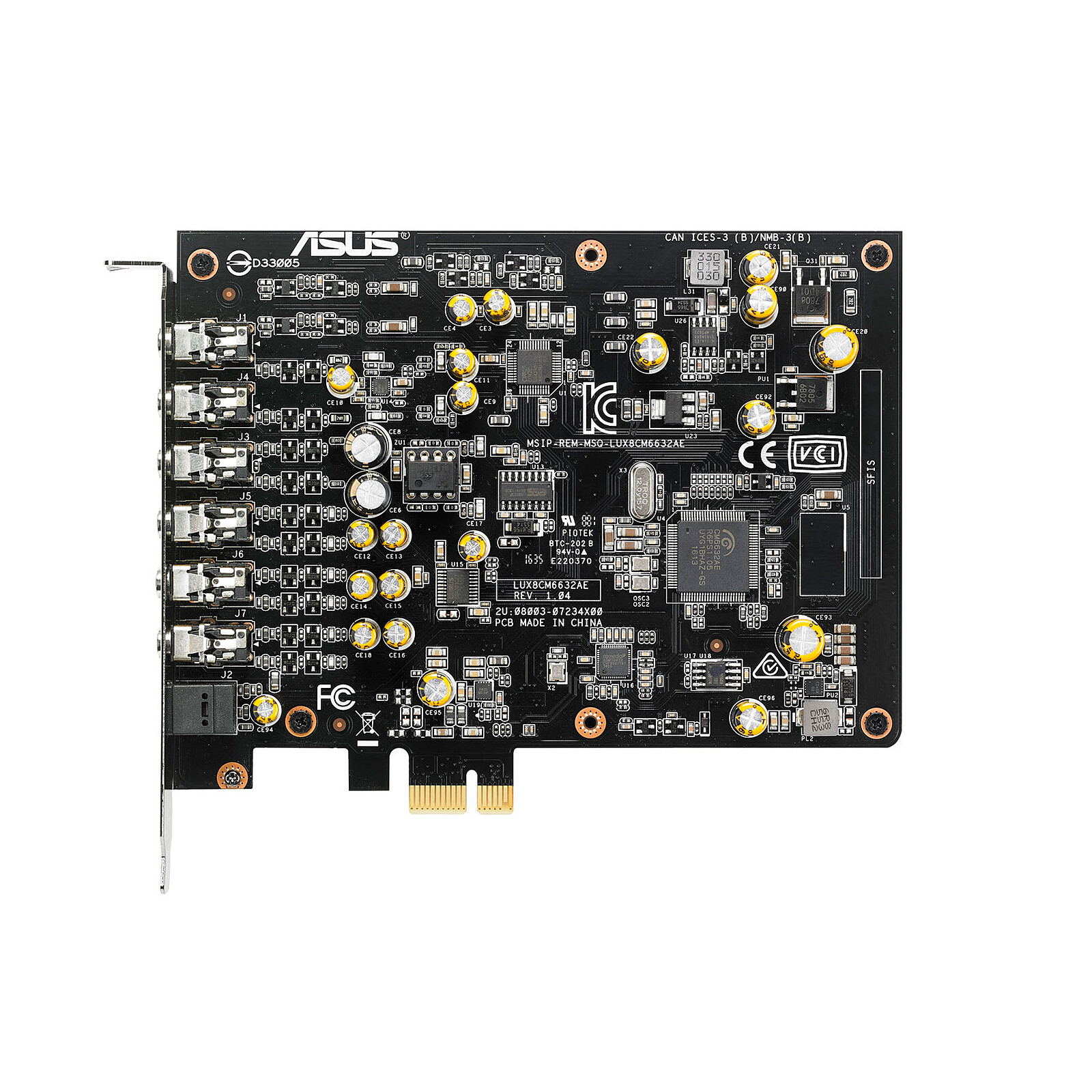
Pictures may differ from actual products

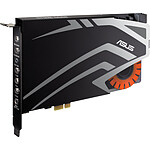
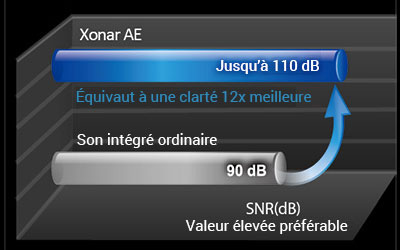
Xonar AE from ASUS is a PCIe gaming sound card designed with high-quality components to meet the needs of gamers who want exceptional sound to get the most out of games and multimedia. Xonar AE provides 7.1-channel, 192 kHz/24-bithigh-resolution audio output with a high signal-to-noise ratio (SNR) of 110 dB. It incorporates a 150-ohm headphone amplifier that reproduces rich, detailed sound with well-defined bass. An exclusive EMI-resistant backplate suppresses static noise for incredible sound clarity.
With up to 7.1-channel output and support for 192 kHz/24-bit high-resolution audio, Xonar AE lets you enjoy cinema-quality sound while gaming, watching movies and listening to music.
Xonar AE features an exchangeable operational amplifier that allows you to customise your listening experience easily - no soldering required!
Xonar AE features the latest Sonic Studio software suite, so you have full control over every audio technology from EQ to 7.1 speaker load balancing. Sonic Studio has a single navigation page that puts everything in front of you, with an intuitive point-and-click interface that lets you preset audio profiles to suit different acoustic requirements.
Sonic Studio includes controls for Perfect Voice, the noise cancellation technology that allows you to communicate more clearly while playing.
The ES 9023P high-fidelity digital-to-analog converter delivers exceptional sound quality with a signal-to-noise ratio (SNR) of 110dB for 12 times the clarity of conventional integrated audio chips.
Given that many gamers choose to play while wearing headphones, the Xonar AE features ahigh-end 150-ohm amp that delivers detailed, intense sound with punchy, clear bass.
ASUS-exclusive Hyper Grounding PCB construction ensures strong signal isolation to reduce distortion and interference, also known as crosstalk between components.
Xonar AE features an exclusive EMI-resistant backplate that blocks static noise to provide you with the best audio experience.
 Select your criteria
General information |
Product name |
ASUS Xonar AE |
Brand |
ASUS | |
Model |
90YA00P0-M0UA00 | |
Technical specifications |
Chip / DSP |
C-Media 6632A |
Bus |
PCI Express x1 | |
Low profile |
No | |
Number of audio channels |
8 | |
D/A converter |
24 bits / 192 kHz | |
A/D converter |
24 bits / 192 kHz | |
DLS 1.0 |
No | |
External inputs |
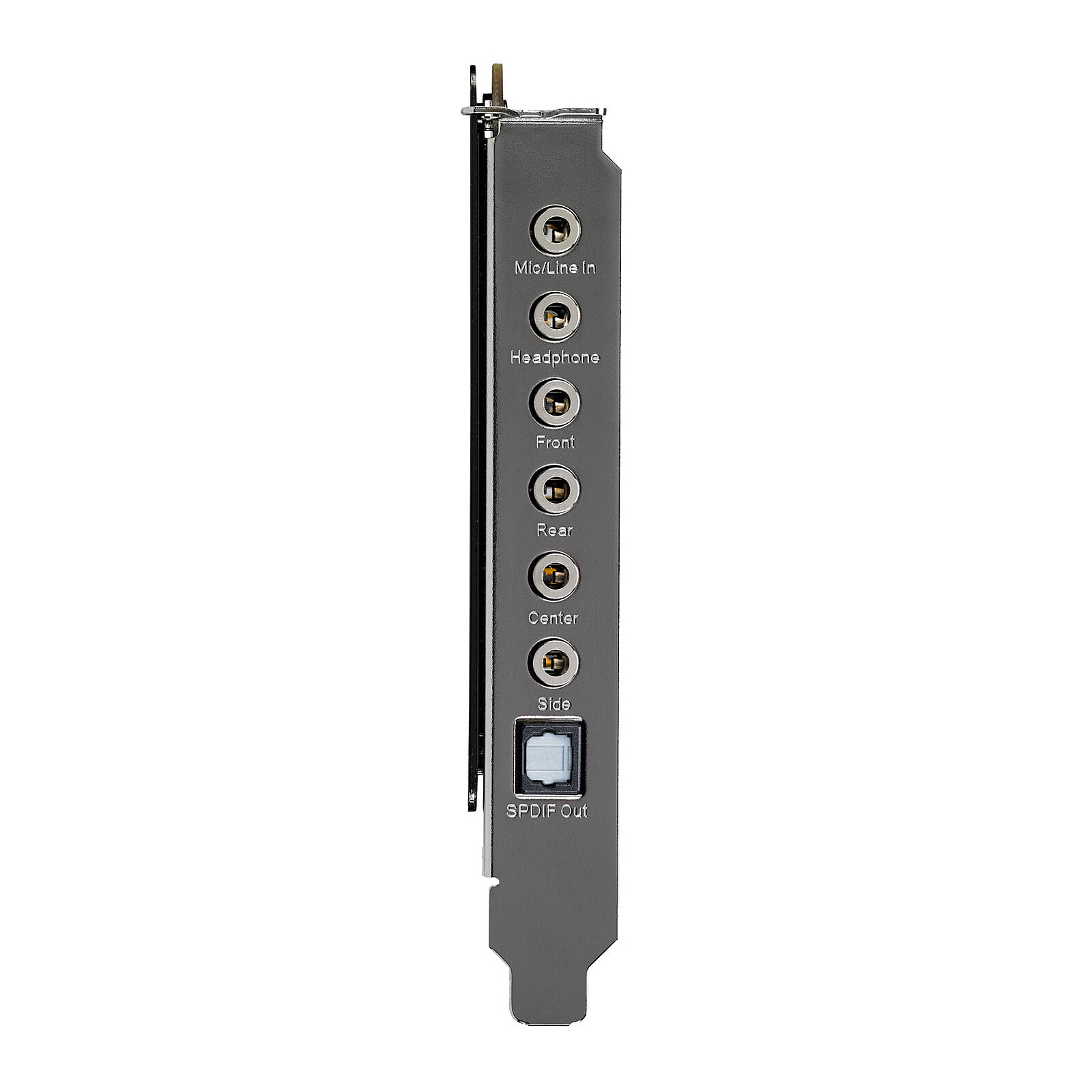
1 X Line IN (3.5mm Jack Female) | |
External outputs |
1 X Digital audio S/PDIF Optical | |
| 5 X 3.5mm Jack Female Stereo | ||
Gamer |
Yes | |
Warranties |
Commercial warranty |
Seller 2 years
|
Legal warranty |
See terms & conditions
|
|
Safety Information |
Responsible person |
ASUS Computer GmbH |
Postal address |
Harkort STR. 21-23, 40880 RATINGEN, GERMANY | |
Electronic Address |
ProducSafety@asus.com |
See all ASUS products
Product referenced on 28 Nov 2017
the software supplied with the card is no longer updated for windows 11 and therefore will not work to avoid
Ultra-simple installation and configuration on the PC without a problem
With a logitech 5.1 sound system, perfect for video editing or simply for listening to music in good conditions
Hello
A good sound card recognized directly under ubuntu 20.04 LTS and archlinux with good speakers it does the job well
I recommend
This sound card offers a very high sound quality. I am not disappointed!
It sends the signal to a Logitech Z906 5.1: Great, powerful and immersive sound!
The small black EMI plate adds a welcome aesthetic touch.
The software supplied with it is very simple and quite complete: an opportunity for customisation and parameterisation that is as good as it gets.
Note: the driver version on the CD may be buggy/outdated.
Go here to get the latest version and also choose your OS:
https://www.asus.com/Motherboards-Components/Sound-Cards/All-series/Xonar-AE/HelpDesk_Download/
To conclude: I recommend for those who absolutely want to have a perfect and customizable sound! But you have to be honest, it's still quite expensive. Most high-end motherboards have audio chipsets that already do a good job.
It's up to you to decide what you need!
PS: I have not tested the sound via headphones
I'm happy with this sound card, which is much better than my motherboard's Realtek integrated chipset. And above all, I don't have to install the messy drivers from Realtek, which sometimes forgets to install the control panel.
The Asus audio configuration software is simple and efficient.
In my opinion, good value for money.
Thank you LDLC for the perfect delivery.
Fifteen years ago, I never thought I would see the end of the SoundBlasters domination.
But time flies and today ASUS impresses me with this sound card that offers a phenomenally pure sound. On 192khz/24bits samples, there is really a difference with my old sound cards, I took a big slap (with small baffles).
There is also the Sonic Studio software, which offers some gimmicky options, the equalizer is not very accurate, but I must admit that the pre-set profiles are not useless.
A sound card at the right price with these documents etc, and its CD to install the driver in question, directly plugged into my CM my windows 10 directly recognized and my bios directly made an update for this sound card (Knowing that I have a Z170a from MSI).
The sound of the microphone is well retranscribed or even clearly improved, but the pre-parameterized profiles are rather poorly done and is not adapted to all headphones ...
I'm not sure if it's a good idea to use the Z170a or the Z170a, but I'm sure it's a good idea to use the Z170a and the Z170a.
Or when it's set to FPS mode (on PUBG), umm how can I say that it sounds like I'm in a church shooting a gun, it makes a crazy reverb. It's a great way to get your head around it, and to switch to "neutral" mode.
So you have to adjust everything yourself to find the right compromise of what you want.
I'm not sure how long it will last, but I'll have to see how long it lasts (if the sockets don't crackle when I plug in my headphones) and if I'll have to use other headphones (I've got an HS50 from Corsair) for now.
The chipset on my motherboard is of better quality. The sound is flat and unbalanced. I'm not sure if it's a good idea to have the latest version of Windows to install the driver... I strongly advise against the Xonar AE sound card.
Trending now: Gaming sound card