
Streamer
Guide

I want to stream in style...
How should I gear up?

Share your craziest gaming sessions, tell the story of your gaming achievements, or simply showcase your latest discoveries: anyone can stream to the whole world... But before fame arrives, which equipment should you choose? All the answers are here...
 

Understanding better

1- What is "streaming"?

Setup

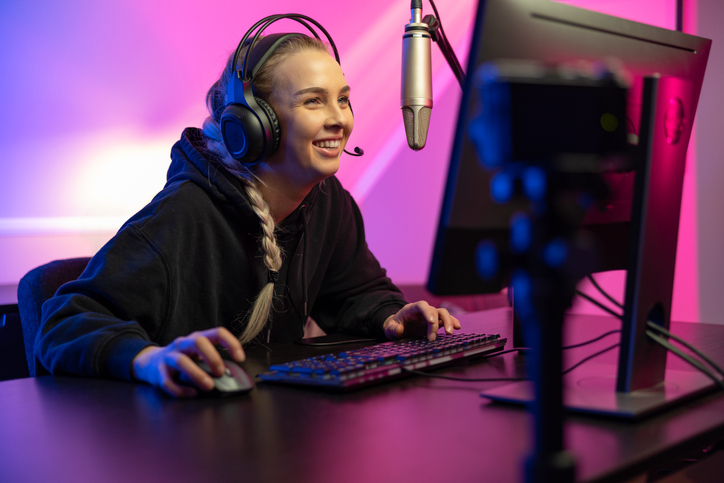
On YouTube or Twitch, thousands of people are now trying their luck to become the next stars of gaming. But what does streaming actually mean? In simple terms, it means broadcasting live videos on the internet — playing games (the latest trending ones... or not) live in front of hundreds of viewers. Of course, it requires talent, charisma, or maybe a good dose of humor or storytelling skills... but it also requires the right equipment to stream efficiently. Does it seem expensive or complicated? Not that much... You just need to proceed methodically. And above all: according to your budget! Don't break the bank on the latest high-tech microphone just to share three jokes with your eight subscribers!
2- I want to stream...

Streaming

On my PC!

Alright, great. But will you use a single PC to do everything (gaming + streaming), or are you lucky enough to use two PCs (one for gaming, the other handling encoding, etc.)?
If it's the first case, make sure your setup is powerful enough to avoid lag: at least 16 GB of RAM, and an Intel Core i7 or AMD Ryzen 7 for your processor (32 GB recommended if you combine gaming + streaming + Discord + several browser tabs). That's the minimum needed to handle both at the same time without too much difficulty! And think ahead: performance demands keep increasing with modern AAA games!

If you can use two PCs, the one handling the stream doesn't need to be extremely powerful. It mainly needs a video capture card to retrieve your gameplay feed... and that's it!

On console!

Depending on your console, you can either stream directly using a built-in option (PS5, Xbox Series X/S), or — again — use a video capture card (Nintendo Switch). Otherwise, sharing your gameplay simply won't be possible...

The Streamer Toolbox

Capture box or capture card

Capture

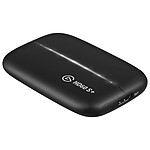
Whether you're on PC or console, a video capture device will undoubtedly improve your streaming (and in some cases it's even required)! It prevents your computer from using all its processing power and allows the console to send your video stream. Still hesitating? Take a look at the available features — they might easily convince you...

  • The card: installed directly on your motherboard, often the most powerful solution with the most features!
  • External box: ideal for consoles, more convenient and easy to carry anywhere!

In any case, make sure its USB or HDMI connections support the latest standards, and if possible include an audio output for added convenience.


What about my terrible internet connection?

Network

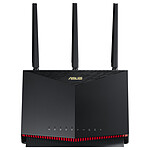
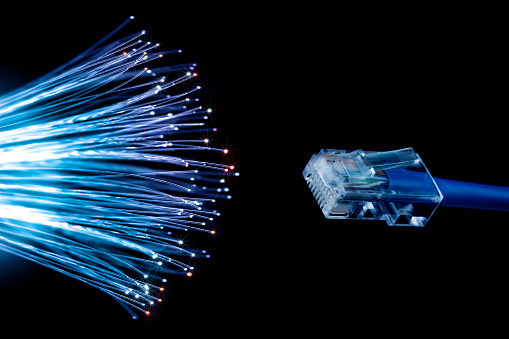
Streaming means sending a live feed over the internet! Which means you depend entirely on your connection... If you want to improve your network performance, consider getting a gaming router: it will make your connection faster and more stable. Also avoid dividing your bandwidth by multiplying active connections... And let's be clear: fiber internet is your best friend!


Me in FULL SCREEN <3

Camera

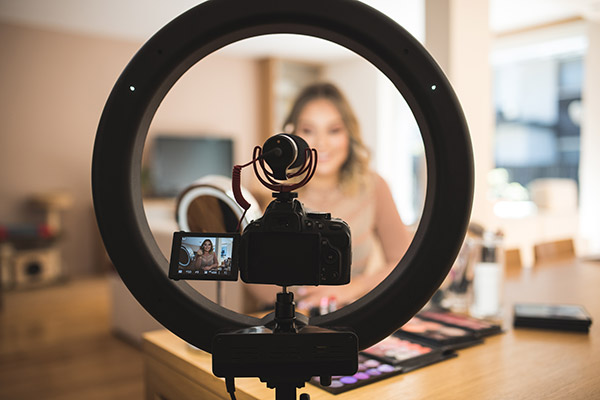
Streaming is great, but showing yourself is even better! Giving a face to your gameplay is a great way to attract viewers and, above all, keep them coming back. To highlight your natural charisma (or just your funny face?), choose a webcam capable of 60 frames per second. The higher the resolution, the longer it will remain relevant — so 4K is far from a luxury.
Also consider its field of view: do you prefer a wide shot or a tight frame on your face? Other features may also help you decide: autofocus, built-in lighting, automatic background removal (ideal if you don't have a green screen)...

And don't forget the connection: via USB (latest generation please) for convenience, or directly to your motherboard or capture device for better quality. The choice is yours!


1-2, 1-2, can you hear me?

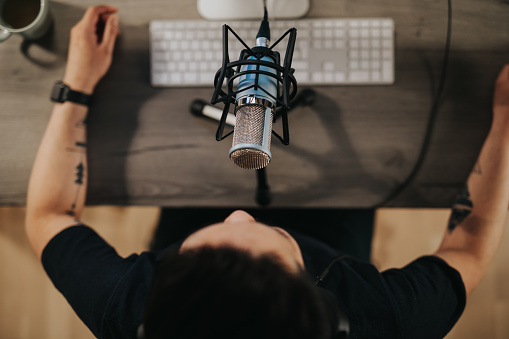
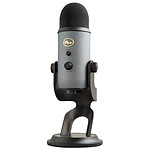
Microphone

Forget about using the microphone from your webcam (or even your headset): the sound quality won't be great and may drive your viewers away. In fact, this is one aspect you should never neglect!
Many microphones are available depending on your needs: cardioid (reduces distant noise), omnidirectional (records sound from all directions, ideal if several people are playing on different PCs), bidirectional (not very useful for streaming but perfect for interviews)... or all of them at once (called “multi-pattern”, adapting to your needs).

For connections, check whether the microphone uses a jack plug or XLR. An XLR connection provides better quality and is often used by audio professionals, but requires a sound card in your PC — or an audio interface.


Lights, camera...!

Light

Having a good light is essential if you don't want to depend on the (often dark) lighting of your streaming cave. Without spending a fortune on professional studio lighting, you can simply use a small LED panel designed for streaming that allows you to adjust your lighting atmosphere. Of course, think carefully about where you want to place it, and therefore the size of its stand, etc. Trust us, it will instantly make a difference!

The extra touch? A personalized lighting signature with smart lighting.


And everything else...?

Accessories

The success of streaming has made it easier to find some very useful tools... In short:

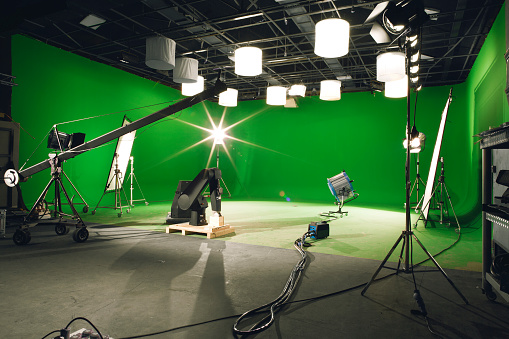
Green screens: they allow you to place gameplay visuals behind you (or even your cat if you want...), although many cards and software now provide automatic background removal.

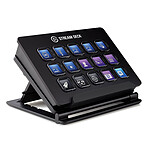
The Stream Deck: for even more comfort and responsiveness, Elgato's Stream Deck is a small control box that lets you manage everything with a single button. A real mini production console: trigger sounds, display images, change cameras or lighting instantly... and of course, we love it!

Related categories:

*