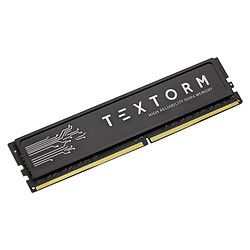
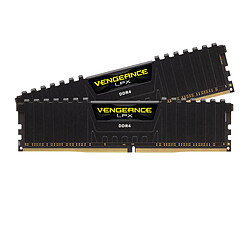
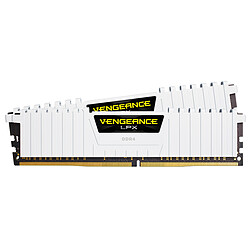
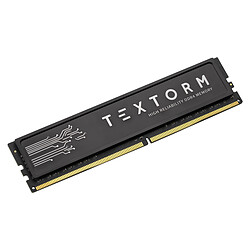
Everyone says: the more “memory” your PC has, the better! But after all... do you really know what “RAM” is for? :)
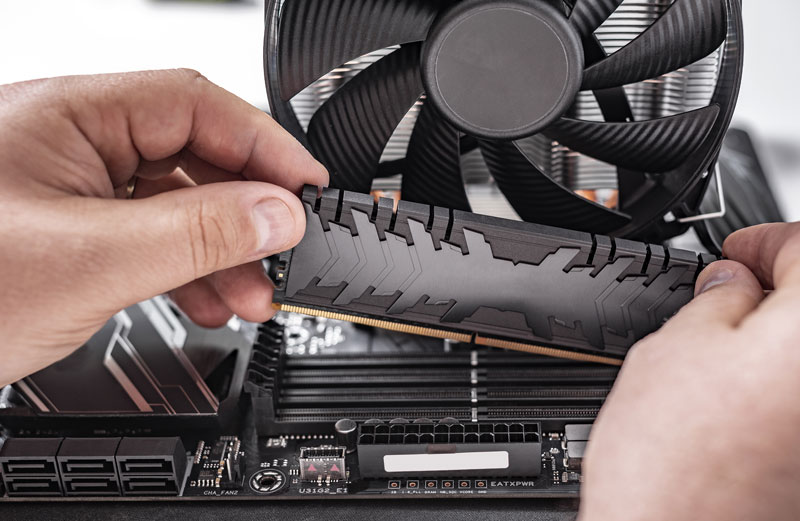
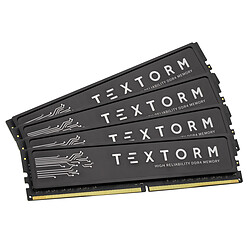
These little sticks pluggable into the computer's motherboard are a bit like its short-term memory.
They allow the processor to temporarily store data from your games, software and operating system (Windows, macOS...) when they are in action.
To sum up... the more RAM you have, the more programs you can run at once, and smoothly too!
What type of memory to choose?
DDR2, DDR3, DDR4, DDR5... it can be hard to find your way around! For a recent PC or a new configuration: choose DDR5 , the current standard. However, if you want to increase the performance of an existing PC, first check which standard it is running on, i.e. the compatibility of your motherboard. DDR3 or DDR4 memories are most often used for older configurations.
Which format?
There are 2 formats:
- DIMM (long ones): for desktop computers
- SO-DIMM (short ones): for laptops
Easy, peasy!
Which capacity?
The number of GB corresponds to the space available to store and process your data. Good to know...
8 GB: today this is the minimum recommended
16 GB: ideal for gaming, working and multitasking comfortably
32 GB: recommended for advanced professional use, such as video editing, 3D or professional software
64 GB: for very demanding needs, heavy creative work and workstations
And what about frequency?
Expressed in MHz, it is the speed of your memory.
So the bigger the number... the faster it is ;) However, there are a few things to keep in mind:
- With DDR4:
- 3200 MHz = excellent performance/price ratio
- 3600 MHz = a slight additional performance gain
- With DDR5:
- frequencies start higher, from 4800 MHz and above
- the gain also depends on the processor
Above all, check the compatibility between your sticks and your motherboard.
To do so, check the frequencies supported by your motherboard on the technical data sheet of our website or via our PC builder!
How many sticks should I take?
The “Dual Channel” technology allows you to benefit from a speed gain of about 10% if you take your sticks by 2, for example 2 x 4 GB / 2 x 8 GB / 2 x 16 GB, etc. You can also take them by 4 if your motherboard has enough slots. You don't necessarily have to use the same brand: they just need to have the same technical specifications!
And to cool all of it?
More and more, RAM sticks are supplied with a heat sink or radiator. Beware, except to look pretty or to overclock your PC, this is not useful... and yes, RAM hardly heats up at all!
One last tip: Be careful with RAM sticks that have a large heat sink on top. This may interfere with the installation of the CPU fan.
If you have any doubts, do not hesitate to ask our customer service.