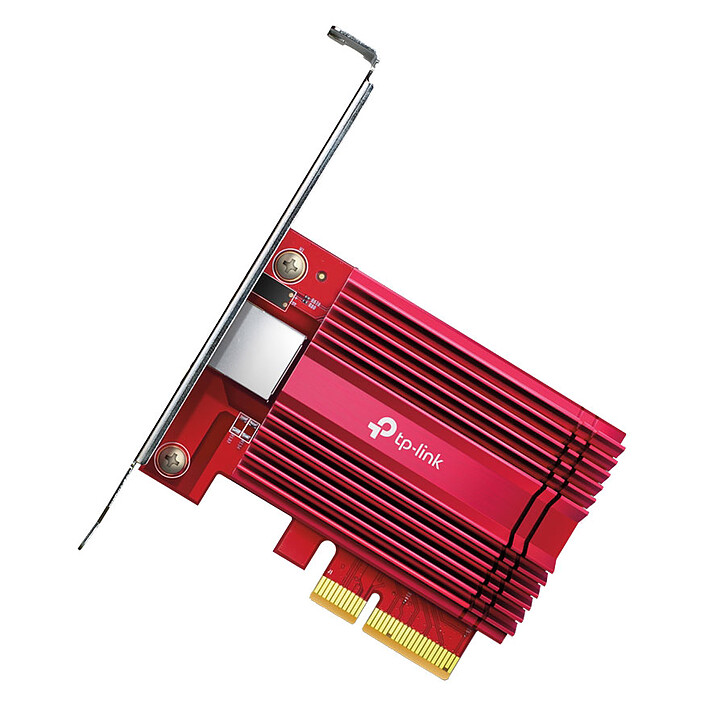
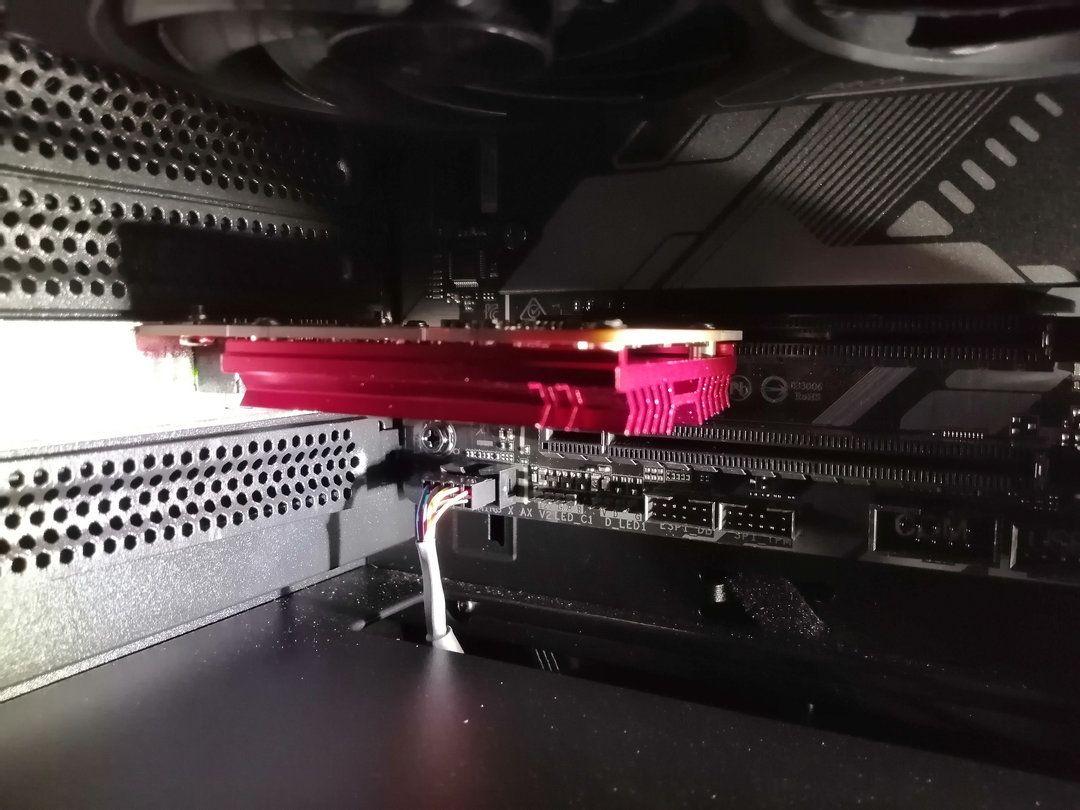
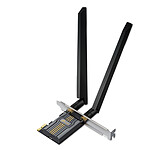
The installation was trouble-free, and it worked immediately without any problems under Fedora Linux, and the connections were immediately synchronised at 10Gb. The card also has a very confident appearance.
Yes, there are great speeds, but the card disconnects several times a day. I have to "reboot the adapter" regularly for it to come back (sometimes it solves the problem for a day, sometimes for ... 10 min).
I'm going to send it back and order another model.
Product as described. Plug and play. 10ghz Ethernet working. I would recommend this product.
Review automatically translated
by ThomasN
Posted on 24 Sep 2025
Bought on 27 Aug 2025 from LDLC
Number of reviews: 1Average rating: 10
Opnsense
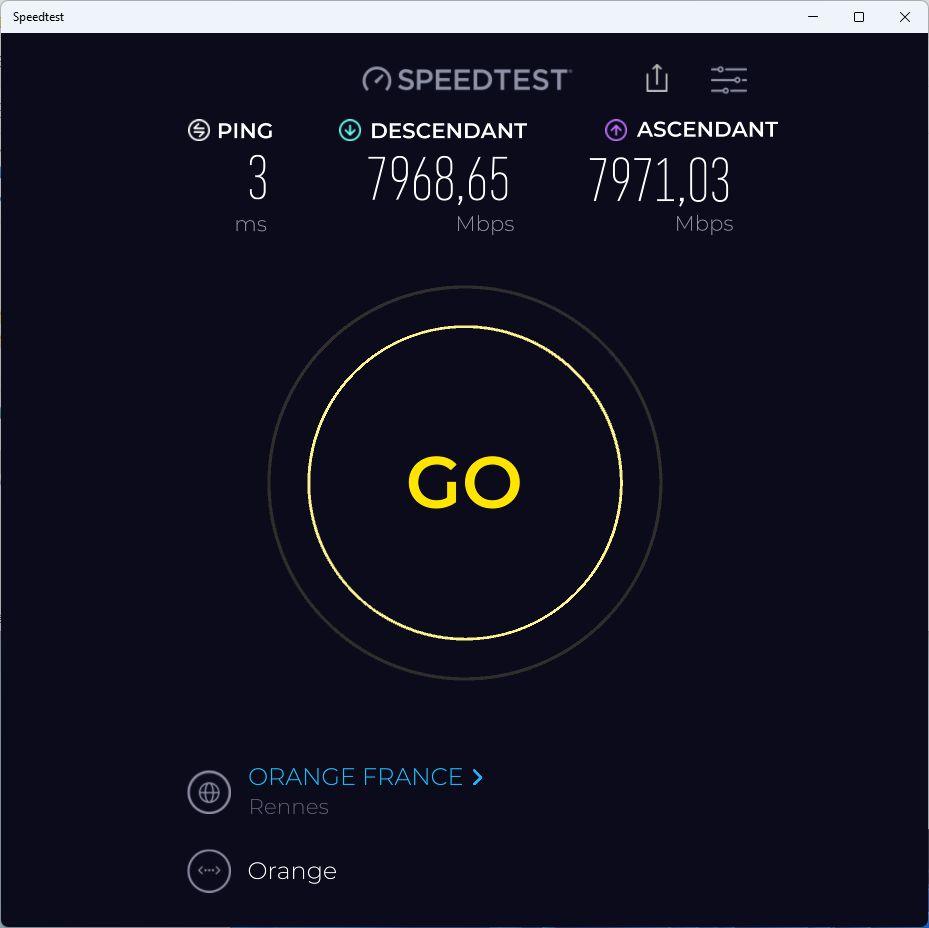
Does the job under kvm virtualised opnsens (interco opnsense/livebox), max operator throughput reached (8gb/s)
Review automatically translated
by nono
Posted on 29 Jul 2025
Bought on 18 Jul 2025 from LDLC
Number of reviews: 19Average rating: 9
Good, but a bit tricky to install
After connection, the card was not recognised at all by Windows (11 in my case). You therefore need to install the tp-link driver (here https://www.tp-link.com/fr/support/download/tx401/).
The little CD doesn't do much, as I don't have a CD drive on my PC.
But I had a lot of trouble with this installation. I had no internet, nothing to do. I tried everything.
If I plugged the ethernet back into the motherboard, I had internet again. So there must be a problem with this card and/or driver?
Obs. If I unplugged the cable from the motherboard and plugged it back into the adapter, I'd have a network for about 20 seconds and then nothing again.
I have 2 PCI Express 3.0 ports at the bottom of my motherboard, I had plugged into the one at the very bottom. I decided at random to change PCI ports and plug the card into the top port, and miraculously everything worked.
I'm using a cat 8 network cable. I can benefit from my operator's maximum speed.
Review automatically translated
by JeromeB
Posted on 12 Apr 2025
Bought on 15 Mar 2025 from LDLC
Number of reviews: 1Average rating: 10
Very good
No problem installing, works perfectly.
Allows me to check the speed of my 8G connection. Good advice and fast delivery.
Fully satisfied
Review automatically translated
by Quentin O
Posted on 18 Mar 2025
Bought on 14 Feb 2025 from LDLC
Number of reviews: 2Average rating: 9
No problem, but driver to go and collect manually
Following a switch to an Orange 8 Gb offer, the product holds the load without a hitch. Used H24, no disconnections or crashes after 1 month of use, product in V1.
The only problem under Windows is that I had to download the driver manually before I could use the product. Even though almost all motherboards have an integrated network card, I think it's a shame that the product doesn't have a generic driver, even though a CD is supplied in the box.
Review automatically translated
by Geoffrey M
Posted on 2 Feb 2025
Bought on 14 Apr 2024 from LDLC
Number of reviews: 1Average rating: 2
Very unstable
Yes, there are great speeds, but the card disconnects several times a day. I have to "reboot the adapter" regularly for it to come back (sometimes it solves the problem for a day, sometimes for ... 10 min).
I'm going to send it back and order another model.
Review automatically translated
by MathieuC
Posted on 6 Jan 2025
Bought on 16 Mar 2024 from LDLC
Number of reviews: 4Average rating: 9
Perfect
Easy to install. Works very well on Windows and Linux.
I had to recompile the Linux kernel, as the one supplied with Gentoo by default did not contain the necessary driver. This network card uses an Aquantia AQC107 chipset. You just need to enable these options in the Linux kernel: CONFIG_NET_VENDOR_AQUANTIA and CONFIG_AQTION.
I haven't been able to try this out, but it should work without recompiling the kernel for more widespread distributions (Ubuntu, Fedora, Arch).
Impeccable transfer rates in combination with an SFP module (TEXTORM Module Transceiver SFP+ 10G BASE-T) installed in a Freebox Ultra (v9).
Review automatically translated
by Gilles
Posted on 24 Dec 2024
Bought on 25 Nov 2024 from LDLC
Number of reviews: 12Average rating: 10
Very good value for money.
I needed to replicate my main server connected to a 10 Gb switch to a secondary server in another building connected by a category 6A RJ45 cable. Thanks to this card, I have a 10 Gb connection. The transfer rates are very good. In my opinion, at this price it's a product that does the job very well, but it remains to be seen how long it will last.
Review automatically translated
by Guillaume R.
Posted on 14 Nov 2024
Bought on 9 Nov 2024 from LDLC
Number of reviews: 1Average rating: 10
help with specific problems, when you really don't understand!
Hello, I called for help today to review a problem that I thought was hardware.
(asus x99-A card)
I was supposed to have 1Gb on both the rising and falling edges... but here I am! Impossible with driver updates and so on. Impossible to increase the upload speed to the desired level...
The cables are good (cat7), as is the PCI port, in short, everything's OK, and yet I'm still stuck at 0.3Gb. The "balls (!)".
After going over everything again with the technician, whom I kissed tenderly and affectionately (without his consent) but with the decorum of an educated person, I resigned myself, and sank into the mental defeatism of my ex-wife who used to say to me "the best is the enemy of the good"...
My motto is to live dangerously and also "who can do more can do less"... hence my divorce!
So I poked around in the peripheral management, the advanced properties of the card and in my case the transmit buffer and receive buffer were not proportional. There must be a x2 factor between the two...
(By default there were 512 RB and 2048 in TB, you never know why!)
And now, miraculously, everything's OK. Can't wait for the next 10Gb!
So a big thank you to customer service who helped me find the solution by going over everything with infinite patience and confirming that my old cart could still hold!
NB: transmit buffer = receive buffer x 2 ---> For example 1024= 1024x2=2048
Purchased network adapters to connect a TrueNAS server to my workstation. Easily reaches storage speed limits, simple installation with driver download from the manufacturer's site on Windows 11. Plug and Play installation on TrueNAS Scale Dragonfish (Debian).
Review automatically translated
by Sylvain
Posted on 1 Aug 2024
Bought on 4 May 2024 from LDLC
Number of reviews: 1Average rating: 10
10G end-to-end and Comptabile W11 VMWare EXSI 7/8 PROMOX 8
Hello everyone,
I bought this model to test on old servers: DELL T320 (Promox 8.2), T630 (EXSI 7 and 8), no need to update the drivers they were recognized directly.
After having put aside for 2 months I have just tested on my config under OC Formula X299 (W11) that works perfectly the marvell drivers what are installed with Windows update and the tests of bandwidth reach the 4500Mo/s in dl and 700mo/s in up, because they are the limits of the subscription Free.
All on PCI X8 X16
Please note that this test is based on a network architecture: Free delta SFP 10G port, DAC cable to FS com SFP 10G to RJ45 converter and a 10GB Switch on the floor.
If you have a large installation (lots of electrical cables and so on) I recommend CAT 8 RJ connectors, which are shielded to greatly limit electromagnetic interference.
Review automatically translated
by JB38
Posted on 9 Nov 2023
Bought on 31 Oct 2023 from LDLC
Number of reviews: 15Average rating: 10
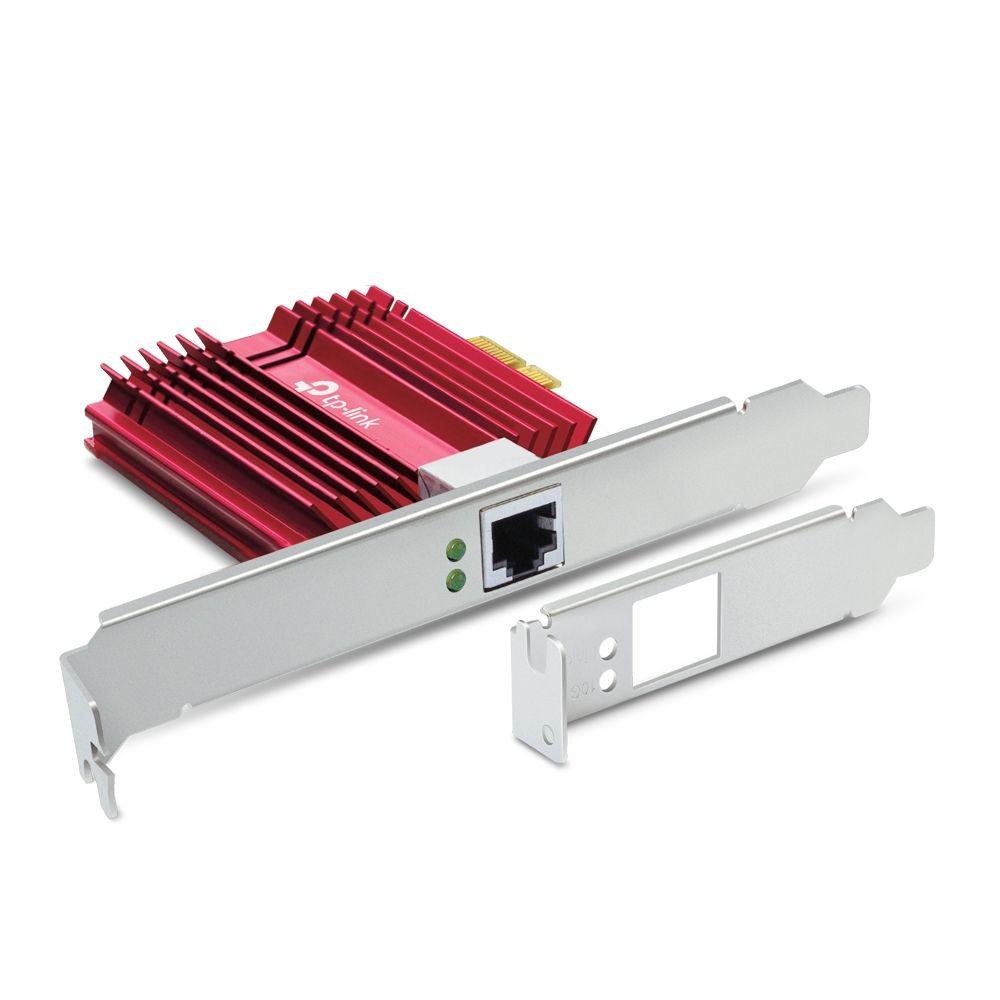
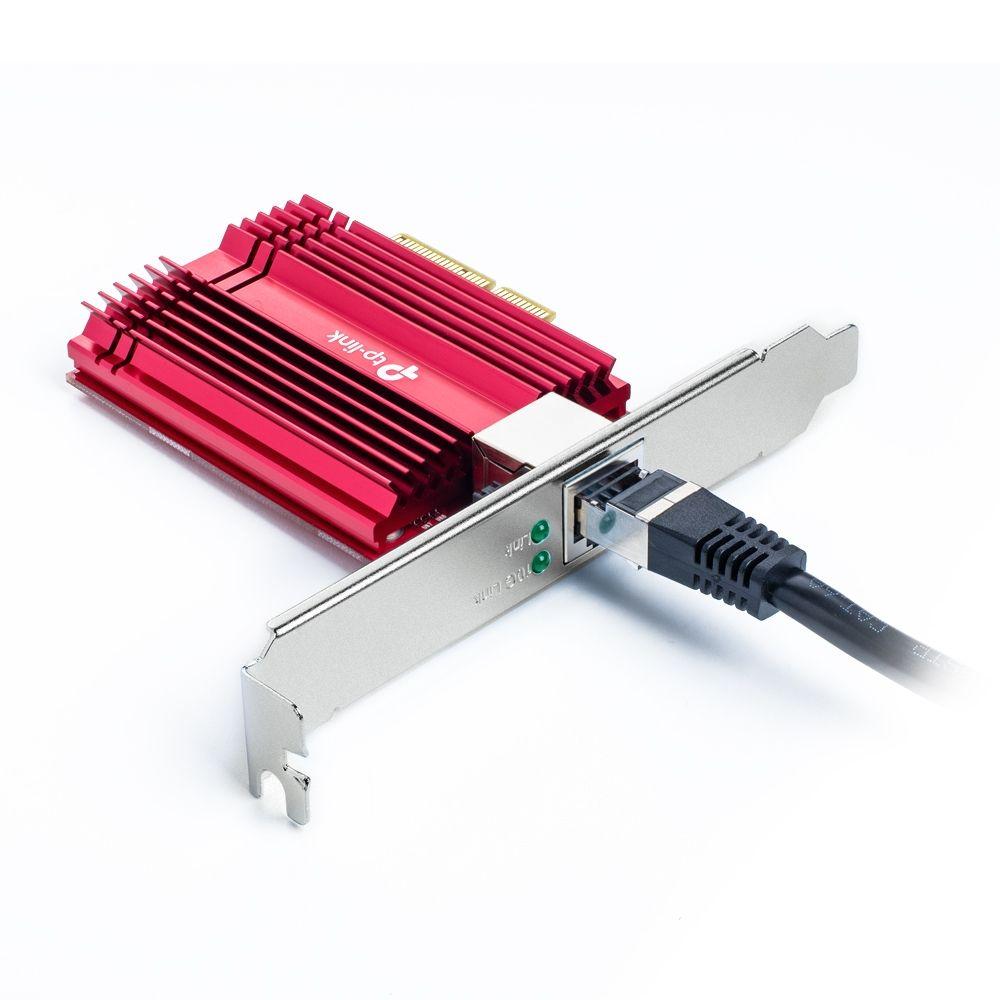
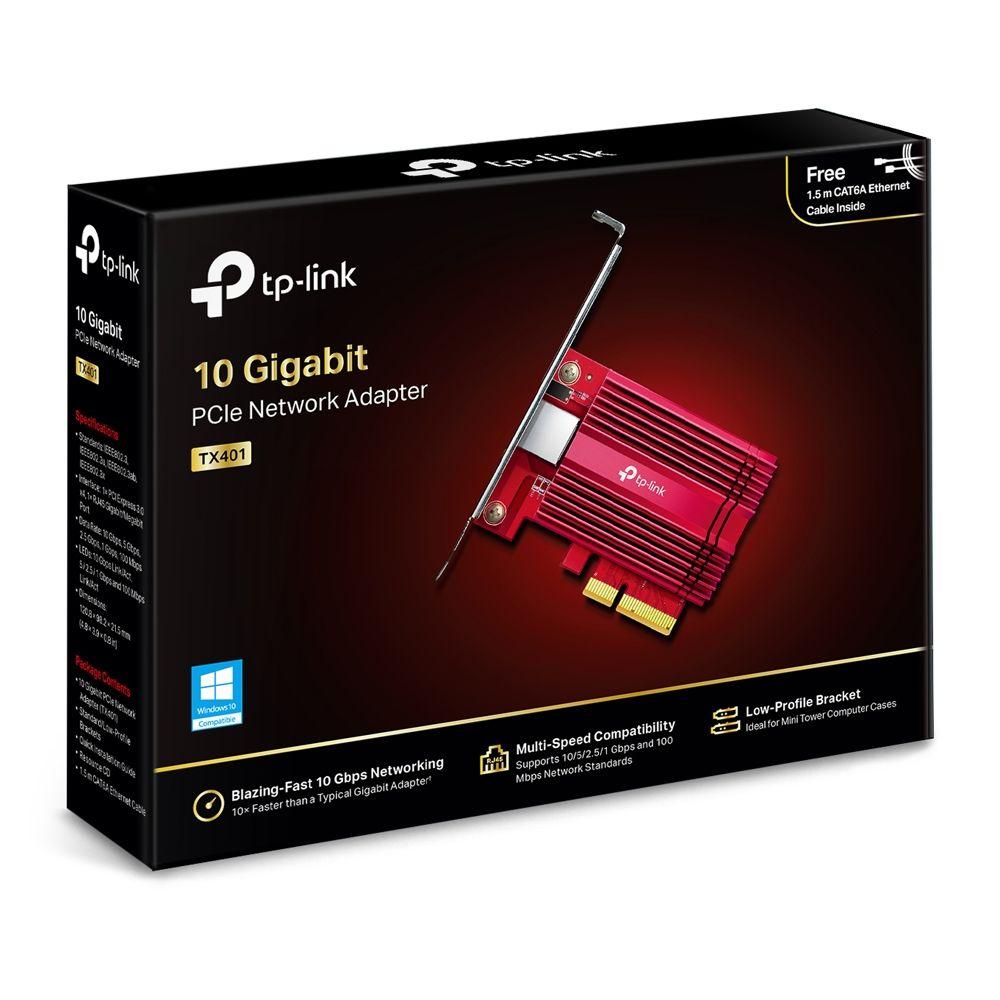
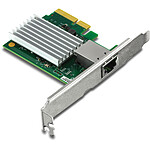
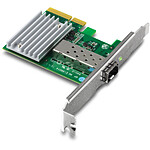
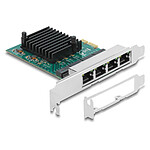
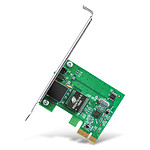
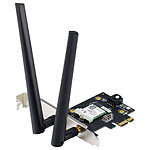
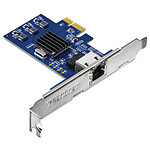
10 Gigabit PCI Express Network Adapter
10 Gigabit PCI Express Network Adapter
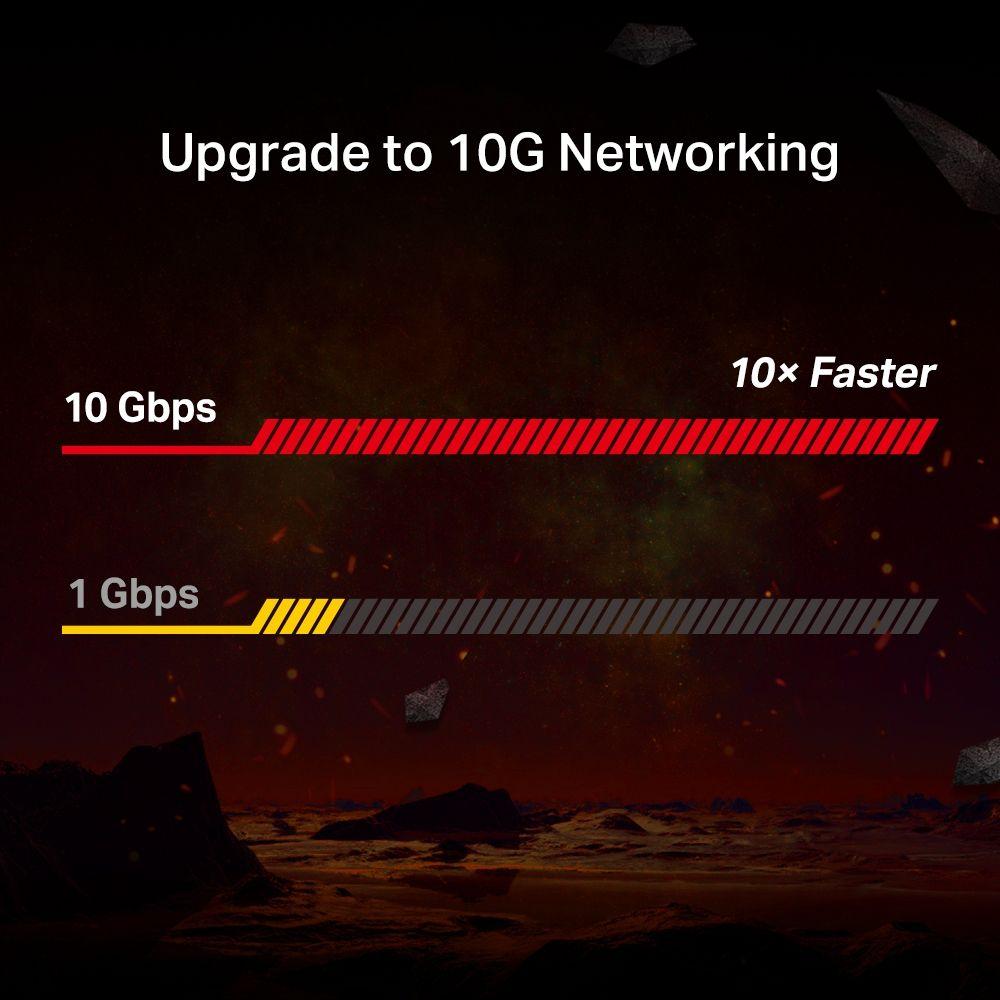
10 Gbit/s network - Combined with the latest 10GBase-T technology, the TX401 offers extreme speeds of up to 10 Gbit/s, which is 10 times faster than conventional Gigabit adapters, ensuring smooth data transmissions for Internet access and local data transmission.
Versatile compatibility - With extreme speed and ultra-low latency, 10GBase-T is backwards compatible with Fast Ethernet and Gigabit Ethernet, automatically negotiating between higher and lower speed connections.
CAT 6A Ethernet cable - To maximise the TX401's performance, a 1.5m CAT6A Ethernet cable is included - rated for up to 10Gbps whereas a standard cable is only rated for 1Gbps.
Low-profile and full-height brackets - In addition to the standard bracket, a low-profile bracket is provided for mini-tower computer cases. Customised options give you the flexibility to find a bracket that perfectly matches your board design.
FULL SYSTEM SUPPORT - Fully compatible with Windows 11/ 10 / 8.1 / 8/7, Windows 2019/2016/2012 R2 servers and Linux to meet the diverse needs of your operating system.
3-YEAR GUARANTEE
HARDWARE SPECIFICATIONS
Standards and Protocols Not WiFi compatible.
Operates via Ethernet cable only:
IEEE 802.3, IEEE 802.3u, IEEE 802.3ab, IEEE 802.3bz, IEEE802.3an,
IEEE802.3az, IEEE 802.3x
Interface 1× PCI Express 3.0 x4, 1× RJ45 Gigabit/Megabit Port
Network interface 10GBASE-T/5GBASE-T/2.5GBASE-T/1000BASE-T/100BASE-TX
DEL 10 Gbps Link/Act, 5 / 2.5 / 1 Gbps and 100 Mbps Link/Act
Data rates 100 Mbps, 1 Gbps, 2.5 Gbps, 5 Gbps, 10 Gbps for Half-Duplex mode,
200 Mbps, 2 Gbps, 5 Gbps, 10 Gbps, 20 Gbps for Full-Duplex mode
Review automatically translated
by DanielV
Posted on 25 Apr 2023
Bought on 27 Mar 2023 from LDLC
Number of reviews: 3Average rating: 7
Excellent product
Problem-free installation. Works perfectly. Small detail: Although the box does not mention Windows 11 among the compatible operating programs, the latter accepted the card without difficulty.
The only downside: for some reason (logistical error?), I had to wait 3 weeks to receive the part.
Review automatically translated
by MrOut
Posted on 9 Mar 2023
Bought on 3 Feb 2023 from LDLC
Number of reviews: 9Average rating: 9
Does what it is told.
No problems to report. Immediately recognized under Windows 10.
Use in conjunction with a 10Gbps Ethernet / SFP+ adapter.
Review automatically translated
by ClementI
Posted on 21 Jan 2023
Bought on 6 Jan 2023 from LDLC
Number of reviews: 11Average rating: 10
Excellent 10 GB card
My motherboard only had a 1 GB network card.
By upgrading to this one, I can reach the maximum of my fibre optic line, which is 2000 mbps.
I didn't have to configure anything except to put the driver from the TP-Link website (OS = Windows 11).
Review automatically translated
by BenoitS
Posted on 8 Nov 2021
Bought on 9 Oct 2021 from LDLC
Number of reviews: 5Average rating: 10
Perfect
The package arrived on time.
The card was ordered to make up for a failure of the network card in the motherboard.
I was able to get the card to work perfectly, no problems to report.
Review automatically translated
by JessyG
Posted on 24 May 2021
Bought on 18 Apr 2021 from LDLC
Number of reviews: 1Average rating: 10
Nothing to say
1 month of use, does the job, achieves the expected throughput, no worries about installation or drivers. Good choice.
Review automatically translated
by BenoitD
Posted on 16 Feb 2021
Bought on 27 Jan 2021 from LDLC
Number of reviews: 14Average rating: 8
Nominal operation.
The installation was trouble-free, and it worked immediately without any problems under Fedora Linux, and the connections were immediately synchronised at 10Gb. The card also has a very confident appearance.