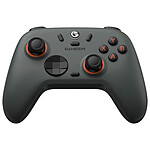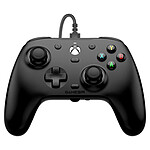
No interest
Simply doesn't work with the PC game.
Barely recognised in the settings. Really shoddy workmanship. To be forgotten.
Review automatically translated

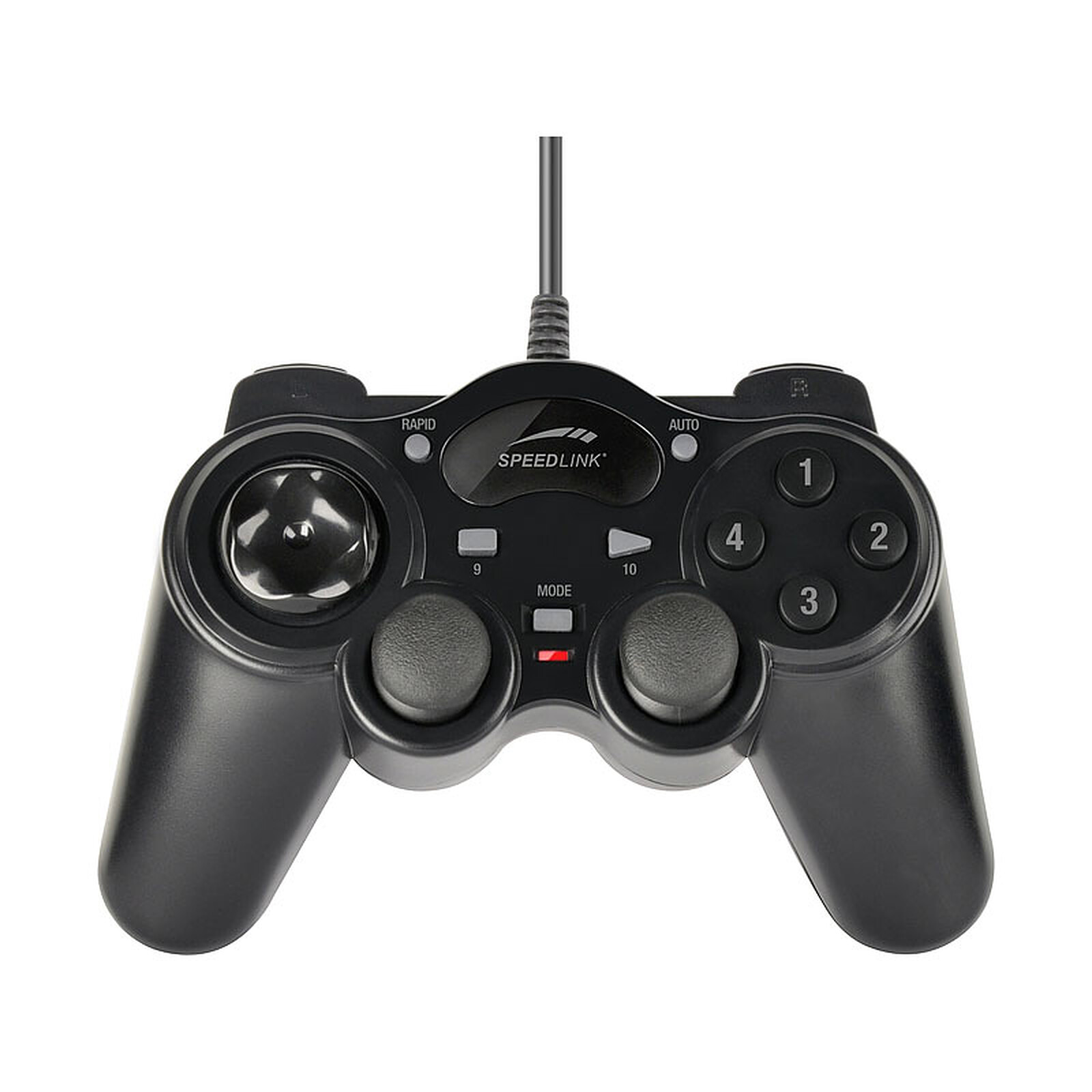
Pictures may differ from actual products

 Select your criteria
General information |
Product name |
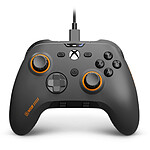
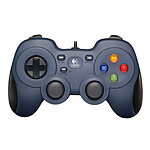
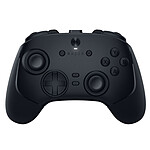
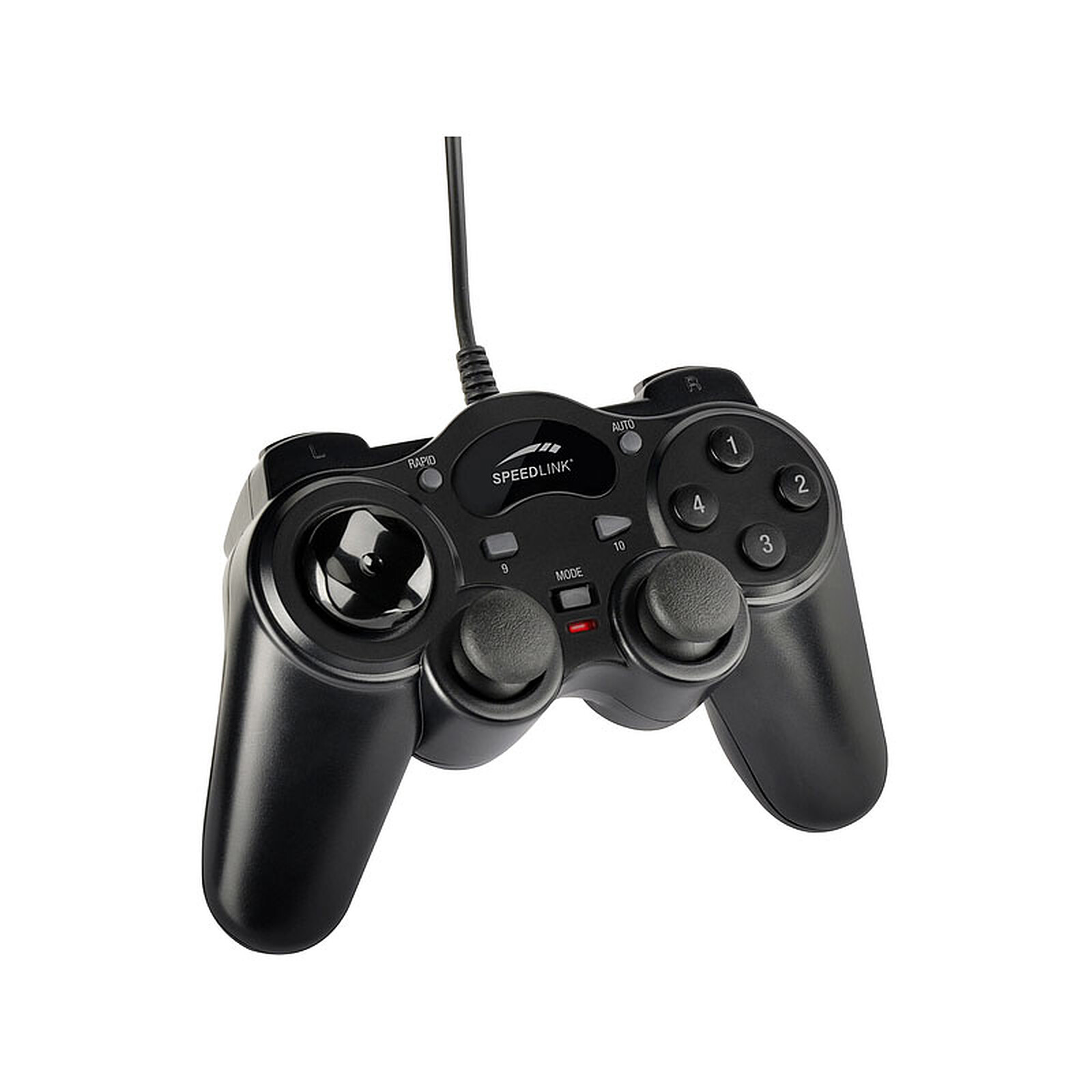
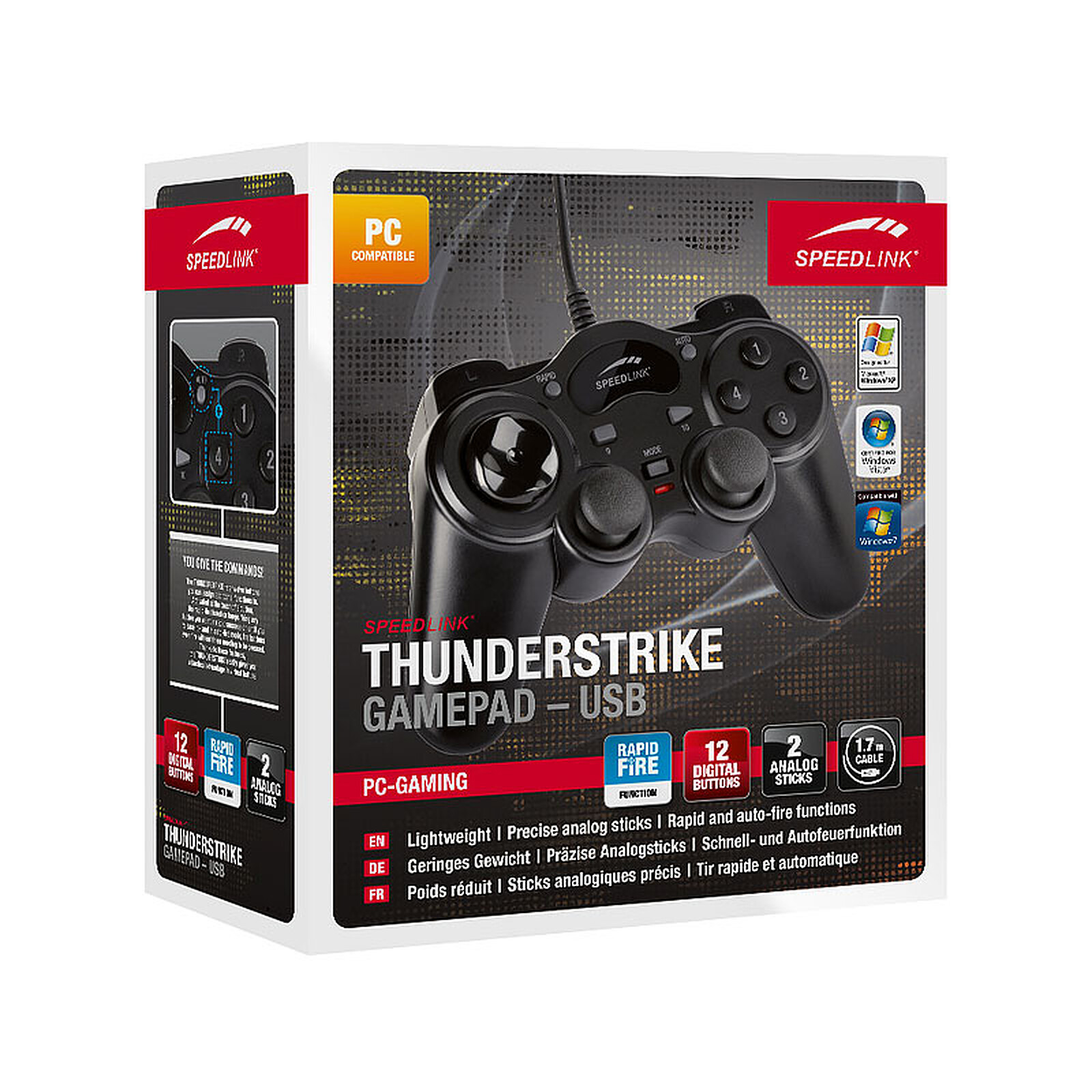
Speedlink ThunderStrike |
Brand |
Speed Link | |
Model |
SL-6515-BK | |
Main characteristics |
Pointing device |
12 X Digital button |
| D-pad | ||
| 2 X Analog stick | ||
Motion recognition |
No | |
Technical specifications |
Compatibility |
PC |
Wireless |
No | |
Cable length |
1.7 m | |
Connector(s) |
USB | |
Warranties |
Commercial warranty |
Seller 2 years
|
Legal warranty |
See terms & conditions
|
|
Safety Information |
Responsible person |
Jöllenbeck GmbH |
Postal address |
Haller Straße 125, 33803 Steinhagen, Allemagne | |
Electronic Address |
info@speedlink.com |
Product referenced on 24 Oct 2014
Simply doesn't work with the PC game.
Barely recognised in the settings. Really shoddy workmanship. To be forgotten.
This gamepad is perfect for my PC gaming needs...............
directional cross is great for retro gaming
nice look
manual .pdf downloadable on internet
The controller is solid and responsive, but it's a bit of a hassle to use.
The 2 joysticks are (physically!) a repetition of the directional cross and the 4 right-hand buttons respectively, it is impossible to configure the two independently, if you use the right-hand joystick it will press the buttons at the same time, as there are no drivers, it is impossible to fix this problem!
This controller is not adapted to the use of emulators (ps1, ps2, nintendo 64 ...) on a recalbox or even on certain games and you will have to be satisfied to use either the cross and the buttons or the 2 joysticks which are, of this fact, a bit useless.
The controller works very well but not on all games especially need for speed 2016 pc where I had to buy a new controller xbox to be able to play it correctly, otherwise ldlc always as competent fast and neat sending .merci a une prochaine
Inexpensive
Easy to set up with JoyStick once you get the hang of it
On the other hand, one time out of 100 the joystick doesn't respond when you want to go left or right, so it's very frustrating to hit a wall in a rally game because of that...
it does the job very well considering its price.
I bought it to put it in pieces and make a dashboard.
I'm not sure it's easy to weld, select button to forget for this use.
I'm not sure if it's a good idea to use it for a dashboard or not, but it looks like it's working fine.
recognized in windows 10 as soon as plugged in = GREAT!
Not very well recognized in games BUT with a joystick emulator (JoytoKey) which associates each button of the joystick to a key of the keyboard it is perfect...
I've been using it for a while now, but it's a great little controller, and it's easy to use, and it's immediately recognisable under w10.
+ The price is right, the simplicity is right.
- I've been using it for a while now, but it's a good idea to have it in my pocket.
They're cheap, they're light and they click when you shake them, so they look cheap and fragile.
However, so far, they have withstood two kids and a few falls on the tiles.
Trending now: PC gamepad | Wireless PC game controller