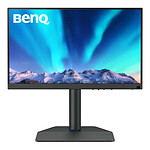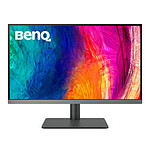


Pictures may differ from actual products

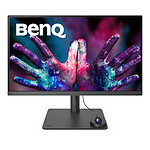
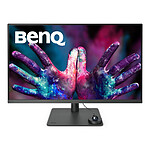
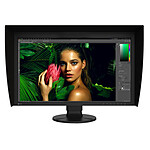
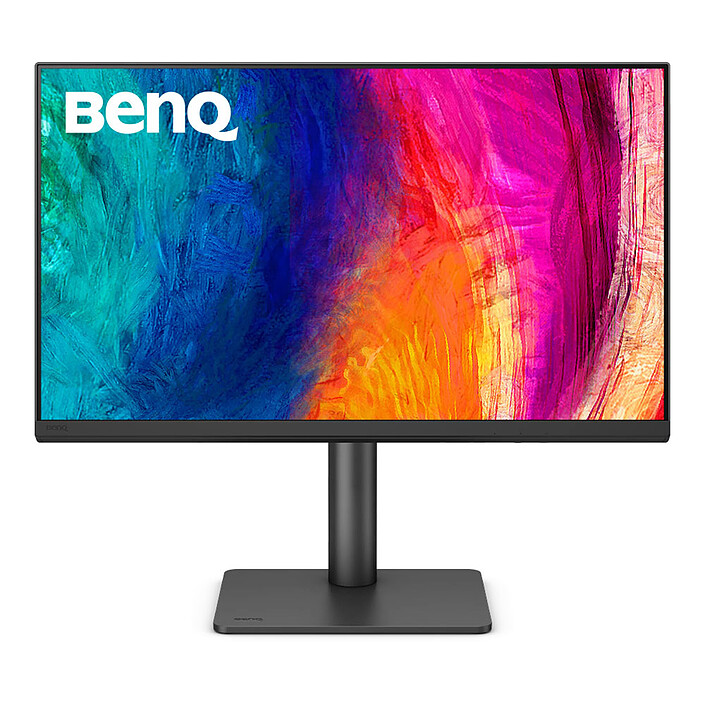
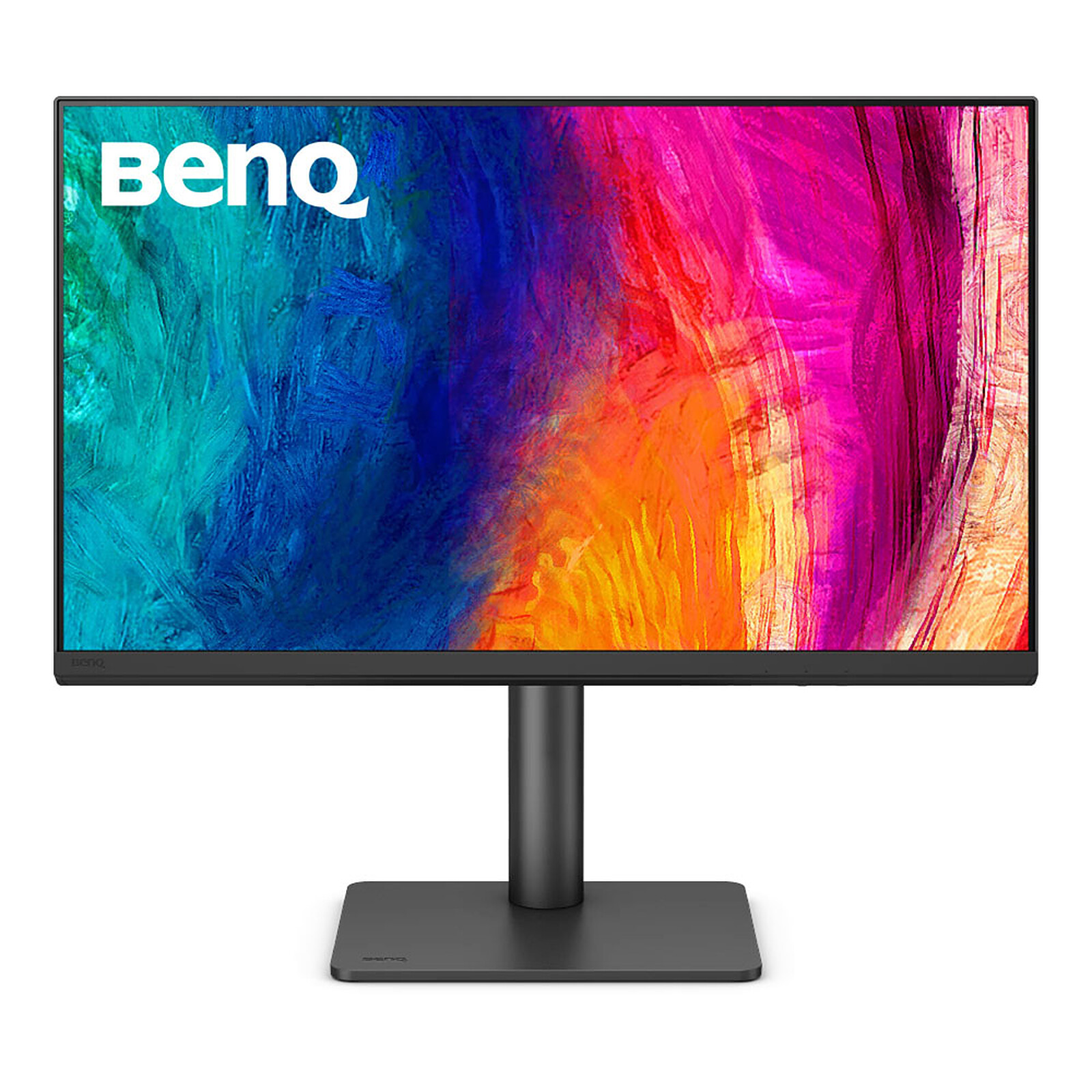
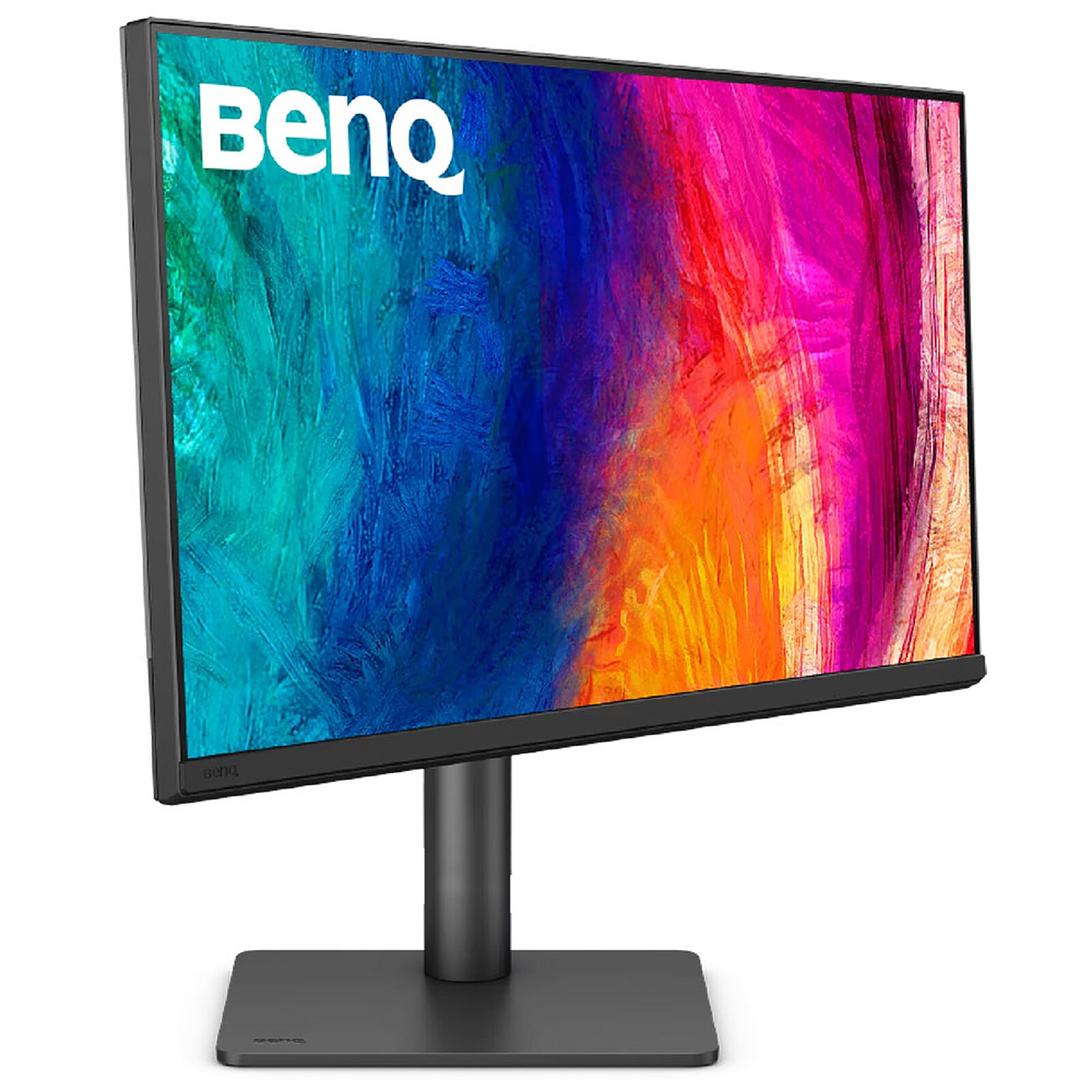
BenQ 27" LED - PD2706QN

PC Monitor 2.5K - 2560 x 1440 pixels - 5 ms (grey to grey) - 16/9 - IPS Panel - HDR10 - 100 Hz - HDMI/DisplayPort/USB-C - Pivot - Speakers - Black

329€95
Recycling charge of 4€24
Create a price drop alert
  • Energy class
Overview

2.5K HDR Monitor with USB-C

Set up on your desk, the BenQ PD2706QN 2.5K HDR monitor reveals its full potential. High color accuracy, professional modes, comprehensive connectivity and an ergonomic design, this 27-inch IPS display has plenty of strengths! Work in the best conditions to finalize your various projects.
 

Color performance

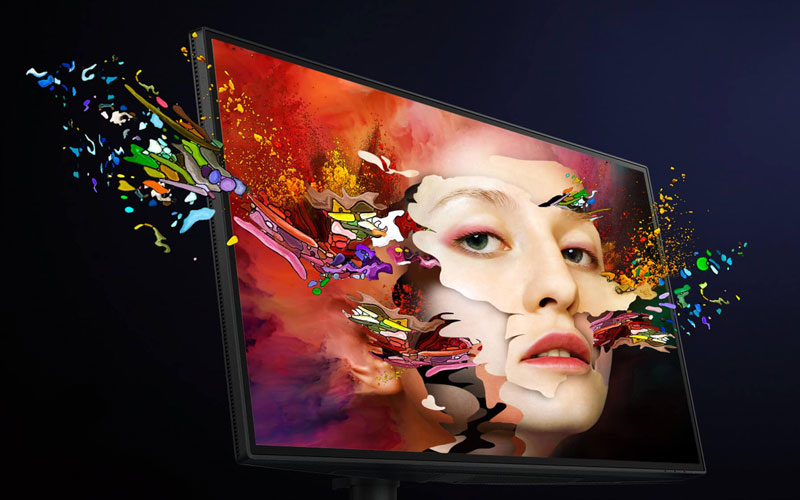
The PD2706QN covers 95% of the P3 color space, 100% of the sRGB space and 100% of the Rec.709 space with exceptional Delta E ≤ 3 color reproduction that ensures remarkable color accuracy. If you are a Mac/MacBook user, BenQ’s exclusive M-book mode provides active color synchronization, creating an extra layer of assurance for color accuracy.

Tailored modes

Enjoy a smoother workflow thanks to this BenQ display equipped with display modes that enhance image details and make editing, creating and viewing easier. 
  
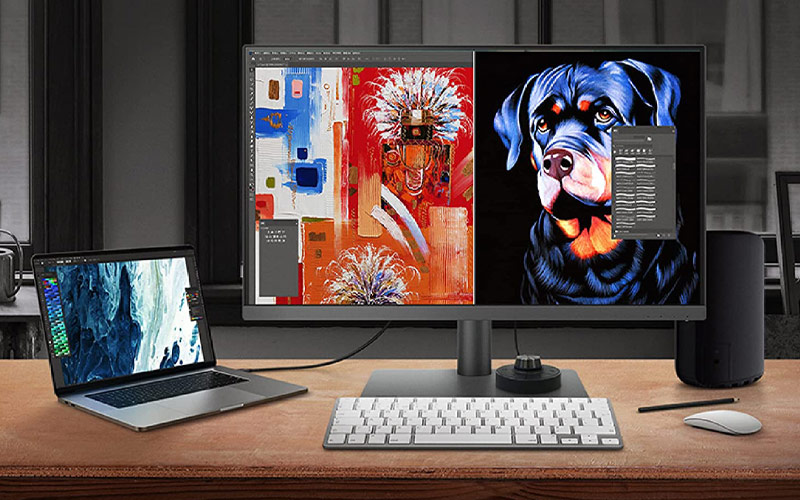
The Darkroom mode adjusts brightness and contrast to bring clarity and sharpness to every detail and create the optimal setting for post-processing tasks in dark areas. The revolutionary CAD / CAM mode delivers superior image contrast that makes the lines and shapes of technical illustrations stand out. The Animation mode increases details in dark shadows so you can precisely adjust your creations effortlessly, while areas that do not require this function remain unchanged. The DualView mode allows you to present designs in two modes side by side for a better workflow and increased productivity.

High-performance connections

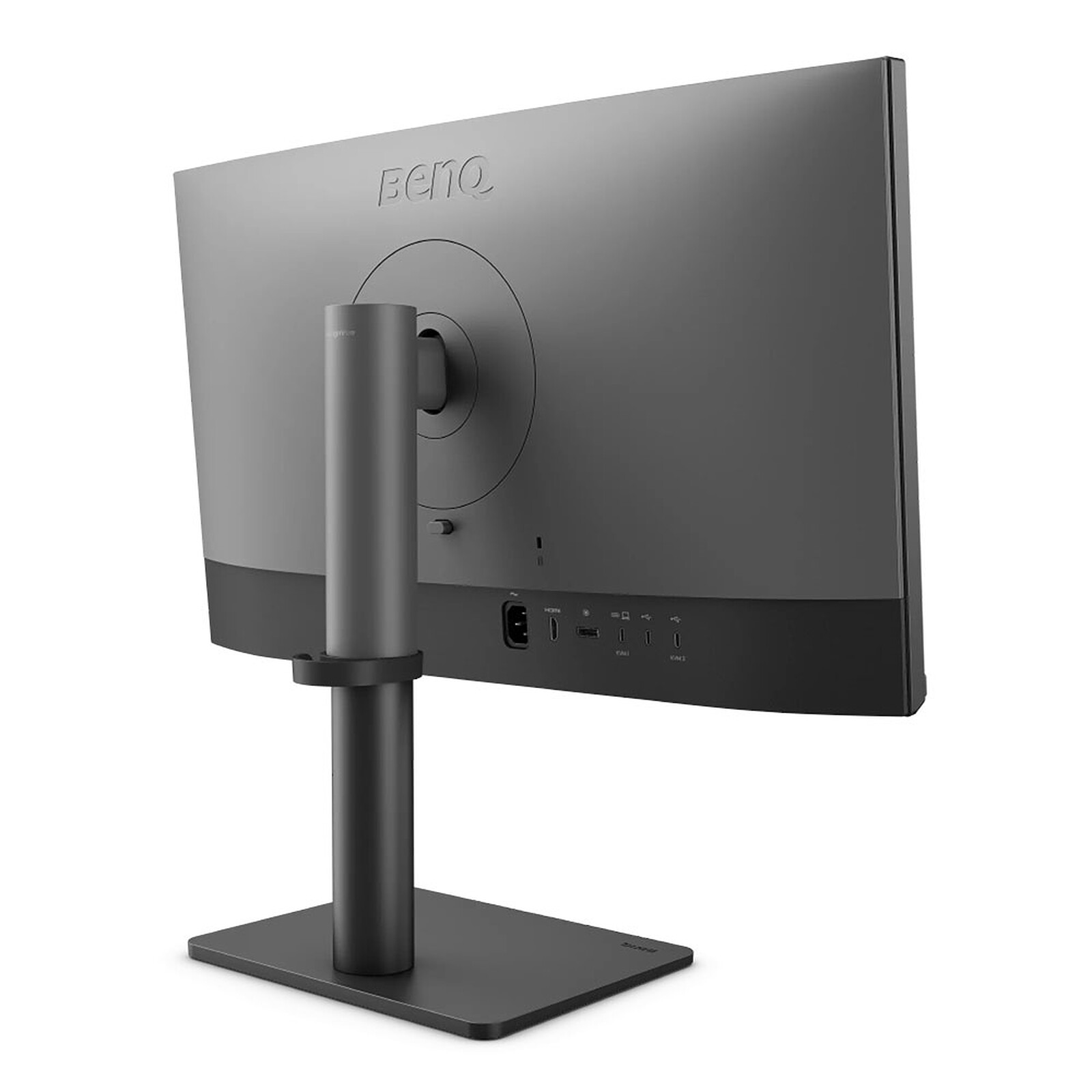
The BenQ PD2706QN monitor includes a USB-C port, an HDMI port and a DisplayPort connector to easily connect up to two displays and enjoy accelerated data transmission. It also features 3 USB 3.0 ports and a second USB-C connector (for data transfer only). 
 
Easily control content from two different PCs via a keyboard/mouse device thanks to the built-in KVM technology. Switch from one computer to another with ease and boost efficiency.

Main features:

  • 27-inch display with 2.5K resolution
  • AQCOLOR technology: faithful color reproduction (Delta E<3)
  • Rec.709 and sRGB color space 100%
  • IPS panel: bright colors and wide viewing angles
  • Optimized color calibration for unmatched accuracy
  • Verified by CaIMAN, validated by Pantone
  • ICCsync color uniformity
  • HDR10 compatible
  • DualView function (dual view) and Darkroom mode (Darkroom)
  • CAD / CAM and Animation modes enable detailed and precise designs
  • KVM switch (Keyboard Video Mouse)
  • Eye-Care technology: Flicker-Free (anti-flicker) and Low Blue Light (blue light reduction)
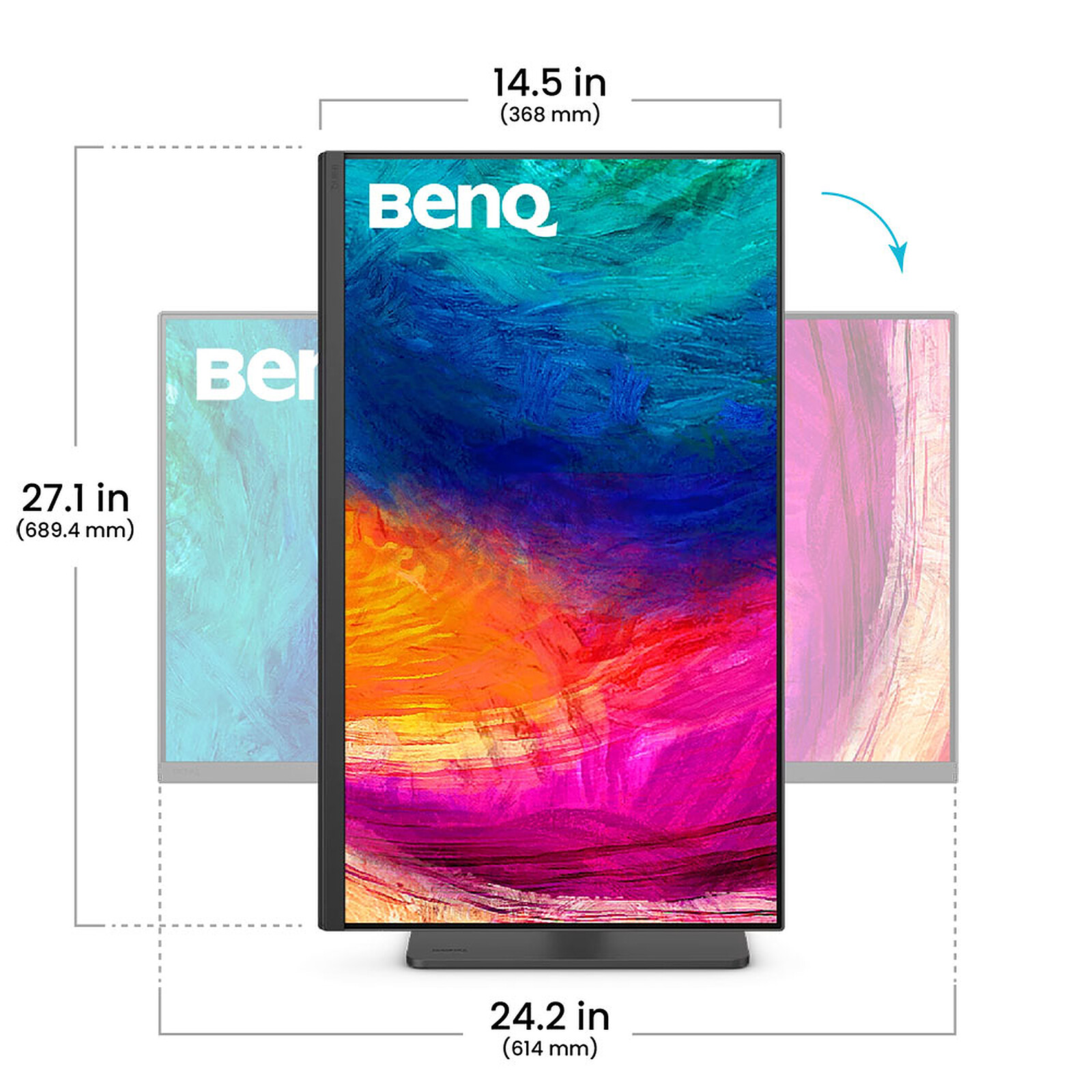
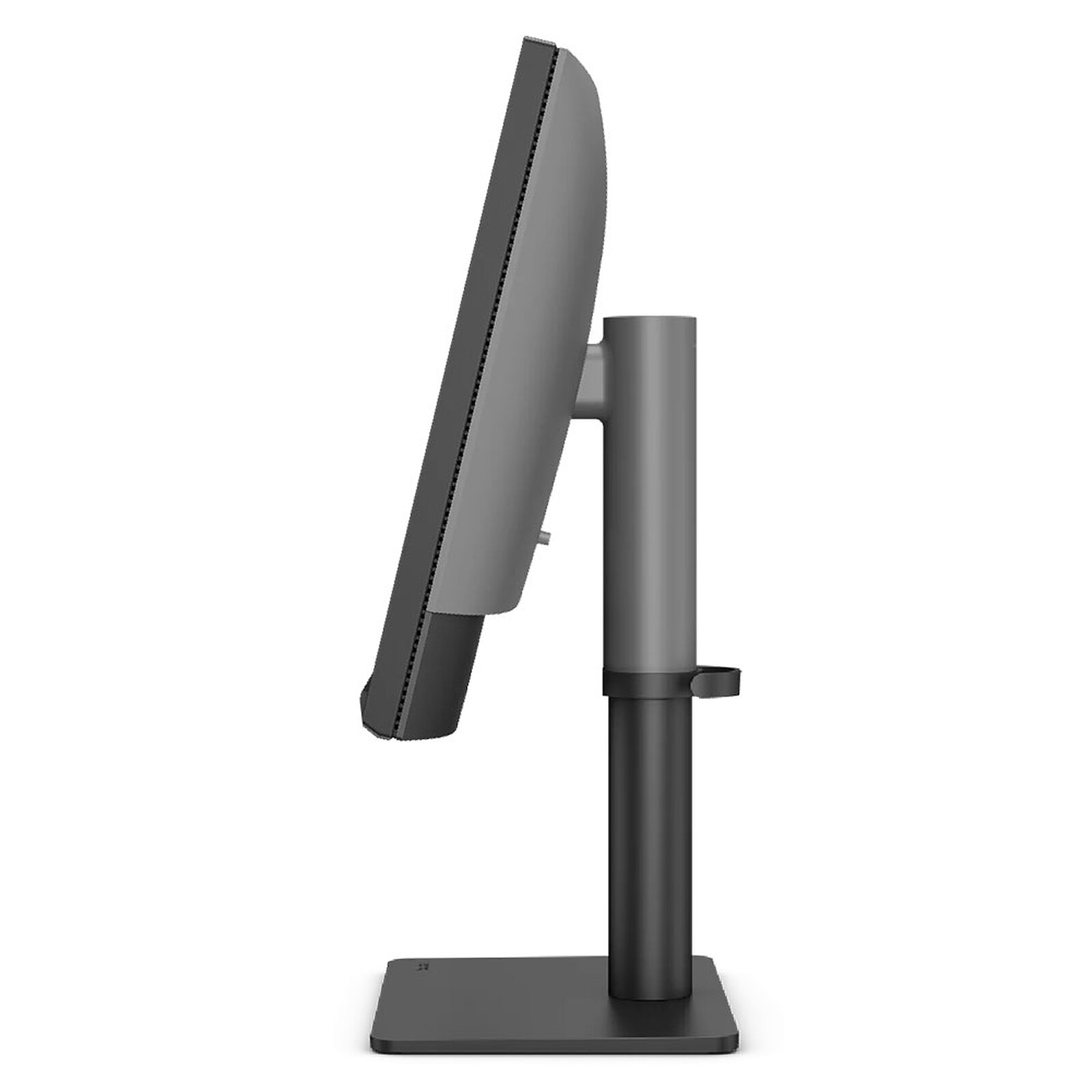
  • Ease of use: height adjustment (115 mm), tilt, swivel and pivot
  • Connectors: 1x HDMI, 1x DisplayPort, 1x USB-C (Data, DP Alt Mode, 90W)
  • 3 USB 3.0 ports + 1 USB-C port (transfer only)
Specifications
Select your criteria

General information

Product name

BenQ 27" LED - PD2706QN

Brand

BenQ

Model

9H.LNDLA.TBE

Display

Screen size

27 inches

Screen format

16:9

Panel type

IPS display

QD-OLED

No

Max resolution

2560 x 1440 pixels

High definition

2.5K

Brightness

350 cd/m²

Contrast

1000 /1

Response time

5 ms

Angle of vision (horizontal)

178 Degree(s)

Angle of vision (vertical)

178 Degree(s)

Matte/anti-glare panel

Yes

HDR (High Dynamique Range)

Yes

HDR standards

HDR10

NVIDIA G-SYNC

No

NVIDIA Reflex

No

Adaptive-Sync

No

AMD FreeSync

No

Flicker-Free

Yes

Anti blue light

Yes

Screen

Screen type

LED

Range

BenQ DesignVue

Widescreen

Yes

Curved screen

No

Borderless

Yes

Touch screen

No

Max vertical frequency

100 Hz

Type of activities

Graphics
Professional

Ergonomics

Portable

No

Pivot

Yes

Height adjustable stand

Yes

Removable stand

Yes

VESA mount

100 x 100mm

Back tilt angle (top)

20 Degree(s)

Forward tilt angle (bottom)

5 Degree(s)

Articulating arm

No

Connectivity

Video inputs

1 X USB Type C Female
1 X DisplayPort Female
1 X HDMI Female

HDMI standard

HDMI 2.0

DisplayPort standard

DisplayPort 1.4

Audio outputs

Headphone (3.5mm Jack Female)

Additional connector(s)

1 X USB Type C
3 X USB 3.0

Dock USB-C

No

Multimedia

Built-in speakers

Yes

Sound power

2 X 3 W

Webcam

No

TV tuner

No

Physical characteristics

Color

Black

Release year

2026

Width

614 mm

Maximum height

544.96 mm

Height

429.97 mm

Depth

220.2 mm

Weight

9.32 kg

Weight (Without stand)

6.42 kg

Multi-monitor bundle

No

Power supply

Energy class

G

Consumption

28 kWh/1000h

Standby consumption

0.5 W

Internal power supply

Yes

Specificities

PS5 optimized

No

Xbox Series optimized

No

Warranties

Commercial warranty

Legal warranty

Safety Information

Responsible person

BenQ Europe B.V.

Postal address

Meerenakkerweg 1-17, 5652 AR Eindhoven, The Netherlands

Electronic Address

Product referenced on 23 Mar 2026

Customer review
Global rating
10/10
based on 1 review Editorial and moderation guide
  • 100%
    1 review
  • 0%
  • 0%
  • 0%
  • 0%
  • by Yogha
    Posted on 10 Jun 2026
    Bought on 31 May 2026 from LDLC
    Number of reviews: 2 Average rating: 9

    Very good product

    After several attempts, I think I found the ideal 27":
    - fantastic image quality:
    - highly effective anti-glare
    - consistent colors everywhere, even at the edges or when moving your head
    - excellent rendering even at minimum brightness
    - flat stand for storing various objects
    - adjustable position
    - USB hub and numerous ports
    - easy KVM: switching video source also switches peripherals
    - the KVM switches automatically when one of the two PCs goes to sleep
    - speakers with surprisingly decent quality
    - 100 Hz available, useful for some games
    - jack socket

    Minor flaws:
    - missing a 2nd USB connector at the back to hide the keyboard/mouse cabling
    - when waking from sleep, keyboard and mouse seem to struggle a bit: several seconds of backlight blinking
    - sometimes after a KVM switch to the desktop PC, the laptop ends up in a weird configuration where it displays a blank screen
    Review automatically translated