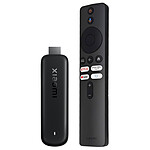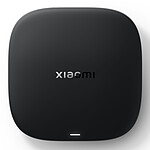

Pictures may differ from actual products

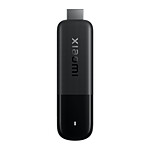
Xiaomi Mi Box S 3rd Gen

4K HDR media player - 32 GB - ARM Cortex-A55 Quad-Core 2.0 GHz - RAM 2 GB - Wi-Fi/Bluetooth 5.2 - Google Assistant - Google TV

84€95
Recycling charge of 0€13
Create a price drop alert
Overview

A compact box for seamless 4K entertainment

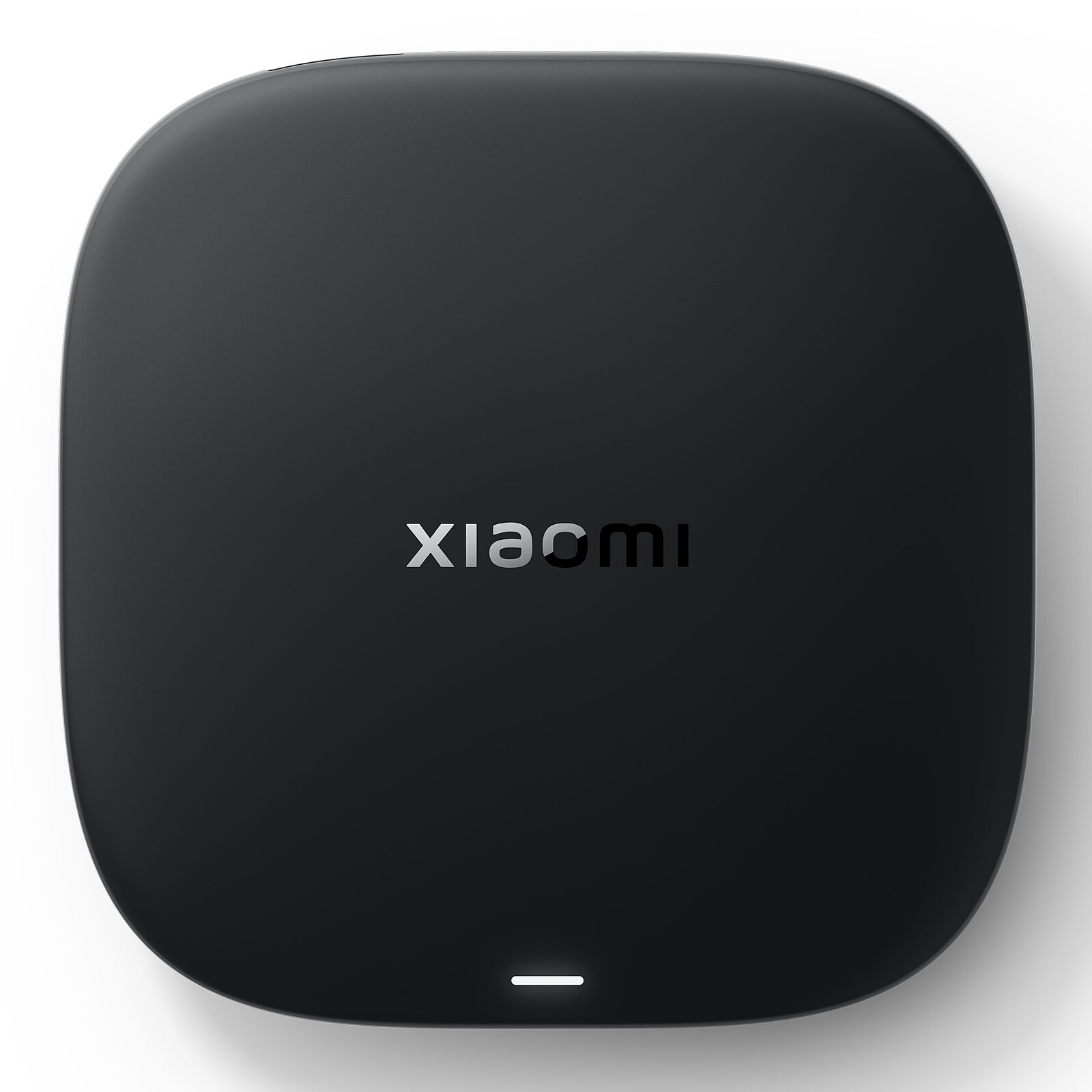
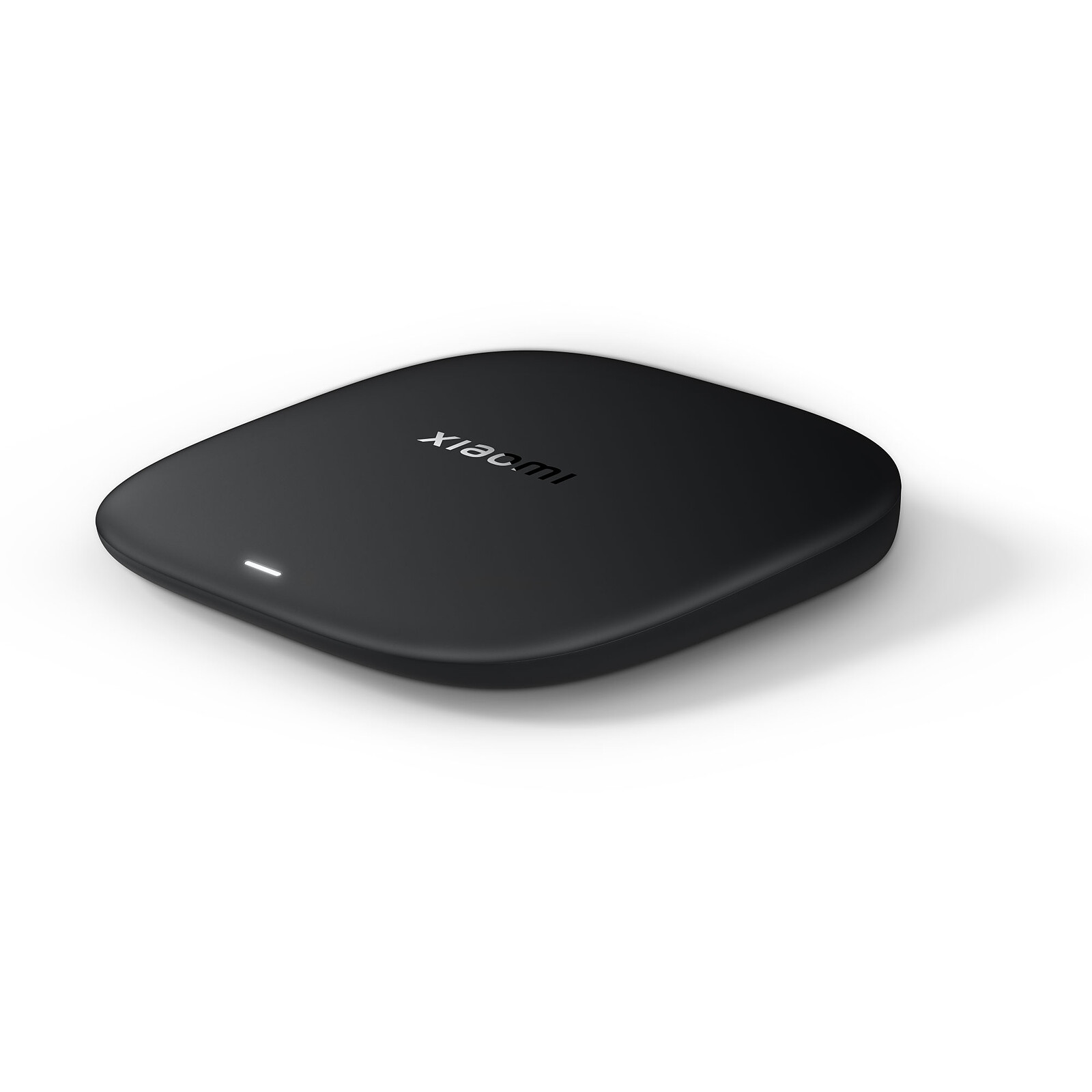
The Xiaomi TV Box S 3rd Gen is an intelligent multimedia player that turns any TV set into a true 4K entertainment centre. Designed for streaming enthusiasts and connected families, it combines the power of Google TV, Ultra HD 4K picture quality and compatibility with the most advanced audio/video standards such as Dolby Vision, HDR10+ and Dolby Atmos. Compact, fast thanks to Wi-Fi 6 and equipped with a 360° Bluetooth remote control, it offers a fluid, immersive experience every time you use it.

A concentrate of technology in miniature format

Despite its ultra-compact size of 97 x 97 x 17 mm and weighing just 91.2 g, the Xiaomi TV Box S 3rd Gen packs a powerful configuration with a quad-core ARM Cortex-A55 processor, an ARM G31 MP2 GPU, 2 GB of RAM and 32 GB of storage. This tandem ensures smooth browsing, fast loading and jerk-free playback, even in 4K at 60 fps.

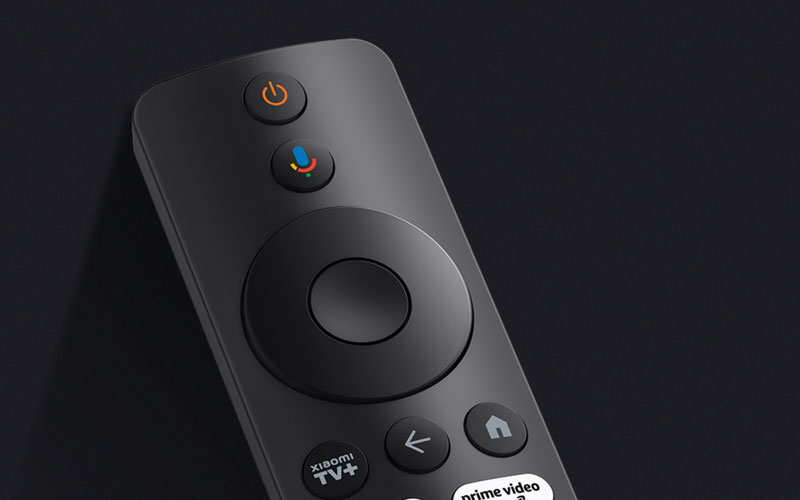
The Google TV system gives you direct access to all your favourite applications - Netflix, Prime Video, YouTube - with a clear, customisable interface. The 360° Bluetooth remote control with Google Assistant voice commands further enhances the practicality of the device, for intuitive everyday use.

Key features:

  • 4K UHD resolution at 60 fps: ultra-detailed, fluid images
  • Dolby Vision and HDR10+ compatibility: enhanced contrast and colours
  • Immersive sound: Dolby Atmos and DTS-HD supported
  • Dual-band Wi-Fi 6 for a faster, more stable connection
  • 360° Bluetooth remote control with Google Assistant
  • Google TV: access to a complete world of applications
  • Quad-Core ARM Cortex-A55 processor + ARM G31 MP2 GPU
  • 2 GB RAM and 32 GB internal storage
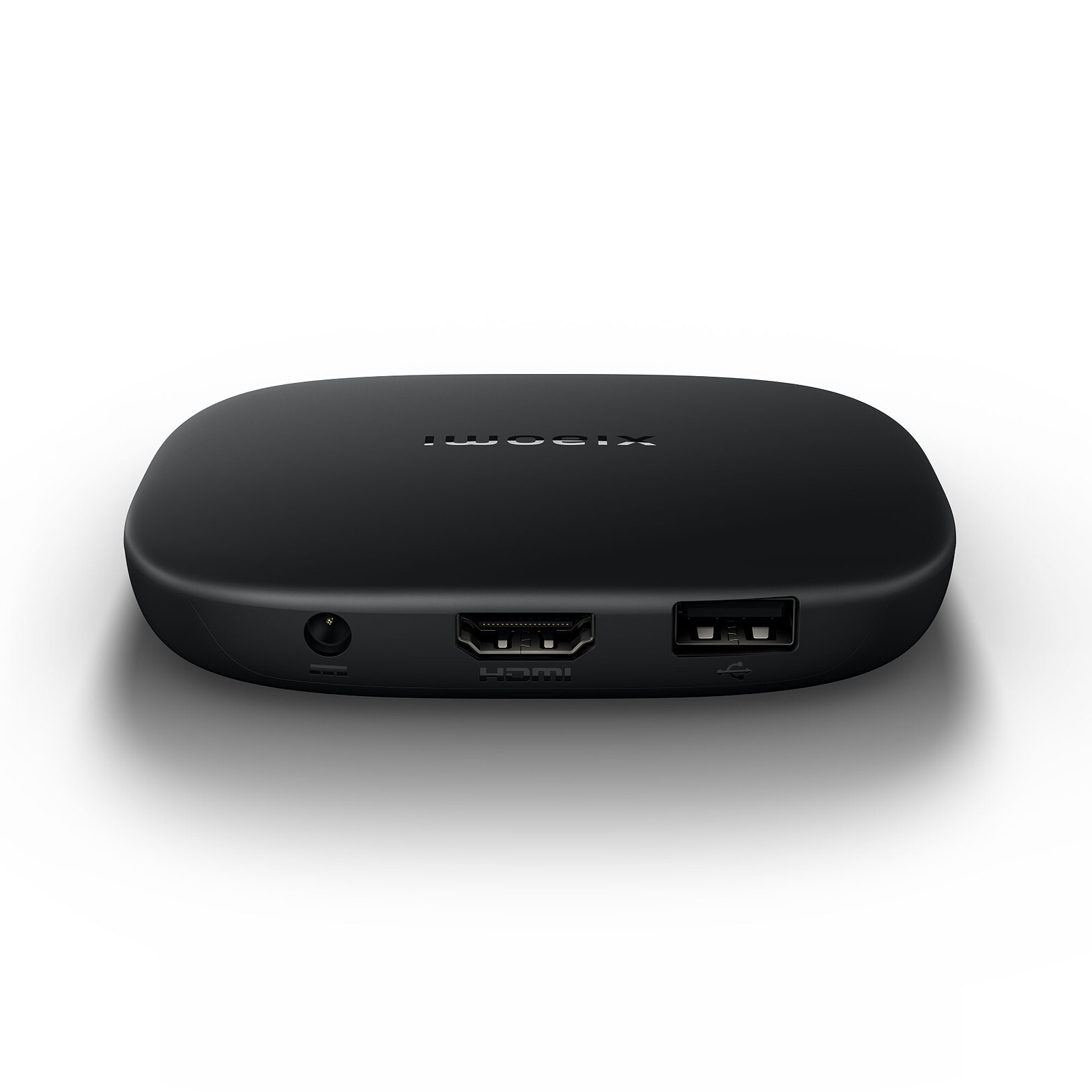
  • Connections: HDMI 2.1, USB 2.0, Bluetooth 5.2
  • Compact size: only 97 x 97 x 17 mm for 91.2 g
Specifications
Select your criteria

General information

Product name

Xiaomi Mi Box S 3rd Gen

Brand

Xiaomi

Model

PFJ4191EU

Player

Player type

Multimedia hard drive
Multimedia gateway

Interface with the computer

Wi-Fi

Remote control

No

Video

HD video playback

Yes

Audio

Pass-through audio formats

Dolby Digital Plus
DTS

Network

Network standard(s)

Wi-Fi A (IEEE 802.11a)
Wi-Fi AC
Wi-Fi B (IEEE 802.11b)
Wi-Fi G (IEEE 802.11g)
Wi-Fi N 300 Mbps (IEEE 802.11n)

Smart TV

Yes

Storage

Hard drive

eMMC 32GB

Capacity

32 GB

Screen

LCD screen

No

Connectivity

Video outputs

1 X HDMI 2.1 Female

Physical characteristics

Length

97 mm

Width

97 mm

Height

17 mm

Weight

91.2 g

Warranties

Commercial warranty

Legal warranty

Safety Information

Responsible person

Xiaomi Technology Netherlands B.V

Postal address

Prinses Beatrixlaan 582, 2595BM, The Hague, The Netherlands

Electronic Address

contact@support.mi.com

Product referenced on 16 Oct 2025

Customer reviews
Global rating
9/10
based on 2 reviews Editorial and moderation guide
  • 50%
    1 review
  • 50%
    1 review
  • 0%
  • 0%
  • 0%
  • by PaulD
    Posted on 19 Mar 2026
    Bought on 19 Feb 2026 from LDLC
    Number of reviews: 1 Average rating: 8

    LDLC ok

    LDLC delivery was fast and the delivery driver was friendly. Although it matches the description, the TV box on the other hand left me a little disappointed: the installation and setup were less simple than expected. Installed on a 6-year-old Samsung TV, so with a Tizen system, I was not able to implement the desired third-party software. I ended up putting this TV box aside, but for its primary use I think it is sufficient (the colors seem a bit dull).

    Review automatically translated
  • by Gaspard
    Posted on 1 Dec 2025
    Bought on 1 Nov 2025 from LDLC
    Number of reviews: 4 Average rating: 10

    The Xaomi box is impeccable and has original GOOGLE HOME

    The Xaomi box is impeccable and has original GOOGLE HOME
    3 Sockets :
    - On the power supply box
    - USB: I didn't use it
    - HDMI: to connect to the TV

    Once connected to the TV, all settings are made using the remote control and the TV screen.
    ### Caution: Update the system so that the remote control adjusts the TV's volume and Off/On. ###
    I downloaded the FREE TV application and with my FREEBOX account, I have an impeccable TV.
    Gaston

    Review automatically translated
In the same universe: mi box | xiaomi