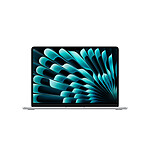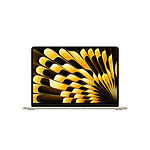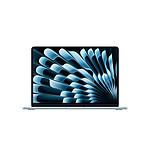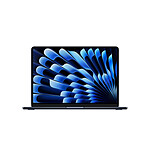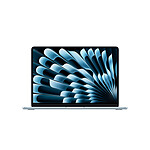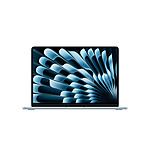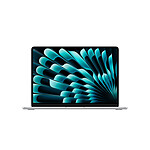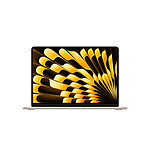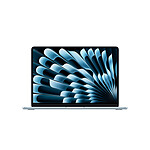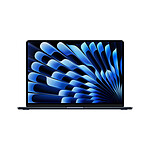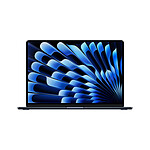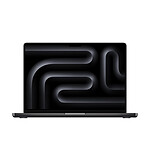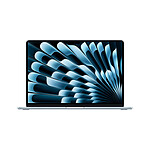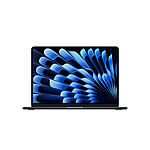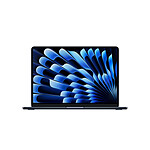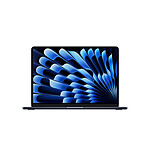
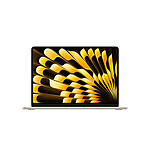
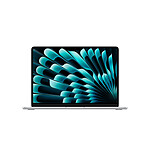
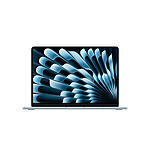







Your Choice. Your Air.
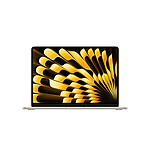
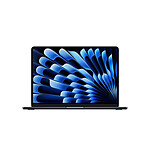
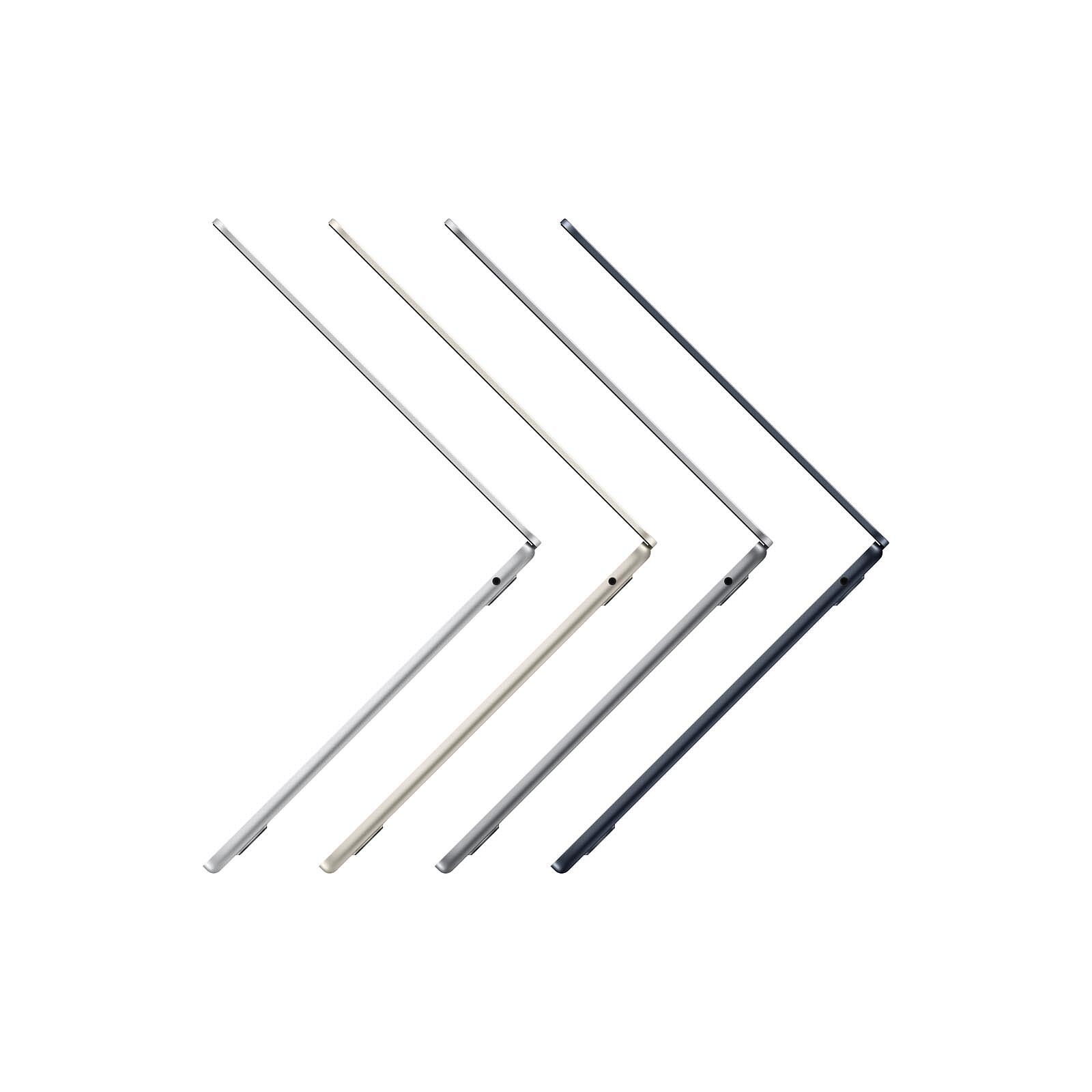
Prodigiously thin and incredibly fast, MacBook Air now comes in two sizes and four finishes. Choose the Air that's right for you.
Pictures may differ from actual products


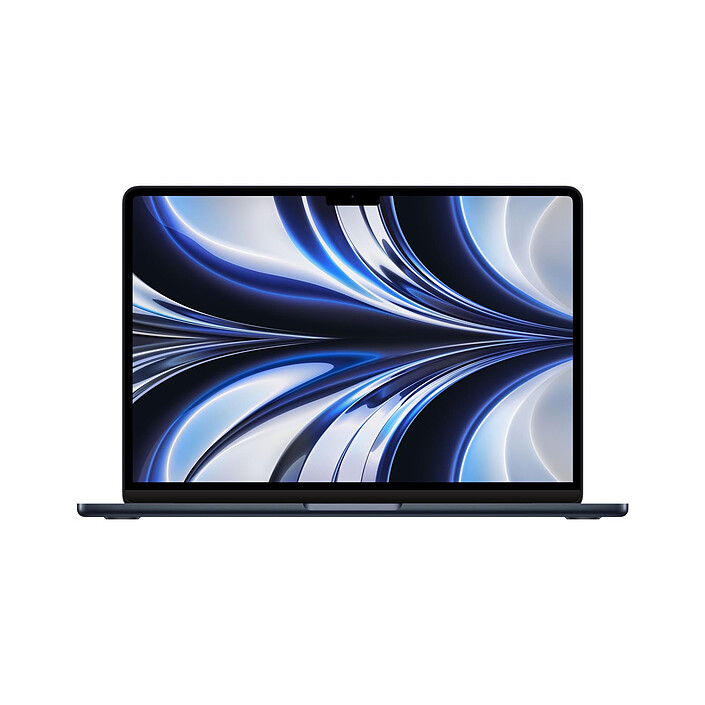
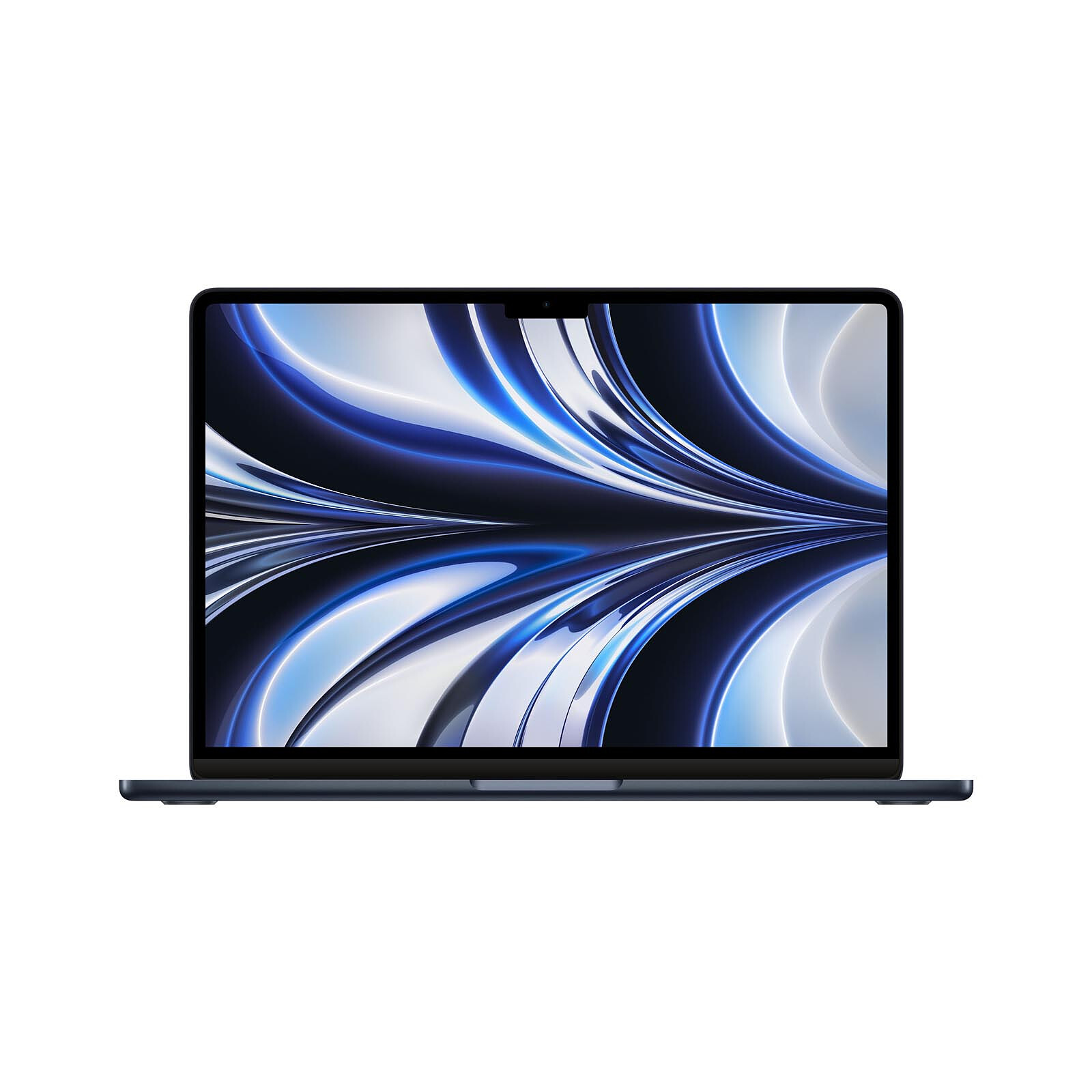
Your Choice. Your Air.
Prodigiously thin and incredibly fast, MacBook Air now comes in two sizes and four finishes. Choose the Air that's right for you.

13″
15″
Midnight
Starlight
Sidereal Grey
Silver

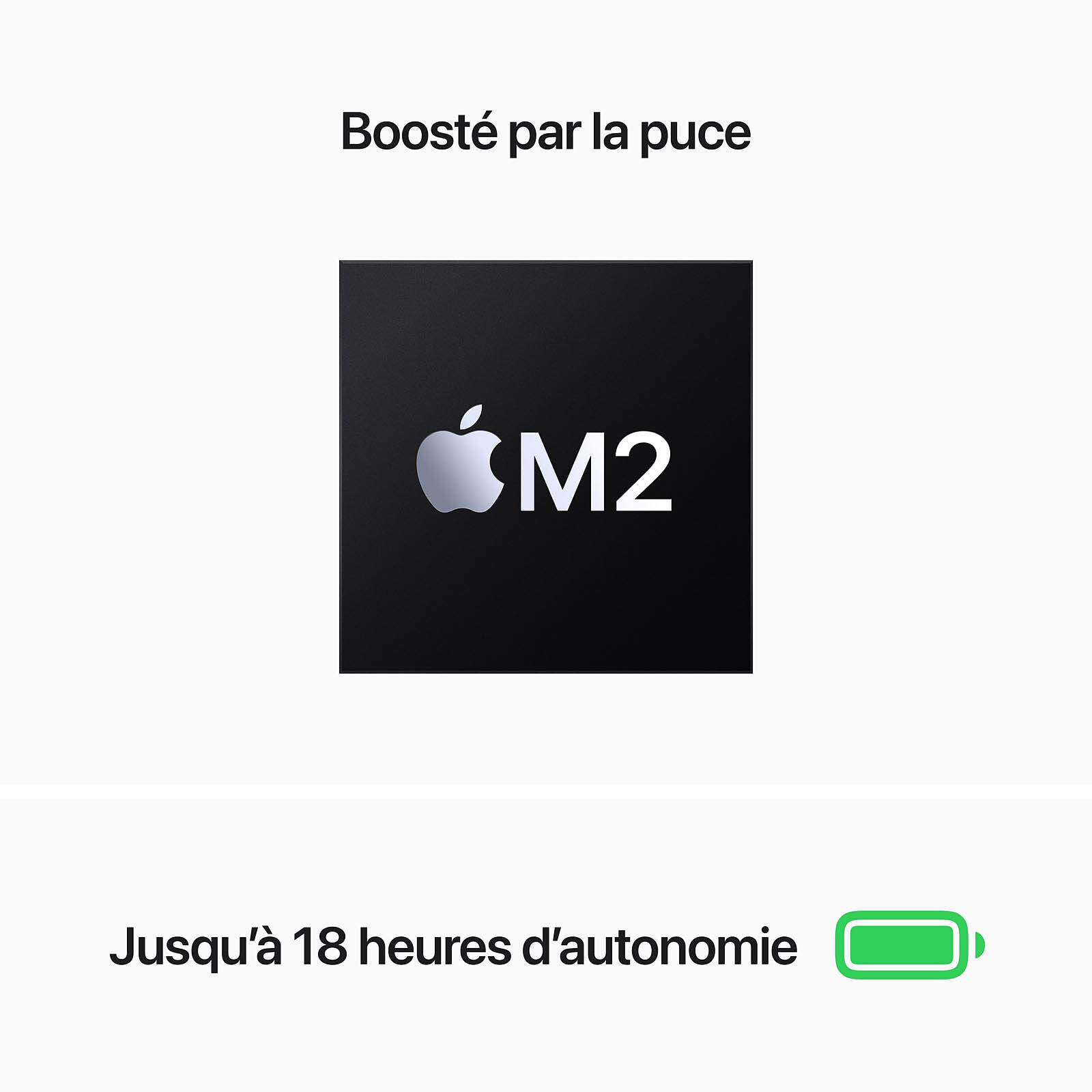
Up to

18 h

Up to
12x
faster than the fastest processor-based MaBook Air.
Up to
1,4x
faster than the MacBook Air (M1to legal information


FaceTime HD 1080p camera with set of three microphones.

Immersive audio system with Spatial Audio


MagSafe
Two Thunderbolt ports


Headphone jack

The Mac does it all.

The Mac is designed to be easy to master so you can do whatever you want - without delay.

Thanks to a combination of Apple chips and macOS, the Mac lets you do everything with phenomenal power and speed.

With its durable aluminium casing and free software updates, the Mac really isn't going to let you down any time soon.
 Select your criteria
General information |
Product name |
Apple MacBook Air M2 13-inch (2022) Midnight 16GB/256GB (MC7X4FN/A) |
Brand |
Apple | |
Model |
MC7X4FN/A | |
Range |
Macbook range |
MacBook Air |
Model |
MacBook Air M2 | |
Release year |
2024 | |
Operating system |
Operating system |
Apple macOS Sequoia |
Operating system provided |
Yes | |
Processor and chipset |
Processor |
Apple M2 (8-Core/GPU8-Core) |
Memory |
Memory size |
16 GB |
Display |
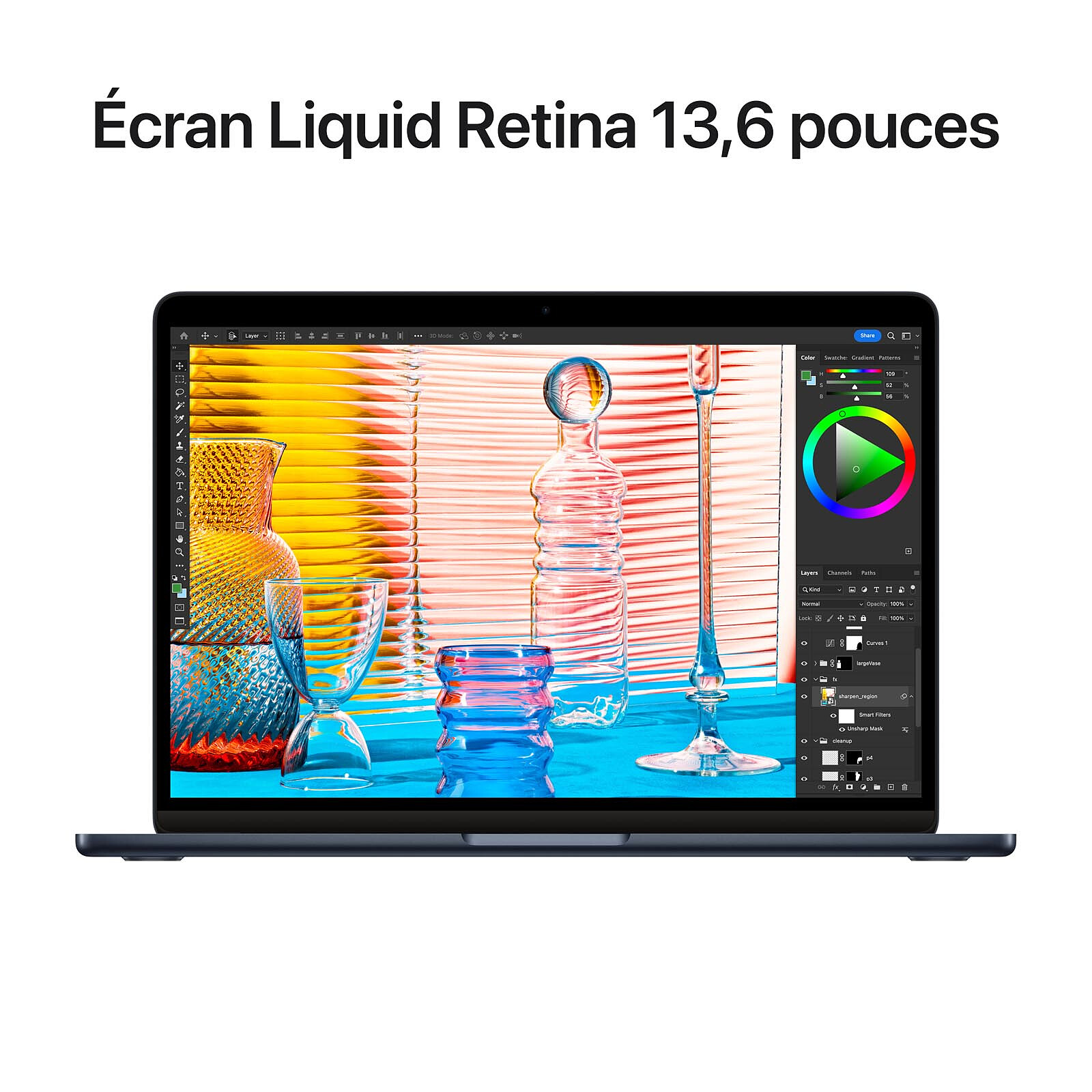
Screen size |
13 inch |
Max resolution |
2560 x 1664 pixels | |
Screen format |
16:10 | |
Widescreen |
Yes | |
Graphics chipset |
Apple M2 8-Core GPU | |
Storage |
Hard drive |
SSD 256GB |
Capacity |
256 GB | |
Card reader |
None | |
DVD writer |
No | |
Optical drive type |
None | |
Communication |
Wireless network standard(s) |
Wi-Fi 6 AX |
Bluetooth technology |
Bluetooth 5.3 | |
Multimedia |
Webcam |
Yes |
Built-in microphone |
Yes | |
Speaker type |
Integrated | |
Equipment |
Type of activities |
Office |
| Multimedia | ||
Keyboard standard |
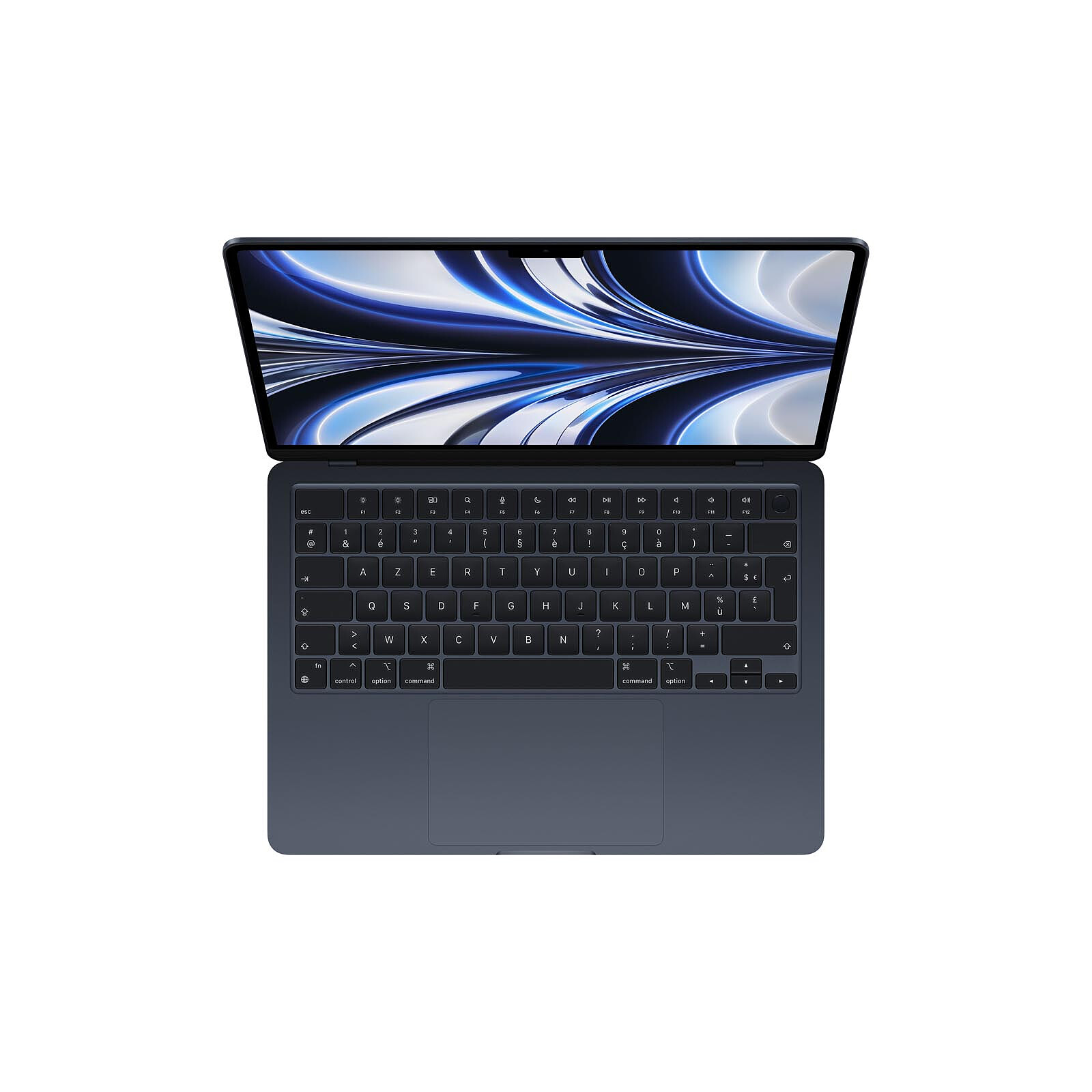
AZERTY | |
Location |
French | |
Numeric keypad |
No | |
Multimedia keys |
Yes | |
Biometric reader |
Yes | |
Connectivity |
Connector(s) available |
Headphone (3.5mm Jack Female) |
| 2 X Thunderbolt 4/USB-C | ||
HDMI output |
No | |
Physical characteristics |
Color |
Black |
Material |
Aluminum | |
Depth |
215 mm | |
Width |
304.1 mm | |
Thickness |
11.3 mm | |
Weight |
1.24 kg | |
Repairability index (out of 10) |
6.6 | |
Power supply |
Battery life |
18 Hour(s) |
Battery capacity |
52.6 Wh | |
Charger capacity |
30 W | |
Removable battery |
No | |
SAR (Specific Absorption Rate) |
Trunk SAR |
0.83 W/kg |
Extremities SAR |
0.83 W/kg | |
Warranties |
Commercial warranty |
Seller 5 years
|
Legal warranty |
See terms & conditions
|
|
Safety Information |
Responsible person |
Apple Distribution International Limited |
Postal address |
Hollyhill Industrial Estate, Hollyhill, Cork, Ireland | |
Electronic Address |
Click here
|
See all Apple products
Product referenced on 31 Oct 2024
This is my first Apple computer, and I think it's great. It's perfect for my personal and home work. I've had other computers before, but I won't mention any names.
Hello . I'm very happy with my new MACBOOK AIR.
My previous MAC BOOK PRO from 2008 had serious operating problems, and updates were no longer possible.
possible.
With this one, it's as if I'd gone from driving a 2 horsepower Citroën to a porch.
Good customer service, very pleasant staff, the quality of the mac is incredible, good explanation! Very professional I recommend!
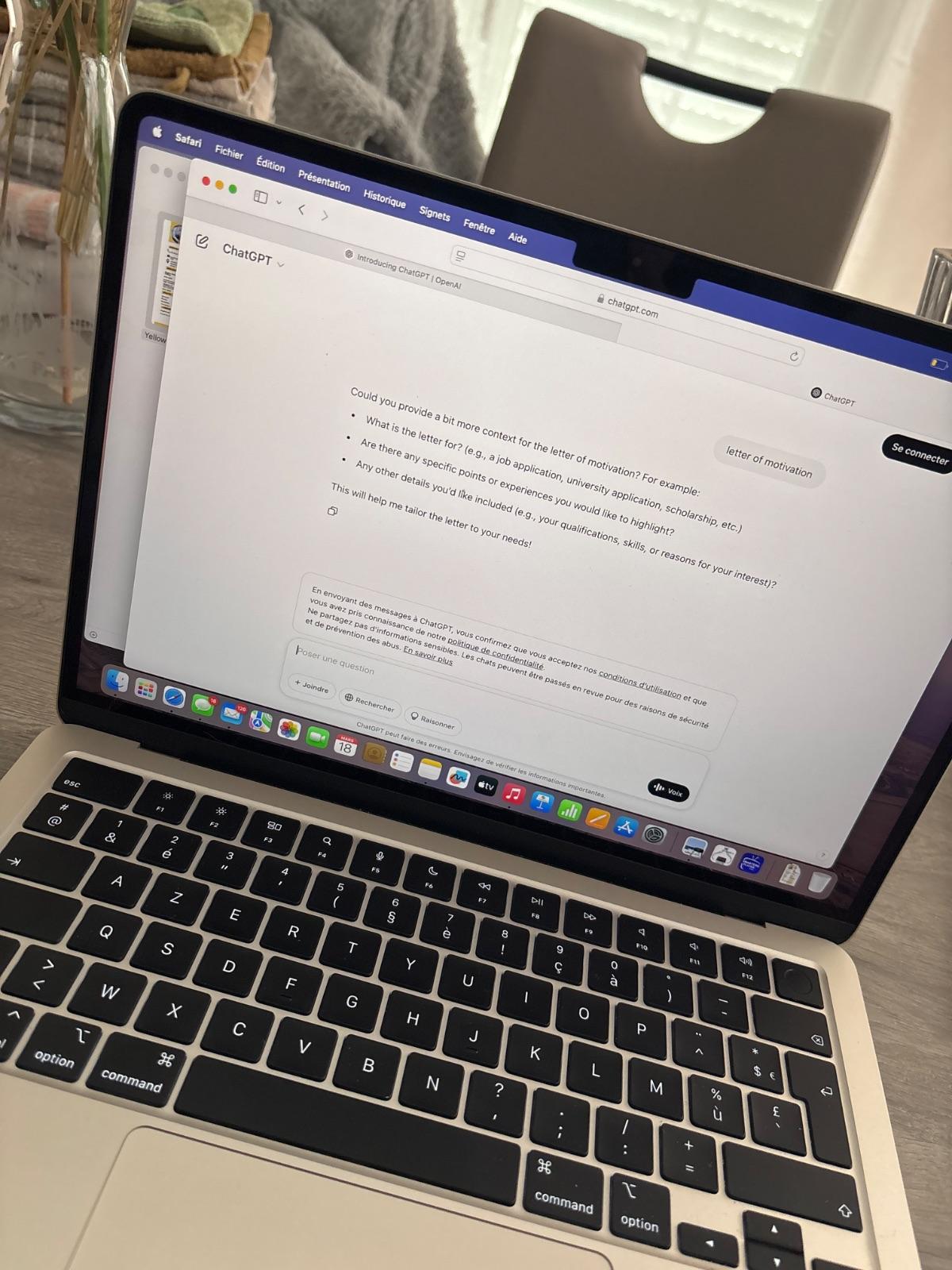
Apple aficionados will tell you that "it's simple, it works by itself". Is it? Well, no: nothing is simple, everything is counter-intuitive. For example: the 'caps lock' key doesn't allow you to access numbers, but that's not specified anywhere. Try logging on to your mailbox by blindly typing in a numbered password (since you're not allowed to make it appear), and you'll tell me about it: I've tried this I don't know how many times and damned my ISP just as many times before I accidentally realised that you didn't need to lock this key to obtain a number.
Transferring your files from a PC? Nothing could be simpler: there's an assistance tool that a 3-year-old could easily use. So we give it a try: it seems to work. But where are the files? Where are the files (email, photos, etc.) imported onto the Mac? A mystery... A quick visit to the Apple website to try and figure it out: all you have to do is log in to your Apple account. Really? So to see the files saved on my Mac, I need to have an Apple account? Well, that's fine. But how do you create an Apple account and log in? All you have to do is go to 'Finder', Apple tells us, and choose I don't know which item from the list it offers. Well, Finder doesn't offer the choice described by Apple, and I still haven't managed to find those damn files...
To sum up: an absolutely user-unfriendly OS, no documentation supplied with the Mac, erroneous information given by the Apple site, not to mention the programmed obsolescence of the OS (I got this from a friend of mine who recently had to change hers for this reason) and they want me to bow down before this 'marvel of technology'? You've got to be kidding! But at this price, it must only amuse Apple's boss and shareholders...
I'm very happy to have been able to get this macbook air, which I received in good time, and frankly, everything is just fine - a thousand thanks ldlc
Ordered and received quickly I would say as with every order
Product always conforms to the description
Hello,
I would like to thank the LDLC team for their efficiency. I would recommend the LDLC service to my friends and family.
Best regards,
The product was very well protected in its packaging, delivery was fast and the Mac has been working perfectly since it arrived. This computer runs smoothly and has impressive battery life. The screen is magnificent, ultra-bright, and allows you to work comfortably even in direct sunlight. It always stays cool, doesn't heat up, and is totally silent thanks to the absence of fans. The midnight colour is superb and elegant, but it does have one small flaw: it catches fingerprints easily. I use it on a daily basis for just about everything, including my studies, and it fulfils all my expectations perfectly.
I like this new Macbook AIR M2 first and foremost for its good looks and light weight.
It's practical, takes up very little space and can be slipped into a bag.
It's quiet, fast and everything I expected from it.
I'm not a technician, so I can't tell you all the advantages it has...
Just one thing for me: it's a precious jewel that I enjoy working with and navigating every day;
Not much to say, except that my order went perfectly.
I received my Macbook in less than 48 hours (which was a pleasant surprise). Everything else was perfect :)
Trending now: MacBook Neo | MacBook Pro | MacBook Air