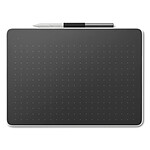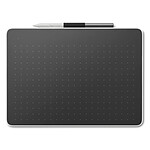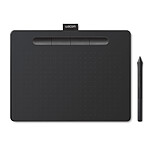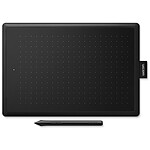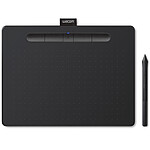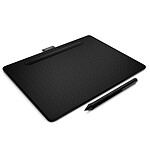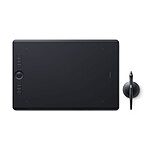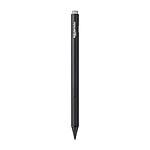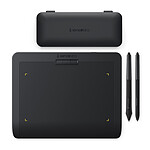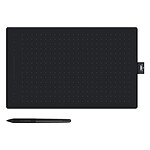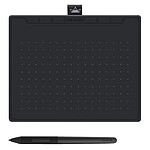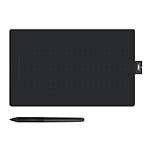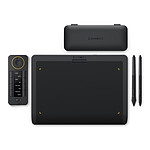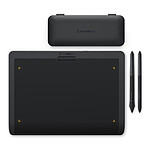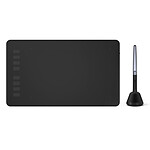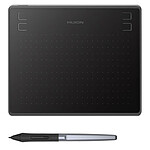
Very satisfied with my purchase
This order was delivered quickly and the product meets my expectations. It works perfectly.
I purchased this graphics tablet for my online private lessons.
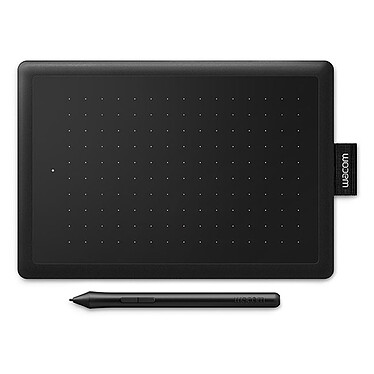
It does the job very well, but its small size requires precision (screen/tablet ratio).
Works natively under Linux.
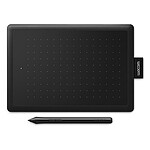
Bought this Wacom One to replace my Wacom Volito which was at the end of its life and dead, after more than 20 years of service.
This One works well, but the cable is too short to plug it in behind a tower. Solved with a usb hub.
At first I had some orientation problems (left/right), but also solved.
Thirdly, for the top button to work as a right button, on Xubuntu 24.04 you have to say:
$ xsetwacom --set "Wacom One by Wacom S Pen stylus" Button 2 3 - and it works. I made a script with this command that starts at start-up.
Last small point, on a surface not perfectly flat, the pen tends to roll and fall to the ground. Solved with a bit of tape.
There's no major latency, it doesn't move when in use and it's very, very compact. This tablet is a masterclass for playing OSU! and making pixel art. After that, if you need to make big movements for your drawings, it's better to go for the One M. But masterclass all the same.
So I'm a 6 figure osu player (so not very strong) with the highest play of 133pp, this is my first Wacom tablet.
I can say this:
- The tablet is of good quality, it does not move on many surfaces
- The pen works well and is very comfortable to move on the tablet.
A very good tablet for osu gamers, if not one of the best.
I highly recommend using the "OpenTabletDriver" for a better gaming experience and general usability.
Well,
I'm a beginner on Osu! ( I have about 1200pp and I make beatmap at about 80pp for the connoisseurs )
So, this review will be subject to change but :
-The tablet looks really good
-The glides hold the tablet well and it doesn't move ( I put it on my mouse pad )
-I don't notice much latency
The drivers provided on the wacom site (very important) are easy to use and the interface is more user-friendly than XP-PEN for example.
It's a great mouse, and I'm really happy with it, it's really easy to use and the interface is more user friendly than XP-PEN for example.
As for its ability to draw I could not help you, but the opinions I gave for osu! is reflected on the entire computer ^^
First experience of a graphics tablet with Russian pen. It worked directly out-of-the-box on my Linux PC Neon distribution. The only remark: the usb cable is a bit short (I have my UC tower on the floor)...

Great to start with, no latency, nice, but I would advise to take the size M in the end.The delivery is top notch as usual

With its small size, simple USB connection and immediate plug'n'play recognition, this graphics tablet is ultra easy to install even on a cluttered desktop :D
We use it with Krita software (free) for digital painting. The pressure of the pen is perfectly recognized on each brush. The navigation of the pen is also very intuitive thanks to the two well placed buttons and the general ergonomics of the tablet.
The low price and the quality of Wacom's workmanship make this tablet an excellent buy.
In short, a great gift for my 11 year old son but also for me!
Unbeatable value for money but the pen is still a bit fragile (at the tip). The pen is almost the price of the tablet and as it is all welded, it is not repairable. In short, a good purchase but should be stored with care.
The software is simple and efficient which makes it easy to set up. I don't draw much but for osu it's great.
The material remained in Meyrin for almost a week, 10 km from my house. A friend who lives in the mountains and ordered his material a day later received it 3 days after his order.
I use this tablet on both Mac and PC. Very easy to install. It allows me to write on an interactive whiteboard for distance learning.
It also allows me to annotate pdf's in a handwritten way.