

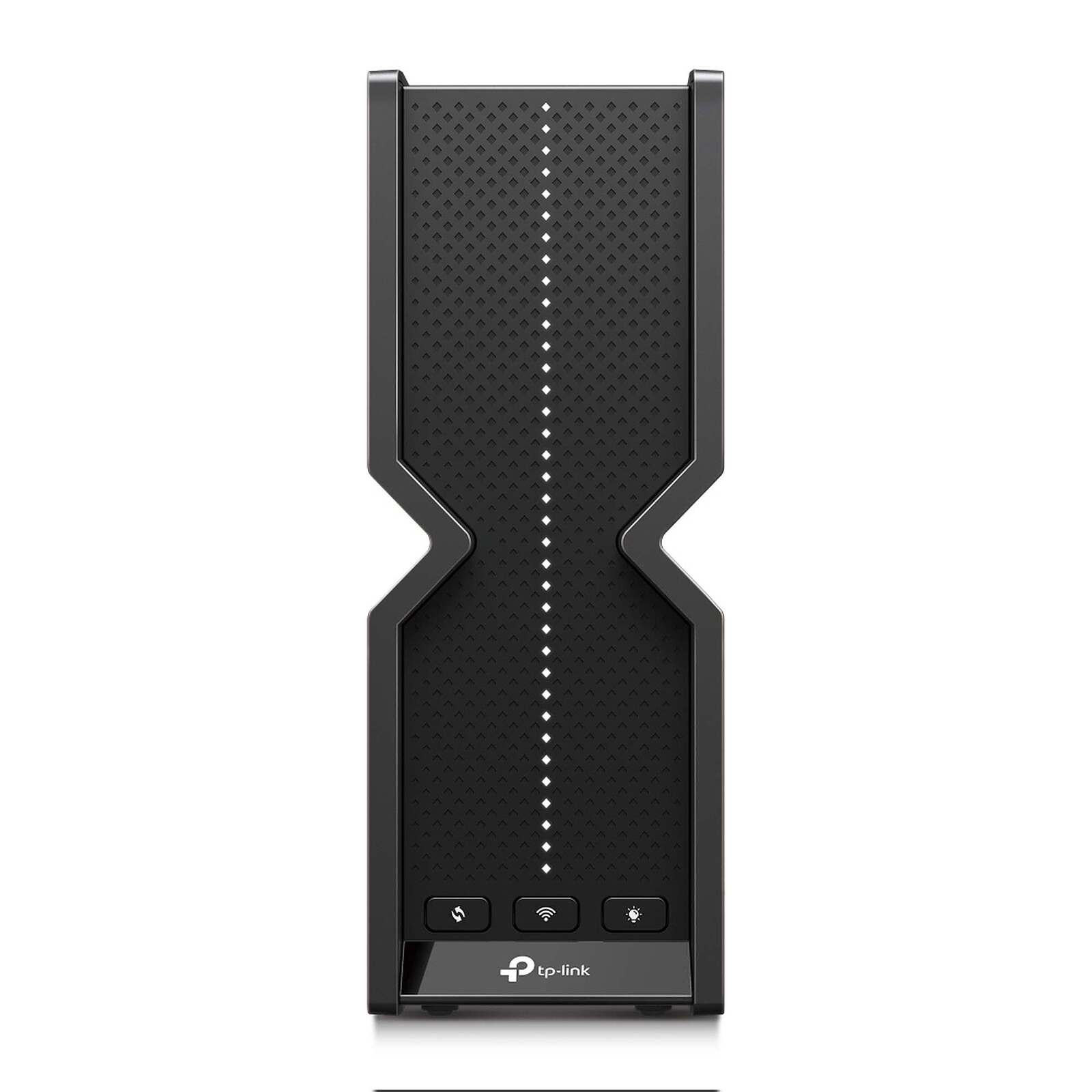
Pictures may differ from actual products
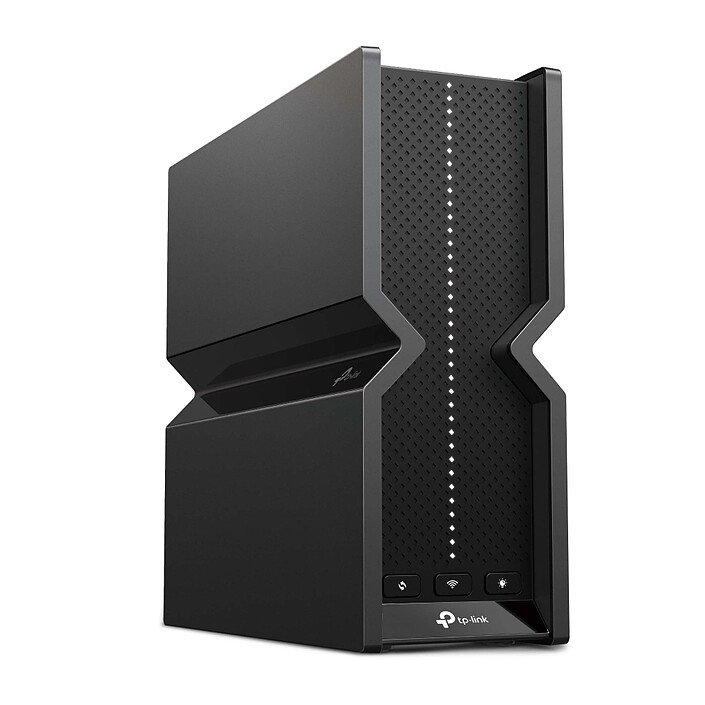
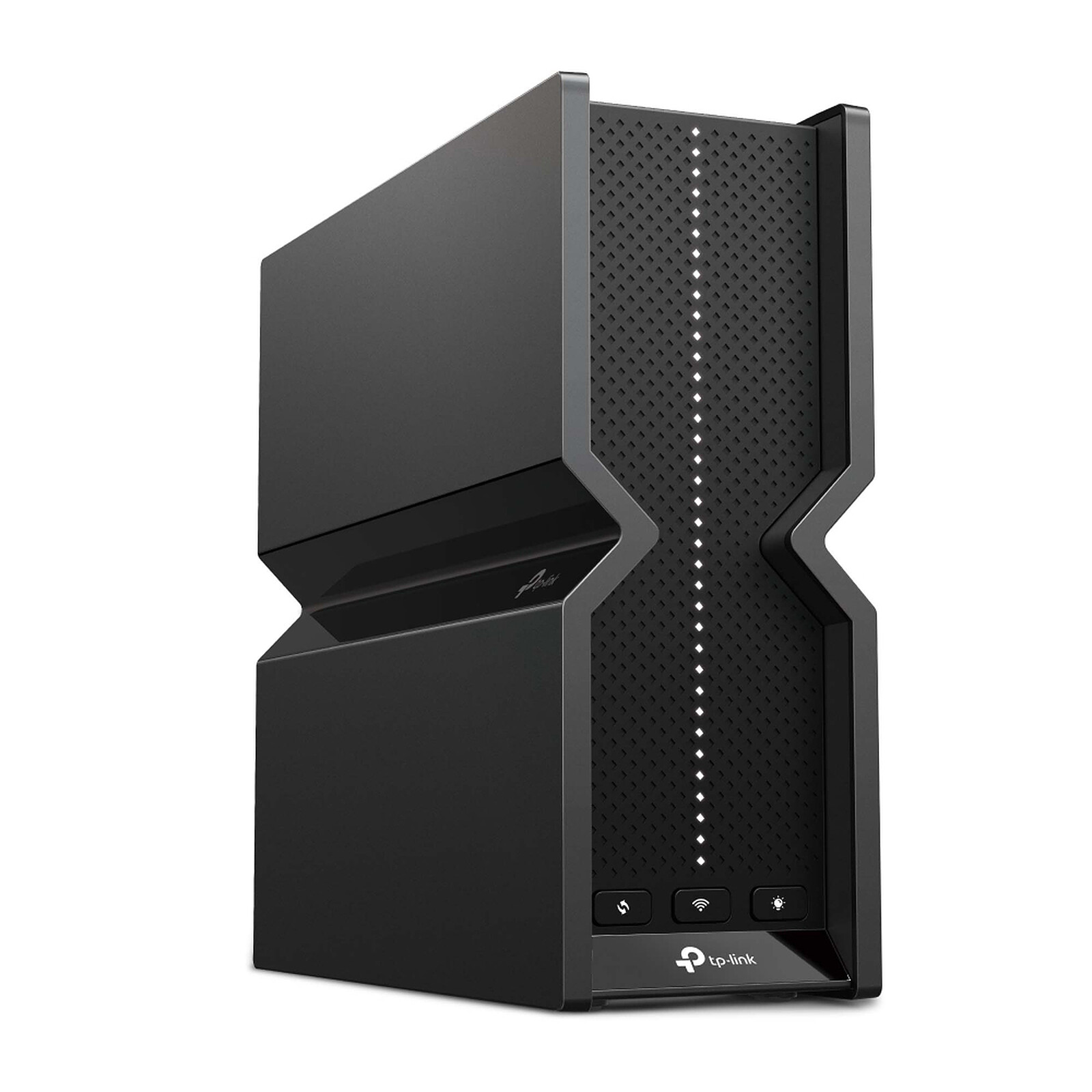
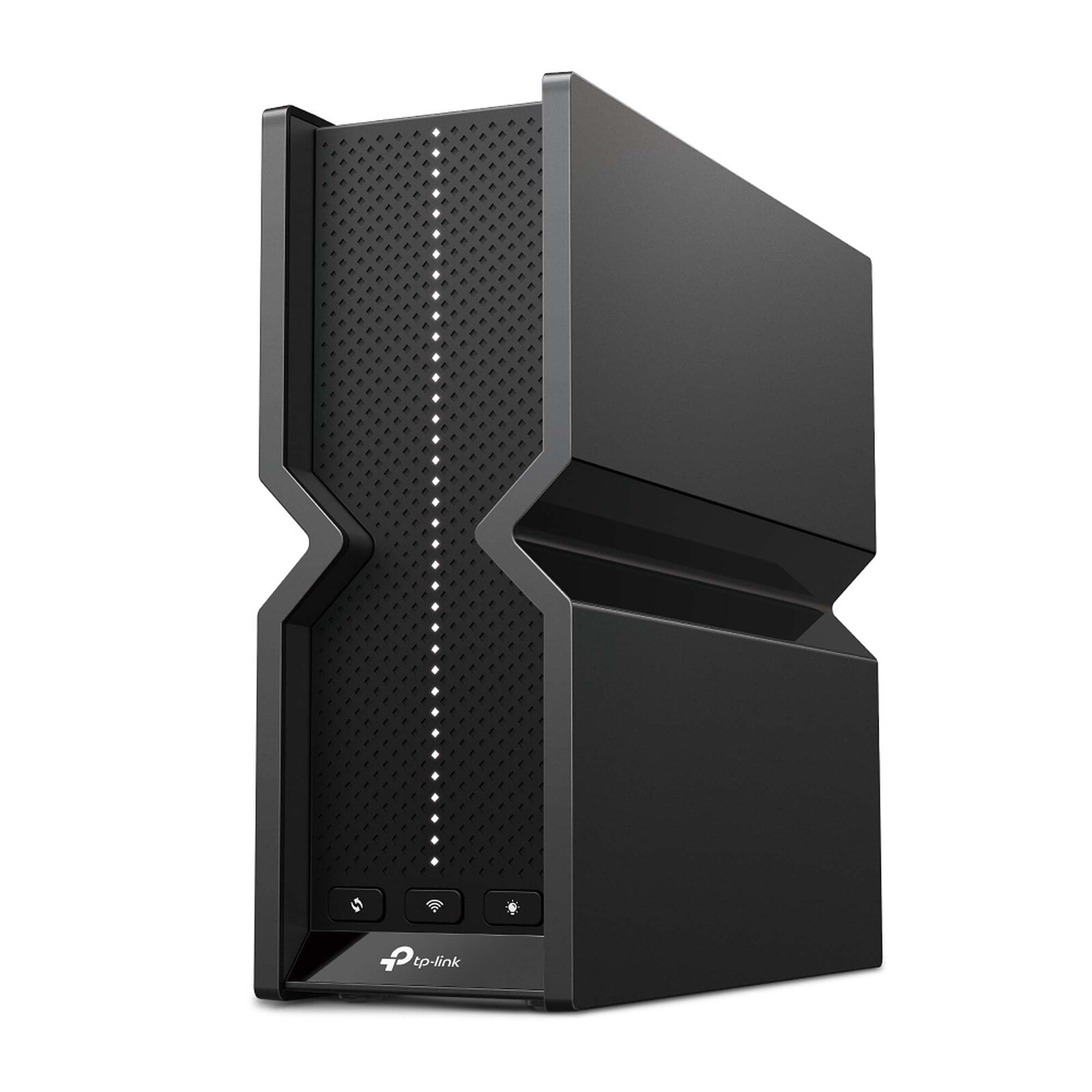
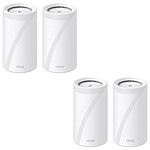
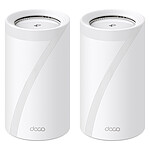
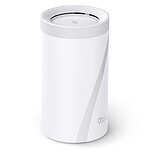
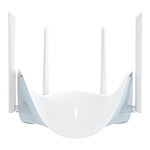
TP-LINK Archer BE550
Tri-Band Wi-Fi 7 BE9300 (BE5760 + BE2880 + AX574) Mesh MU-MIMO 2x2 wireless router with 4 x 2.5 GbE LAN ports and 1 x 2.5 GbE WAN port
- 1
- 2
- 3
- 4
- 5
- 6
- 7
- 8
- 9

TP-LINK Archer BE550: Wi-Fi 7 tri-band and mesh network
The TP-LINK Archer BE550 router enables your home to benefit from a Wi-Fi 7 BE9300 network (BE5760 + BE2880 + AX574). Discover a top-of-the-range triband Wi-Fi 7 Mesh system for the whole house with ultra-fast Wi-Fi speeds of up to 9214 Mbit/s. Every device on your home network will work to its full potential. The exclusive 6 GHz band offers exceptional bandwidth and congestion-free channels exclusive to your devices.
Key features
- Ultra-fast tri-band Wi-Fi 7 at 9214 Mbps: keeps your devices running at full speed. Enjoy smooth 4K/8K streaming, immersive AR/VR gaming and lightning-fast downloads
- Multi-Link Operation (MLO): increases throughput, reduces latency and improves reliability for emerging applications
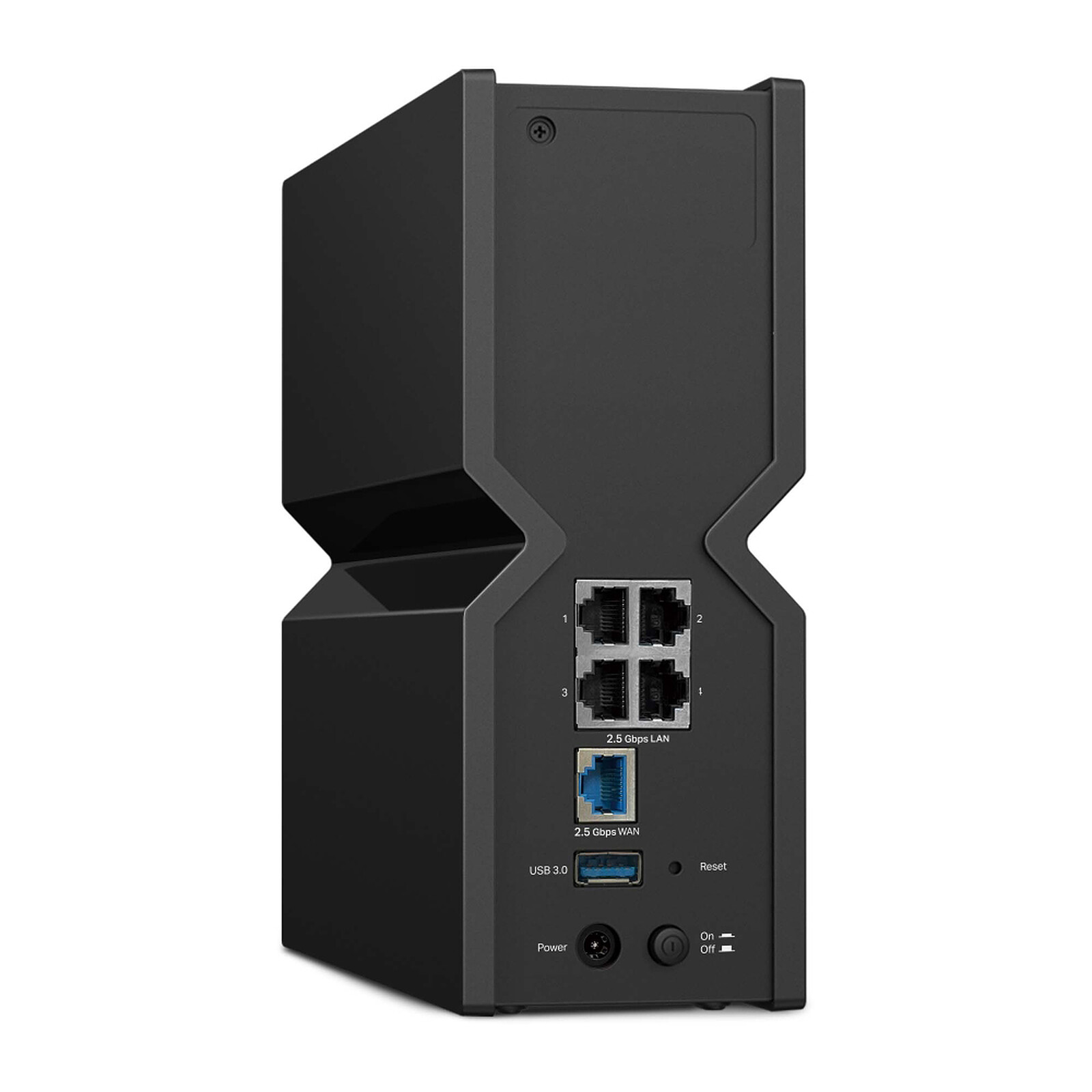
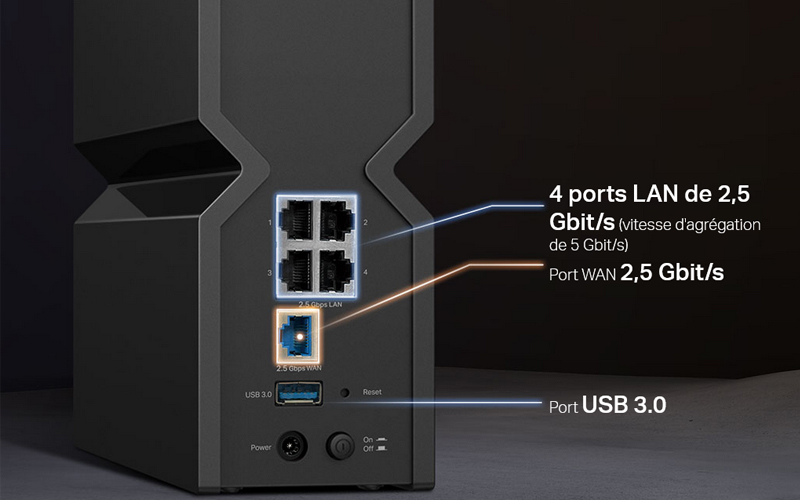
- 5 2.5G ports: 1 x 2.5Gbps WAN port and 4 x 2.5Gbps LAN ports overcome the 1Gb bottleneck, powering your devices to peak performance
- Maximised coverage: Wi-Fi optimisation and optimally positioned antennas and beamforming deliver more capacity, stronger, more reliable connections and less interference
- EasyMesh compatible: works with EasyMesh routers and range extenders to form a seamless home Wi-Fi mesh network, avoiding drops and lags when moving between signals
- Easy to set up and use: network management is particularly simple with the Tether application
- TP-Link HomeShield: enhanced security to defend against the latest cyber threats (free basic version)
- Broad compatibility: supports all generations and all Wi-Fi devices (some features may not be supported)
Easy to use
Whether you prefer the intuitive Tether app or TP-Link's powerful web interface, you can set up your Archer BE550 in minutes. The Tether app lets you manage network settings from any Android or iOS device.
Block inappropriate content for your kids and customise a time slot for better online habits. Your phone will alert you when new devices connect. Remove all suspicious connections and block them.
OTA updates make firmware upgrades a one-click process in the management panel. To keep your security and features up to date, simply enable automatic programming.

 Select your criteria
General information |
Product name |
TP-LINK Archer BE550 |
Brand |
TP-LINK | |
Model |
ARCHER BE550 | |
Router |
Modem/Router type |
WIFI Router |
Network standard(s) |
Wi-Fi B (IEEE 802.11b) | |
| Wi-Fi A (IEEE 802.11a) | ||
| Wi-Fi G (IEEE 802.11g) | ||
| Wi-Fi AC | ||
| Wi-Fi N (IEEE 802.11n) | ||
| Wi-Fi 6 AX | ||
| Wi-Fi 6E | ||
| Wi-Fi 7 | ||
Wireless |
Yes | |
Mesh Wi-Fi (mesh/multiroom network) |
Yes | |
IPv6 compatible |
Yes | |
Network connector(s) |
4 X LAN - 2.5 GbE - RJ45 | |
| 1 X WAN - 2.5 GbE - RJ45 | ||
Modem |
Integrated Modem |
No |
Interface with the computer |
RJ45 Female | |
| Wi-Fi | ||
| 1 X USB 3.0 | ||
Physical characteristics |
Width |
76 mm |
Height |
203 mm | |
Depth |
231.7 mm | |
Warranties |
Commercial warranty |
Seller 2 years
|
Legal warranty |
See terms & conditions
|
|
Safety Information |
Responsible person |
TP-LINK Enterprises France |
Postal address |
16-18 Avenue Morane Saulnier 78140 Vélizy-Villacoublay, FR | |
Electronic Address |
compliance@tp-link.com |
See all TP-LINK products
Product referenced on 27 Nov 2025
For the moment, there are no customer reviews.Write a review



















In the same universe: archer be19000
Trending now: Modem | Modem router | WIFI router | Dual-band router | IPv6 router | Mesh wifi router