

Works directly
I bought it for work but the result is really professional and made for streaming.
The quality matches the description, and the rendering gives a "wide-angle" so you can see a bit more on the sides, like on streamers' cams.
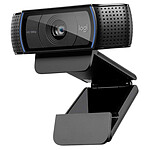
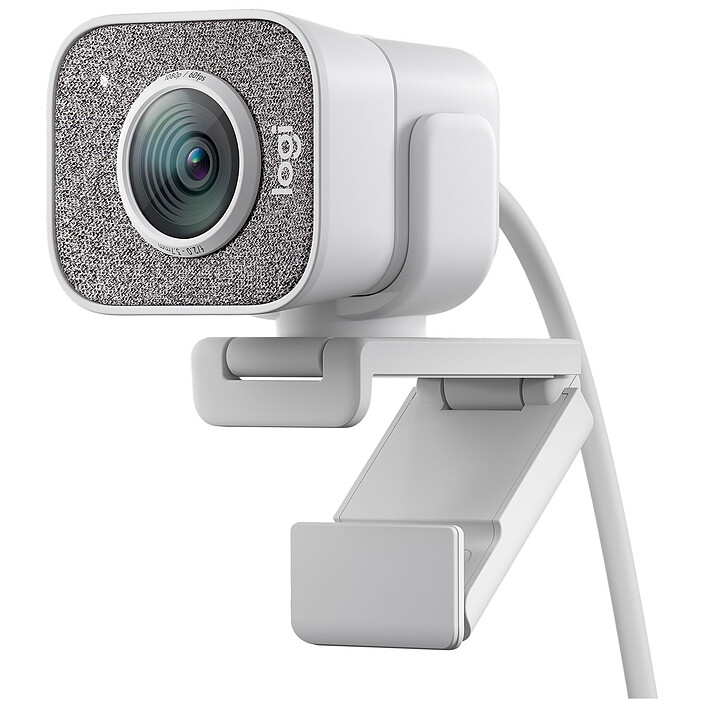
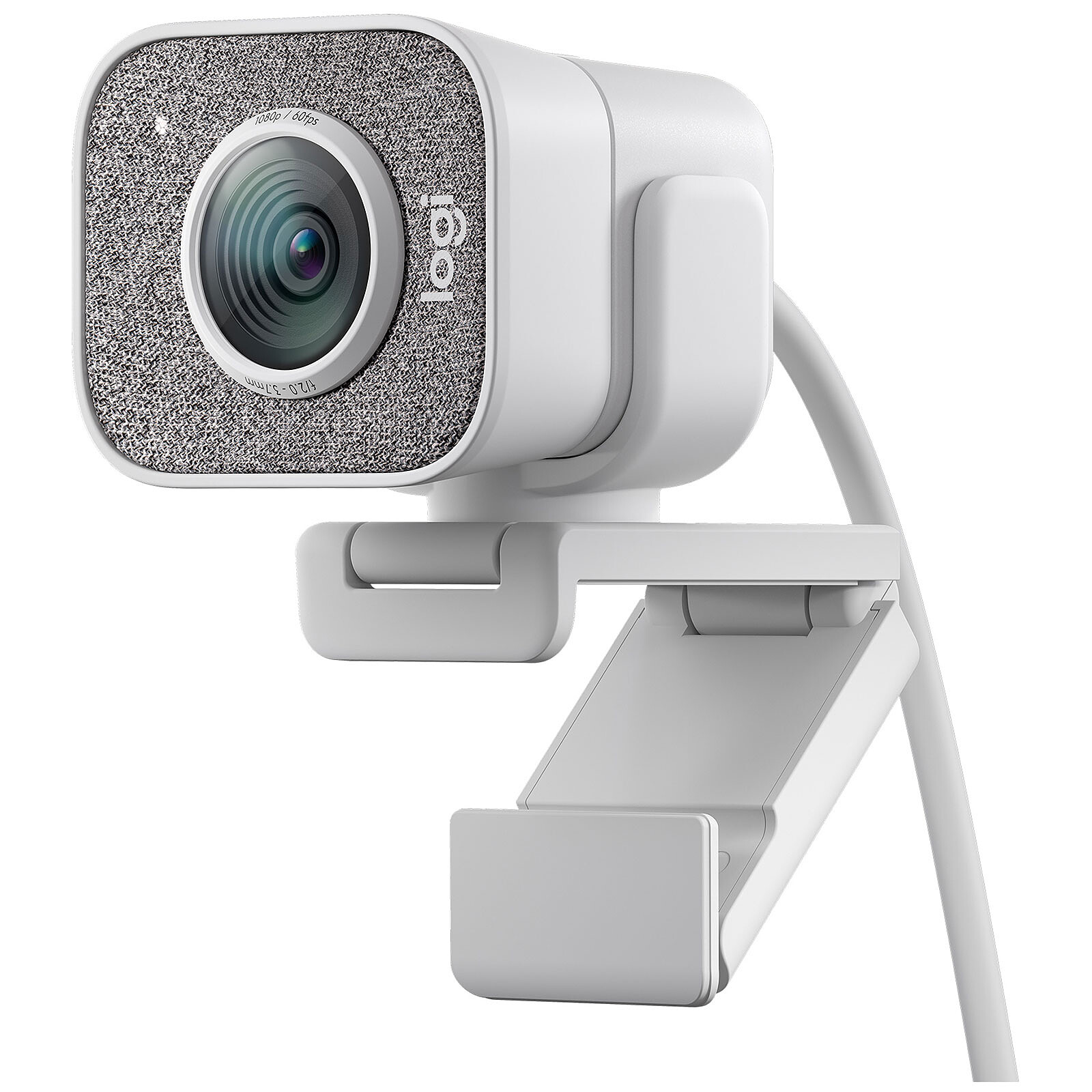
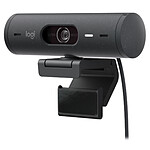
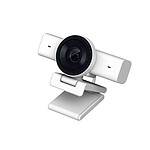
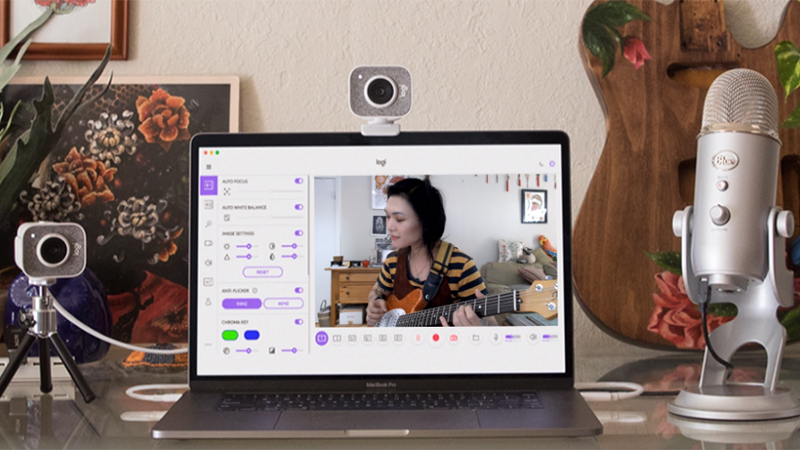
Take your stream to the next level with the Logitech StreamCam. This webcam is ideal for sharing your content in pristine image quality and making it easy for your community to follow you. Plus, with two microphones on the front, you can easily communicate, while the ability to stream your videos vertically will come in handy for your Instagram or Facebook stories.

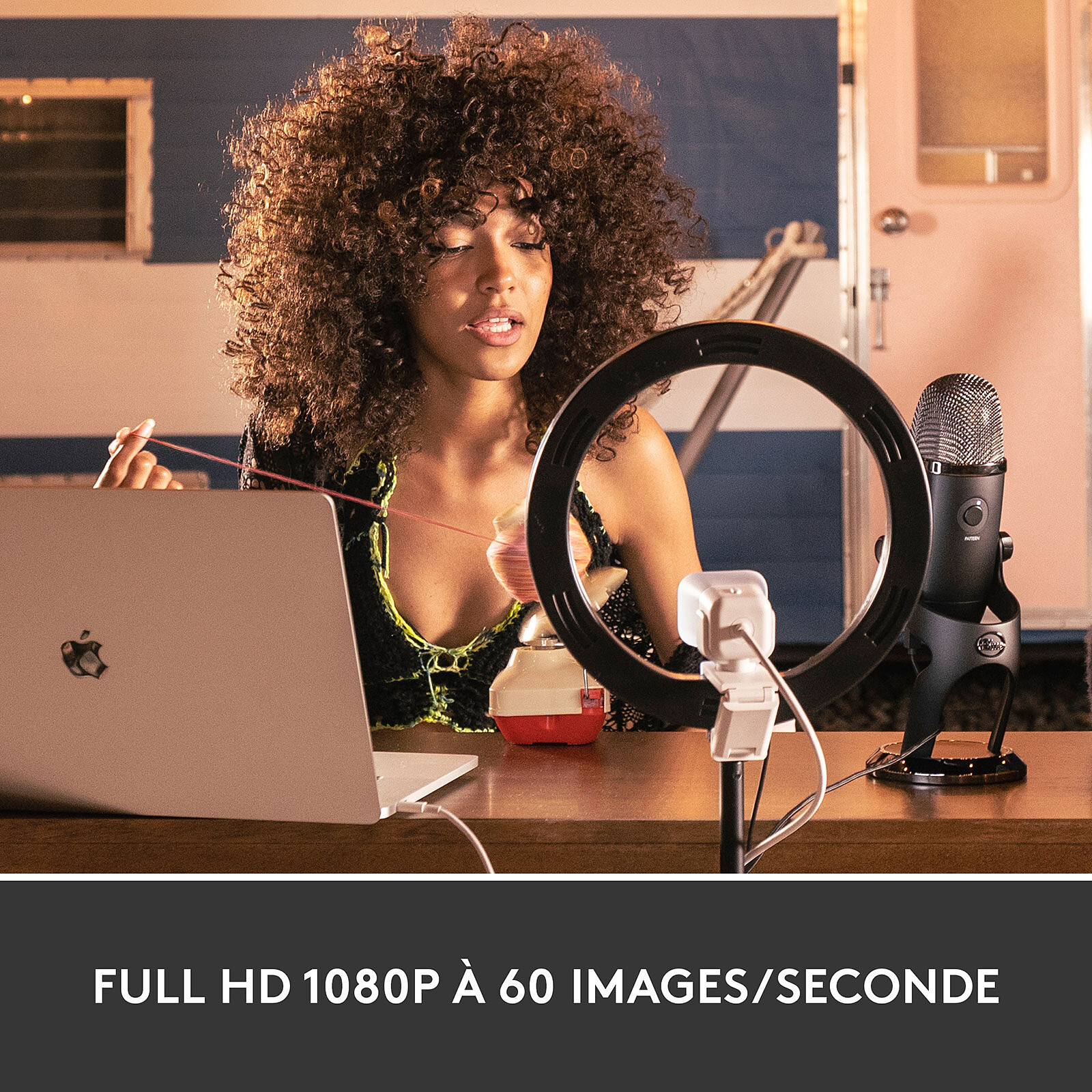
The Logitech StreamCam broadcasts and records stunning, lifelike video with smooth motion and crisp detail in full HD 1080p at 60 fps. Plus, it offers the ability to instantly switch to portrait mode to shoot in 16:9 format. The camera is ideal for filming on Twitch, Facebook and Instagram.
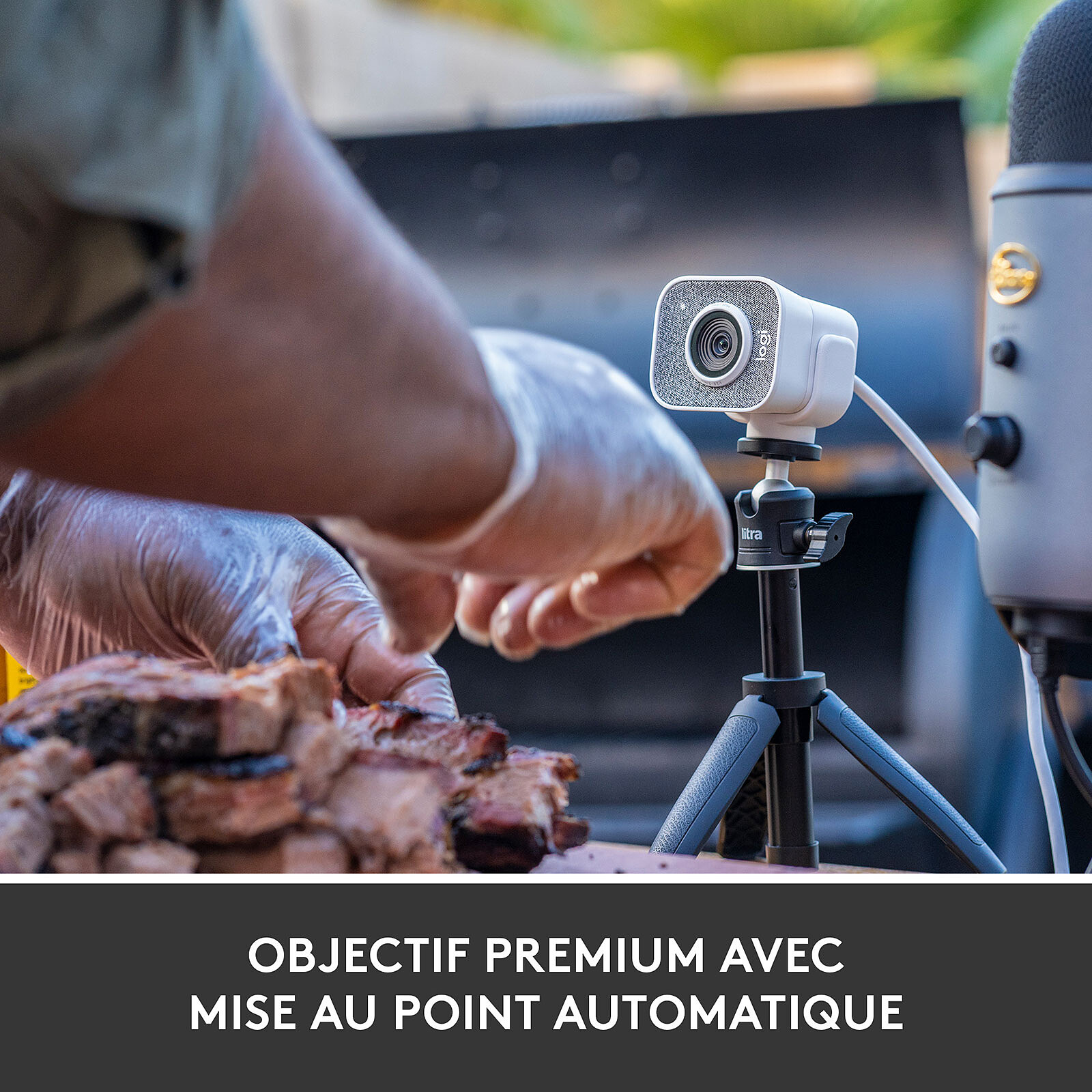
Incorporating AI-driven facial recognition, you get sharp focus and exposure no matter where you are. Auto exposure is fine-tuned to show you in a flattering light in a variety of lighting conditions.
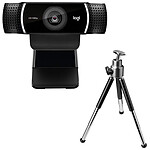
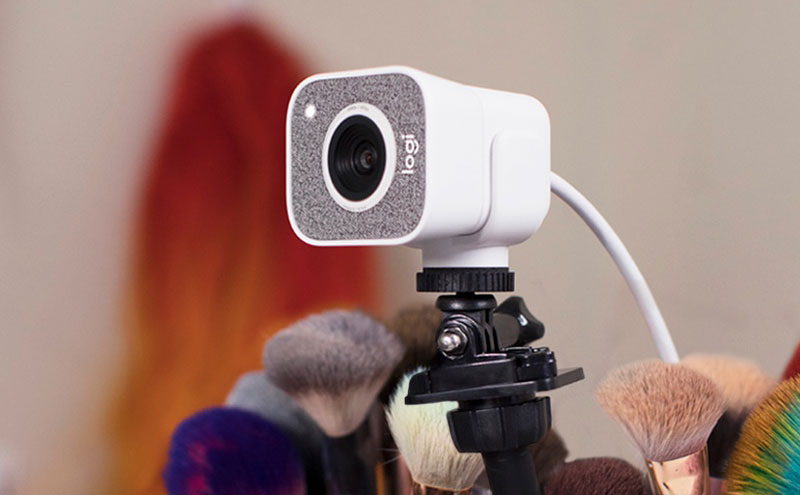
The Logitech StreamCam is ideal for any broadcast or video with multiple mounting options. Plus, the monitor mount offers tilt and pan capabilities. You can even mount it on a tripod!
As for the built-in electronic image stabilisation, it reduces camera shake to provide you with a consistently smooth image.

Select your criteria
General information |
Product name |
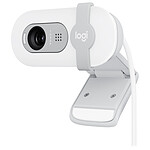
Logitech StreamCam (White) |
Brand |
Logitech | |
Model |
960-001297 | |
Technical specifications |
Interface with the computer |
USB Type C |
Wireless |
No | |
Color |
White | |
Autonomous |
No | |
Video resolution |
1920 x 1080 pixels | |
Built-in microphone |
Yes | |
Warranties |
Commercial warranty |
Seller 2 years
|
Legal warranty |
See terms & conditions
|
See all Logitech products
Product referenced on 14 Jan 2021
I bought it for work but the result is really professional and made for streaming.
The quality matches the description, and the rendering gives a "wide-angle" so you can see a bit more on the sides, like on streamers' cams.
I don't use it much at the moment, but having used it for 2 years non-stop for streaming, it has very good quality.
Easy to install and simple to use
Super-clean quality for streaming or videos
This camera is easy to mount on a fixed computer screen, and software installation is immediate (under Windows 10). Video and sound quality are excellent.
Just remember to take a USB C to USB male adapter if your computer only has USB ports.
I haven't taken full advantage of this webcam yet, but I've taken a few test shots in my games. With a few colour and light adjustments, this Streamcam is perfect!
I use it for streaming and calls with the family, and it's just perfect. The autofocus is very fast and precise, and the software makes it suitable for all situations. A little tip: put the camera on a stand in good light and it's even better.
Bought for telecommuting, I can see the difference in image quality with my colleagues. This camera is not there to simply look good (which it is), but to be perfectly useful. And I am far from having exploited all its capabilities.

Super convenient, fits well over a flat screen, easy to orientate.
Good picture quality.
Caution: USB C plug
It is possible to put it on a stand, it's great.
I changed because my ex. camera didn't fit well over my flat screen: bad system.


I'm delighted with this purchase: it's practical; it fits well on the screen and there's a system for attaching it to a stand, portrait or landscape format.
The settings application provides multiple possibilities and is very accurate.
Also, I'm looking forward to getting a 2nd screen as the settings offer Screen 1 and Screen 2... To be continued.
Attention: USB C connection, that's what I wanted :-)
No defects. Immediately recognized by Windows 10. Excellent even in low light. 1080p in 60 frames per second is great. I recommend it. Please note that you need a USB c port (or a USB c to USB A adapter).
Trending now: Webcam with microphone